
Colorpicker
Modern and powerful color management software







---
Want to help with the localization of Colorpicker?
Please connect to Crowdin and join the project, your contribution is highly appreciated! 👍
---
Colorpicker is a desktop tool with _Electron_ to get and save colors code quickly for _OSX_, _Windows_ and _Linux_!
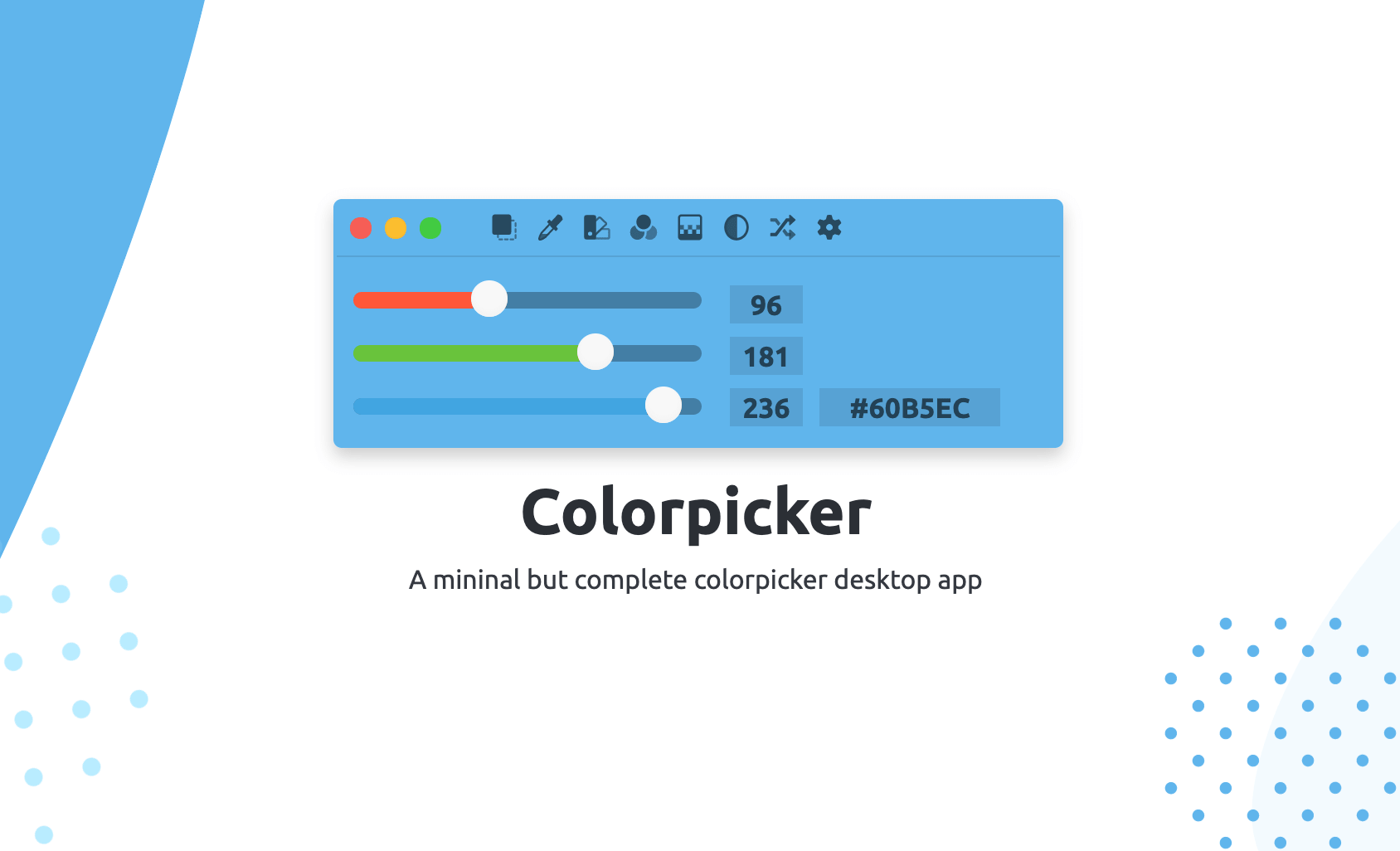
Colorpicker's menu come with a lot of cool features :
- [Pin](#pin): pin Colorpicker to the foreground;
- [Picker](#picker): open an eyedropper who can pick a color from your desktop;
- [Colorsbook](#colorsbook): open Colorsbook, a color manager;
- [Shading](#shading): show three bar of shading — hue bar, natural bar and lightness bar;
- [Clean Vue](#clean-vue): unshow menu, ranges and inputs;
- [Magic color](#magic-color): show colors from the clipboard;
- [Random](#random): show a random color;
- [Settings](#settings): open the preferences panel.
## Pin
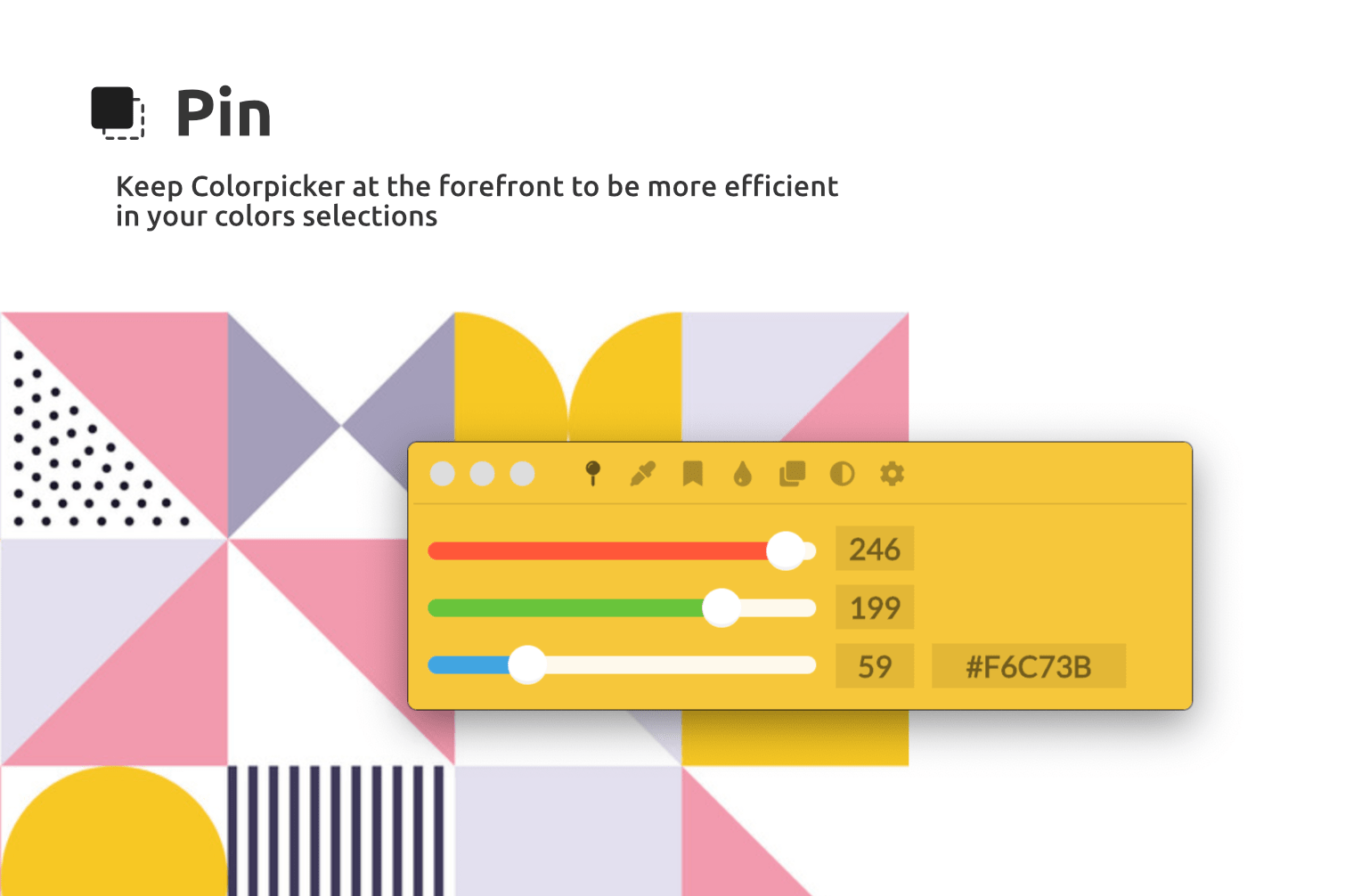
With Pin, you can bring Colorpicker to the foreground. This makes it convenient to work quickly with different
applications at the same time.
---
## Picker
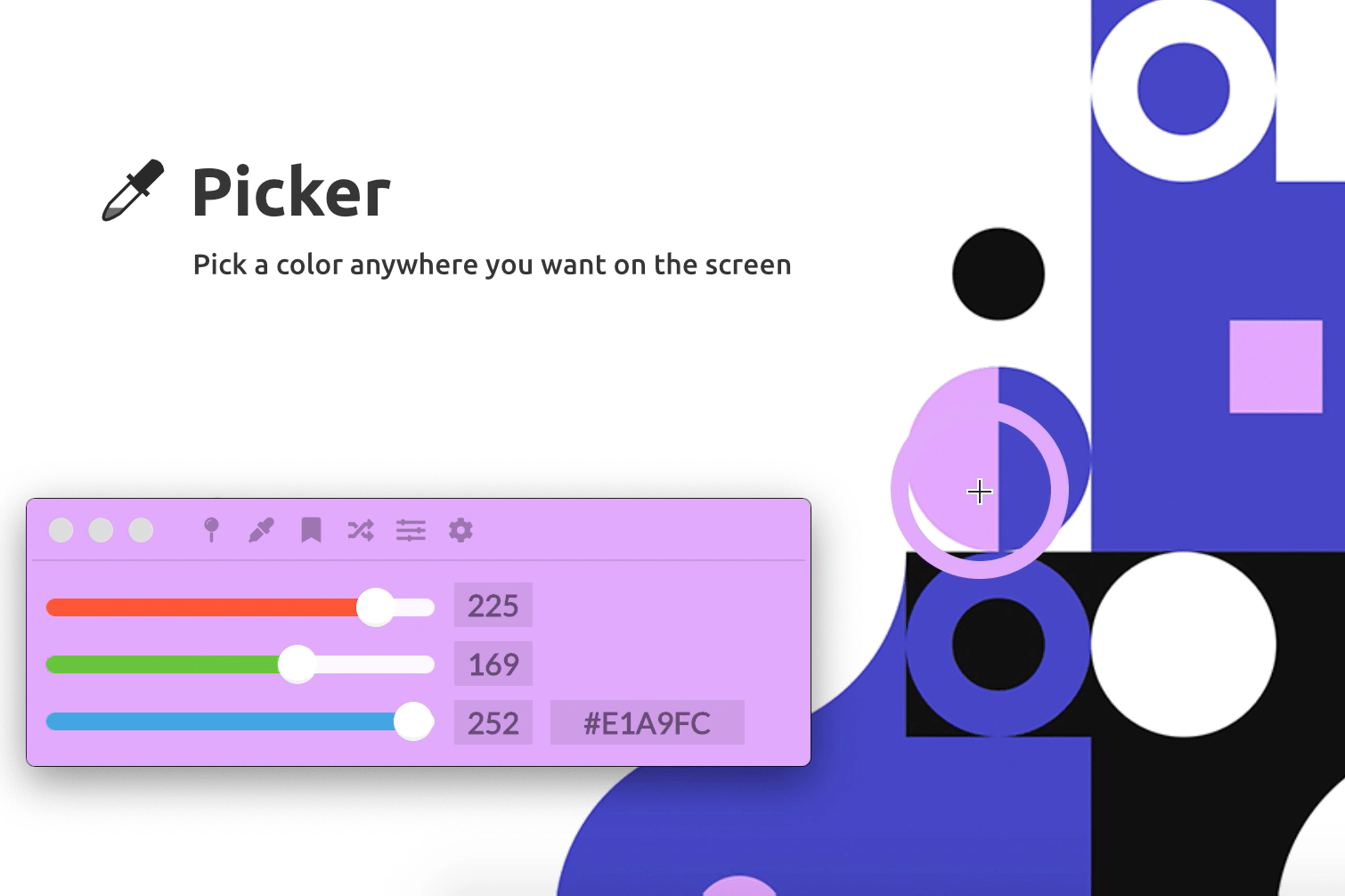
The Picker allows you to quickly retrieve a color anywhere on the screen. Whether it's on your browser, Photoshop, or
whatever.
---
## Colorsbook
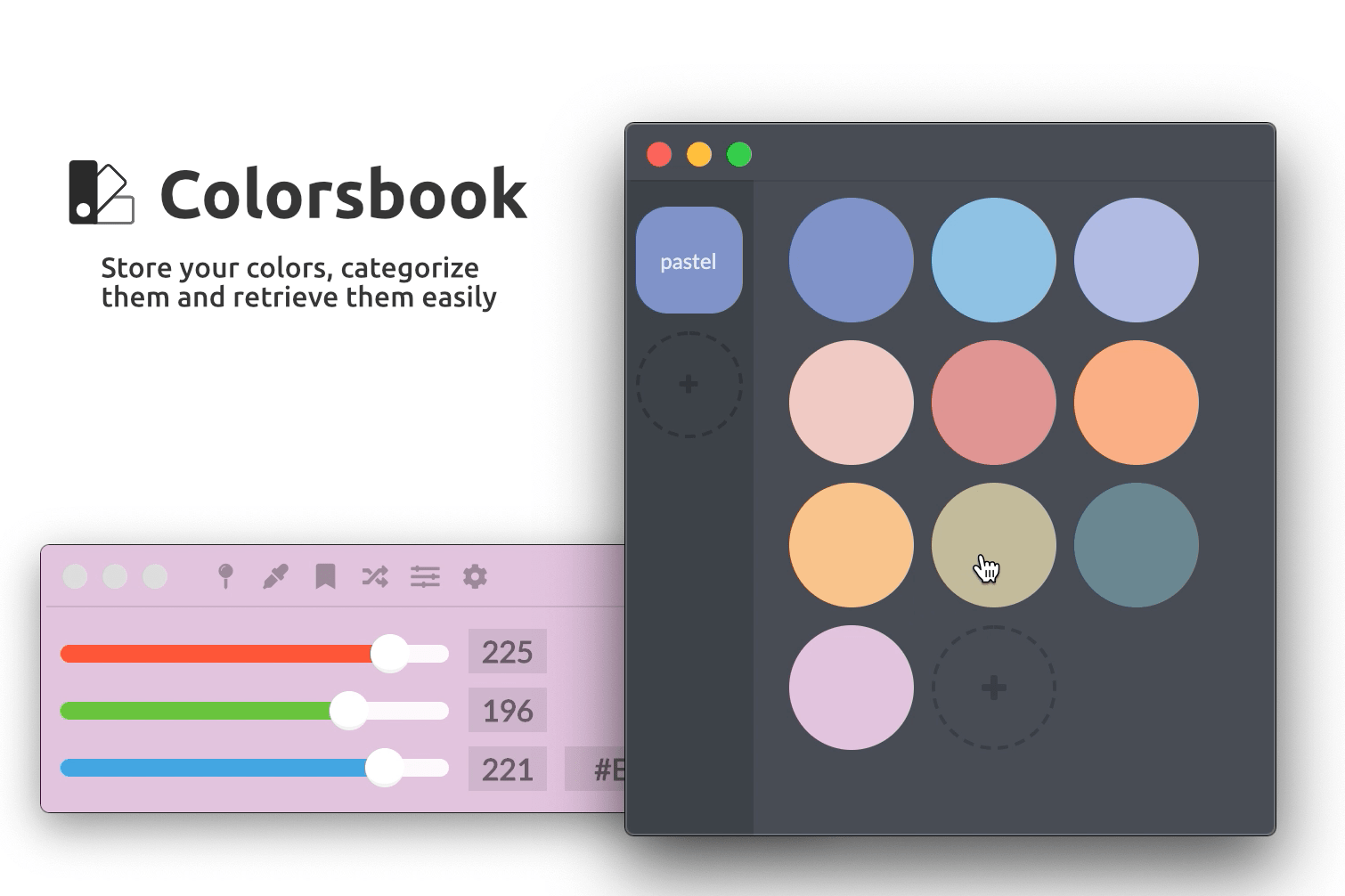
Colorsbook is a full-fledged application. It allows you to store your colors, categorize them, and easily retrieve them.
It is destined to mature over time.
**Cool tip:** you can save color from colorpicker with `CMD+S` or `CTRL+S`!
---
## Shading
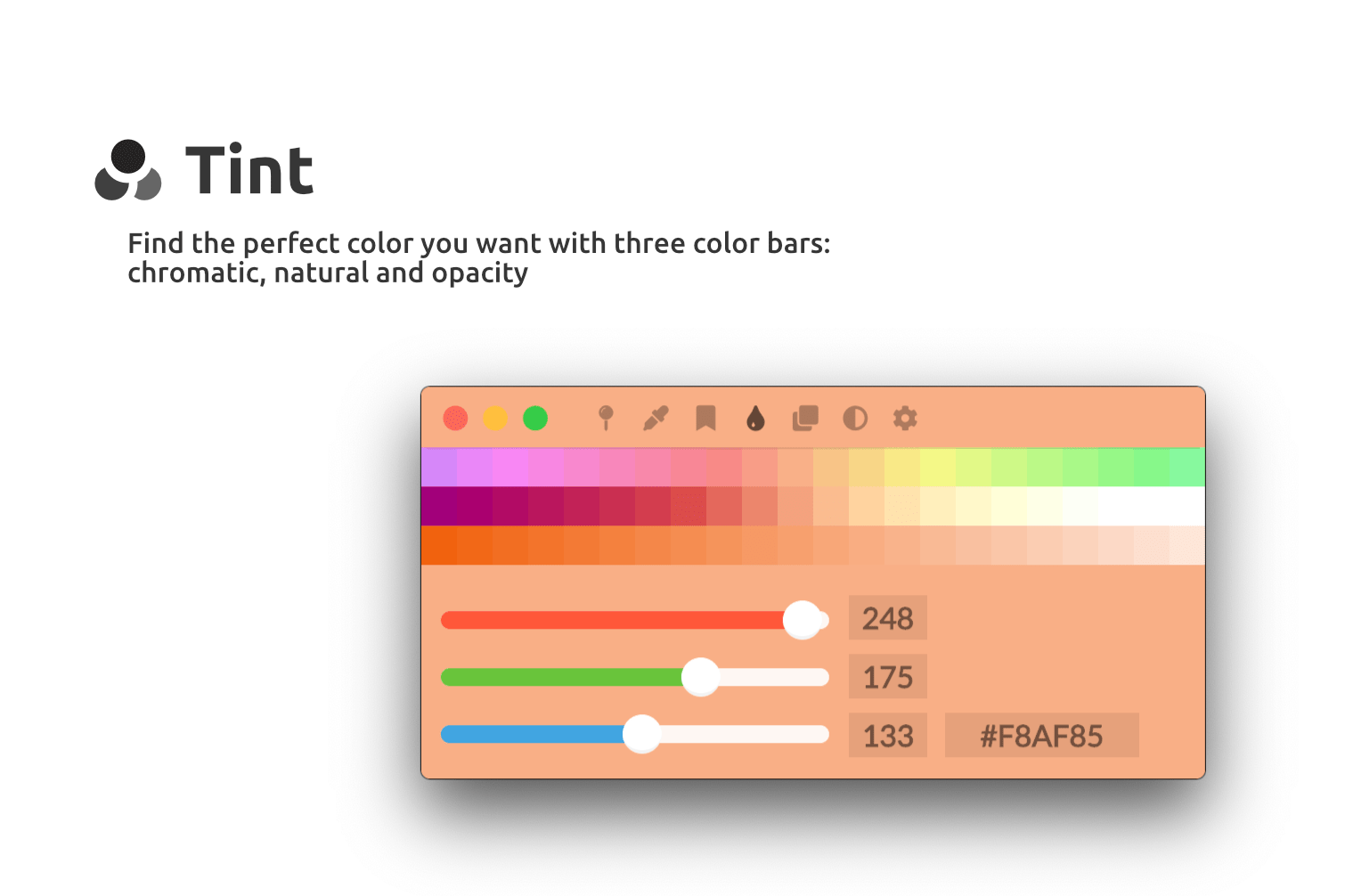
With the shades, you can find the perfect color you need. You have a chromatic bar, a natural color bar and a shadow
bar.
---
## Focus Mode
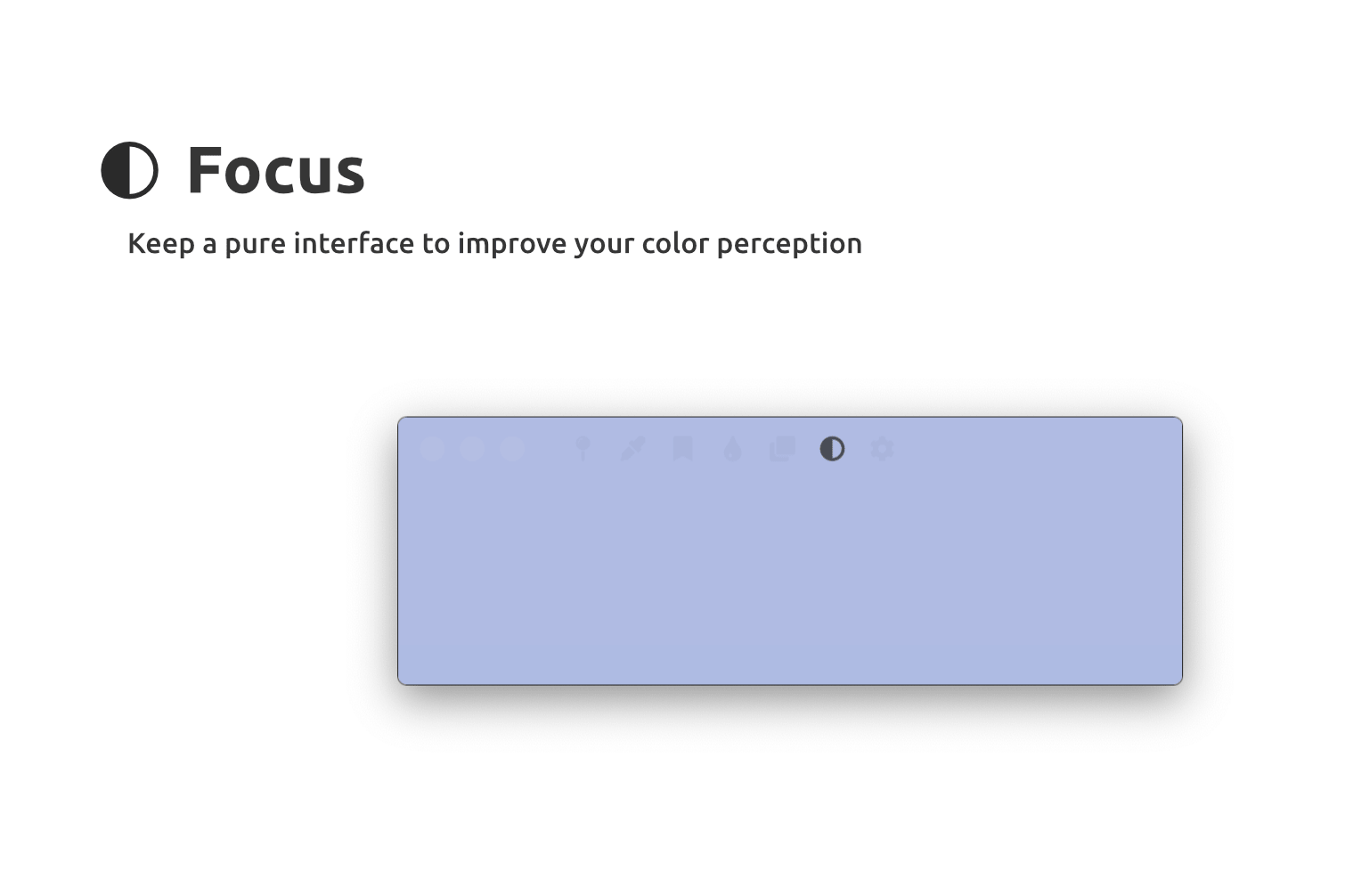
Need to compare a color or clean up the interface? This feature is for you, this will hide the sliders and make the menu
more transparent.
---
## Magic Color [WIP]
This functionality is still under development. Currently, it allows you to display the first color that is in your
clipboard. This works with hexadecimal and RGB codes
---
## Random
A traditional feature, it allows you to display a color randomly.
---
## Settings
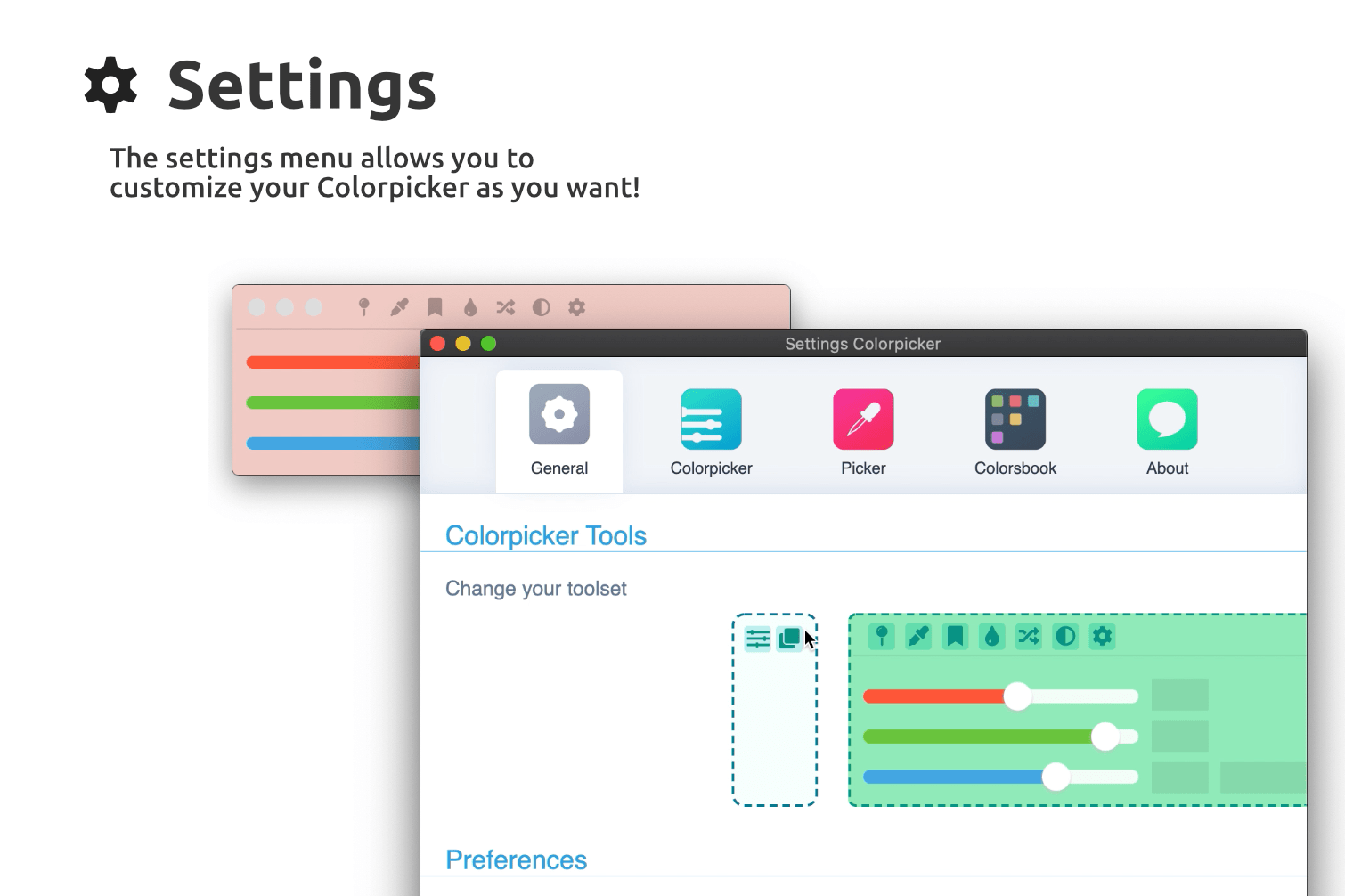
The settings menu allows you to customize your Colorpicker, I let you discover it yourself :)!
# Download
- You can download [on GitHub releases here.](https://github.com/Toinane/colorpicker/releases)
## Want to support me?
You can [buy me a coffee here](https://toinane.itch.io/colorpicker)! Thank you!
#### **_Happy Design !_**
# Development
### Prerequisites
#### Windows
You'll need to install Visual Studio Installer and install Development with C++ module.
Install latest Python version.
#### MacOS
You'll need the latest Xcode Command Line Tools installed.
Install latest Python version.
#### Linux
Install libxtst-dev libpng++-dev package:
`apt-get install libxtst-dev libpng++-dev`
Install latest Python version if already installed.
### How to compile
1. Install dependencies:
```shell
npm install
```
2. Rebuild C/C++ modules to the correct Electron version:
```shell
npm run rebuild
```
3. Launch Colorpicker in development mode:
```shell
npm start
```
4. To build a new version:
```shell
npm run release
```