Android Malware Behavior Deleter

Version Installs python version license

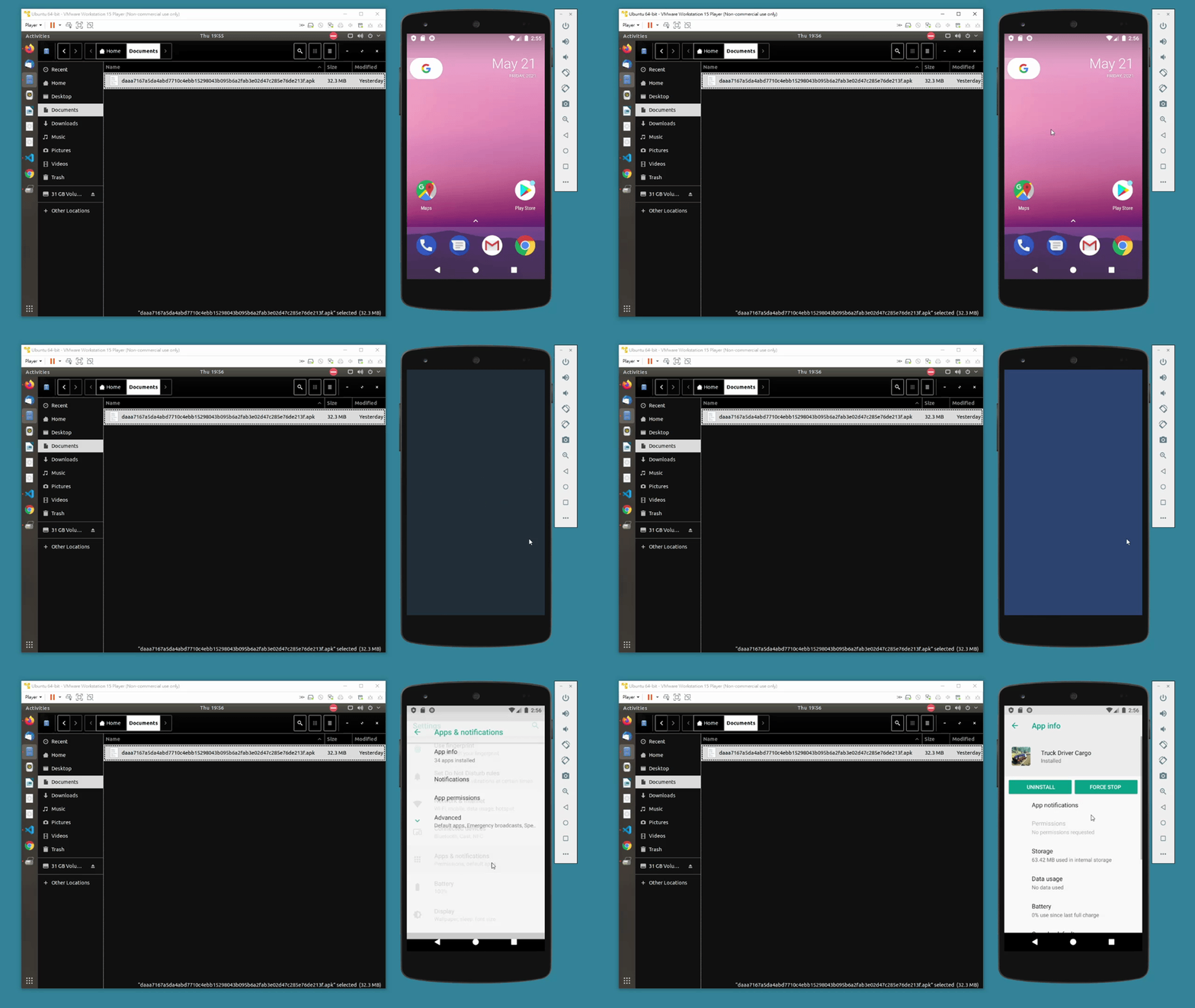
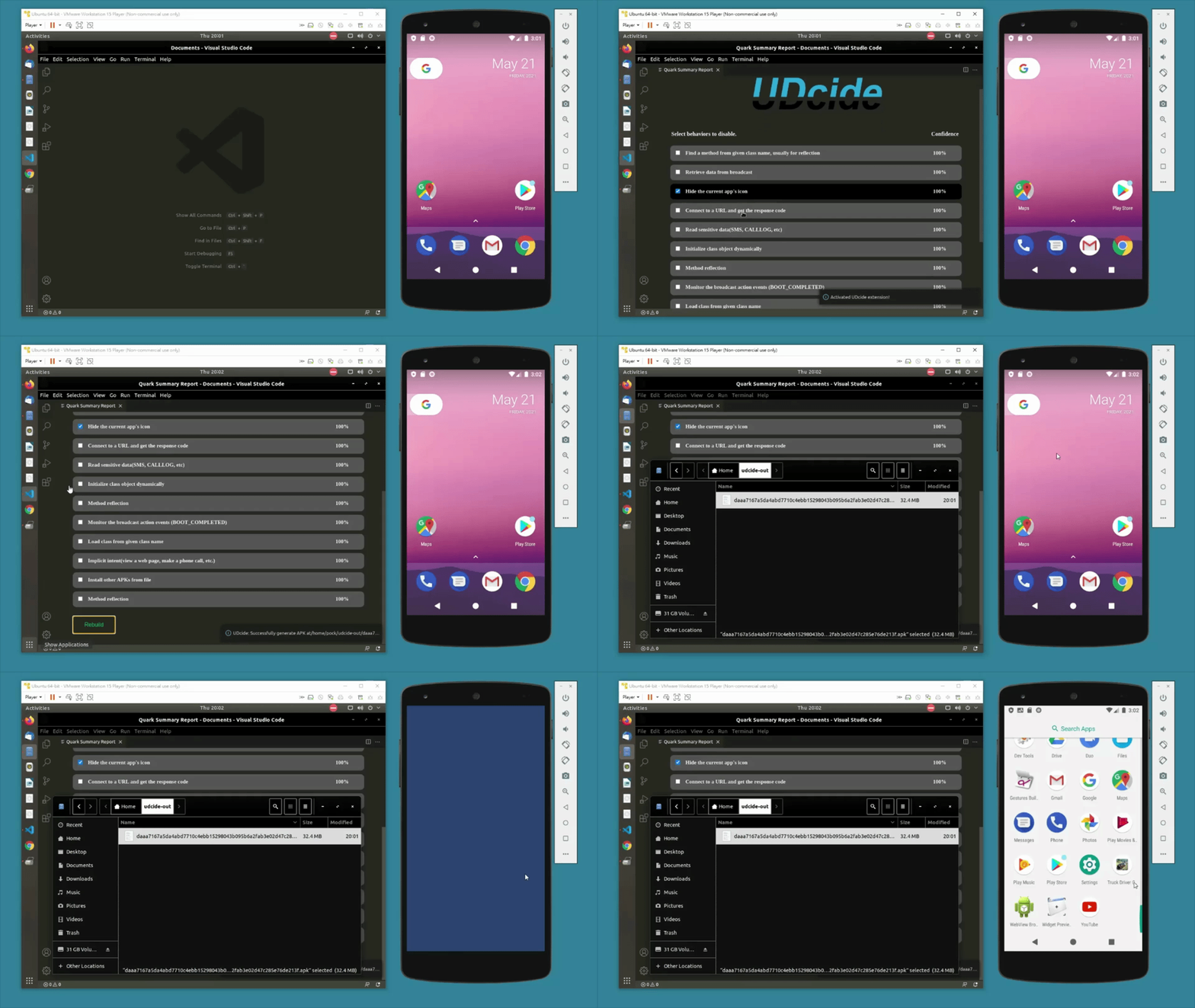
# UDcide UDcide is a tool that provides alternative way to deal with Android malware. We help you to detect and remove specific behaviors in the malware rather than just delete the whole binary. And surprisingly, we make the binary runs still. This enables possibilities of malware investigation (e.g. Delete behaviors like VM detection, icon hiding etc. Helping analysts overcome malware evasion problems during the analysis). ![](https://i.imgur.com/TrvdsEr.gif) ## Getting Started With VScode Extension We also provide a VScode extension to use UDcide, download from [Marketplace](https://marketplace.visualstudio.com/items?itemName=Aparna.udcide) and see the usage below. - `(Ctrl + Shift + P)` to open command palette -> `UDcide: Android Malware Behavior Deleter` -> Choose an APK file ![](https://i.imgur.com/zUS3qaN.gif) - Select behaviors to disable -> Click `Rebuild` ![](https://i.imgur.com/UiPSO1u.gif) ## Showcase This is a showcase which the malware hides its icon after user clicks on it. As you can see, the icon of the malware disappear right after the user clicks. ![](https://i.imgur.com/jCqxOp2.gif) With UDcide, we remove this behavior, got this malware no where to hide. ![](https://i.imgur.com/WRc8iKy.gif) ### Showcase for VScode Extension This is the same showcase but using VScode extension to disable the behavior. Disable the behavior by using UDcide VScode extension. ## Requirements + dialog >= 1.3-20190808 + JDK >= 11 + Apktool >= 2.5.0 ## Installation ```bash git clone https://github.com/UDcide/udcide.git cd udcide pipenv install pipenv run python udcide/cli.py ```