# UD-Viz : Urban Data Vizualisation
[](https://github.com/VCityTeam/UD-Viz/actions/workflows/codeql-analysis.yml)
[](https://app.travis-ci.com/github/VCityTeam/UD-Viz)
[](http://vcityteam.github.io/UD-Viz/html/index.html)
UD-Viz is a javascript mono repository for creating web applications for visualizing and interacting with geospatial 3D urban data.
[Online documentation](https://vcityteam.github.io/UD-Viz/html/index.html) —
[Developers](./docs/static/Developers.md) —
[License](./LICENSE.md) —
[Getting Started](#getting-started) —
[Architecture](./docs/static/architecture.md)
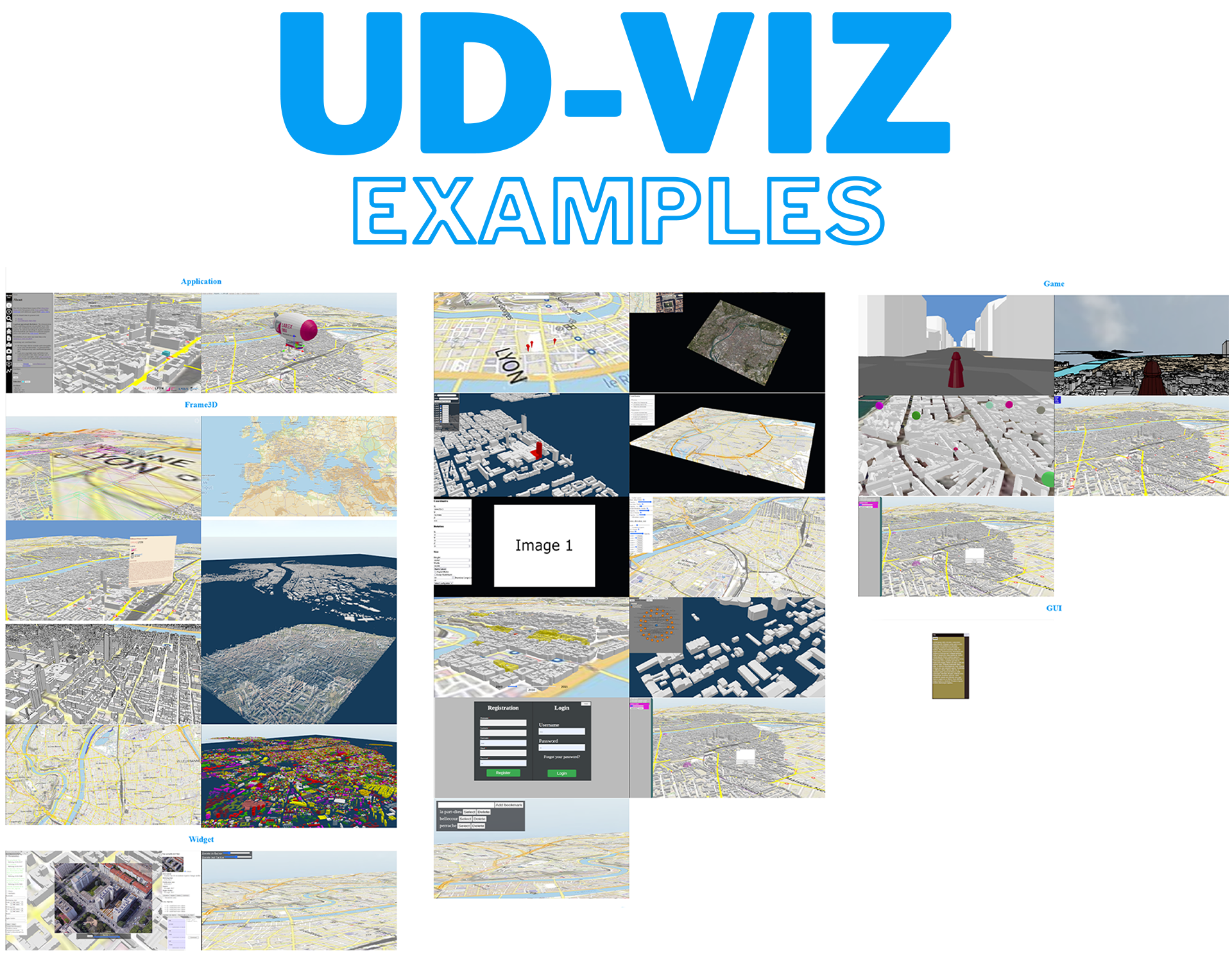
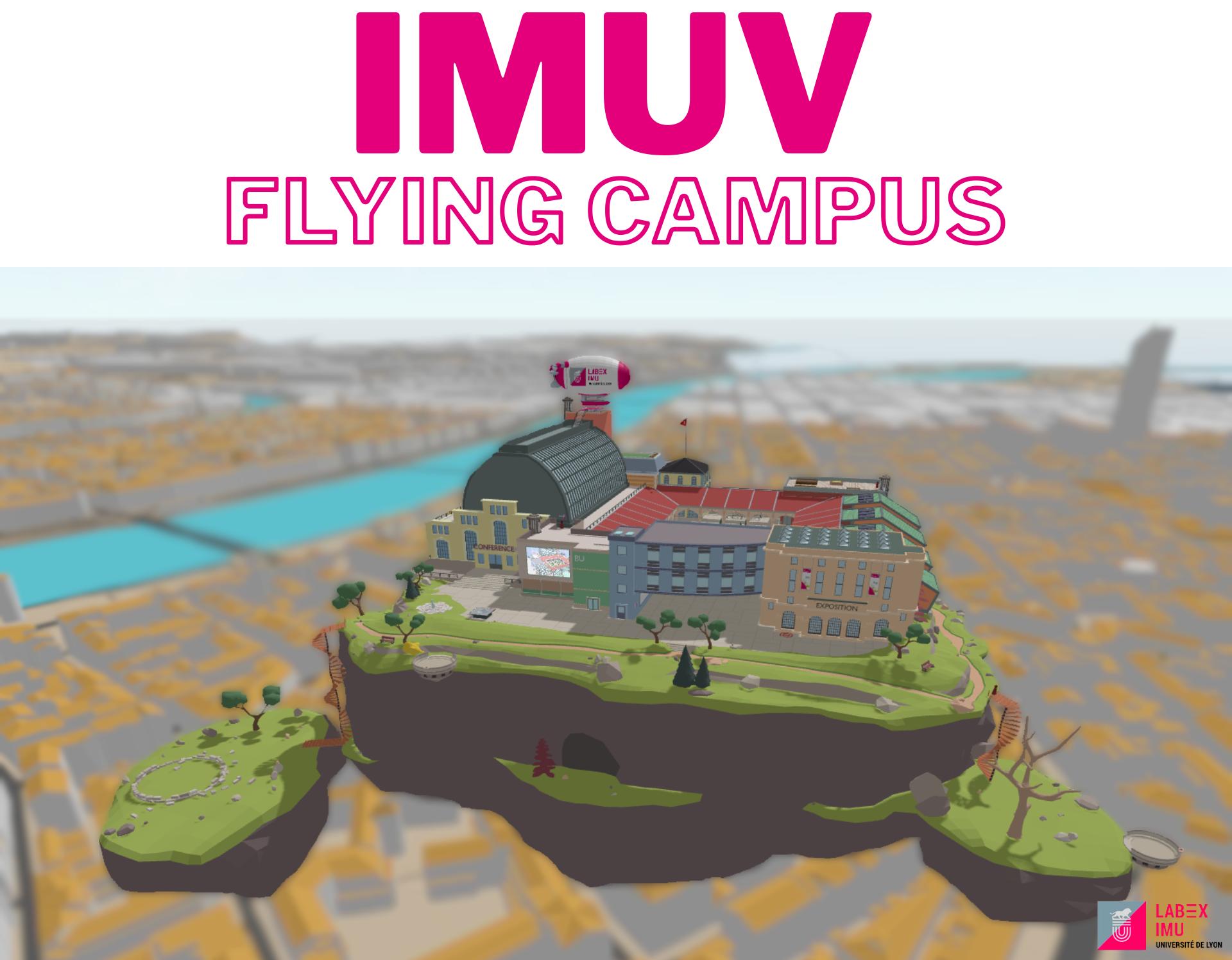
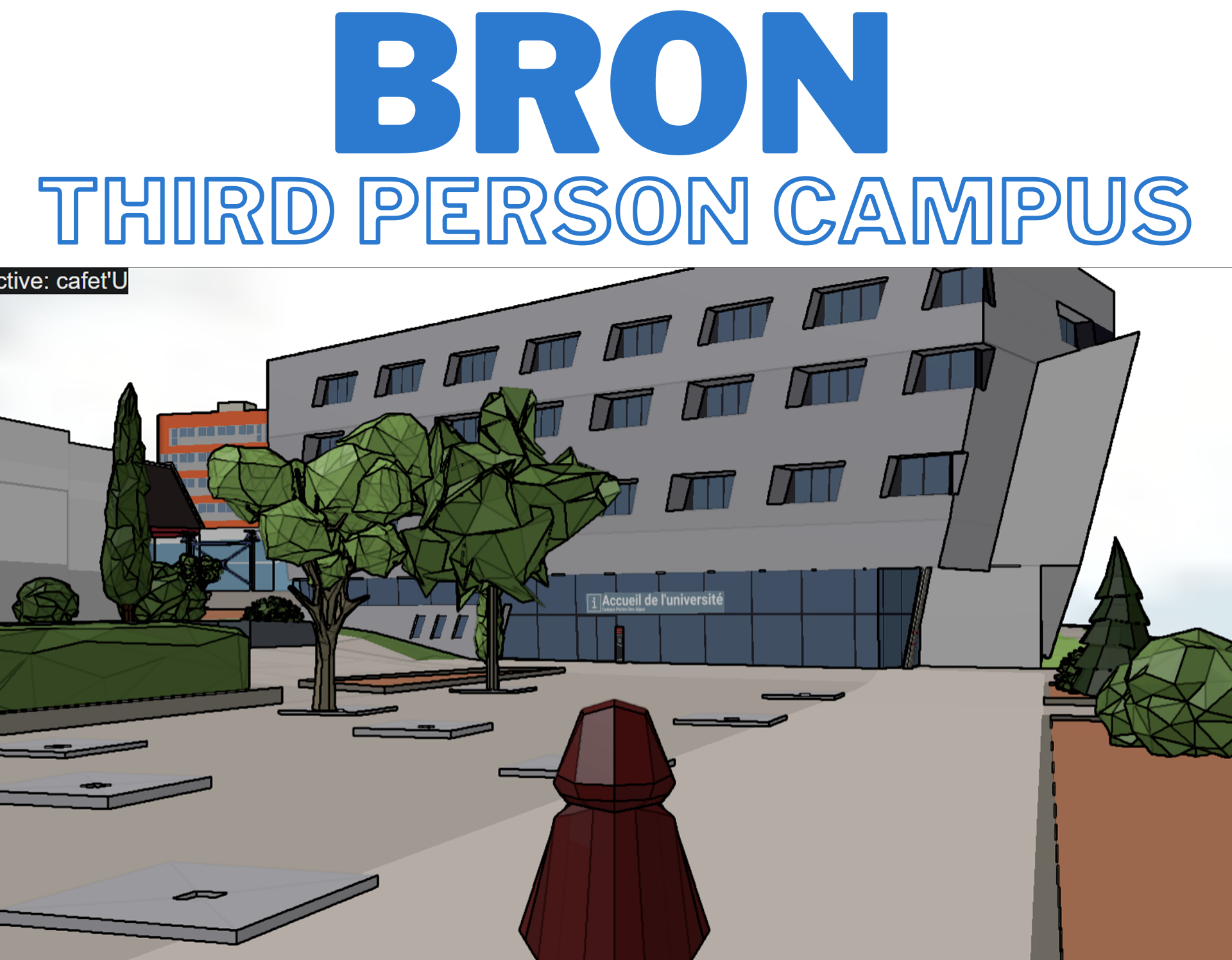
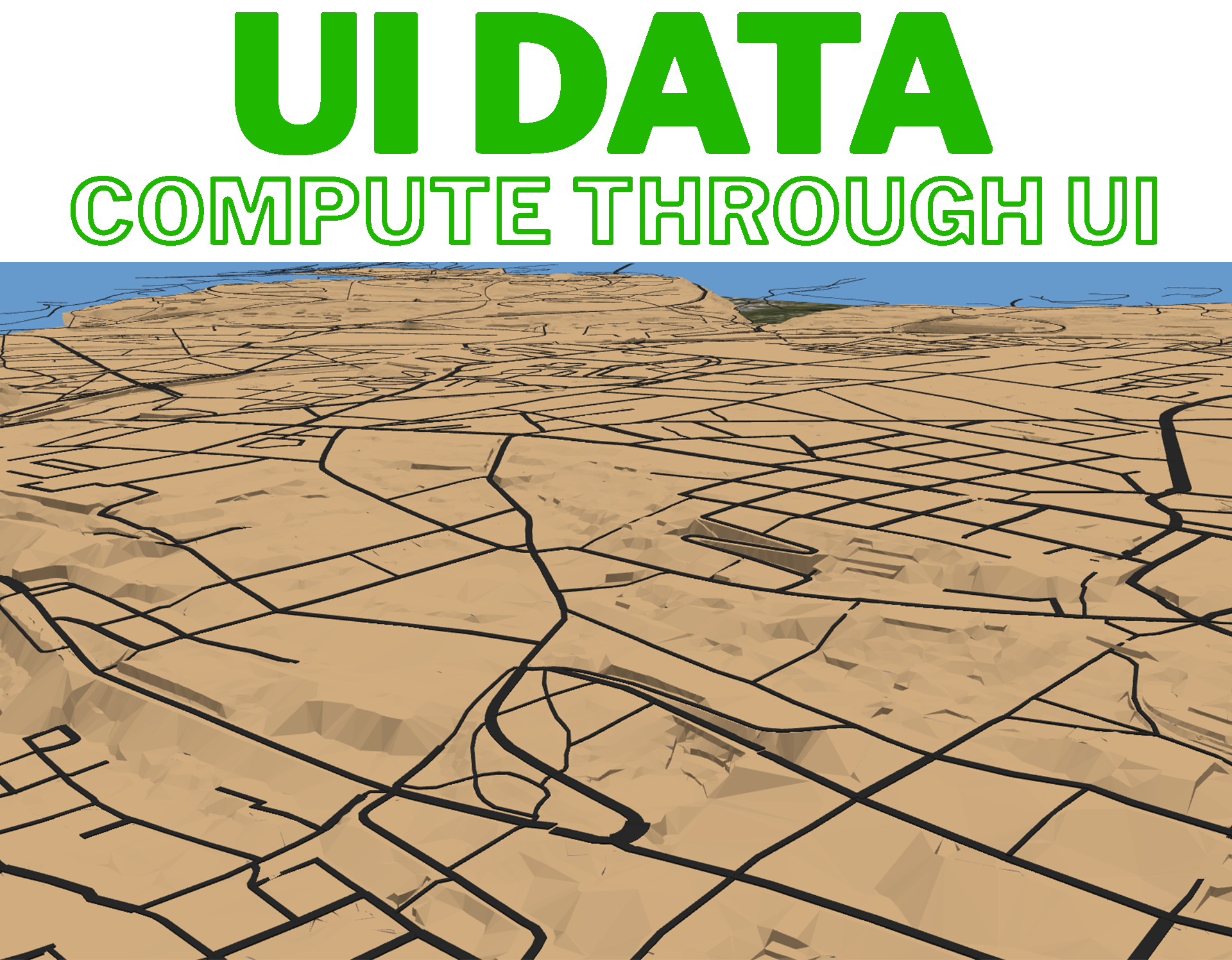
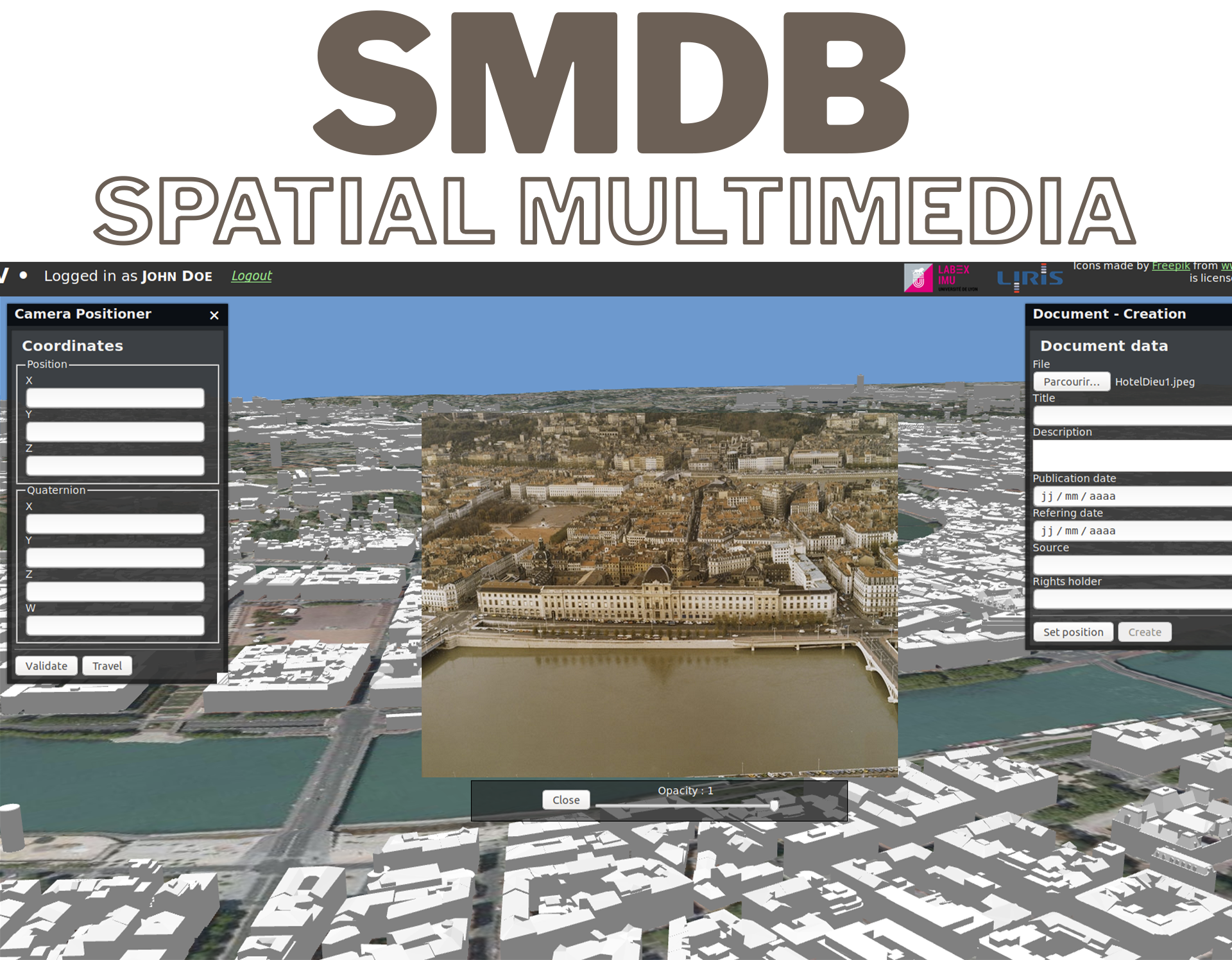
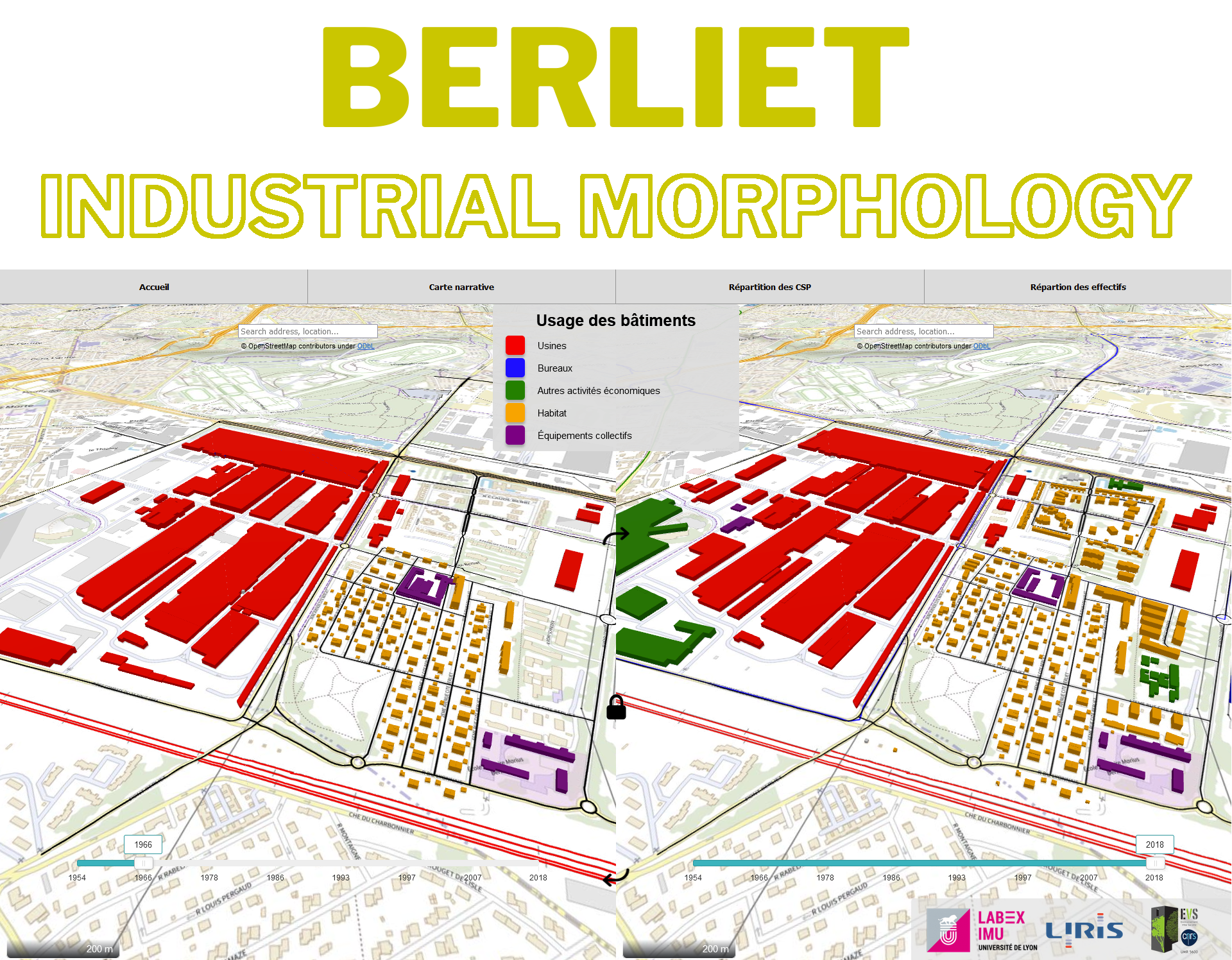
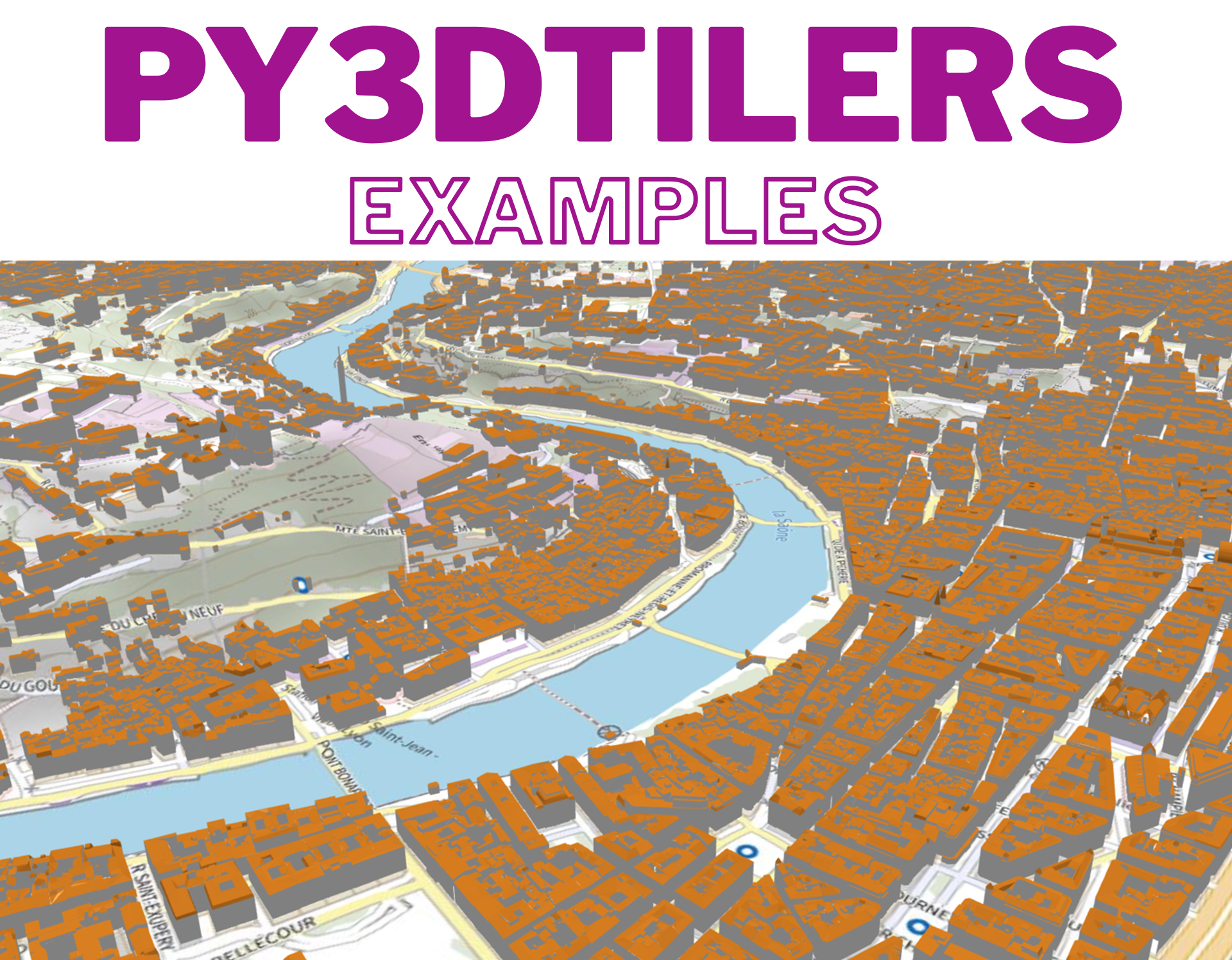
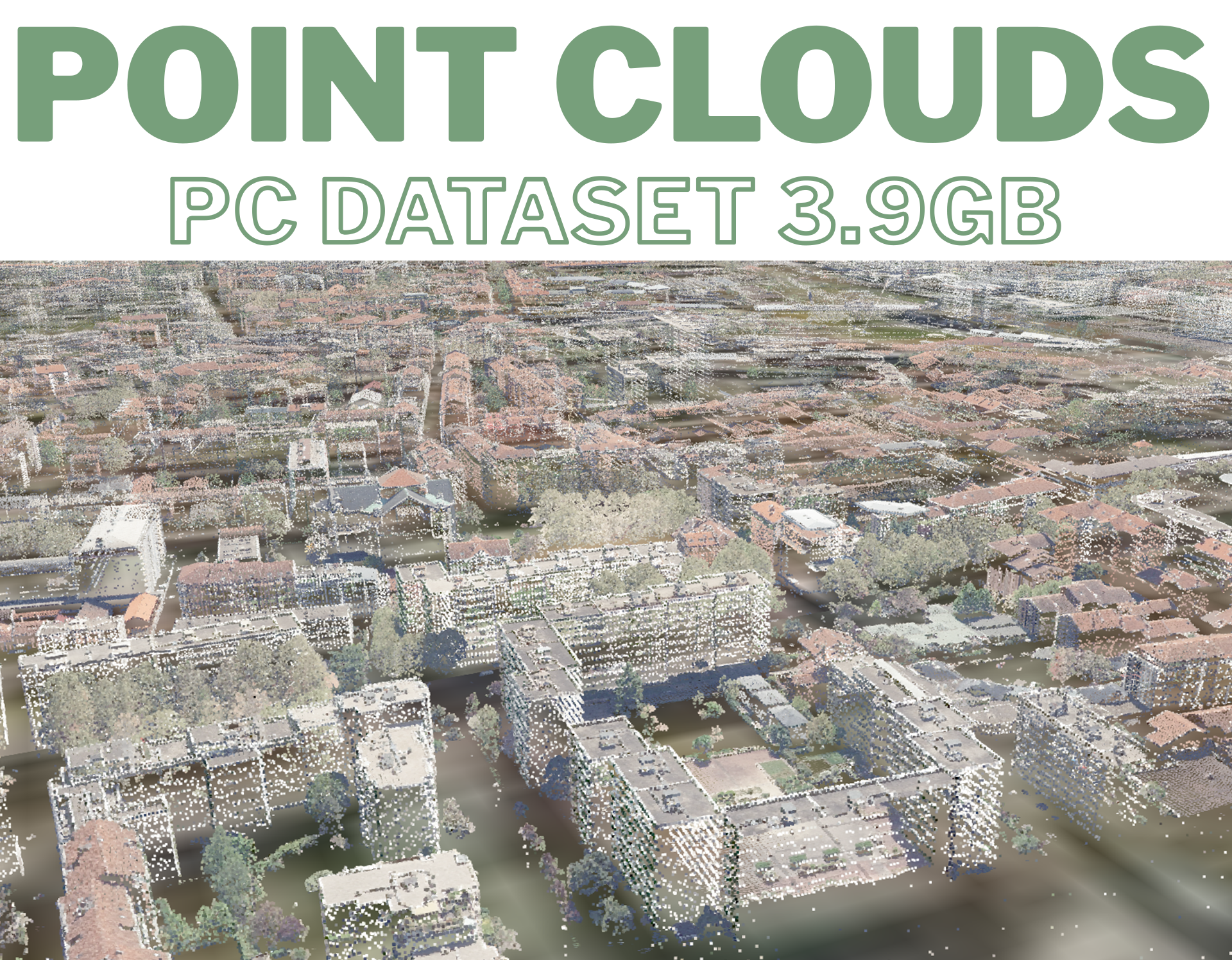
**Online demos**:
_3D tiles related_
### Directory Hierarchy
```
UD-Viz (repo)
├── bin # Monorepo scripts
├── docs # Documentation
├── examples # Examples of the ud-viz framework
├── test # Monorepo test scripts
├── packages # Packages folder
├── .eslintrc.js # Linting rules and configuration
├── .gitignore # Files/folders ignored by Git
├── .prettierrc # Formatting rules
├── travis.yml # Continuous integration entrypoint
├── favicon.ico # Landing page icon
├── index.html # Landing page entrypoint
├── package-lock.json # Latest npm package installation file
├── package.json # Global npm project description
├── Readme.md # It's a me, Mario!
├── style.css # Landing page style
```
**Github repositories:**
| Repository | Link | Description |
| --------------- | -------------------------------------------- | -------------------------------------------------------------------------------------- |
| UD-Viz-docker | https://github.com/VCityTeam/UD-Viz-docker | Docker, which performs all the steps described in [Getting Started](#getting-started). |
| UD-Viz-template | https://github.com/VCityTeam/UD-Viz-template | A basis for creating your application using UD-Viz. |
## Getting Started
### Installing node/npm
For the node/npm installation instructions refer [here](https://github.com/VCityTeam/UD-SV/blob/master/Tools/ToolNpm.md)
UD-Viz has been reported to work with versions:
- node version 18.X
- npm version: 9.X
### Installing the UD-Viz framework per se
Clone the UD-Viz repository and install requirements with npm
```bash
git clone https://github.com/VCityTeam/UD-Viz.git
cd UD-Viz
npm install # resolve dependencies based on the package.json (and package-lock.json if it exists)
```
#### Install ImageMagick and GraphicsMagick
For the install [imagemagick](https://imagemagick.org/index.php) and [graphicsmagick](http://www.graphicsmagick.org/) binary sub dependencies since the server needs [gm](https://www.npmjs.com/package/gm?activeTab=readme).
- **Linux**
```bash
sudo apt-get install -y imagemagick graphicsmagick
```
- **Windows**
- It seems not necessary to install imagemagick on windows.
- Download and install graphicsmagick from [graphicmagick-binaries](https://sourceforge.net/projects/graphicsmagick/files/graphicsmagick-binaries/) (@ud-viz/game_node_template has been reported to work with version 1.3.34-Q8)
> ⚠️ TIP : allias `gm` doesn't work in powershell because it conflicts with the command Get-Member !!!!
- **OSX**
```bash
brew install imagemagick graphicsmagick
```
### How to run it locally?
```bash
npm run start
```
After running go to [localhost:8000](http://localhost:8000) which links to [documentation](./docs/) and [examples](./examples/)