---
## What VeriWorkly is
VeriWorkly is an open-source career workspace: a resume and cover letter editor, a portfolio website builder, an ATS checker and AI writing help. Everything starts from one Master Profile.
It is local-first. Documents live in your browser's `localStorage`, and you can build, edit and export with no account. Signing in adds cloud sync, sharing, AI features, ATS deep analysis and imports.
## Features
- **Local-first editor.** Resumes and cover letters save to the browser as you type. Guest mode is remembered by a 30-day `veriworkly-guest-mode` cookie, set in the browser with `document.cookie`.
- **Master Profile.** One record of your career history. New documents start from it; editing a document never changes it.
- **Portfolios.** Website templates Signal and Atelier (free, with a "Built with VeriWorkly" badge), Nimbus and Cipher (paid). Publishing is not yet enabled in production.
- **ATS checker.** A deterministic scan from the open-source [`@veriworkly/ats-engine`](https://www.npmjs.com/package/@veriworkly/ats-engine), plus optional AI analysis against a job description.
- **Exports in the browser.** PDF (`@react-pdf/renderer`), DOCX (`docx`), HTML, Markdown, plain text and JSON. No headless browser on the server.
- **Cloud sync.** Per-document sync to PostgreSQL with revision numbers, conflict detection and a "keep local only" option.
- **Developer API.** Scoped API keys and an OpenAPI reference at [docs.veriworkly.com/api-reference](https://docs.veriworkly.com/api-reference).
## Templates
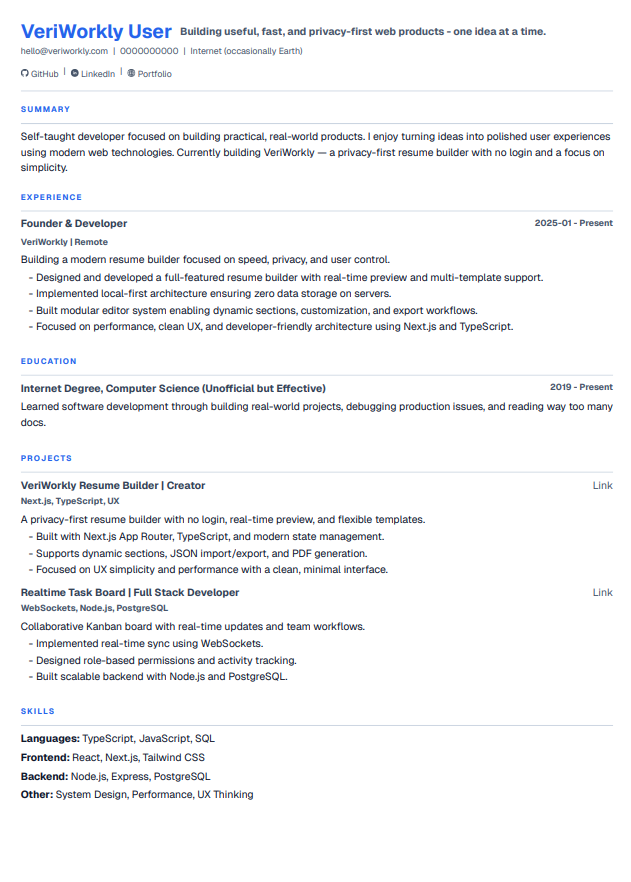
Precision ATS
|
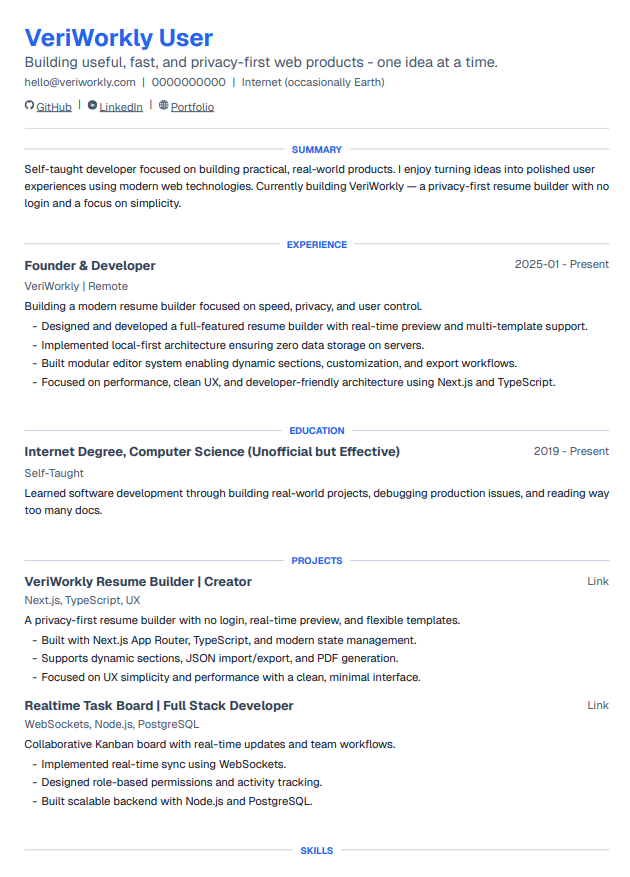
Executive Clarity
|
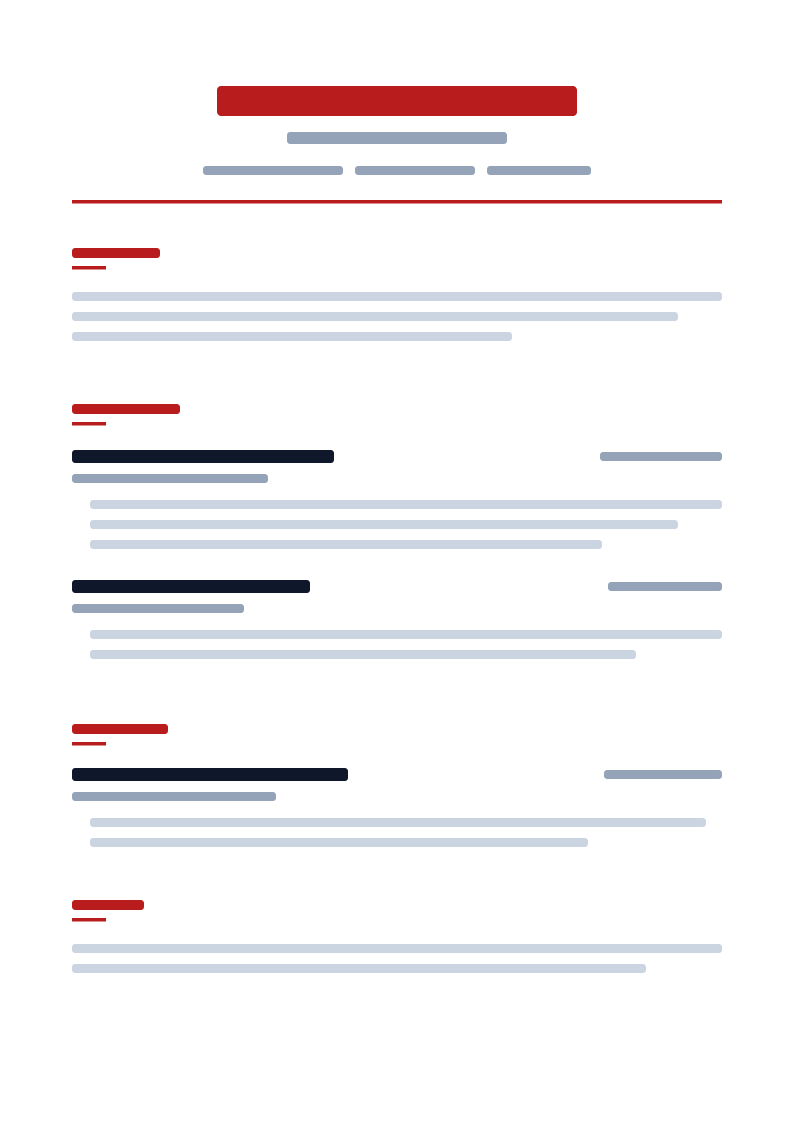
Bold Impact
|
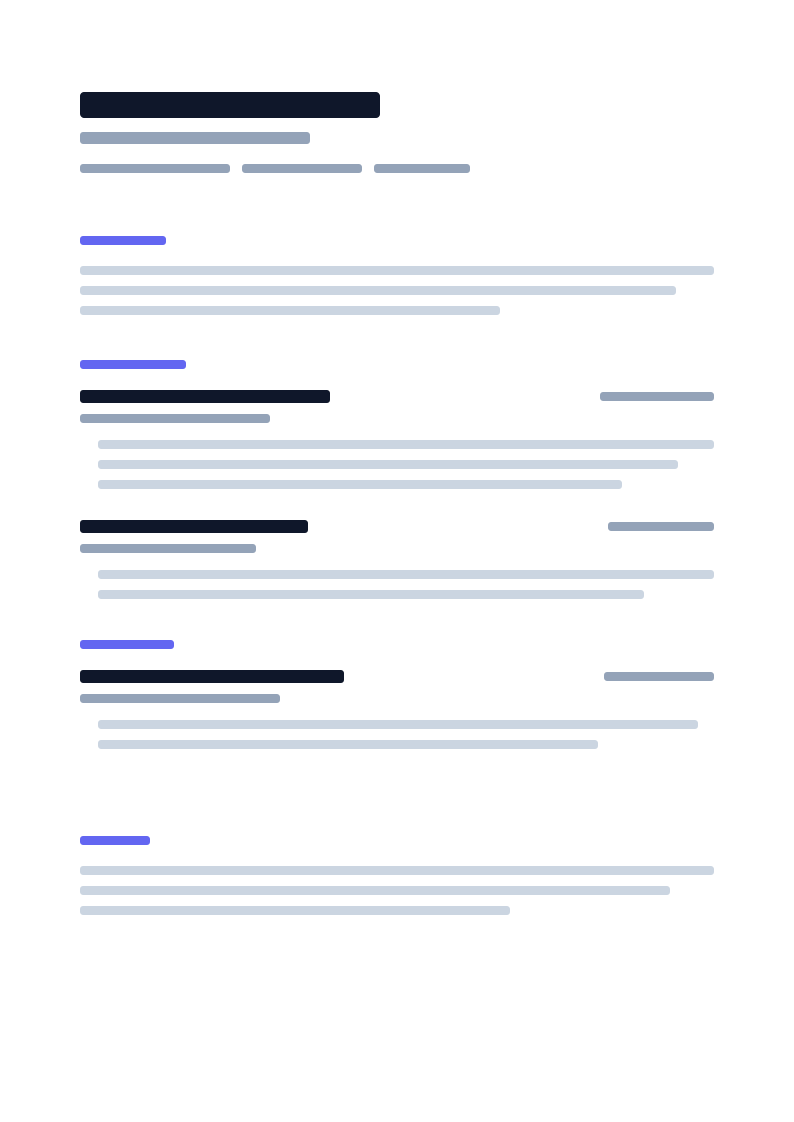
Modern Minimal
|
The studio ships 7 resume templates and 5 cover letter templates.
## Repository layout
An npm workspaces monorepo: 6 apps and 2 shared packages.
```
veriworkly/
├── apps/
│ ├── site/ # Marketing site, port 3000 (Next.js 16)
│ ├── studio/ # Editor, Master Profile, ATS, billing, admin, port 3001 (Next.js 16)
│ ├── docs-platform/ # Documentation and API reference, port 3002 (Next.js 16, Fumadocs)
│ ├── blog-platform/ # Blog, port 3003 (Next.js 16, Fumadocs)
│ ├── portfolio/ # Portfolio builder and public portfolios, port 3004 (Next.js 16)
│ └── server/ # Express API, sync, billing, scheduled jobs, port 8080 (Node.js 22)
└── packages/
├── profile-core/ # Shared profile and document schemas (@veriworkly/profile-core)
└── ui/ # Shared design system (@veriworkly/ui)
```
Each app has its own README with setup details, for example [`apps/studio/README.md`](apps/studio/README.md) and [`apps/server/README.md`](apps/server/README.md).
### Stack
| Part | Technology |
| :------------ | :----------------------------------------------------------------------------- |
| Frontends | Next.js 16 (App Router), React 19, Tailwind CSS 4 |
| UI | `@veriworkly/ui`, in-house components |
| Browser state | Zustand for UI state; documents saved by a hand-written `localStorage` service |
| Export | `@react-pdf/renderer` and `docx`, in the browser |
| API | Node.js 22, Express 4, TypeScript, clustered with `throng` |
| Database | PostgreSQL with Prisma 7 |
| Cache | Redis 7: sessions, rate limits, quotas, view counts, job locks |
| Auth | Better Auth: email one-time code, plus Google, GitHub and LinkedIn sign-in |
| Payments | Dodo Payments |
| File storage | Cloudflare R2, for portfolio images |
| Docs and blog | Fumadocs and MDX |
## Run it locally
You need:
- Node.js 22.12 or later
- npm 11 (`npm@11.16.0`)
- PostgreSQL and Redis 7, for the API only
The site and the studio run without the API. The studio works in guest mode; sign-in and sync need the API.
1. Clone and install:
```bash
git clone https://github.com/VeriWorkly/veriworkly.git
cd veriworkly
npm install
```
`npm install` also generates the Prisma client (the root `postinstall` script).
2. Copy each app's environment file. Each app reads only its own `.env`.
```bash
cp apps/server/.env.example apps/server/.env
cp apps/site/.env.example apps/site/.env
cp apps/studio/.env.example apps/studio/.env
cp apps/portfolio/.env.example apps/portfolio/.env
cp apps/docs-platform/.env.example apps/docs-platform/.env
cp apps/blog-platform/.env.example apps/blog-platform/.env
```
Every variable is described in the `.env.example` comments and in the app's README.
3. For the API: set `DATABASE_URL` and `REDIS_URL` in `apps/server/.env`, then apply the migrations:
```bash
npm run db:migrate
```
4. Start what you need, each in its own terminal:
```bash
npm run dev:site # http://localhost:3000
npm run dev:studio # http://localhost:3001
npm run dev:docs # http://localhost:3002
npm run dev:blog # http://localhost:3003
npm run dev:portfolio # http://localhost:3004
npm run dev:server # http://localhost:8080
```
API health checks:
| URL | Checks |
| :---------------------------------------- | :------------------------------------- |
| http://localhost:8080/api/v1/health | The API process answers |
| http://localhost:8080/api/v1/health/ready | The API can reach PostgreSQL and Redis |
## Tests and checks
```bash
npm run lint
npm run format
npm test -w @veriworkly/server
npm run test:contracts -w @veriworkly/site
npm test -w @veriworkly/portfolio
npm test -w @veriworkly/ui
npm run test:contracts -w @veriworkly/studio
npm run test:browser -w @veriworkly/studio
npm run test:parity -w @veriworkly/studio
npm run build
```
The studio's browser and parity suites drive your installed Chrome (or Edge), not Playwright's bundled Chromium. See [`apps/studio/README.md`](apps/studio/README.md#tests).
## Documentation
| Topic | Where |
| :----------- | :------------------------------------------------------------------------------------------------------------------- |
| Overview | [docs.veriworkly.com/docs/overview](https://docs.veriworkly.com/docs/overview) |
| Architecture | [docs.veriworkly.com/docs/architecture/monorepo](https://docs.veriworkly.com/docs/architecture/monorepo) |
| API | [docs.veriworkly.com/api-reference](https://docs.veriworkly.com/api-reference) |
| Local setup | [docs.veriworkly.com/docs/getting-started/local-setup](https://docs.veriworkly.com/docs/getting-started/local-setup) |
| Docker | [README.Docker.md](README.Docker.md) |
| Contributing | [CONTRIBUTING.md](CONTRIBUTING.md) |
## Contributing
1. Star the repository.
2. Claim an issue: comment on it and wait to be assigned before you start.
3. Name commits with conventional prefixes (`feat:`, `fix:`, `docs:`, `refactor:`).
4. Read [CONTRIBUTING.md](CONTRIBUTING.md) before you open a pull request.
## Security and privacy
- Guest documents are stored only in your browser. Signed-in users can keep any document local only.
- No heatmaps, mouse tracking or third-party behavioural tracking. Product metrics are aggregate only.
- Report security issues to `info@veriworkly.com`, not in a public issue. See [SECURITY.md](SECURITY.md).
## License
VeriWorkly is open-source software under the [MIT License](LICENSE).