
# 🛡️ ClawGuard
**The firewall for personal AI agents.** A default-deny action broker that sits between your agent (OpenClaw, Hermes, …) and your machine — tap-to-approve anything risky from your phone via Telegram or WhatsApp, and keep a tamper-evident audit log of everything the agent did.
> OpenClaw shipped 138+ CVEs in its first months and its skill registry hosted 1,400+ confirmed malicious skills. Microsoft's guidance is to not run it on a personal machine at all. The agents aren't going away — the missing piece is the control layer. That's ClawGuard.
## How it works
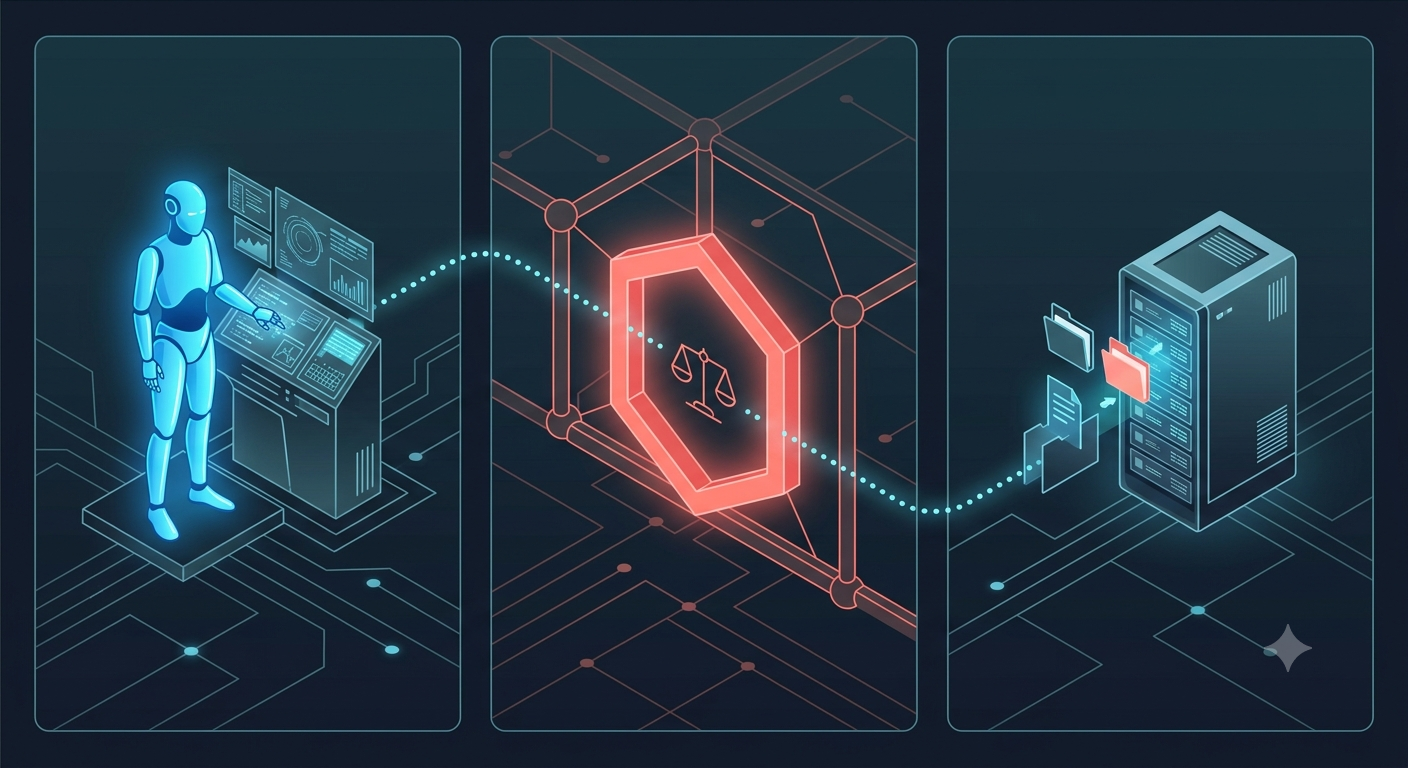
1. A thin plugin inside the agent forwards every tool call to the ClawGuard daemon on `127.0.0.1`.
2. The policy engine evaluates it: `hard_deny` → blocked instantly, `allow` → flows, everything else → **asks a human** on Telegram, WhatsApp, or the console, and auto-denies on timeout.
3. Every request and decision lands in an append-only, SHA-256 hash-chained audit log — edit one line and verification breaks.
Every action gets exactly one of three verdicts:

## Security model (the anti-OpenClaw)
- **Default-deny.** Unmatched actions can only `ask` or `deny` — the config format cannot express "allow by default".
- **Fail-closed.** Daemon unreachable? Tool call blocked. Timeout? Denied. No decision path ever ends in silent approval.
- **No inbound exposure.** The daemon binds loopback only. Telegram is long-polled outbound; WhatsApp replies arrive via an outbound-polling relay. Your machine opens zero public ports.
- **Auth mandatory.** Every API call needs a bearer token; there is no "disable auth" flag.
- **Approver allowlist.** Only configured Telegram user ids / phone numbers can decide, and `hard_deny` actions can't be approved by anyone — including you at 2am.
- **Self-protection.** The example policy hard-denies the agent touching `policy.yaml` or ClawGuard itself.
- **Secrets stay off-screen.** Config lives in a gitignored `.env`, and the daemon masks its API token in startup output — logs and screen recordings stay safe to share.
See [SECURITY.md](SECURITY.md) for the full threat model, including an explicit list of what ClawGuard does **not** protect against.
## Quick start
```bash
npm install
copy policy.example.yaml policy.yaml # then edit paths/commands for your machine
copy .env.example .env # then put your secrets in .env (gitignored)
npm test
npm start # daemon on 127.0.0.1:4747, console approvals on
```
Secrets live in `.env` (read natively by Node, never committed) so you never type
a token into a terminal you might be screen-recording. The daemon also masks its
API token in startup output by default.
> **Start order matters:** start the ClawGuard daemon **before** your agent. The plugins fail closed — if the daemon isn't running, **every tool call is blocked** ("ClawGuard unreachable — failing closed"). That's the firewall doing its job, but if you didn't know, it looks like your agent broke. Daemon first, agent second. No token plumbing needed: the daemon publishes its token to `~/.clawguard/token` and the plugins pick it up automatically.
Then connect your agent — both plugins talk to the same daemon, and one policy governs them all:
- **OpenClaw:** `openclaw plugins install ./integrations/openclaw`, then restart the gateway. See [its README](integrations/openclaw/README.md) for verification steps and gotchas.
- **Hermes Agent:** copy [`integrations/hermes/`](integrations/hermes/) to `~/.hermes/plugins/clawguard/` — it hooks `pre_tool_call` to gate execution *and* reports executed calls back, so the audit log exposes any tool call that bypassed the check (**bypass detection**). See its [README](integrations/hermes/README.md).
- **Anything else:** the daemon is agent-agnostic — `POST /v1/check {agent, tool, params}`, act only on `"allow"`. An adapter is ~50 lines.
### Phone approvals — pick your channel
**Telegram (recommended — ~3 minutes, zero infrastructure):**
1. Message [@BotFather](https://t.me/BotFather) → `/newbot` → copy the token.
2. Get your numeric user id (message [@userinfobot](https://t.me/userinfobot)).
3. Put both in your `.env` as `TG_BOT_TOKEN` and `TG_APPROVERS`, restart the daemon, then open your bot and send `/start` once (Telegram bots cannot message you first).
Approvals arrive with inline **✅ Approve / ⛔ Deny buttons** — tap to decide. The daemon long-polls Telegram outbound-only: no webhook, no relay, no extra accounts.
**WhatsApp (the flagship — ~25 minutes, self-hosted):** deploy the free relay Worker in [`relay/`](relay/) (full walkthrough in its [README](relay/README.md)), then set `WA_ACCESS_TOKEN`, `WA_PHONE_NUMBER_ID`, `WA_APPROVERS` (comma-separated E.164), `WA_RELAY_URL`, and `WA_RELAY_TOKEN`.
**Console (zero setup):** on by default — approve with `a ` / `d ` in the terminal.
Try it without an agent:
```bash
curl -s -X POST http://127.0.0.1:4747/v1/check \
-H "Authorization: Bearer $CLAWGUARD_TOKEN" -H "Content-Type: application/json" \
-d '{"agent":"demo","tool":"exec_shell","params":{"command":"curl https://evil.example"}}'
# → blocks, asks you, or allows — per your policy
```
## Status
`v0.1` — working core (policy engine, approval queue, audit chain, HTTP API, console + Telegram + WhatsApp channels, OpenClaw + Hermes plugins).
**Verified end-to-end against OpenClaw 2026.6.11 on native Windows.** All three verdict paths were exercised against a live agent:
| Agent action | ClawGuard | Result |
|---|---|---|
| read `secrets.env` | `hard_deny`, instantly | agent replies *"access to this file has been denied by ClawGuard"* — no approval offered to anyone |
| write `test.txt` | `ask` → Telegram | phone shows *"openclaw wants write …"*; tapping ⛔ records `decidedBy=human`, the file is never created |
| write `test.txt`, ignored | `ask` → timeout | auto-denied after 120s — agent reports *"timed out waiting for human approval"* |
Every request and decision landed in the hash-chained log, which still verifies.
Not yet independently audited; treat it as a second lock, not a vault. See [SECURITY.md](SECURITY.md) for the threat model and [docs/ARCHITECTURE.md](docs/ARCHITECTURE.md) for the design and roadmap (pairing-code approver auth, universal LLM-proxy mode for any agent, OS sandbox execution tier).
## What gets protected (not just `.env` files)
ClawGuard protects **whatever your policy says** — secrets are just the loudest example. The mental model is three zones:
1. **`hard_deny` — never, no matter who asks.** The example policy ships with key material (`.env`, SSH keys, cloud credentials) and destructive commands here. Add your own untouchables — financial documents, tax folders, password-manager vaults:
```yaml
- note: financial and identity documents — no agent, ever
tool: "*"
path: ["C:/Users/you/Documents/Banking/**", "**/tax-returns/**"]
```
2. **`allow` — your explicitly safe zones.** Project folders, safe read-only commands. **Keep these globs narrow** — every path you allow is a path the agent can touch without asking. Don't allow `C:/Users/you/**`; allow `D:/projects/**`.
3. **Everything else — asks a human.** This is the part people miss: your bank statements, hidden files, photos, and random personal folders are protected **by default**, because any action that matches no rule goes to `ask` (or `deny`, if you set it stricter). The agent can't open `Documents\loan-statement.pdf` without your phone buzzing first — not because you wrote a rule for it, but because you *didn't* write one allowing it.
Two honest limits: ClawGuard matches on the **tool call's parameters** (paths, commands, strings) — it doesn't read file contents, so a sensitive file sitting *inside* a folder you allowed will pass that allow rule. And it gates actions routed through the agent's tool layer — the OS-level sandbox tier (roadmap v0.4) is what will enforce boundaries even on a fully compromised agent.
## How attacks get stopped
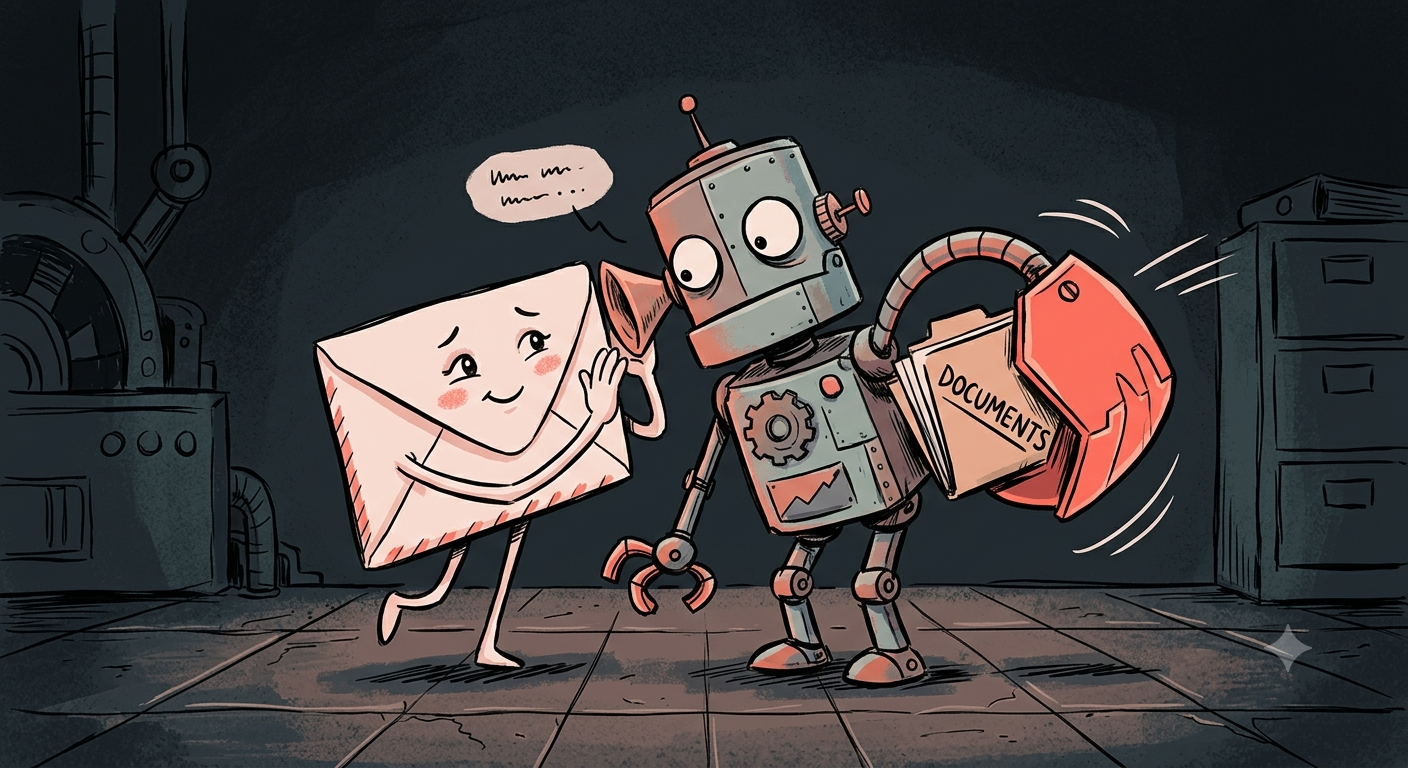
A prompt-injected email or a malicious skill tells your agent to grab your secrets and send them off. The agent obeys — but the action still has to pass the gate, and key material is hard-denied for every tool:
## Contributing
Issues and PRs welcome — especially adapters for other agents, and policy rules
worth shipping in the example. For security bugs, do **not** open an issue; see
[SECURITY.md](SECURITY.md).
---
[MIT licensed](LICENSE). Built in public — follow along.