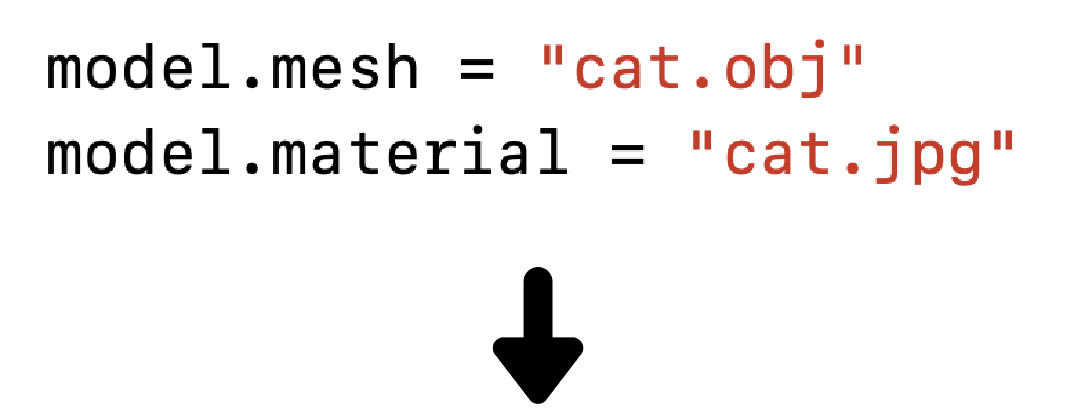

**Insert3D** is the **easiest** 🥳 and **fastest** 🚀 way to embed a 3D model in your iOS app. It combines SceneKit and Model I/O into a simple library for creative iOS developers who want to provide a unique experience for their users. This library uniquely supports both:
* Static implementations to easily replace images with engaging 3D content without learning SceneKit.
* Dynamic implementations where models need to be programmatically loaded via URLs using the raw 3D filetype on run-time.
# Installation
Use [CocoaPods](http://cocoapods.org/). Add the dependency to your `Podfile` and then run `pod install`:
```ruby
pod 'Insert3D'
```
# Quickstart
1. Import library
```swift
import Insert3D
```
2. Download and add example OBJ model ([example-model.zip](https://public-demo-bucket.s3.amazonaws.com/demo/example-model.zip))
3. Copy & Paste into viewDidLoad
```swift
var viewer = Insert3DViewer()
viewer.width = 380
viewer.height = 380
var model = Insert3DModel()
model.mesh = "model/Nachos.obj"
model.material = "model/NachosMaterial.jpg"
view.Insert3D(viewerSetup: viewer, modelSetup: model)
```
# Usage
Create instances of `Insert3DViewer()` and `Insert3DModel()` and specify parameters, then pass the instances into the main `view.Insert3D()` function to complete setup and display the viewer.
`Command + R` to Run
## Viewer
Instances of `Insert3DViewer()` set the dimensions and position of the `SCNView` subview where the model is a central node.
```swift
// Values can be progromatically set and adjusted at any time
var viewer = Insert3DViewer()
viewer.width = 380 // Width
viewer.height = 380 // Height
viewer.x = 20 // X position of the top left corner
viewer.y = 200 // Y position of the top left corner
viewer.background = UIColor.white // Specify background of viewer. White by default
// Show the model!
view.Insert3D(viewerSetup: viewer, modelSetup: model) // modelSetup is also required
```
**Dimensions**
Dimensions using the relative position on screen can be expressed by converting them into `Int`. For example, to center align the viewer, set the value for x equal to `Int(UIScreen.main.bounds.size.width*0.5) - viewer.width/2`.
Included are default values width = 200, height = 200, x = 0, and y = 0.
**Background**
Background support's `Any`, providing much flexibility for usage:
- A color ([NSColor]()/[UIColor]() or [CGColor]()), specifying a uniform color for the material’s surface
- A number ([NSNumber]()), specifying a uniform scalar value for the material's surface (useful for physically based properties such as [metalness]())
- An image ([NSImage]()/[UIImage]() or [CGImage]()), specifying a texture to be mapped across the material’s surface
- An [NSString]() or [NSURL]() object specifying the location of an image file
- A video player ([AVPlayer]()) or live video capture preview ([AVCaptureDevice](), in iOS only)
- A Core Animation layer ([CALayer]())
- A texture ([SKTexture](), [MDLTexture](), [MTLTexture](), or [GLKTextureInfo]())
- A SpriteKit scene ([SKScene]())
- A specially formatted image or array of six images, specifying the faces of a cube map
## Model
Instances of `Insert3DModel()` let `Insert3D()` know which model you'd like to use, along with how you'd like it configured within the viewer.
```swift
// Values can be progromatically set and adjusted at any time.
var model = Insert3DModel()
model.mesh = "my3DFilePath" // Currently supports OBJ.
model.texture = "myTexturePath" // Supports image files already mapped to the model
model.autoRotate = true // Set true by default. Rotates on the horizontal axis
model.rotationSpeed = 9 // Model makes one full rotation every 9 seconds
model.fixed = false // Set false by deafault. Should the model be movable/rotatable by a user?
// Show the model!
view.Insert3D(viewerSetup: viewer, modelSetup: model) // viewerSetup is also required
```
NOTE: There are infinite possible customization one could apply to a model, and included here are the basic ones. Consider expanding this repository's functionality via a contribution.
**Load via URL**
The model and texture paths are a `String`. This means you can load a model + texture dynamically using `URL(string: "https://myURL/file")`
# Contributing
1. Fork it ( [](https://github.com/watsonbox/ios-google-places-autocomplete/fork)[https://github.com/Viktoo/Insert3D/fork](https://github.com/Viktoo/Insert3D/fork) )
2. Create your feature branch (git checkout -b my-new-feature)
3. Commit your changes (git commit -am 'Add some feature')
4. Push to the branch (git push origin my-new-feature)
5. Create a new Pull Request
# License
This project is released under the BSD 2-Clause "Simplified" License