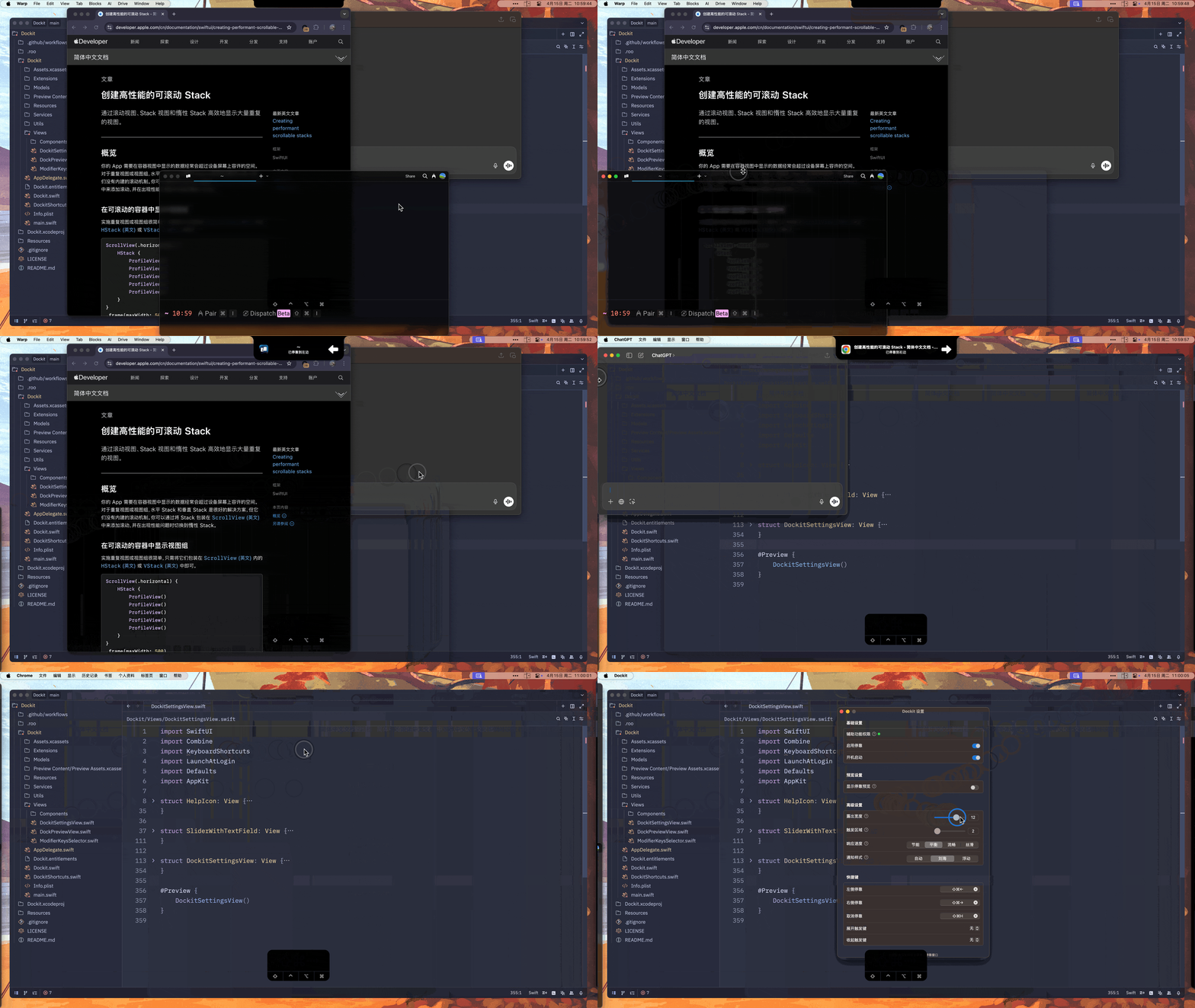
> Dockit is a macOS window management tool focused on quickly docking windows to the edge of the screen and quickly previewing windows.
[中文](./README.md) | English
## 📸 Preview
Dockit Demo.gif
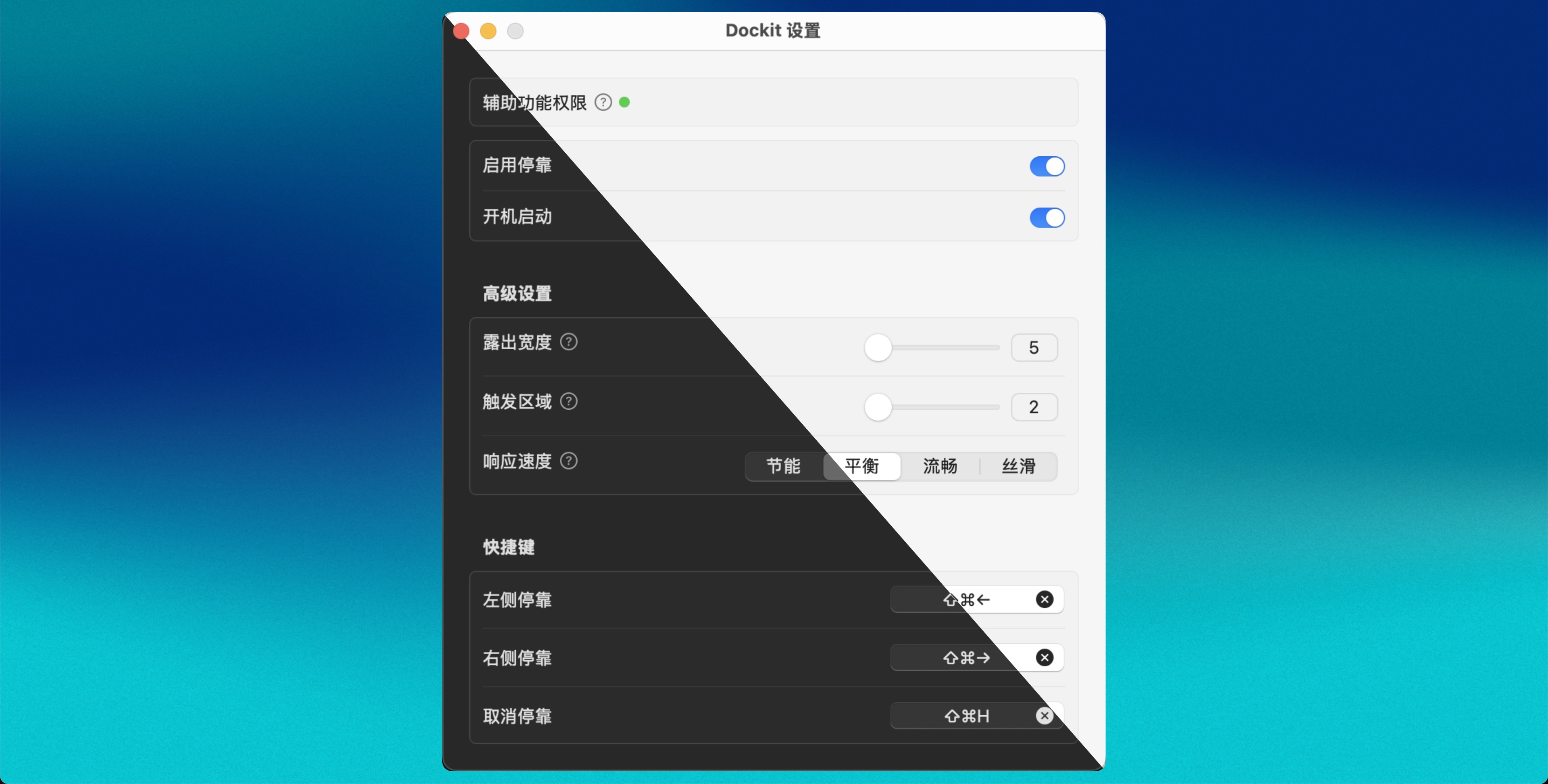
Setting.jpg
## 🚀 Feature
- 🎯 Quick Dock: One-click docking windows to the left or right of the screen
- 🔄 Smart Display: Automatically expand when hovering, 和 automatically retract when leaving
- ⌨️ Shortcut Support: Support custom shortcut operations
- 🎛️ Flexible Configuration: Adjustable exposed width, trigger area, etc.
- 🔌 Auto Start: Support auto-start on boot
## 📖 Usage
1. Download 和 install Dockit
2. Grant accessibility permissions 和 restart when running for the first time
3. Use default shortcuts or customize in settings:
- Left Dock: `⌘ + ⇧ + ←`
- Right Dock: `⌘ + ⇧ + →`
- Undock: `⌘ + ⇧ + H`
## ⭐ Star
## 📝 License
This project is open source under the [GNU General Public License v3.0](LICENSE).
## 🙏 Thanks
- [Peninsula](https://github.com/Celve/Peninsula) - Window related specific implementation reference this project
- [Awesome-Merge-Picture](https://github.com/XiCheng148/Awesome-Merge-Picture) - A tool to quickly create a preview image of a dark 和 light mode project.
- [NotchNotification](https://github.com/Lakr233/NotchNotification) - Notch Notification
- [KeyboardShortcuts](https://github.com/sindresorhus/KeyboardShortcuts) - Shortcut binding
- [LaunchAtLogin-Modern](https://github.com/sindresorhus/LaunchAtLogin-Modern) - Auto start on boot
- [Defaults](https://github.com/sindresorhus/Defaults) - Configuration persistence