# ElegantClipboard
English | [中文](README.md)
> Note: UI screenshots in this document may be outdated and were captured on **v0.5.0**.

Low footprint · High performance · Modern · Fully local offline clipboard.





## UI Screenshots (v0.5.0)
### Themes
#### System Accent Color
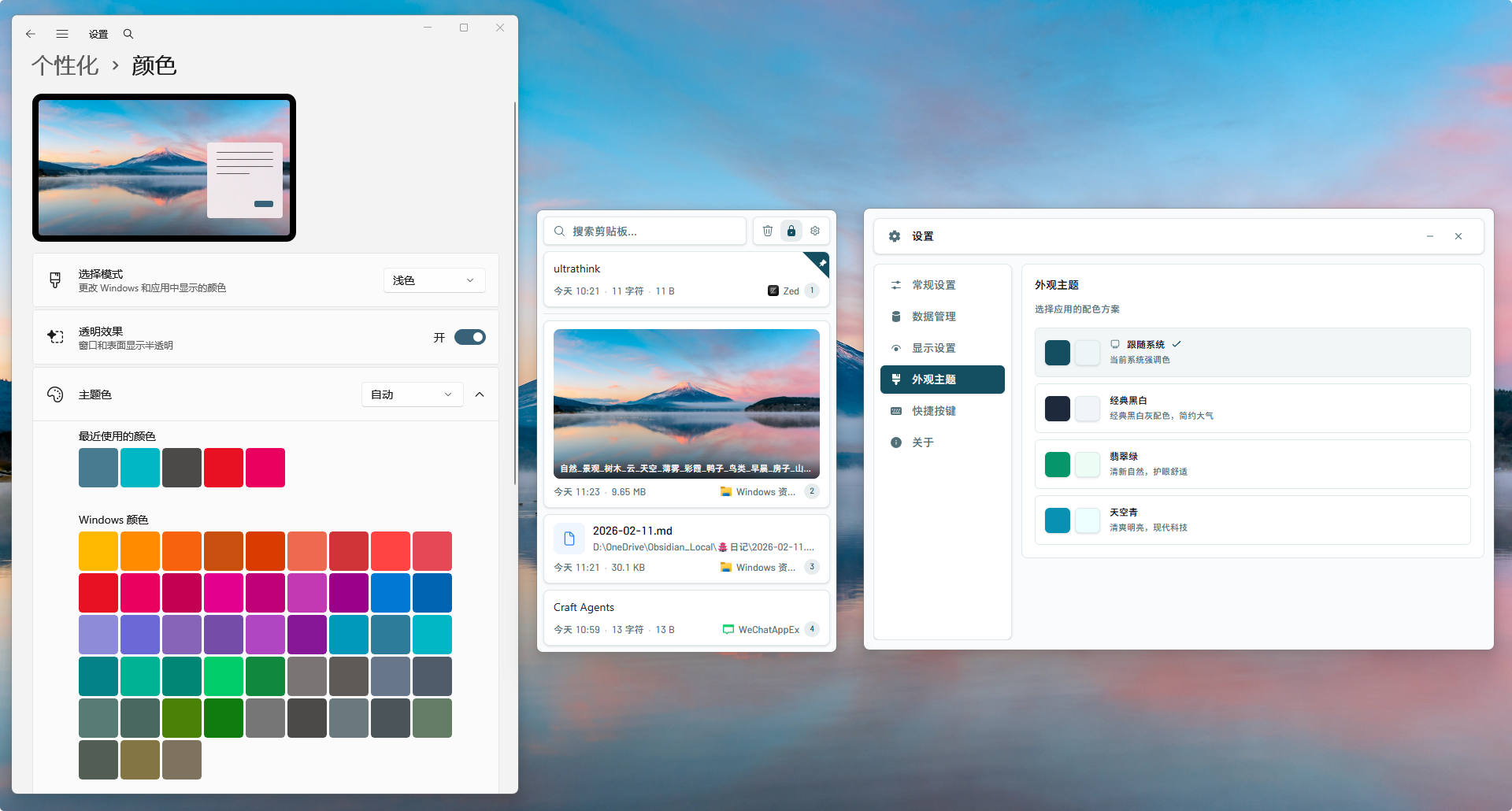
| Classic B&W | Jade Green | Sky Cyan |
|:-:|:-:|:-:|
| 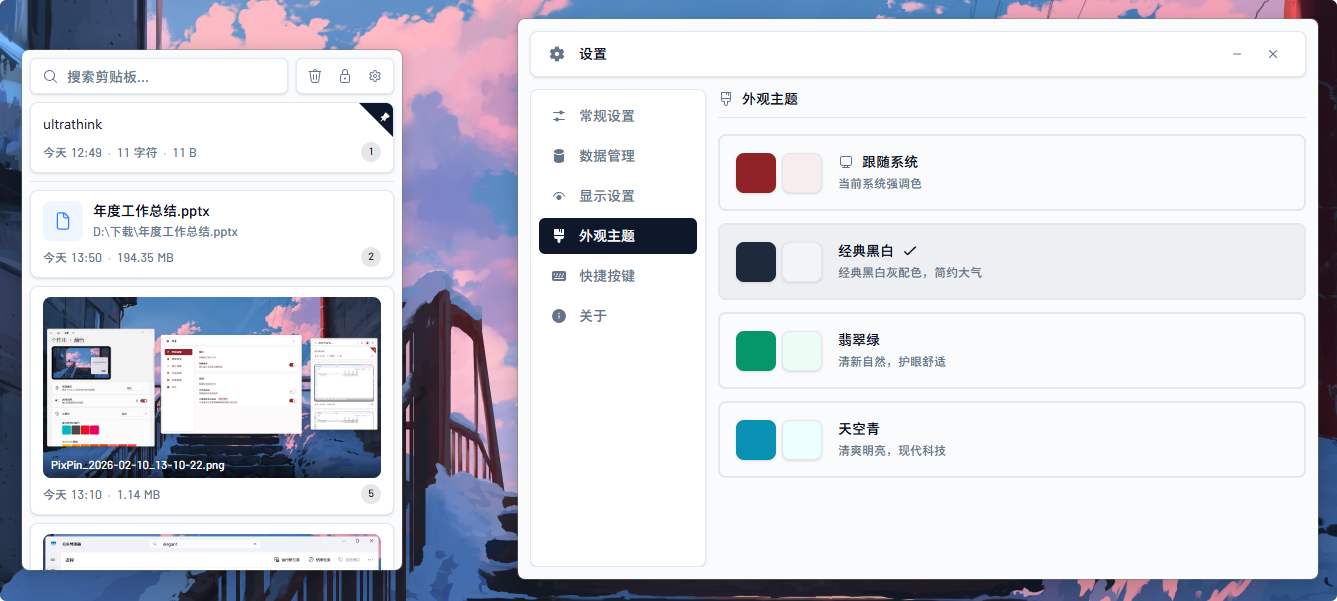 | 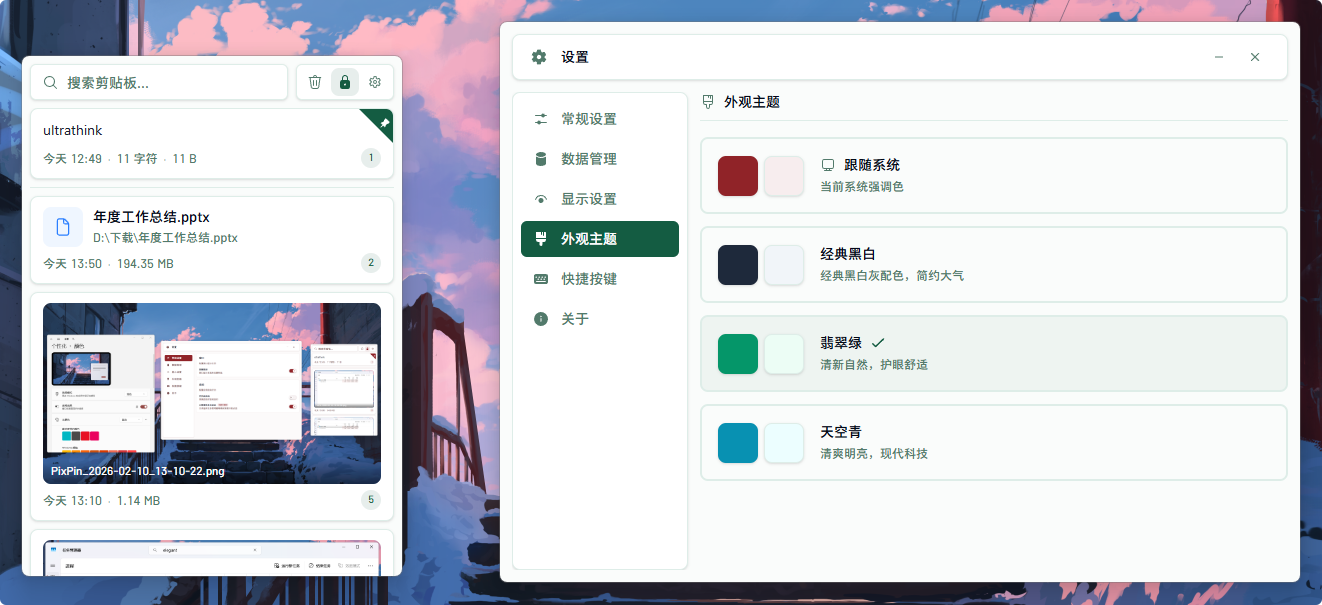 | 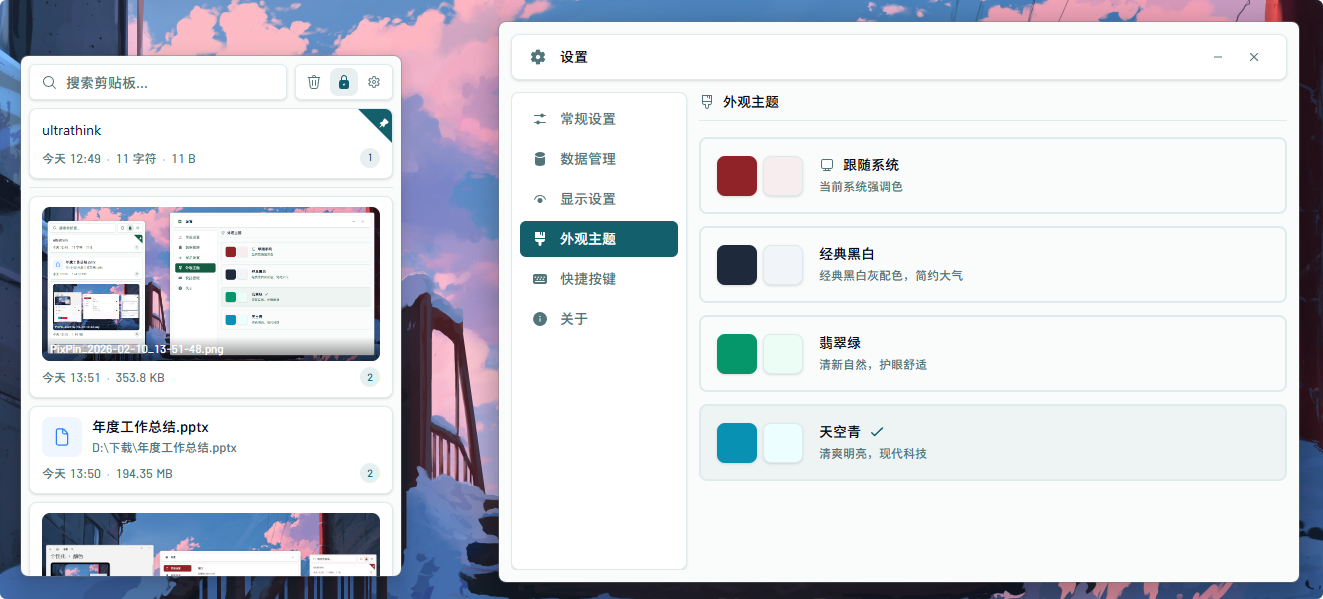 |
#### Dark Mode
Automatically follows system dark/light mode, real-time switching
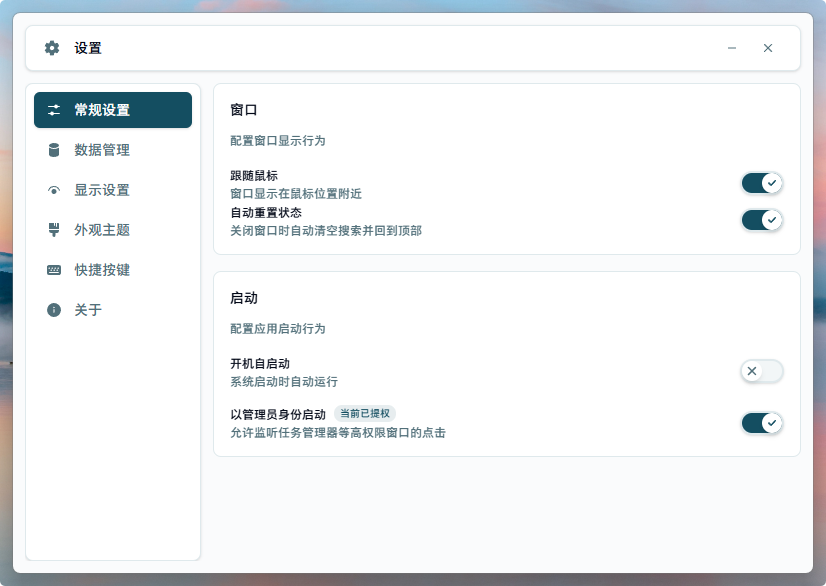
### Settings
| Data Management | Display | Shortcuts |
|:-:|:-:|:-:|
|  | 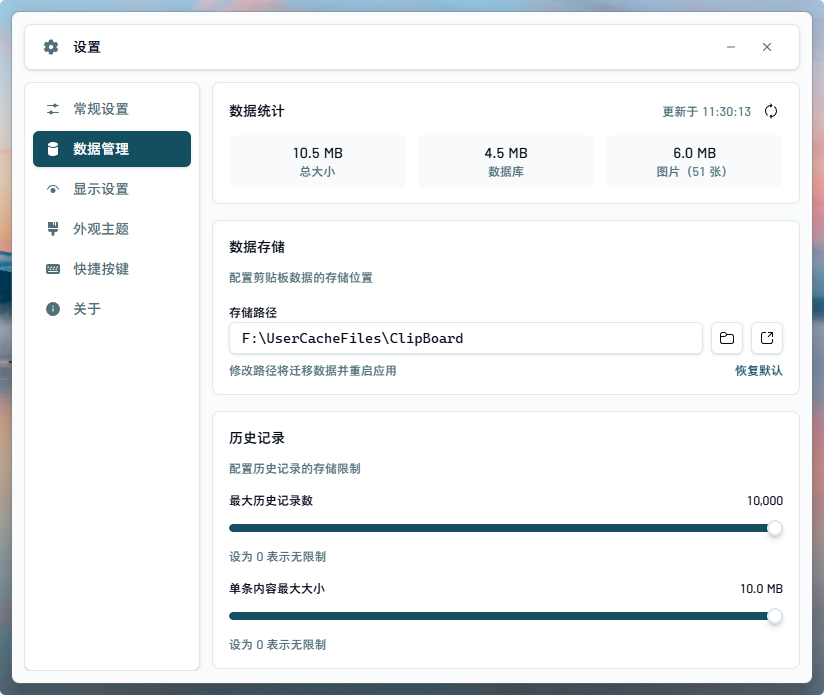 | 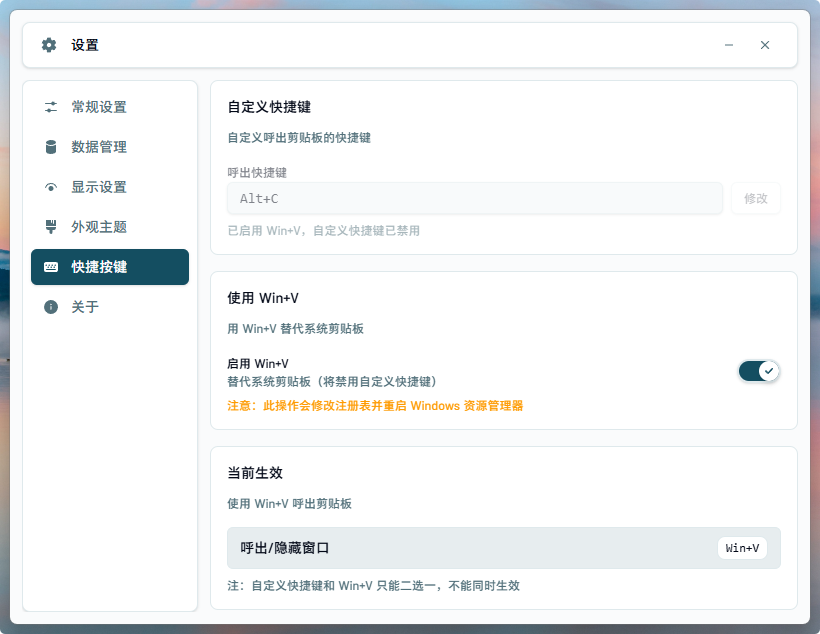 |
### Hover Image Preview
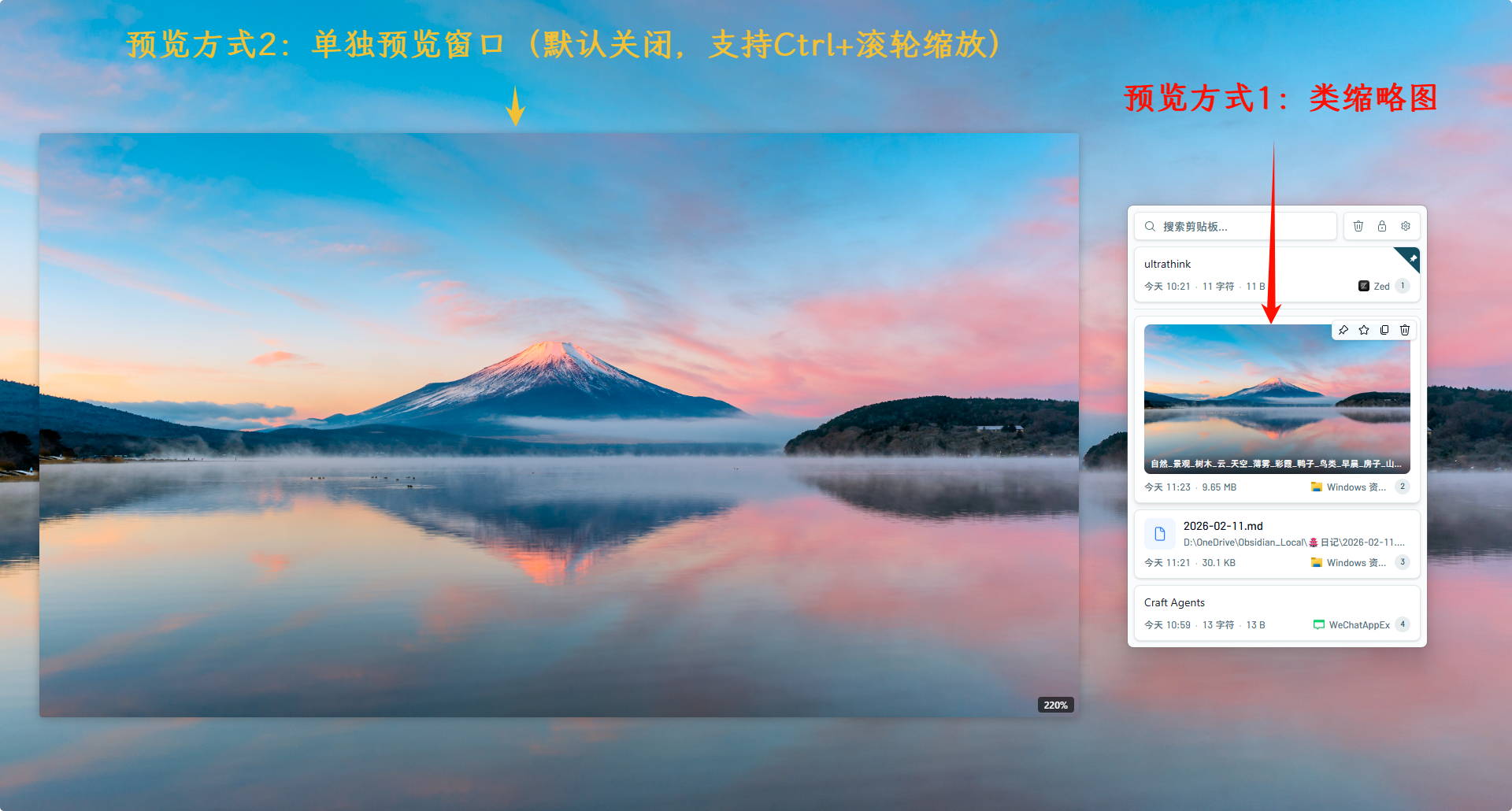
### Hover Text Preview
Hover text preview shares the same preview position and hover preview delay settings (default 500ms; text preview is disabled by default).
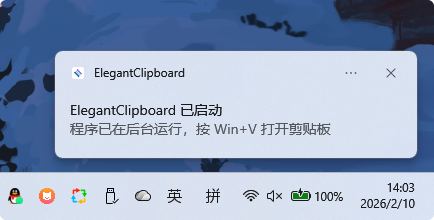
### Startup Notification
## Design Philosophy
**Low footprint · High performance · Modern · Fully local offline**
- **Low footprint** - Tray resident, non-intrusive to core workflow, window doesn't steal focus, monitoring only when visible
- **High performance** - Optimized LIKE search (CJK text support), virtual list for 10k+ records, async image processing, content hash deduplication
- **Modern** - Tauri 2.0 + React 19 + Tailwind CSS 4, type-safe, elegant architecture
- **Fully local offline** - Data stored locally, no network requests, no cloud sync, privacy first
## Features
See [FEATURES_EN.md](FEATURES_EN.md) for complete feature list and terminology.
## Shortcuts
### Global Shortcuts
| Shortcut | Action |
|----------|--------|
| `Alt+C` | Show/hide window (default, customizable) |
| `Win+V` | Show/hide window (optional, requires enable in settings) |
### In-Window Shortcuts
| Shortcut | Action |
|----------|--------|
| `↑` / `↓` | Navigate up/down |
| `←` / `→` | Switch tab (All/Text/Image/File/Favorites) |
| `Enter` | Paste selected item |
| `Shift+Enter` | Paste as plain text |
| `Delete` | Delete selected item |
| `ESC` | Close dialog / hide window |
| `Ctrl+Scroll` | Zoom image preview / scroll text preview |
## Tech Stack
| Category | Technology |
|----------|------------|
| **Framework** | Tauri 2.0 |
| **Frontend** | React 19 + TypeScript |
| **Build** | Vite 7 |
| **Styling** | Tailwind CSS 4 |
| **Components** | shadcn/ui (Radix UI) + Fluent UI Icons |
| **State** | Zustand 5 (persistence + multi-window sync) |
| **Virtual List** | react-virtuoso |
| **Drag & Drop** | @dnd-kit |
| **Backend** | Rust |
| **Database** | SQLite (rusqlite) + optimized LIKE (CJK support) |
| **Hash** | BLAKE3 (content deduplication) |
| **Locking** | parking_lot (high-performance Mutex/RwLock) |
| **Parallel** | rayon (parallel file checking) |
| **Clipboard** | clipboard-master + arboard + clipboard-rs |
| **Window Effects** | window-vibrancy (Mica/Acrylic/Tabbed) |
| **Keyboard Simulation** | enigo |
| **Input Monitoring** | Win32 LL Hook (WH_MOUSE_LL + WH_KEYBOARD_LL, only when window visible) |
| **Auto Update** | GitHub Release based check & download (system proxy supported) |
| **CI/CD** | GitHub Actions (CI + Tag triggers Release) |
## Installation
### Download Installer
Download the latest version from [Releases](https://github.com/Y-ASLant/ElegantClipboard/releases):
- **Installer** (recommended): `ElegantClipboard_x.x.x_x64-setup.exe`
- **Portable**: `ElegantClipboard_x.x.x_x64_portable.exe` (no installation required)
### winget
```powershell
winget install Y-ASLant.ElegantClipboard
```
### Scoop
```powershell
scoop bucket add elegantclipboard https://github.com/Y-ASLant/ElegantClipboard
scoop install elegantclipboard
```
### Build from Source
#### Requirements
- Node.js 18+ (LTS recommended)
- Rust 1.85+ (Rust edition 2024)
- Windows 10/11
#### Build Steps
```bash
# Clone repository
git clone https://github.com/Y-ASLant/ElegantClipboard.git
cd ElegantClipboard
# Install dependencies
npm install
# Build frontend only (dist/)
npm run build
# Development mode
npm run tauri dev
# Build production (current machine architecture)
npm run tauri build
# Build x64 / arm64 separately (run twice)
npm run tauri build -- --target x86_64-pc-windows-msvc
npm run tauri build -- --target aarch64-pc-windows-msvc
# Code check
npm run lint
```
Notes:
- `npm run build` only runs `tsc && vite build` for frontend assets, no installer generated.
- Installers are generated by `npm run tauri build`; without `--target` it only builds for current architecture.
- To publish both x64 and arm64, run the target-specific build commands twice (or use CI with separate builds).
#### Version Management
```powershell
# Update version in three places (package.json, tauri.conf.json, Cargo.toml)
.\scripts\bump-version.ps1 0.5.0
```
Or push a tag, Release workflow will auto-sync version:
```bash
git tag v0.5.0
git push origin v0.5.0
```
## Data Storage
Default storage location (configurable in settings):
| Type | Path |
|------|------|
| Config | `%LOCALAPPDATA%\ElegantClipboard\config.json` |
| Database | `\clipboard.db` |
| Image Cache | `\images\` |
## License
[MIT License](LICENSE)
## Author
**ASLant** - [@Y-ASLant](https://github.com/Y-ASLant)