# Open Orpheus




An open-source implementation of Netease Cloud Music's Orpheus browser host.
Track the project's current dev plans at https://github.com/users/YUCLing/projects/3
## Features
- Cross-platform support
- Excellent native Wayland support
- X11
- macOS
- Windows
- Open-source
What else do you expect! It just provides an environment for the original client!
## Screenshots
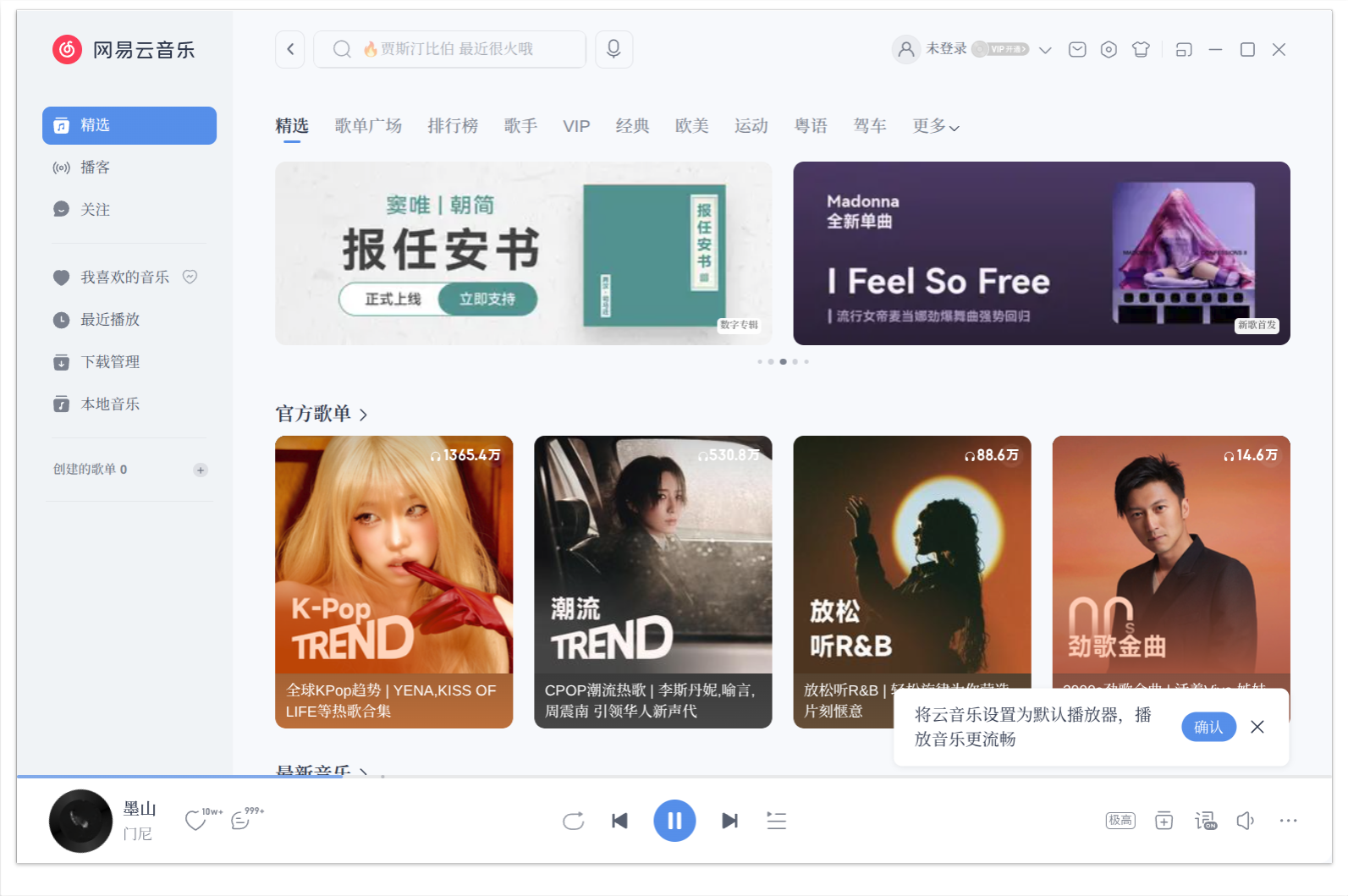
Main Interface
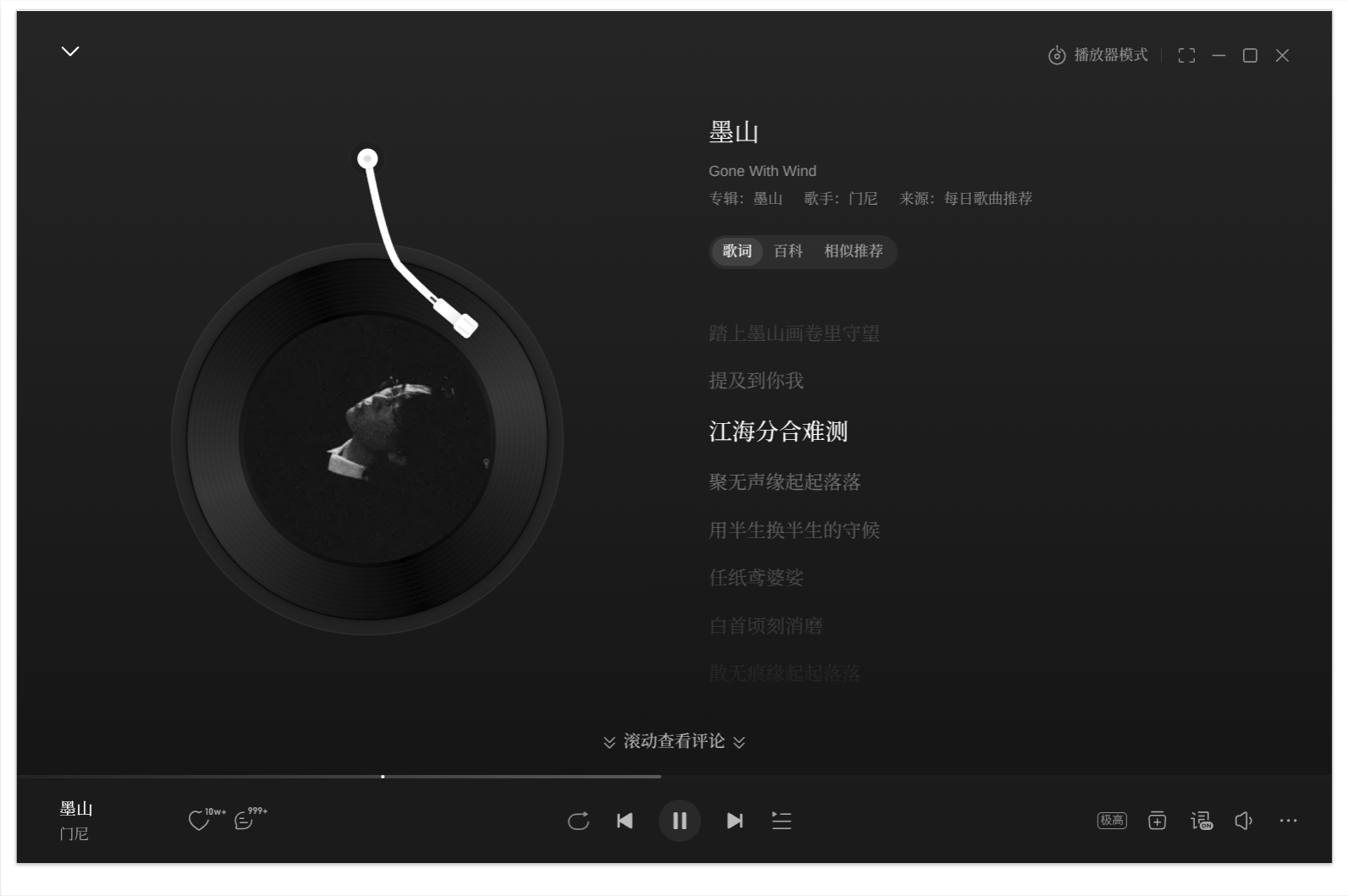
Playback Interface
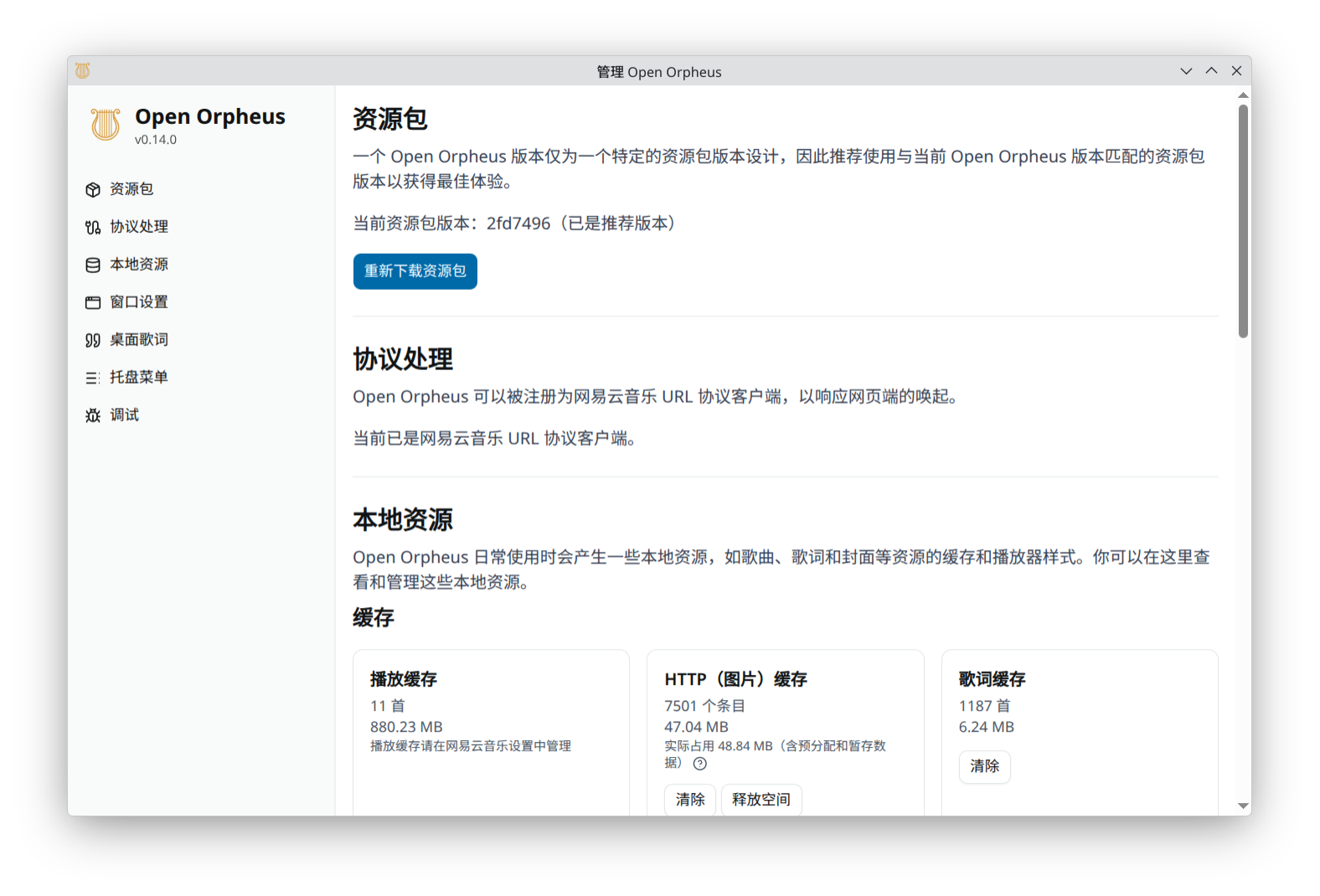
Settings Interface
Mini Player & Desktop Lyrics
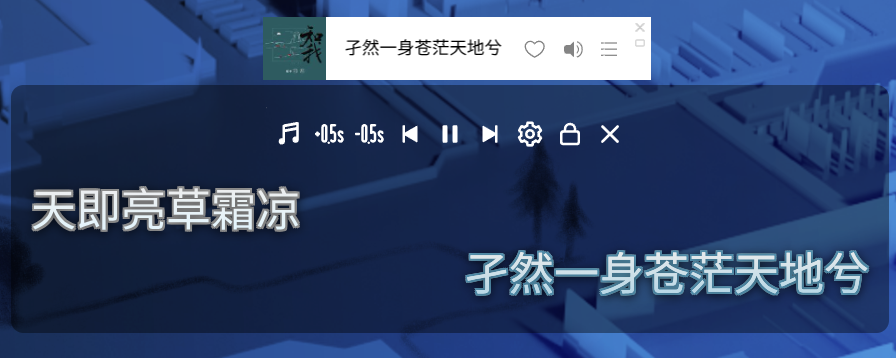
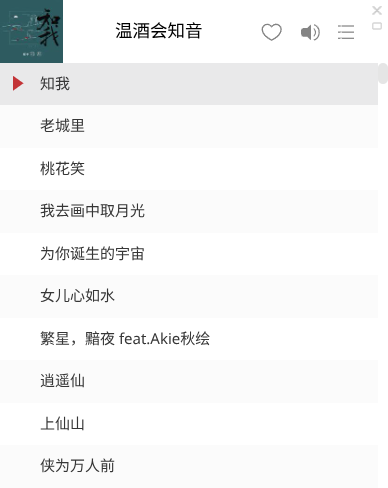
Mini Player List
## Installation
### Flathub
One-click install via Flathub
[](https://flathub.org/en/apps/io.github.yucling.open-orpheus)
### Fedora Linux
[](https://copr.fedorainfracloud.org/coprs/luorain/open-orpheus/package/open-orpheus/)
You can install via the Copr repository:
```sh
dnf copr enable luorain/open-orpheus # Enable Copr repository
dnf install open-orpheus # Install
```
### Arch Linux (third-party AUR)
Published by @zlicdt, thanks!
https://aur.archlinux.org/packages/open-orpheus
### Debian Linux, Flatpak, AppImage, Windows, macOS
Download from [Releases](https://github.com/YUCLing/open-orpheus/releases/latest)
### Resources
This project does not bundle some required resources because they are owned by NetEase.
Open Orpheus will **automatically download** the package from NetEase's CDN on first launch if it is missing, so manual setup is usually not required.
Resources are stored in the `package` subfolder of the data directory:
- Development: `data/package/` (relative to working directory)
- Packaged: `{userData}/package/`
#### `package` and `resource` folders
The entire `package` and `resource` folders are required.
If the automatic download fails, you can manually copy both folders from your official NetEase Cloud Music installation (e.g. `C:\path\to\your\installation\CloudMusic\package`) into the data directory above. **Note: `package` is a subfolder of the data directory's `package` folder, meaning the final structure should be `package/package/`!**
## Disclaimer
Open Orpheus is an independent open-source project aimed at **interoperability**. It is not affiliated with, authorized by, or endorsed by NetEase in any way.
- **This project does not include or distribute any assets or code owned by NetEase.** Required resources such as `orpheus.ntpk` are the property of NetEase. Users must obtain them from a legally acquired official client installation, or allow the application to download them automatically from NetEase's official CDN on first launch.
- **This project does not provide, encourage, or support any functionality or modification intended to bypass advertisements, paid content, membership benefits, or digital rights management (DRM) mechanisms.** Any such use is explicitly outside the scope of this project and will be actively rejected.
- By using this project, you remain bound by the [NetEase Cloud Music Terms of Service](https://st.music.163.com/official-terms/service) and all applicable laws and regulations.
- This project is provided "as is". The maintainers accept no responsibility for any consequences arising from its use, including but not limited to account suspension, service disruption, or legal liability.
> "NetEase Cloud Music", "Orpheus", and related trademarks are the property of NetEase, Inc.