English | 한국어 | 中文 | 日本語

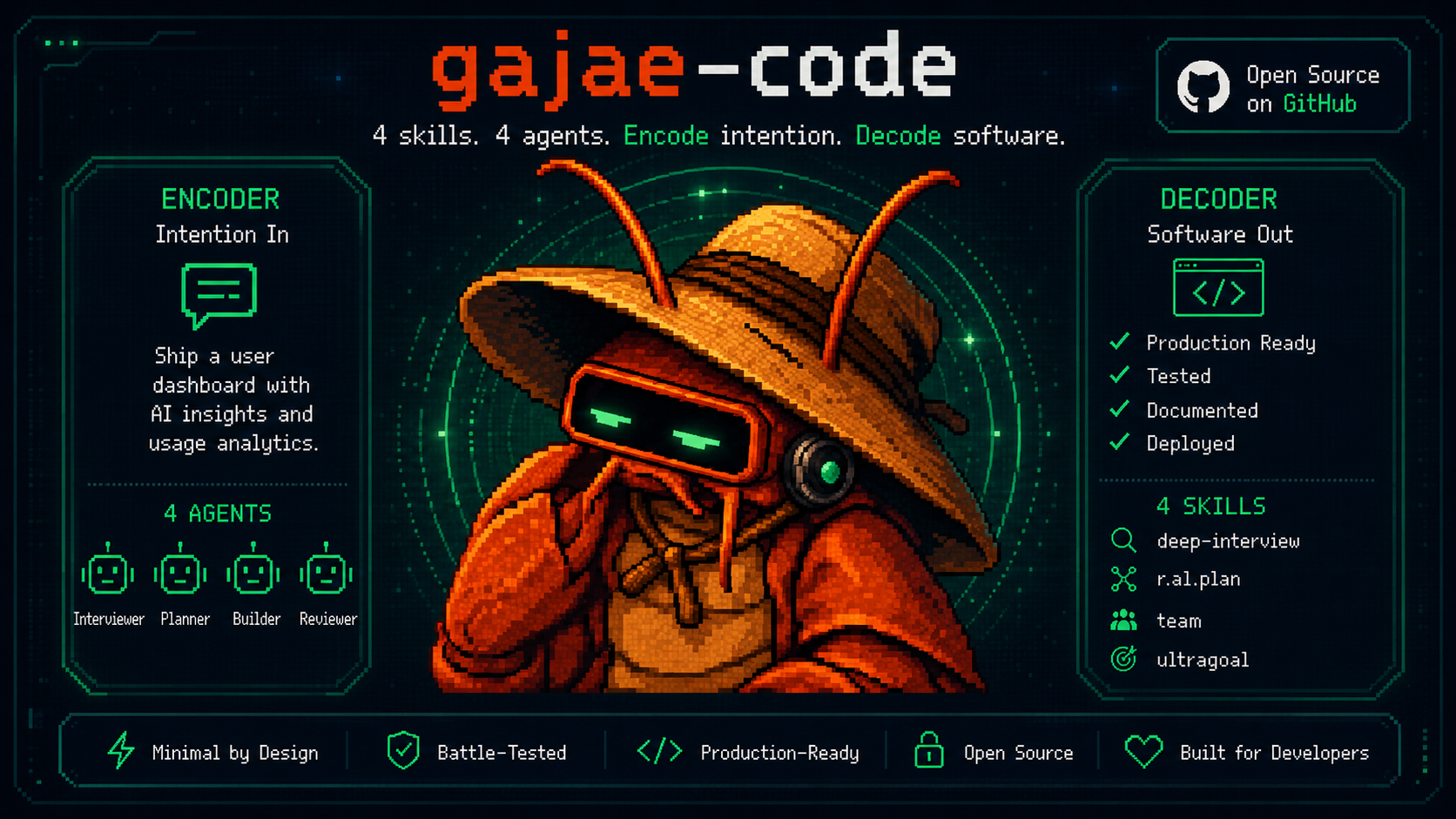
Gajae-Code autonomous coding-agent hero illustration

G A J A E - C O D E

Encode intention. Decode software.
The coding agent that runs on the plan you already pay for — and answers to your phone.

Website npm package MIT license Discord

Quick Start · Why · Coding Plans · Phone · Workflow · Token Diet · Controllers · Agent Shells · Docs

**Log in with the subscription you already have, plan before a single file mutates, execute with evidence — and answer the agent's questions from your terminal, your phone, or your own bot.** Gajae-Code (`gjc`) is an external coding-agent harness: drop it into any repository or worktree. No separate API billing. No per-token anxiety. No terminal babysitting. > Gajae-Code is an experimental, beta-stage project. Expect rough edges and verify outputs before relying on it for important work. --- ## Why Gajae-Code? Most coding agents fail on three fronts: they bill you twice, they mutate before they understand, and they go silent the moment you step away from the keyboard. | Problem | What Happens | Gajae-Code Fix | | :--- | :--- | :--- | | Separate API billing | You pay for a plan *and* per-token API costs | `/login` with the coding plan you already pay for — Claude, Codex, Cursor, Copilot, OpenCode Go, GOAT, ClinePass, and more | | Code-first agents | The agent edits before it understands; you rework | Plan-gated workflow: interview → plan → critique → *then* mutate, with approval gates | | Terminal-bound sessions | Agent asks a question at 2 AM; work stalls until morning | Questions route to Telegram/Discord/Slack; you answer from anywhere | | Context bloat | Whole-file reads and log floods burn the window | Structural summaries, artifact spill, cache-aware routing, compaction | --- ## Quick Start **Install** — prebuilt binaries for Linux (x64/arm64), macOS (arm64/x64), and Windows (x64); the npm/Bun path works everywhere: ```sh bun install -g gajae-code gjc ``` **First use** — pick your plan and go: ```text /login pick a provider / coding plan /skill:deep-interview clarify ambiguous requirements /skill:ralplan build and critique the plan gjc ultragoal create-goals --brief-file ``` **Run modes:** ```sh gjc # run in the current checkout gjc --tmux # tmux-backed leader session gjc --tmux --worktree my-task # isolated worktree for risky work gjc @screenshot.png "What should I change?" # image input ``` Nightly channel: `bun install -g gajae-code@nightly`. Full install matrix, Windows setup, update channels, and shell completion: [docs/install.md](docs/install.md). --- ## Bring your coding plan
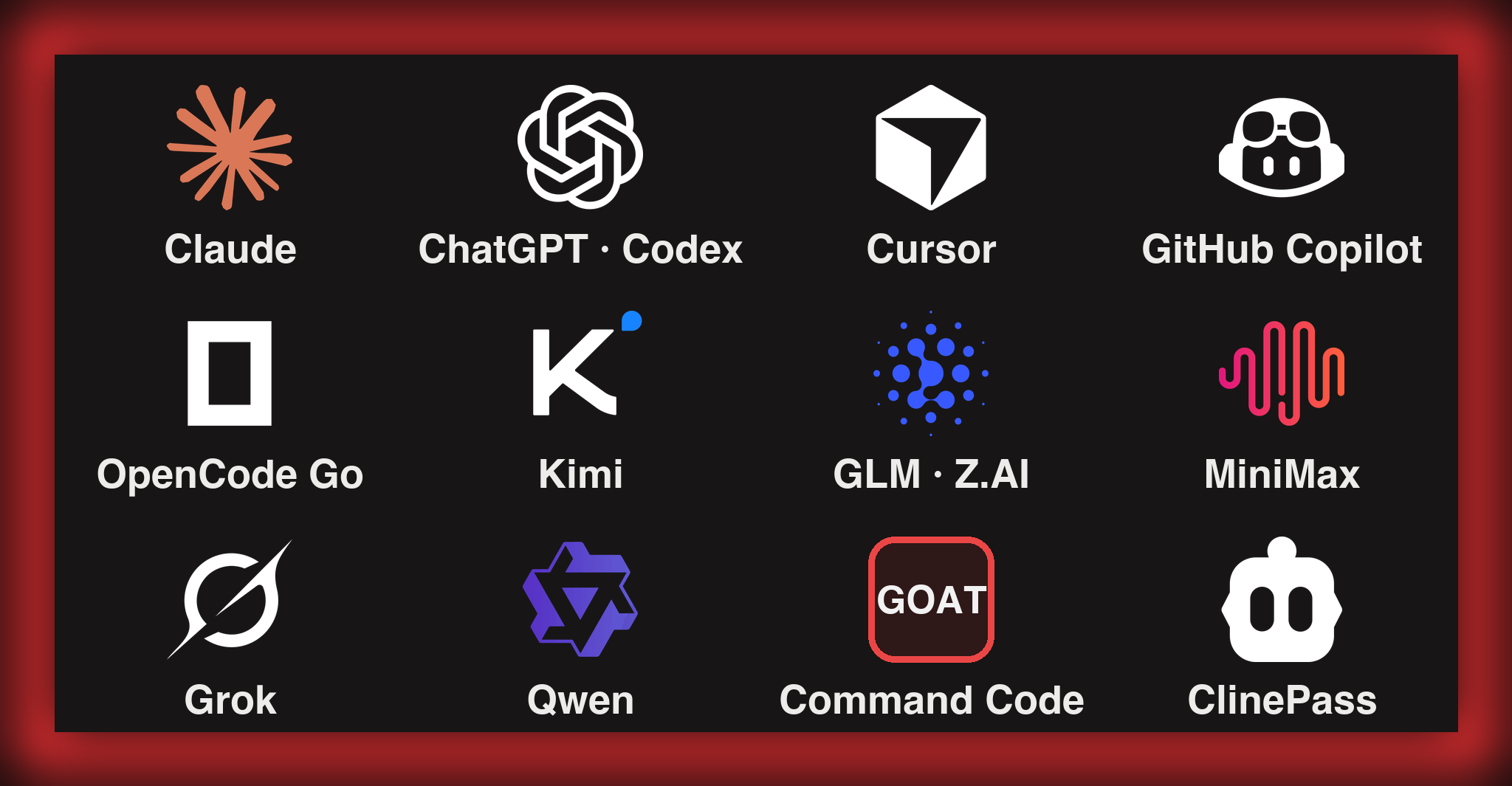
Coding plans and providers GJC runs on: Claude, ChatGPT/Codex, Cursor, GitHub Copilot, OpenCode Go, Kimi, GLM/Z.AI, MiniMax, Grok, Qwen, Command Code GOAT, ClinePass

Log in once and run GJC on the subscription you already pay for. Run `/login` inside a session and pick your plan: | Plan / subscription | OAuth login | | :--- | :--- | | Claude Pro / Max | `anthropic` | | ChatGPT Plus / Pro (Codex) | `openai-codex` (browser) · `openai-codex-device` (headless) | | Cursor | `cursor` | | GitHub Copilot | `github-copilot` | | OpenCode Zen / OpenCode Go | `opencode-zen` · `opencode-go` | | Kimi Code / Coding Plan / Moonshot | `kimi-code` · `moonshot` | | Z.AI GLM Coding Plan | `zai` | | MiniMax Coding Plan (Intl / CN) | `minimax-code` · `minimax-code-cn` | | xAI (Grok) | `xai` | | Alibaba Token Plan / Qwen Portal | `alibaba-token-plan` · `qwen-portal` | More OAuth plans — Google Gemini CLI, GitLab Duo, Perplexity Pro/Max, Fire Pass, Xiaomi Token Plan — are covered in [docs/models.md](docs/models.md). ### New: coding-plan presets Key-based coding plans onboard with one command — the preset writes the API type, base URL, env var, compatibility flags, and a **live model catalog** together, so new models show up without a GJC update: ```sh gjc setup provider --preset commandcode-goat # Command Code GOAT plan (CMD_API_KEY) gjc setup provider --preset cline-pass # ClinePass (CLINE_API_KEY) ``` - **Command Code GOAT** — pulls the provider's live `/models` catalog; `claude-*` models route through native Anthropic Messages, everything else through Chat Completions. Aliases: `commandcode`, `goat`. - **ClinePass** — no hardcoded models; GJC fetches Cline's live catalog the same way Cline generates its own. Aliases: `clinepass`, `cline`. - Also available as presets: `minimax`, `minimax-cn`, `glm`, `alibaba-token-plan` — or `/provider add --preset ` inside the TUI.
Beyond coding plans: 50+ providers, gateways, local runtimes API-key providers, local runtimes (Ollama, LM Studio, vLLM), and gateways (Cloudflare AI Gateway, Vercel AI Gateway, LiteLLM, and more) all work. Register your own endpoints in `models.yml`, pool multiple accounts per provider with usage-aware routing, mix vendors per agent role with model presets and profiles, or centralize team credentials with the auth broker/gateway. - [Models, providers, and auth resolution](docs/models.md) - [Custom providers & multi-account routing](docs/custom-providers-and-multi-account.md) - [Multi-vendor role profiles](docs/multi-vendor-profiles.md) - [Auth broker & gateway (shared team credentials)](docs/auth-broker-gateway.md)
--- ## Answer from your phone

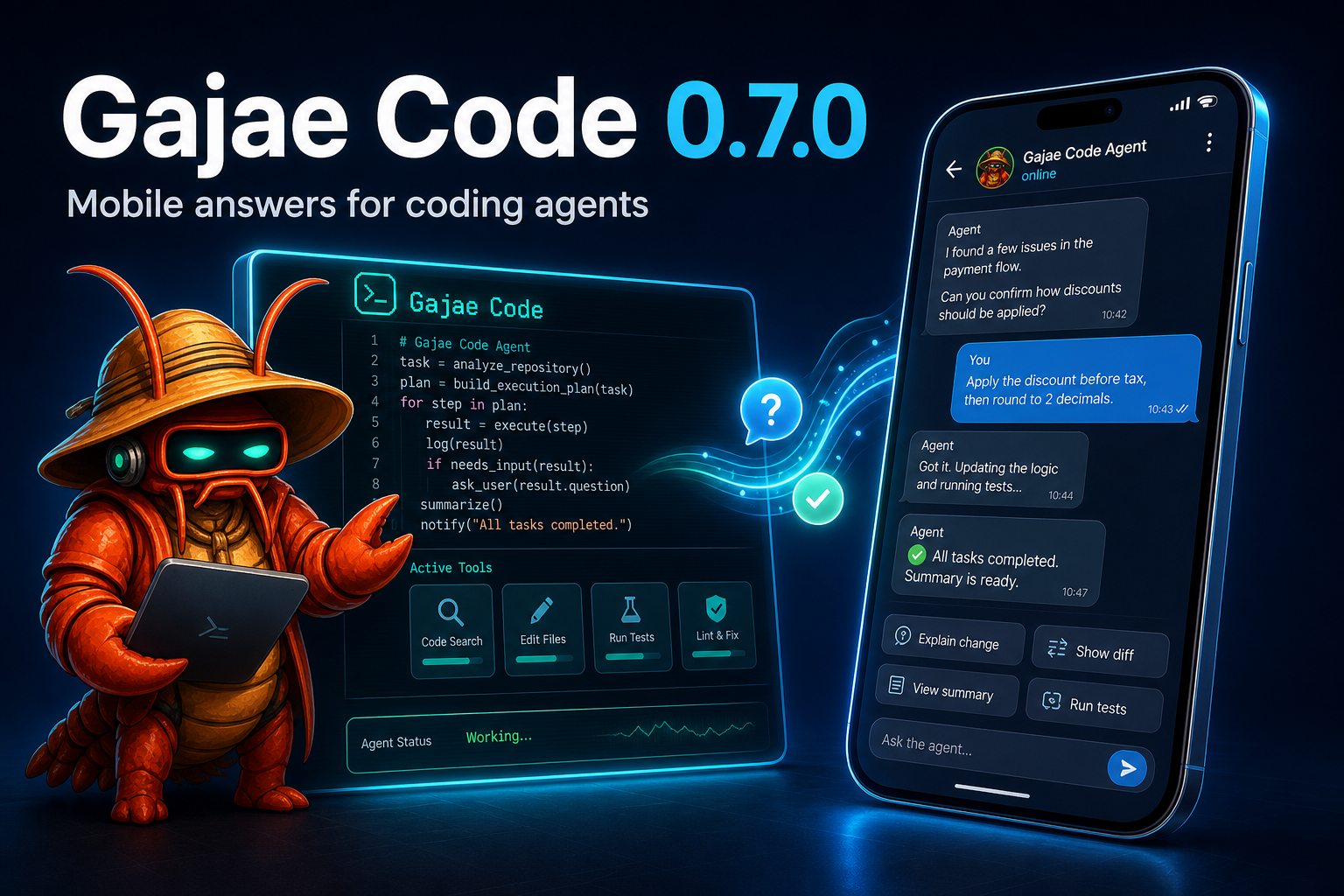
Gajae Code mobile answers for coding agents hero illustration

When the agent needs a decision, it pings you on Telegram — and you answer from anywhere: - **Coordinator/lifecycle session forum topics** with live/finalized output, context updates, image attachments, inline buttons, free-text replies, and typing indicators. - **Configure once** from `/settings` → Notifications in a running session, or headless via `gjc notify setup|status|health|test|recovery`. Tokens are masked on entry and never displayed again. - **`gjc daemon`** keeps one safe long-poll owner per bot token, so new sessions attach cleanly without Telegram 409 conflicts. - Discord and Slack delivery ship alongside; the generic `action_needed`/`reply` protocol lets any bot or mobile app route answers back without terminal scraping. [Telegram onboarding](docs/telegram-onboarding.md) · [Discord](docs/discord-onboarding.md) · [Slack](docs/slack-onboarding.md) --- ## Plan before mutation A deliberately small workflow surface — four skills, four role agents, nothing else: ```text deep-interview -> ralplan -> ultragoal └─ optional autoresearch mission when research must ground the plan ``` | Surface | What it does | | :--- | :--- | | `deep-interview` | Turns vague requests into concrete requirements. | | `ralplan` | Builds and critiques the implementation plan before code changes. | | `ultragoal` | Tracks goals through execution, revision, verification, and evidence. | | `autoresearch` | Runs goal-directed research missions and ends on a structured verdict. | | `executor` / `architect` / `planner` / `critic` | Bundled role agents for implementation and read-only review lanes. | Also included, opt-in: **`computer-use`** (experimental desktop control). See [Python REPL](docs/python-repl.md) and [docs/tools/computer.md](docs/tools/computer.md). ## Custom skills GJC follows the Claude Code / Codex file convention for custom skills — drop a `SKILL.md` into a documented location and it is discoverable in a normal session with **no configuration**: ```sh # project-local (any of these): cp -r my-skill .gjc/skills/ # or .claude/skills/ or .codex/skills/ # user-wide, available in every project: mkdir -p ~/.gjc/agent/skills && cp -r my-skill ~/.gjc/agent/skills/ ``` Then invoke it with `/skill:my-skill` in a session. Scope trust is explicit via `skills.trustProjectSkills` / `skills.trustUserSkills` (both default on), with `skills.enabled` as the master switch; inspect what is discoverable with `gjc skills discover`. The four bundled workflow skills above can never be replaced by disk skills. See [docs/skills.md](docs/skills.md) for locations, precedence, and diagnostics. ## Theme defaults The default dark TUI identity is the GJC red-claw theme; light-appearance terminals default to the bundled blue-crab theme. Explicit theme settings still take precedence. --- ## Spend fewer tokens GJC optimizes both sides of the token bill: - **Cache hits** — per-provider `cacheRetention` control; Anthropic defaults to long (1h) cache retention because short caches are fragile for long agent runs; provider ranking prefers cheap `cacheRead` paths; opt-in session-affinity headers let OpenAI-compatible relays reuse server-side prompt caches. - **Context savings** — file reads return structural summaries instead of whole files; oversized shell output is minimized and spilled to retrievable `artifact://` references instead of flooding the context; compaction and branch summaries keep long sessions inside the window without losing prior work. [Cache retention & provider compat](docs/models.md) · [Compaction & branch summaries](docs/compaction.md) --- The default dark TUI identity is the GJC red-claw theme; light-appearance terminals default to the bundled blue-crab theme. See [docs/theme.md](docs/theme.md) for the full catalog and `theme.dark` / `theme.light` settings. ## Let OpenClaw / Hermes / Grokbot / your own bot drive GJC Any external controller — OpenClaw, Hermes, Grokbot, a Discord bot, a cron script — drives real GJC sessions through the broker-bound **SDK session CLI** and the bundled [`sdk-skills/`](https://github.com/Yeachan-Heo/gajae-code/tree/main/sdk-skills) procedures (`gjc-sdk-discover` · `gjc-sdk-operate` · `gjc-sdk-author`). Durable turns and credential-free JSON, never terminal scraping. Don't read a guide — paste this prompt into your controller and let it wire itself up:
Copy-paste controller setup prompt ```text Use Gajae-Code (gjc) as your coding-agent backend on this machine. gjc is already installed. Your interface is the broker-bound SDK session CLI. Never scrape terminal output, never read endpoint records or credentials under .gjc/state/sdk, never open a raw session WebSocket. 1. Load the shipped procedures before acting. Read these skill files from the gjc checkout or from https://github.com/Yeachan-Heo/gajae-code/tree/main/sdk-skills (bundle root `sdk-skills/`, manifest.json formatVersion 1 — if it is missing, malformed, or a different version, stop and report instead of guessing): sdk-skills/gjc-sdk-discover/SKILL.md -- find and inspect sessions sdk-skills/gjc-sdk-operate/SKILL.md -- the allowlisted control/lifecycle operations sdk-skills/gjc-sdk-author/SKILL.md -- TypeScript/Python templates for scripted flows Follow their allowlists exactly. Pass every value as an argv item, never as a shell string. 2. Prove the surface works (read-only). Run from inside the target repository: gjc --version gjc sdk session list `list` returns a credential-free JSON DTO of indexed sessions. Fail closed on missing, unavailable, stale, dead, unknown, or ambiguous rows. Exit 2 = usage error, exit 1 = operational failure (broker unavailable, session unavailable, retention gap, wait timeout). 3. Understand a session before touching it: gjc sdk session inspect gjc sdk session raw query --query session.metadata ... then context.get, goal.list, todo.list, workflow.gates.list, session.stats These reads are not an atomic snapshot: label every reported field confirmed / inferred / stale / unavailable / unknown. Never invent a missing value. 4. Start work in an isolated session: gjc sdk session raw global --op session.create \ --idempotency-key --json-input '{"cwd":"/abs/path/to/repo"}' Lifecycle ops allowed: session.create, session.fork, session.resume, session.close. session.delete is NOT allowed. session.get_endpoint is refused unconditionally. 5. Drive a turn and reconcile it: gjc sdk session send --text "" --op-ref gjc sdk session status # lossless turn.result lookup gjc sdk session tail --until-idle # replay + live follow Use `send --wait --timeout-ms ` for a bounded wait; a wait window that elapses reports wait_timeout and never cancels the running turn. One fresh op-ref per logical prompt -- `unknown` means uncertainty, never proof of non-execution, so reconcile with `status` instead of replaying a prompt. 6. Answer what the agent asks you: gjc sdk session raw control --op ask.answer --json-input '{...}' gjc sdk session raw control --op workflow.gate_answer --json-input '{...}' For gate answers use the durable workflow gate ID plus expectedSessionId; a transient action_needed.id is never durable authority. Other allowed per-session controls: turn.prompt, turn.steer, turn.follow_up, todo.replace, session.switch, session.rename. 7. Show the human the exact operation and target before any mutating call, and treat the approval as single-use: if the operation, input, or target changes, ask again. ```
Long prompts are safe to leave running: the SDK prompt deadline is a progress-aware inactivity lease (`sdk.promptDeadlineMs`, 30 min default) bounded by `sdk.promptMaxRuntimeMs` (6 h default), renewed only by attributable tool execution for the accepted turn — not by heartbeats or streaming text. Need event-driven fan-out across many worktrees instead of one session at a time? The native [Coordinator MCP bridge](docs/hermes-mcp-bridge.md) (`gjc mcp-serve coordinator`, installed by `gjc setup hermes`) exposes the delegation tools for that shape. - [External controller / bot integration guide](docs/bot-integration.md) — provider-independent smokes; [`docs/aside-integration.md`](docs/aside-integration.md) covers the opt-in search/context sidecar - [SDK session CLI](docs/sdk-session-cli.md) · [SDK & wire protocol](docs/sdk.md) · [SDK app guide](docs/sdk-app-guide.md) · [External-control readiness](docs/external-control-readiness.md) --- ## Run GJC inside Paseo, Orca, or T3 Code Prefer a desktop/mobile agent shell over a bare terminal? GJC plugs into the three popular ones — at three honestly different levels of support.
HostSupportWhat you getSetup
Paseo logo
Paseo

repo
★★★★★
first-class
Native ACP provider installed by GJC itself. Model catalog, Default/Plan modes, thinking levels, real permission prompts, cancel that can terminate owned subagents, mobile control. gjc setup paseo
then paseo daemon restart
Orca logo
Orca

repo
★★★★☆
works, one field
GJC runs as a custom CLI agent, one worktree per session, with Orca's diff review, terminal splits, SSH worktrees, and mobile companion. No usage tracking or account hot-swap yet. Settings → Agents
add command gjc
T3 Code logo
T3 Code

repo
★★★☆☆
experimental
T3 Code ships harnesses for Codex, Claude, Cursor, Grok and OpenCode only — there is no GJC harness upstream yet. Run GJC beside it; the native provider is proposed upstream. not one-command yet — see the guide
Paseo, in one paste: ```sh gjc setup paseo # writes the ACP provider entry, backs up, never restarts your daemon paseo daemon restart paseo provider ls # gjc must read `available` paseo run --provider gjc --cwd /path/to/repo "your prompt" gjc setup paseo --check # pass / stale / drift, with a machine-readable --json gjc setup paseo --remove # rolls back only the keys GJC itself created ``` Orca, in one field: install GJC (`bun install -g @gajae-code/coding-agent`), then add a custom agent with command `gjc` and no arguments. Orca pre-fills a permission-bypass flag for agents that expose one — GJC has none by design, so leave the arguments empty and keep GJC's own approval gates. **[Full integration guide → docs/terminal-app-integrations.md](docs/terminal-app-integrations.md)** — per-host setup, verification, cancel semantics, troubleshooting tables, and what each host cannot reach yet. --- ## Documentation Start at **[gajae-code.com](https://gajae-code.com)** or `docs/`: - [Install & updates](docs/install.md) · [Environment variables](docs/environment-variables.md) · [Keybindings](docs/keybindings.md) · [Themes](docs/theme.md) - [Models & providers](docs/models.md) · [Custom providers & multi-account routing](docs/custom-providers-and-multi-account.md) · [Multi-vendor profiles](docs/multi-vendor-profiles.md) · [Auth broker](docs/auth-broker-gateway.md) - [Customization authority, import, and trust](docs/customization.md) · [Skills](docs/skills.md) · [Hooks](docs/hooks.md) · [Standalone MCP](docs/standalone-mcp.md) · [Plugin bundles](docs/gjc-plugins.md) - [Terminal app integrations: Paseo · Orca · T3 Code](docs/terminal-app-integrations.md) - [Telegram](docs/telegram-onboarding.md) · [Bot integration](docs/bot-integration.md) · [SDK](docs/sdk.md) · [SDK session CLI](docs/sdk-session-cli.md) - [Sessions](docs/session.md) · [Compaction](docs/compaction.md) · [Memory](docs/memory.md) · [Secrets](docs/secrets.md) - [Codebase overview](docs/codebase-overview.md) · [Contributing / dev setup](CONTRIBUTING.md) - [macOS Option/Alt key setup (iTerm2)](docs/macos-option-key.md) · [GEO visibility benchmark](docs/geobench.md) The default dark TUI identity is the GJC red-claw theme; light-appearance terminals default to the bundled blue-crab theme. See [Themes](docs/theme.md) to swap or build your own. ## SDK extensions ### Local customization: `/extensions` In an interactive session, `/extensions` is the primary customization setup surface — it configures skills, hooks, and MCPs across the project (`/.gjc/`) and user-global (`~/.gjc/agent/`) scopes, with status/provenance diagnostics, enable/disable/remove, and a guided Import-from-Claude-Code/Codex flow (normalized preview, explicit confirmation, skip/rename/overwrite collision policy, atomic writes with rollback). Non-interactive setups use `gjc mcp` for MCP servers and `gjc migrate` for Claude Code/Codex imports. ### Skill migration and bundled skill inspection When moving a workflow into GJC, inspect the bundled defaults before installing or overwriting anything: ```sh gjc skills list gjc skills read ralplan gjc setup defaults --check ``` `gjc setup defaults` installs the four bundled GJC workflow skills into your user `.gjc` directory and preserves existing local files by default. If `--check` reports missing or different files, compare the embedded copy with `gjc skills read ` first; use `gjc setup defaults --force` only when you intentionally want to replace local default workflow skill files. ## Works beside your existing agent or bot | Tool or bot | Recommended GJC command | Boundary | | ----------- | ----------------------- | -------- | | Codex CLI | `gjc --tmux --worktree ` or `gjc` | `--worktree` names a GJC-managed sibling worktree; for an existing path, `cd` there first. | | Claude Code | `gjc --tmux` or `gjc --tmux --worktree ` | GJC does not become a Claude Code extension. | | OpenCode | `gjc` or `gjc --tmux` | External-runner workflow only today. | | Claw Code | `gjc --tmux --worktree ` | GJC does not install into or replace Claw Code. | | [Paseo](https://paseo.sh) | `gjc setup paseo` | GJC registers itself as an ACP provider and rolls itself back with `--remove`; Paseo owns its own config files. | | [Orca](https://onorca.dev) | `gjc` as a custom agent command | Orca launches GJC in its own worktree terminal; GJC keeps its own approval gates. | | [T3 Code](https://t3.codes) | none yet — experimental | No GJC harness upstream ([proposal](https://github.com/pingdotgg/t3code/discussions/7290)); run GJC beside it until a driver lands. | | External controller / bot | Coordinator MCP, `gjc sdk session`, or a configured managed adapter | External controllers use broker-bound, credential-free surfaces rather than scrollback or direct endpoint transports. The host-neutral `gjc-sdk-*` skills compose `gjc sdk session` and install no coordinator integration. | For evaluating Aside as an opt-in search/context retrieval sidecar, see [`docs/aside-integration.md`](docs/aside-integration.md). For generic third-party bot setup and provider-independent smokes, see [`docs/bot-integration.md`](docs/bot-integration.md). For external-control readiness, see [`docs/external-control-readiness.md`](docs/external-control-readiness.md). For the wire protocol and machine interfaces, see [`docs/sdk.md`](docs/sdk.md). ## SDK Extensions - [gjc-remote](https://github.com/kogangdon/gjc-remote) — a real-world SDK extension for controlling allowlisted GJC sessions on remote hosts from Discord. - [oh-my-gajae-code](https://github.com/devswha/oh-my-gajae-code) — a community plugin marketplace for installing additional workflow skills and slash commands. - [GJC multivendor setup guide](https://github.com/project820/gjc-multivendor-setup-guide) — role-based provider profiles and installable model bundles for multivendor GJC setups. ## Configuration Provider retry budgets live in `~/.gjc/config.yml`: ```yaml retry: requestMaxRetries: 4 streamMaxRetries: 100 maxRetries: 3 maxDelayMs: 300000 ``` `requestMaxRetries` applies before a stream is established. `streamMaxRetries` applies only to replay-safe transient stream failures. Invalid auth, unsupported models/providers, malformed requests, context overflow, user aborts, and permanent quota failures remain fail-fast. ### Launch-time updates Interactive startup checks the npm registry for a newer GJC version in the background by default. This check is notify-only and non-mutating: GJC never installs or replaces itself during launch. For a recognized Bun global install, use `gjc update` or `bun install -g @gajae-code/coding-agent@latest`. For a recognized Windows npm install, use `gjc update` or the original npm package workflow. For a supported standalone binary installed by the bundled installer, use `gjc update` or rerun the documented platform installer. For a source checkout or `dev:link` executable, update, pull, build, and link through that checkout's original workflow. For unrecognized npm, pnpm, other package-manager installs, or unknown PATH targets, use the original package manager or install method. Run `gjc config set startup.checkUpdate false` to disable the launch-time check. Registry or network failures are ignored so they do not block startup. Both the launch-time check and `gjc update` resolve the registry the way npm does — `BUN_CONFIG_REGISTRY` or `npm_config_registry` from the environment, a scoped `@gajae-code:registry` key, then your user and machine-wide `.npmrc`, including the credentials registered for that registry. A mirrored or firewalled network is therefore checked at the same place the update would install from. A `.npmrc` in the current working directory is deliberately ignored, so a repository you have cloned cannot redirect the check or choose the credential it carries. `bunfig.toml` is not read, so a mirror declared only there is still checked against the public registry. ### Good to read together - [GJC multivendor setup guide](https://github.com/project820/gjc-multivendor-setup-guide) — a community guide for role-based provider/profile selection across Anthropic, OpenAI/Codex, Google/Gemini, xAI/Grok, and opencode-go. Treat its presets as user-level configuration guidance rather than bundled defaults; verify model availability and provider auth in your own environment before adopting them. ## TUI identity The default dark TUI identity is the GJC red-claw theme, while light-appearance terminals default to the bundled blue-crab theme. Three additional bundled migration themes — `claude-code`, `codex`, and `opencode` — mirror the look of those tools for easy eye-migration and are selectable from Settings or `/theme`. Explicit user theme settings still win. ### Bundled theme grid Pick from Settings (`Appearance -> Dark theme` / `Light theme`) or `/theme`. | Theme | Visual feel | Best fit | | --- | --- | --- | | `red-claw` | Dark GJC default with warm red-claw accents and strong status contrast. | Native GJC identity for dark terminals. | | `blue-crab` | Bright-terminal blue palette tuned for readable light slots. | Light terminal or OS appearance. | | `claude-code` | Claude Code-inspired dark palette with terracotta and pink highlights. | Claude Code muscle memory without leaving GJC. | | `codex` | Crisp dark blue-gray palette with sharper coding-session contrast. | A Codex-like dark workspace. | | `opencode` | OpenCode-inspired dark palette with punchier terminal accents. | OpenCode muscle memory in the bundled picker. | ## Troubleshooting When a tool, skill, hook, extension, slash command, MCP server, or plugin bundle does not appear as expected, start here: ```sh gjc customize doctor # human-readable provenance and remediation gjc customize doctor --json # stable JSON for CI/setup tooling ``` `gjc customize doctor` is the single read-only troubleshooting surface. It reports every discovered customization, its source convention and scope (`gjc`, Claude project, Codex project, plugin, explicit config), effective precedence and shadowing, loaded/enabled/disabled/quarantined/rejected/stored-only status, bounded reason codes, remediation commands, trust requirements, and whether a restart/new session is required. Credentials, endpoint tokens, auth headers, and unsafe raw config dumps are never printed. ## Development ```sh bun install bun run build:native bun run dev:link # global `gjc` runs this checkout's source bun run dev:doctor # verify the link ``` See [CONTRIBUTING.md](CONTRIBUTING.md) and [docs/codebase-overview.md](docs/codebase-overview.md) for the package map and gates. ## Contributors & lineage Thanks to [Yeachan-Heo](https://github.com/Yeachan-Heo), [IYENTeam](https://github.com/IYENTeam), [HaD0Yun](https://github.com/HaD0Yun), [probepark](https://github.com/probepark), and [snowykr](https://github.com/snowykr). Repository maintainers and their GitHub access are listed in [MAINTAINERS.md](MAINTAINERS.md). GJC builds on lessons from a small family of agent harnesses; historical attribution lives in [NOTICE.md](NOTICE.md). ## License MIT. See [LICENSE](LICENSE). ---

"Encode intention. Decode software."

The plan comes first. The mutation earns its place.