








简体中文 · English
Your personal, continuously evolving social media content assistant.
Start with an idea, then discover, plan, create, publish, and learn.








## 🎨 What Is Easel?
Easel is an open-source content workspace for social media creators. It connects an OpenClaw Agent, account profiles, content Skills, and real media tools, enabling the Agent to produce and archive content instead of merely explaining what to do, with direct or on-demand publishing when needed.
Think of Easel as a content partner that remembers your positioning, audience, voice, platform constraints, preferences, and past performance. It stays with you from trend discovery through publishing, then carries what it learns into the next creation cycle.
Easel promotional demo:
https://github.com/user-attachments/assets/4dd060dc-53dd-4bb2-99a3-e65ab6f65166
Easel follows five connected workflows: **Discover** relevant trends and opportunities, **Plan** topics, hooks, scripts, and schedules, **Produce** text, audio, and video, **Publish** checked and platform-ready content directly to the appropriate platforms, and **Attribute** performance insights back to the account profile.
#### 📌 Usage Notes and Research Vision
> - **Use the Web workspace for the complete experience:** it includes conversations, assets, accounts, profiles, a content library, and publishing management beyond the CLI entry points, and it is our recommended way to use Easel; for terminal-only display quirks, see [Known Issues](docs/known-issues_EN.md).
> - **Be cautious with automated Xiaohongshu publishing:** automation may trigger verification, reach restrictions, or account risk. Use preview and preflight checks, and prefer human-confirmed publishing.
> - **Research applied to real life:** Easel brings our research into real social media workflows. We will continue exploring social intelligence for AI in social media, including a deeper understanding of creators, audiences, and authentic interaction.
## ✨ Why Easel?
- **One Agent across the entire workflow:** discover trends, evaluate topics, plan calendars, generate copy and visuals, produce video, publish, and analyze results in one continuous flow.
- **Profile-driven creation:** each account has its own positioning, style, audience, platforms, preferences, boundaries, and long-term memory.
- **Executable Skills:** image, card, voice-over, subtitle, editing, short-drama, and publishing Skills include runnable tools and save deliverables to `outputs/`.
- **One source, many platforms:** adapt a single idea into Xiaohongshu cards, short video, a Zhihu article, or a short post while respecting platform conventions.
- **Project-based outputs:** source material, intermediate files, metadata, and final deliverables stay together for revision, retrying, and publishing.
- **A publishing and learning loop:** Easel supports login, adaptation, and publishing workflows for Xiaohongshu, Douyin, Kuaishou, Zhihu, Bilibili, WeChat Channels, and WeChat Official Accounts, with performance data feeding back into account profiles.
## 🧭 Five-Layer Content Workflow
1. **Discover:** aggregate trending topics, industry news, competitors, and user conversations to identify relevant opportunities.
2. **Plan:** turn opportunities into topics, titles, scripts, content series, and calendar entries.
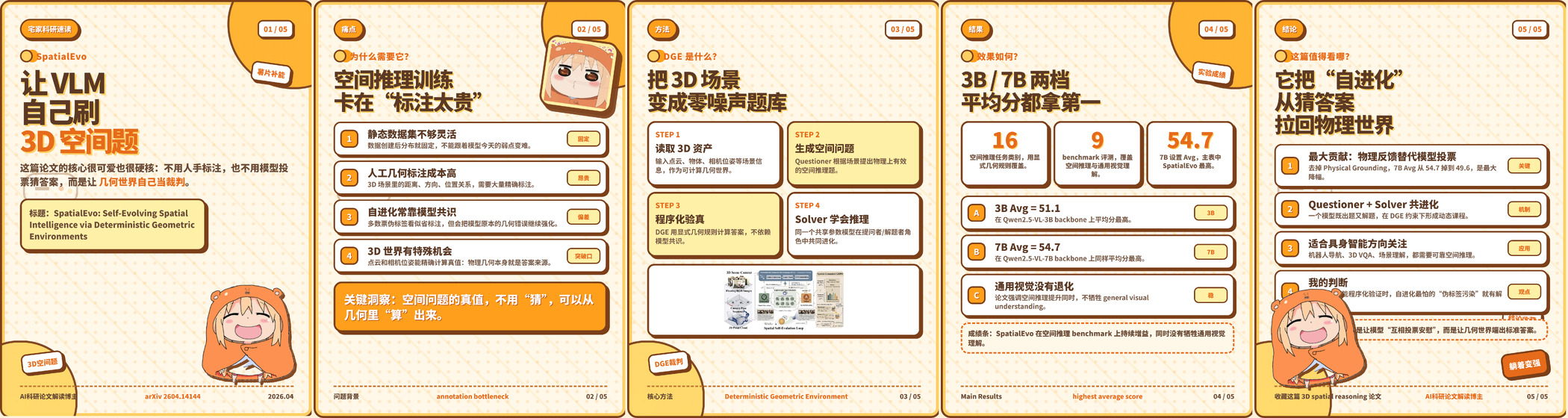
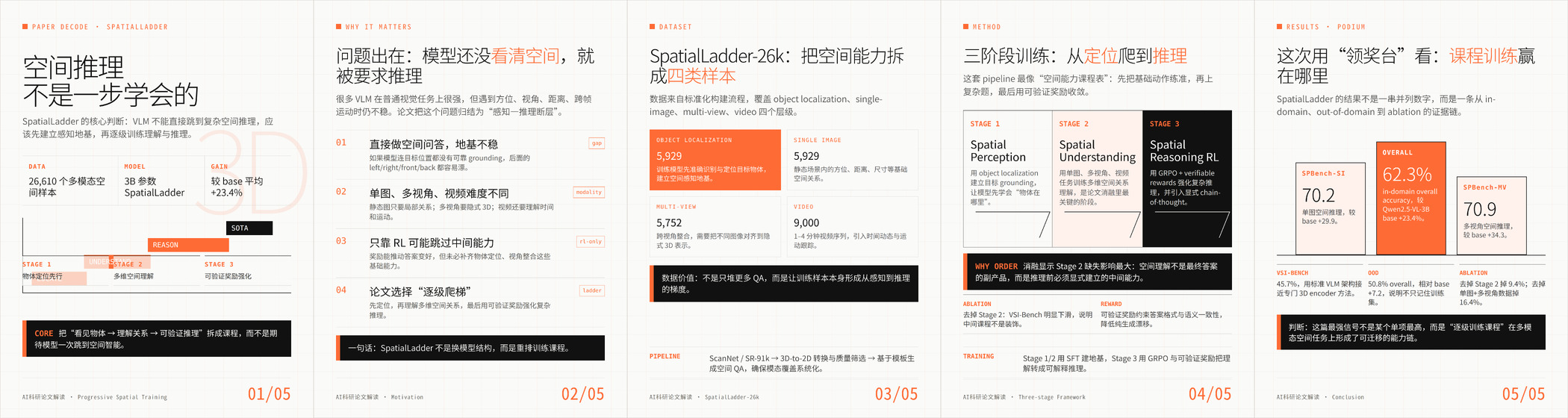
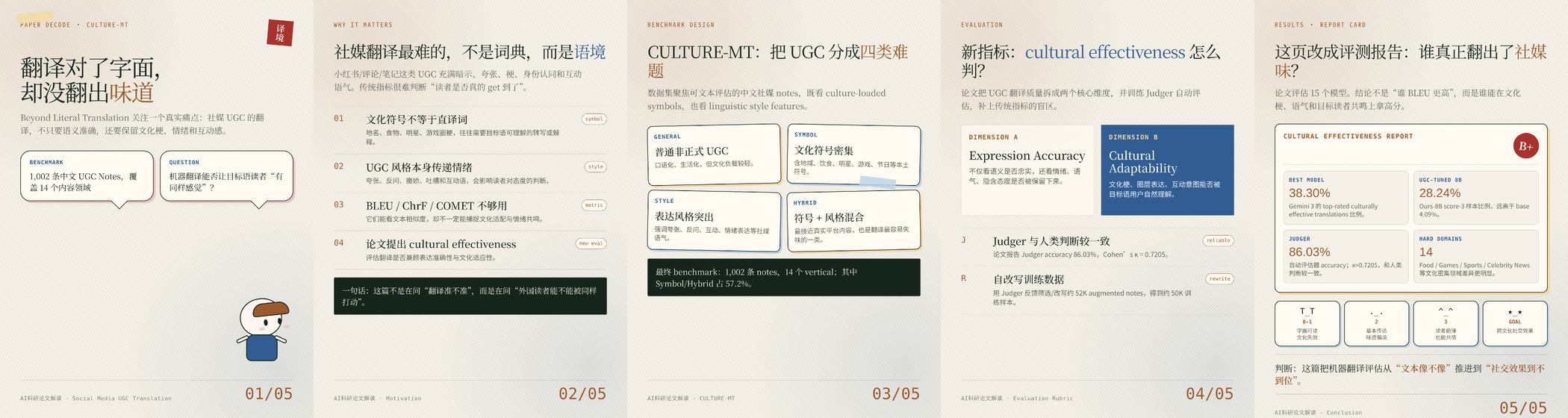
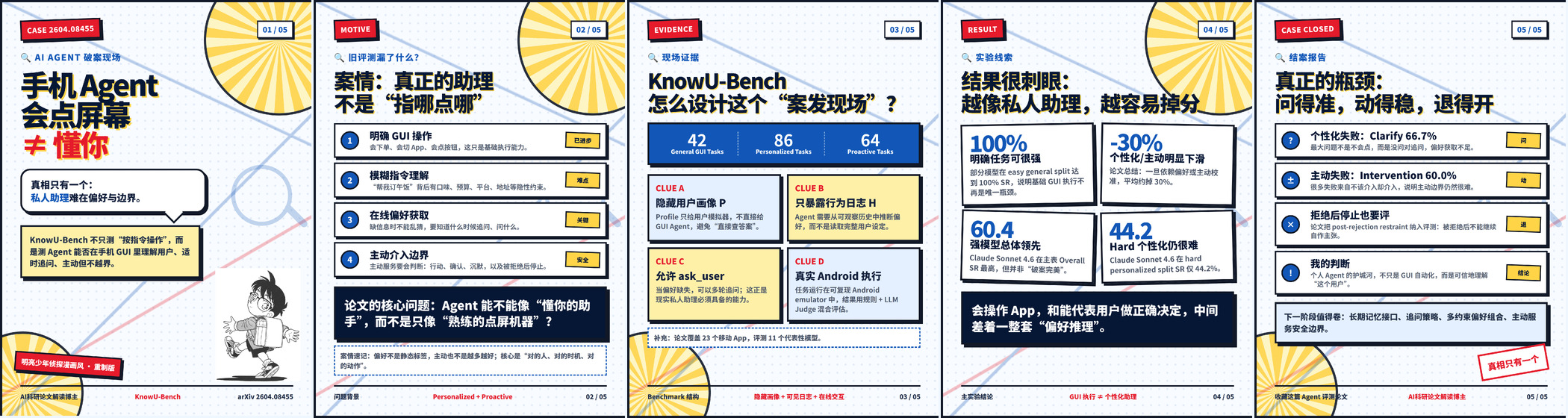
3. **Produce:** create copy, cards, posters, infographics, audio, video, short dramas, and paper explainers.
4. **Publish:** adapt titles, copy, aspect ratios, and media for each platform, run preflight checks, and publish through logged-in accounts.
5. **Attribute:** collect views, engagement, comments, and content performance, then preserve useful patterns in the account profile.
## 🧰 Implemented Capabilities
| Layer | Capabilities |
|---|---|
| **Discover** | Cross-platform trends, vertical research, content-gap analysis, event calendars, algorithm updates, competitor research, industry news, platform differences, RSS aggregation, and UGC discovery |
| **Plan** | Positioning, audience profiles, persona and voice, account diagnosis, content matrices, topic scoring, trend adaptation, series planning, hooks, outlines, storyboards, calendars, repurposing, livestreams, campaigns, and collaborations |
| **Text & Visual** | Social copy, video scripts, Xiaohongshu notes, long-form articles, novels, natural rewriting, style transfer, paper explainers, quote cards, knowledge cards, posters, infographics, charts, mind maps, comparison cards, product images, memes, AI images, enhancement, background removal, and batch processing |
| **Audio & Video** | Text-to-speech, multi-role dubbing, voice cloning, AI music, denoising, mixing, transcription, audio visualization, AI video, short drama, subtitles, translation, editing, clipping, highlights, format conversion, intros/outros, slideshows, beat sync, green screen, and video-to-article conversion |
| **Publish & Attribute** | Quality gates, risk checks, search optimization, publishing checklists, platform adaptation, seven-platform publishing workflows, calendar logging, account analytics, comment insights, postmortems, ROI, and profile memory |
## 🖥️ Workspace Examples
These are four representative examples, not the complete feature set. Explore the Skill library in the Web workspace or the [capability map](docs/skill-function-mapping.md) for more.
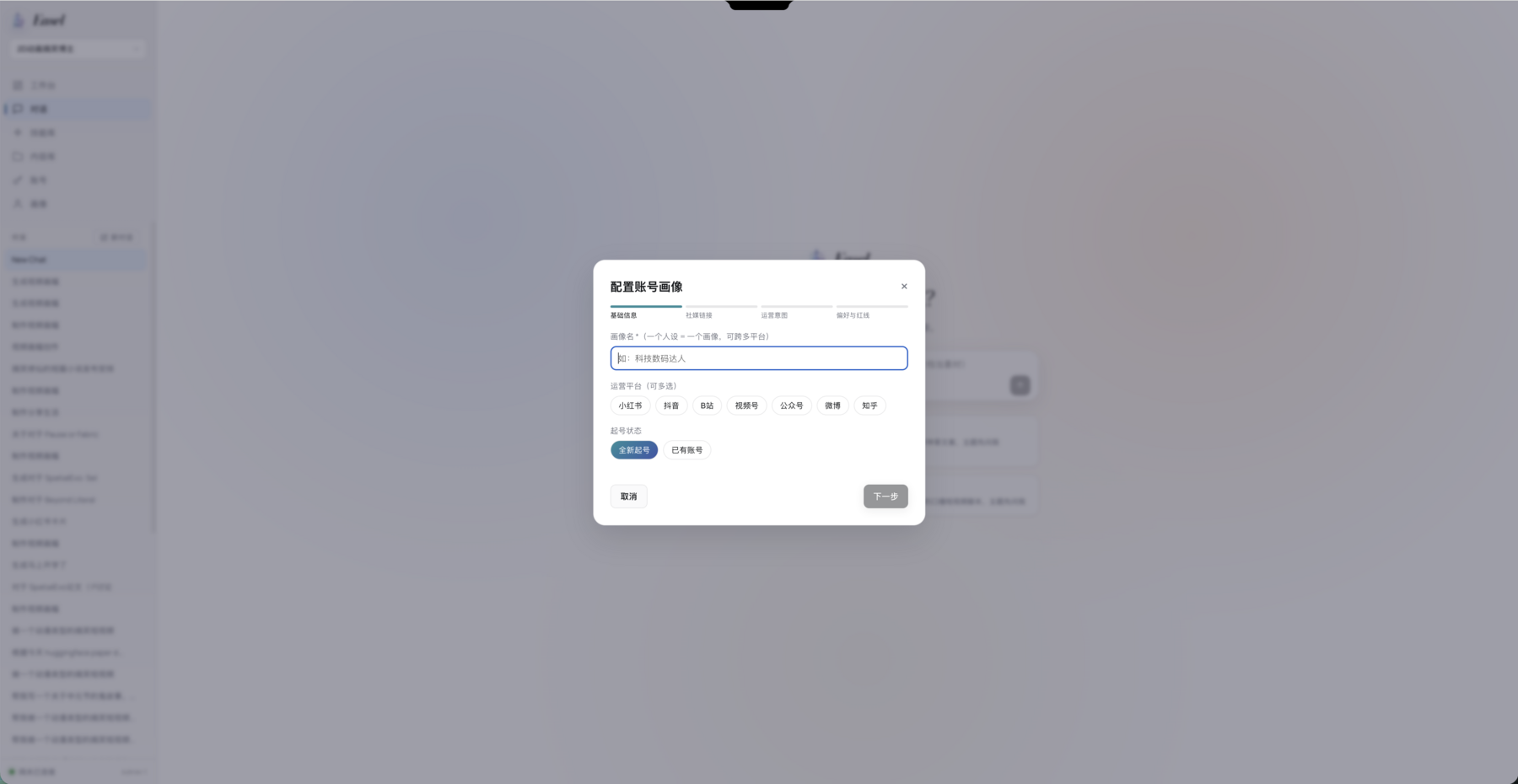
🧬 Account Profiles
Build reusable account context from identity, social links, goals, preferences, and boundaries.
 |
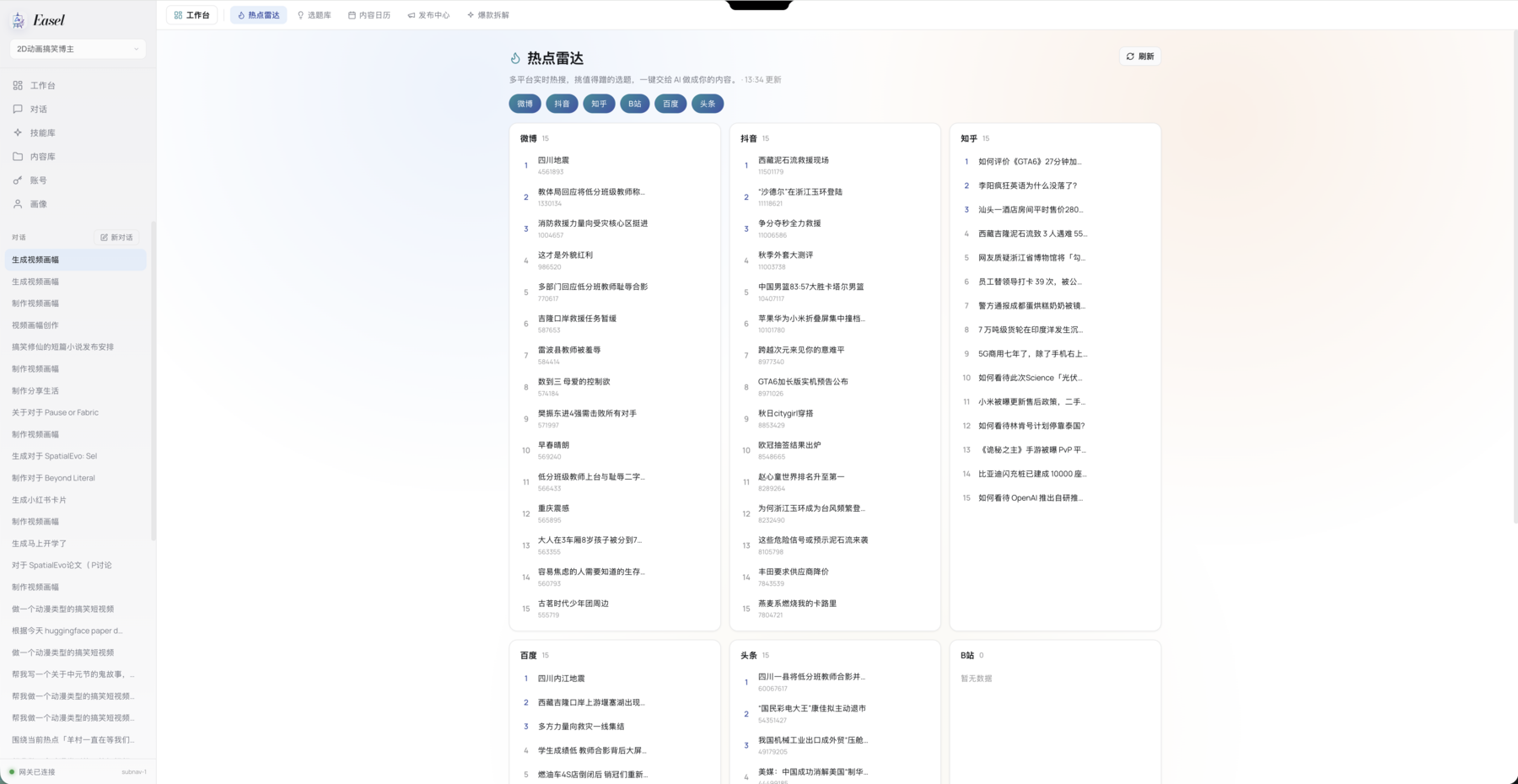
🔥 Trend Radar
Aggregate real-time trends across major platforms and identify topics relevant to the current account.
 |
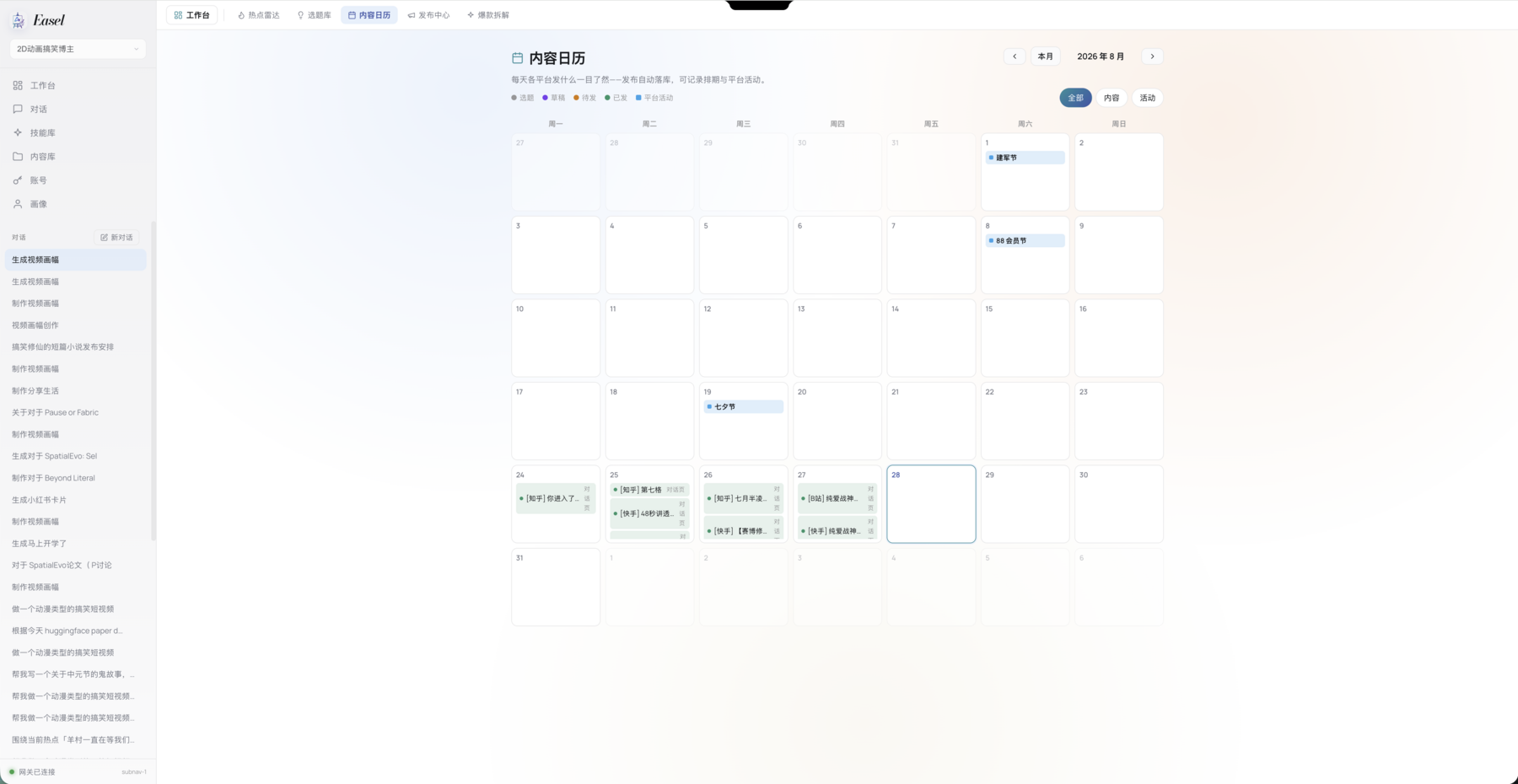
📅 Content Calendar
Manage ideas, drafts, scheduled posts, published work, platform events, and daily plans.
 |
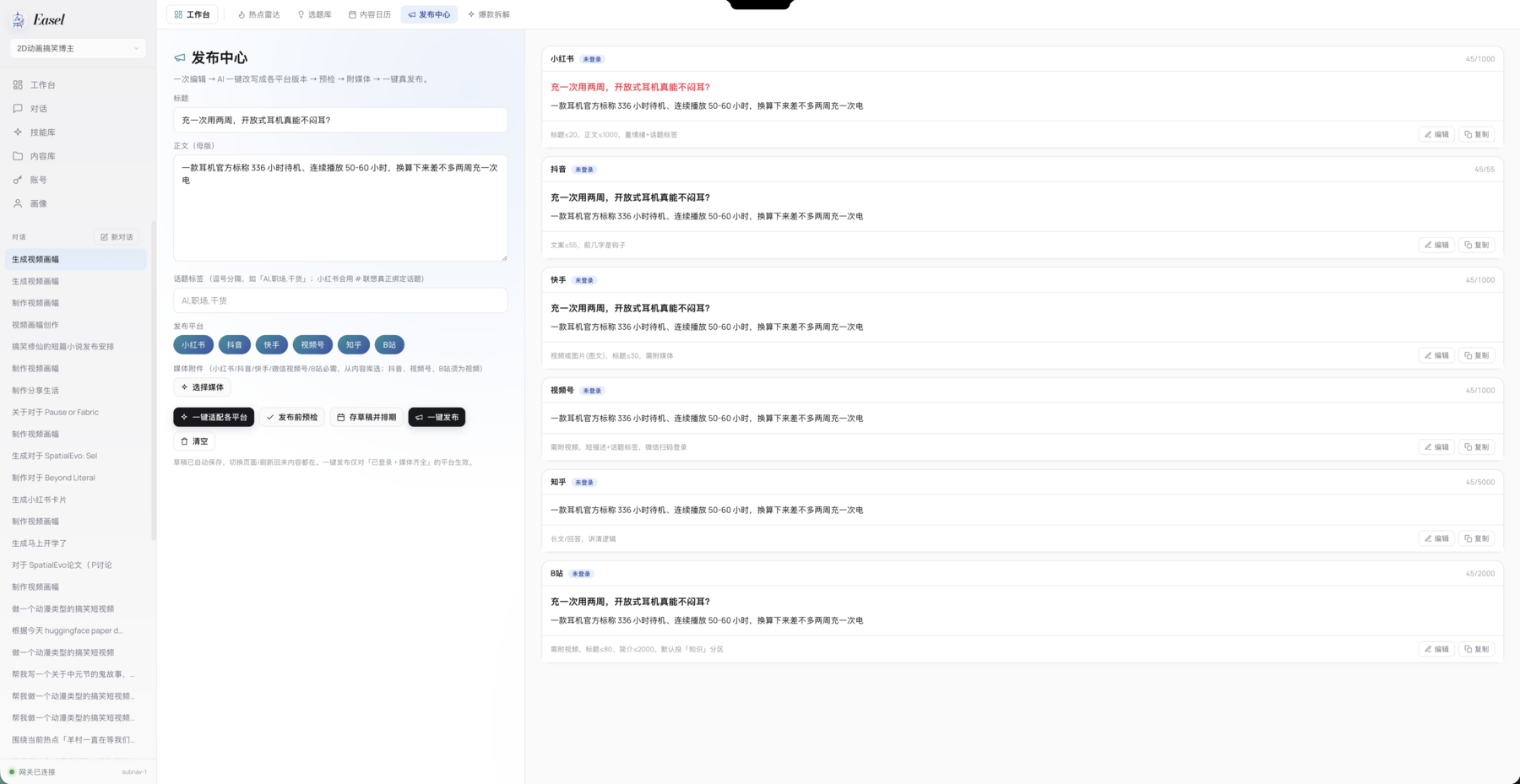
📣 Publishing Center
Generate platform-specific versions from one master asset, preview them, run checks, and publish.
 |
## 🖼️ Real Outputs
The following examples were produced by real Easel workflows. README media lives under `assets/readme/`; the project page uses lightweight six-second previews under `web/static/showcase/`.
### 📚 Paper Explainers and Knowledge Cards
### 📖 Novels and Stories
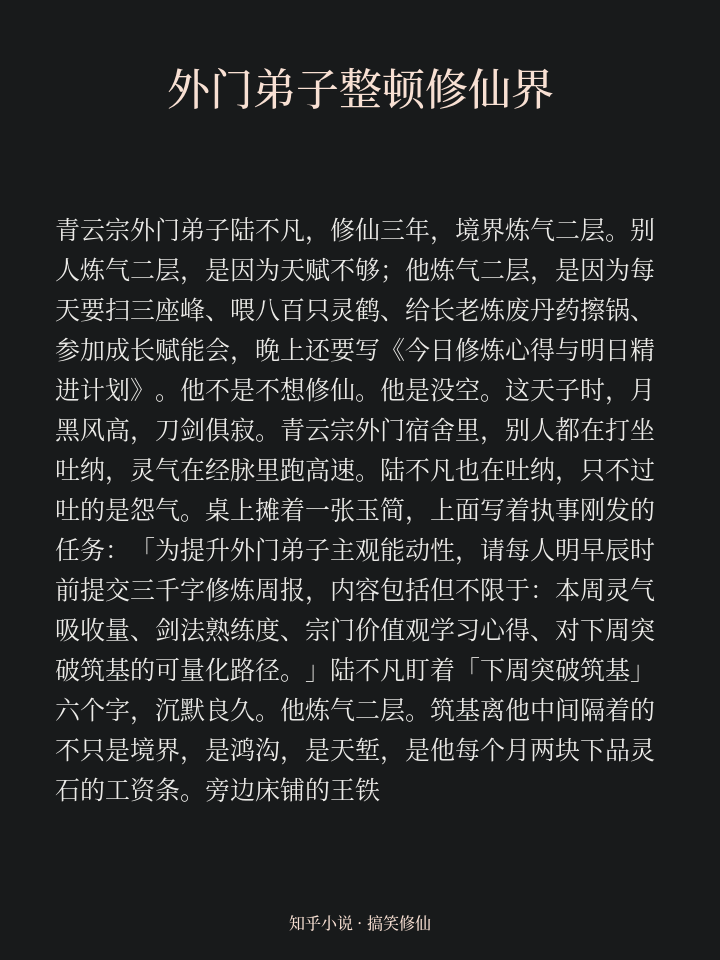
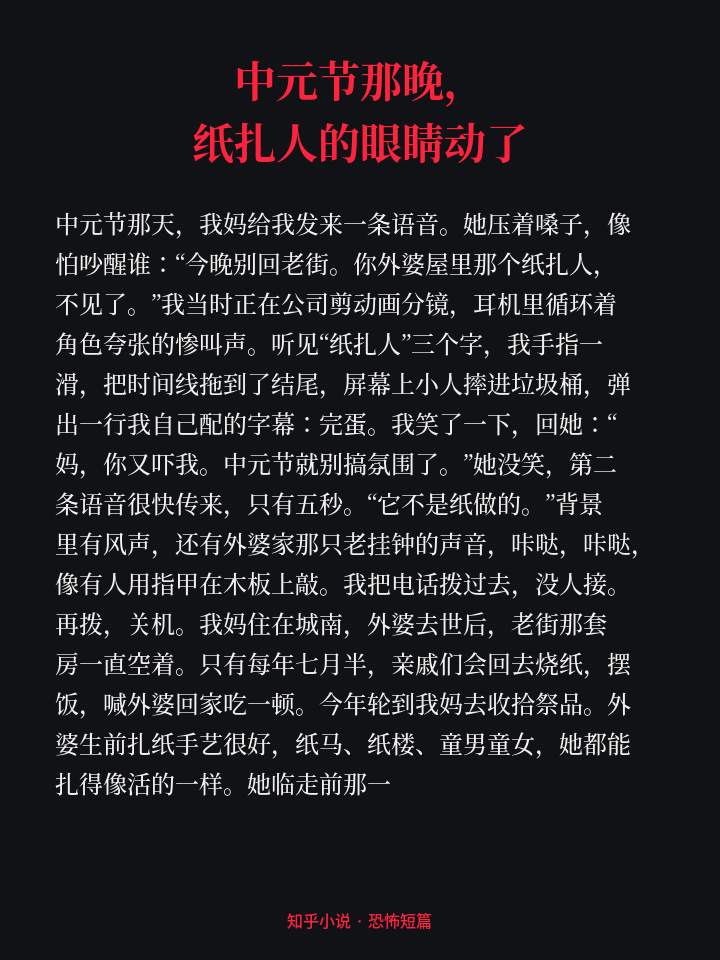
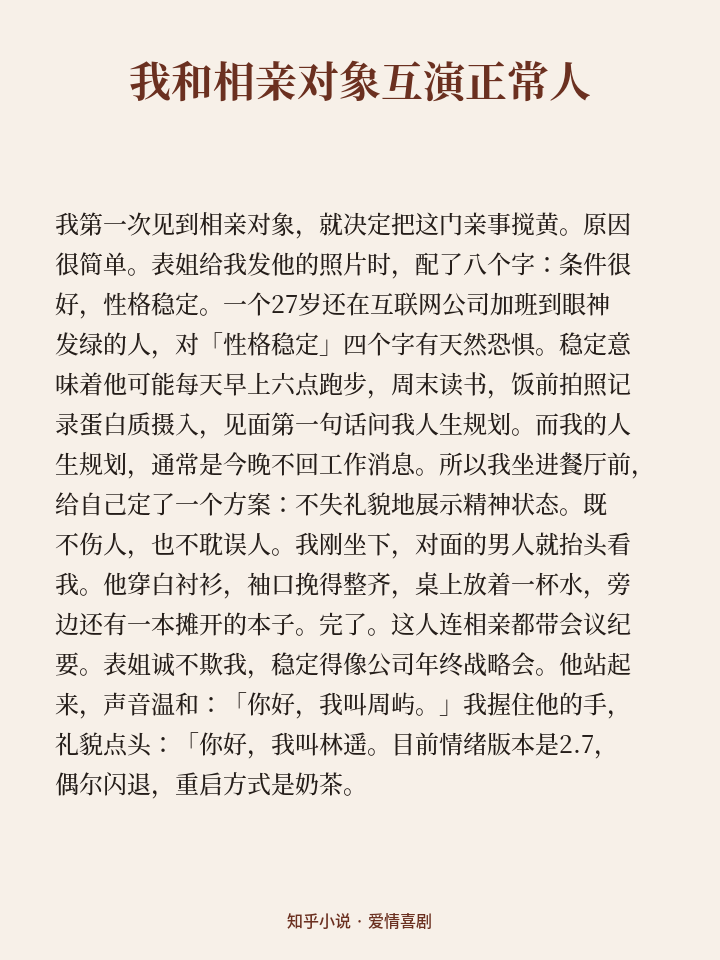
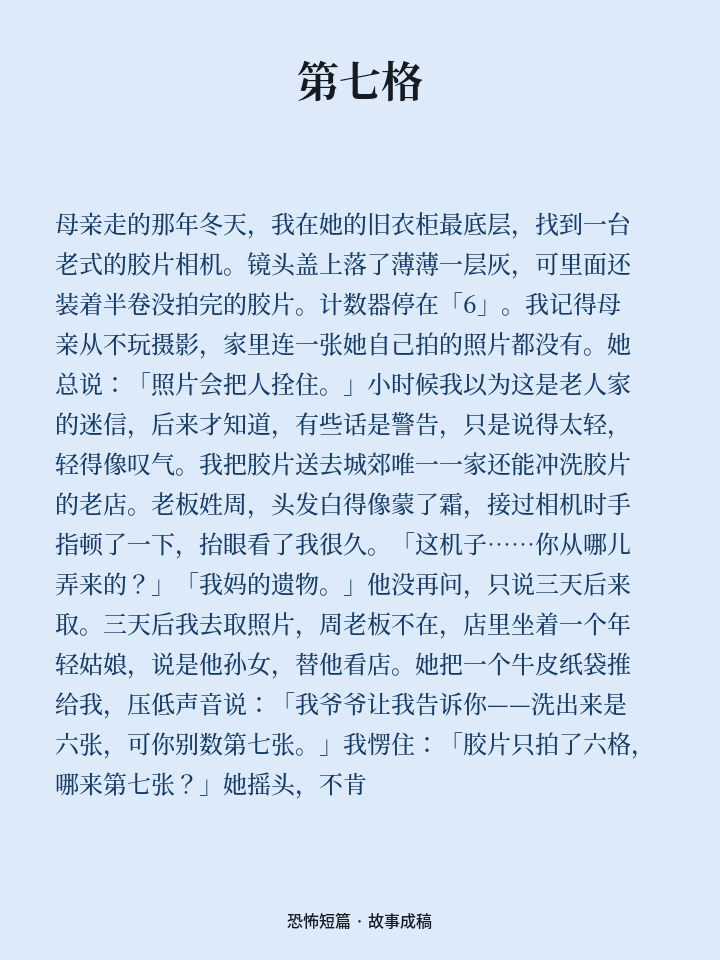
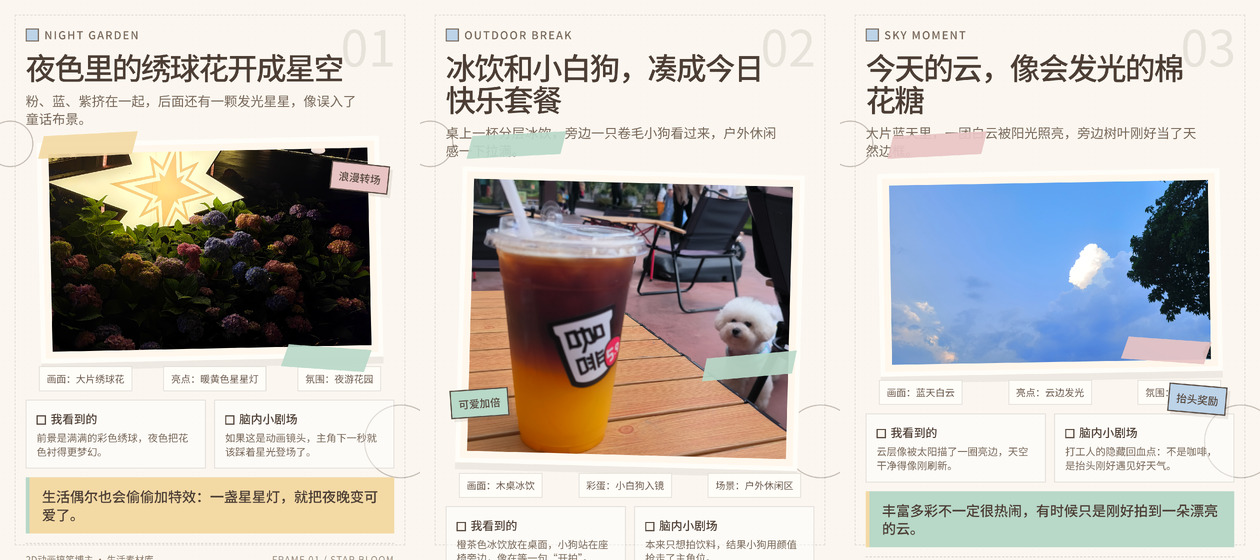
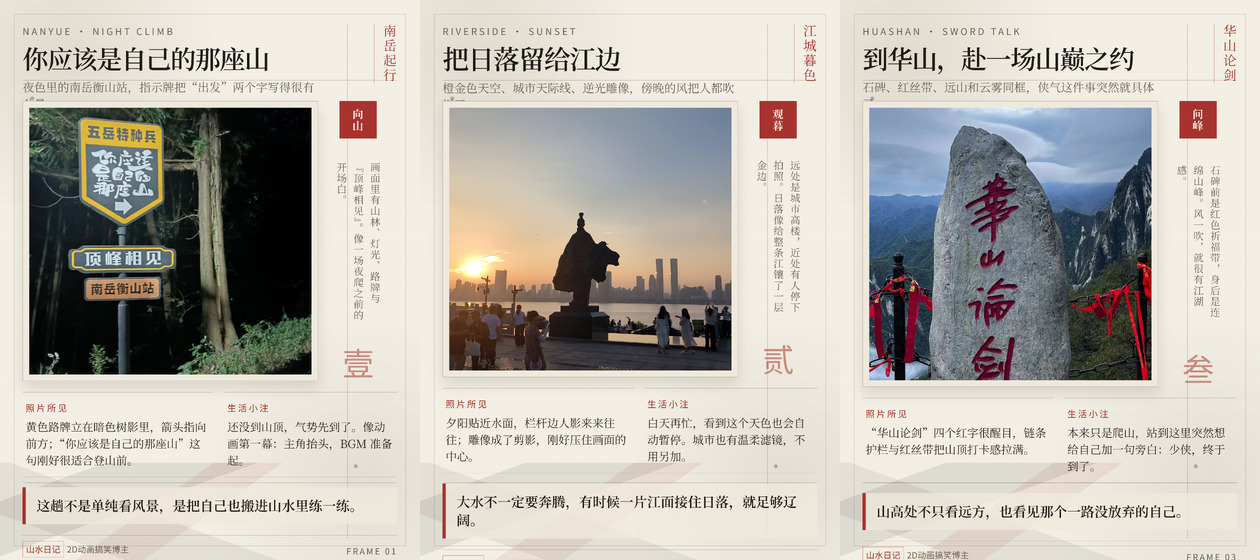
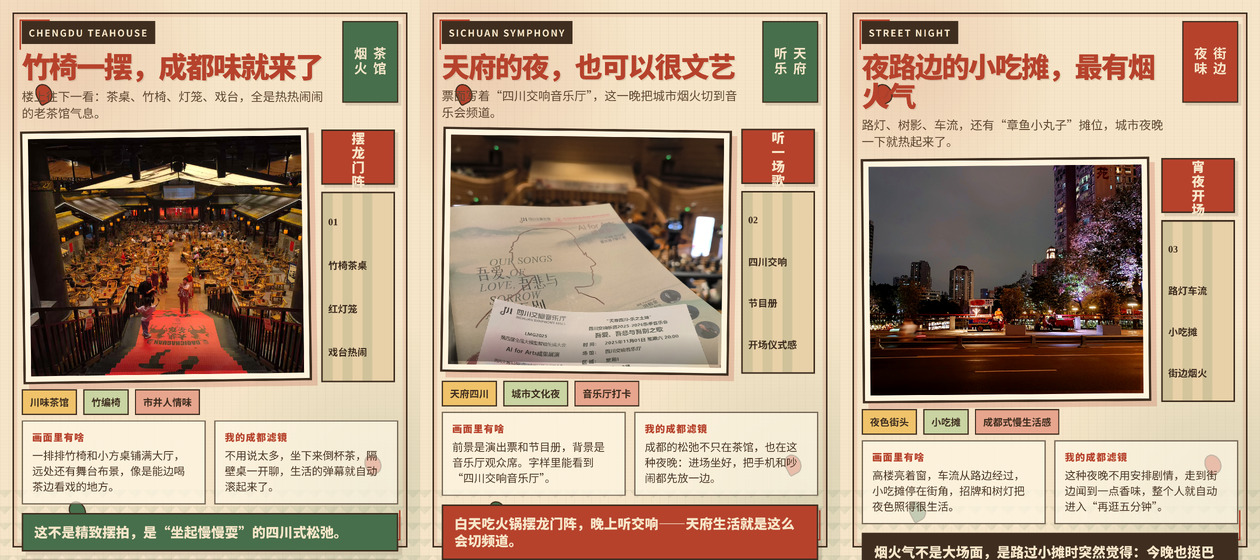
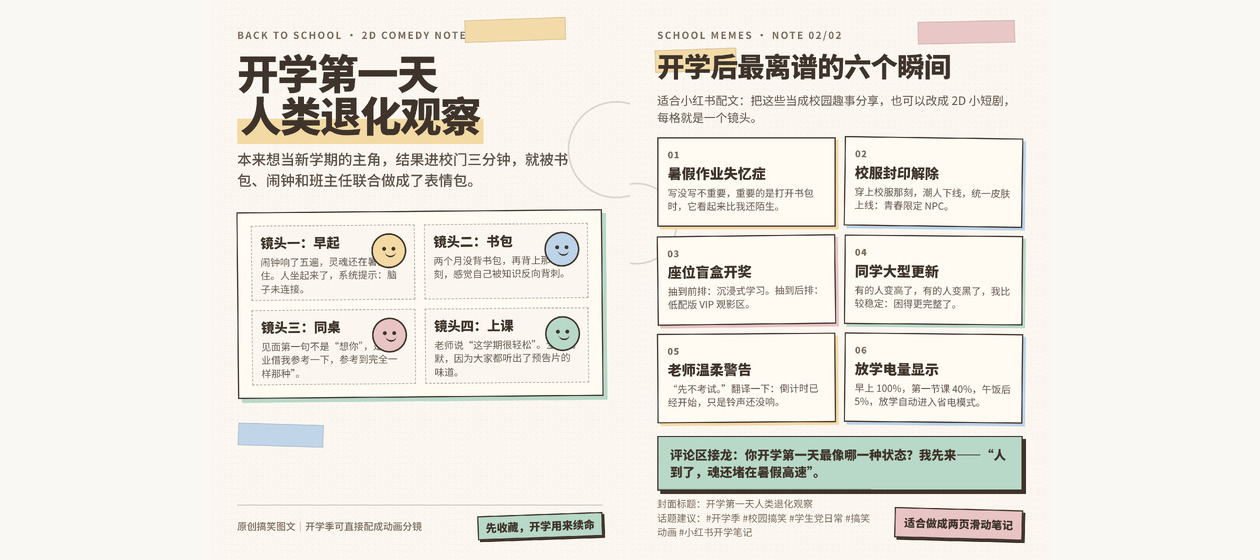
### 🌿 Lifestyle and Meme Content
### 🎬 Finished Videos
For faster browsing, each cover opens a lightweight preview of up to one minute. Use the links beneath each row for the full videos.
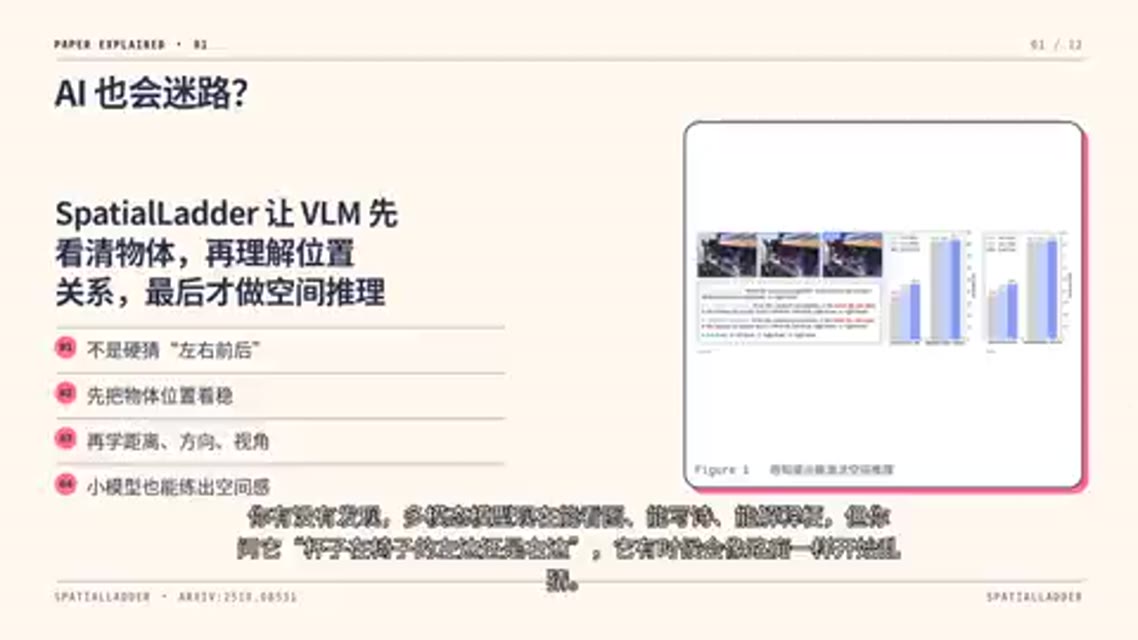
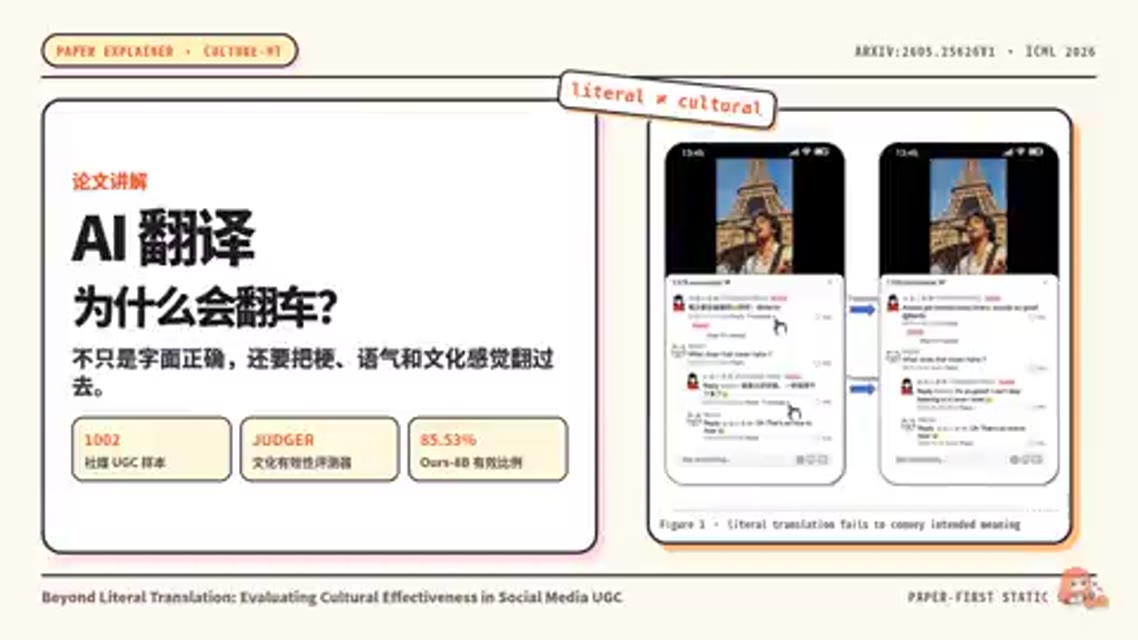
Full videos: SpatialLadder · CULTURE-MT
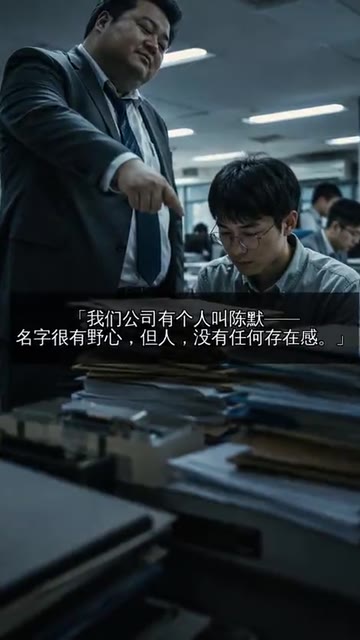



Full videos: Ordinary Person · Hanako's Change · Cyber Cultivation · Cyber Turtle Mukbang
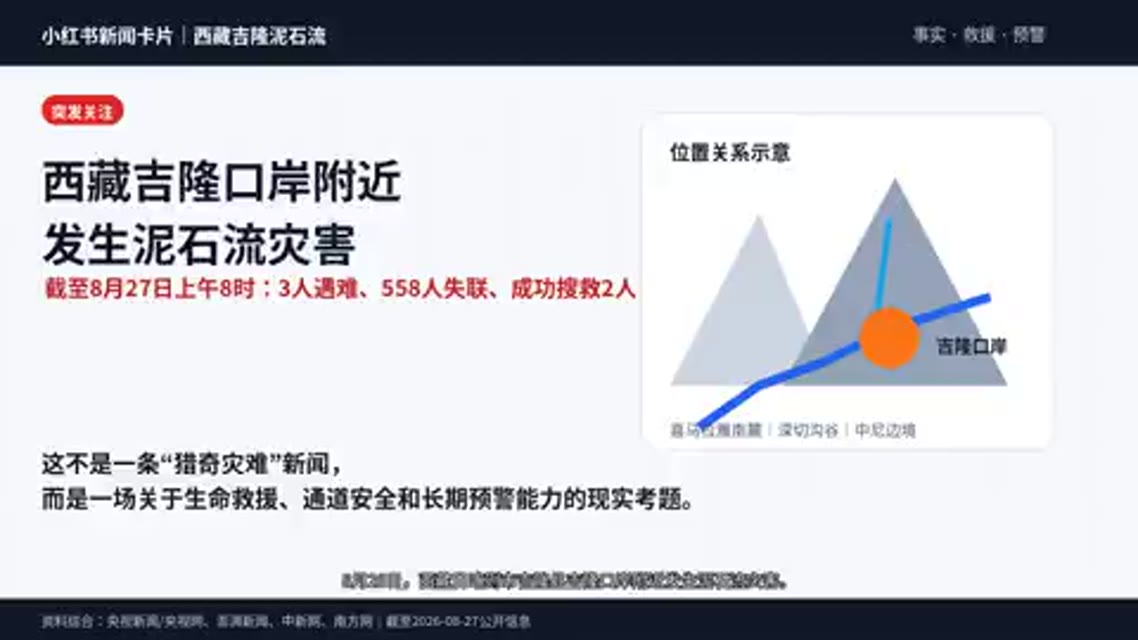
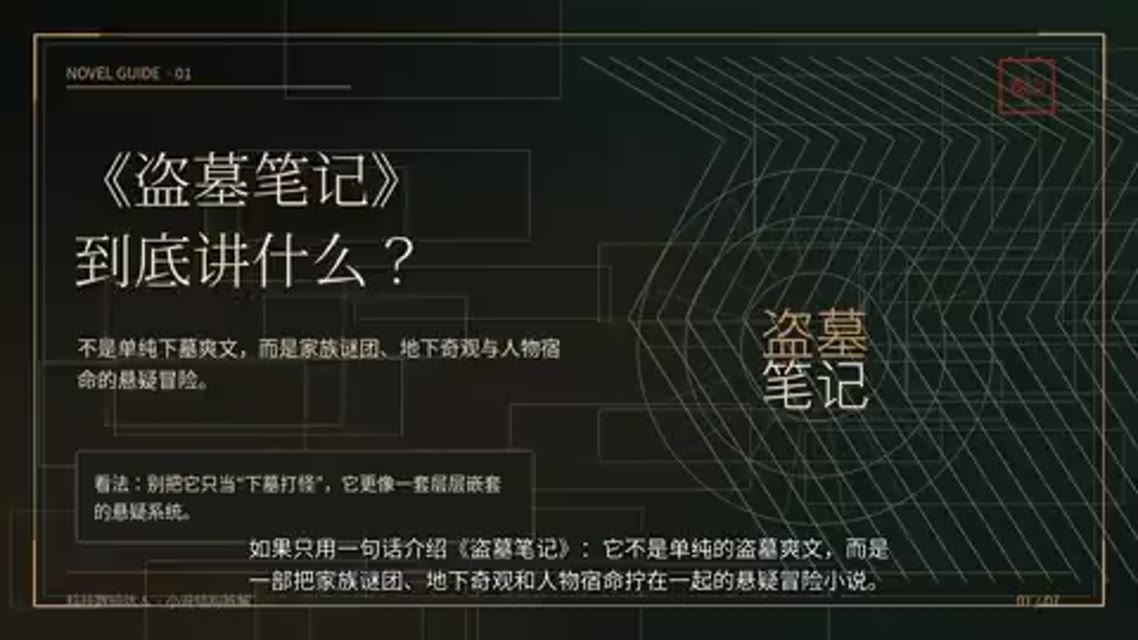
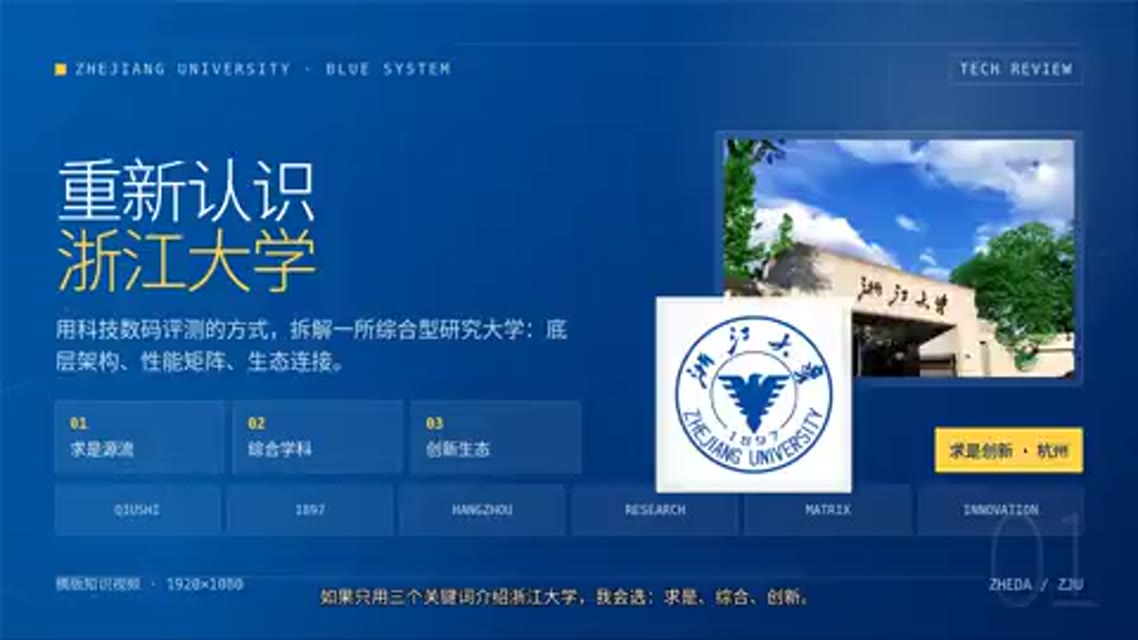
Full videos: Jilong Landslide News · Daomu Biji Introduction · Zhejiang University
## 🚀 Quick Start
Requirements: Linux or macOS, Python 3.10+, and Git. The installer checks Node.js 22.19+, FFmpeg, and Playwright/Chromium, and provides a platform-specific guide when Node.js is missing.
```bash
git clone git@github.com:ZJU-REAL/Easel.git
cd Easel
bash setup.sh
source .venv/bin/activate # easel is installed in .venv; activate it first (Windows: .venv\Scripts\activate)
easel web
# Or: easel chat
```
> If you see `easel: command not found`, the virtual environment is not activated. You can also run it by full path without activating, e.g. `.venv/bin/easel doctor` (Windows: `.venv\Scripts\easel.exe doctor`).
`bash setup.sh` is a rerunnable guided installer. It detects and reuses an existing local OpenClaw
installation without touching `~/.openclaw/`; Easel uses its isolated `~/.openclaw-easel/` profile.
When an existing OpenClaw default model is found, the installer asks whether to reuse its model name.
If no model is configured, it interactively asks for an Anthropic API key and model name. You may also
copy `.env.example` and fill it in before running the installer.
Open `http://localhost:7860` for the Web workspace. Run `easel doctor` to check the environment and `easel ping` to verify the gateway and Agent connection.
The installer installs the Python dependencies required by the Web UI, media processing, and browser publishing:
```bash
pip install -e .
python -m playwright install chromium
# FFmpeg is also required on the system.
```
## ⚙️ Configuration
The minimum configuration is a usable LLM in the project-root `.env` file:
```bash
ANTHROPIC_API_KEY=your_api_key
CLAUDE_MODEL=anthropic/claude-sonnet-4-6
```
`.env.example` also documents optional video, music, voice, and Anthropic-compatible provider settings. Configure only the capabilities you use. Missing media-provider credentials do not prevent chat, planning, or text creation.
| Capability | Configuration | Additional dependency |
|---|---|---|
| AI video | `VIDEO_PROVIDER` plus the provider key, URL, and model | A supported video service |
| AI music | `MUSIC_PROVIDER` plus provider settings | A supported music service |
| Cloud voice | `VOICE_PROVIDER` plus provider settings | A supported voice service |
| Local media processing | No model is required for supported local tools | FFmpeg |
| Browser publishing | Log in from the Web workspace's Accounts page | Playwright Chromium and valid platform accounts |
Never commit `.env`, cookies, or platform login state. Real publishing can be affected by verification, permissions, platform risk controls, and UI changes; use previews and checks for the first attempt.
## 🧩 Using Easel
| Command | Purpose |
|---|---|
| `easel web [--port 7860]` | Start the Web workspace |
| `easel chat` | Start a multi-turn terminal conversation and select an account profile |
| `easel skill -i "..." [-p ]` | Run a Skill directly; input may also be a file path |
| `easel doctor` | Check Python, Node.js, OpenClaw, and essential configuration |
| `easel ping` | Check the gateway and Agent connection |
| `easel gateway start\|stop\|restart\|status\|logs` | Manage the OpenClaw gateway |
```bash
easel skill quality-gate -i "Review this social media post"
easel skill social-content -i "Write a post introducing spatial intelligence"
easel skill quality-gate -i "Review this draft" -p MyCreatorProfile
```
## 🧬 Account Profiles
Each profile is stored under `profiles//` and contains six dimensions: identity, style, audience, platforms, preferences and boundaries, and long-term memory.
```bash
cp -r profiles/_template "profiles/MyCreatorProfile"
```
Profiles can also be created and edited from the Web workspace.
## 🏗️ Project Structure
```text
Easel/
├── easel/ Python CLI
├── web/ FastAPI backend and React workspace
├── skills/openclaw/ Discover, plan, produce, publish, and attribution Skills
├── skills/shared/ Shared scripts and references
├── assets/ Brand, README media, and imported assets
├── profiles/ Account profiles
├── outputs/ Content projects and final deliverables
├── openclaw/ Isolated profile, workspace, and sync scripts
└── docs/ Specifications, capability map, and architecture docs
```
Easel uses an isolated `easel` OpenClaw profile and does not overwrite an existing OpenClaw setup. The Web workspace defaults to port `7860`; the gateway defaults to `18789`.
## 📑 Documentation
- [Capability map](docs/skill-function-mapping.md)
- [SKILL interface specification](docs/SKILL-SPEC.md)
- [Prompt and architecture layers](docs/prompt-stack.md)
- [Known issues](docs/known-issues_EN.md)
- [Full acknowledgments](docs/ACKNOWLEDGMENTS.md)
## 🗺️ Roadmap
Ordered by priority — contributions welcome; feel free to claim or add items via Issues/PRs:
- [ ] **1. Windows support** — Complete native Windows compatibility across installation, paths/encoding, and browser publishing.
- [ ] **2. Simpler installation** — Lower the barrier to entry with fewer manual steps and a smoother one-click setup.
- [ ] **3. Better in-app Agent UX** — Improve the Web workbench's chat interaction, loading logic, and streaming feedback.
- [ ] **4. More Agent harnesses** — Support agent runtimes beyond OpenClaw, e.g. Claude Code, DeepSeek harness, Codex.
## 🙏 Acknowledgments
Easel's Skill system and workflows benefit from many excellent open-source projects, tools, and content methodologies. We thank their original authors and contributors. See the [full acknowledgments](docs/ACKNOWLEDGMENTS.md) for projects, usage, and license information.
Contributions and discussion are welcome. If you have ideas, questions, or improvements, feel free to open an Issue or PR — or scan the QR code to join our WeChat group:
Easel WeChat group · the QR code is refreshed periodically; if it has expired, reach us via Issues
### 🤝 Contributors
## ⚖️ License
[Apache 2.0](LICENSE)
## 🌟 Star History


