



中文 · English
Turn local Codex activity into a work receipt you can keep and share.
One command · Local-first · Codex pet · Three themes · Mobile QR import
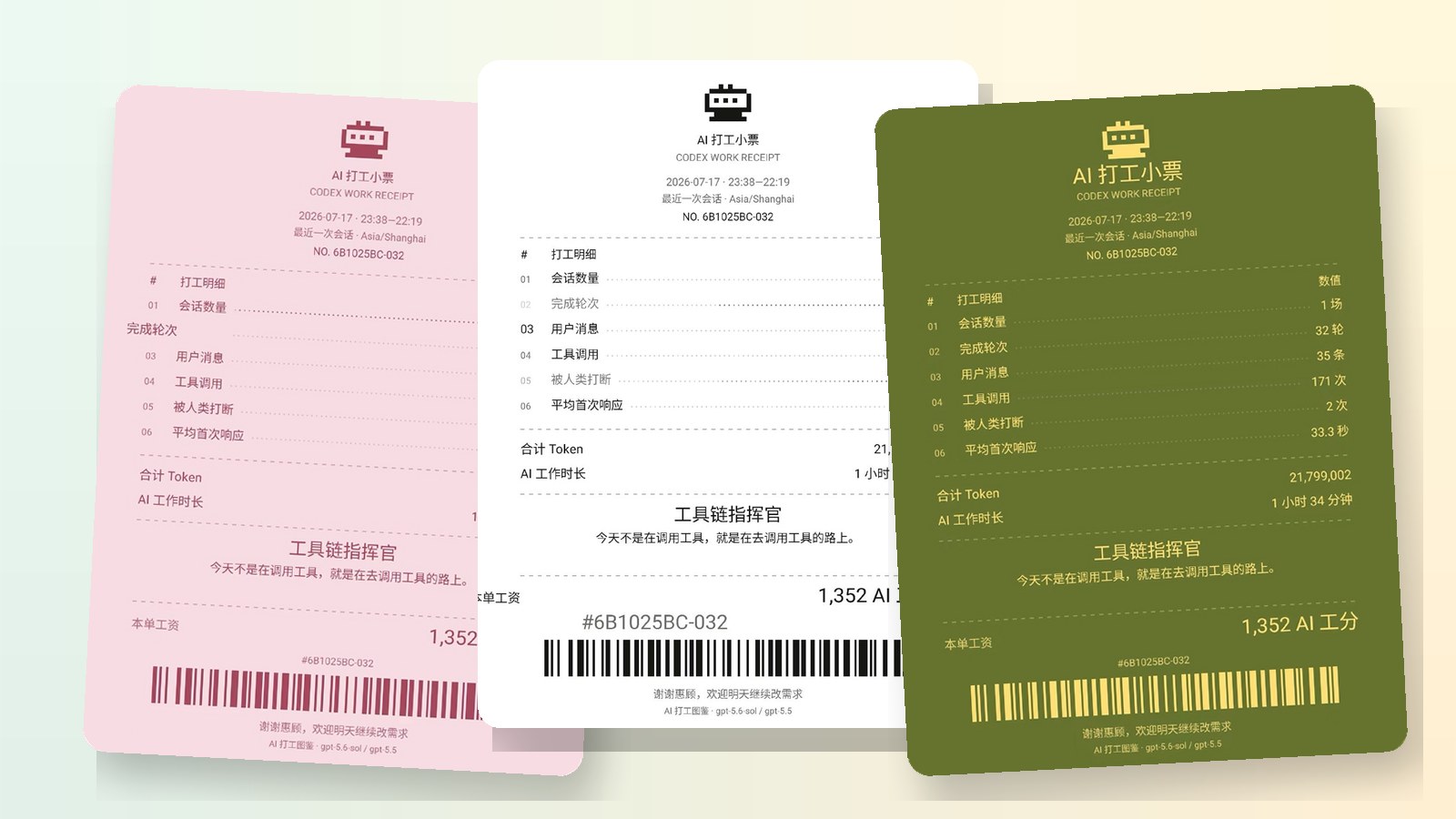
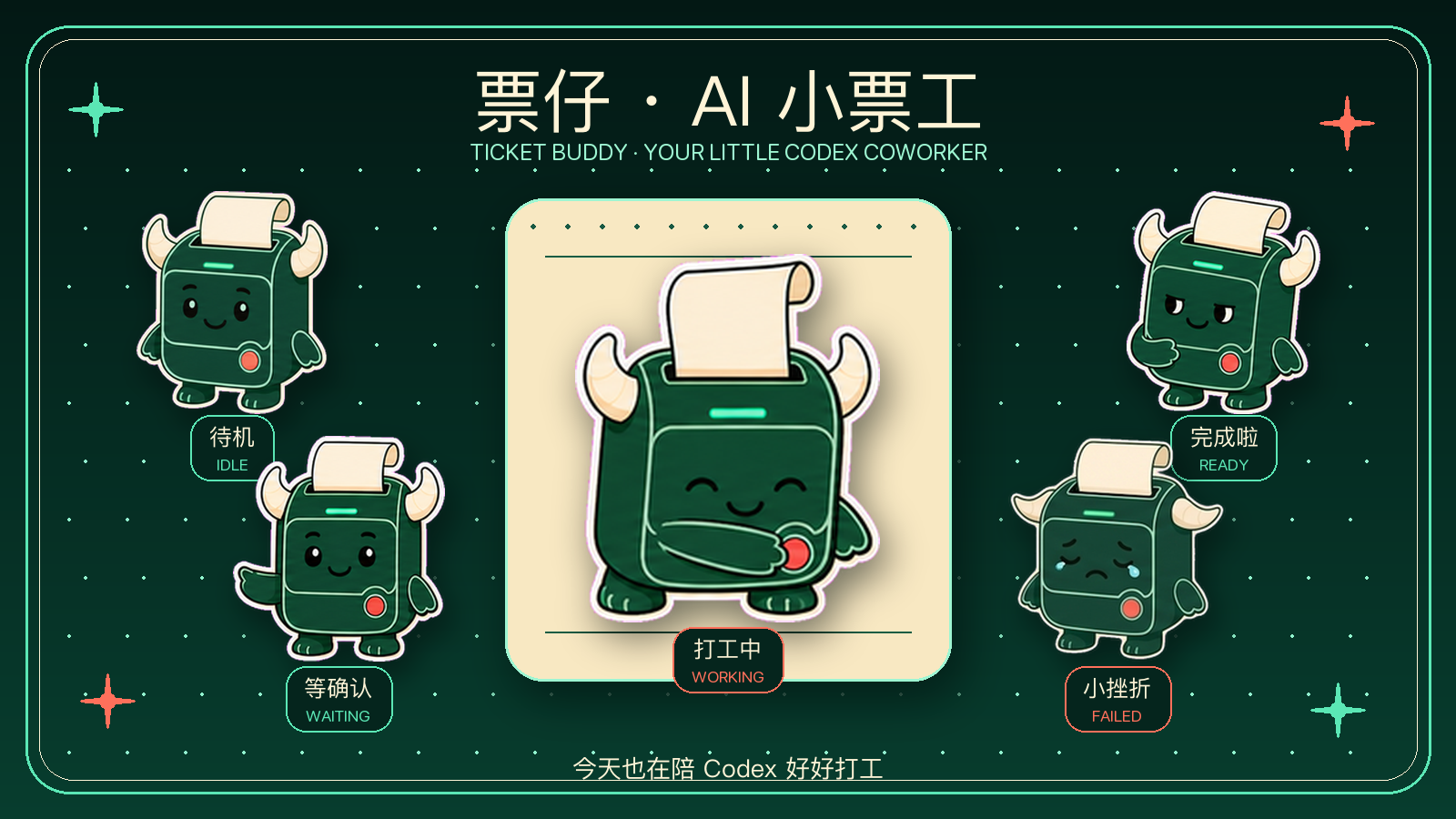
Ticket Buddy changes expression as Codex becomes idle, runs a task, needs input, finishes, or gets blocked. Select the image for setup and state details.
## Quickstart Requires Node.js 20+ and local Codex session records. No clone required; choose today, the last 3 hours, the last 7 days, this week, or a specific session: ```bash npx codex-work-receipt@latest --lang en ``` Summarize all Codex activity from today: ```bash npx codex-work-receipt@latest --today --lang en ``` Summarize the last 3 hours: ```bash npx codex-work-receipt@latest --hours 3 --lang en ``` “Last N hours” is a rolling summary for private history only. It does not participate in AI Work Cooperative deduplicated accounting. Use today, this week, the last seven days, or a specific session when you want accountable canonical facts. HTML and structured data are written to `./codex-work-receipt-output/` by default. The generated page can save a high-resolution PNG containing only the full receipt and WeChat mini-program code; data QR codes are excluded. Non-interactive options such as `--latest` and `--today` remain available; see the [CLI guide](docs/cli.en.md). ## Ask Codex directly Install the AI Work Receipt skill and Ticket Buddy Codex pet together: ```bash npx codex-work-receipt@latest --install-companion --lang en ``` Restart Codex, open `Settings > Pets`, select Refresh, choose “票仔 · AI 小票工” (Ticket Buddy), and use `/pet` to wake it. Then ask: > Ticket Buddy, create today's receipt. > Ticket Buddy, create a receipt for the last three hours. To install only the skill: ```bash npx codex-work-receipt@latest --install-skill --lang en ``` Then ask Codex: > Create an AI work receipt for my latest Codex session. Codex will choose the range and theme, run the CLI, and open the receipt. See the [Codex Skill guide](docs/codex-skill.en.md). ## Desktop to mobile The desktop page generates one or more privacy-safe data QR codes. The companion WeChat mini program supports multipart scanning, private history, themes, and image export. See [mobile import](docs/mobile-import.en.md). ## Docs - [CLI usage and options](docs/cli.en.md) - [Codex Skill](docs/codex-skill.en.md) - [Ticket Buddy Codex pet](docs/codex-pet.en.md) - [Mobile QR import](docs/mobile-import.en.md) - [Data schema and QR protocol](docs/data-schema.en.md) - [Local data and privacy](docs/privacy.en.md) - [Contributing](CONTRIBUTING.md) · [Security](SECURITY.md) · [Changelog](CHANGELOG.md) ## Sponsor

ModelFlare · modelflare.dev
Affordable and reliable access to leading AI model APIs, helping independent developers validate ideas faster and turn them into real products.
If the receipt made you smile, consider leaving a Star.