# Laravel Goto
[](https://packagecontrol.io/packages/Laravel%20Goto)

[](https://ko-fi.com/absszero)
Goto various Laravel files
## Features
### Go to Blade
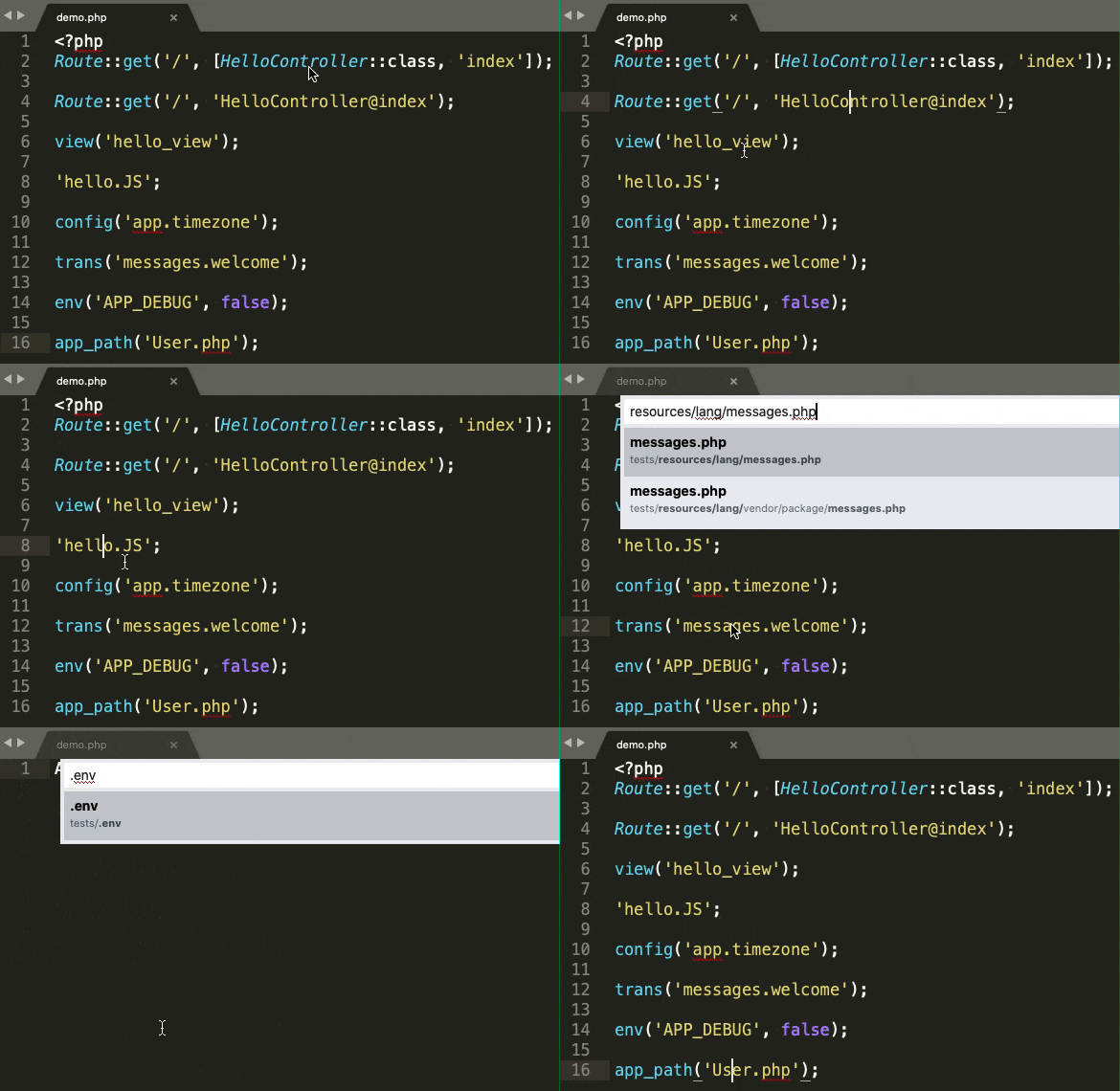
Go to blade template files.
```php
view('hello_view', ['name' => 'James']);
Route::view('/', 'pages.public.index');
@includeIf('view.name', ['status' => 'complete'])
@each('view.name', $jobs, 'job', 'view.empty')
@extends('layouts.app')
```
Go to blade Component files.
```php
```
### Go to Controller
Go to controllers and highlight method.
```php
Route::get('/', 'HelloController@index');
Route::resource('photo', 'HelloController', ['only' => [
'index', 'show'
]]);
```
### Go to Controller via Uris
Go to the controller via the "Laravel Goto: Go to Controller via Uris" command.

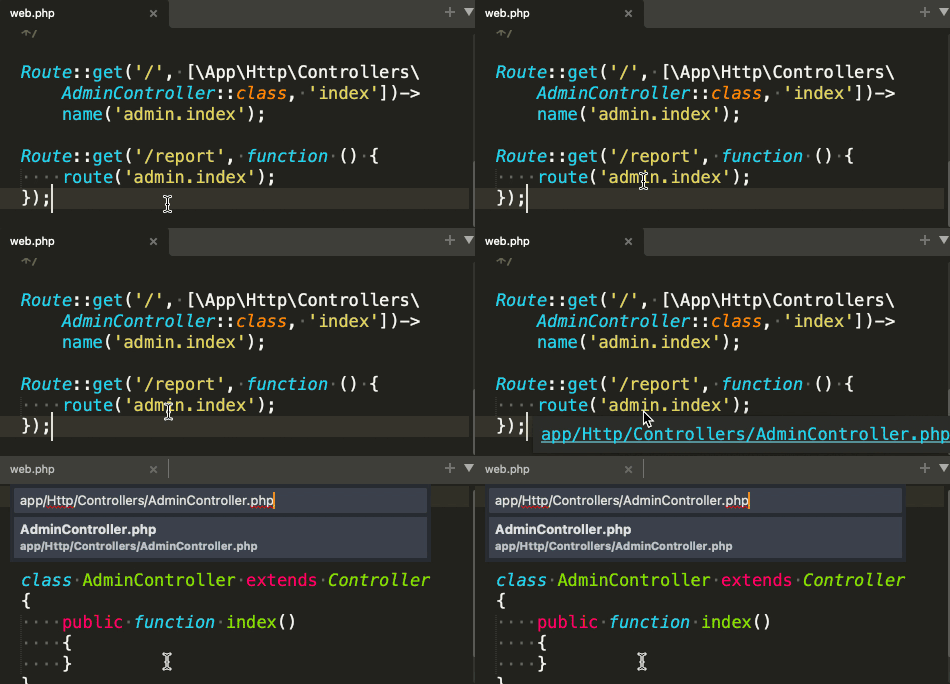
### Go to Controller from route helper
### Go to Middleware
### Go to Config
Go to config files and highlight option.
```php
Config::get('app.timezone');
Config::set('app.timezone', 'UTC');
```
### Go to Filesystem config
Go to filesystem config file and highlight option.
```php
Storage::disk('local')->put('example.txt', 'Contents');
```
### Go to Language
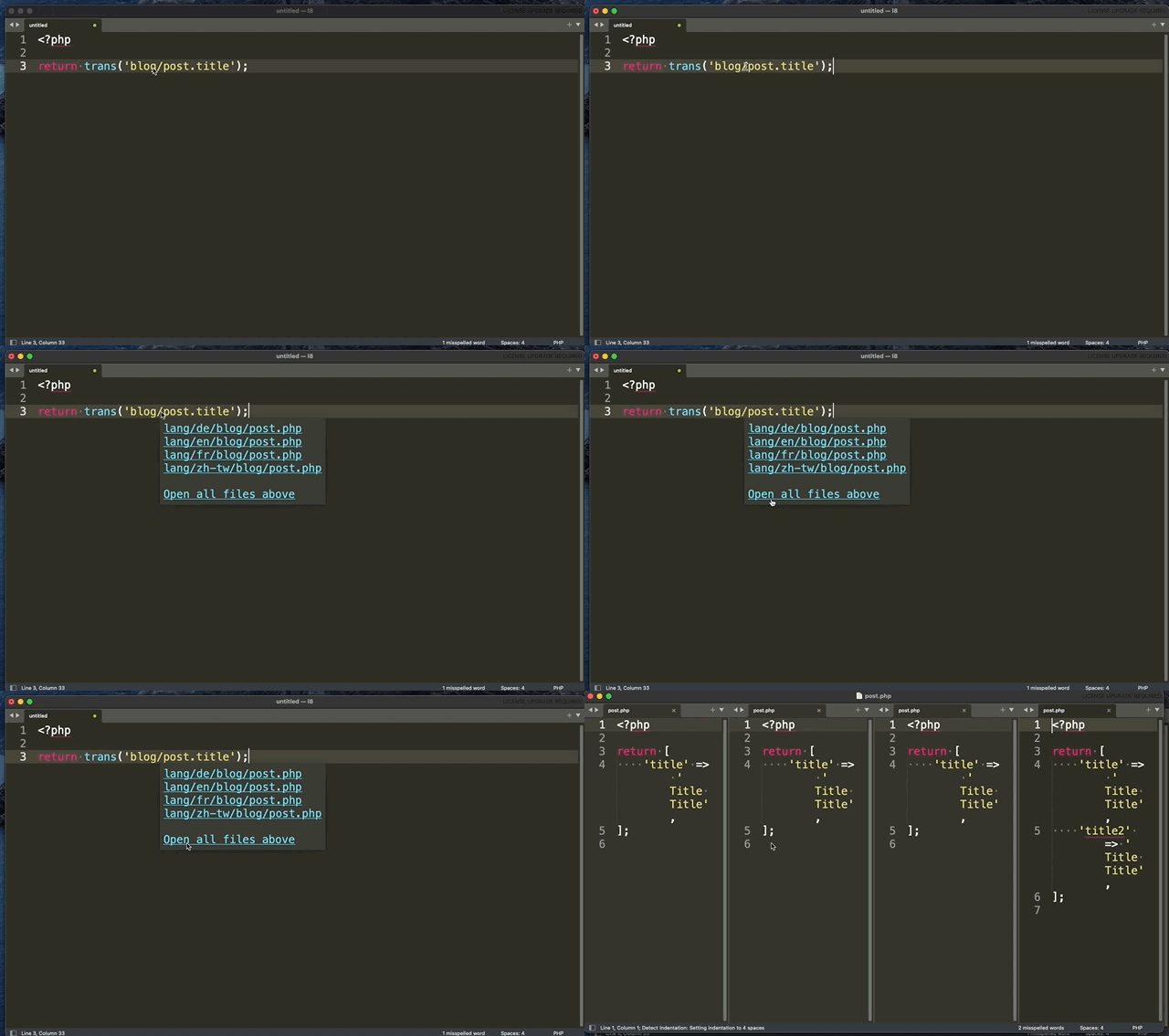
Go to single language file or open all and highlight option.
### Go to .env
```
env('APP_DEBUG', false);
```
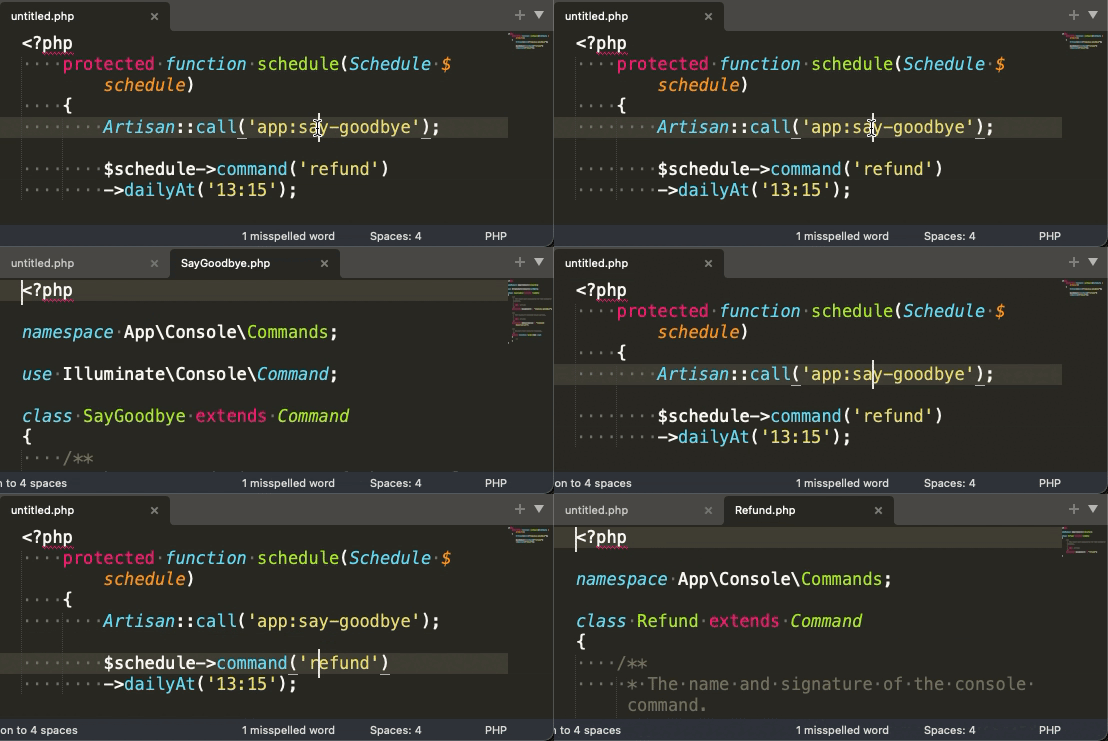
### Go to Command
### Go to Inertia.js
```php
Route::inertia('/about', 'About/AboutComponent');
Inertia::render('MyComponent');
inertia('About/AboutComponent');
```
### Go to Livewire
```php
@livewire('nav.show-post')
```
### Go to path helper
```php
app_path('User.php');
base_path('vendor');
config_path('app.php');
database_path('UserFactory.php');
public_path('css/app.css');
resource_path('sass/app.scss');
storage_path('logs/laravel.log');
```
### Go to Static files
```php
$file = 'js/hello.js';
```
Default supported static file extensions:
- js
- ts
- jsx
- vue
- css
- scss
- sass
- less
- styl
- htm
- html
- xhtml
- xml
- log
## Installation
### Package Control
1. `Ctrl+Shift+P` then select `Package Control: Install Package`
2. Type `Laravel Goto`
### Manually
- MacOS
```shell
git clone https://github.com/absszero/LaravelGoto.git ~/Library/Application\ Support/Sublime\ Text\ 3/Packages/LaravelGoto
```
- Linux
```shell
git clone https://github.com/absszero/LaravelGoto.git ~/.config/sublime-text-3/Packages/LaravelGoto
```
- Windows
```shell
git clone https://github.com/absszero/LaravelGoto.git %APPDATA%\Sublime Text 3\Packages\LaravelGoto
```
## Usage
- Select a text, `Right-Click` to open content menu, Press `Laravel Goto` or use Alt + ;.
## Settings
### PHP bin
```json
"php_bin": "c:\\php\\php.exe"
```
### Show hover phantom if available
```json
"show_hover": true
```
### Extend static file extensions
You can add other file extensions throught `Preferences > Package Settings > LaravelGoto > Settings`, and add this option `static_extensions`
```json
"static_extensions": [
"your_extension_here"
]
```