## Installation of Julia
Windows
### Windows
Please download and install Julia using `juliaup`. Launch the `Command Prompt` app and type:
```
winget install julia -s msstore
juliaup add 1.10
juliaup update
```
If that doesn't work, download https://install.julialang.org/Julia.appinstaller and double-click on the downloaded file to install it.
#### Optional
It is suggested to install [Windows Terminal](https://learn.microsoft.com/en-us/windows/terminal/install) . Copy and paste works better, unicode works much better and you can use it with `bash` or `Command Prompt`, whatever you prefer. It is suggested to set one of these two as default using the `Settings` menu of Windows Terminal.
Linux
### Linux
Copy and past the following line to install julia:
```
curl -fsSL https://install.julialang.org | sh
```
Restart your terminal, and then execute:
```
juliaup add 1.10
juliaup update
```
It is suggested to add the following line to your ```.bashrc``` file:
```
alias jl='./bin/run_julia'
```
This makes it possible to run Julia with the shortcut `jl` later.
Mac
### Mac
Please download and install `juliaup` as explained at https://github.com/JuliaLang/juliaup .
Restart your terminal, and then execute:
```
juliaup add 1.10
juliaup update
```
## Installation of the IDE VSCode
It is useful to install the integrated development environment VSCode, even though it is not
required. You can also use any editor of your choice.
VSCode provides syntax highlighting, but also the feature "goto definition" which can help to understand
and explore the code.
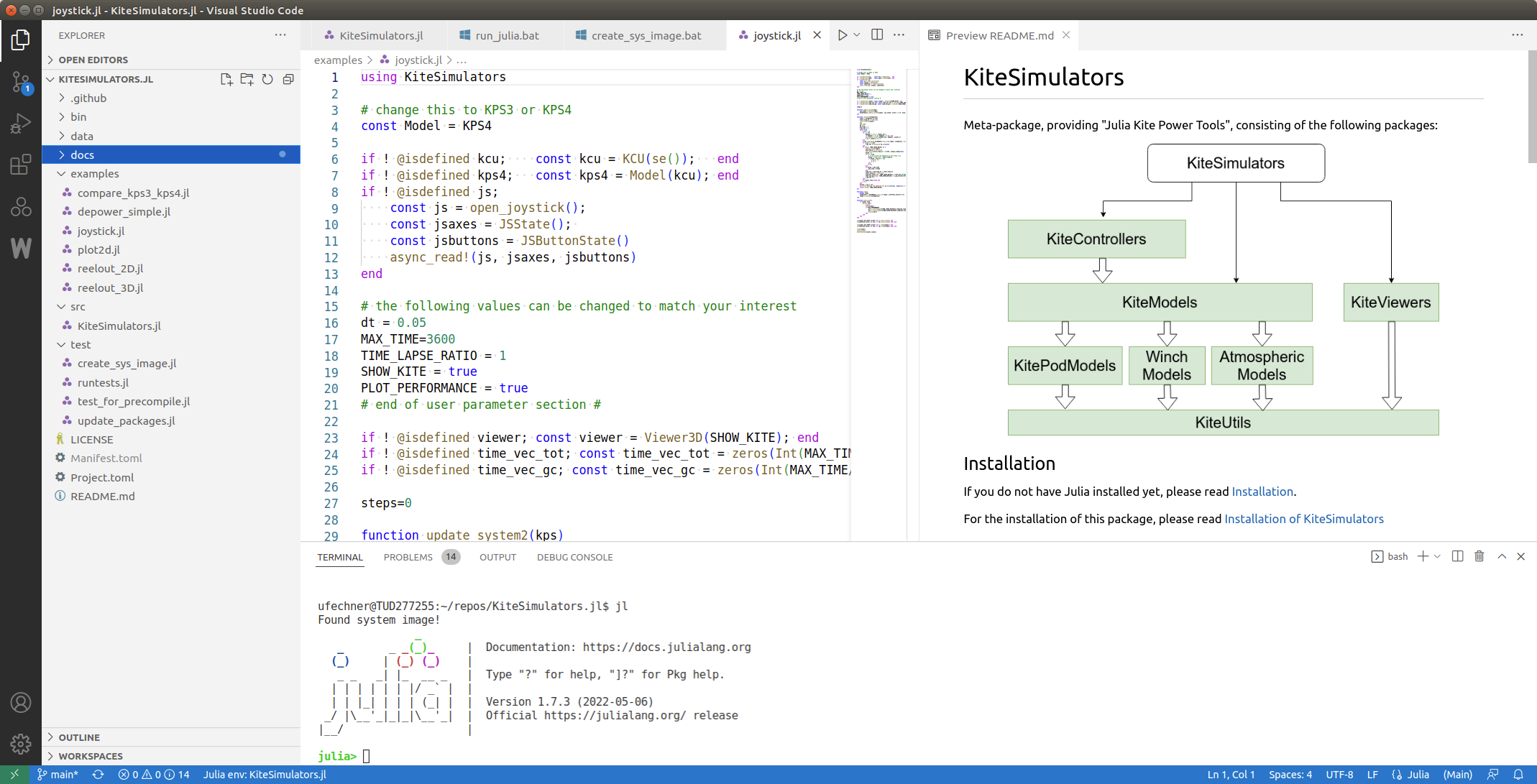
You can download and install VSCode for all operating systems from this location: https://code.visualstudio.com/
For Ubuntu Linux the following ppa can be used to install vscode and to keep it up-to-date: [https://www.ubuntuupdates.org/ppa/vscode](https://www.ubuntuupdates.org/ppa/vscode) .
Julia development with VSCode is well documented here: https://www.julia-vscode.org/docs/stable/
I would NOT use all the advanced features of julia-vscode, I prefer to just use the vscode terminal and launch julia
from the terminal. This makes it easy to launch Julia with any command line options and also to start
and restart Julia quickly.