


Sponsors

Thanks for supporting Nakama and the open source community.

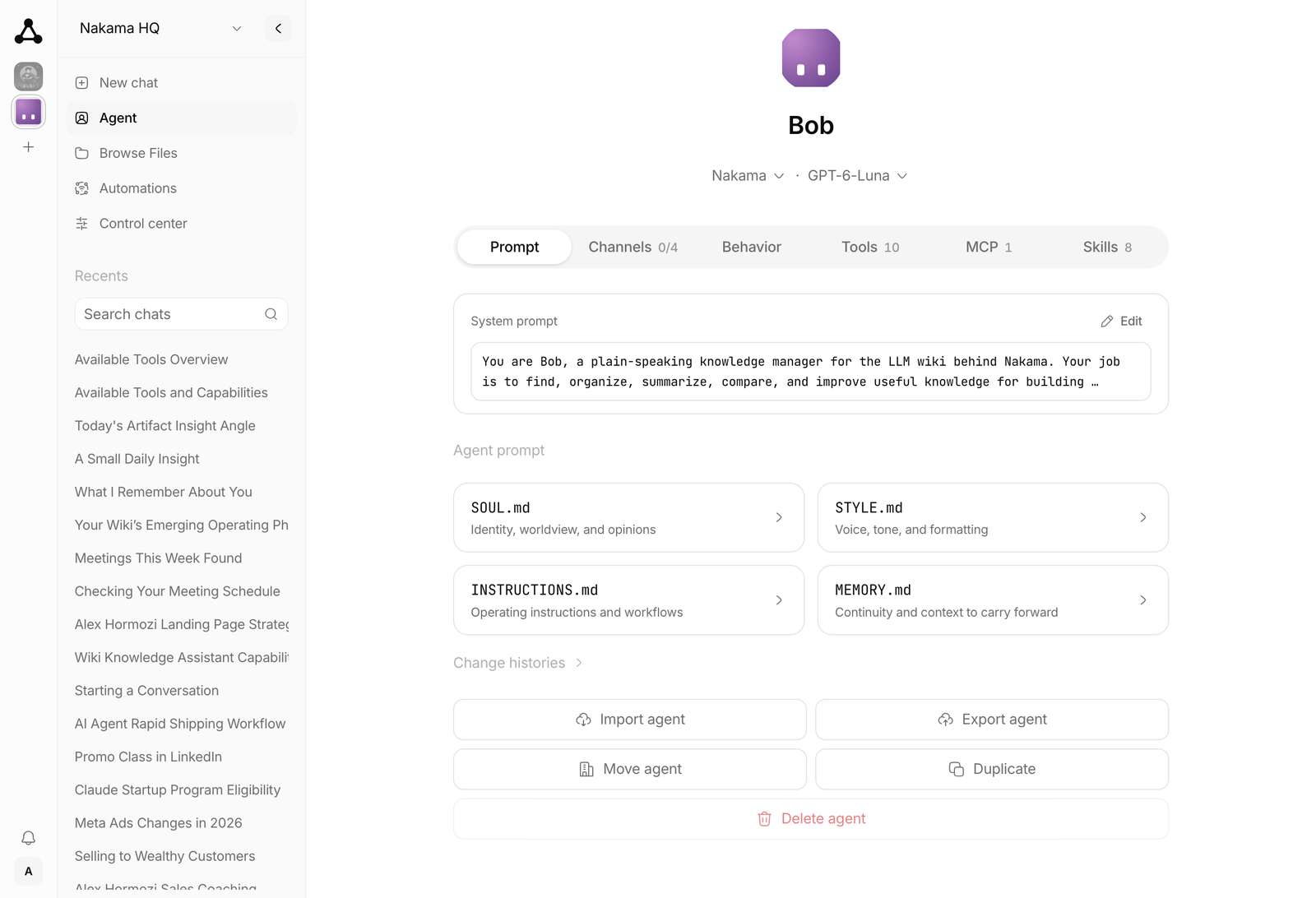 |
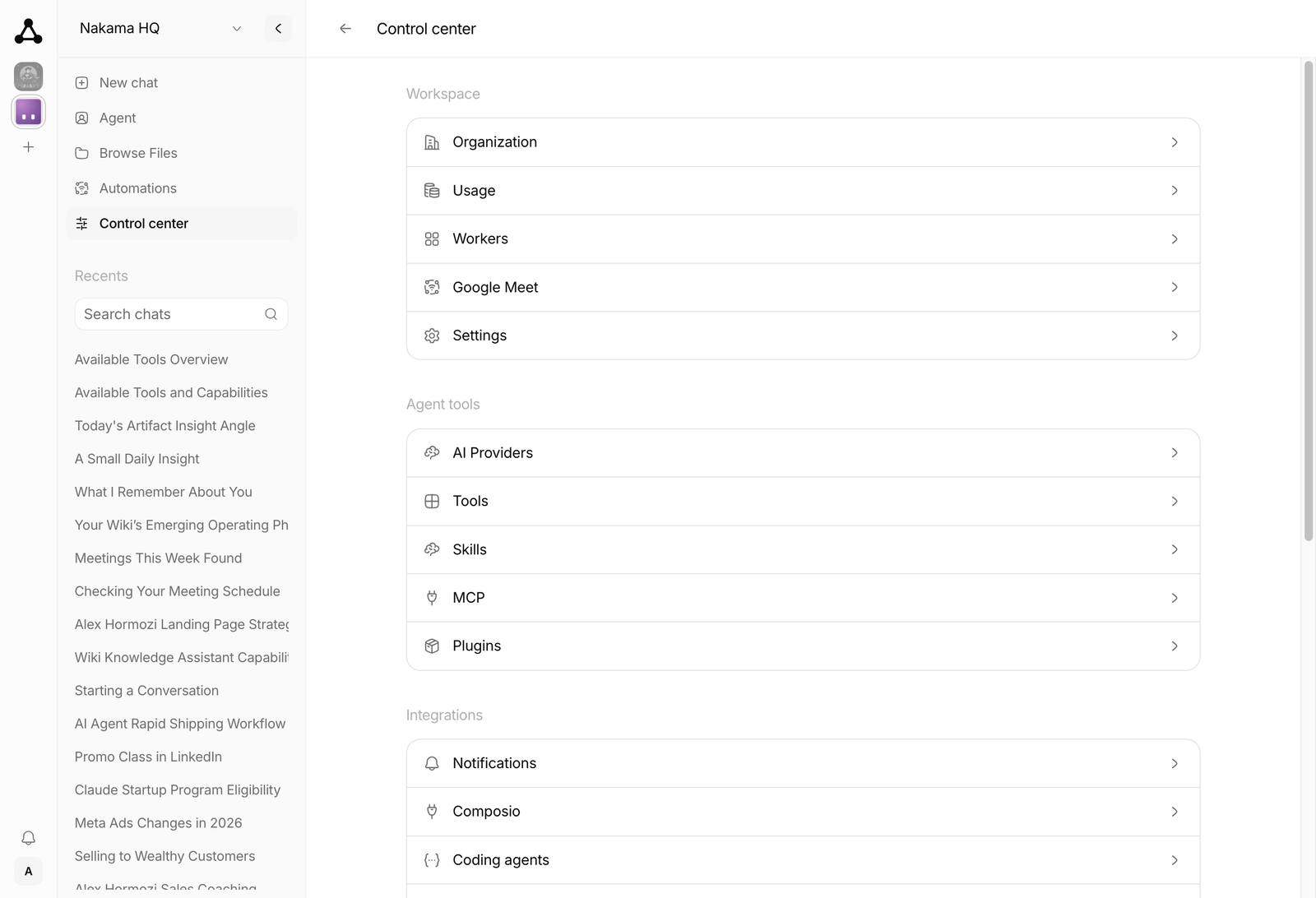 |
Open [ARCHITECTURE.md](./ARCHITECTURE.md) for the system design.
Open the [docs site](https://ahmadrosid.github.io/nakama/) for the full guide.
## Desktop downloads
macOS downloads are available in [desktop releases](https://github.com/ahmadrosid/nakama/releases?q=desktop-v). Windows has no published installation link here yet; unsigned MSIX files in older releases are Partner Center uploads, not installable downloads. See [Windows installation](apps/desktop/README.md#windows-installation) for availability and alternatives.
## Quick start
Installing with Claude Code, Codex, Cursor, or OpenCode? Paste a prompt from [Install with an AI agent](https://ahmadrosid.github.io/nakama/quickstart#install-with-an-ai-agent).
### Managed hosting
Use [Nakama Cloud](https://getnakama.cloud/) to try Nakama with the least work.
1. Create an account.
2. Provision an instance.
3. Complete the first-time setup wizard in the browser.
You do not need Bun, Docker, or a VPS.
### Run locally
You need [Bun](https://bun.sh).
```bash
# Install dependencies
bun install
# Start the web (starts the server automatically if needed)
bun run dev:web
```
Open the web dashboard: http://localhost:3003
Or start the server alone:
```bash
bun run dev:server
```
### Run with PM2
For a bare host, you need [Bun](https://bun.sh) and [Node.js](https://nodejs.org) 22.12 or later. PM2 and the web build run on Node.
1. Install PM2, build Nakama, and copy the example config:
```bash
npm install --global pm2
bun install
bun run build
cp ecosystem.config.cjs.example ecosystem.config.cjs
```
2. In `ecosystem.config.cjs`, set `cwd`, `script`, `NAKAMA_SECRETS_KEY`, and `NAKAMA_WEB_PUBLIC_URL`. Keep a copy of `NAKAMA_SECRETS_KEY`: secrets saved in Settings need it, and backups do not include it.
3. Start Nakama and set it to start after a reboot:
```bash
pm2 start ecosystem.config.cjs
pm2 startup
pm2 save
```
4. Run the startup command that PM2 prints to enable the system service.
The dashboard and API listen on `http://127.0.0.1:4310`. Put an HTTPS proxy in front for `NAKAMA_WEB_PUBLIC_URL`. After an update, run `bun run build` again, then `pm2 restart nakama`.
### Docker
You can also run Nakama with Docker. It runs as one container and needs about
200 MB idle, so 1 vCPU and 1 GB is enough for the server on its own. See
[Requirements](https://ahmadrosid.github.io/nakama/docker#requirements) before
enabling channel workers.
**On a server, use Compose.** It pins the version, keeps a daily encrypted backup, and can turn on the Update button in Settings. Set `NAKAMA_VERSION` to the [latest release](https://github.com/ahmadrosid/nakama/releases/latest) and put an HTTPS proxy in front ([Deployment hardening](https://ahmadrosid.github.io/nakama/deployment-hardening)).
```bash
curl -O https://raw.githubusercontent.com/ahmadrosid/nakama/main/docker-compose.yaml
umask 077
printf 'NAKAMA_SECRETS_KEY=%s\n' "$(openssl rand -base64 32)" > nakama-secrets.env
echo NAKAMA_VERSION=0.4.65 > .env
docker compose up -d
```
See [Upgrade](https://ahmadrosid.github.io/nakama/docker#upgrade).
**To try it on your own machine:**
```bash
# Pull and run the latest image
docker pull ghcr.io/ahmadrosid/nakama:latest
umask 077
printf 'NAKAMA_SECRETS_KEY=%s\n' "$(openssl rand -base64 32)" > nakama-secrets.env
docker run -d -p 4310:4310 -v nakama-data:/nakama/data --env-file nakama-secrets.env --name nakama ghcr.io/ahmadrosid/nakama:latest
```
**Build from source:**
```bash
./scripts/docker-build-run.sh
```
**Fresh start (destroys data):**
```bash
./scripts/docker-destroy.sh
./scripts/docker-build-run.sh
```
The reset script also removes every container publishing port 4310, including
unrelated containers. It does not remove the cached
`ghcr.io/ahmadrosid/nakama:latest` image. See the
[Docker reset documentation](https://ahmadrosid.github.io/nakama/docker#reset-a-local-docker-install)
for the complete cleanup scope.
Open the dashboard at http://localhost:4310.
### Integrations
Nakama connects to **Telegram**, **WhatsApp**, **Discord**, **Slack**, and
**Composio**. With Composio, you can connect to more than 1,000 external apps.
Enable them in the web app under **Integrations**.
On the first run, the server asks for a provider and an API key if none is configured.
The server saves settings to `~/.nakama/config.ini`.
The server listens on `http://127.0.0.1:4310` by default.
Interactive API docs are at `http://127.0.0.1:4310/docs`.
## License
MIT
## Maintainers

