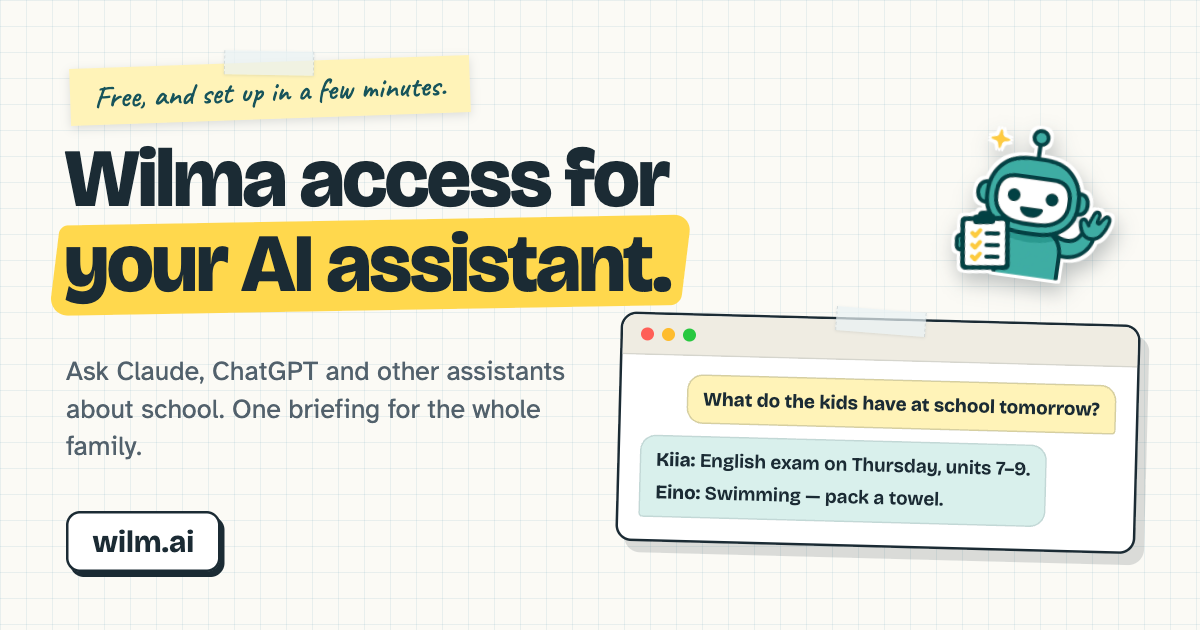
 **Wilma, Finland's school system, with AI.** Two ways to use it, both free and open source:
 **For your AI assistant or agent**
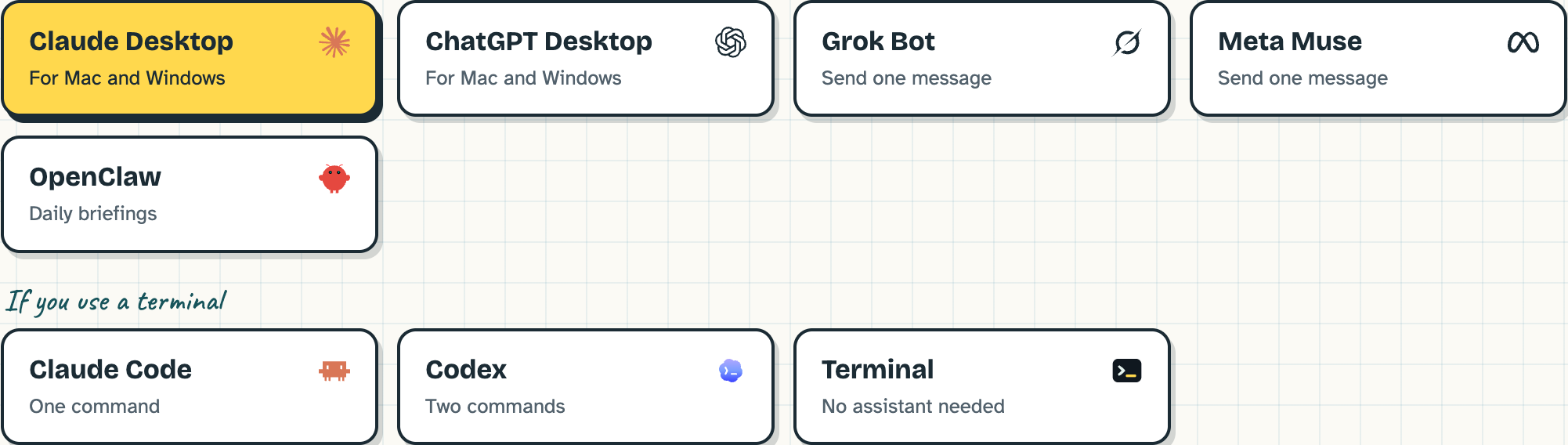
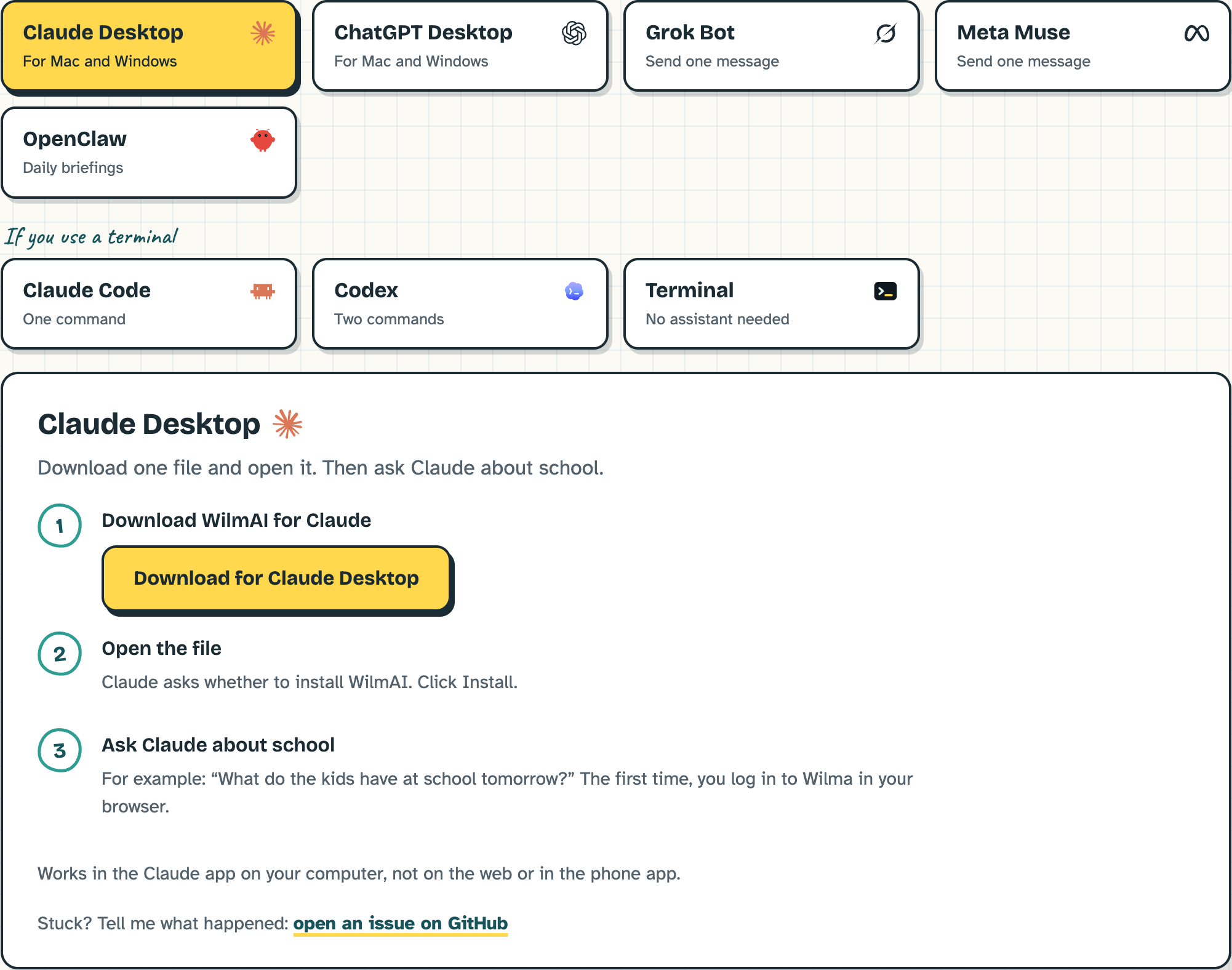
An MCP server, a CLI and agent skills. Ask Claude, ChatGPT, Codex, OpenClaw, Grok Bot or Meta Muse about school in plain words, or let your agent post one briefing for the whole family every morning. **[Set up your assistant →](#add-wilmai-to-your-assistant)**
 **WilmAI Home, the desktop app**
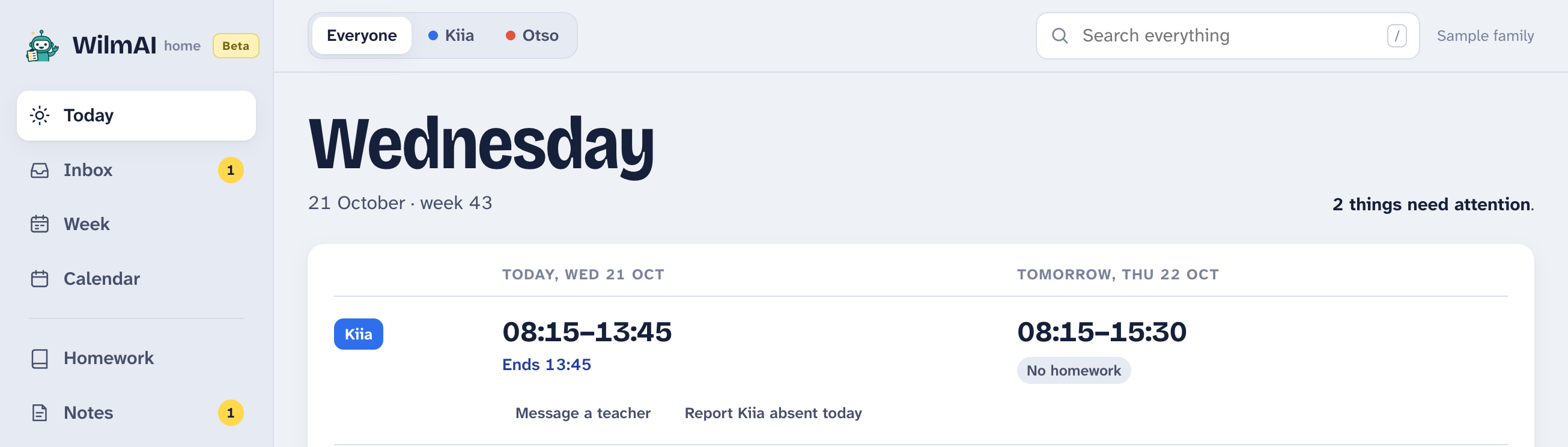
A fast, modern Wilma app for students and parents: lessons, messages, homework, exams and grades in one view, a notification when something needs you, and AI if you want it. Free and open, now in beta, for Mac and Windows. **[Download WilmAI Home →](https://wilm.ai/en/home#download)** · [More](#wilmai-home-the-desktop-app)
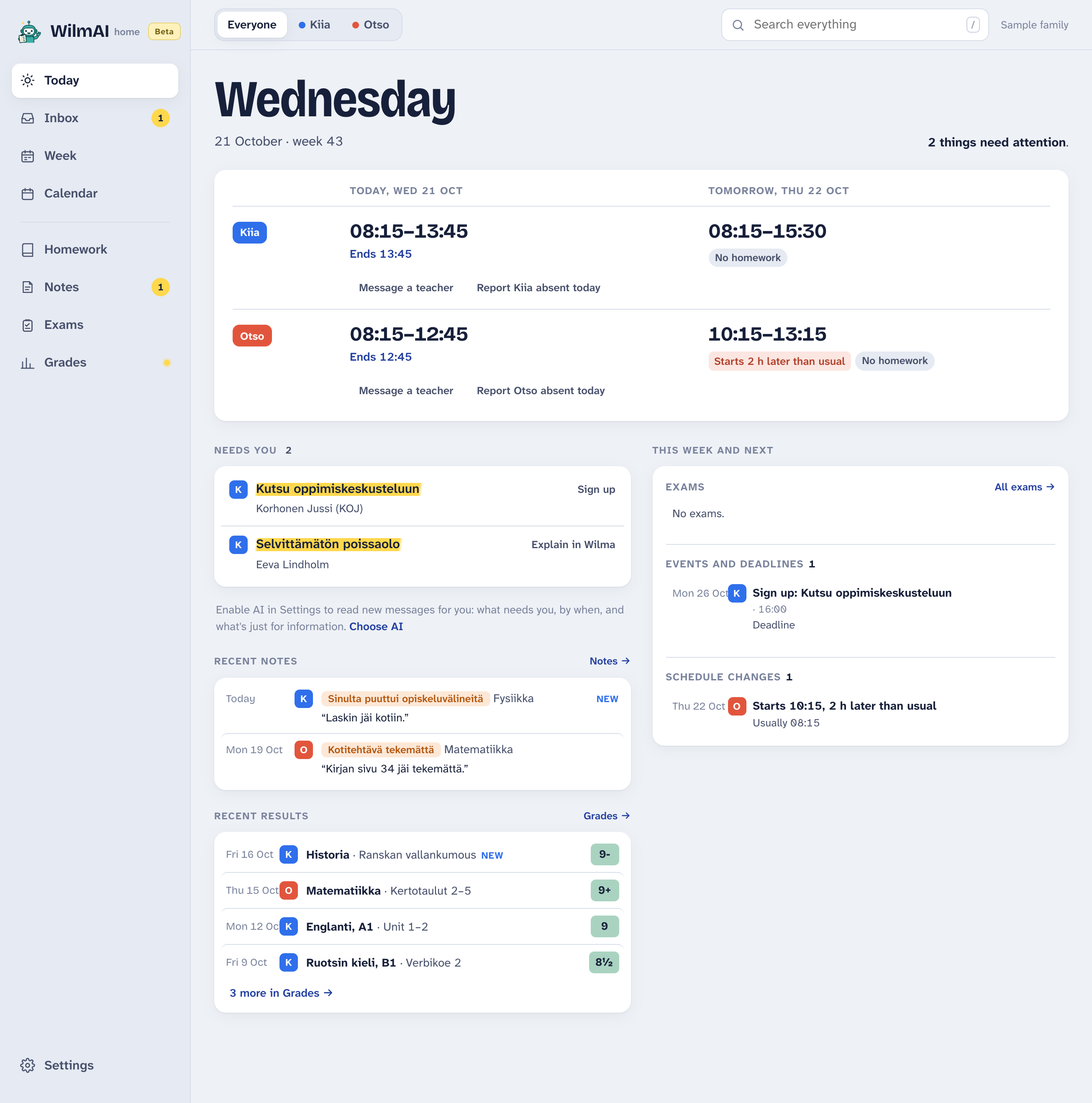 - **Reads and writes.** Reply to teachers, write new messages, sign up for parents' evenings and report absences, without opening Wilma. Pin the messages you keep coming back to.
- **For a student too.** Sign in with a student's own Wilma account and choose "A student": the app then reads things from the student's side.
- **AI is optional.** No AI (the default), OpenAI with your own API key (usually tens of cents a month; the app stops at a monthly limit you set), or local AI on an Apple Silicon Mac with 16 GB of memory, where nothing goes to an AI service.
- **Stays on your computer.** No WilmAI server and no tracking. Your Wilma password goes only to your school's Wilma; the app keeps it (scrambled) only if you turn on staying signed in.
- **Updates itself.** New versions arrive in the app, signed with the project's update key; you choose when to install them.
Mac (Apple Silicon, macOS 13.3 or later) and Windows 10 or 11. The installers aren't signed by Apple or Microsoft yet, so the first start needs one extra step: on a Mac, System Settings → Privacy & Security → Open Anyway (the install window has a link); on Windows, More info → Run anyway. On Windows, notifications and local AI aren't there yet.
The source is in [`apps/home`](apps/home) (Tauri, React and Rust), with its own README for building and the eval suite that measures how well the AI reads school messages.
## Troubleshooting
### `fetch failed` on a managed or corporate laptop
If any command fails with a TLS certificate error, your network is very likely
intercepting TLS ("break-and-inspect") and re-signing certificates with a private
root CA — standard on devices behind a corporate secure web gateway. Node ships its
own CA bundle and ignores the operating system trust store, so a root your browser
already trusts is invisible to Node.
The CLI reports the underlying cause code (for example
`UNABLE_TO_GET_ISSUER_CERT_LOCALLY`) and the fix. In order of preference:
```bash
# 1. Node >=22.19 / >=24.6
NODE_USE_SYSTEM_CA=1 wilma summary
# 2. Node >=22.15 (the flag has wider version support than the env var)
node --use-system-ca "$(command -v wilma)" summary
# 3. Point Node at the proxy root explicitly
NODE_EXTRA_CA_CERTS=/path/to/root-ca.pem wilma summary
```
Never set `NODE_TLS_REJECT_UNAUTHORIZED=0`. It disables certificate verification
entirely, on a network that is already inspecting your traffic.
Two things that make this hard to recognise:
- **A working `npm install` proves nothing.** Inspection policies commonly exempt
`registry.npmjs.org`, so installing the CLI succeeds while every Wilma request
fails.
- **`curl` and your browser work fine**, because they use the OS trust store. Only
Node is affected, which makes the network look healthy.
## Credentials & Privacy
Your Wilma login is stored locally in `~/.config/wilmai/config.json` (or `$XDG_CONFIG_HOME/wilmai/config.json`), readable only by your user account. The password is obfuscated (not encrypted) for convenience — this is a personal productivity tool, not a vault. The current Wilma session is kept next to it (`wilmai-sessions.json`, same protection, at most 6 hours) so commands don't log in each time; set `WILMAI_NO_SESSION_CACHE=1` to turn that off. `wilma logout` ends the session in Wilma and removes it, keeping the login; `wilma config clear` removes both.
The CLI, the MCP server and the Claude Desktop extension have no server behind them: they log in only to your school's Wilma. Besides Wilma, they open links from school bulletins when you ask for an attachment (only public websites, never with your Wilma login), and once a day they ask npm whether a newer version is out (not when started through `npx`, which fetches the newest version itself; `WILMAI_NO_UPDATE_CHECK=1` turns it off). When an AI assistant uses WilmAI, the school information it reads goes to that assistant's provider, the same as pasting it into a chat; your password does not.
**Do not share your config file.** It accesses the same data as the official Wilma app or website; it is your responsibility to handle that data appropriately.
## License
MIT. Questions, bugs and ideas: [GitHub issues](https://github.com/aikarjal/wilmai/issues). If WilmAI is useful to you, a star helps other parents find it.