Algora
Hire the top 1% open source engineers.
Learn more »
Website
·
Twitter
·
YouTube
·
Issues



Algora connects **companies** and **developers** for full-time and contract work.
This codebase consists of the following:
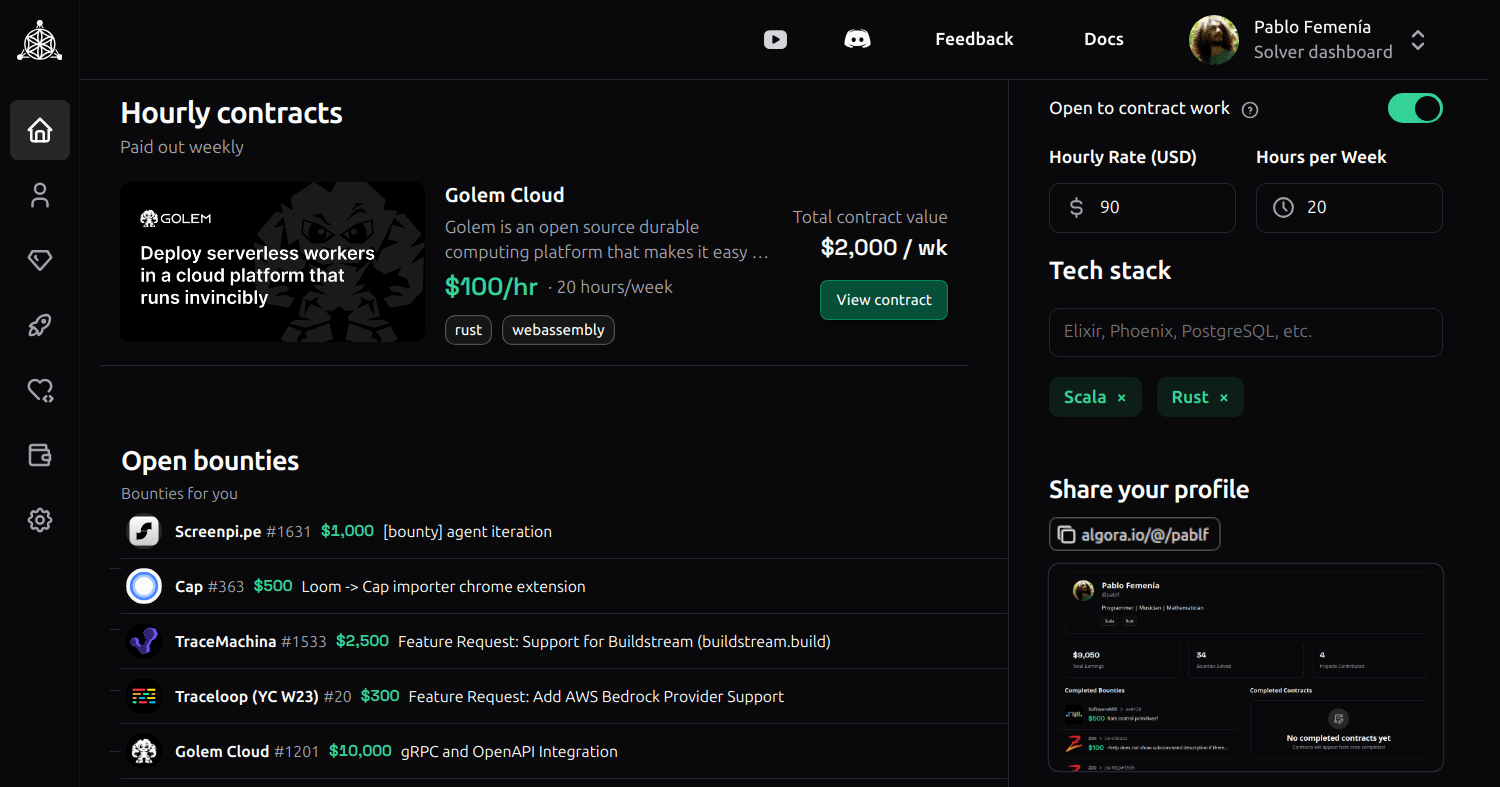
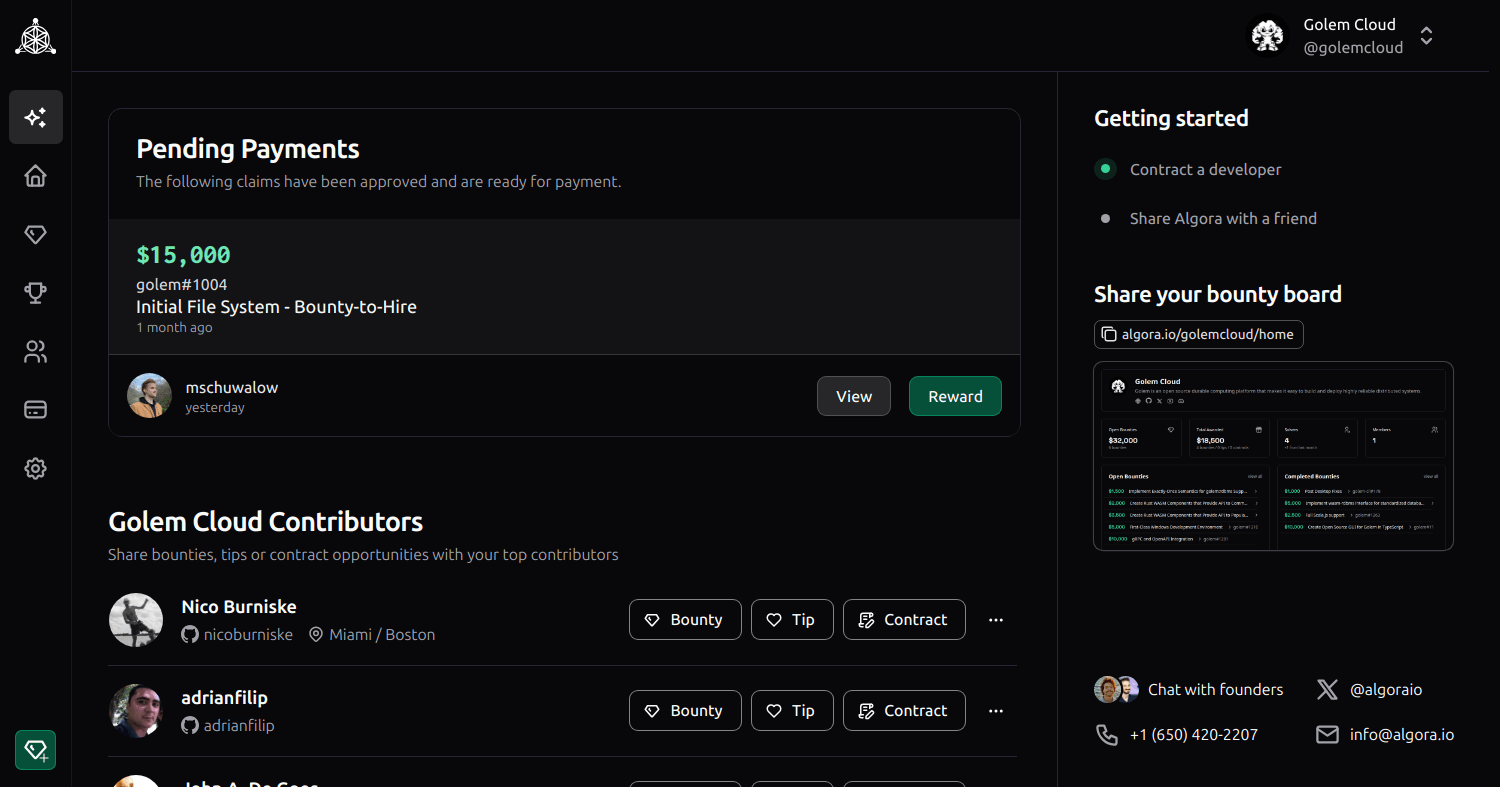
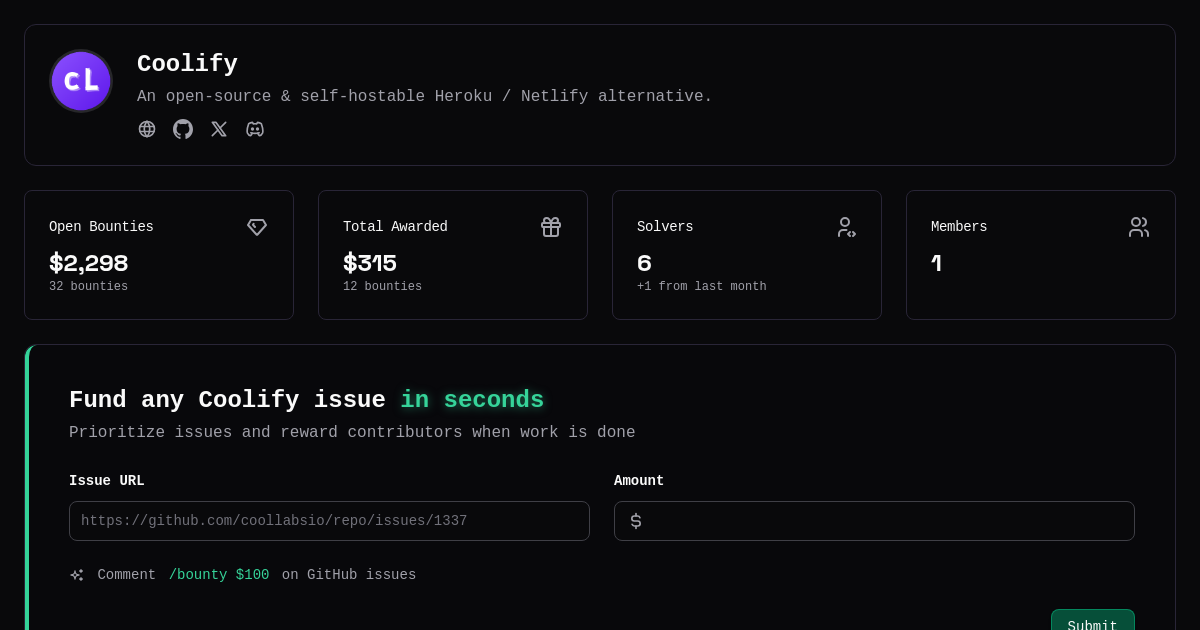
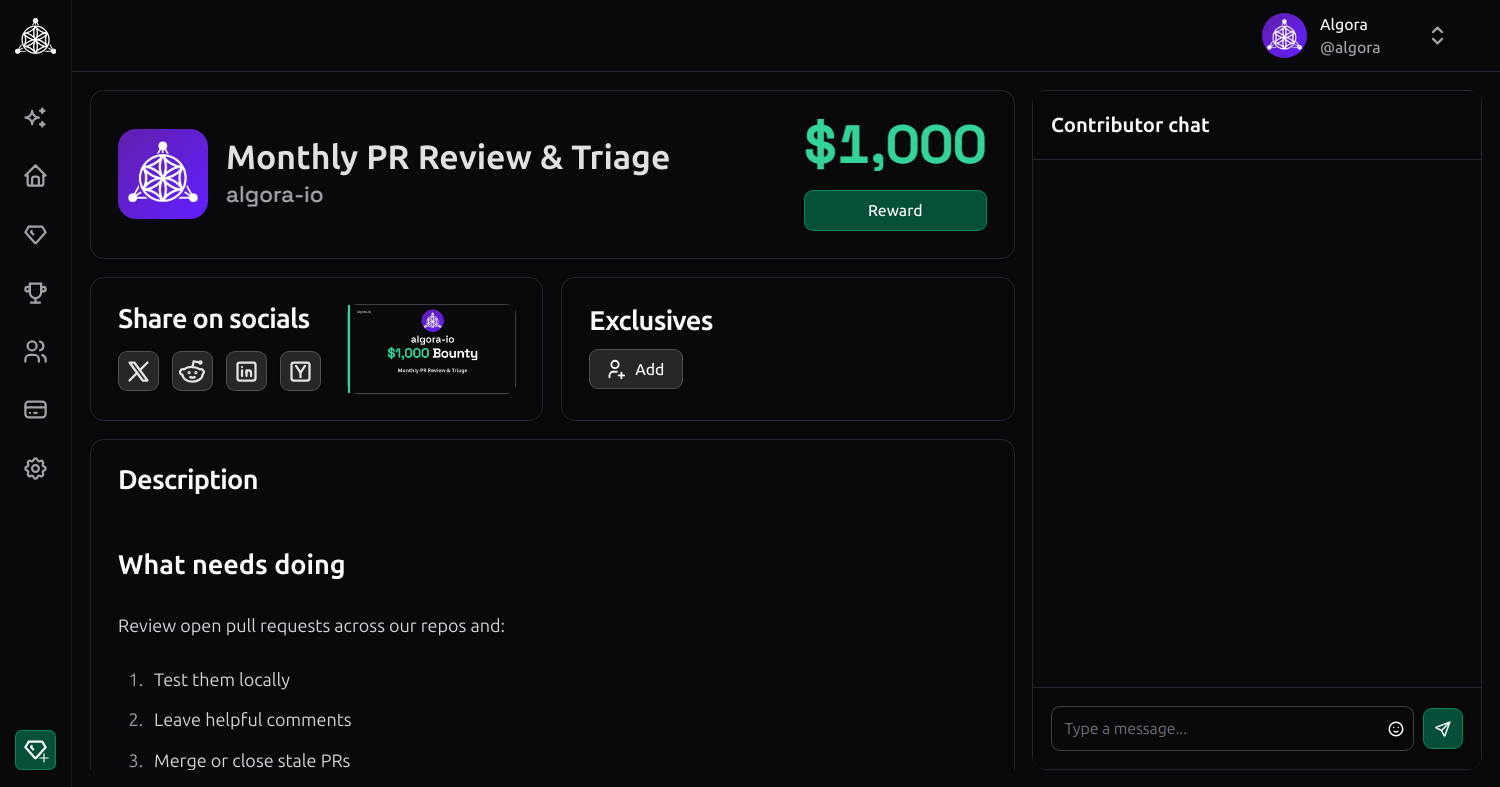
- a **web app** to publish & manage SWE jobs, contracts & bounties
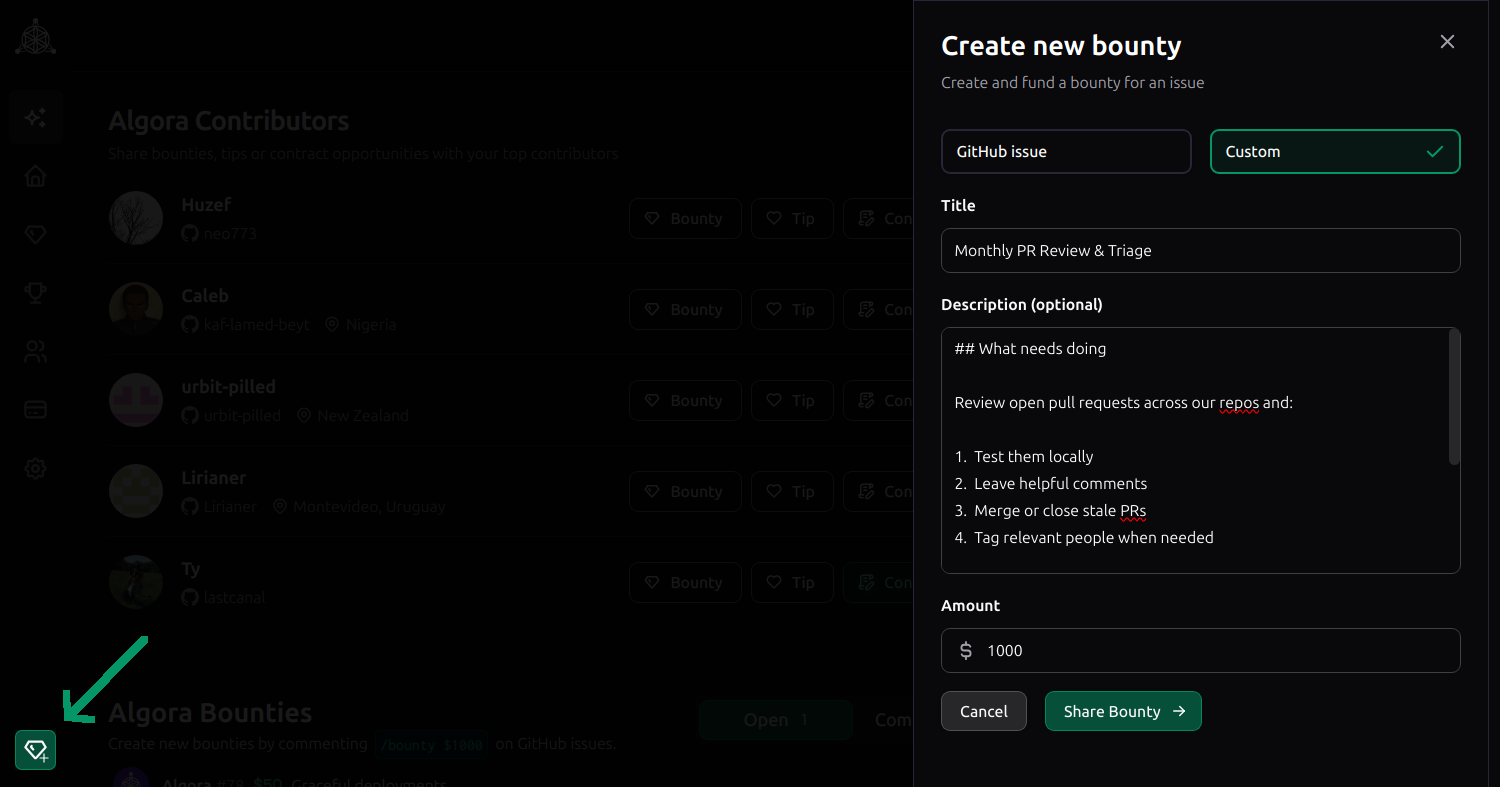
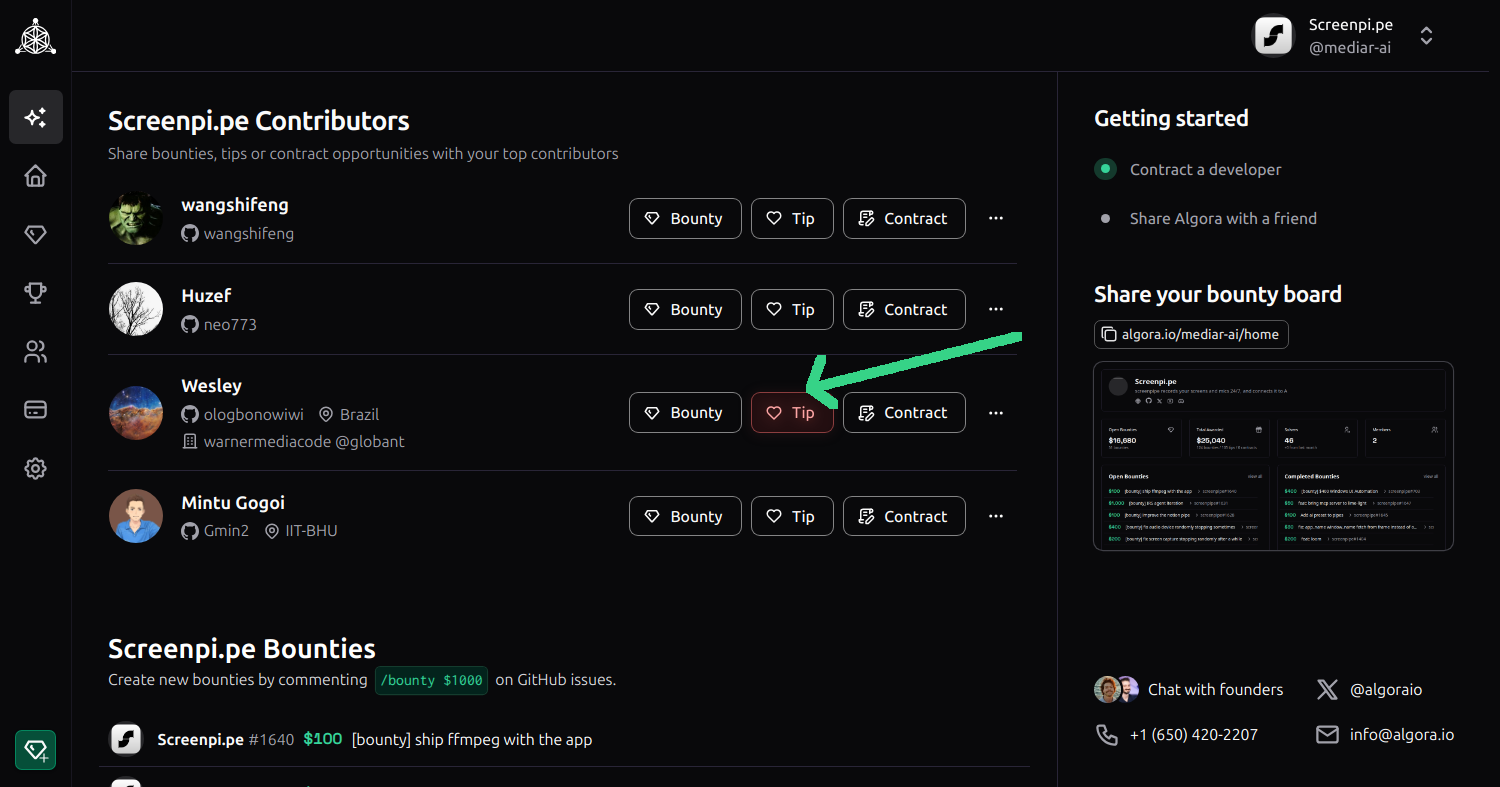
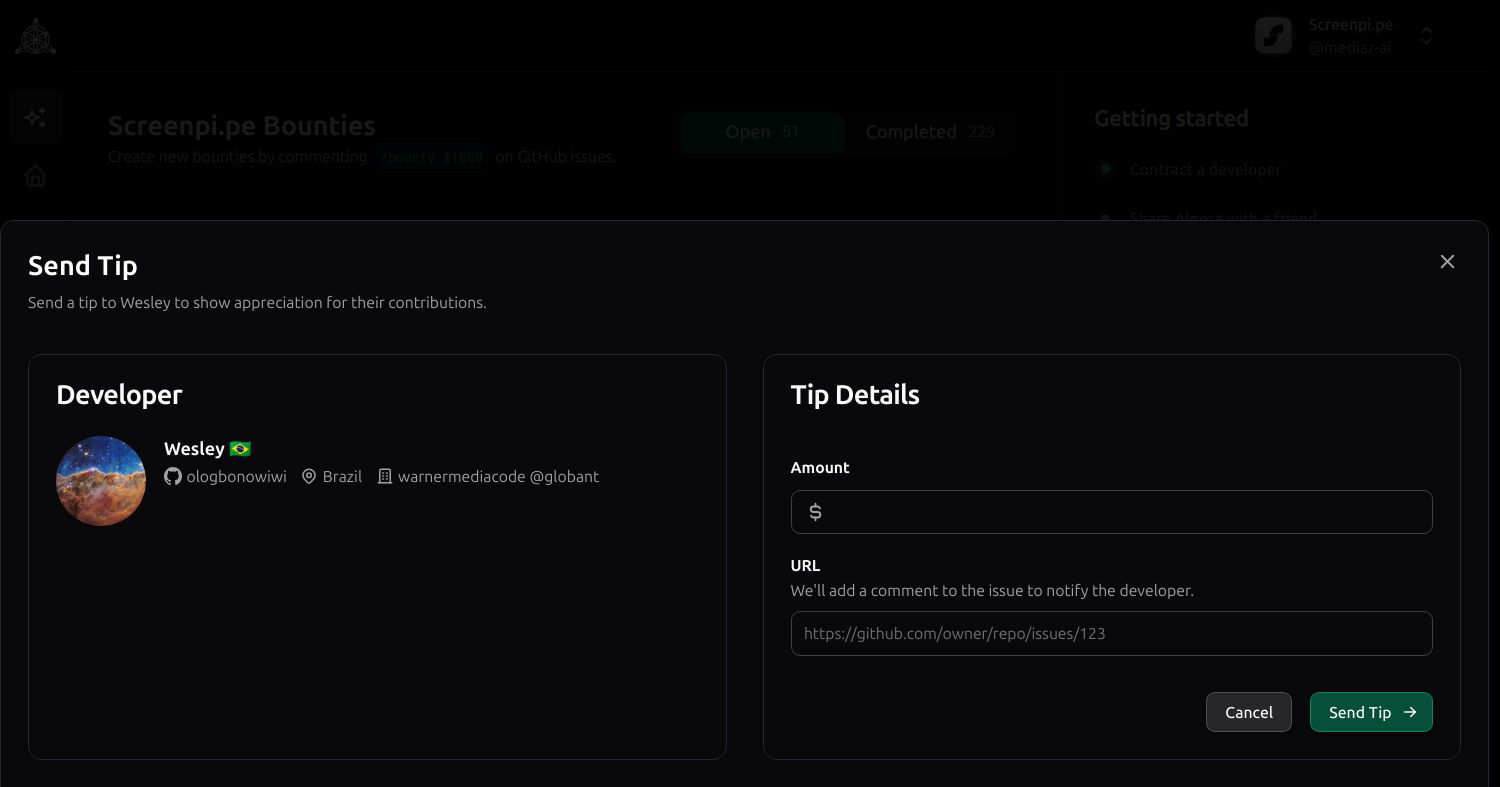
- a **GitHub app** to create bounties & reward tips on issues and PRs
- a **payment processor** to handle payouts, compliance & 1099s
OSS communities and closed source teams can **self-host** or join **[Algora.io](https://algora.io)** to accomplish the following:
| Use with your | Benefit |
| ------------------------- | ------------------------------------------------- |
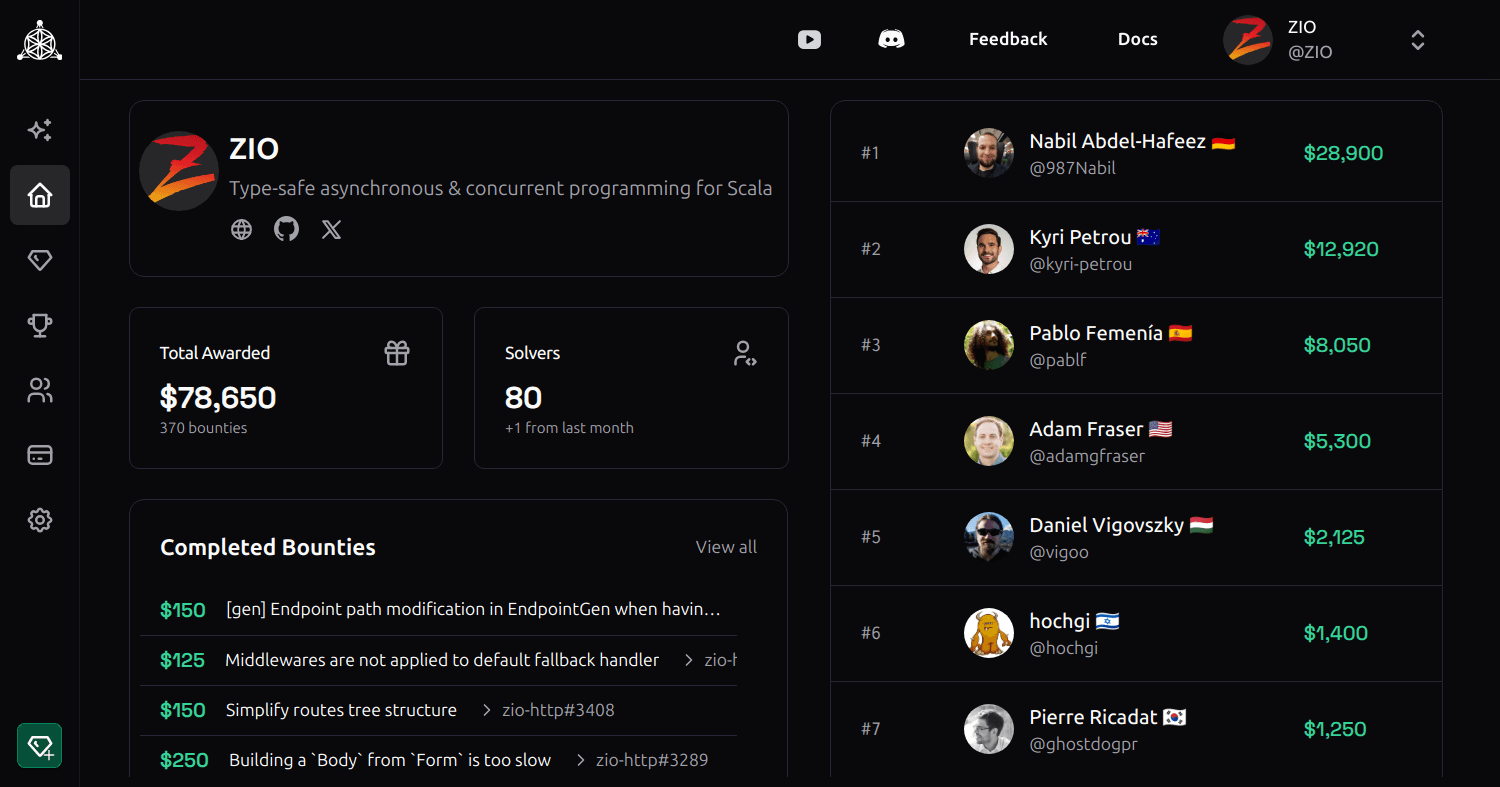
| **open source community** | reward open source contributors & maintainers |
| **contractors** | manage work and complete outcome based payments |
| **job candidates** | collaborate on paid projects for interviews |
| **teammates** | run an internal bounty program for fun and profit |
**[Algora.io](https://algora.io)**, hosted by Algora Public Benefit Corporation, extends functionalities including:
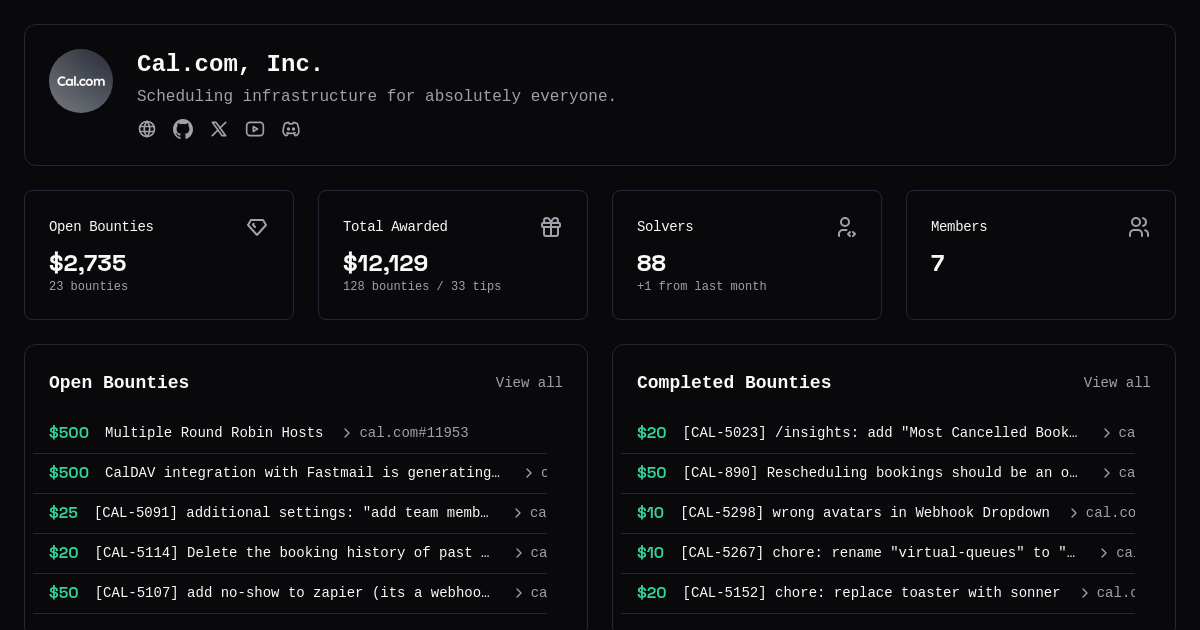
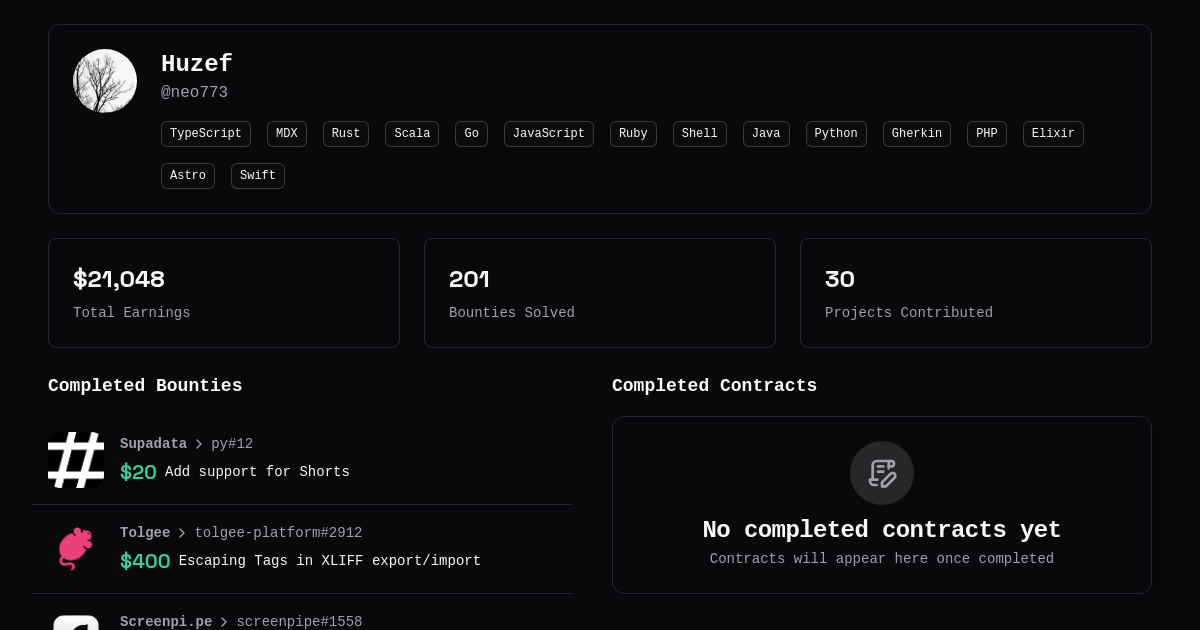
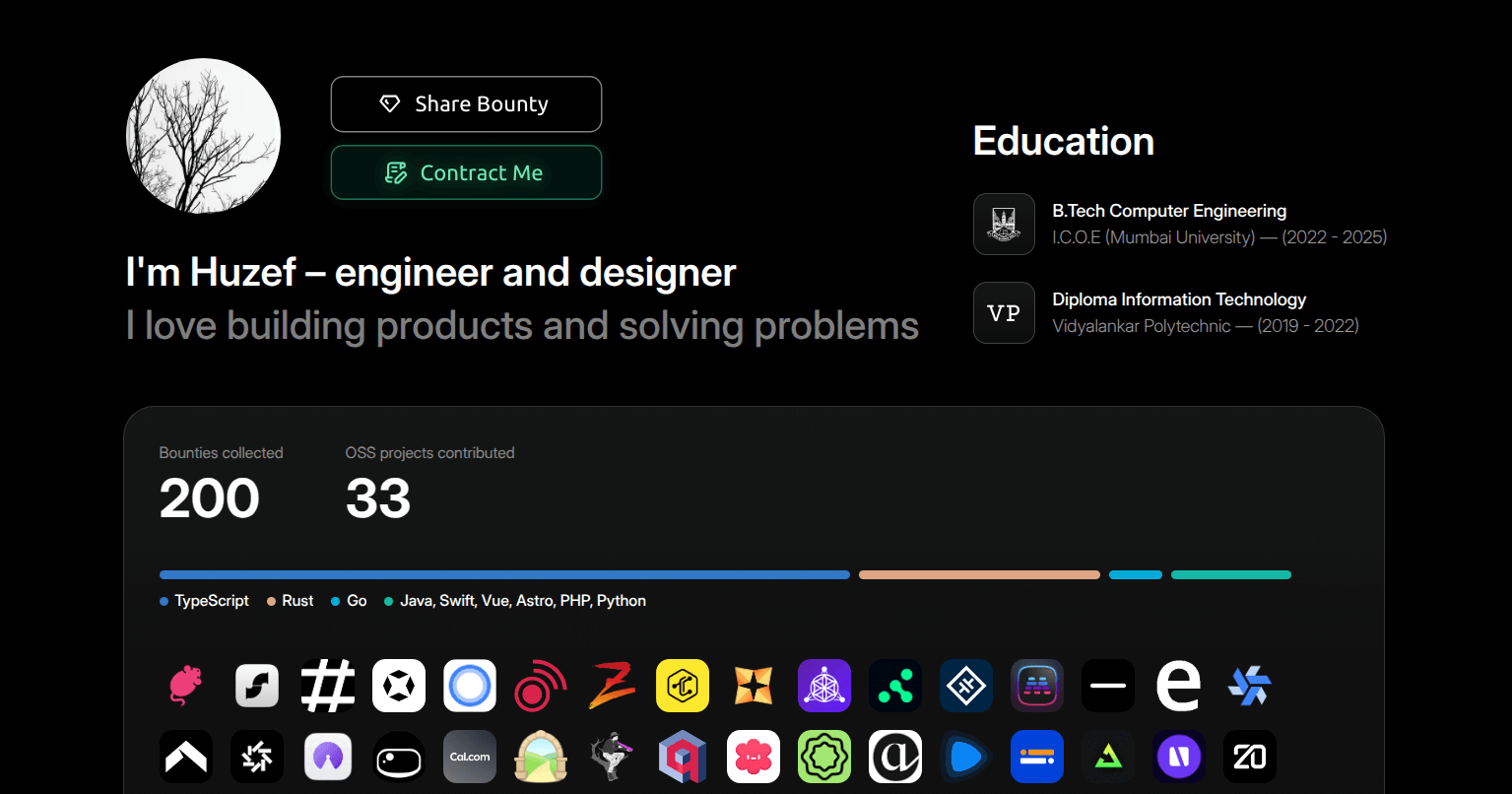
- developers' top OSS contributions are automatically displayed on their Algora profiles
- companies' job applicants are automatically screened & ranked for OSS contributions
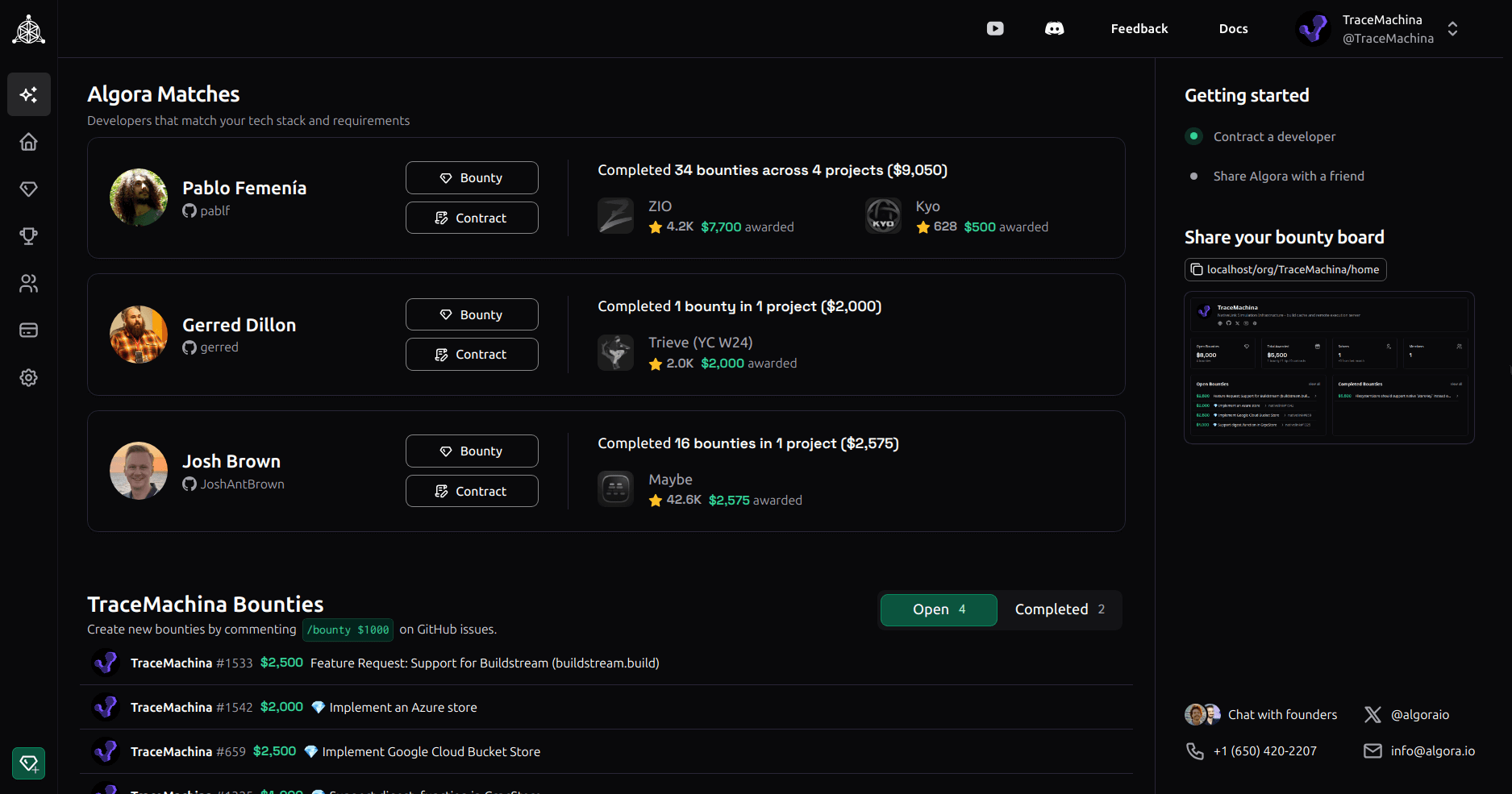
- companies and developers are automatically matched for full-time & contract work based on tech/budget/location preferences
**[Algora.io](https://algora.io)** is a complete solution for sourcing, screening, interviewing & onboarding engineers to your team.
| Hiring process | Benefit |
| ---------------- | ------------------------------------------------ |
| **sourcing** | publish jobs to 50K+ developers, access matches |
| **screening** | auto screen job applicants for OSS contributions |
| **interviewing** | trial your candidates using bounties & contracts |
| **onboarding** | contribute-first hires are productive on day 1 |
## Roadmap & community requests
- Profile Embed
- Embeddable profile for GitHub and personal websites
- One-click bounty and contract sharing
- Apply Embed
- One-click apply embed for careers pages
- New payment/payout options
- Alipay, Wise, crypto etc.
- Localization of platform & matches
- New workflow integrations
- GitLab, Linear, Plane, Cursor etc.
- New clients
- Mobile, desktop, CLI
- Crowdfunding enhancements
## Getting Started
### Prerequisites
The easiest way to get up and running is to [install](https://docs.docker.com/get-docker/) and use Docker for running Postgres.
Make sure Docker, Elixir, Erlang and Node.js are all installed on your development machine. You can install Elixir and Erlang/OTP with [ASDF](https://asdf-vm.com/) from the project root as follows:
1. [Install ASDF](https://asdf-vm.com/guide/getting-started.html)
2. `asdf plugin add erlang`
3. `asdf plugin add elixir`
4. `asdf plugin add pnpm`
5. `asdf plugin add nodejs`
6. `asdf install`
We also recommend using [direnv](https://github.com/direnv/direnv) to load environment variables and [entr](https://github.com/eradman/entr) to watch for file changes.
### Setting up the project
1. Clone the repo and go to the project folder
```sh
git clone git@github.com:algora-io/algora.git && cd algora
```
2. Initialize and load `.env`
```sh
cp .env.example .env && direnv allow .env
```
3. Start a container with latest postgres
```sh
make postgres
```
4. Install and setup dependencies
```sh
make install
```
5. Start the web server inside IEx
```sh
make server
```
6. (Optional) Watch for file changes and auto reload IEx shell in a separate terminal
```sh
make watch
```
### Setting up external services
Some features of Algora rely on external services. If you're not planning on using these features, feel free to skip setting them up.
#### GitHub
[Register new GitHub app](https://github.com/settings/apps/new) and set
- Homepage URL: http://localhost:4000
- Callback URL: http://localhost:4000/callbacks/github/oauth
- Setup URL: http://localhost:4000/callbacks/github/installation
- Redirect on update: Yes
- Webhook URL: https://[your-public-proxy]/webhooks/github (e.g. ngrok, Cloudflare Tunnel)
- Secret: [generate new random string]
- Permissions:
- Read & write issues
- Read & write pull requests
- Read account email address
- Events: issues, pull requests, issue comment, pull request review, pull request review comment
Once you have obtained your client ID and secret, add them to your `.env` file and run `direnv allow .env`.
```env
GITHUB_CLIENT_ID=""
GITHUB_CLIENT_SECRET=""
GITHUB_APP_HANDLE=""
GITHUB_APP_ID=""
GITHUB_WEBHOOK_SECRET=""
GITHUB_PRIVATE_KEY=""
```
#### Stripe
[Create new Stripe account](https://dashboard.stripe.com/register) to obtain your secrets and add them to your `.env` file.
```env
STRIPE_PUBLISHABLE_KEY=""
STRIPE_SECRET_KEY=""
STRIPE_WEBHOOK_SECRET=""
```
#### Object Storage
To host static assets, set up a public bucket on your preferred S3-compatible storage service and add the following credentials to your `.env` file:
```env
AWS_ENDPOINT_URL_S3=""
AWS_REGION=""
AWS_ACCESS_KEY_ID=""
AWS_SECRET_ACCESS_KEY=""
BUCKET_NAME=""
```
#### Tunnel
To receive webhooks from GitHub or Stripe on your local machine, you'll need a way to expose your local server to the internet. The easiest way is to use a service like [Cloudflare Tunnel](https://developers.cloudflare.com/cloudflare-one/connections/connect-networks/) or [ngrok](https://ngrok.com/).
If you'd like to utilize our Cloudflare Tunnel [GenServer](https://github.com/algora-io/algora/blob/main/lib/algora/integrations/tunnel.ex) to automatically run a tunnel when you start the app, you'll need to set up a named tunnel on your own domain:
```sh
cloudflared tunnel login
cloudflared tunnel create local
cloudflared tunnel route dns local http://local.yourdomain.com
```
And then add it to your `.env` file:
```env
CLOUDFLARE_TUNNEL="local"
```
If you're using another service, make sure to start the tunnel manually in another terminal.