English · 简体中文



Get started / Demo / Reference / Report an issue
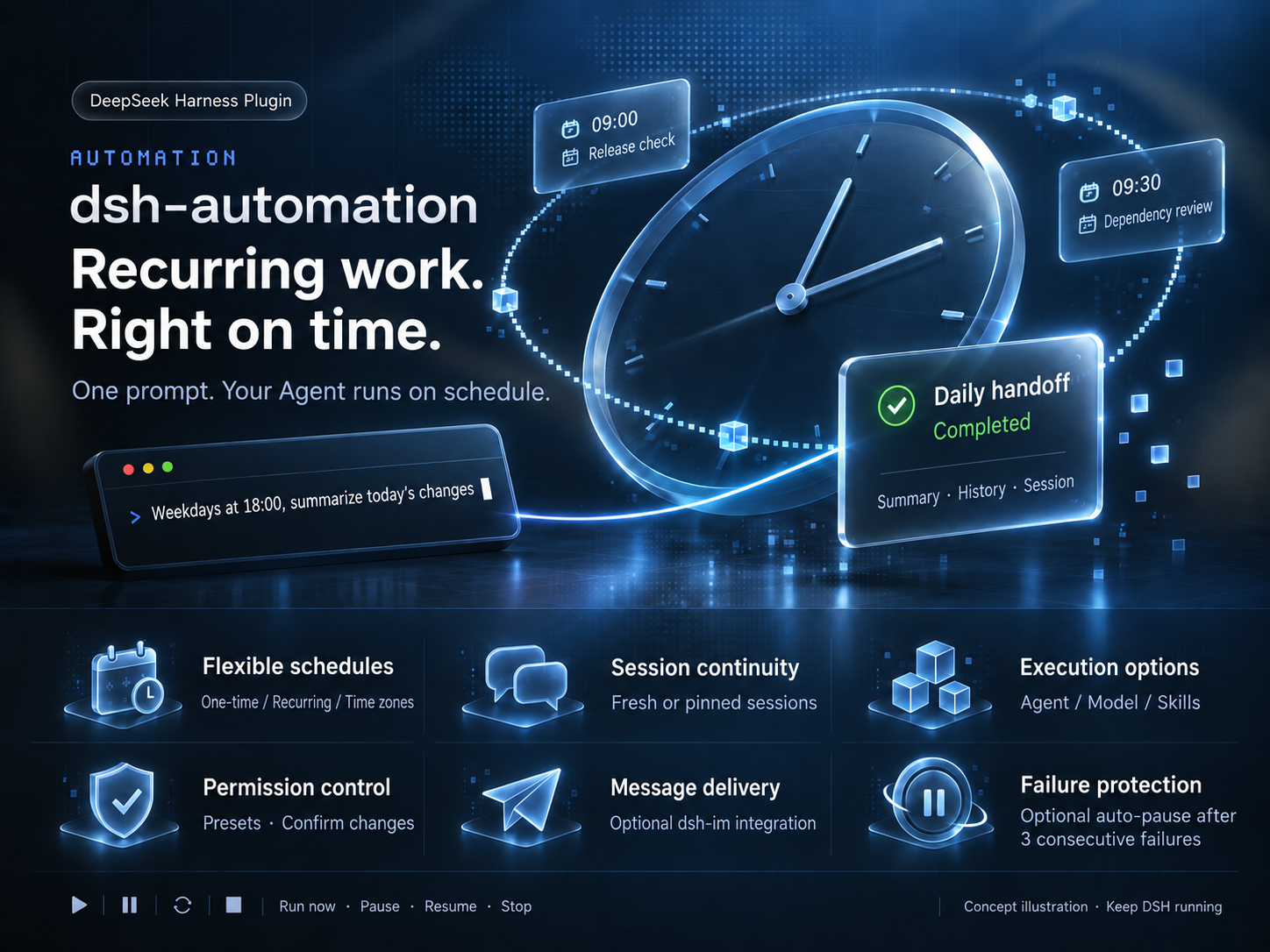
Release checks. Dependency reviews. Daily handoffs.
Set the schedule. Let your Agent take it from there.
🗓 Work on a scheduleOne-time or recurring, across time zones. |
💬 Keep the conversationStart fresh by default, or confirm |
🧩 Choose the capabilitiesPick an Agent, model, and skills per task. |
🔎 Follow every runSee summaries, duration, and errors. |
📨 Bring results to chatOptionally deliver through dsh-im. |
⏸ Stay in controlRun now, pause, resume, or stop. |
🌙 A handoff before you log offRecurring · Read only · Notify after each run Create a daily handoff for weekdays at 18:00 in Asia/Shanghai. Read today's commits and uncommitted workspace changes. Report completed work, next actions, and blockers with evidence; say so if nothing changed. Do not modify files. Notify me after each run. |
🚀 A check before the releaseOne-time · A verdict with evidence Create a one-time release check for tomorrow at 09:00 in Asia/Shanghai. Read the workspace's version configuration, release docs, and uncommitted changes. Report Ready or Blocked with evidence, and list anything not verified. Do not modify files or publish anything. |
📦 A Monday dependency reviewRecurring · Choose models and skills Create a dependency review for Mondays at 09:30 in Asia/Shanghai. First list the available models and skills for me to choose. Inspect manifests and lockfiles, consult accessible official release notes, and report upgrade priorities, compatibility risks, and sources. Do not install or upgrade anything. |
💬 Keep an investigation movingPinned session · Retain context Create an investigation follow-up for weekdays at 10:00 in Asia/Shanghai, pinned to our investigation session in this workspace. Show me the target session for confirmation first. Read the logs I specify, build on our existing conclusions, and report new evidence and next steps. Do not repeat the entire history or modify files. |
📨 A weekly report delivered to chatRecurring · Optional dsh-im delivery Create a weekly report for Fridays at 17:00 in Asia/Shanghai. Read this week's workspace commits and project docs. Produce a short chat-ready briefing: completed work, unresolved issues, and suggested next steps. Do not modify files or invent progress; flag missing evidence. |
📝 Keep project docs up to dateRecurring · Controlled file changes Create a docs-maintenance task for the first day of each month at 10:00 in Asia/Shanghai. Check README commands against the current package.json and update only outdated command instructions. Do not change application code, commit, or push. Let me confirm the model, skills, and workspace-write permissions before creation. Summarize the edits after each run. |
Execution rules & tool reference · Feedback & ideas · MIT License