# shadplay
artwork by Maz with SD
[](https://github.com/bevyengine/bevy/blob/main/docs/plugins_guidelines.md#main-branch-tracking)
## Our [bevy-shader-cheatsheet](bevy-shaders-cheatsheet.md#Contents)
Shadplay is an app designed to help you learn `wgsl` with minimal friction, specifically for those wanting to learn `wgsl` to write shaders for [Bevy](https://bevyengine.org/).
A secondary goal is to flesh out a relatively comprehensive 'port' of existing cool shader work from places like shadertoy etc -- because there's a few 'gotchas' around the differences in `glsl` and `wgsl` syntax, their respective builtins.
A tertiary goal is to surface the builtins/existing library code that bevy's codebase provides.
You will notice a large swath of the `wgsl` code from the Bevy codebase here, _we_ want it to be available to you and searchable (within your IDE) as, the `lsp` story for `wgsl` is not a great one... _yet_!.
---
### Why?
> I have found, and continue to find the shader-universe impenetrable, however: I'd rather attempt to write up and document the content I _wish_ I'd been able to find in my first google search, than complain.
---
## Features
- A large collection of example shaders illustrating creative and educational uses. `assets/shaders/yourshadergoeshere.wgsl`.
- Live preview of shader code on bevy mesh geometry.
- Textures, see `assets/shaders/howto-texture.wgsl`.
- Drag and drop `.png` or `.jpg` files onto the window to use as said textures.
- Mouse coords over a `uniform`, see `assets/shaders/howto-mouse.wgsl`.
- Colour picker with system copy so that you get an immediate `vecf3(r, g, b)` immediately available for quick pasta action.
- Drag and drop (valid `wgsl`) shaders onto the app window to see them working.
- Tips and Tools to format your `wgsl` work, so it looks more rusty (which will help you quickly get up to speed with the existing `wgsl` in the Bevy codebase).
- Scripts to pull _all_ the functions from the Bevy codebase's shader code so you can easily lookup what's available for import. (See `scripts/README.md`)
- Scripts to search the Bevy source code (opening your browser) for specific keywords. (See `scripts/README.md`)
- Continious image capture to create .gifs! (Currently only supporting a maximum framerate of 20FPS for capture.) For the finest quality GIFs, we recommend [this guide on using ffmpeg](https://blog.pkh.me/p/21-high-quality-gif-with-ffmpeg.html).
- Automatic recompilation and update of shaders upon saving changes in your editor.
- Quick iteration and experimentation with `wgsl` shader code.
- Transparent background, with always-on-top (so you can have it on top of your editor, most OSes should be supported).
- Screenshot the shader you're working on with SPACEBAR, this will also version the shader (at `assets/shaders/myshader.wgsl`) for you i.e:
```shell
screenshots
└──| 01-10-23
└──| 09-23-29
├──| screenshot.png // Your screenshot
└──| screenshot.wgsl// The shader at `assets/shaders/myshader.wgsl`
```
### Keybindings:
The app has some simple hotkeys:
| Hotkey | Action |
| ------------------- | ------------------------------------------------------------------------------------- |
| q | Quit |
| s | Change Shape in 3D |
| tab | Toggles the colour picker (should be supported on most systems...) |
| t | Switch to 2D/ShaderToy Mode |
| h | Switch to 3D |
| x | WINDOWS ONLY Toggle Window Fallthrough 3D |
| l | Window-Level |
| d | Toggle Decorations (not all OSes) |
| b | Toggle Border (2d only) |
| t | Toggle Transparency (returning to fully transparent is not supported) |
| r | Toggle Rotating shape (3d only) |
| spacebar | Takes a screenshot && versions the current `.wgsl` |
| return | Takes screenshots continiously, hit `return` again to stop capture |
| 0 | Select the `texture` at index 0 |
| 1 | Select the `texture` at index 1 (assuming you drag-n-dropped a texture onto Shadplay) |
| 2 | Select the `texture` at index 2 |
| 3 | Select the `texture` at index 3 |
| 4 | Select the `texture` at index 4 |
| 5 | Select the `texture` at index 5 |
| 6 | Select the `texture` at index 6 |
| 7 | Select the `texture` at index 7 |
| 8 | Select the `texture` at index 8 |
| 9 | Select the `texture` at index 9 |
| ? | Opens the Help UI |
---
### To run shadplay, you'll need the following:
- Rust (`nightly`) - Make sure you have Rust installed on your system. You can find installation instructions at [https://www.rust-lang.org/tools/install](https://www.rust-lang.org/tools/install).
_We assume you can follow their instructions to clear that hurdle_
_Question: Why Nightly?_ so we can take advantage of the fast build config (See bevy repo's `.cargo/config.toml`)
then:
### Installation
```shell
$ git clone https://github.com/alphastrata/shadplay.git
$ cd shadplay
$ cargo run --release
```
- Then edit the `myshader.wgsl`, or `myshader_2d.wgsl`(if in 2d/shadertoy-mode) file in real time. (h, and t to move between 2d/3d).
---
## Stability:
The shaders in `assets/shaders/shadertoy-ports` _should_ usually work with the latest bevy.
With _other_ shaders, for example those prefaced with `BROKEN_...` your mileage will vary, I cannot update all the shaders every single time `wgsl/bevy/naga/wgpu` change stuff :(, if _you_ can than see below:
---
## Contributing:
See the [guide](./CONTRIBUTING.md)
---
## TODO:
- \[\] More shader examples (the entirety of shadertoy ported!)
- \[\] drag n drop obj/stl/gltf opening?
- \[\] left/right arrows to swap between shaders from the assets' dir
---
## Resources:
- [Fantastic implementations of some sdf composed shapes](https://gist.github.com/munrocket/f247155fc22ecb8edf974d905c677de1)
- [GM Shaders](https://mini.gmshaders.com)
- [glsl sandbox](https://glslsandbox.com/)
- [Shadertoy](https://www.shadertoy.com/)
- [pcf swap by DGriffin91](https://github.com/DGriffin91/bevy_mod_standard_material/tree/pcf)
- [GLSL2WGSL converter](https://eliotbo.github.io/glsl2wgsl/), it's a mixed bag..
- [bevy_shadertoy_wgsl](https://github.com/eliotbo/bevy_shadertoy_wgsl)
- [Alain's blog](https://alain.xyz/blog)
- [GM Shaders](https://gmshaders.com/)
- [WGSL function reference](https://webgpufundamentals.org/webgpu/lessons/webgpu-wgsl-function-reference.html)
- [My blog, sometimes I write about shaders/gp-gpu programming](https://jeremyfwebb.ninja)
---
# Gallery:
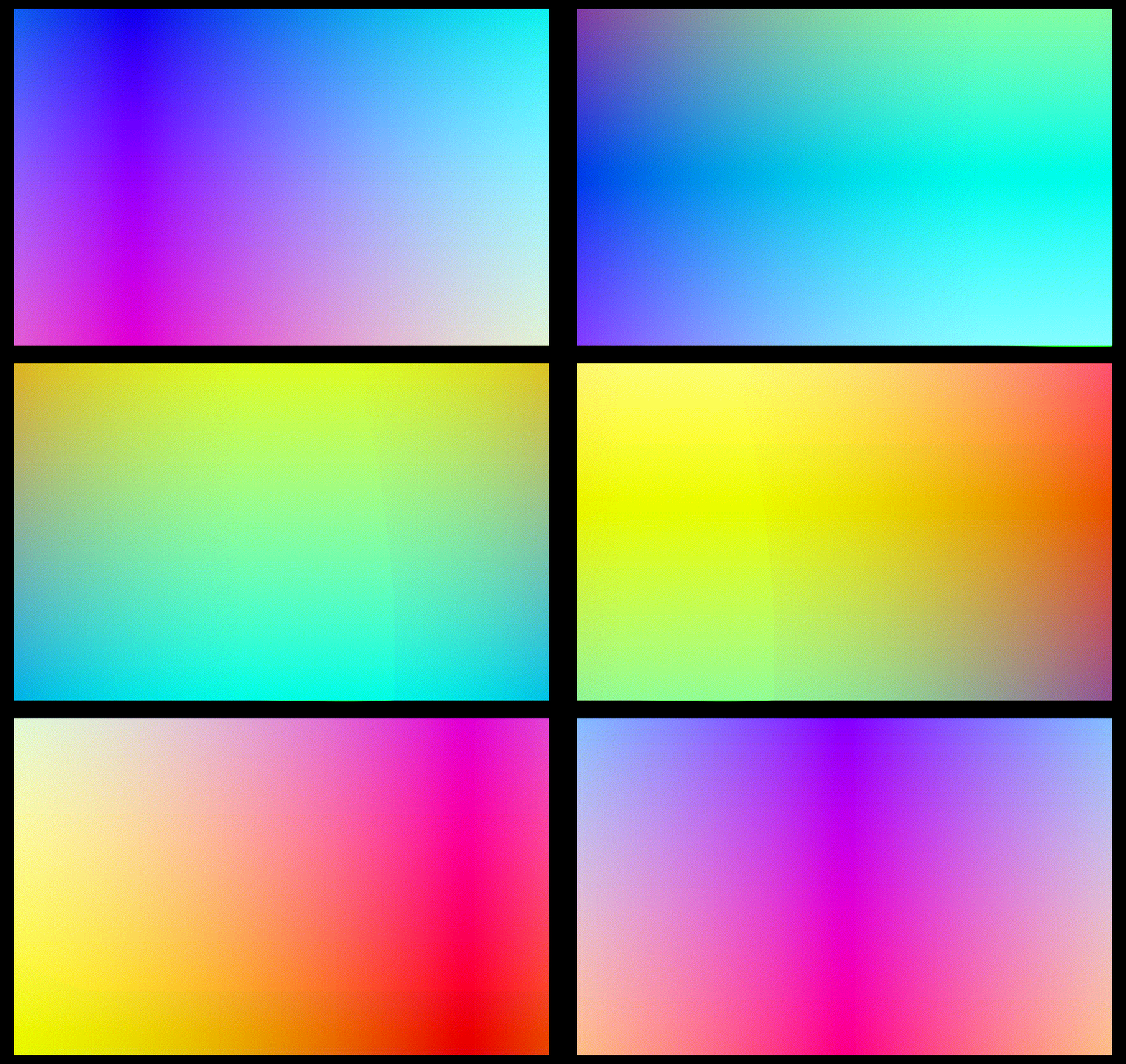
- Any shaders in the `assets/shaders` _not_ by the repo's owner contain links to the original work, and obviously their original glsl code is, still theirs.
- Some of those can be seen below
---
# FAQ:
Q: I grabbed a shader from the examples, but it's not working!
A: It could be that the shader was contributed some time ago and was, likely made with a bevy version \< 0.12.x so it's likely a formatting thing -- if the naga (the thing which parses and compiles the .wgsl code) error doesn't tell you how to solve the issue please make a bug report and we'll try to get it updated!
Q: What version of bevy are you targeting??
A: `{version = "*"}`
---
# LICENSE:
This repository is licensed MIT, with the exception of code within the `assets/shaders/shadertoy-ports` directory, see those individual files' and the links to the original `glsl` code to ascertain their licensing requirements.