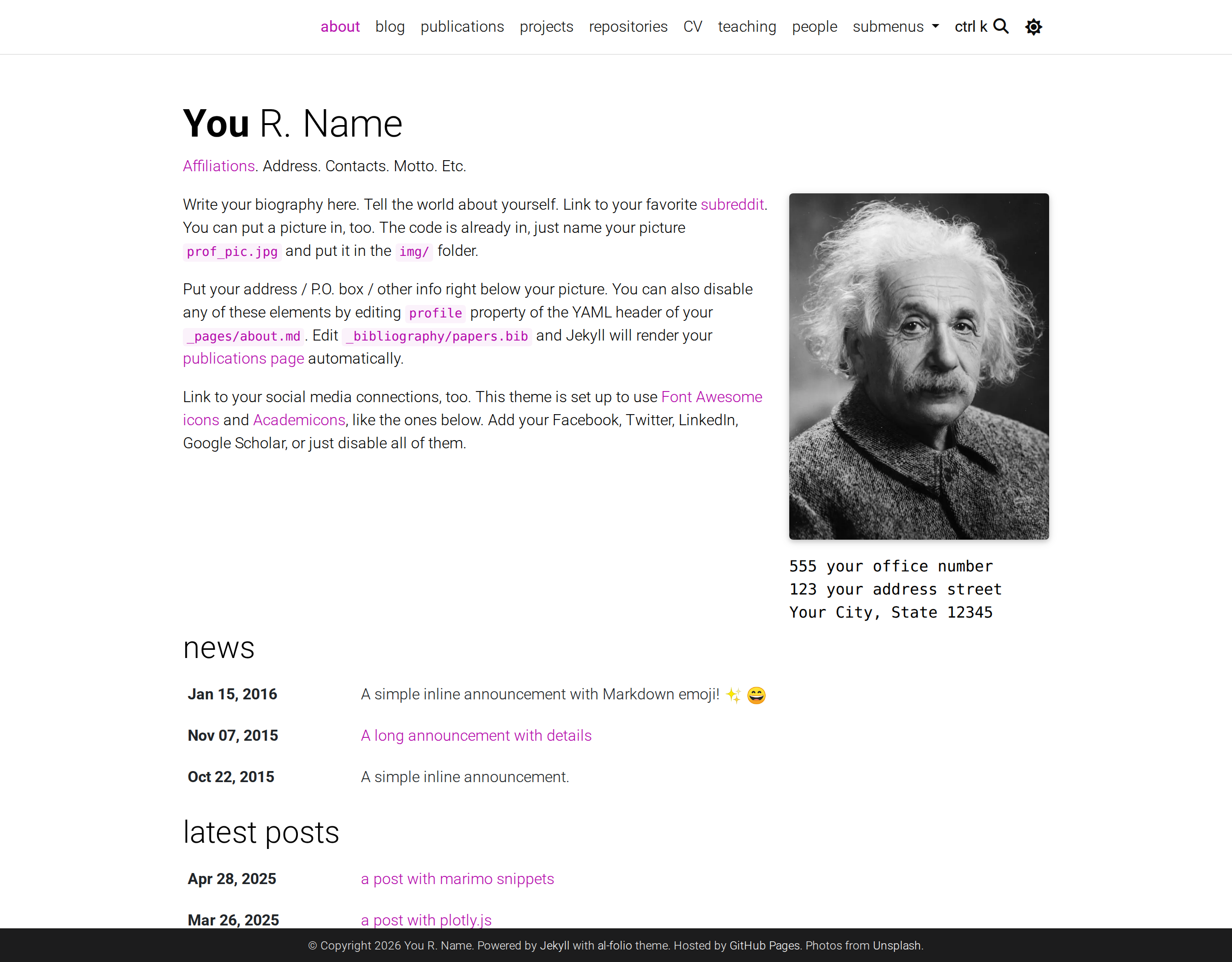
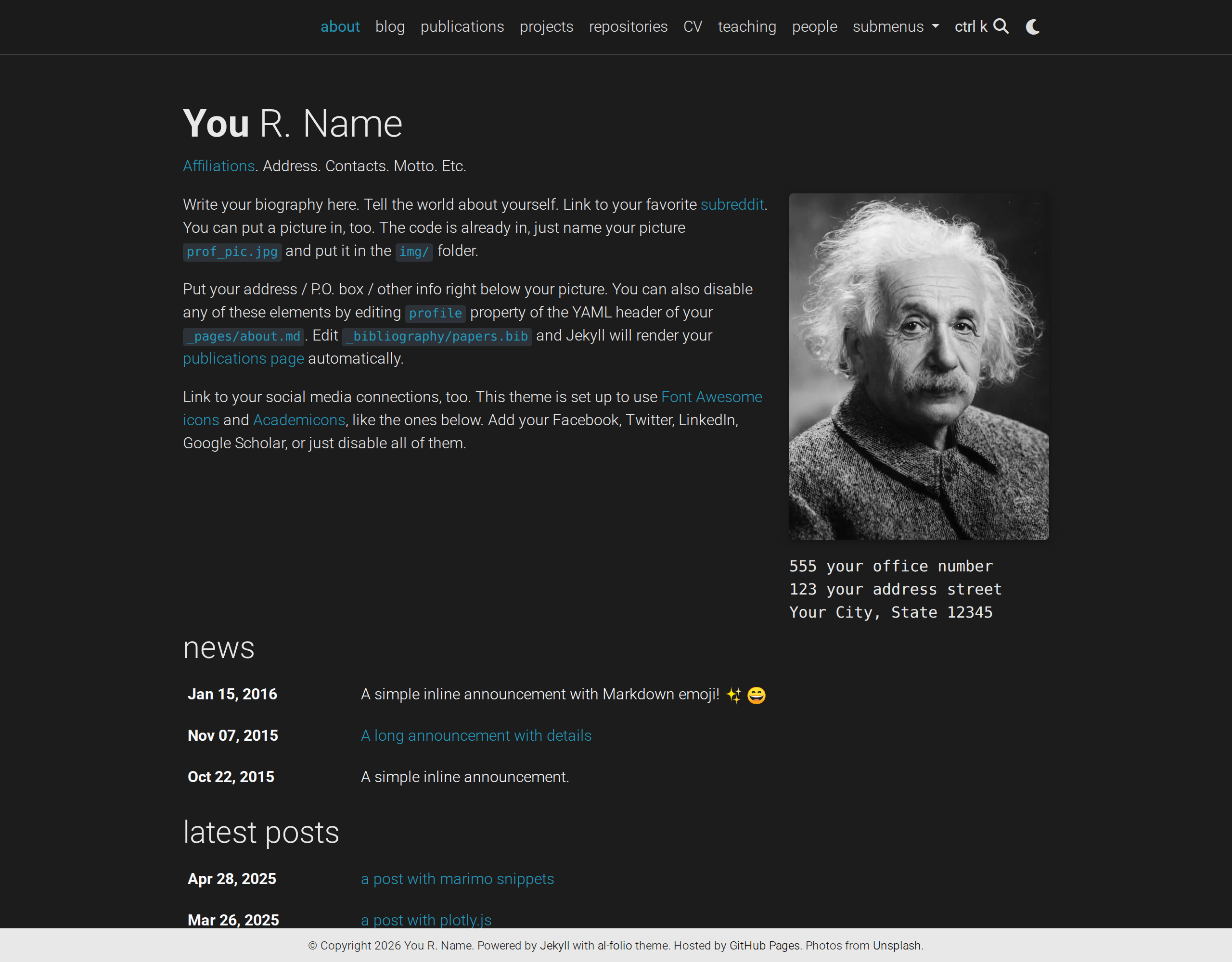
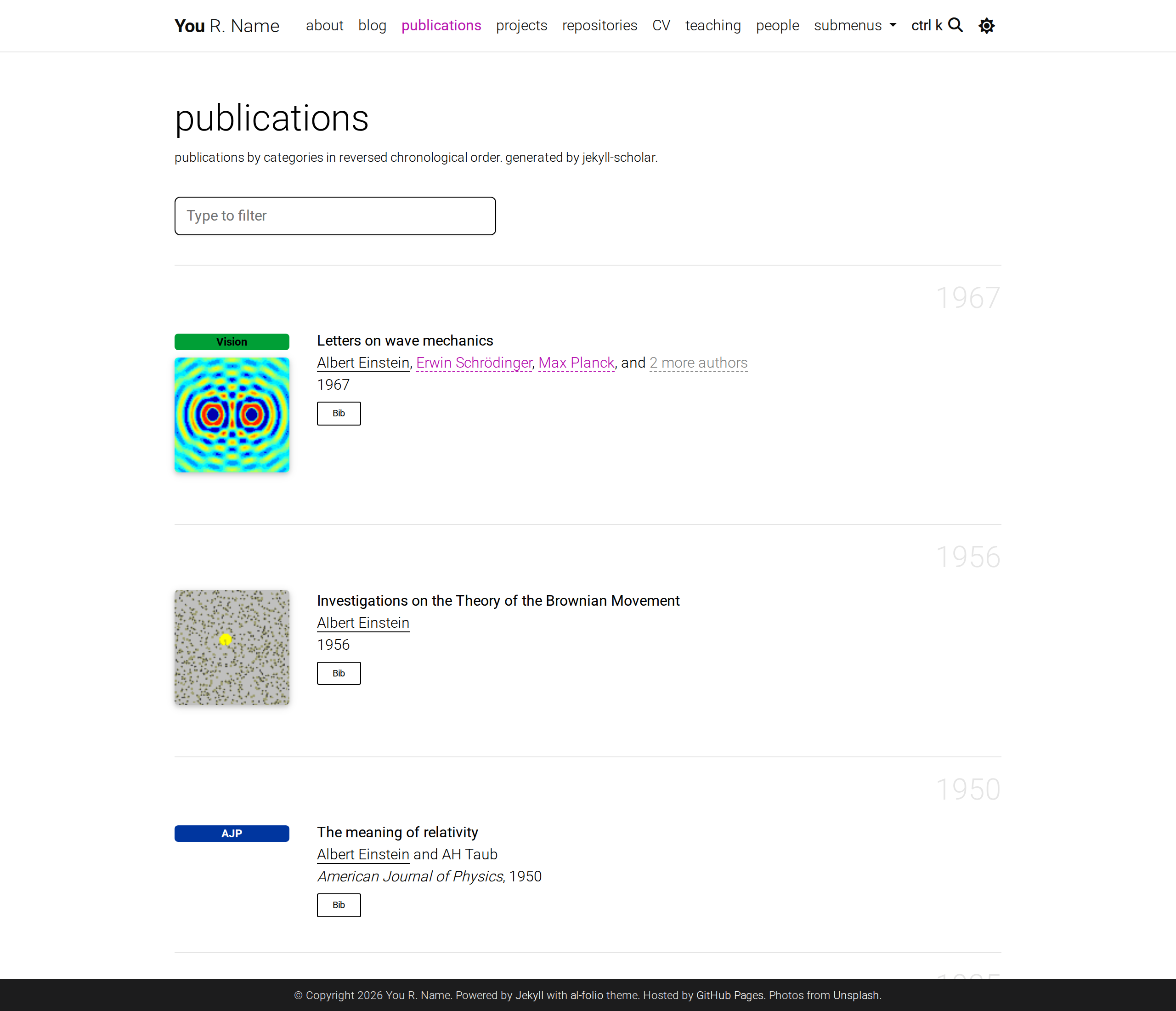
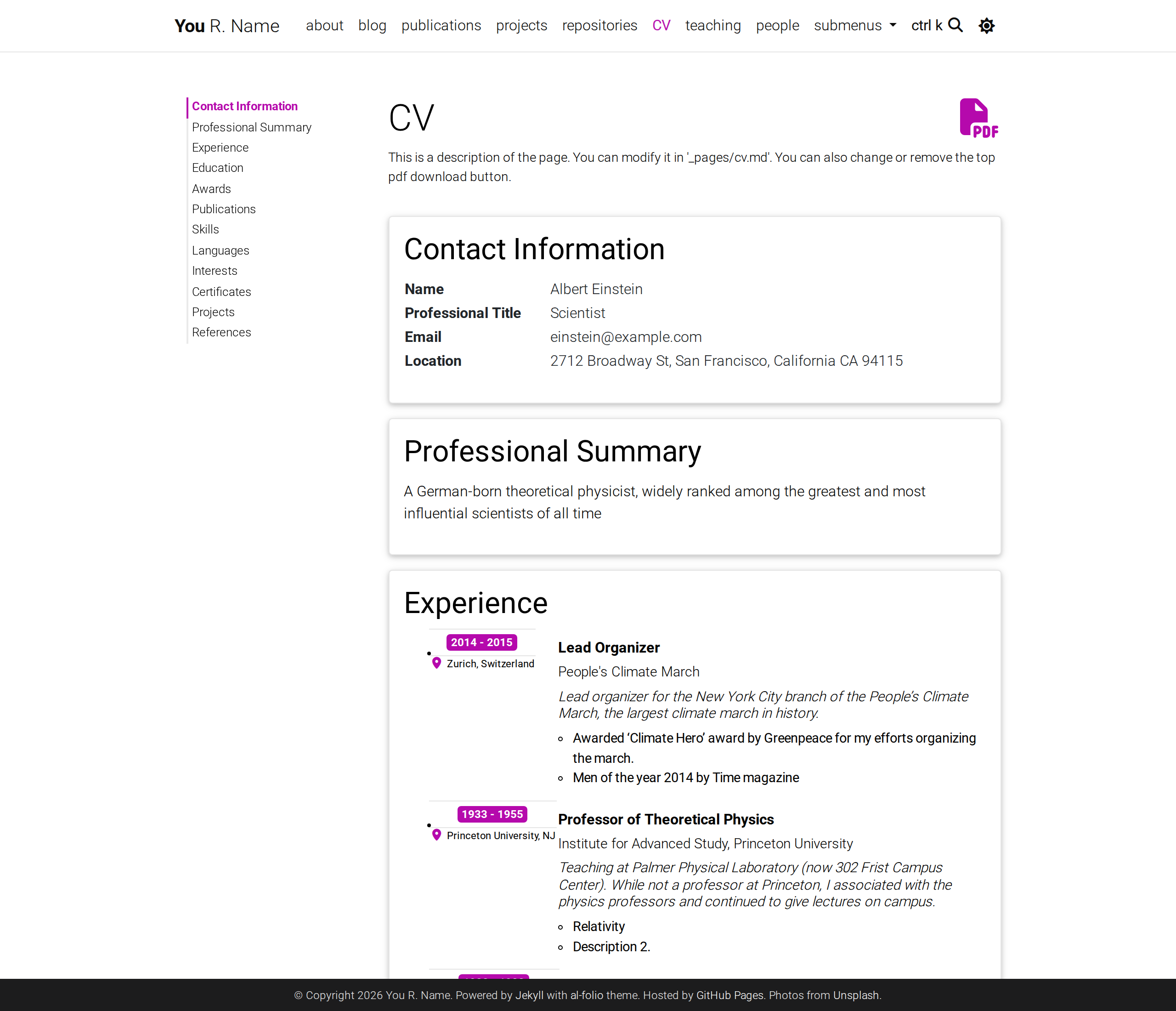
[](https://alshedivat.github.io/al-folio/)
**A simple, clean, and responsive [Jekyll](https://jekyllrb.com/) starter for academic websites.**
_In `v1.x`, al-folio is a **thin starter, not a theme**: the runtime ships as independently versioned plugin gems, so you pick up fixes and features by bumping a pinned version in your `Gemfile` instead of merging theme internals into your site._
---
[](https://github.com/alshedivat/al-folio/actions/workflows/deploy.yml)
[](#maintainers)
[](https://github.com/alshedivat/al-folio/graphs/contributors/)
[](https://hub.docker.com/r/amirpourmand/al-folio)
[](https://hub.docker.com/r/amirpourmand/al-folio)
[](https://hub.docker.com/r/amirpourmand/al-folio)
[](https://github.com/alshedivat/al-folio/releases/latest)
[](https://github.com/alshedivat/al-folio/blob/main/LICENSE)
[](https://github.com/alshedivat/al-folio/stargazers)
[](https://github.com/alshedivat/al-folio/fork)
[](https://codewiki.google/github.com/alshedivat/al-folio)
[](https://deepwiki.com/alshedivat/al-folio)
## Getting started
**⚠️ Important: Use "Use this template" (not fork)**
When creating your own website with al-folio, you have two options:
- ✅ **Recommended:** Click "[Use this template](https://github.com/new?template_name=al-folio&template_owner=alshedivat)" – This creates a clean copy that is independent from the main al-folio repository. Changes you make to your site won't be accidentally submitted to al-folio as pull requests.
- ❌ **Not recommended:** Forking the repository – This keeps a link to the main al-folio repo, making it easy to accidentally submit your personal site changes as contributions to our project.
**If you already forked:** Don't worry! You can still work with your fork normally. Just make sure to:
1. Make changes on a dedicated branch (e.g., `my-site-updates`)
2. When pushing changes, always verify you're pushing to **your own repository**, not the main al-folio repository
3. Never create pull requests to `alshedivat/al-folio` unless you're intentionally contributing improvements that benefit all users
For quick setup, see [docs/QUICKSTART.md](docs/QUICKSTART.md).
Want to learn more about Jekyll? Check out [this tutorial](https://www.taniarascia.com/make-a-static-website-with-jekyll/). Why Jekyll? Read [Andrej Karpathy's blog post](https://karpathy.github.io/2014/07/01/switching-to-jekyll/)! Why write a blog? Read [Rachel Thomas blog post](https://medium.com/@racheltho/why-you-yes-you-should-blog-7d2544ac1045).
## Table Of Contents
- [al-folio](#al-folio)
- [Getting started](#getting-started)
- [Table Of Contents](#table-of-contents)
- [Installing and Deploying](#installing-and-deploying)
- [Customizing](#customizing)
- [Plugin Ecosystem](#plugin-ecosystem)
- [Using AI Agents](#using-ai-agents)
- [Codex](#codex)
- [Claude](#claude)
- [Copilot And Other Agents](#copilot-and-other-agents)
- [Documentation](#documentation)
- [Features](#features)
- [Light and dark mode](#light-and-dark-mode)
- [The pages you get out of the box](#the-pages-you-get-out-of-the-box)
- [Writing](#writing)
- [GitHub repositories and stats](#github-repositories-and-stats)
- [User community](#user-community)
- [Lighthouse PageSpeed Insights](#lighthouse-pagespeed-insights)
- [Desktop](#desktop)
- [Mobile](#mobile)
- [FAQ](#faq)
- [Contributing](#contributing)
- [Code quality checks](#code-quality-checks)
- [Maintainers](#maintainers)
- [All Contributors](#all-contributors)
- [Star History](#star-history)
- [License](#license)
## Installing and Deploying
For installation and deployment details please refer to [docs/INSTALL.md](docs/INSTALL.md).
## Customizing
For customization details please refer to [docs/CUSTOMIZE.md](docs/CUSTOMIZE.md).
## Plugin Ecosystem
`al-folio` is a thin starter in `v1.x`. Runtime features are plugin-owned and published as Ruby gems.
- Ownership boundaries: [docs/BOUNDARIES.md](docs/BOUNDARIES.md)
- Plugin catalog metadata: [`_data/featured_plugins.yml`](_data/featured_plugins.yml)
- Rendered plugin catalog: [alshedivat.github.io/al-folio/plugins/](https://alshedivat.github.io/al-folio/plugins/)
- Plugin catalog page source: [`_pages/plugins.md`](_pages/plugins.md)
The catalog page is deliberately kept out of the navbar (`nav: false`) so the demo site's chrome stays unchanged; reach it through the links above.
Naming convention:
- Theme-coupled plugins use `al-folio-` repos and `al_folio_` gem/plugin ids.
- Reusable plugins can use `al-` or neutral naming.
Featured plugins and bundled starter plugins are different tracks. Bundling requires explicit updates to [Gemfile](Gemfile) and [\_config.yml](_config.yml).
Plugin-owned changes should be made in the owning `al-org-dev` plugin repository, not by copying runtime assets into this starter.
The bundled v1 plugin repos are:
- [`al-folio-core`](https://github.com/al-org-dev/al-folio-core): shared layouts, includes, style/runtime primitives, and upgrade contracts
- [`al-folio-cv`](https://github.com/al-org-dev/al-folio-cv): CV rendering
- [`al-folio-distill`](https://github.com/al-org-dev/al-folio-distill): Distill layouts and runtime assets
- [`al-folio-bootstrap-compat`](https://github.com/al-org-dev/al-folio-bootstrap-compat): temporary Bootstrap compatibility runtime
- [`al-folio-upgrade`](https://github.com/al-org-dev/al-folio-upgrade): v1 upgrade audit/report/codemods
- [`al-icons`](https://github.com/al-org-dev/al-icons): icon loading
- [`al-search`](https://github.com/al-org-dev/al-search): search runtime
- [`al-citations`](https://github.com/al-org-dev/al-citations): publication/citation helpers
- [`al-ext-posts`](https://github.com/al-org-dev/al-ext-posts): external post ingestion
- [`al-analytics`](https://github.com/al-org-dev/al-analytics), [`al-comments`](https://github.com/al-org-dev/al-comments), [`al-cookie`](https://github.com/al-org-dev/al-cookie), [`al-img-tools`](https://github.com/al-org-dev/al-img-tools), [`al-math`](https://github.com/al-org-dev/al-math), [`al-charts`](https://github.com/al-org-dev/al-charts), and [`al-newsletter`](https://github.com/al-org-dev/al-newsletter): feature-specific runtime and integration behavior
## Using AI Agents
`al-folio` v1.x is designed for agent-assisted setup and migration. Agents should read [AGENTS.md](AGENTS.md) first, then use [docs/BOUNDARIES.md](docs/BOUNDARIES.md) to route changes to the starter or the owning plugin repo.
For existing customized forks, the recommended migration path is to ask an agent to use the [al-folio v1 migration skill](.agents/skills/al-folio-v1-migration/SKILL.md). The skill walks through creating a disposable migration branch, bringing site-owned content/config/data onto the v1 starter contract, running `al_folio_upgrade`, auditing local overrides, and validating the build. This is preferred over a manual file-by-file upgrade because v1 runtime ownership moved into plugins and local overrides need explicit drift tracking.
The canonical skills live in [.agents/skills/](.agents/skills/). They are also exposed through `.codex/skills/` and `.claude/skills/` symlinks for agents that discover skills from tool-specific directories.
### Codex
Codex can use the repo-local skills:
- [al-folio bootstrap](.agents/skills/al-folio-bootstrap/SKILL.md): create and configure a new v1 site.
- [al-folio v1 migration](.agents/skills/al-folio-v1-migration/SKILL.md): migrate customized forks and audit local overrides.
Useful first prompts:
- "Use the al-folio bootstrap skill to configure my new site."
- "Use the al-folio v1 migration skill to migrate this customized fork and run the override audit."
### Claude
Claude should start from [CLAUDE.md](CLAUDE.md), which imports [AGENTS.md](AGENTS.md). For setup or migration tasks, use the matching skill from `.claude/skills/`, which points to the canonical `.agents/skills/` directory.
### Copilot And Other Agents
Copilot should follow [.github/copilot-instructions.md](.github/copilot-instructions.md) and the specialized agents in [.github/agents/](.github/agents/). Other agents should follow the same rule: keep starter work in this repo, route runtime behavior to the owning `al-org-dev` plugin, and run `bundle exec al-folio upgrade overrides audit` whenever local overrides are added or retained.
## Documentation
Comprehensive guides for all aspects of your al-folio website:
- **[Documentation index](docs/README.md)** – All user, maintainer, and migration guides
- **[Quick Start](docs/QUICKSTART.md)** – Get running in 5 minutes
- **[Installation & Deployment](docs/INSTALL.md)** – Set up your site on GitHub Pages or other platforms
- **[Customization Guide](docs/CUSTOMIZE.md)** – Personalize your website (CVs, publications, themes, etc.)
- **[Troubleshooting](docs/TROUBLESHOOTING.md)** – Fix common issues (deployment, build, styling, content)
- **[FAQ](docs/FAQ.md)** – Frequently asked questions and solutions
- **[Analytics](docs/ANALYTICS.md)** – Add website analytics and visitor tracking
- **[SEO Guide](docs/SEO.md)** – Optimize for search engines and improve discoverability
- **[Plugin Catalog](https://alshedivat.github.io/al-folio/plugins/)** – Featured and bundled plugin metadata ([page source](_pages/plugins.md))
## Features
Everything below ships with the starter. Rows marked **setup** render nothing until you supply a key, ID or credential — bundling a plugin is not the same as switching the feature on. Each feature is owned by a versioned plugin — see [`docs/BOUNDARIES.md`](docs/BOUNDARIES.md) for the full ownership table, and [Plugin Ecosystem](#plugin-ecosystem) for how to add or remove one.
| Feature | Plugin | Configure |
| ------------------------------------------------------------------------------- | -------------------------------- | ----------------------------------------------------------------------------------- |
| Pages, layouts, navigation, light/dark mode, theming | `al_folio_core` | [Changing theme color](docs/CUSTOMIZE.md#changing-theme-color) |
| Publications from BibTeX | `al_folio_core` + jekyll-scholar | [Adding a new publication](docs/CUSTOMIZE.md#adding-a-new-publication) |
| CV from RenderCV or JSONResume | `al_folio_cv` | [Modifying the CV information](docs/CUSTOMIZE.md#modifying-the-cv-information) |
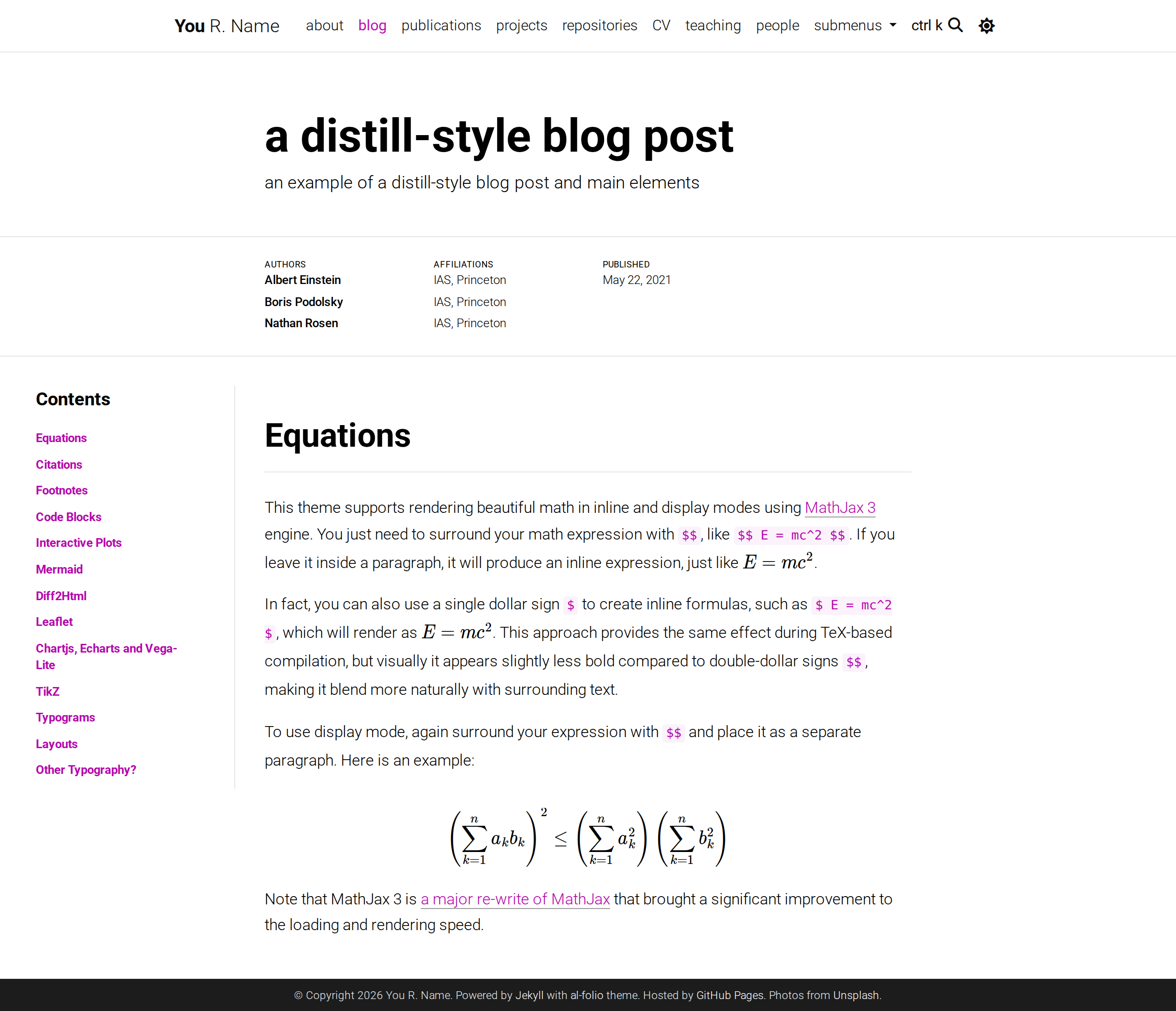
| Distill-style posts | `al_folio_distill` | [the example post](https://alshedivat.github.io/al-folio/blog/2021/distill/) |
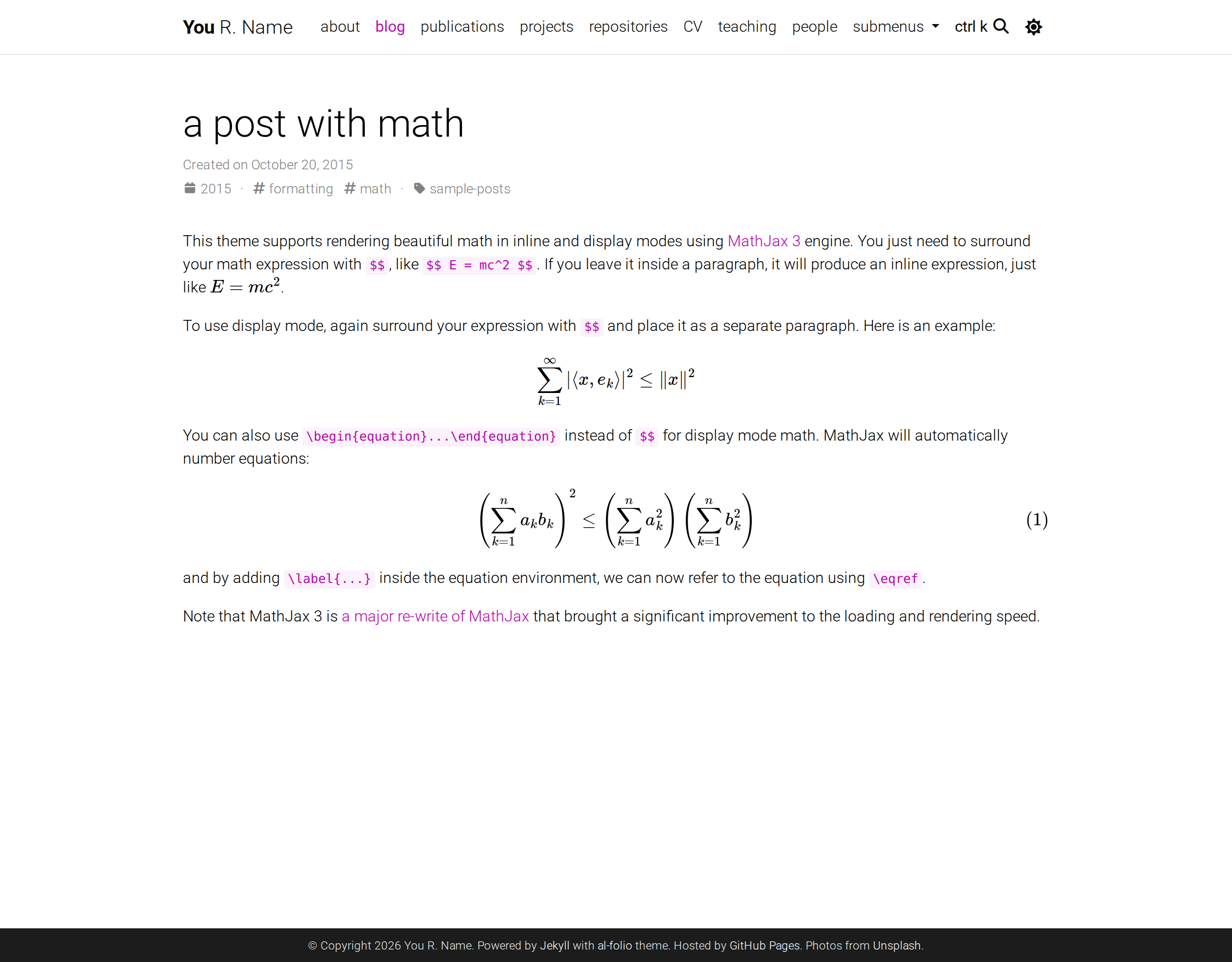
| Math, TikZ diagrams | `al_math` | [the math post](https://alshedivat.github.io/al-folio/blog/2015/math/) |
| Charts, mermaid, plotly | `al_charts` | [the charts post](https://alshedivat.github.io/al-folio/blog/2025/plotly/) |
| Image zoom, galleries, sliders, lightbox | `al_img_tools` | [the images post](https://alshedivat.github.io/al-folio/blog/2024/advanced-images/) |
| Full-text search (ctrlk) | `al_search` | `search_enabled` in [\_config.yml](_config.yml) |
| Comments (Giscus or Disqus) — **setup** | `al_comments` | `giscus:` in [\_config.yml](_config.yml) |
| Analytics — Google, Cronitor, Pirsch, Openpanel, Cloudflare, Simple — **setup** | `al_analytics` | [docs/ANALYTICS.md](docs/ANALYTICS.md) |
| GDPR cookie consent, gating analytics until opt-in — **setup** | `al_cookie` | [GDPR Cookie Consent Dialog](docs/CUSTOMIZE.md#gdpr-cookie-consent-dialog) |
| Newsletter signup — **setup** | `al_newsletter` | `newsletter:` in [\_config.yml](_config.yml) |
| Citation counts, altmetric/dimensions badges | `al_citations` | [Adding a new publication](docs/CUSTOMIZE.md#adding-a-new-publication) |
| FontAwesome, Academicons, scholar icons | `al_icons` | `third_party_libraries` in [\_config.yml](_config.yml) |
| Posts syndicated from Medium and other feeds | `al_ext_posts` | `external_sources:` in [\_config.yml](_config.yml) |
| Legacy Bootstrap markup (opt-in, removed in v2.0) | `al_folio_bootstrap_compat` | `al_folio.compat.bootstrap` in [\_config.yml](_config.yml) |
| Upgrade audits and codemods | `al_folio_upgrade` | `bundle exec al-folio upgrade audit` |
Also included: Open Graph and schema.org previews, an Atom feed at `/feed.xml`, related posts, tabbed content, typograms, responsive image generation, and a Google Scholar citation-refresh workflow.
### Light and dark mode
The theme follows the visitor's system preference and can be toggled with the sun/moon control in the navbar. The choice persists across visits.
---
### The pages you get out of the box
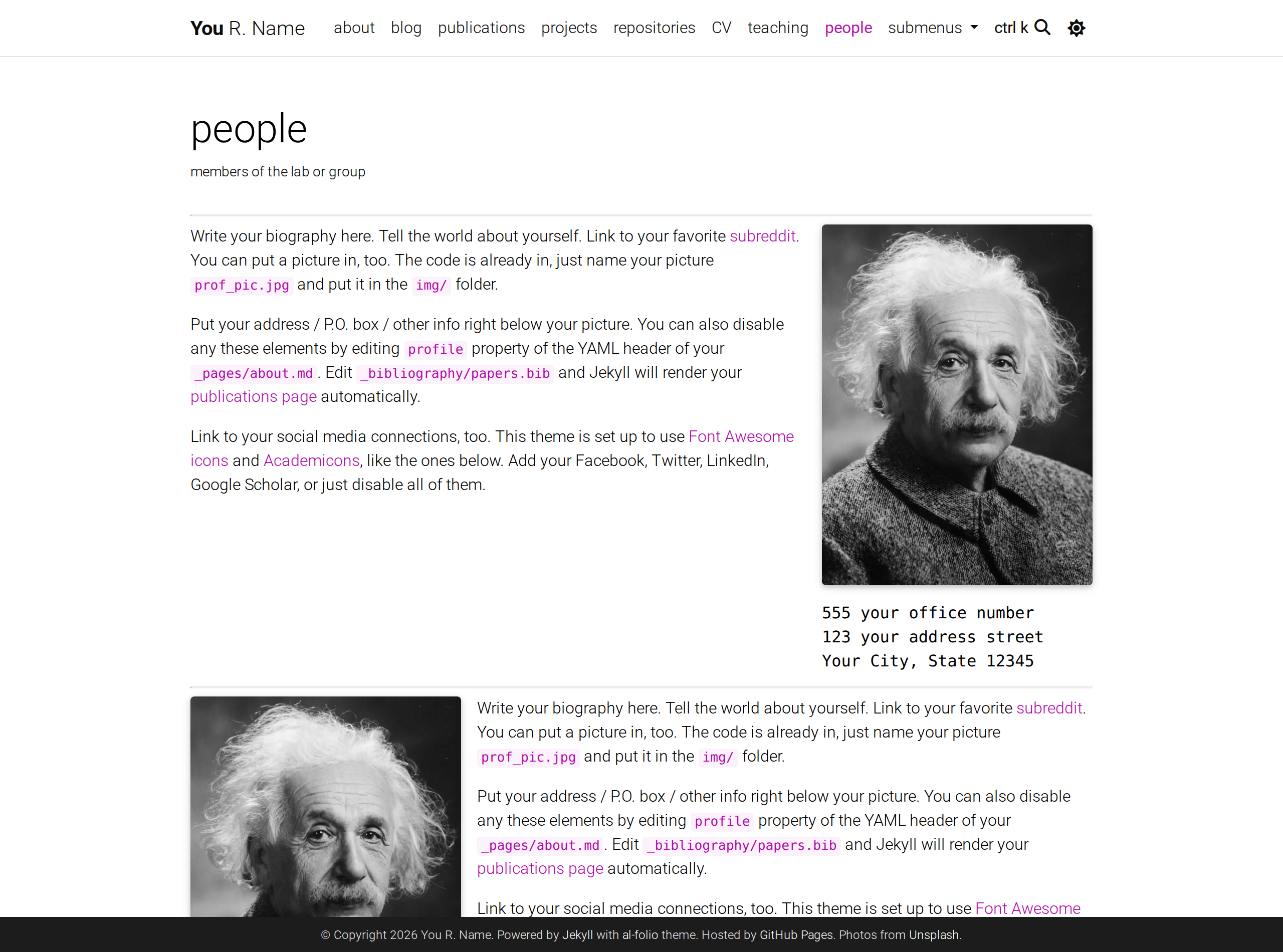
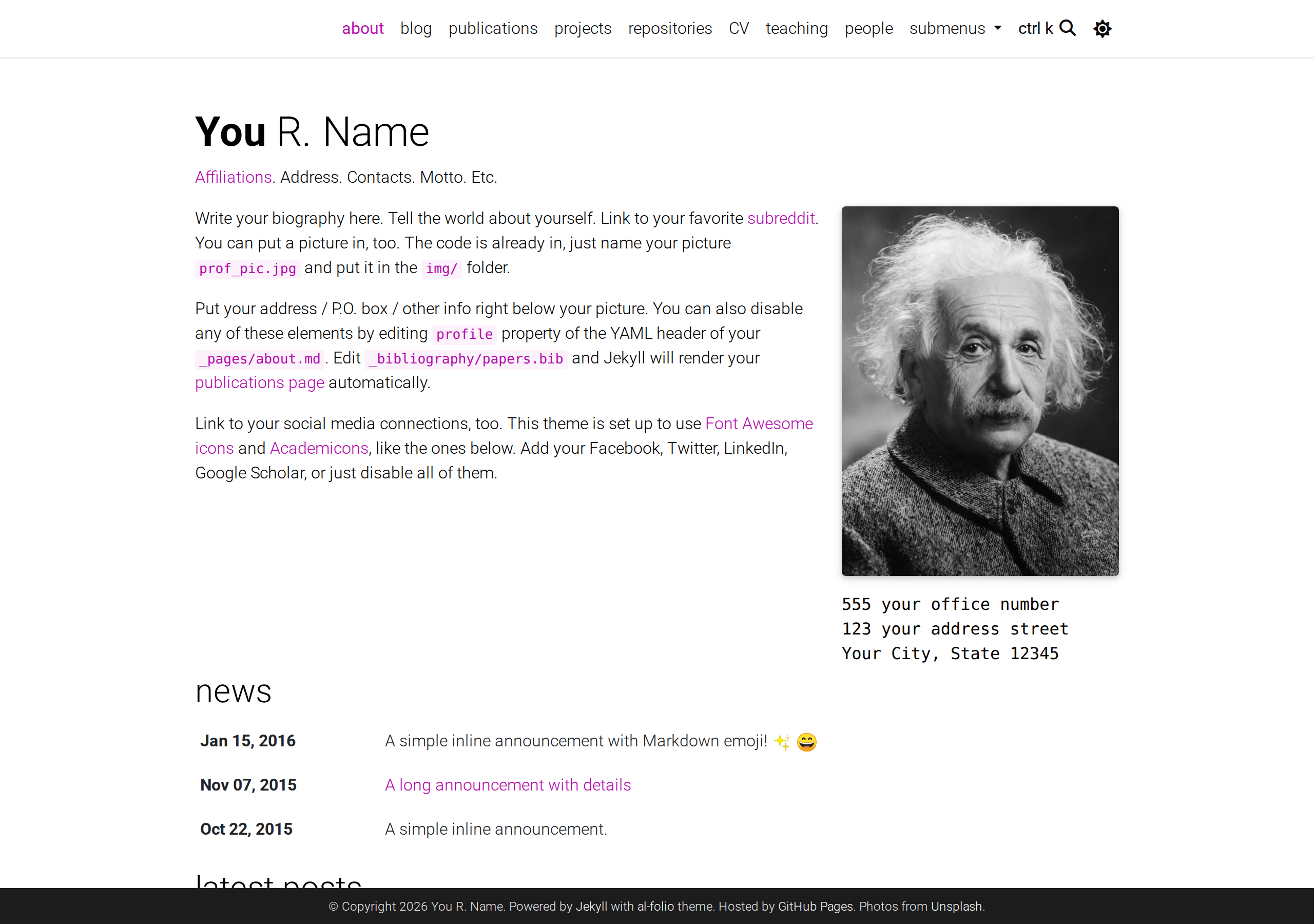
Publications are generated from your BibTeX bibliography, the CV from a single `cv.yml` or `resume.json`, and the people page from `_data`. Everything is content-driven — you edit data files, not templates.
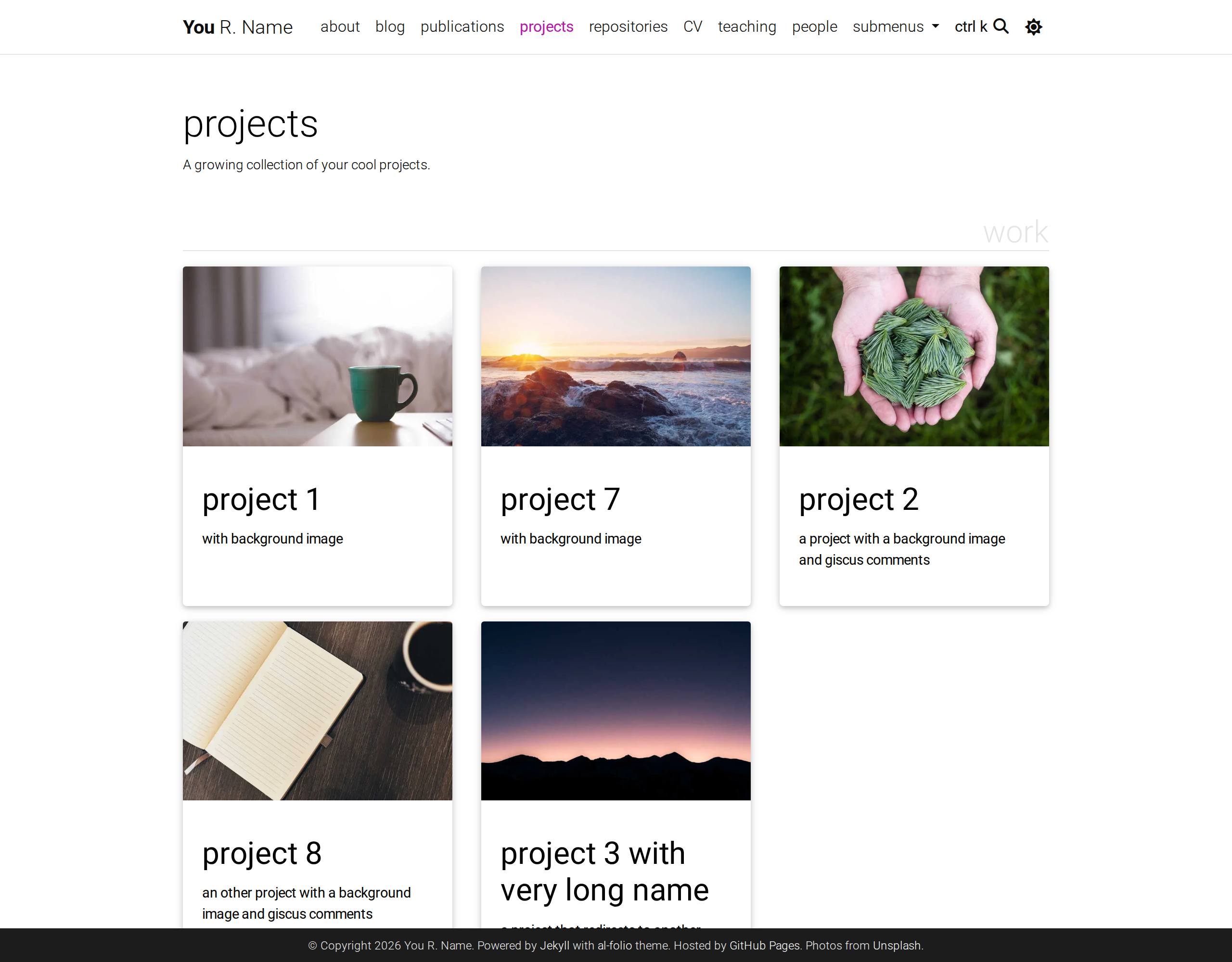
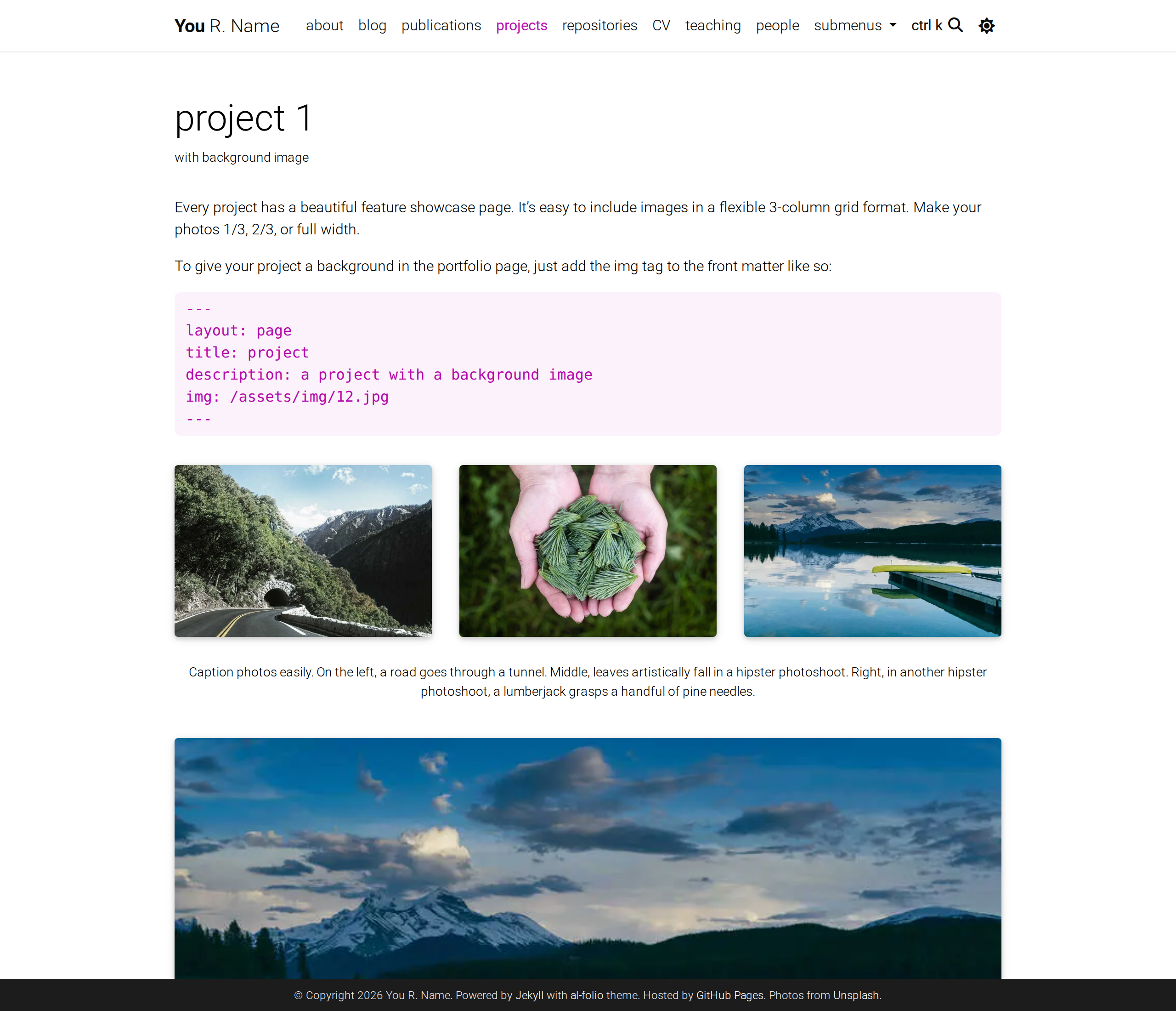
Projects are one of four Jekyll `collections` the starter ships (`news`, `projects`, `books`, `teachings`). You can add your own for courses, talks, or anything else — see [Adding Collections](docs/CUSTOMIZE.md#adding-collections).
---
### Writing
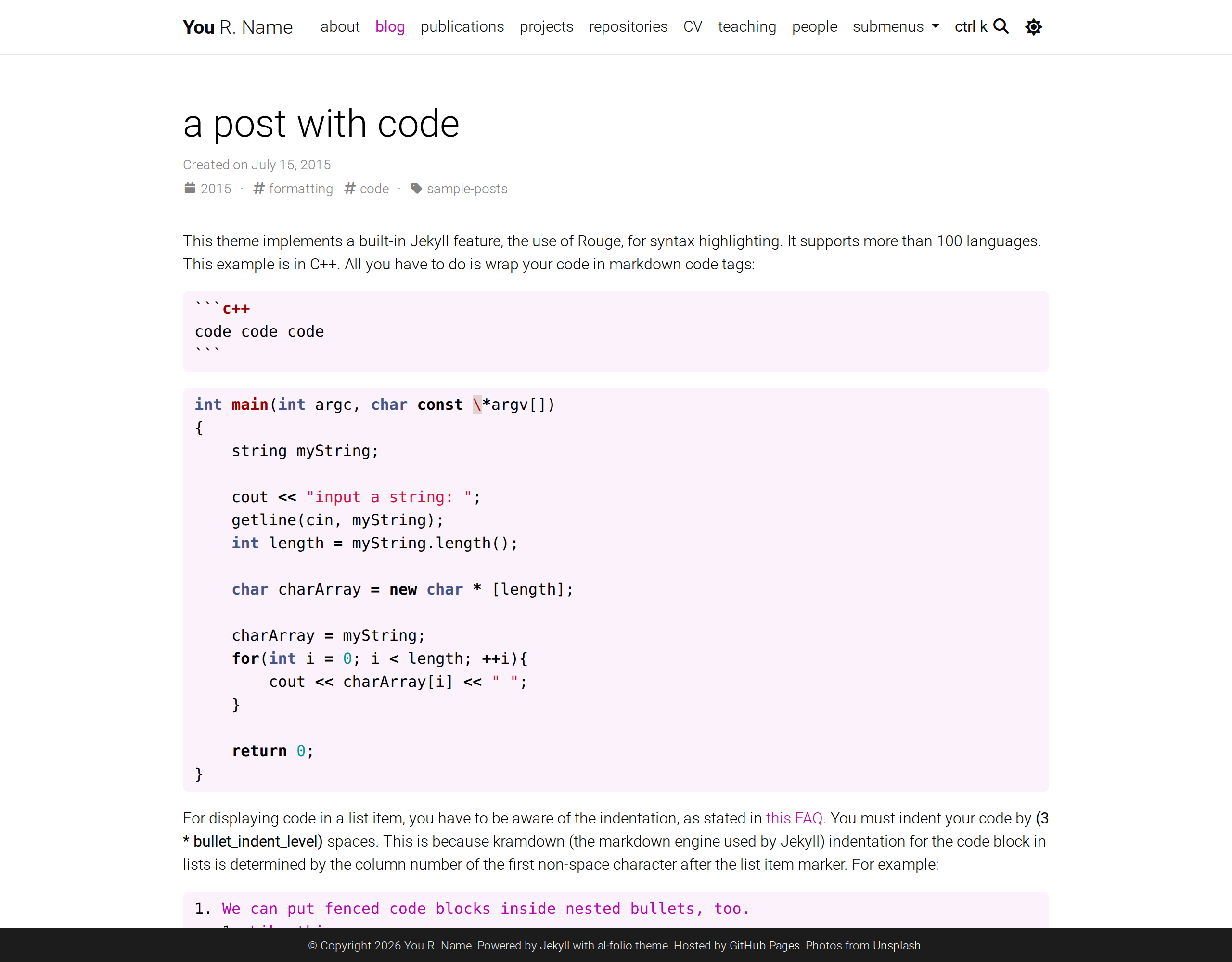
Posts support the [distill.pub](https://distill.pub/) layout, MathJax and TikZ, syntax-highlighted code, Jupyter notebooks, charts, image galleries, video and audio embeds.
---
### GitHub repositories and stats
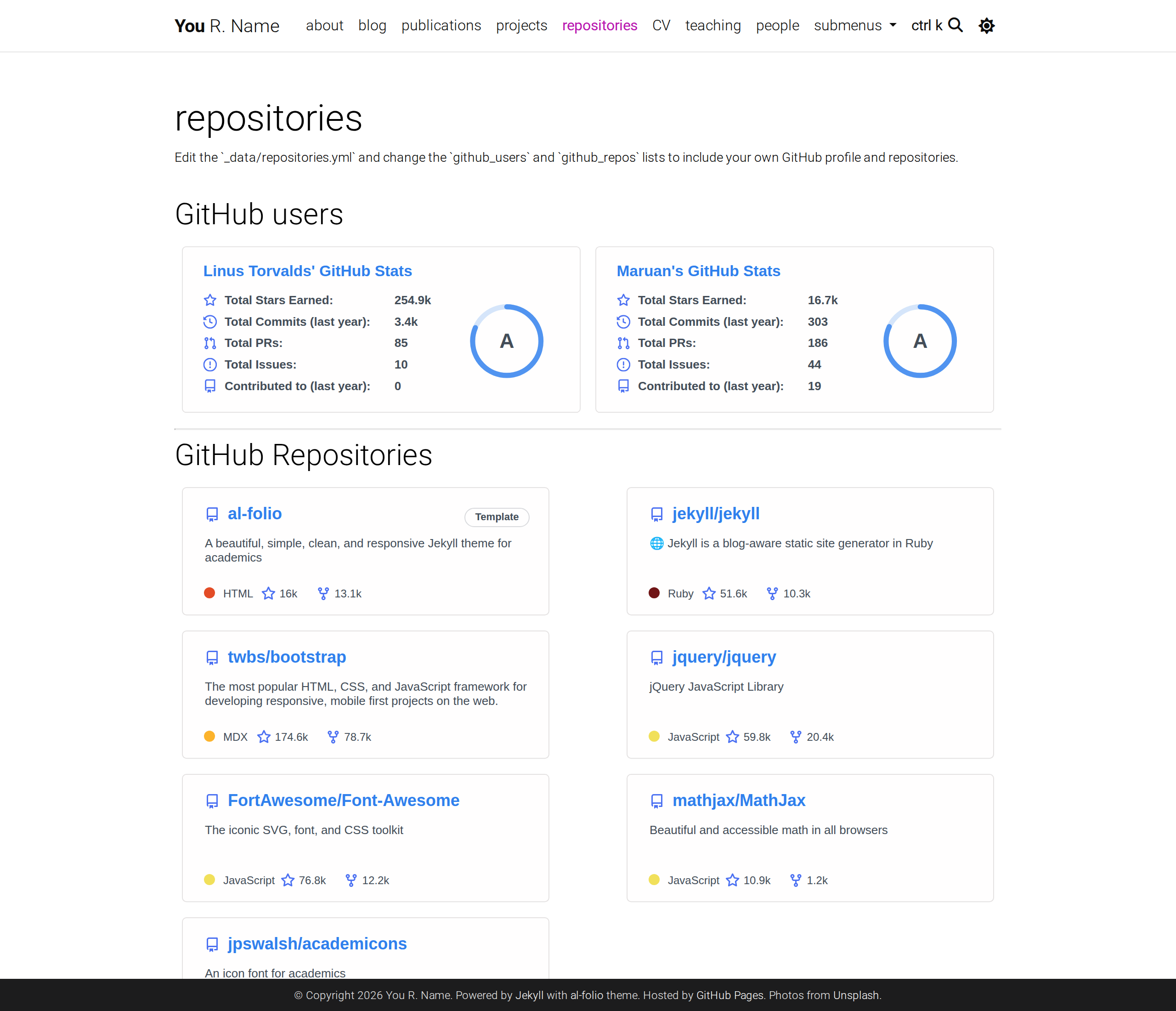
The `/repositories/` page renders repository and profile cards via [github-stats-extended](https://github.com/stats-organization/github-stats-extended). Profile trophies via [github-profile-trophy](https://github.com/ryo-ma/github-profile-trophy) are supported but **off by default**, because that project's free public instance is currently disabled — see [docs/CUSTOMIZE.md](docs/CUSTOMIZE.md#why-trophies-are-off-by-default) to self-host and re-enable.
Configure which repositories and profiles appear under [Modifying the user and repository information](docs/CUSTOMIZE.md#modifying-the-user-and-repository-information).
## User community
Academics around the world use **al-folio** for their homepages, blogs, and lab pages, as well as webpages for courses, workshops, conferences, meetups, and more.
**[Browse the showcase →](docs/SHOWCASE.md)**
Want your site listed? Post a request in the _Showcase_ category of [GitHub Discussions](https://github.com/alshedivat/al-folio/discussions) — we review and add entries periodically. Please do not open a pull request for this.
## Lighthouse PageSpeed Insights
### Desktop
[](https://htmlpreview.github.io/?https://github.com/alshedivat/al-folio/blob/main/lighthouse_results/desktop/alshedivat_github_io_al_folio_.html)
Run the test yourself: [Google Lighthouse PageSpeed Insights](https://pagespeed.web.dev/report?url=https%3A%2F%2Falshedivat.github.io%2Fal-folio%2F&form_factor=desktop)
### Mobile
[](https://htmlpreview.github.io/?https://github.com/alshedivat/al-folio/blob/main/lighthouse_results/mobile/alshedivat_github_io_al_folio_.html)
Run the test yourself: [Google Lighthouse PageSpeed Insights](https://pagespeed.web.dev/report?url=https%3A%2F%2Falshedivat.github.io%2Fal-folio%2F&form_factor=mobile)
## FAQ
For frequently asked questions, please refer to [docs/FAQ.md](docs/FAQ.md).
## Contributing
Contributions to al-folio are very welcome! Before you get started, please take a look at [the guidelines](docs/CONTRIBUTING.md).
If you would like to improve documentation or fix a minor inconsistency or bug, please feel free to send a PR directly to `main`. For more complex issues/bugs or feature requests, please open an issue using the appropriate template.
### Code quality checks
CI runs the following on every pull request:
- [Prettier](https://prettier.io/) — formatting, including Liquid templates
- [lychee](https://lychee.cli.rs/) — broken links
- `npm run lint:style-contract` — enforces the thin-starter boundary described in [AGENTS.md](AGENTS.md)
- the six `test/integration_*.sh` scripts, and Playwright visual-regression checks
[Axe](https://github.com/dequelabs/axe-core) accessibility checks are run manually, because the fixes are not always straightforward for contributors without web development experience.
### Maintainers
Our most active contributors are welcome to join the maintainers team. If you are interested, please reach out!
### All Contributors
## Star History
Generated by [`bin/generate_star_history.py`](bin/generate_star_history.py) and refreshed automatically by [`star-history.yml`](.github/workflows/star-history.yml).
## License
al-folio is available as open source under the terms of the [MIT License](https://github.com/alshedivat/al-folio/blob/main/LICENSE).
Originally, **al-folio** was based on the [\*folio theme](https://github.com/bogoli/-folio) (published by [Lia Bogoev](https://liabogoev.com) and under the MIT license). Since then, it got a full re-write of the styles and many additional cool features.