Website - Docs - Community - Bug reports
## Table of Contents
- [⬇️ Download](#️-download)
- [🔮 Overview](#-overview)
- [✨ Features](#-features)
- [🔰 Tech Stack](#-tech-stack)
- [Local Development](#local-development)
- [🤗 Contributing](#-contributing)
- [🎗 License](#-license)
## ⬇️ Download




### Homebrew (macOS)
```bash
brew install --cask amical
```
## 🔮 Overview
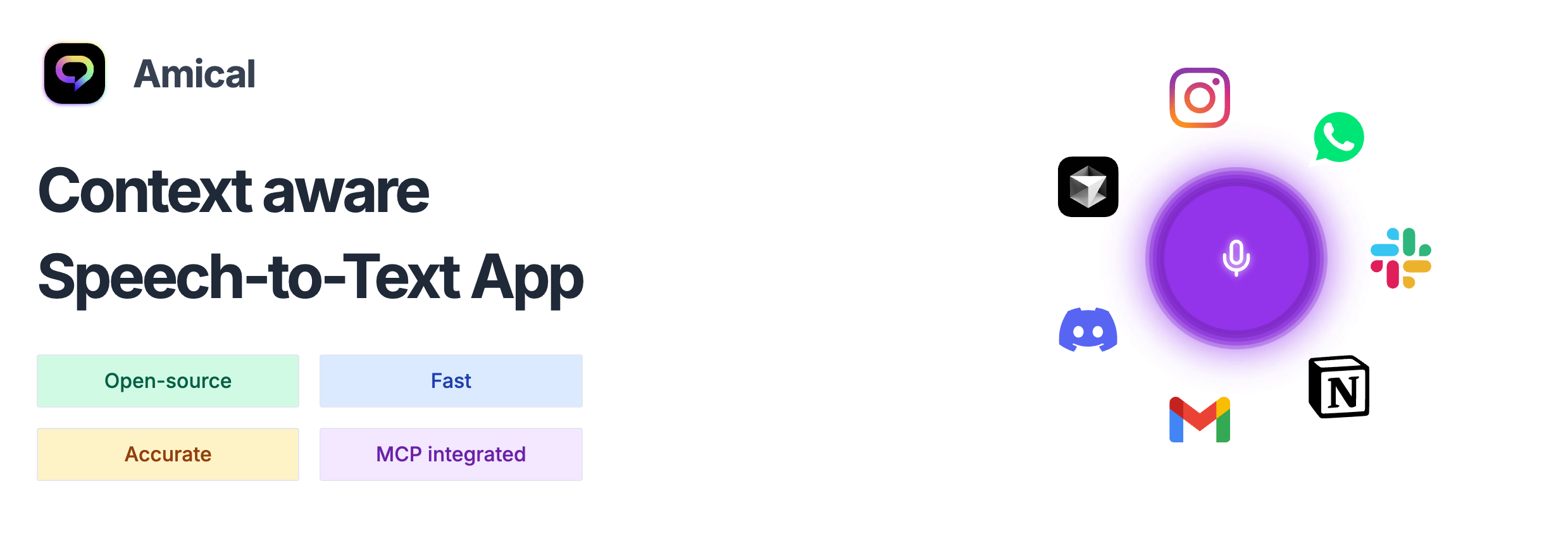
Local-first AI Dictation app.
Amical is an open source AI-powered dictation and note-taking app that runs entirely on your machine.
Powered by [Whisper](https://github.com/openai/whisper) for speech-to-text and open source LLMs for intelligent processing, Amical gives you the power of AI dictation with complete privacy.
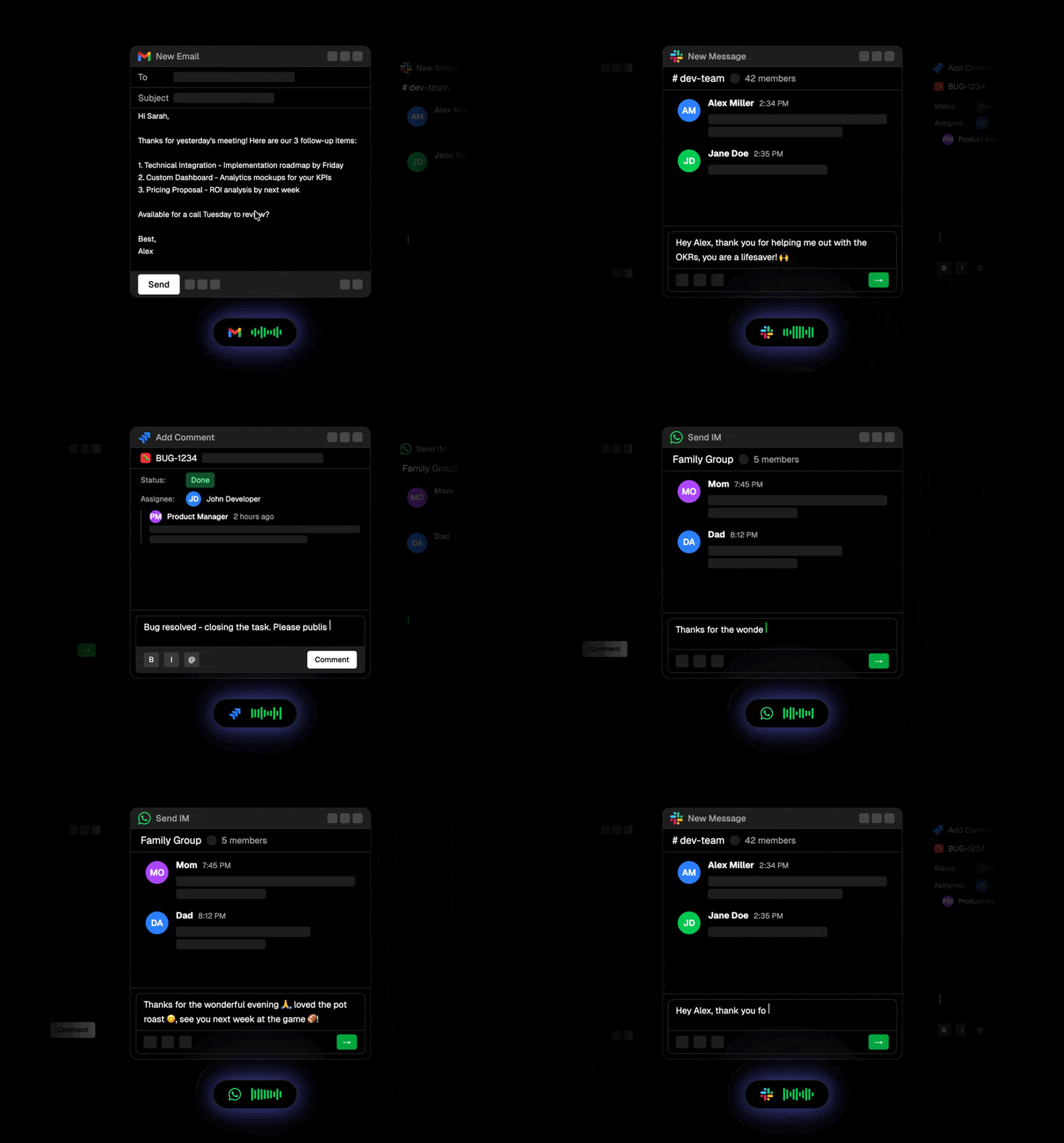
Context-aware dictation that adapts to what you're doing: drafting an email, chatting on Discord, writing prompts in your IDE, or messaging friends. Amical detects the active app and formats your speech accordingly.
## ✨ Features
> ✔︎ - Done, ◑ - In Progress, ◯ - Planned
🚀 Super-fast dictation with AI-enhanced accuracy ✔︎
🧠 Context-aware speech-to-text based on the active app ✔︎
📒 Smart voice notes → summaries, tasks, structured notes ◑
🔌 MCP integration → voice commands that control your apps ◯
🎙️ Real-time meeting transcription (mic + system audio) ◯
🔧 Extensible via hotkeys, voice macros, custom workflows ✔︎
🔐 Privacy-first: works offline, one click setup of local models in-app ✔︎
🪟 Floating widget for frictionless start/stop with custom hotkeys ✔︎
## 🔰 Tech Stack
- 🎤 [Whisper](https://github.com/openai/whisper)
- 🦙 [Ollama](https://ollama.ai)
- 🧑💻 [Typescript](https://www.typescriptlang.org/)
- 🖥️ [Electron](https://electronjs.org/)
- 🎨 [TailwindCSS](https://tailwindcss.com/)
- 🧑🏼🎨 [Shadcn](https://ui.shadcn.com/)
- 🔒 [Better-Auth](https://better-auth.com/)
- 🧘♂️ [Zod](https://zod.dev/)
- 🐞 [Vitest](https://vitest.dev/)
- 🌀 [Turborepo](https://turbo.build/)
## Local Development
These steps run the desktop app, which currently supports macOS and Windows.
Linux is not supported because the app does not yet have a Linux native helper.
### Prerequisites
- [Node.js](https://nodejs.org/) 24.x
- pnpm 10.15.0 (the version pinned in `package.json`)
- CMake 3.20 or later
- **macOS:** Xcode or the Xcode Command Line Tools with Swift 5.9 or later
(`xcode-select --install`). Local Whisper transcription requires macOS 15 or
later.
- **Windows:** Visual Studio 2022 Build Tools with the **Desktop development with
C++** workload, plus the .NET 8 SDK. Git Bash is recommended because some
development scripts use POSIX utilities.
### Set up the repository
Clone with submodules so the Whisper sources are available:
```bash
git clone --recurse-submodules https://github.com/amicalhq/amical.git
cd amical
```
If you already cloned without `--recurse-submodules`, initialize them now:
```bash
git submodule update --init --recursive
```
Enable Corepack so it uses the pinned pnpm version, install dependencies, and
download the Node.js binary used by the local Whisper worker:
```bash
corepack enable
pnpm install --frozen-lockfile
pnpm --filter @amical/desktop download-node
```
`pnpm install` compiles the native Whisper addon, so it can take a few minutes.
It also applies the repository's patches inside the `whisper.cpp` submodule.
Seeing that submodule marked as modified in `git status` afterward is expected.
### Start the desktop app
Quit any installed copy of Amical first; Electron allows only one Amical
instance at a time. Then run:
```bash
pnpm turbo run dev --filter=@amical/desktop
```
When finished, quit the development app from its tray menu and then press
Ctrl+C. Stopping the terminal command alone may leave the
Electron app running.
No `.env` file is required for local transcription. The first-run onboarding
downloads a local model and requests the required microphone and OS
permissions. Only configure `apps/desktop/.env` from
`apps/desktop/.env.example` when working on optional cloud, authentication, or
telemetry integrations, and replace its placeholder values before use.
### Run checks
Workspace builds and typechecks use TypeScript 7.0.2. The `@typescript/native`
dependency is an alias for the native compiler and provides `tsc`. The
`typescript` dependency is an alias for Microsoft's TypeScript 6 compatibility
package, which provides the compiler API used by ESLint and other tools. This
follows [Microsoft's side-by-side setup](https://devblogs.microsoft.com/typescript/announcing-typescript-7-0/#running-side-by-side-with-typescript-6-0).
Run `pnpm exec tsc --version` to check the build compiler version.
For VS Code, install the recommended [TypeScript 7 extension](https://marketplace.visualstudio.com/items?itemName=TypeScriptTeam.native-preview).
The workspace settings point it at the same native compiler.
Before opening a pull request, run:
```bash
pnpm type:check
pnpm test
```
## 🤗 Contributing
Contributions are welcome! Reach out to the team in our [Discord server](https://amical.ai/community) to learn more.
- **🐛 [Report an Issue][issues]**: Found a bug? Let us know!
- **💬 [Start a Discussion][discussions]**: Have ideas or suggestions? We'd love to hear from you.
## 🎗 License
Released under [MIT][license].
[license]: https://github.com/amicalhq/amical/blob/main/LICENSE
[discussions]: https://amical.ai/community
[issues]: https://github.com/amicalhq/amical/issues
[pulls]: https://github.com/amicalhq/amical/pulls "submit a pull request"