FlutterGuard app icon # FlutterGuard **See what ships inside a Flutter app.** Open an installed Flutter app, or a single APK, and read its libraries, endpoints and exposed strings. The whole audit runs on your phone: no uploads, no account, no setup. [![Release](https://img.shields.io/github/v/release/anasfik/flutterguard?display_name=tag&sort=semver)](https://github.com/anasfik/flutterguard/releases) [![License: MIT](https://img.shields.io/badge/license-MIT-blue.svg)](LICENSE) [![Platform](https://img.shields.io/badge/android-8.0%2B-3ddc84.svg)](#install) [![Offline](https://img.shields.io/badge/network-no%20INTERNET%20permission-success.svg)](#privacy) **[Download the APK](https://github.com/anasfik/FlutterGuard/releases/latest) · [Website](https://flutterguard.dev) · [Guides](https://flutterguard.dev/#guides) · [Privacy](https://gwhyyy.com/privacy/flutterguard)** FlutterGuard — inspect a Flutter app and keep the evidence, offline, on your phone
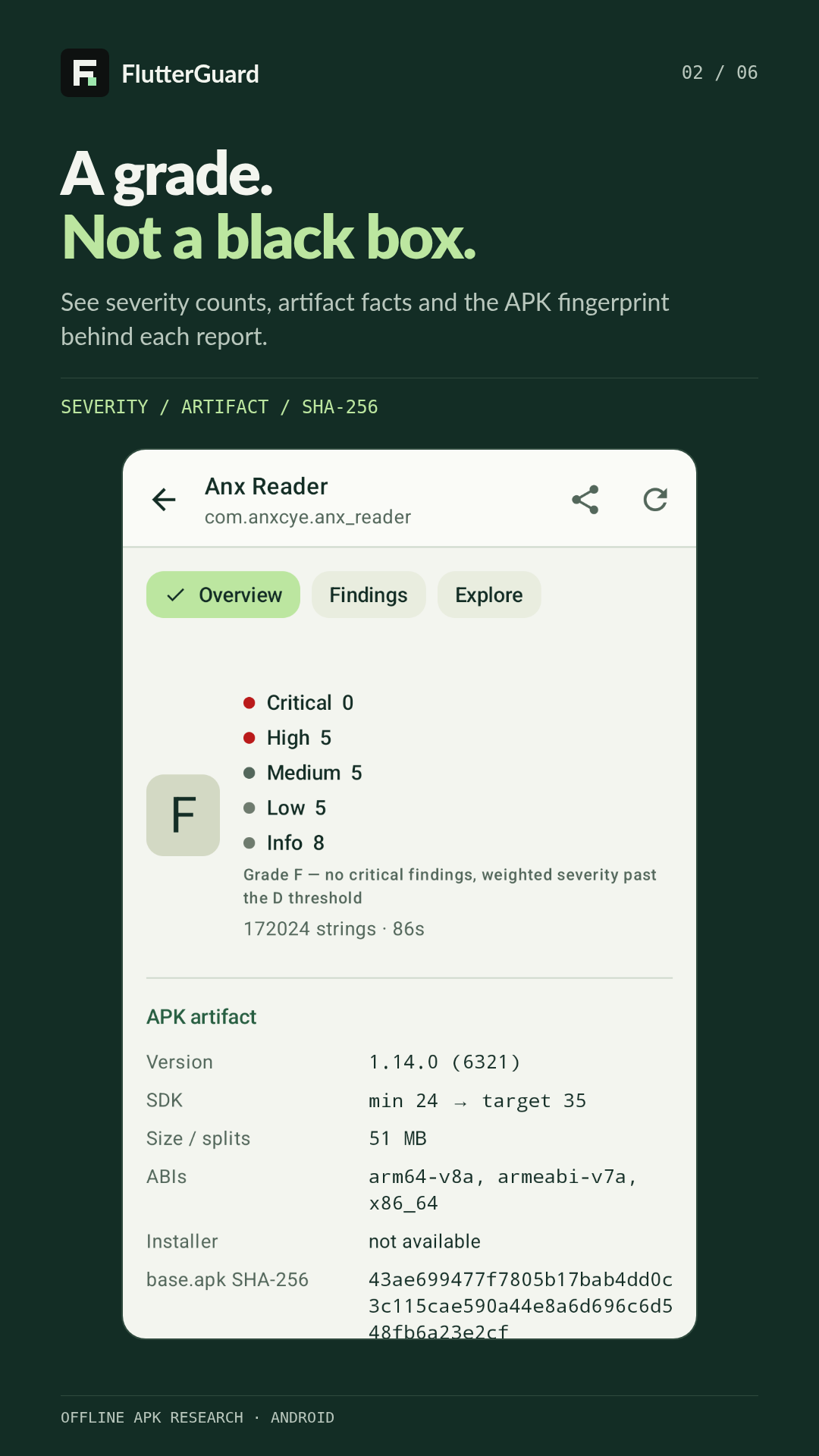
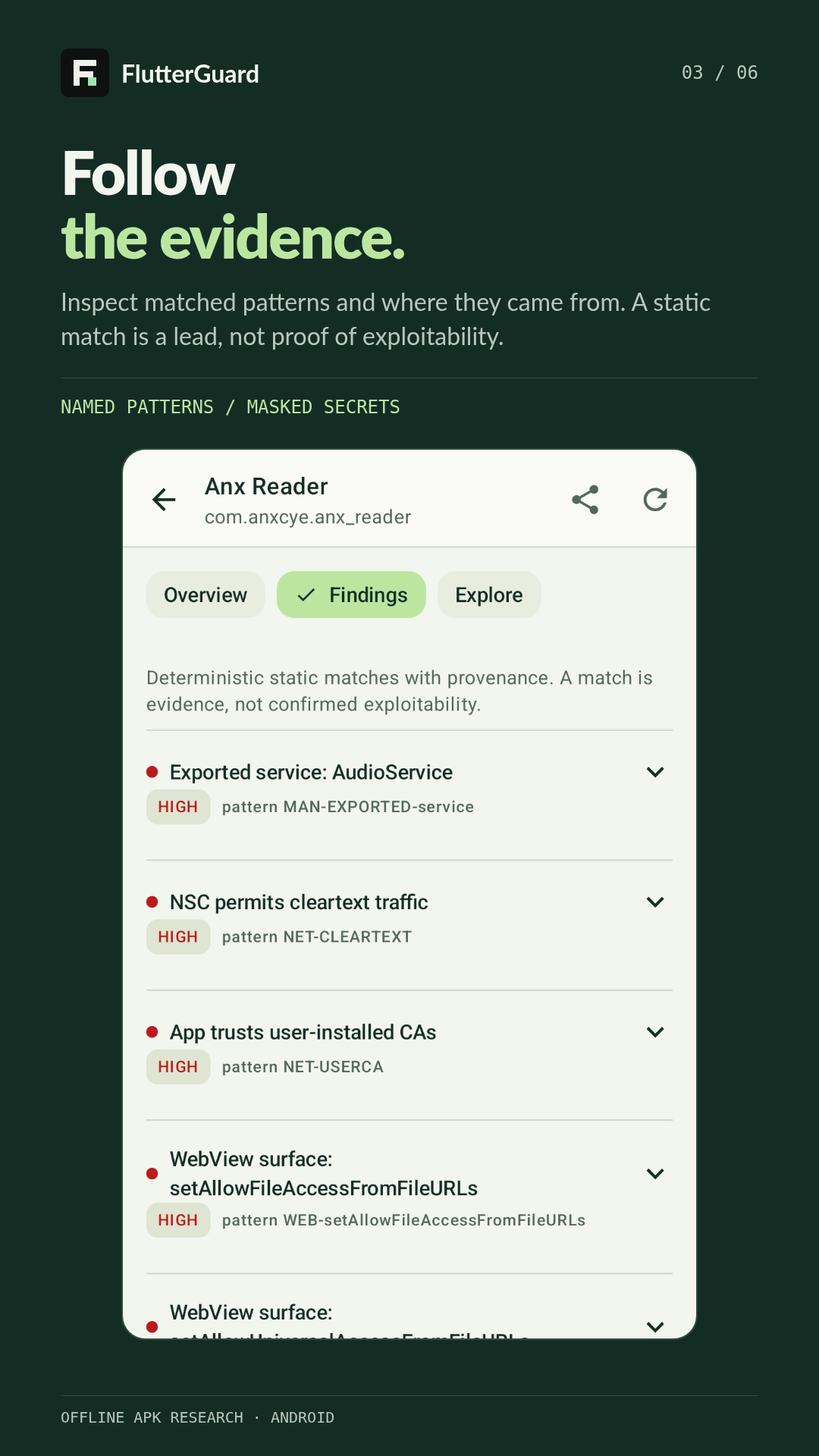
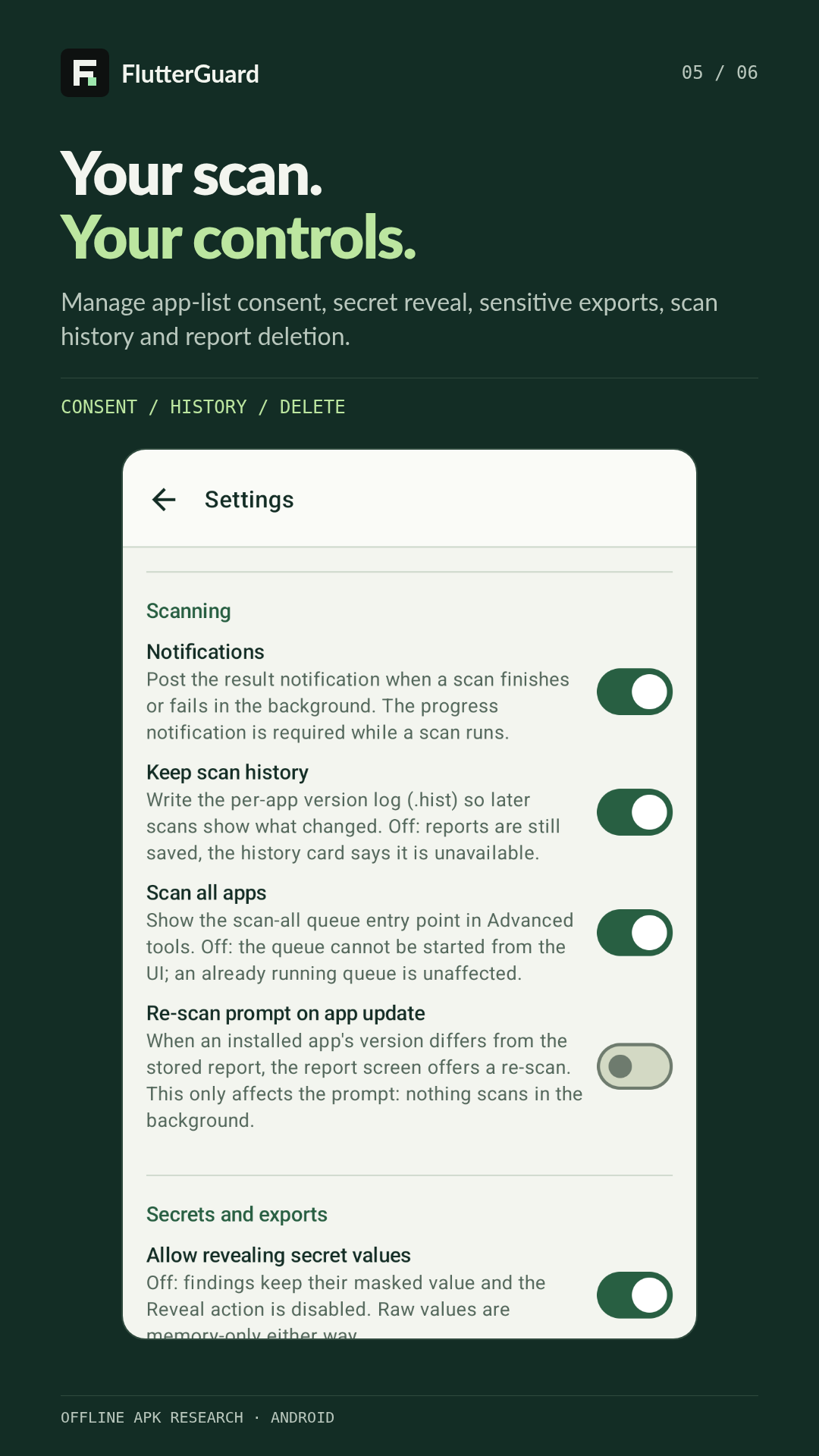
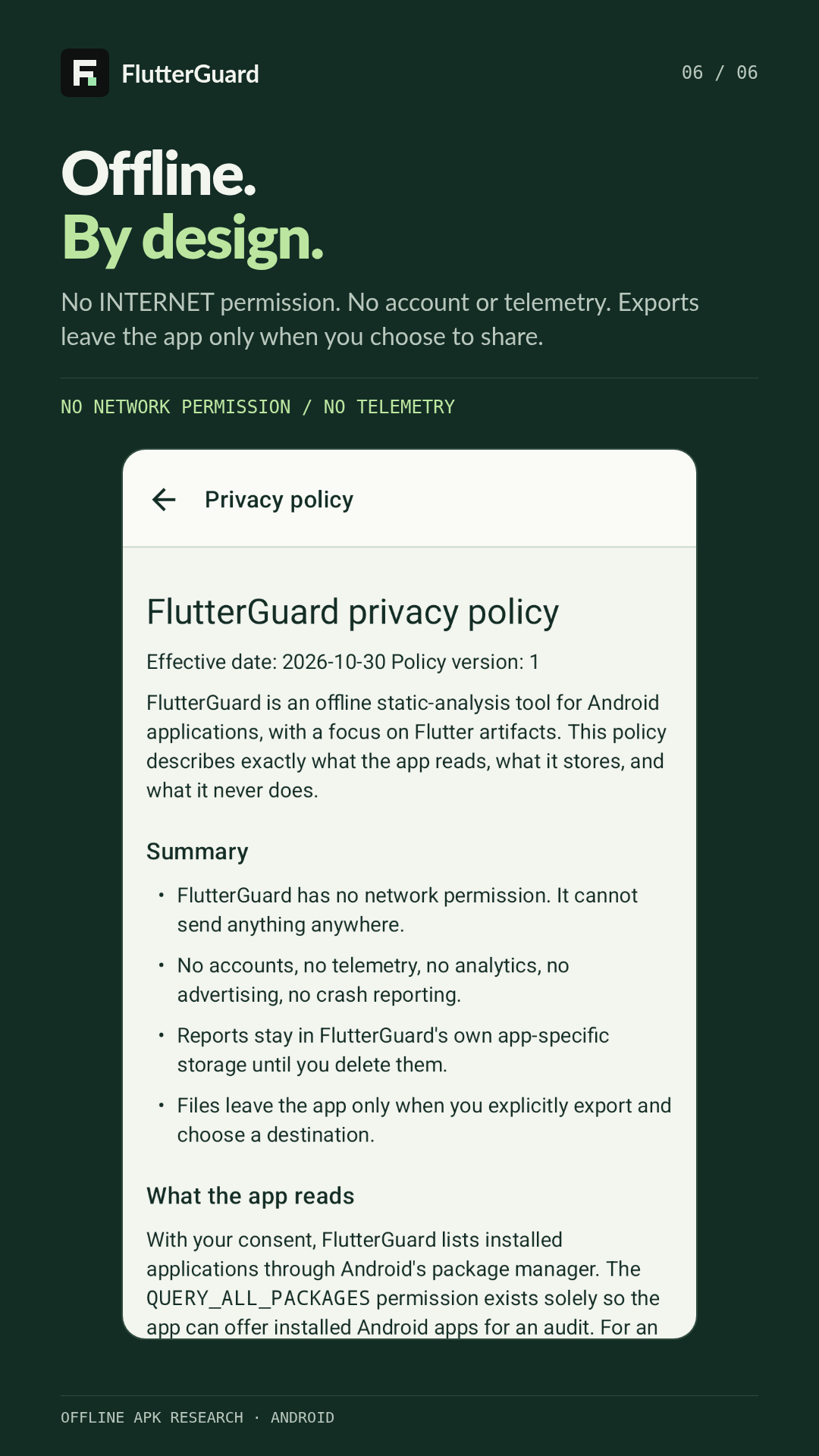
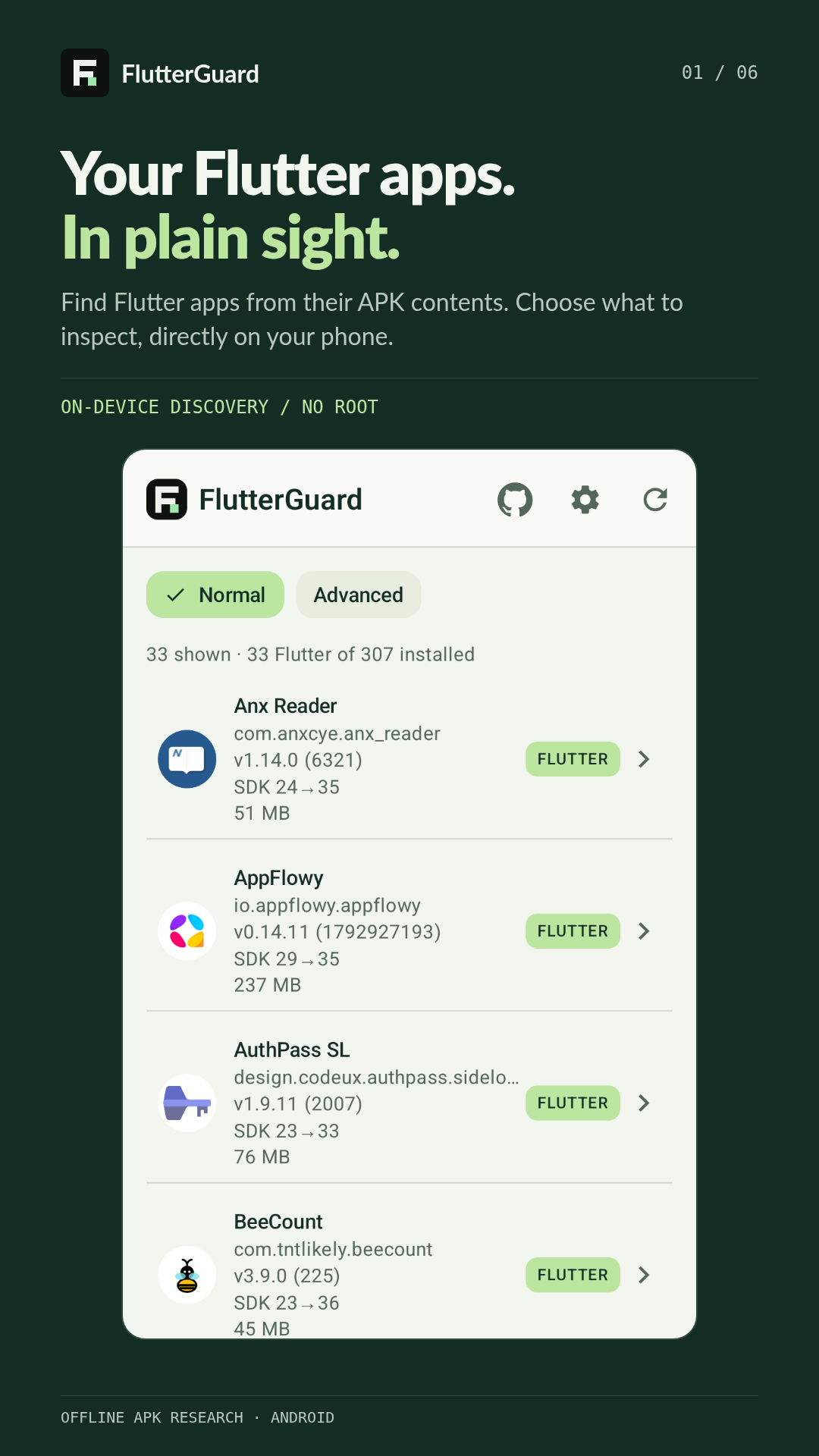
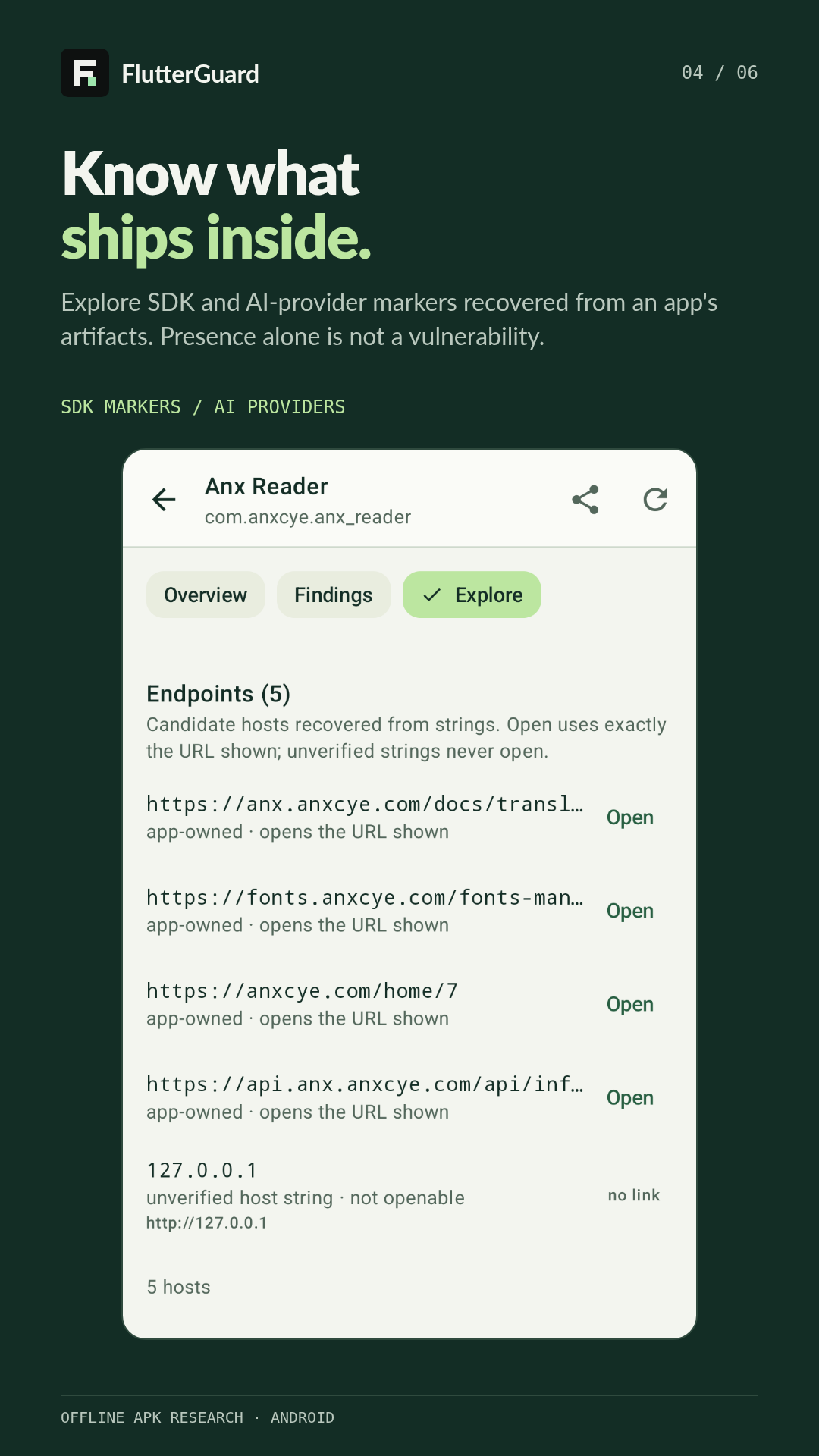
--- ## Worth knowing first A permissions screen only tells you what an app asks for. A Flutter release keeps most of its real surface somewhere else: the compiled library, the asset bundle, the manifests and policy files inside the package. FlutterGuard reads those layers and puts them into one readable report, so you can decide for yourself what deserves a closer look. It is free, open source, and it never sends your data anywhere. ## Screenshots | App inventory | Report grade | Findings | |---|---|---| | Installed Flutter app inventory | Evidence-backed app grade and report summary | Findings list: exported service, cleartext traffic and user CA trust | | Endpoints and routes | Settings | Privacy | |---|---|---| | Candidate endpoints and route prefixes recovered from strings | Settings: notifications, scan history, scan-all and re-scan controls | Readable in-app privacy policy | ## What a scan shows you - **Libraries** — the building blocks it can identify, with version evidence when the release keeps it. - **Connections** — endpoints, domains and AI-provider markers left in the package. - **Exposed strings** — secret-pattern matches, with values masked until you choose to reveal them. - **Package policy** — permissions, signing information and network-security configuration. - **App structure** — Flutter assets and candidate route strings, kept as clues rather than pretend navigation. - **Reports** — saved on the phone, ready to revisit, and exportable as JSON or Markdown when you ask for it. ## How it works 1. **Discover** — pick an installed Flutter app, or open a single APK file. 2. **Inspect** — follow each finding back to the file, string or policy that produced it. 3. **Report** — keep the evidence on your phone and come back to it later. Scans run one at a time and show real progress, so you can leave the screen without losing the run. ## Install - **GitHub** — download `FlutterGuard-.apk` from the [latest release](https://github.com/anasfik/FlutterGuard/releases/latest), then allow installs from your browser or file manager when Android asks. - **Google Play** — [store listing](https://play.google.com/store/apps/details?id=com.flutterguard.app). Availability depends on Google's review and rollout in your region. If the listing is not open yet, use the GitHub APK. Android 8.0 or newer. No Play Services needed. > Upgrading from an older GitHub APK? Recent builds use a new signing key, so Android will not > install over the old one. Export anything you want to keep, uninstall, then install the new APK. > Uninstalling removes stored reports and settings, and an export does not restore the in-app > history. ## What the grade means `A` is clean, `C` is a well-built app with a few hardening gaps, `F` failed on something fundamental. It is a triage label, not a score: read the findings, not the letter. ## Honest limits A tool that overstates itself is worse than none, so: - It reads the package. Nothing is hooked, intercepted or executed. - Findings are static evidence, not proof that something is exploitable. - It reads APKs. Convert an AAB with `bundletool` first. - Some phones block reading other apps' files. That is the OS deciding, not a setting in the app. - Only scan apps you own or are allowed to test. ## Built for developers ```bash git clone https://github.com/anasfik/flutterguard.git cd flutterguard echo "sdk.dir=$ANDROID_HOME" > local.properties ./gradlew assembleRelease # signed APK in app/build/outputs/apk/release/ ``` Release builds read `FG_KEYSTORE`, `FG_KEYSTORE_PASSWORD`, `FG_KEY_ALIAS` and `FG_KEY_PASSWORD`, falling back to `.keystore/flutterguard.jks`. Debug builds use the debug key. `skill/SKILL.md` turns the app into an audit workflow for coding agents, and `CORPUS.md` records the real app that produced each detector. Kotlin and Jetpack Compose, Material 3, one colour scheme for light and dark. ## Privacy Reports stay in the app's private storage. The app has **no `INTERNET` permission**, so there is no analytics, no crash reporting and nothing to phone home. A report leaves the device only when you export it and pick a destination, and sensitive values stay masked unless you deliberately reveal them. Treat an export that contains them as sensitive. ## Contact Built by [Anas Fikhi](https://github.com/anasfik). Questions, a suspicious finding, or an idea for the next release: [work@gwhyyy.com](mailto:work@gwhyyy.com) or [open an issue](https://github.com/anasfik/FlutterGuard/issues). Only scan apps you own or have written permission to test.
MIT licensed · offline by design