---
layout: page
title: Features
---
# Feature Showcase
Here are some gifs and links to YouTube videos showing some of the features.
[Unsaved Changes](https://youtu.be/fsVEEGDk_uo)
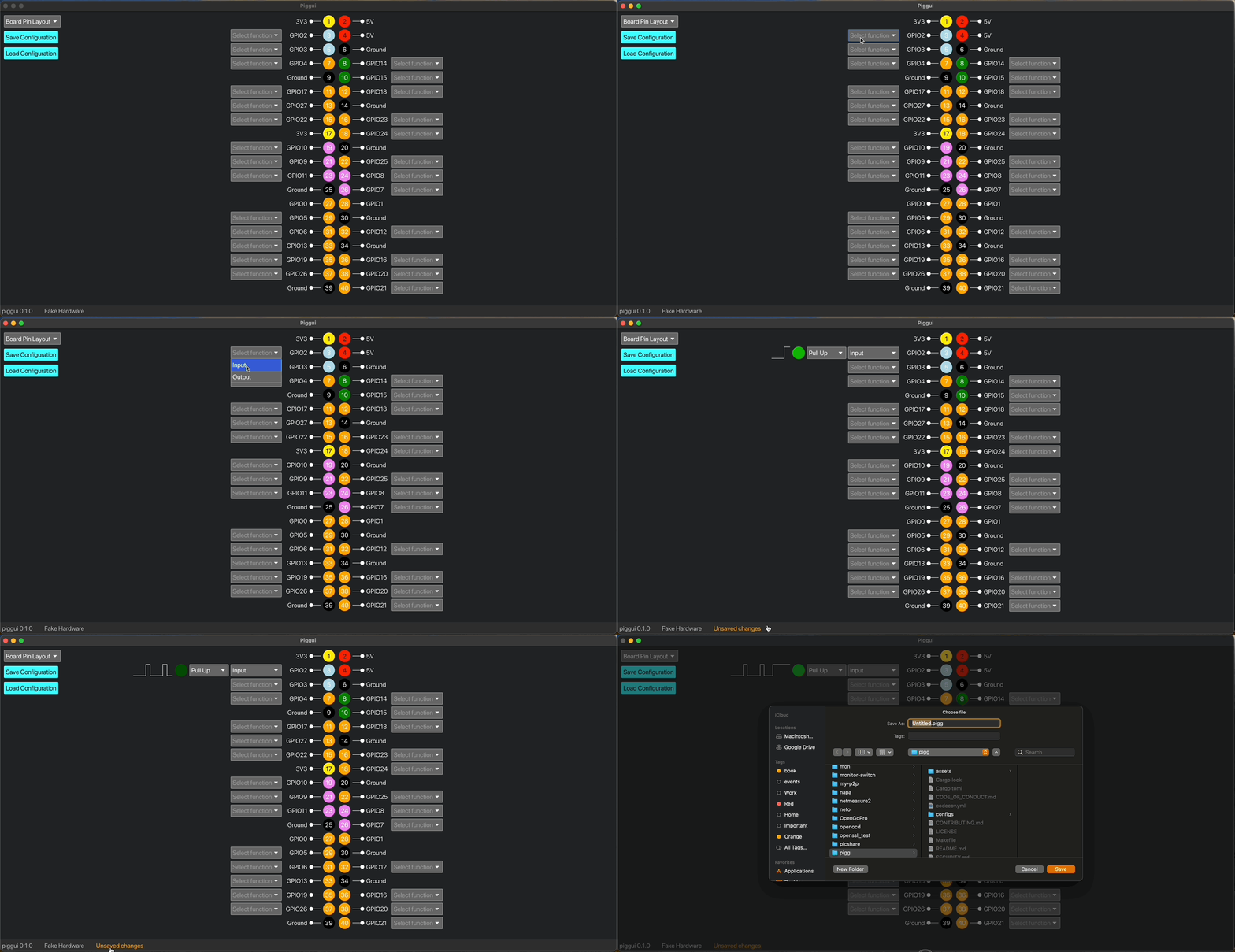 [Switching Layouts](https://youtu.be/E7nFj1xue9Y)
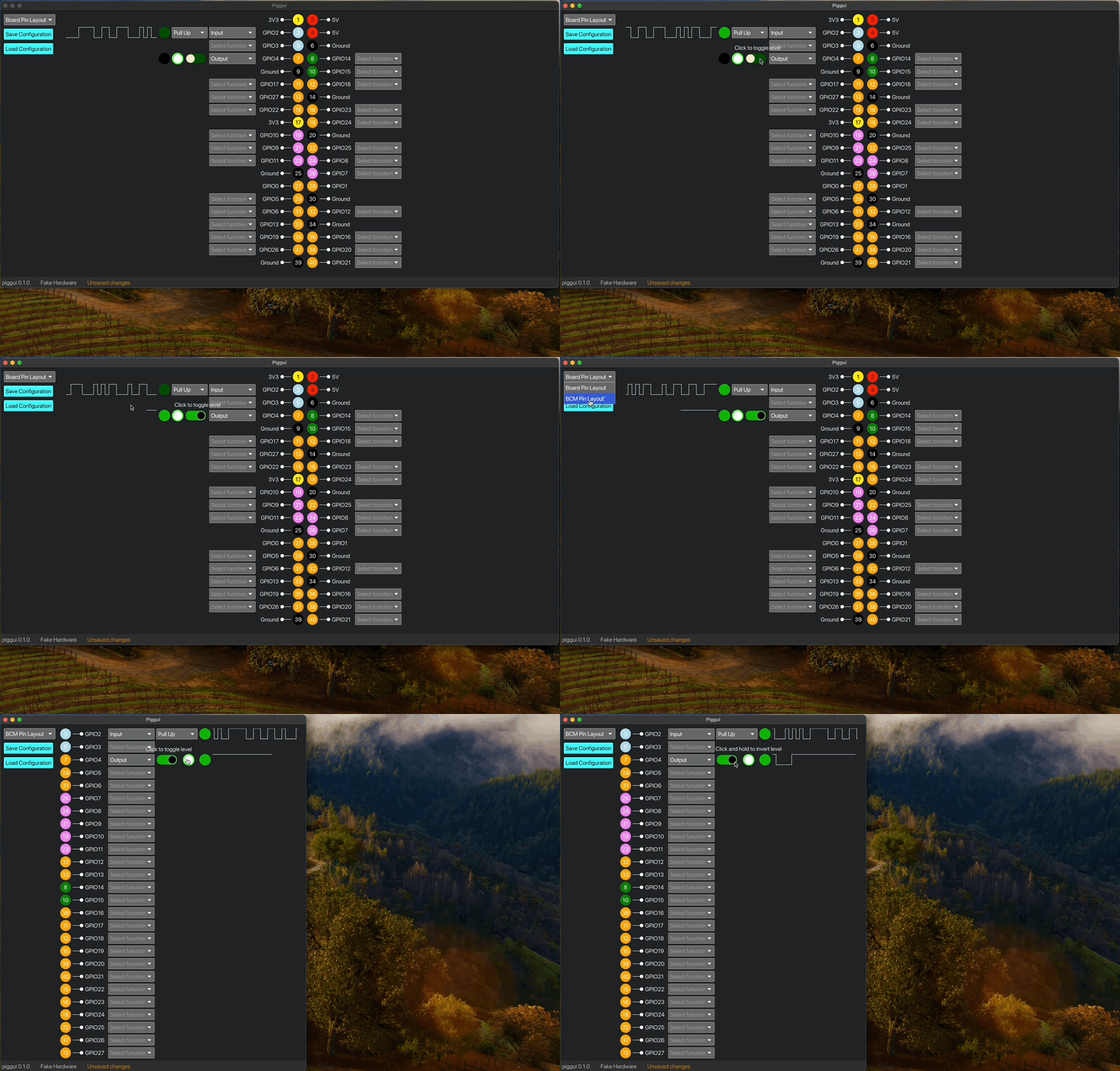 [Save on Exit](https://youtu.be/Iskqz4hG1e8)
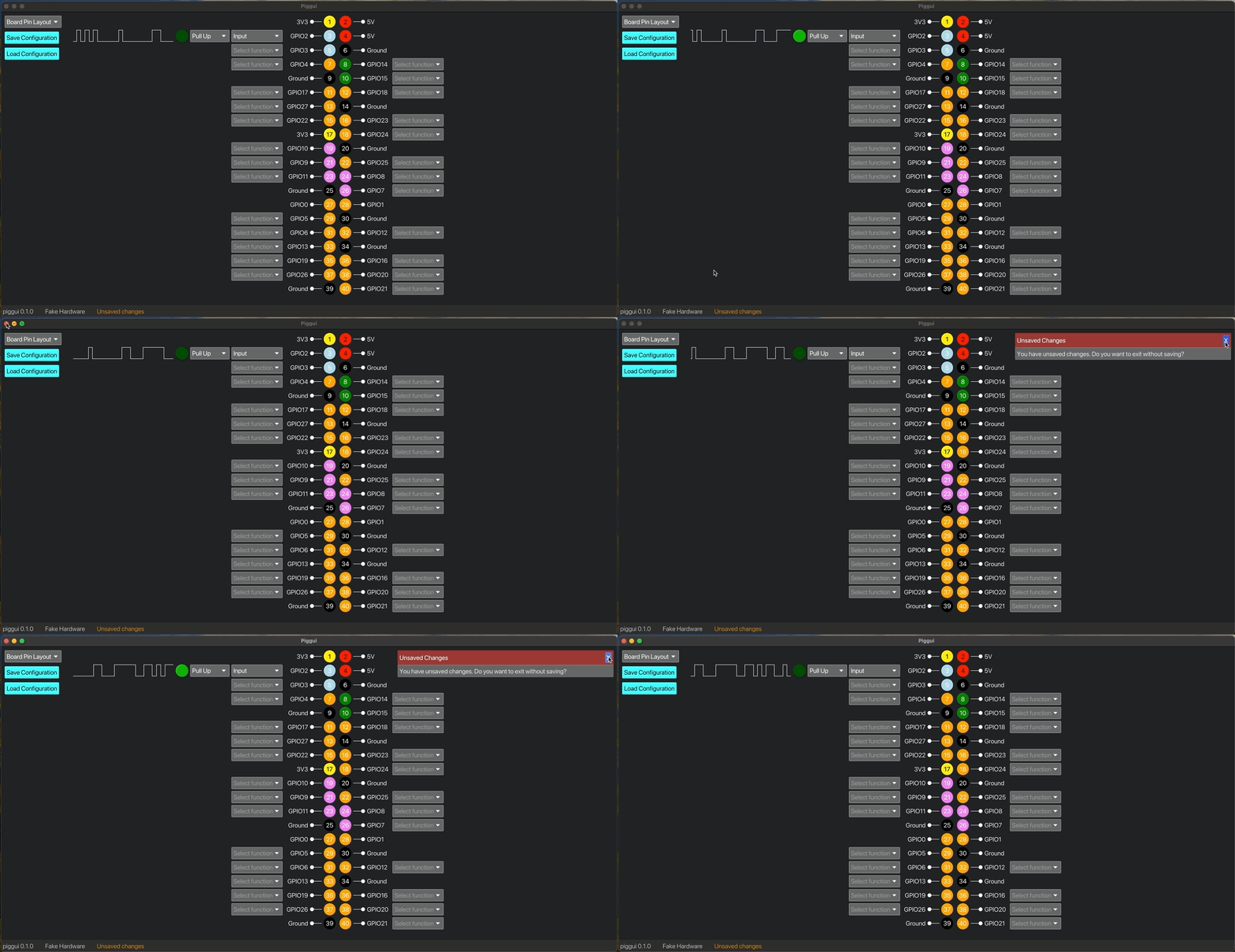 [Output](https://youtu.be/lNTO16wVHH8)
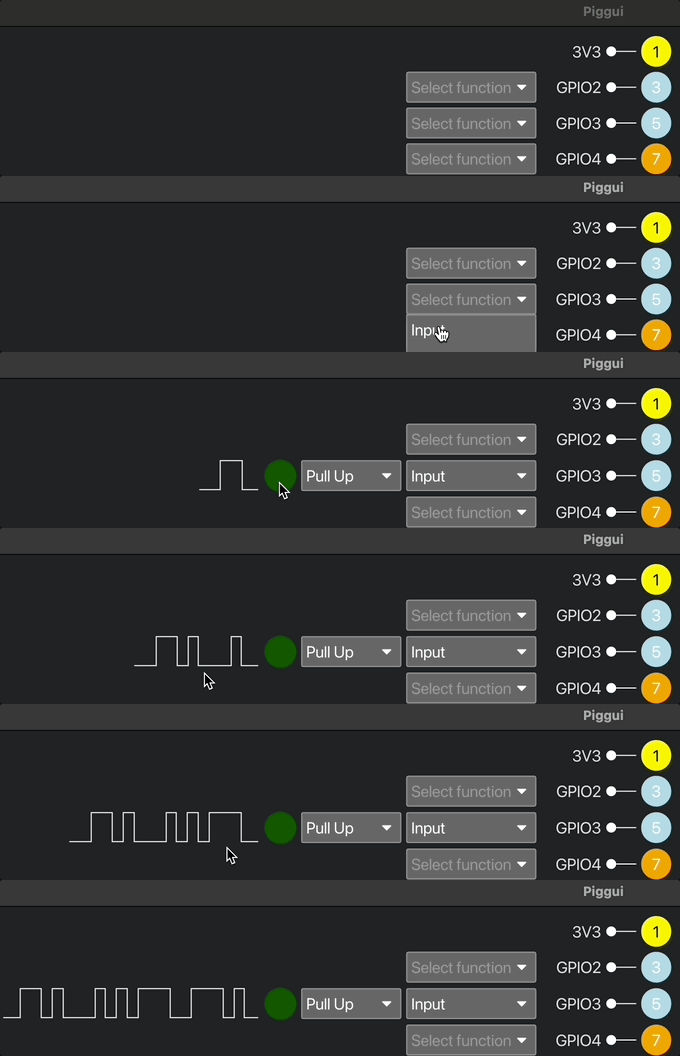
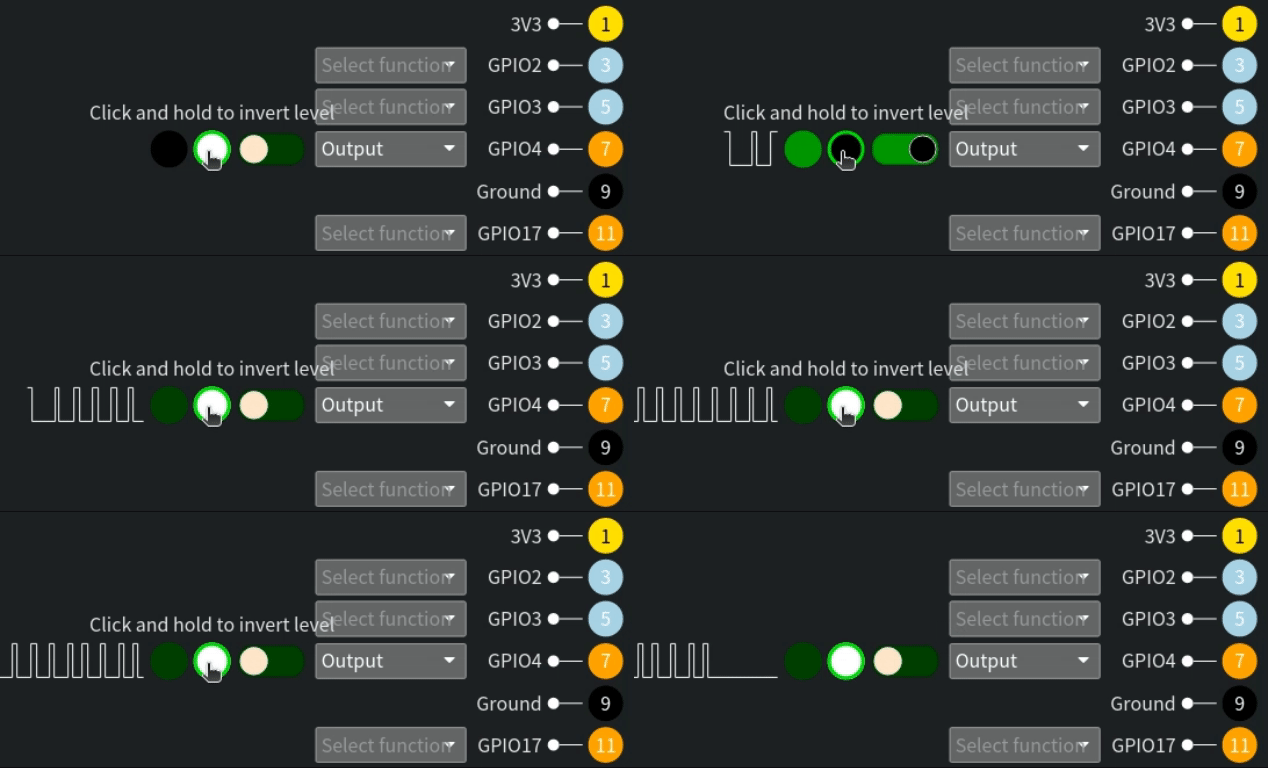 [Input (fake hardware)](https://youtu.be/7wKP8AUwhq0)
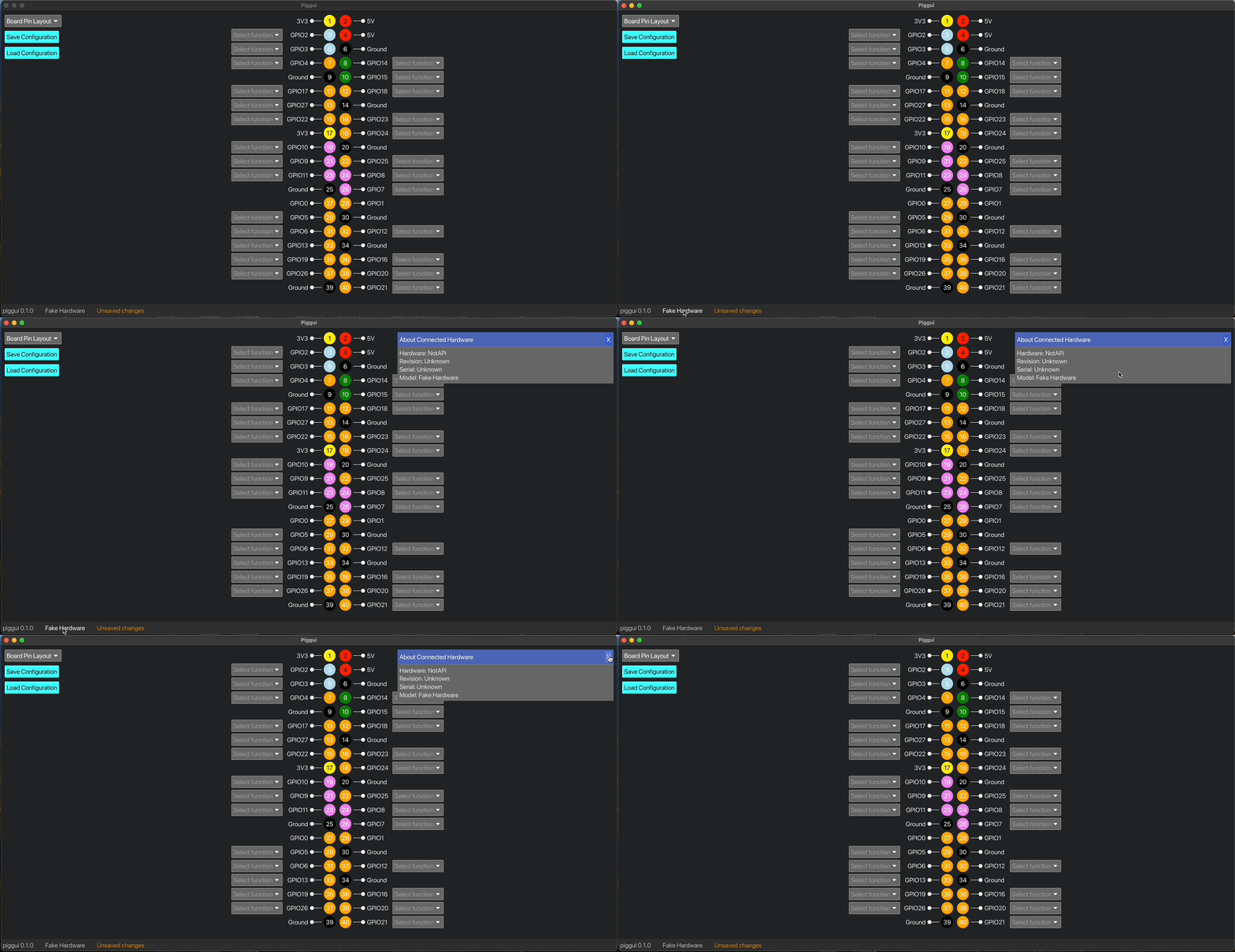
 [Hardware Details](https://youtu.be/__XOwXazERw)
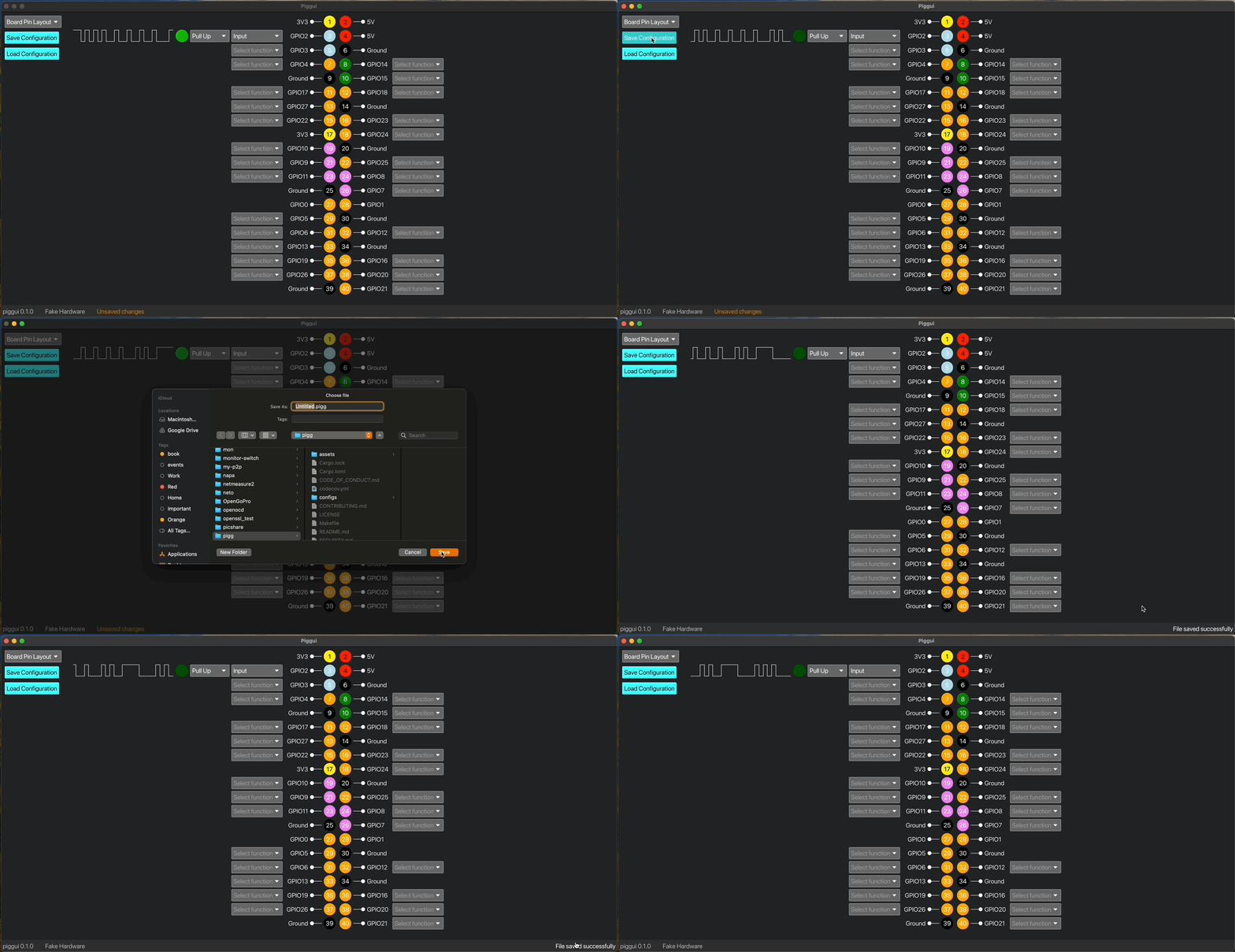
 [File Saved](https://youtu.be/EA5txayqH3I)
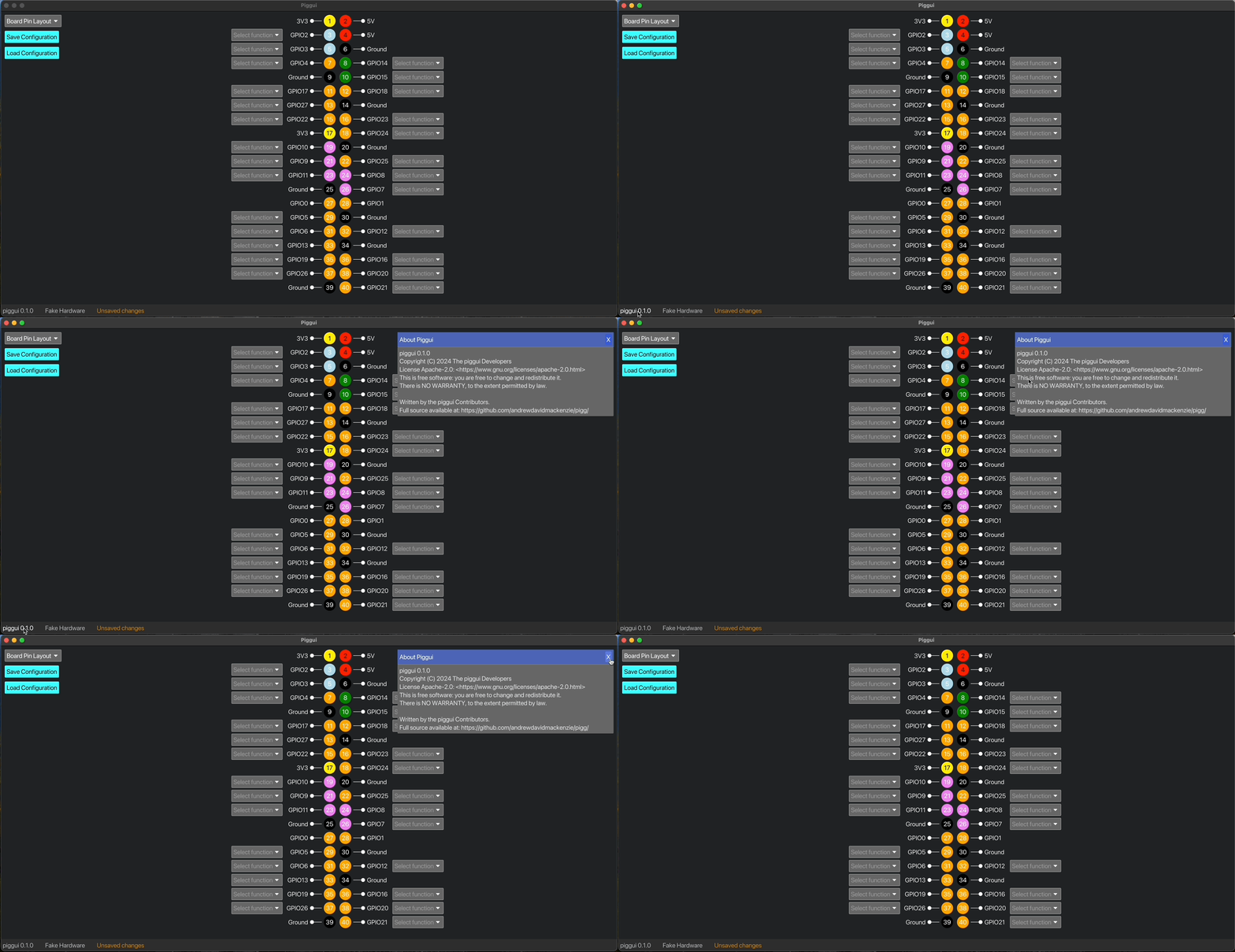
 [Version details](https://youtu.be/KjPX6tWX9Cs)
 ## Videos
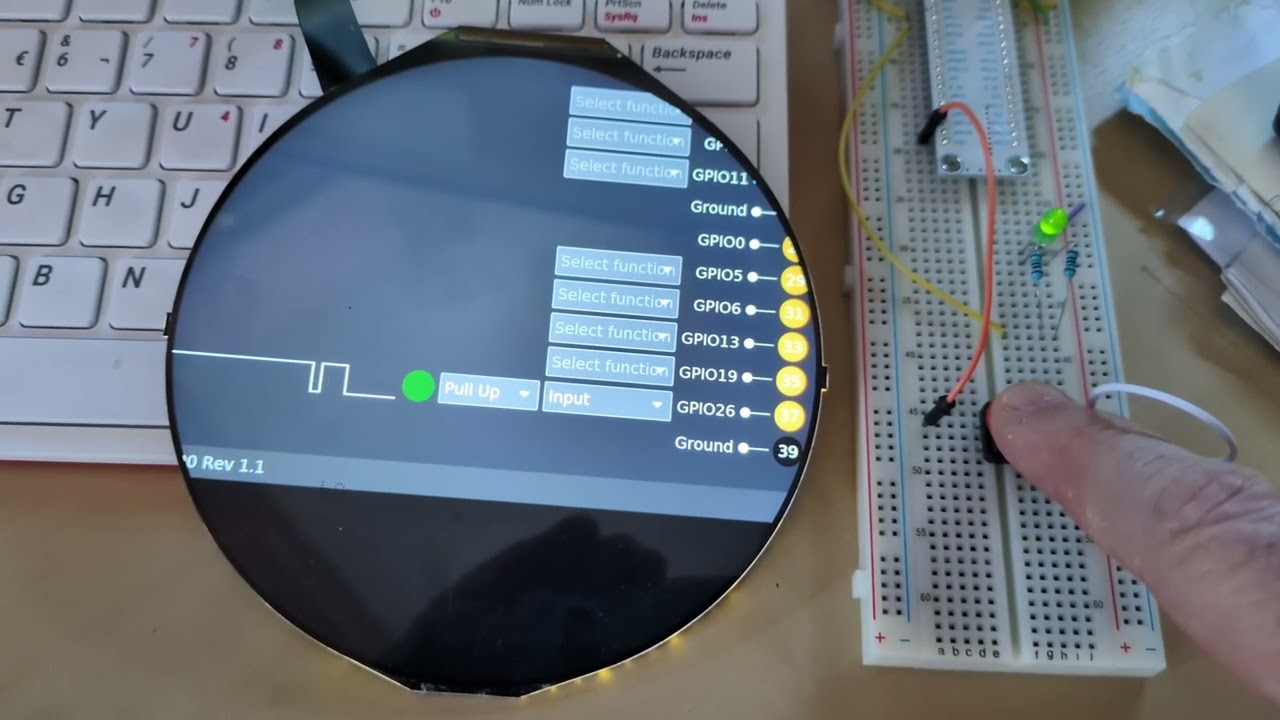
## Displaying an Inputs level from HW Button
[](https://youtu.be/YZMhHqfmcx4)
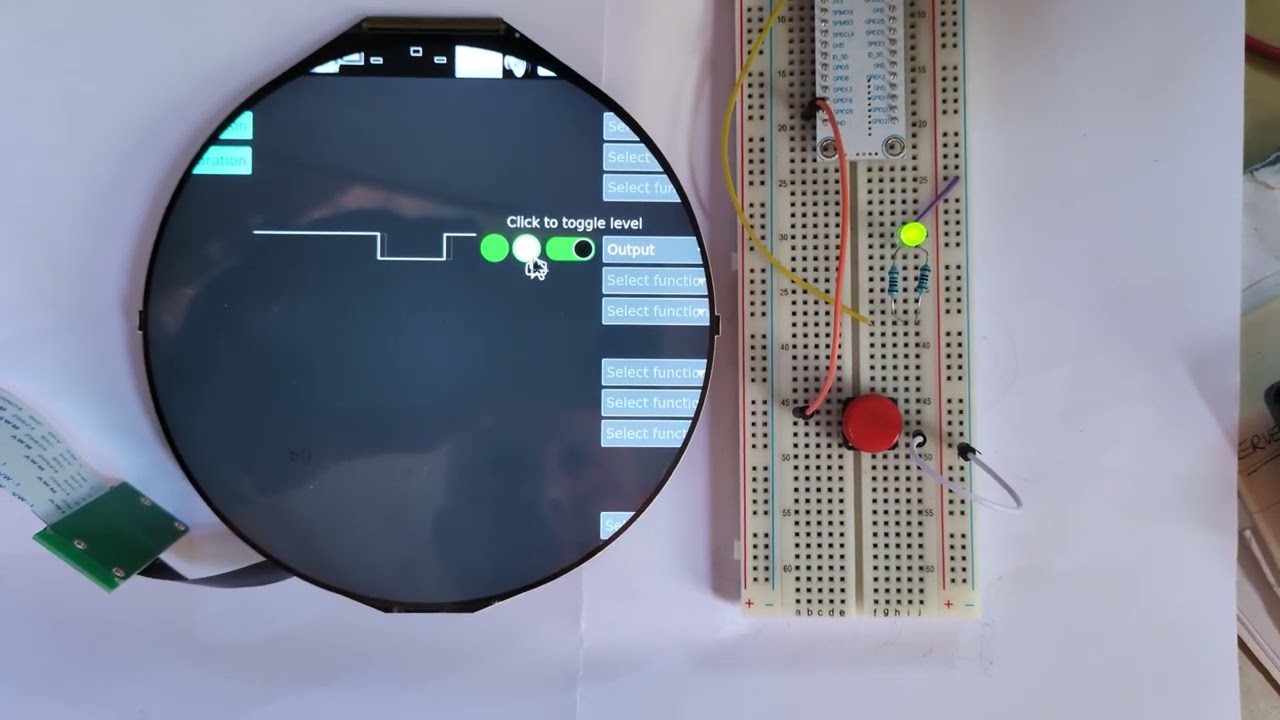
## Controlling an LED on an Output
[](https://youtu.be/HBQWMZNyZw4)
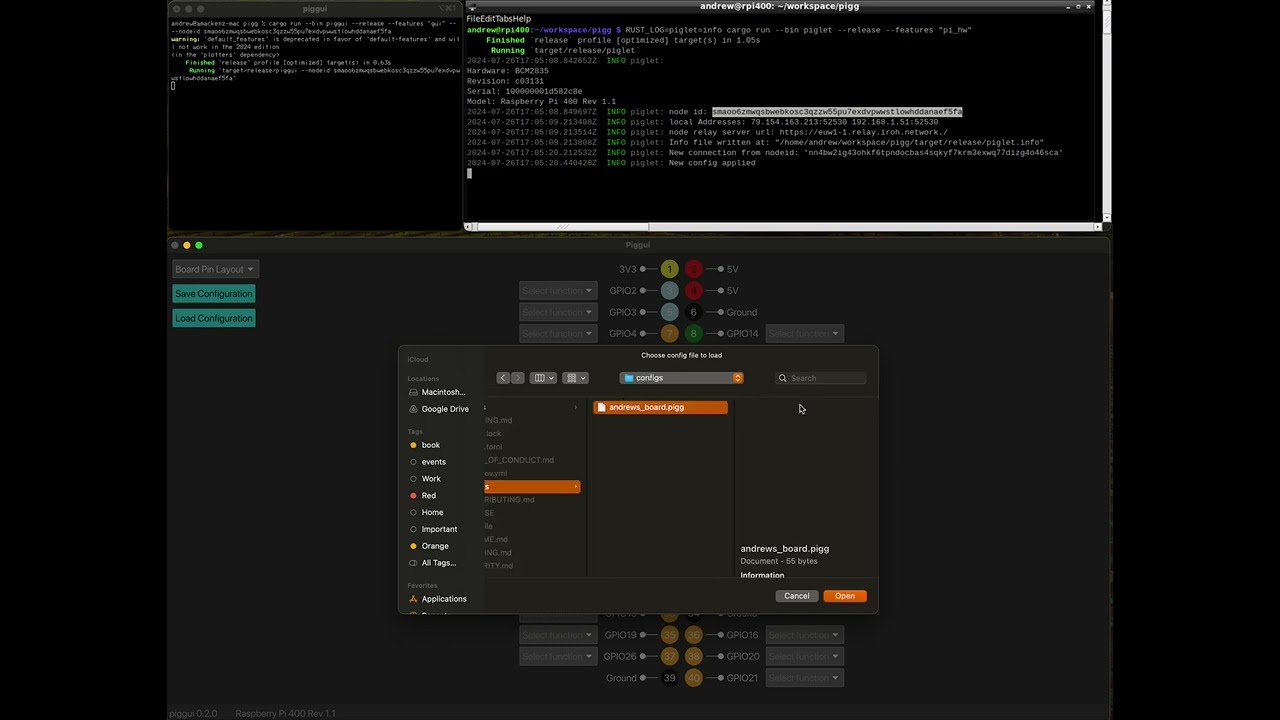
## Remote GPIO from piggui to pigglet using Command Line option
[](https://youtu.be/zcEa_Oke014)
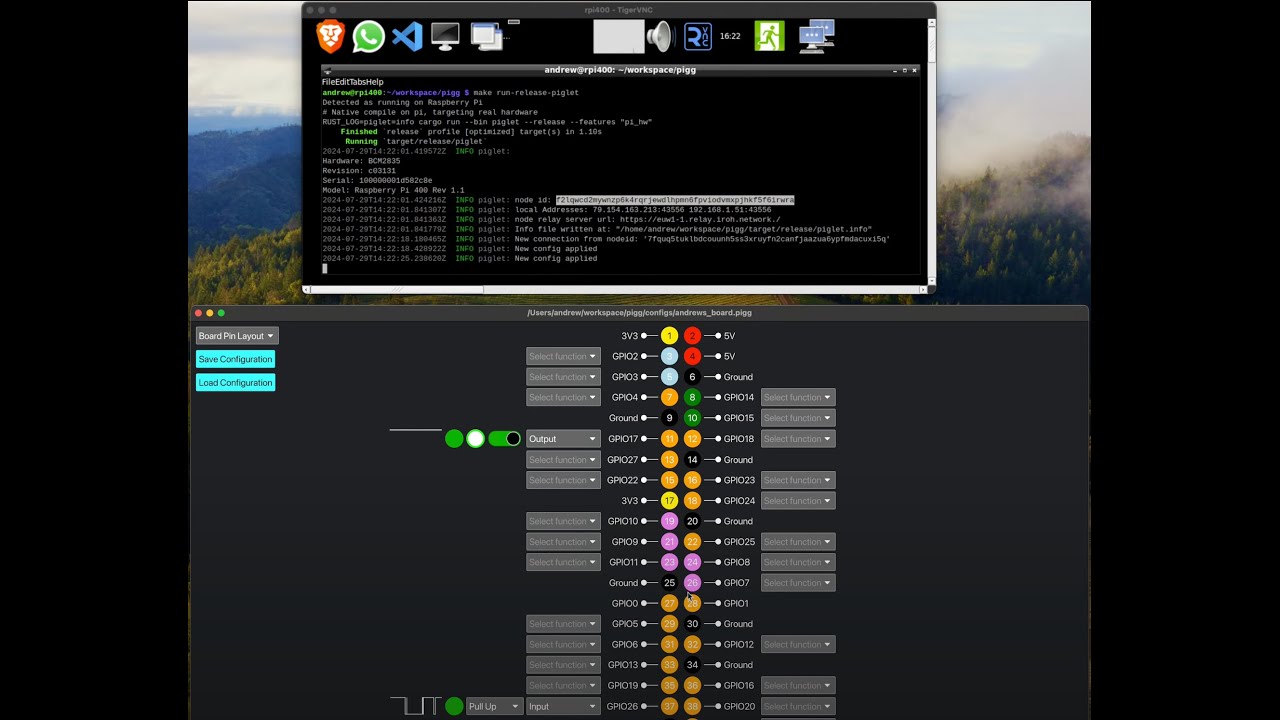
## Remote GPIO from piggui to pigglet using Connect Dialog
[](https://youtu.be/aToJ1aT7NeM)
## Piggui controlling a Pi Pico with porky
[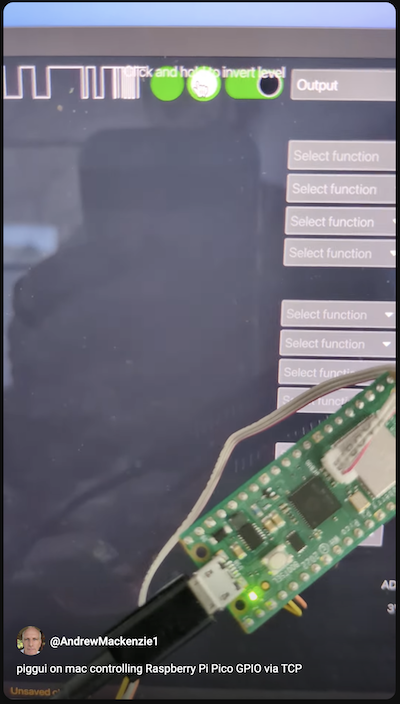](https://youtube.com/shorts/-u8HXCff3Pc?feature=share)
## Piggui connected to Porky with external GPIO Output and Input
[](https://youtu.be/MNJv12FiCwQ)
## Videos
## Displaying an Inputs level from HW Button
[](https://youtu.be/YZMhHqfmcx4)
## Controlling an LED on an Output
[](https://youtu.be/HBQWMZNyZw4)
## Remote GPIO from piggui to pigglet using Command Line option
[](https://youtu.be/zcEa_Oke014)
## Remote GPIO from piggui to pigglet using Connect Dialog
[](https://youtu.be/aToJ1aT7NeM)
## Piggui controlling a Pi Pico with porky
[](https://youtube.com/shorts/-u8HXCff3Pc?feature=share)
## Piggui connected to Porky with external GPIO Output and Input
[](https://youtu.be/MNJv12FiCwQ)