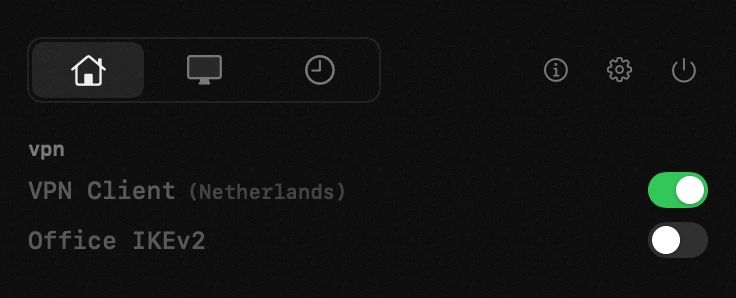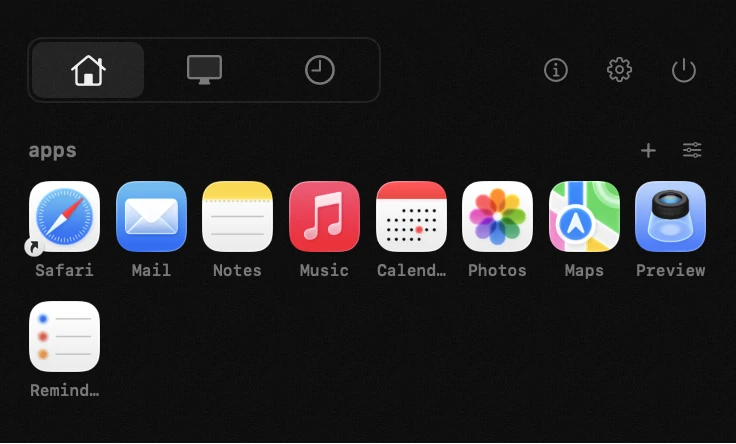
# Hop
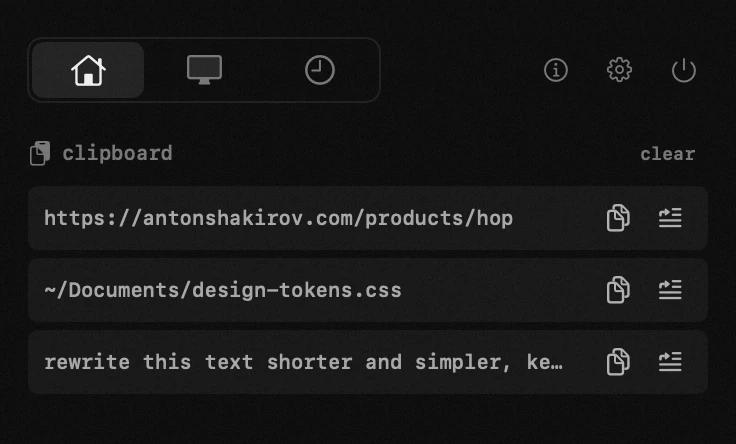
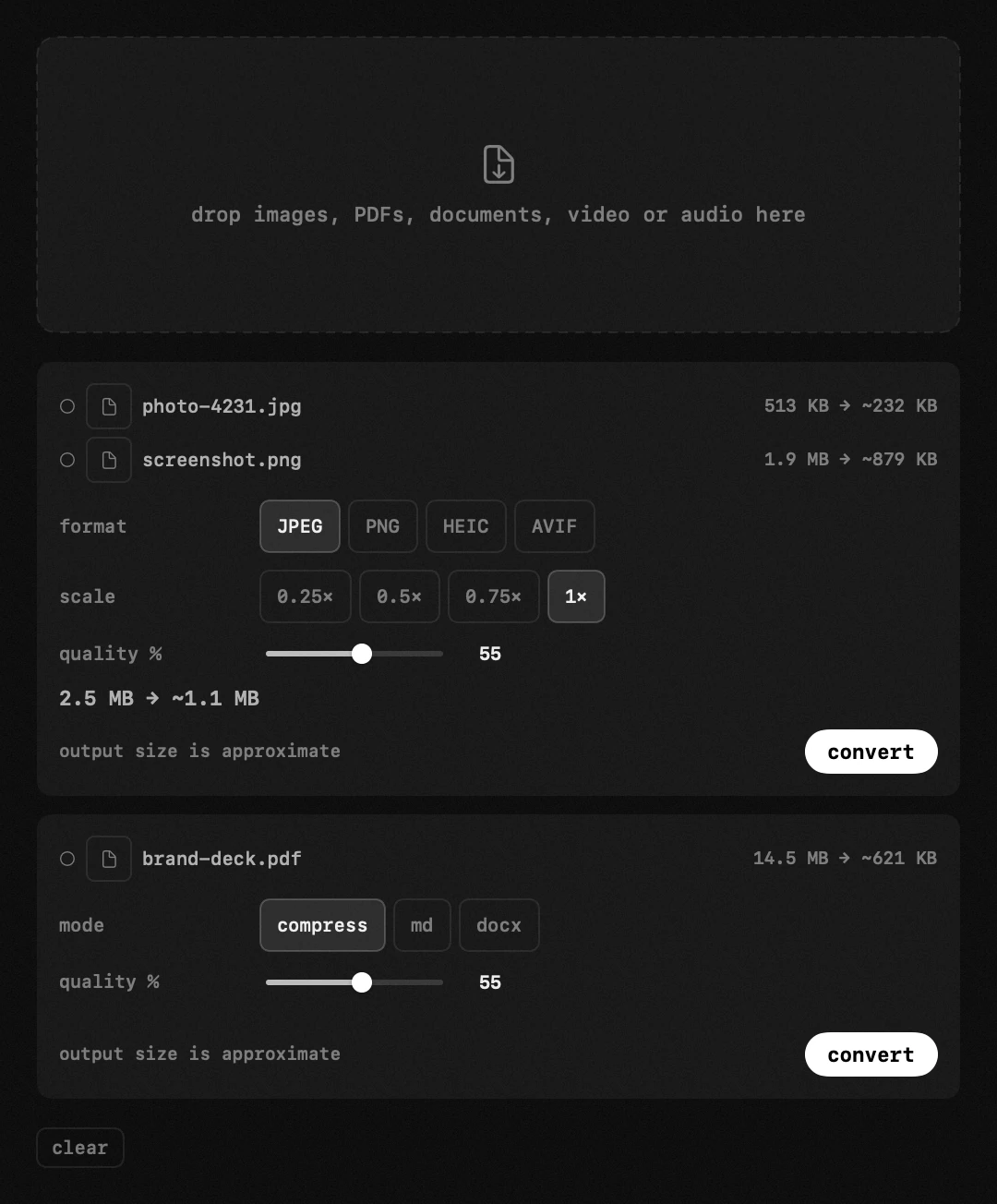
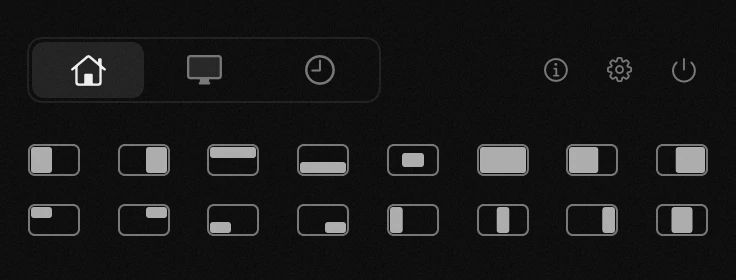
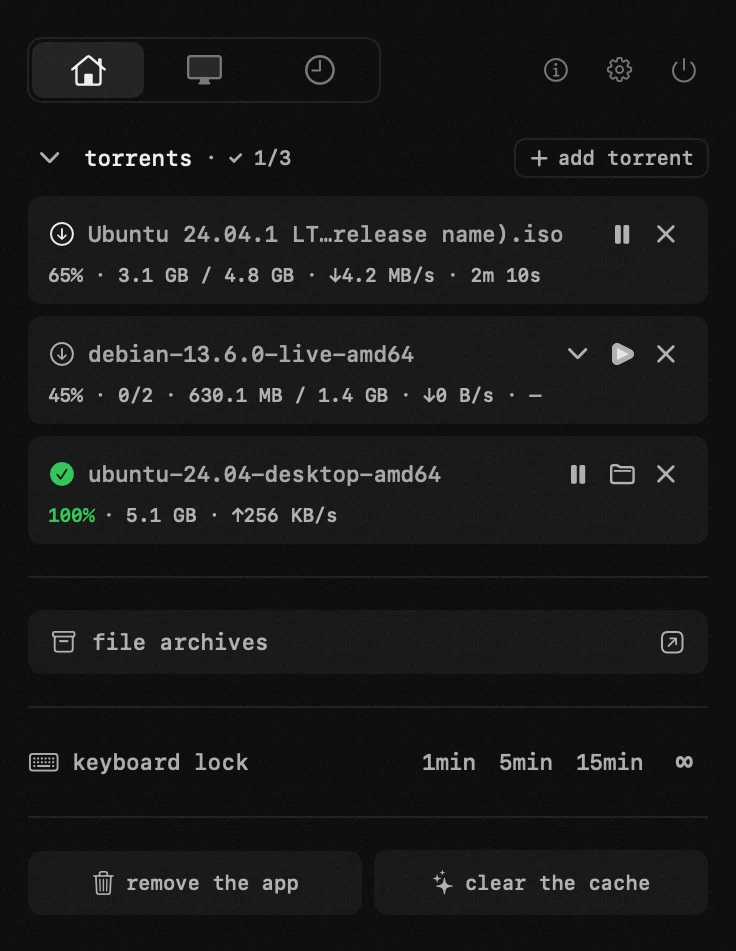
**A tiny menu bar companion for macOS: timer, time tracker, to-dos,
keep-awake, system monitor, clipboard history, file converter, window
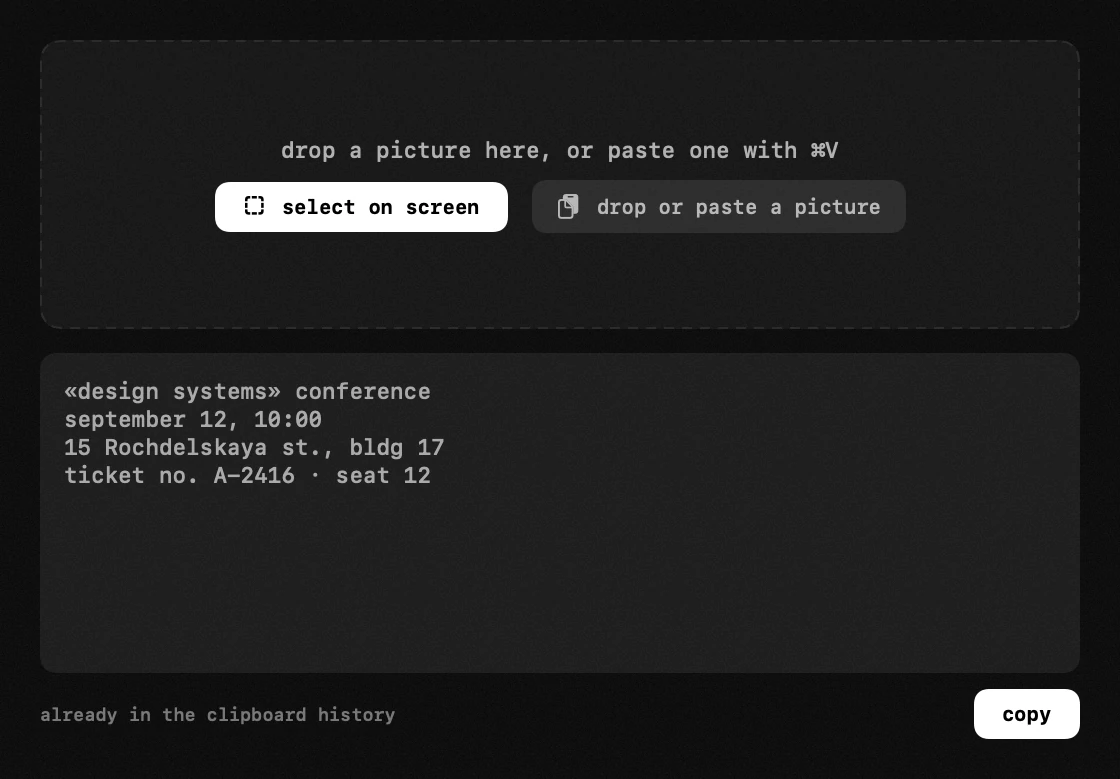
manager, a lite torrent client, screenshots, drawing over the screen, text
recognition and more. You switch on the ones you need and
arrange them across up to four tabs on the icon. One click, and everything
you need is right there.**
[](https://github.com/antonyshakirov/hop/releases/latest)
[](https://hop.tools/api/hop/downloads)
[](LICENSE)

[](https://github.com/antonyshakirov/hop/stargazers)
[Local verification](docs/local-verification/README.md)

⭐ Hop needs 225 stars to get into the official Homebrew catalog, and every star brings it closer.
📣 Follow Hop on [Instagram](https://www.instagram.com/hop.tools/) and [X](https://x.com/hoptools).
[](https://web.tribute.tg/d/Nvk)
[Bahasa Indonesia](docs/readme/README.id.md) · [Deutsch](docs/readme/README.de.md) · **English** · [Español](docs/readme/README.es.md) · [Français](docs/readme/README.fr.md) · [Italiano](docs/readme/README.it.md) · [Nederlands](docs/readme/README.nl.md) · [Polski](docs/readme/README.pl.md) · [Português](docs/readme/README.pt.md) · [Türkçe](docs/readme/README.tr.md) · [Tiếng Việt](docs/readme/README.vi.md) · [Русский](docs/readme/README.ru.md) · [Српски](docs/readme/README.sr.md) · [עברית](docs/readme/README.he.md) · [العربية](docs/readme/README.ar.md) · [فارسی](docs/readme/README.fa.md) · [اردو](docs/readme/README.ur.md) · [हिन्दी](docs/readme/README.hi.md) · [ไทย](docs/readme/README.th.md) · [한국어](docs/readme/README.ko.md) · [中文](docs/readme/README.zh.md) · [日本語](docs/readme/README.ja.md)
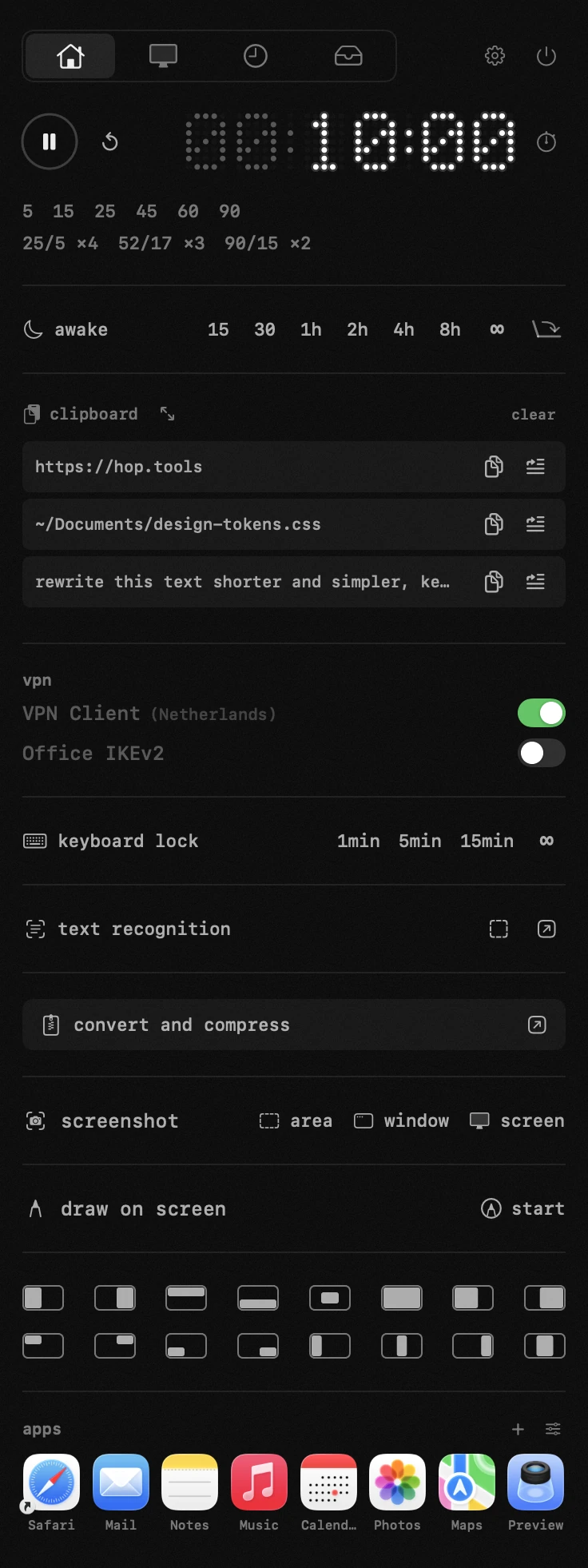
Hop lives in your Mac's menu bar and replaces a handful of small utilities:
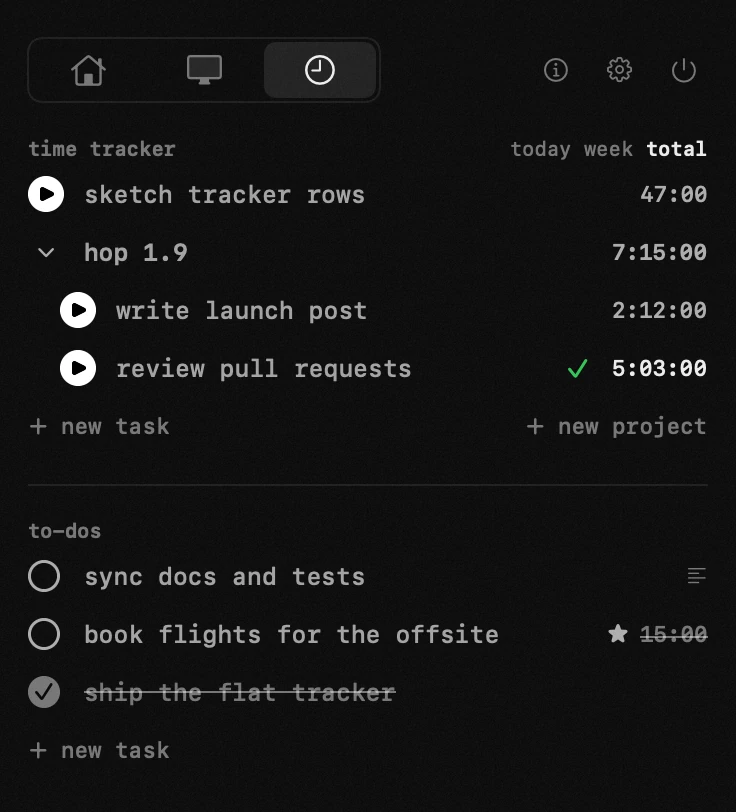
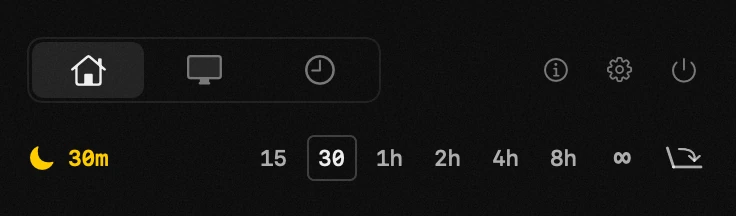
a Pomodoro-style timer, a time tracker with a to-do list, a caffeinate-style
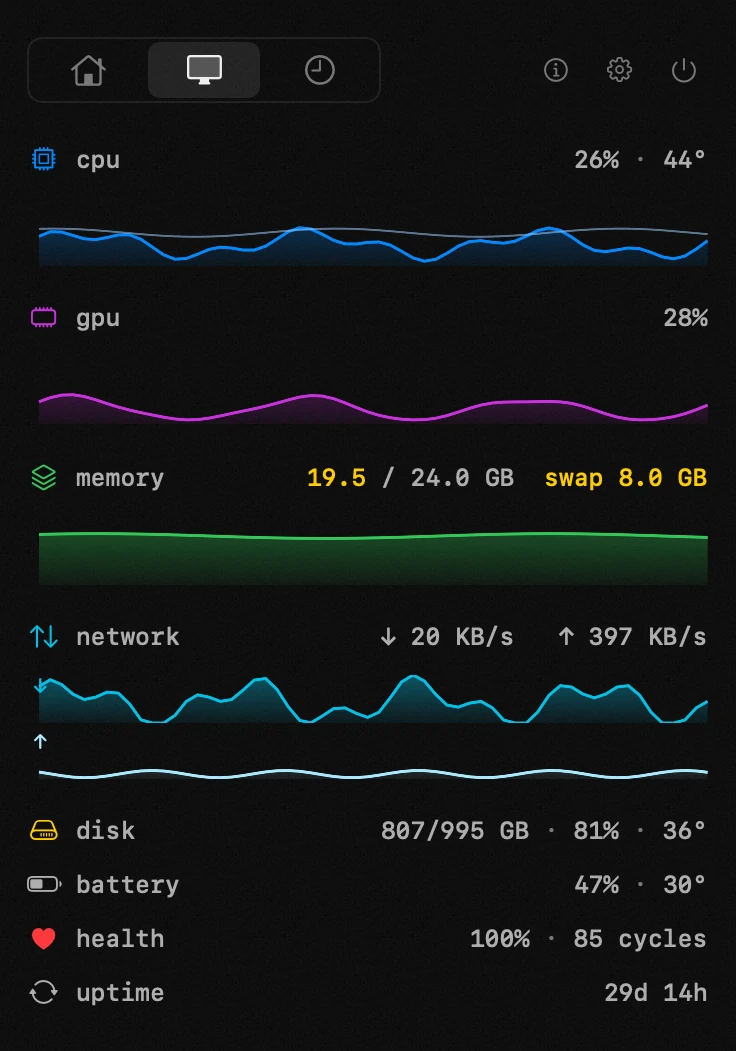
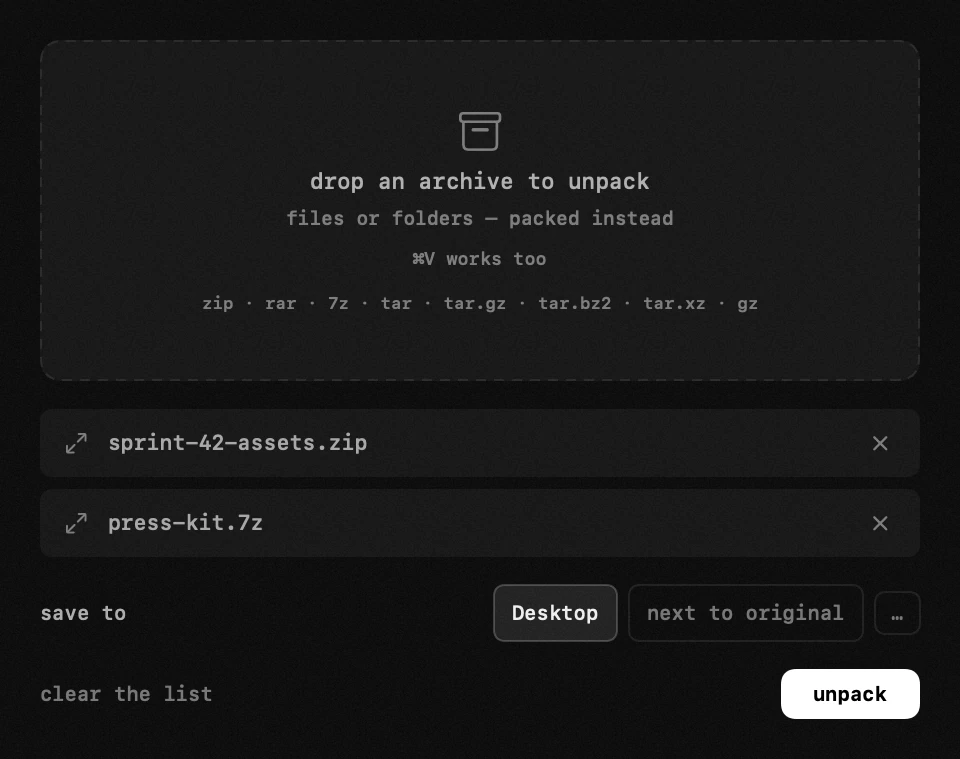
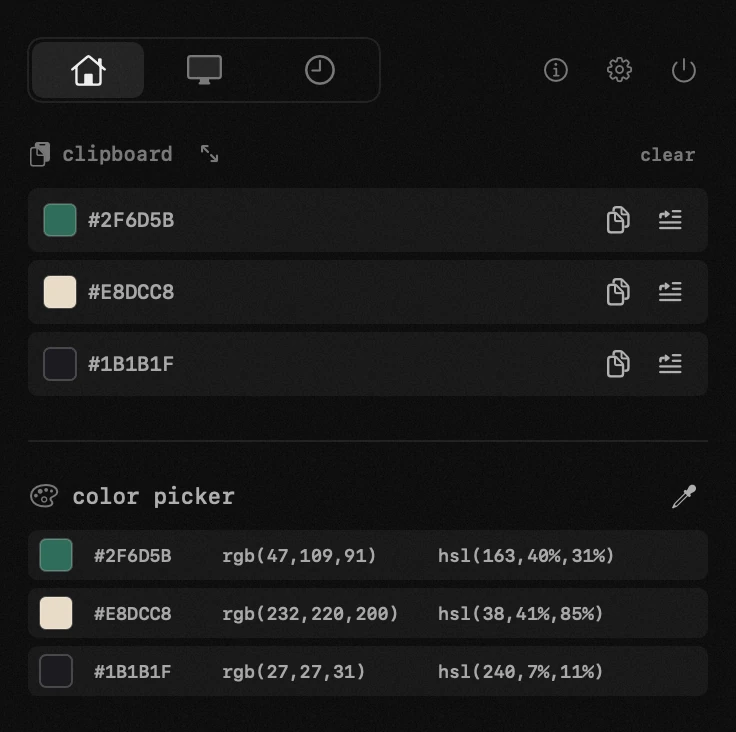
sleep blocker, a system monitor, a clipboard manager, a drag-and-drop file
converter, a window snapper, an app firewall and a lite torrent client – one lightweight
native app, with the modules you use arranged across up to four tabs on the
icon.
## Download
- **[Hop.dmg](https://github.com/antonyshakirov/hop/releases/latest/download/Hop.dmg)** – open and drag `Hop.app` into Applications (recommended)
- Homebrew: `brew install --cask antonyshakirov/tap/hop`
- `Hop-x.y.z.zip` – the same app as a plain archive (used by the built-in updater); see the [latest release](https://github.com/antonyshakirov/hop/releases/latest)
- Fast mirror: [hop-dl.b-cdn.net/products/hop/Hop.dmg](https://hop-dl.b-cdn.net/products/hop/Hop.dmg)
Hop is signed with an Apple Developer ID and notarized by Apple, so macOS
opens it like any other app. The source is public, and built-in updates are
verified with Ed25519. Requires macOS 14 or newer.
### 2.4.1
- Clicking the menu-bar icon again hides the panel.
- Number fields keep edits when switching between settings.
- One tab hides the top row. Right-click the icon for settings and quit.
### 2.3.2
- System monitor: memory and graphics load light the problem badge in the menu bar, and graphics load has its own thresholds.
- Awake: the session and running with the lid closed come back after an update.
### 2.3.1
- With two displays, the panel stays at the menu bar when its content is taller than the screen.
### 2.3.0
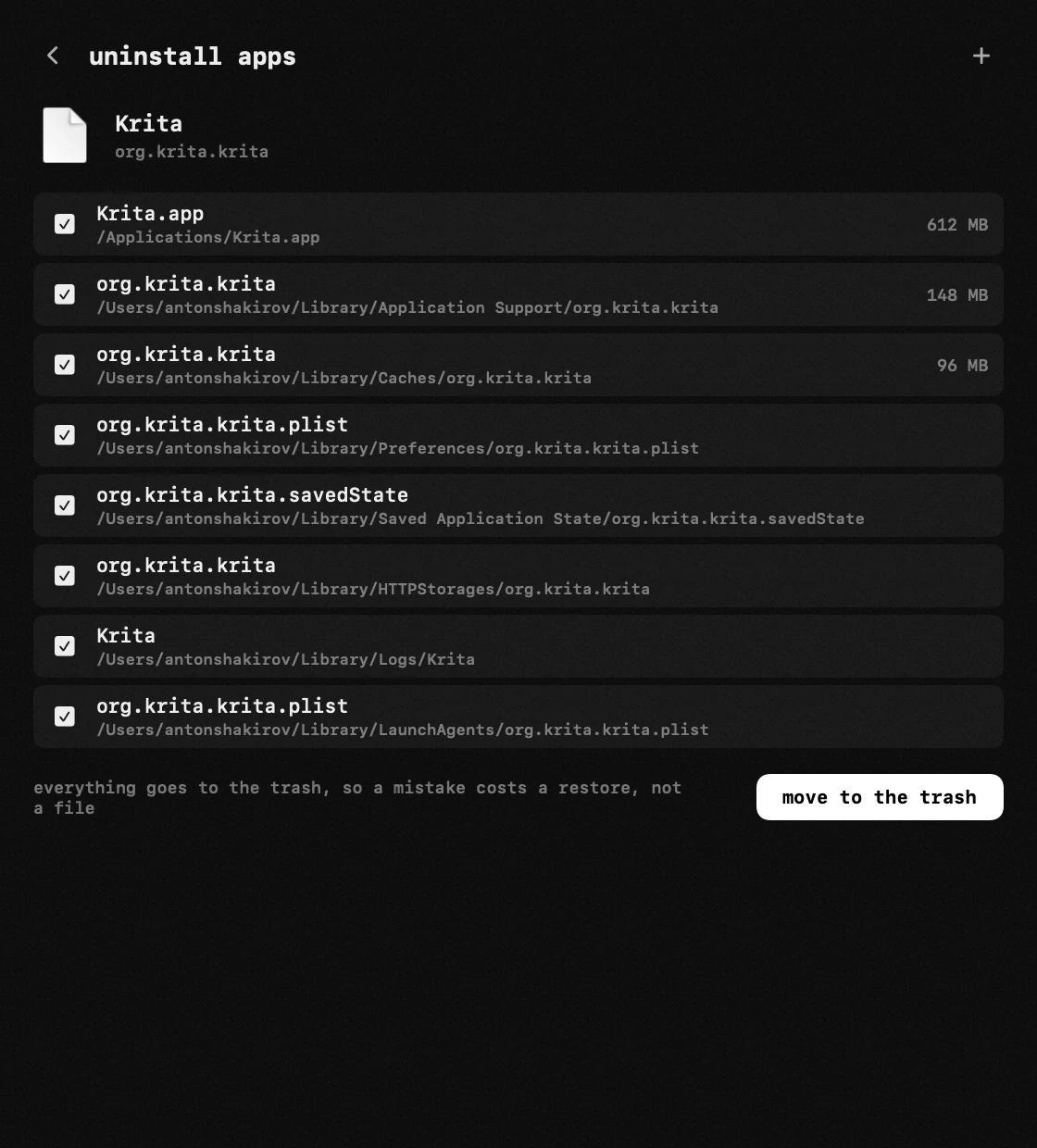
- Hop finds and clears the leftovers of apps that were not removed completely.
- macOS 27: improved compatibility.
- Clipboard: a right click on an entry can save it as a file.
- Torrents: remove a single file of a torrent, and a right click on a row opens a menu.
- Traffic blocking: a filter switch in its window.
- Other bug fixes and improvements.
### 2.2.1
- The "traffic blocking" module no longer shows a pop-up when its filter restarts.
### 2.2.0
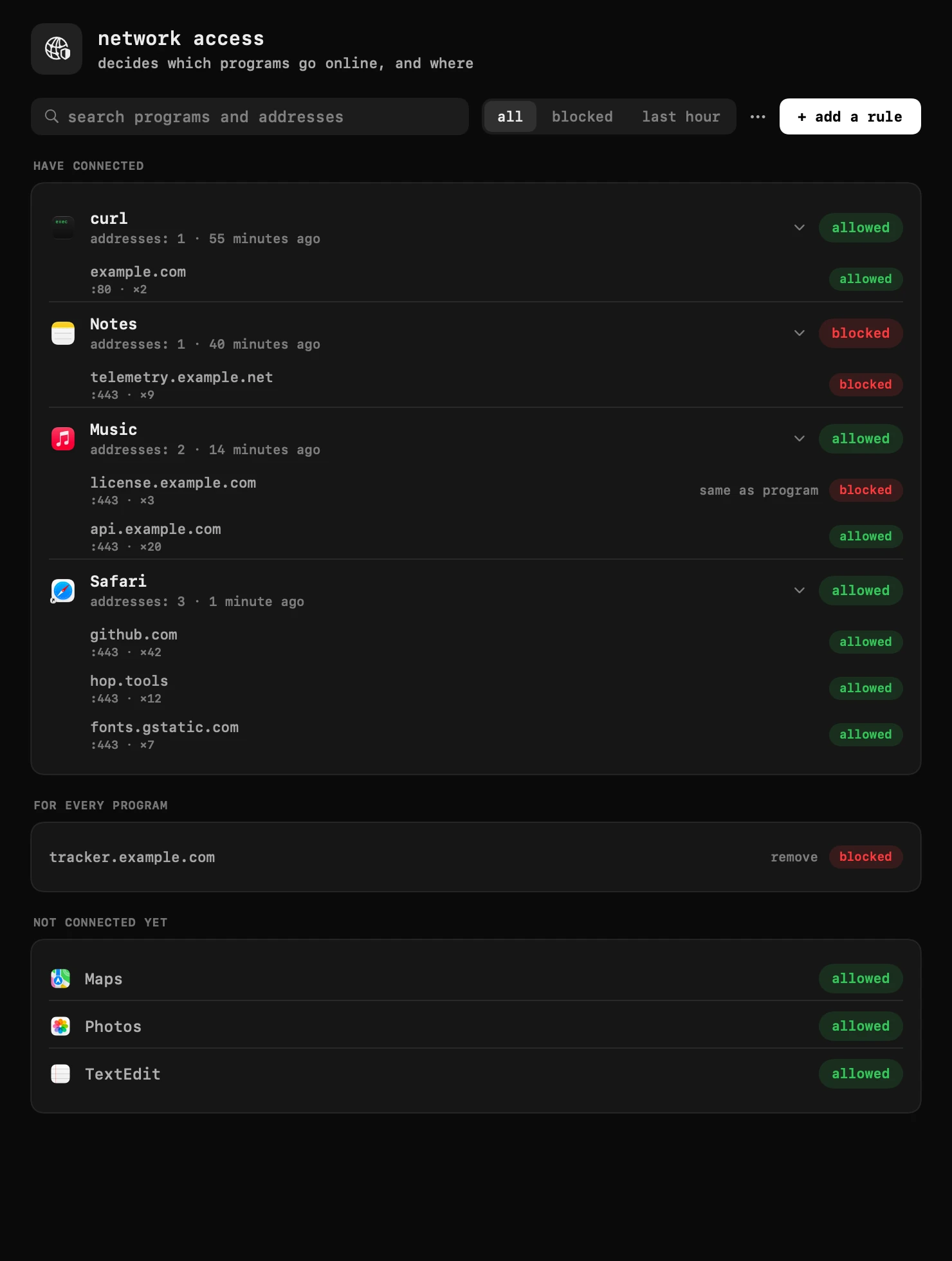
- New module "traffic blocking": see which programs go online and where, and block a program or a single address of it with one click.
- Hop is adapted to macOS 27.
- Text recognition: the first reading after an update is instant, and a setting decides whether a reading opens its window.
- The speed test can be stopped early.
### 2.1.8
- On macOS 27, the panel fits the selected tab and closes when you click outside it.
## Features
### Spaces
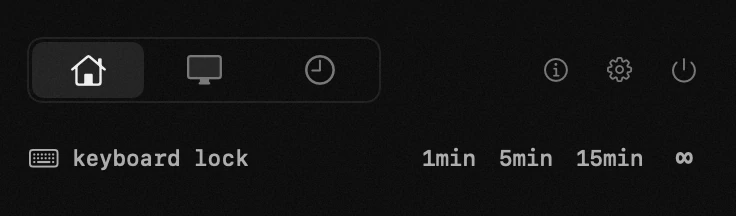
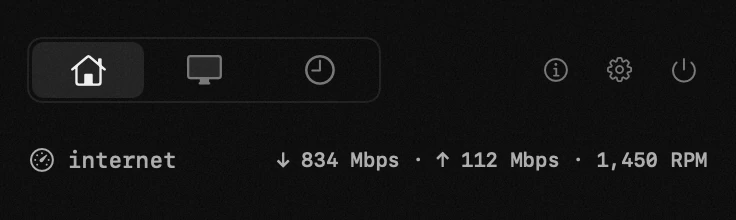
The icon holds up to four tabs, and you drag each module into whichever tab
you like – the timer on one, the monitor on another, the things you rarely
open tucked away. The power button beside a module turns it off: it keeps its place and stops
running – no key, no badge, nothing collected in the background.
### Timer & cycles
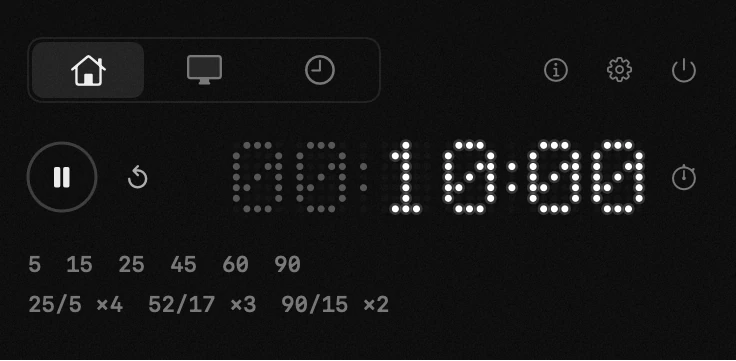
A dot-matrix countdown you set in one gesture: drag the digits, type the
time like on a microwave, or pick a preset. Work-rest cycles (25/5 Pomodoro,
52/17, 90/15 – or your own), a stopwatch, a stash that keeps a running timer
while you try another one, and a finish alert that can also pause your media.
When the countdown ends it plays a single sound and the digits pulse until
you reset it.