# Nuxt.js Generator
The Nuxt.js Client Generator generates components for Server Side Rendered applications using [Nuxt.js](https://nuxtjs.org/) and [Vuetify](https://vuetifyjs.com/).
## Install
### Nuxt
Create a [Nuxt.js application](https://nuxtjs.org/guides/get-started/installation#using-create-nuxt-app). The easiest way is to execute:
$ npx create-nuxt-app your-app-name
# or
$ yarn create nuxt-app your-app-name
It will ask you some questions you can use these answers :
```
Project name: your-app-name
Programming language: JavaScript
Package manager: Yarn
UI framework: Vuetify.js
Nuxt.js modules: None
Linting tools: Prettier, Lint staged files
Testing framework: None
Rendering mode: Single Page App
Deployment target: Static (Static/JAMStack hosting)
```
### Installing the Generator Dependencies
Install required dependencies:
$ yarn add moment lodash vue-i18n vuelidate vuex-map-fields nuxt-i18n
# yarn add --dev @nuxtjs/vuetify @nuxtjs/fontawesome
## Updating nuxtjs config
Update your `nuxt.config.js` with following:
```javascript
buildModules: [
// ...
'@nuxtjs/vuetify',
'@nuxtjs/fontawesome',
'nuxt-i18n'
],
// ...
// to avoid name conflicts in generators
components: false,
```
## Generating Routes
$ npx @api-platform/client-generator https://demo.api-platform.com . --generator nuxt
# Replace the URL by the entrypoint of your Hydra-enabled API
> Note: Omit the resource flag to generate files for all resource types exposed by the API.
## Updating default layout
Update your `layouts/default.vue` with following:
```javascript
mdi-home
Home
mdi-book
Books
mdi-comment-quote
Reviews
Application
© {{ date }}
```
## Starting the Project
You can launch the server with
$ yarn dev
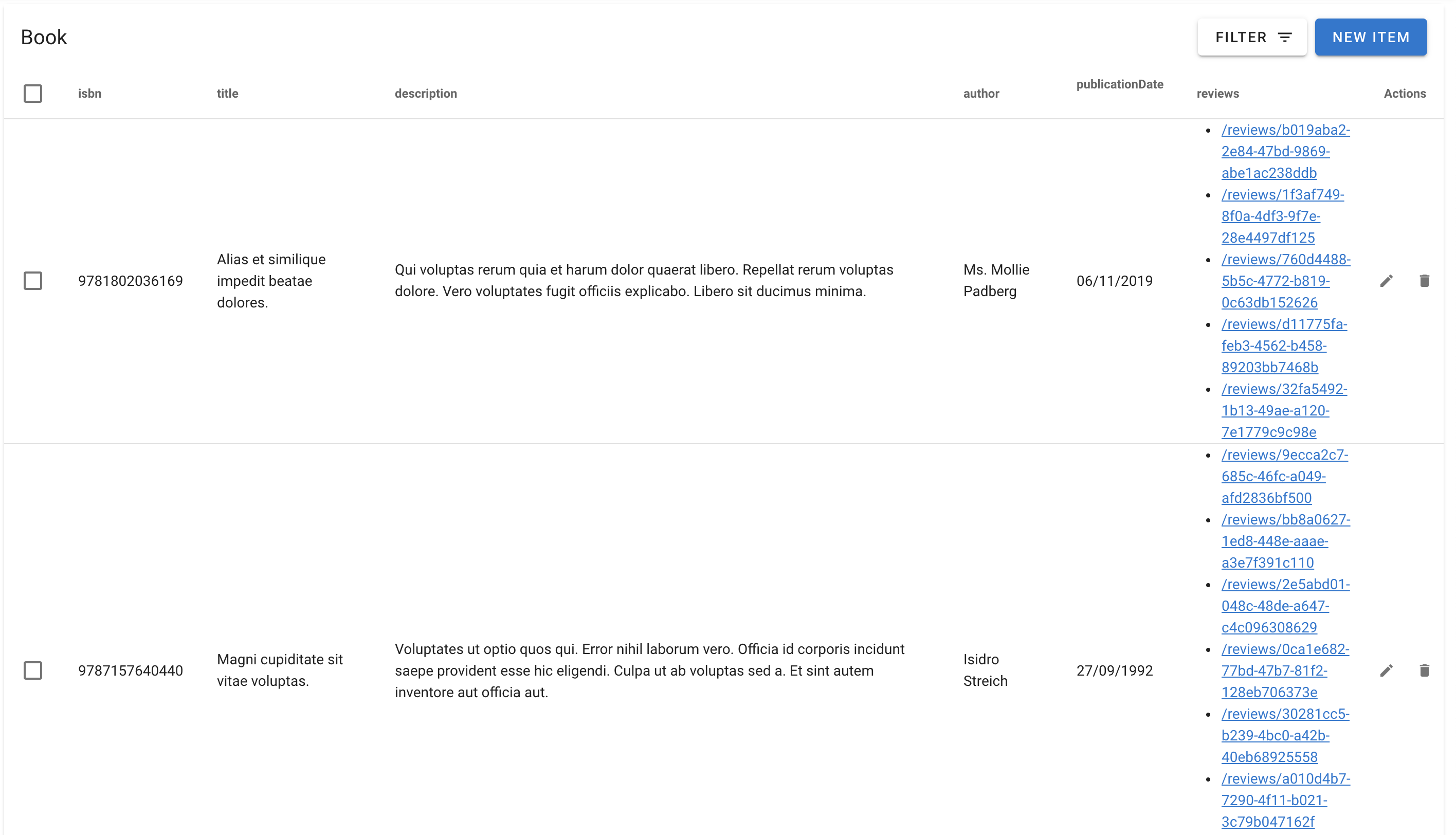
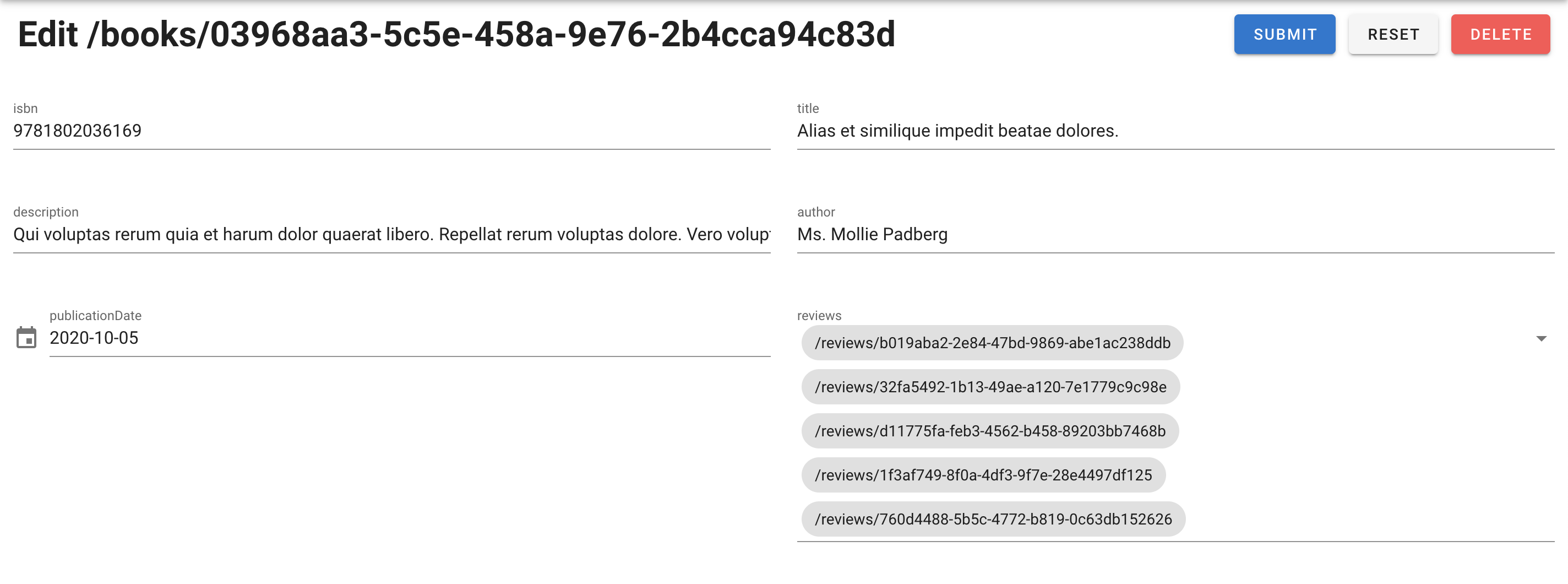
Go to `https://localhost:3000/books/` to start using your app.
## Screenshots