# React Native generator
## Install
To use this generator you need [Node.js](https://nodejs.org/).
Create a React Native application using [Expo CLI](https://docs.expo.io/workflow/expo-cli/):
```console
npm install -g expo-cli
npm init expo-app my-app
```
When asked, choose to use the blank template, then move to the created directory:
```console
cd my-app
```
Install the required dependencies:
```console
npm install redux react-redux redux-thunk redux-form react-native-elements react-native-router-flux react-native-vector-icons prop-types whatwg-url buffer react-native-event-source react-native-gesture-handler react-native-reanimated react-native-screens
```
## Generating a Native App
In the app directory, generate the files for the resource you want:
```console
npm init @api-platform/client https://demo.api-platform.com . -- --generator react-native --resource book
```
Replace the URL with the entrypoint of your Hydra-enabled API. You can also use an OpenAPI
documentation with `-f openapi3`.
Omit the resource flag to generate files for all resource types exposed by the API.
Create a `Router.js` file to import all routes:
```javascript
// Router.js
import React from "react";
import { Router, Stack } from "react-native-router-flux";
// Replace "book" with the name of the resource type
import BookRoutes from "./routes/book";
const RouterComponent = () => (
{BookRoutes}
);
export default RouterComponent;
```
Here is an example of an `App.js` file:
```javascript
// App.js
import React, { Component } from "react";
import { Provider } from "react-redux";
import thunk from "redux-thunk";
import { createStore, applyMiddleware, combineReducers } from "redux";
import { View } from "react-native";
import { reducer as form } from "redux-form";
// see https://github.com/facebook/react-native/issues/14796
import { Buffer } from "buffer";
global.Buffer = Buffer;
// see https://github.com/facebook/react-native/issues/16434
import { URL, URLSearchParams } from "whatwg-url";
global.URL = URL;
global.URLSearchParams = URLSearchParams;
// see https://github.com/facebook/react-native/issues/12890
import RNEventSource from "react-native-event-source";
global.EventSource = RNEventSource;
// Replace "book" with the name of resource type
import book from "./reducers/book";
import Router from "./Router";
export default class App extends Component {
render() {
const store = createStore(
combineReducers({
book,
form,
}),
{},
applyMiddleware(thunk),
);
return (
);
}
}
```
The code is ready to be executed!
```console
expo start
```
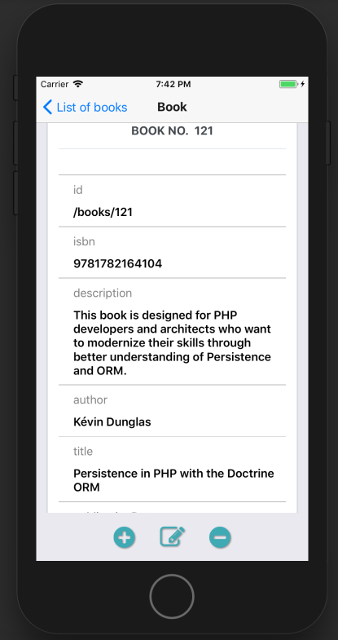
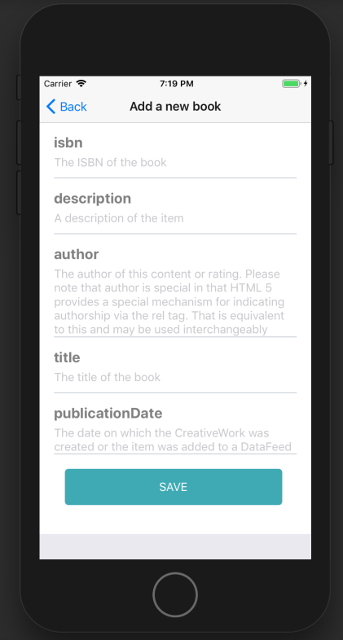
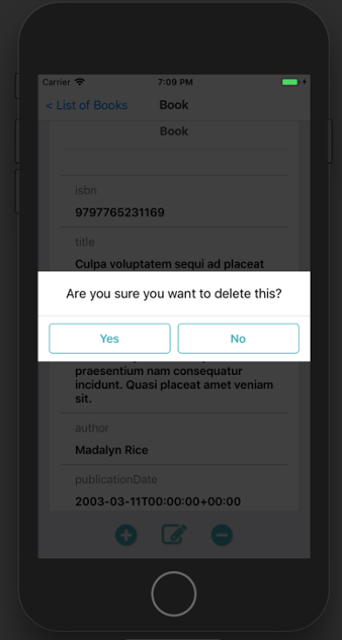
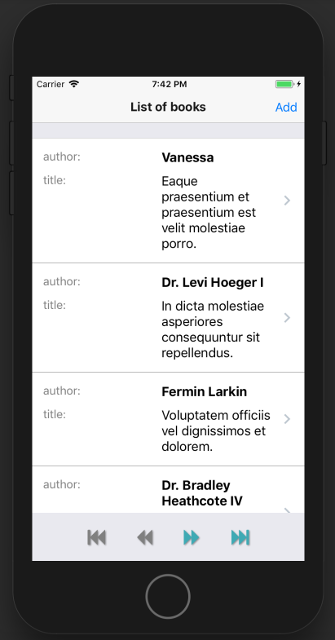
## Screenshots in iOS Simulator