A unified agent memory workspace for human and agent
agents and terminals share one context to use
Your agent memory doesn’t need to be a heavyweight knowledge system.
---
## Why sivtr?
Developers and agents lose time reconstructing context that already exists locally: terminal failures, test output, tool logs, and previous AI sessions. `sivtr` turns that work into searchable memory without asking you to adopt a heavyweight knowledge system.
With `sivtr`, you can:
- ask an agent to fix the latest failure without pasting the log;
- find yesterday's test output, build error, or decision in seconds;
- reopen the exact command output or agent reply behind a summary;
- save useful search results as named variables like `@failures` and reuse them in the next command.
> [!IMPORTANT]
> For agent workflows, install the `sivtr` CLI, register the MCP server with `sivtr mcp install`, and optionally add the bundled `sivtr-memory` skill. MCP is the main way agents read local evidence; the skill teaches when and how to use it.
## Features
- **MCP-first agent memory**: install once with `sivtr mcp install`, then agents call `sivtr_search` / `sivtr_show` / `sivtr_zoom` / `sivtr_filter` / `sivtr_status` instead of asking you to paste logs.
- **Shell history that keeps the output**: capture commands from Bash, Zsh, PowerShell, and Nushell, including stdout, stderr, exit code, cwd, and timing.
- **One search surface for local work**: terminal output plus all registered agent providers (Codex, Claude Code, Cursor, Hermes, OpenCode, OpenClaw, Grok, Pi, …) from the current repo — via MCP or CLI.
- **Exact evidence, not summaries**: every hit resolves to a stable ref you can show, zoom, filter, or hand to the next agent.
- **Named memory variables**: save result sets as `@failures`, reuse `@last`, pipe with `@`, and slice with `@failures[1,3..5]`.
- **Cross-device access**: share a workspace read-only and browse another device with a `desk:...` ref.
- **One-command setup**: `sivtr setup` for hooks + MCP host install; `sivtr doctor --fix` to repair.
- **CLI still there when you want it**: search, show, filter, nav, and a TUI browser for humans — useful, not the main product story.
## Quick start
Install the prebuilt CLI (no Rust toolchain needed):
```bash
cargo binstall sivtr
```
On Linux, `cargo binstall` installs the static musl build by default (no GLIBC version requirement). Same asset as `install.sh`.
Other ways:
```bash
cargo install sivtr # build from source (needs Rust)
curl -fsSL https://raw.githubusercontent.com/Ariestar/sivtr/main/install.sh | sh # Linux/macOS/WSL one-liner
```
Windows (PowerShell):
```powershell
irm https://raw.githubusercontent.com/Ariestar/sivtr/main/install.ps1 | iex
```
Upgrade:
```bash
sivtr update # download the latest release, verify SHA256, replace in place
```
First-time setup (hooks + MCP hosts):
```bash
sivtr setup # hooks + MCP hosts + sivtr-memory skill (if missing)
# or step by step:
sivtr init powershell # or bash, zsh, nushell
sivtr mcp install # detect installed hosts; or -p claude,cursor,codex,opencode,openclaw,grok,hermes,pi
npx skills add Ariestar/sivtr --skill sivtr-memory -g -y
sivtr doctor
```
> [!NOTE]
> On Windows, if `sivtr init powershell` reports that the profile did not load, raise the current-user execution policy once with `Set-ExecutionPolicy -Scope CurrentUser RemoteSigned`. sivtr never edits the registry — the hook lives only in your PowerShell profile.
## Agent memory (MCP)
This is the main path. After `sivtr mcp install`, agents get structured tools over local terminal + AI session memory:
| Tool | Use |
| --- | --- |
| `sivtr_search` | Find recent failures, decisions, or commands |
| `sivtr_show` | Open the exact record/part behind a hit |
| `sivtr_zoom` | Expand surrounding context |
| `sivtr_filter` | Narrow a result set |
| `sivtr_status` | Workspace / remote / origin health |
Optional skill (teaches the agent when to call those tools):
```bash
npx skills add Ariestar/sivtr --skill sivtr-memory -g
```
Then ask:
```text
Fix the latest terminal error. Use sivtr first.
```
The agent should search local evidence, open the matching output, patch, and verify — without you pasting logs.
CLI search is still available when you want it yourself:
```bash
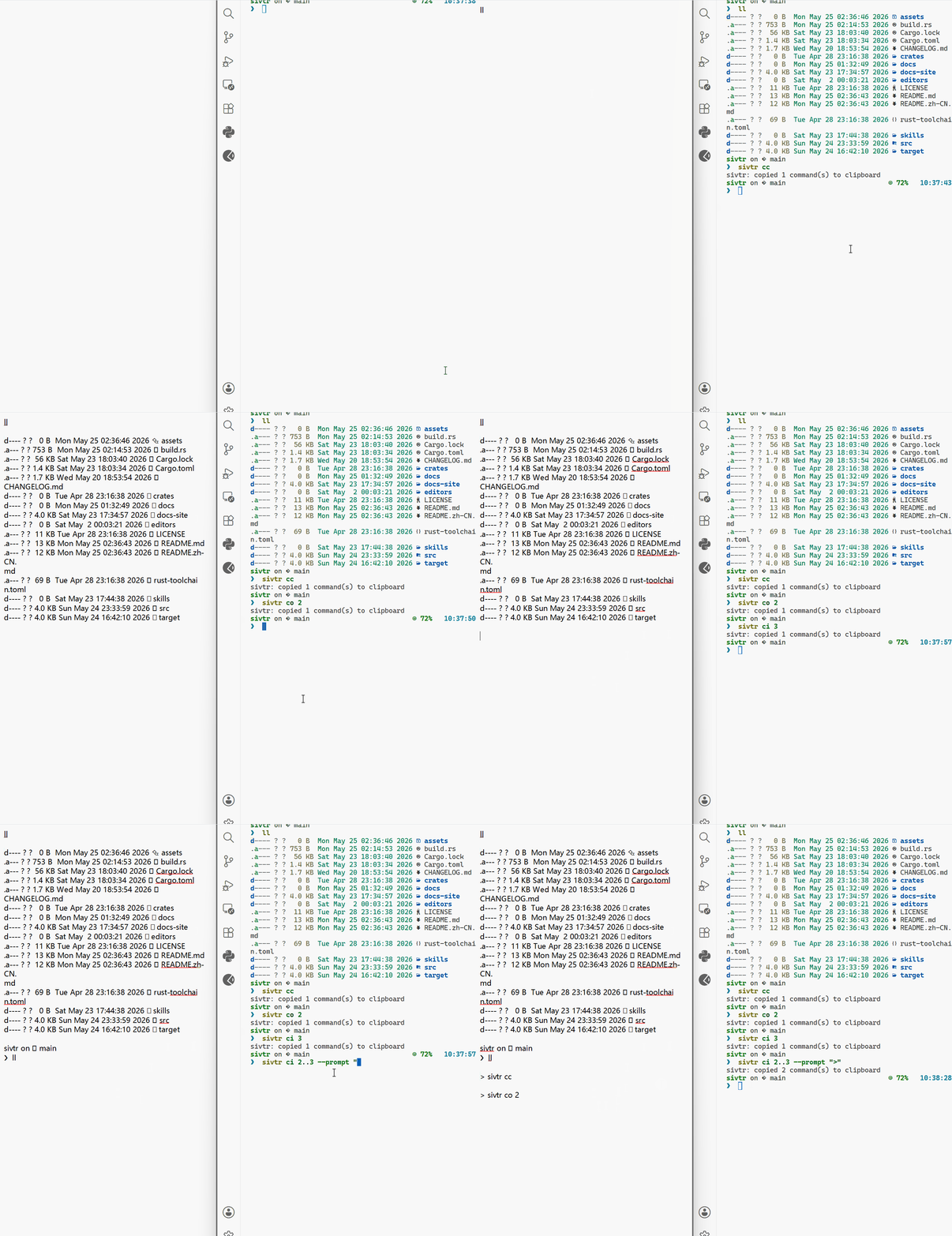
sivtr s terminal --status failure --latest 5 --refs
sivtr s agent -m "TODO|decision|failed" --since today -f timeline
```
## Examples
More end-to-end walkthroughs live in the [Playbooks](https://sivtr.pages.dev/playbooks/).
| Workflow | What you do | Demo |
| --- | --- | --- |
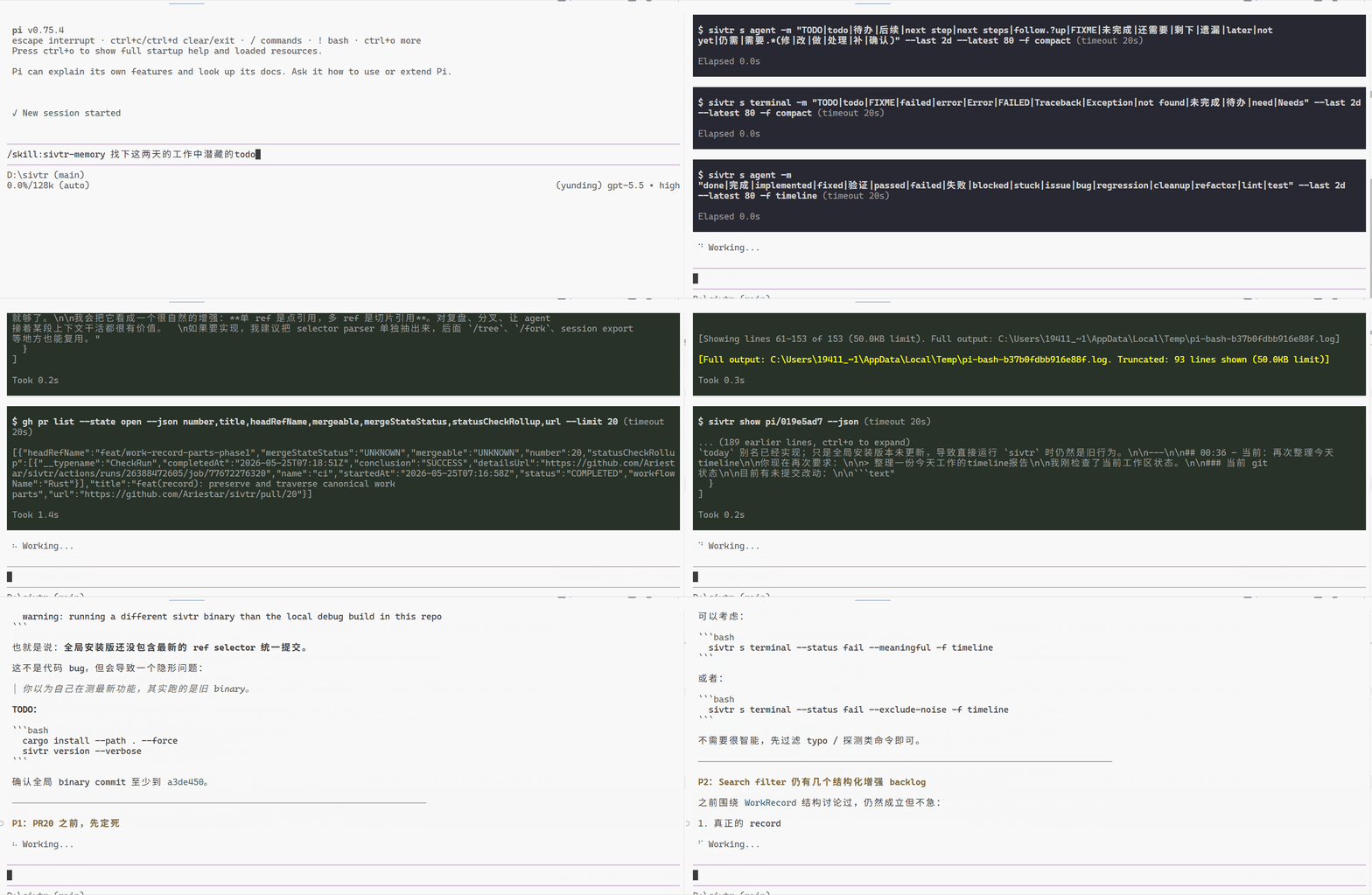
| Fix the latest terminal error | Ask your agent (MCP): Fix the latest terminal error. Use sivtr first. | |
| Continue after interruption | Ask your agent: Continue. Use sivtr memory first. | |
| Prepare a handoff for the next agent | Ask your agent: Give the next agent a handoff with evidence. | |
| Turn recent work into a timeline | sivtr s agent --since today --sort oldest -f timeline sivtr s terminal --since today --sort oldest -f timeline | |
| Save results as variables and chain them | sivtr s terminal -m "panic" --save failures sivtr filter @failures --status failure --refs | |
## Core concepts
| Concept | Meaning |
| --- | --- |
| WorkRecord | One useful work event: a terminal command, agent turn, tool call, or captured output block. |
| WorkPart | The command, output, assistant reply, tool output, or error inside a record. Use this when you only need the useful part, not the whole event. |
| WorkRef | A stable address for one exact piece of memory, for example `pi//3/p1`. Good for citations and reproducible handoffs. |
| WorkSet | The data behind memory variables such as `@last` and `@failures`: an ordered list of refs you can filter, save, slice, pipe, navigate, expand, and show. |
Memory variables:
| Handle | Use |
| --- | --- |
| `@last` | The latest search or projection result. |
| `@name` | A named variable created with `--save name` or `sivtr var set name`, for example `@failures`. |
| `@name[1,3..5]` | Pick only a few items from a saved variable. |
| `@` | Use the result coming from the previous command in a pipeline. |
## Command overview
| Command | Purpose |
| --- | --- |
| `sivtr` | TTY: workspace browser; piped stdin: single-buffer browser. |
| `sivtr pipe` | Read stdin and open the output browser. |
| `sivtr run ` | Execute a command, capture output, then browse it. |
| `sivtr copy` | Copy recent terminal command blocks. |
| `sivtr copy ` | Copy content from any registered agent provider (registry-driven: Codex, Claude, Cursor, OpenCode, OpenClaw, Hermes, Grok, Pi, …). |
| `sivtr search` / `sivtr s` | Search terminal and agent memory; saves matches as `@last`. |
| `sivtr filter ` | Apply the shared WorkSet filters to a source or piped WorkSet. |
| `sivtr var` | List, save, remove, merge, drop, or clean up named WorkSet variables. |
| `sivtr nav ` | Move anchors deterministically with `<`, `>N`, `+N`, `-N`, `[A..B]`, and `~`. |
| `sivtr work sessions` | List terminal and agent sessions in the current workspace. |
| `sivtr work records ` | Turn sessions or saved variables into event-level refs. |
| `sivtr work parts ` | Extract only useful inputs/outputs from matching events. |
| `sivtr show ` | Print the content behind refs, `@last`, `@name`, or piped results. Also accepts remote refs like `desk:terminal/...`. |
| `sivtr zoom ` | Add surrounding record context around search hits. |
| `sivtr diff ` | Compare recent command blocks. |
| `sivtr serve` | Start/stop the local remote-memory daemon. |
| `sivtr share` | Explicitly share a local workspace for remote peers. |
| `sivtr remote` | Name peer shares in the current workspace (`add`/`list`/`remove`/`test`, like `git remote`). |
| `sivtr workspace` / `sivtr ws` | List known local workspaces (origin labels for `name:body` refs). |
| `sivtr mcp` | MCP server + host install (`serve` / `install` / `uninstall` / `print-config`). |
| `sivtr doctor` | Diagnose binary, config, session logs, hooks, providers, and clipboard; reports new releases. |
| `sivtr update` | Self-update to the latest GitHub release. |
| `sivtr init ` | Install shell integration; also supports `show` and `uninstall`. |
| `sivtr config` | Manage the TOML config file. |
| `sivtr history` | List, search, and show captured output history. |
| `sivtr hotkey` | Manage the Windows AI session picker hotkey daemon. |
## Remote access
Two devices running sivtr can read each other's workspace sessions like reading local — for collaborative work where you want to see a teammate's terminal output or AI session without leaving your machine.
Refs use a single form: `origin:body`.
```text
codex/4 # local current workspace
docs:codex/4 # another local workspace by name
desk:terminal/... # remote name from `remote add`
alice/sivtr:hermes/... # device/workspace coordinate
```
On the device that owns the workspace:
```bash
sivtr share # pick workspace (Enter = current); create share only
sivtr share invite # single-use invite (stdout = bare key)
sivtr ws list # see local workspace origin labels
```
On the other device:
```bash
sivtr remote add desk # bare key from `sivtr share invite` stdout
sivtr s desk:terminal --status failure --latest 5 --refs
sivtr show desk:terminal/session_42/3
sivtr zoom desk:terminal/session_42/3 -C 2
sivtr nav desk:terminal/session_42/3 +1 --refs
sivtr copy desk:terminal/session_42/3 --print
```
Sharing is opt-in and read-only. Secrets are redacted by default before data leaves the machine. Remote access uses encrypted iroh transport; the daemon auto-starts when needed. Unregistered origins error — register remotes with `sivtr remote add`, or list local workspaces with `sivtr ws`.
## Supported sources
| Source | Support |
| --- | --- |
| Terminal | Bash, Zsh, PowerShell, Nushell shell hooks; pipe and run capture. |
| Codex | Local rollout/session JSONL files. |
| Claude Code | Local transcript/session files. |
| Cursor | Local Cursor agent transcript JSONL. |
| OpenCode | Local session database. |
| OpenClaw | Local OpenClaw agent SQLite (+ legacy JSONL). |
| Hermes | Local Hermes `state.db` (JSONL under `sessions/` as residual). |
| Grok | Local Grok agent sessions under `~/.grok` (`GROK_HOME`). |
| Pi | Local Pi agent session logs. |
## Documentation
- Documentation: [https://sivtr.pages.dev/](https://sivtr.pages.dev/)
- 中文文档: [https://sivtr.pages.dev/zh-cn/](https://sivtr.pages.dev/zh-cn/)
- Playbooks: [https://sivtr.pages.dev/playbooks/](https://sivtr.pages.dev/playbooks/)
- CLI reference: [docs-site/src/content/docs/reference/cli.md](docs-site/src/content/docs/reference/cli.md)
- Memory skill: [skills/sivtr-memory](skills/sivtr-memory)
## Development
See [CONTRIBUTING.md](CONTRIBUTING.md) for setup, PR expectations, and coding guidelines.
```bash
cargo fmt --all -- --check
cargo clippy --workspace --all-targets -- -D warnings
cargo test --workspace
```
Docs site:
```bash
cd docs-site
bun install --frozen-lockfile
bun run build
```
Repository layout:
```text
crates/sivtr-core/ core model, provider parsers, search, history, config
src/ CLI commands, TUI, shell hooks, hotkey integration
docs-site/ Astro/Starlight documentation site
editors/vscode/ VS Code bridge for the AI session picker
skills/ bundled agent skills
```







 |
| Continue after interruption | Ask your agent:
|
| Continue after interruption | Ask your agent: 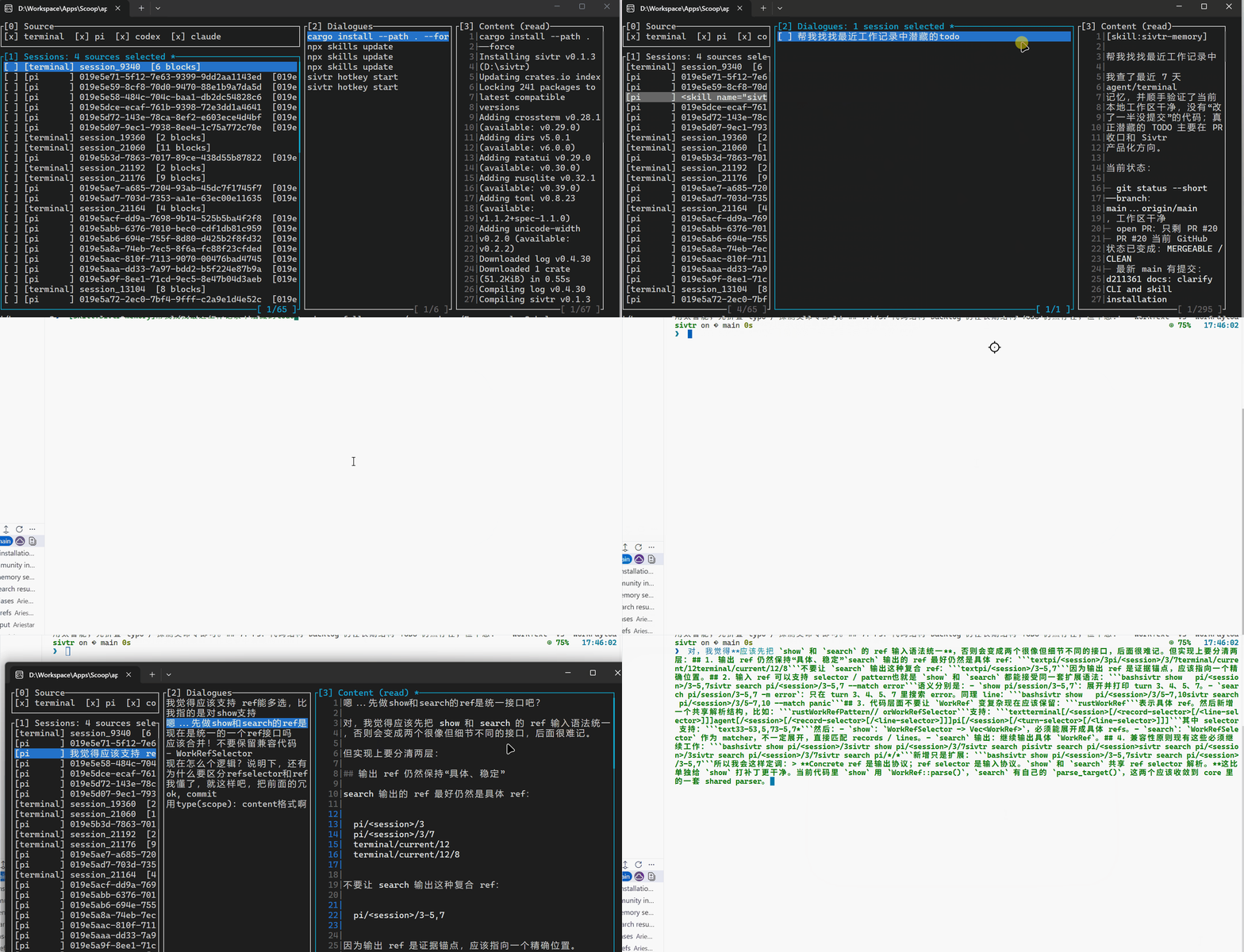 |
| Prepare a handoff for the next agent | Ask your agent:
|
| Prepare a handoff for the next agent | Ask your agent: 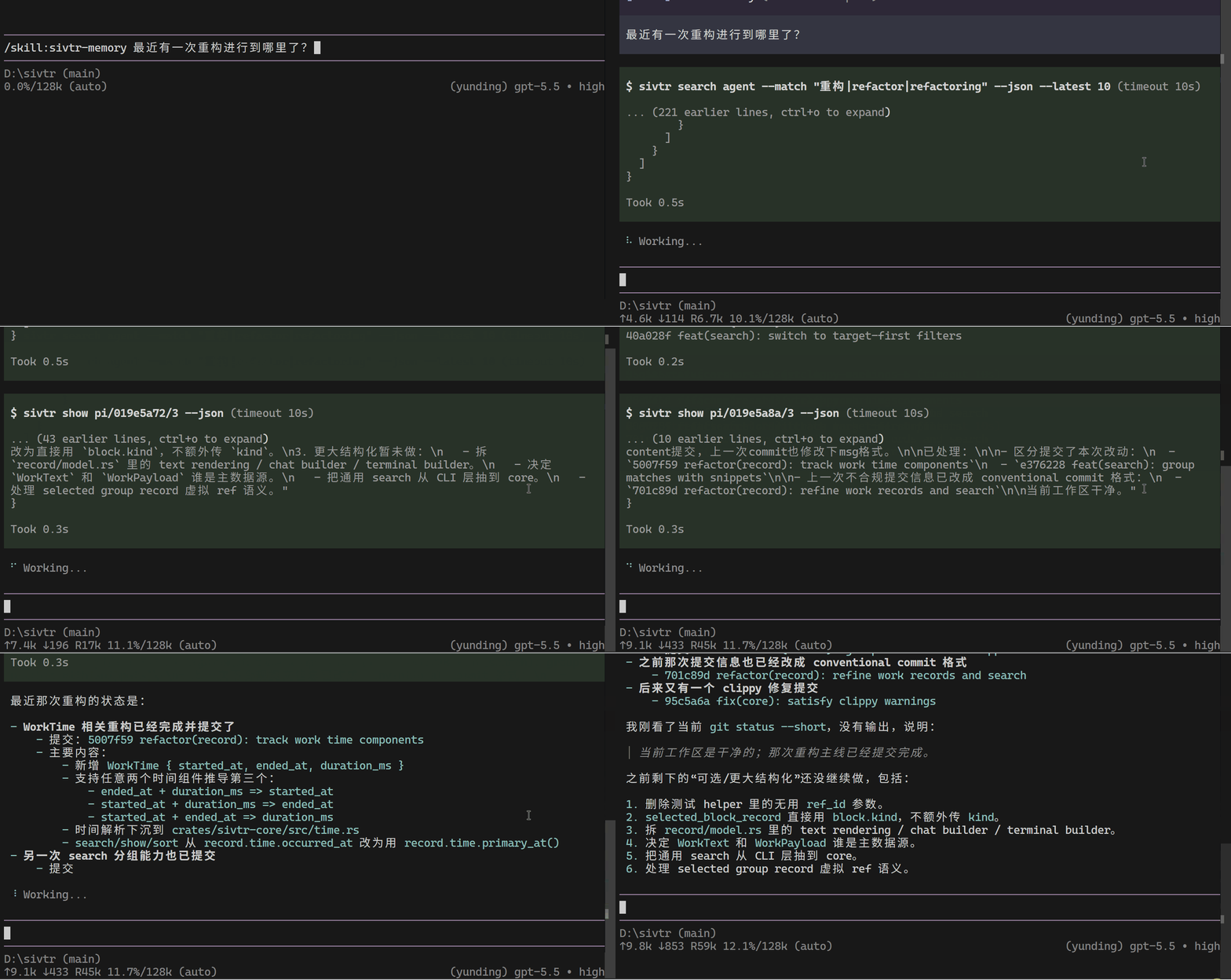 |
| Turn recent work into a timeline |
|
| Turn recent work into a timeline | 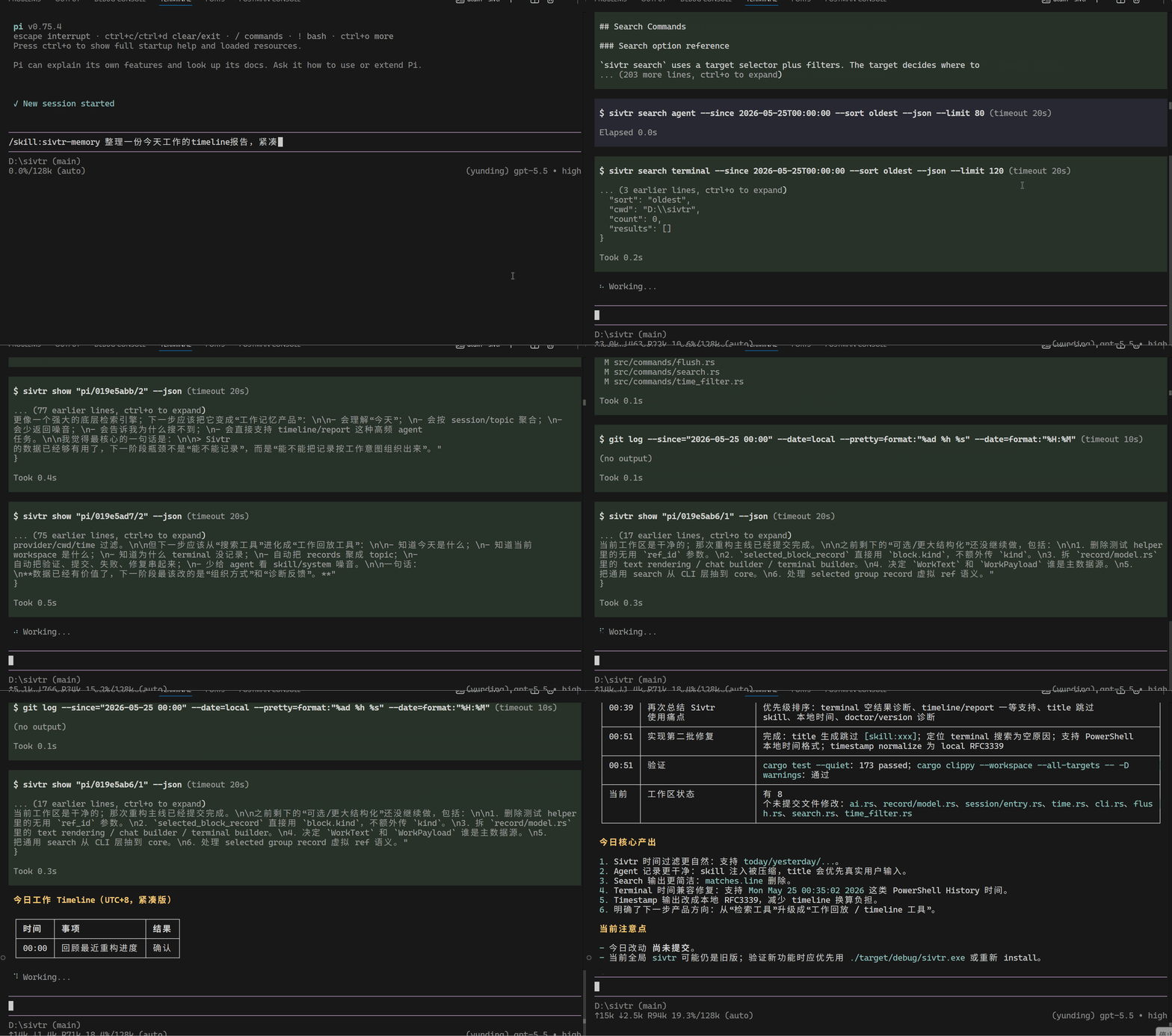 |
| Save results as variables and chain them |
|
| Save results as variables and chain them |