
One place for everything people make with AI agents — Claude, ChatGPT, Claude Code, Codex.
An agent puts the work on Полка ("the shelf"): it opens by link, the team discusses it, another agent picks it up.
polochka.app · Catalogue · Developer docs · Docs (Russian) · For companies · Русский





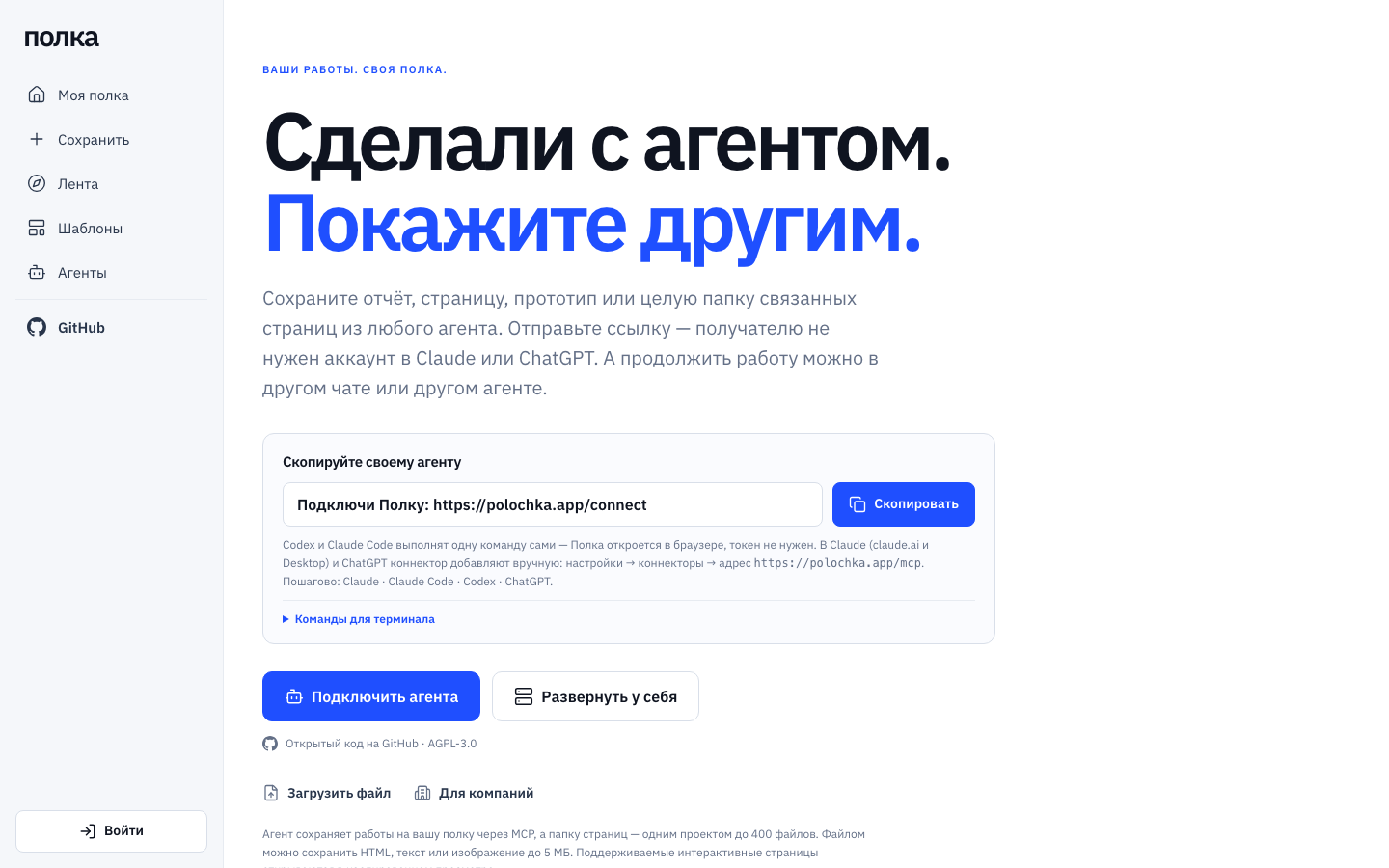
The agent saves it for youIn Claude (claude.ai and Desktop), Полка is a connector: say "save this to Полка" and the reply contains a link. ChatGPT connects to the same address, but saving from it hasn't been checked yet. Claude Code and Codex install the plugin with one command and no token; other MCP clients use the/mcp address; scripts and CI use the HTTP API.
|
Interactive for recipientsReact/JSX chat artifacts are compiled into one self-contained page, with libraries bundled in and no network access. The page opens in a sandbox on a separate domain,polochka.page.
|
Exact versionsEvery save is immutable and has a SHA-256. A link shows the version you published, not your latest draft. |
Revocable linksLinks last 1, 7 or 30 days, can be revoked at any time, and recipients can report them. Private works stay out of the catalogue and search indexes. |
Shelf, folders and searchCovers with the heading and the opening lines, full-text search across works, trash. The agent sorts the shelf into folders itself ("sort my shelf") and saves new work into the fitting folder. Team template libraries. |
Data stays in Russiapolochka.app runs on Yandex Cloud: the database, files, backups and e-mail are stored and processed in Russia (privacy policy, Russian). Or run Полка yourself. |
ProjectsA folder of linked pages — HTML, Markdown and React components — becomes one work: a file tree, links between pages that work, and one link for the whole project. |
Department shelvesA department gets its own shelf: members and roles, the agent picks the shelf when it connects, links and discussions, a company admin page. Turned on withTEAM_SHELVES=on. On polochka.app since 12.10.2026: each company is its own organisation and its company admin sees only its shelves. To get a department shelf in the cloud, write to hello@polochka.app and we will appoint your company admin.
|
Calm moderationRules and models check every link. A prototype with a sign-in screen or a research page with hundreds of sources isn't held; recipients see a warning only when a page asks for a password, a code or card details. |
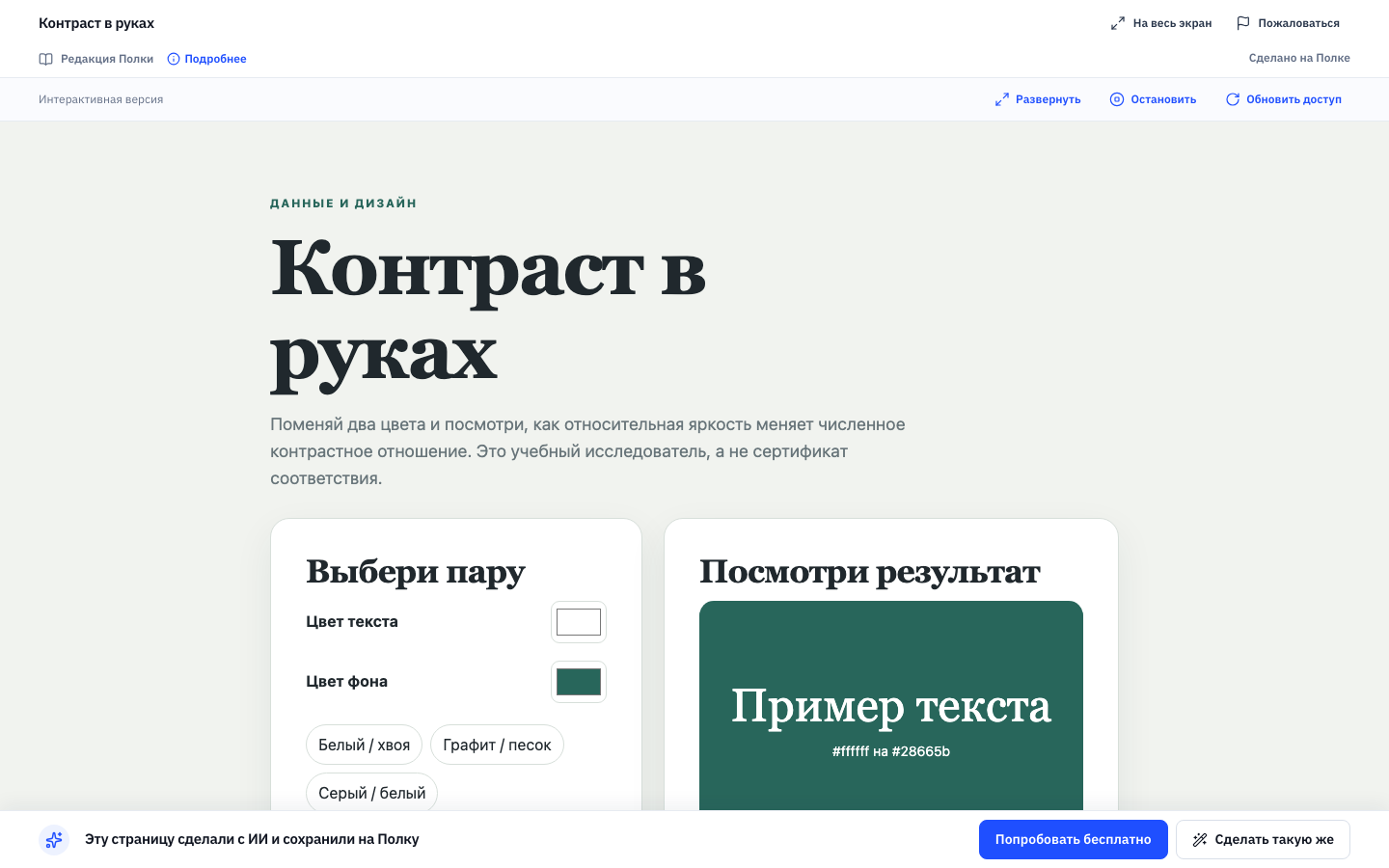 The recipient. An interactive page runs in a sandbox, no account needed. |
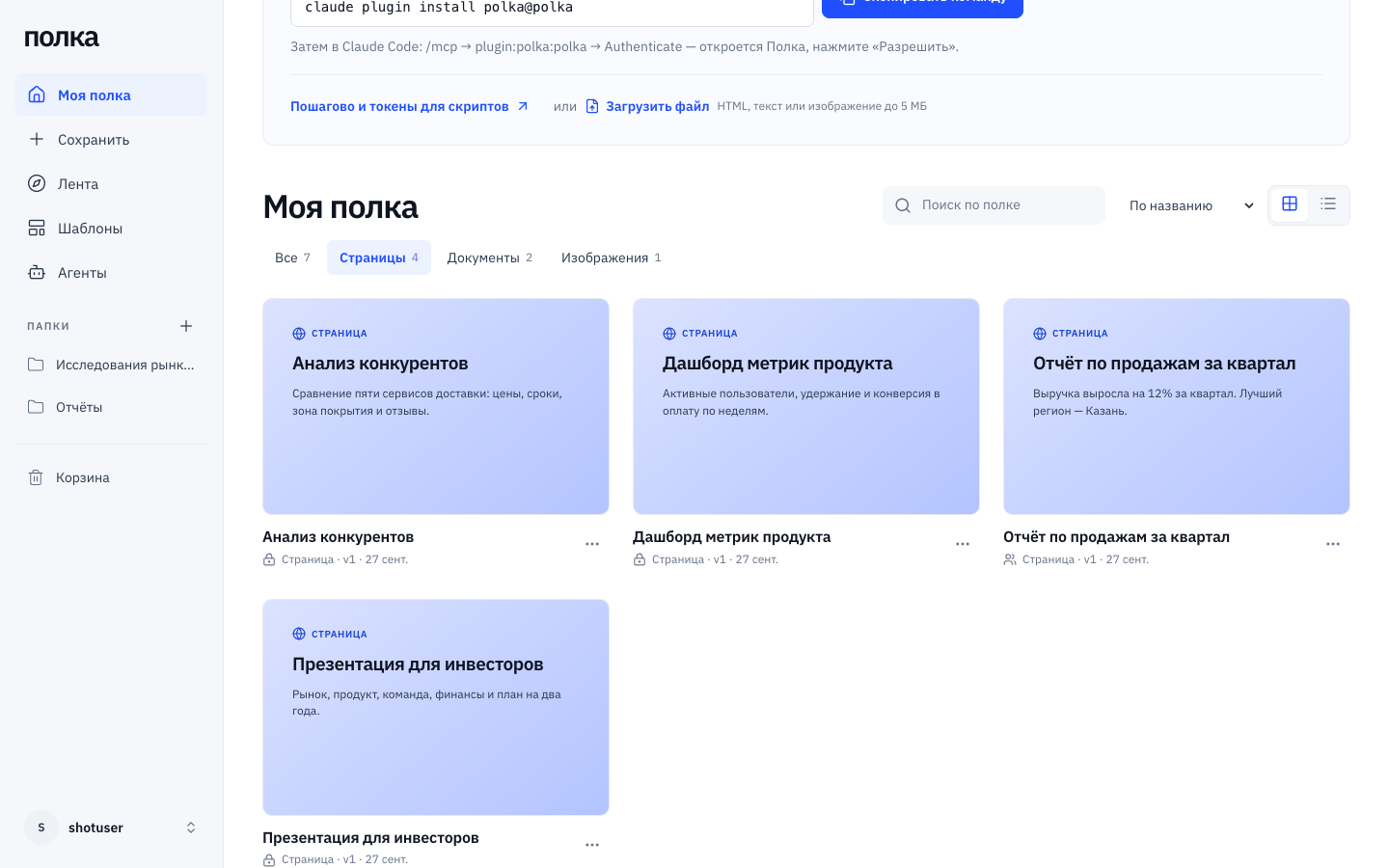 The shelf. Folders, covers with the heading and opening lines, search and sorting across the whole shelf. |
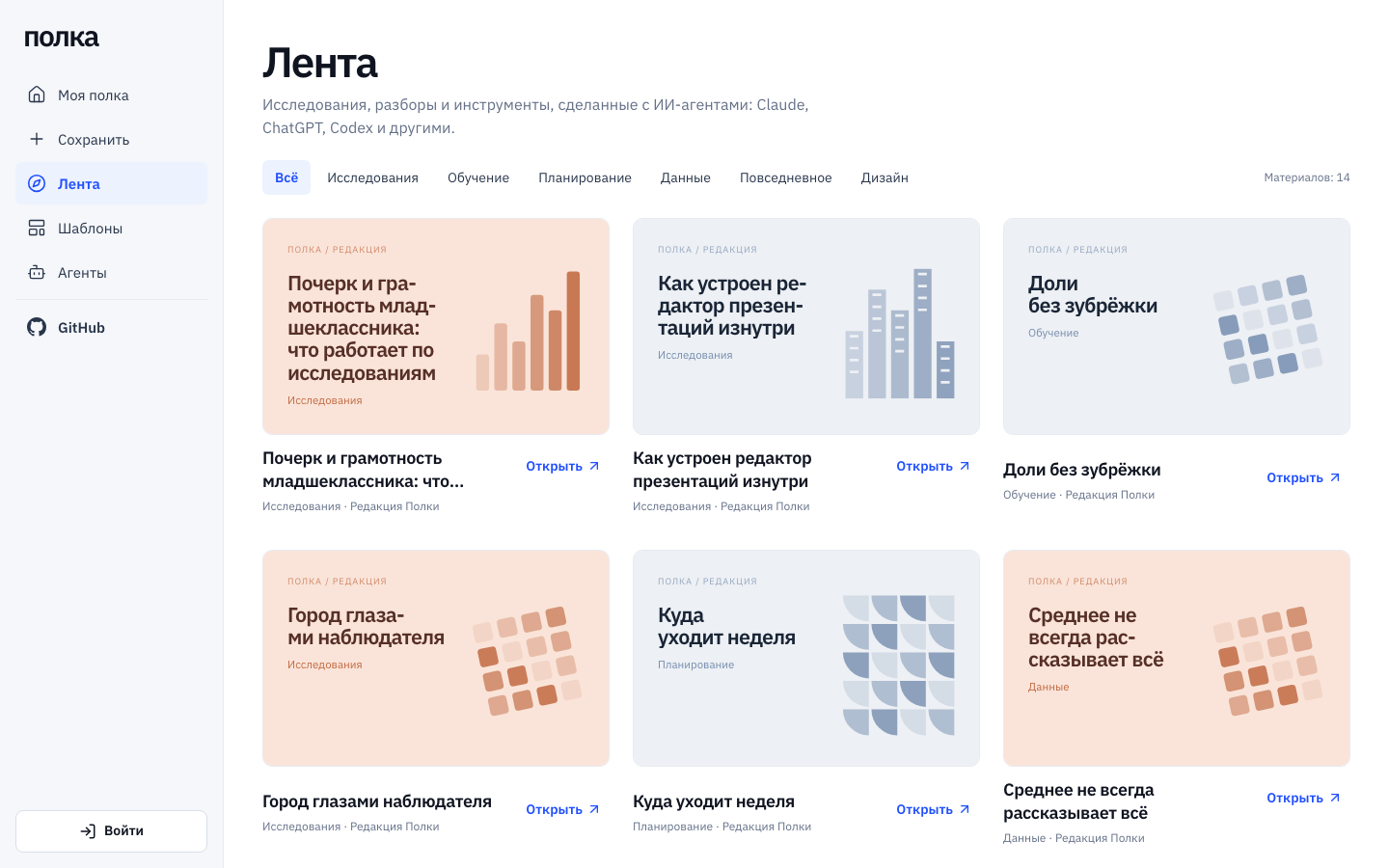 Лента (Feed). Interactive pieces from the Полка editors. |
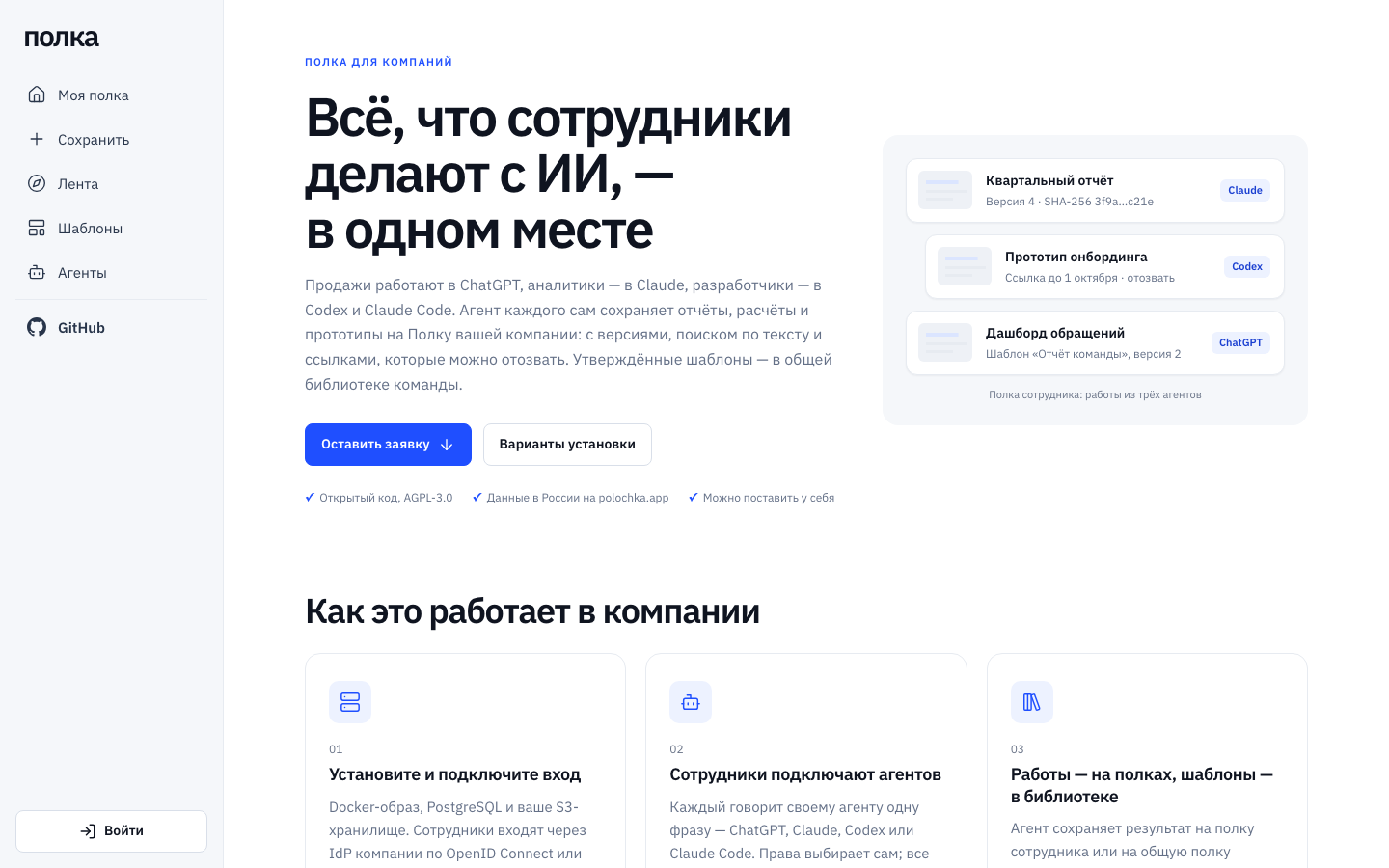 For companies. Cloud, self-hosting or a commercial license. |