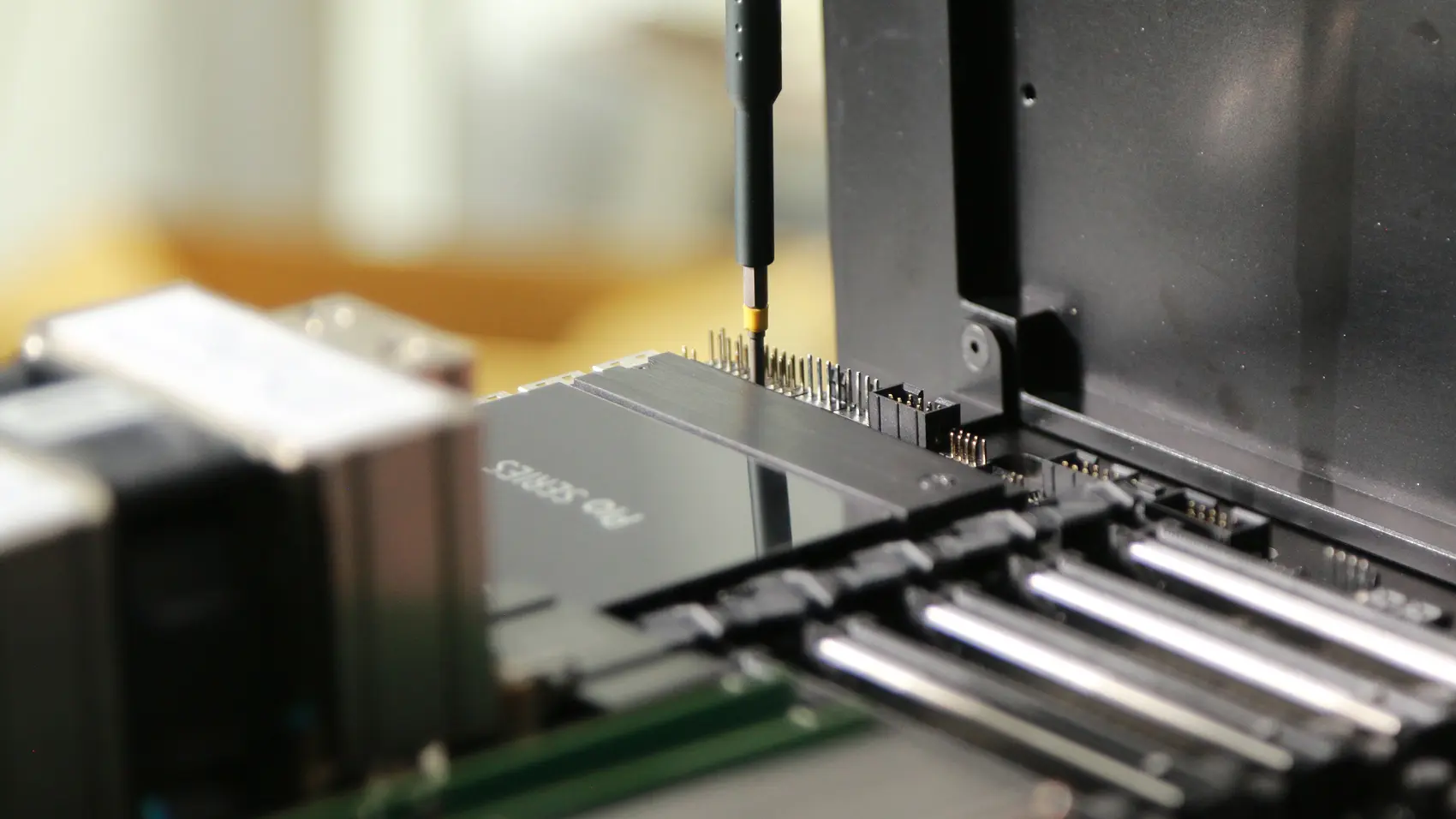
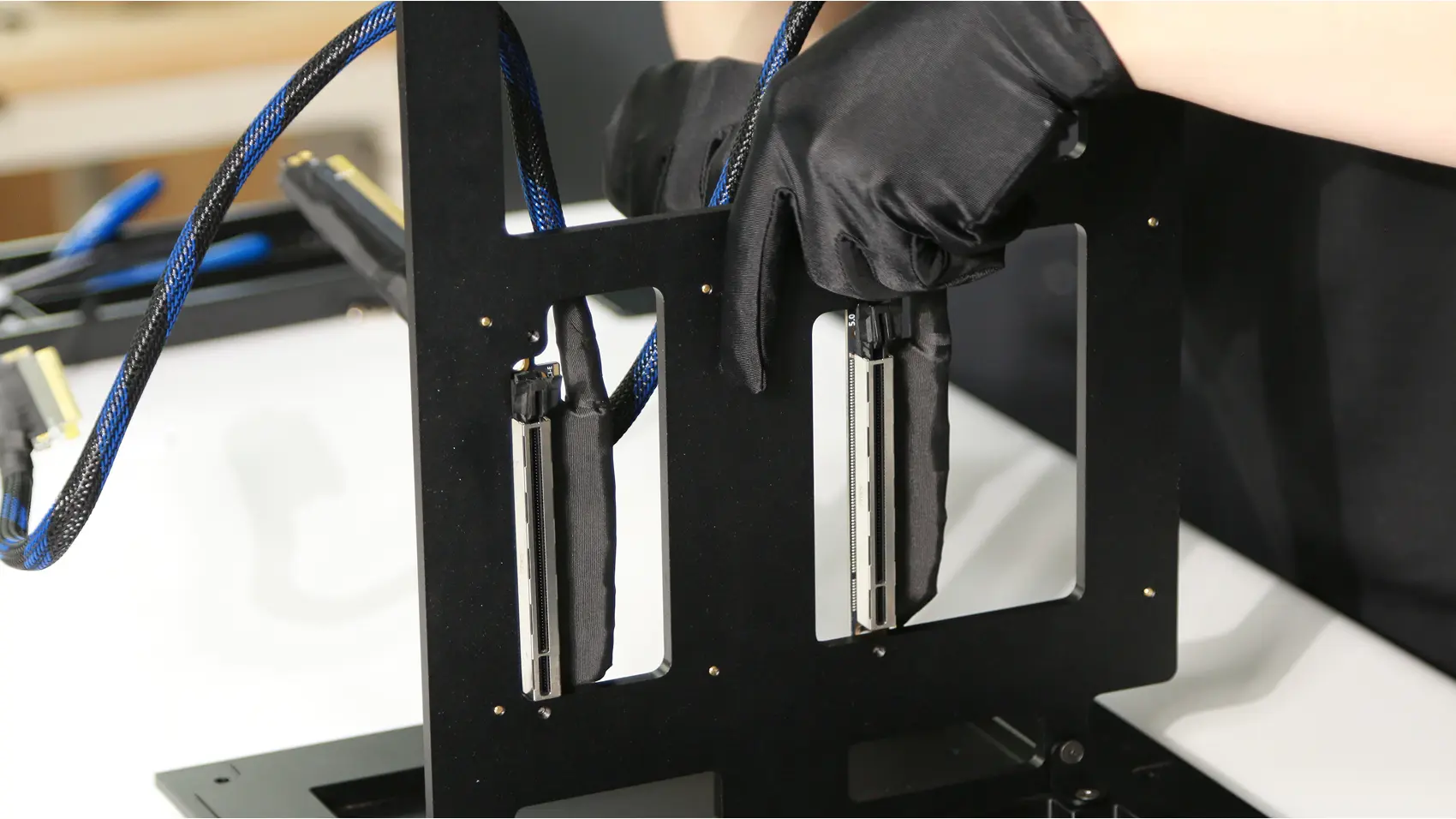
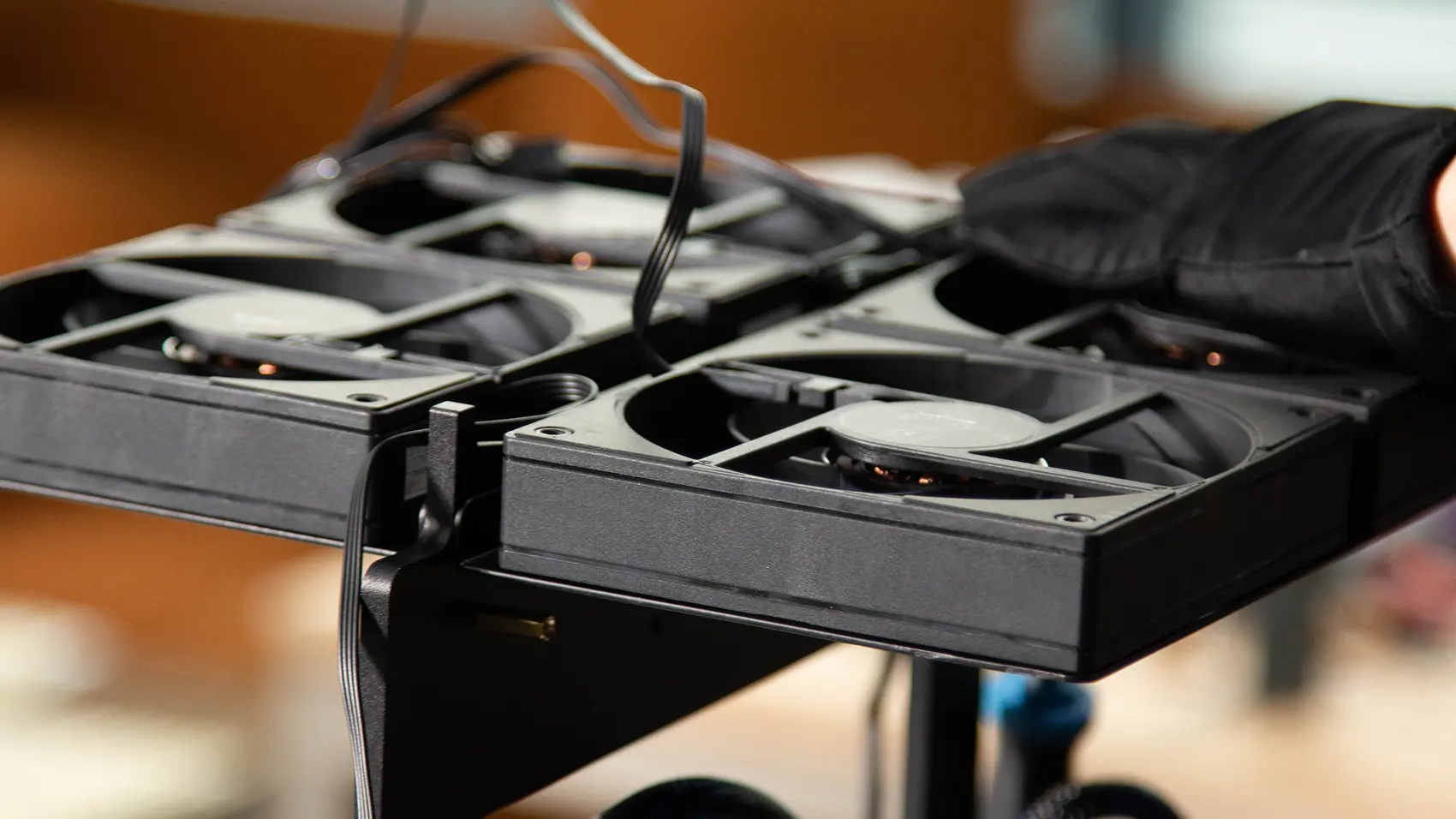
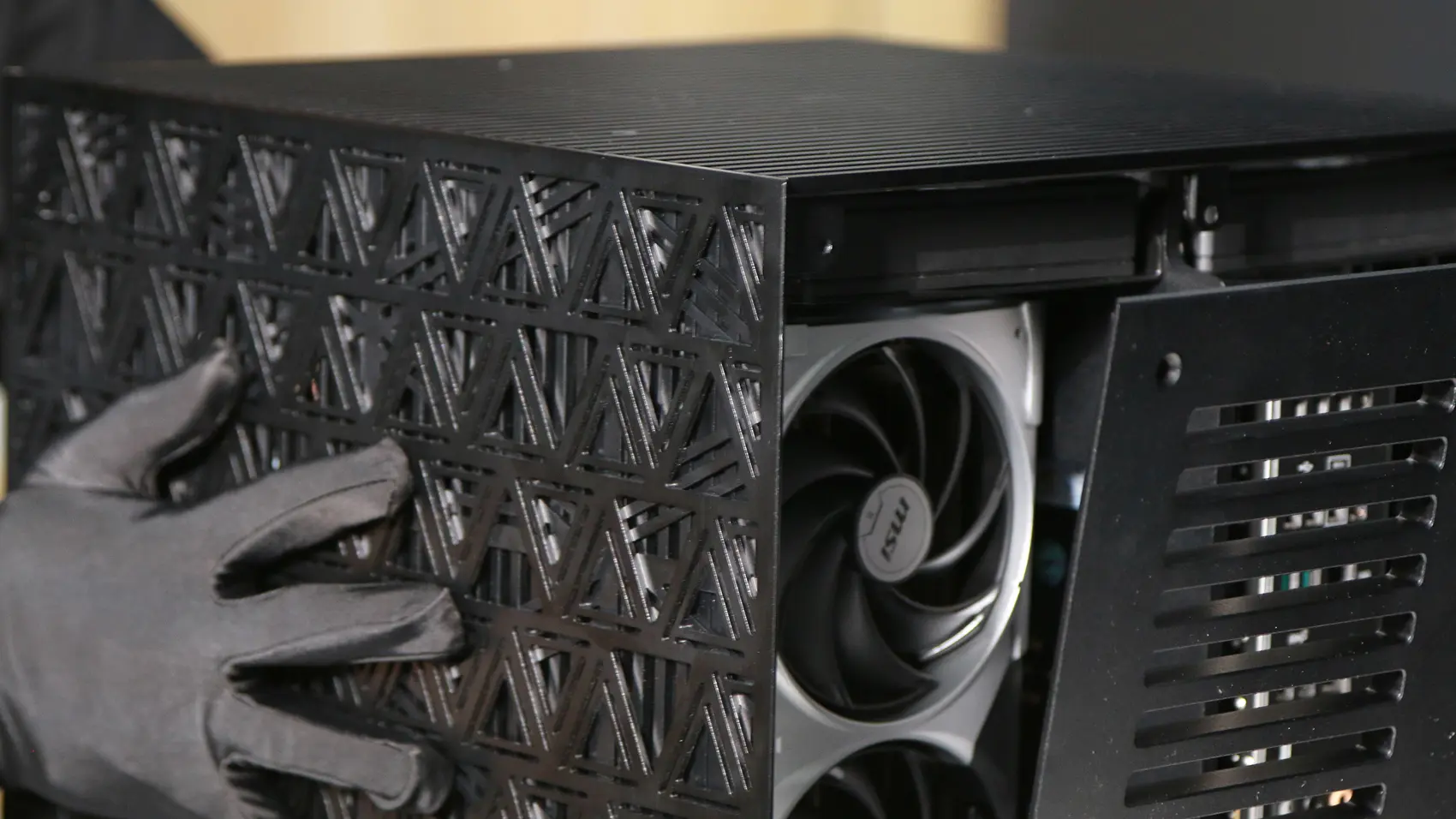
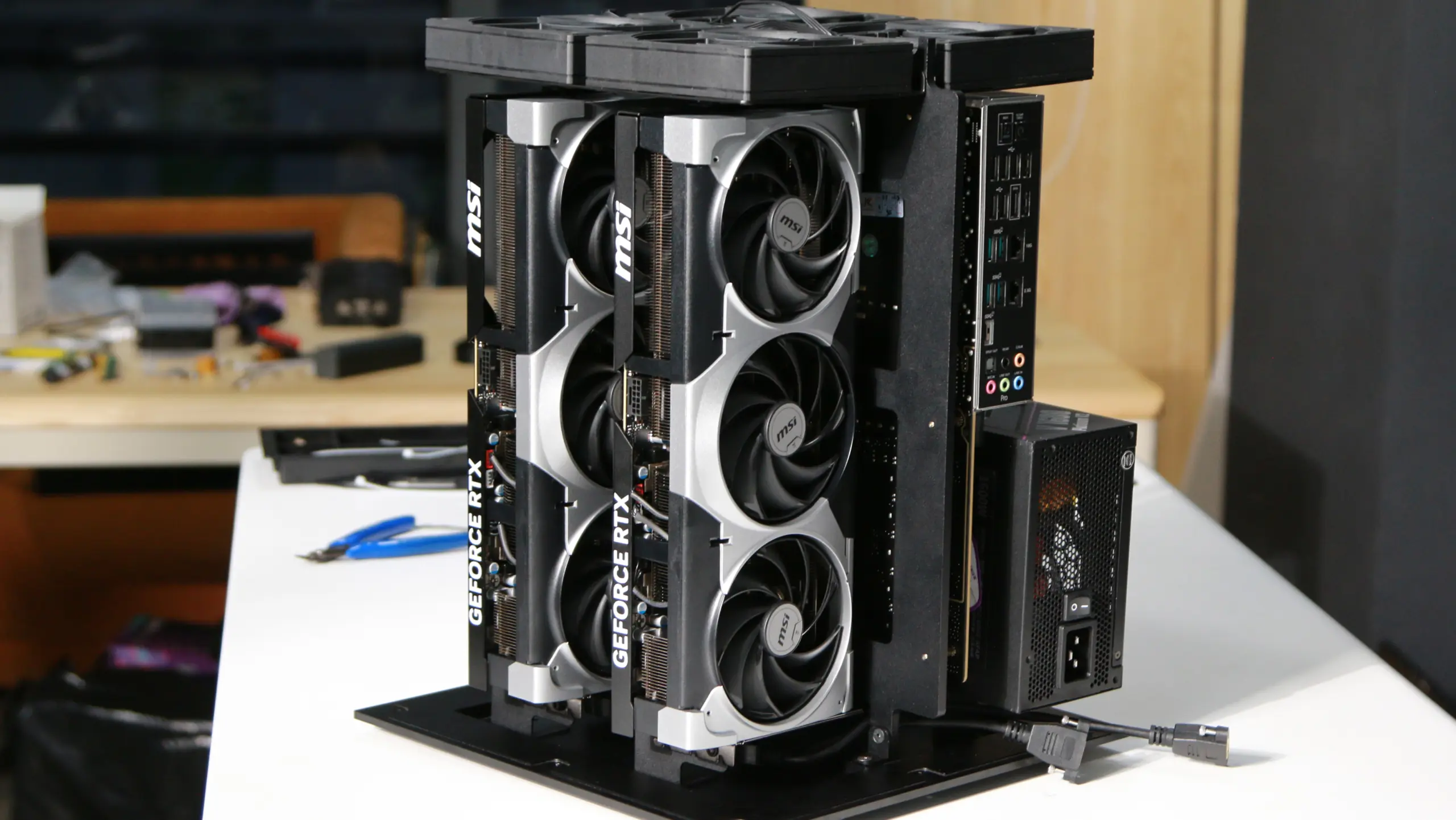
 The entry-level Personal AI Computer: two RTX 5090s on an Intel Xeon W platform. Desk-sized, runs on a normal wall outlet, and enough VRAM for Llama, Qwen, and DeepSeek with quantization — run OpenClaw, Hermes Agent, or your own LangChain stack with zero API spend.
- **2× NVIDIA RTX 5090** — 64 GB VRAM · 3,584 GB/s · 419 FP32 TFLOPS
- **Intel Xeon W5** (ASUS W790 ACE) · 96 GB RAM · 1 TB NVMe
- **PCIe Gen 5 ×16** per GPU · 10 GbE + 2.5 GbE
- **1,550 W draw** · 1,600 W PSU
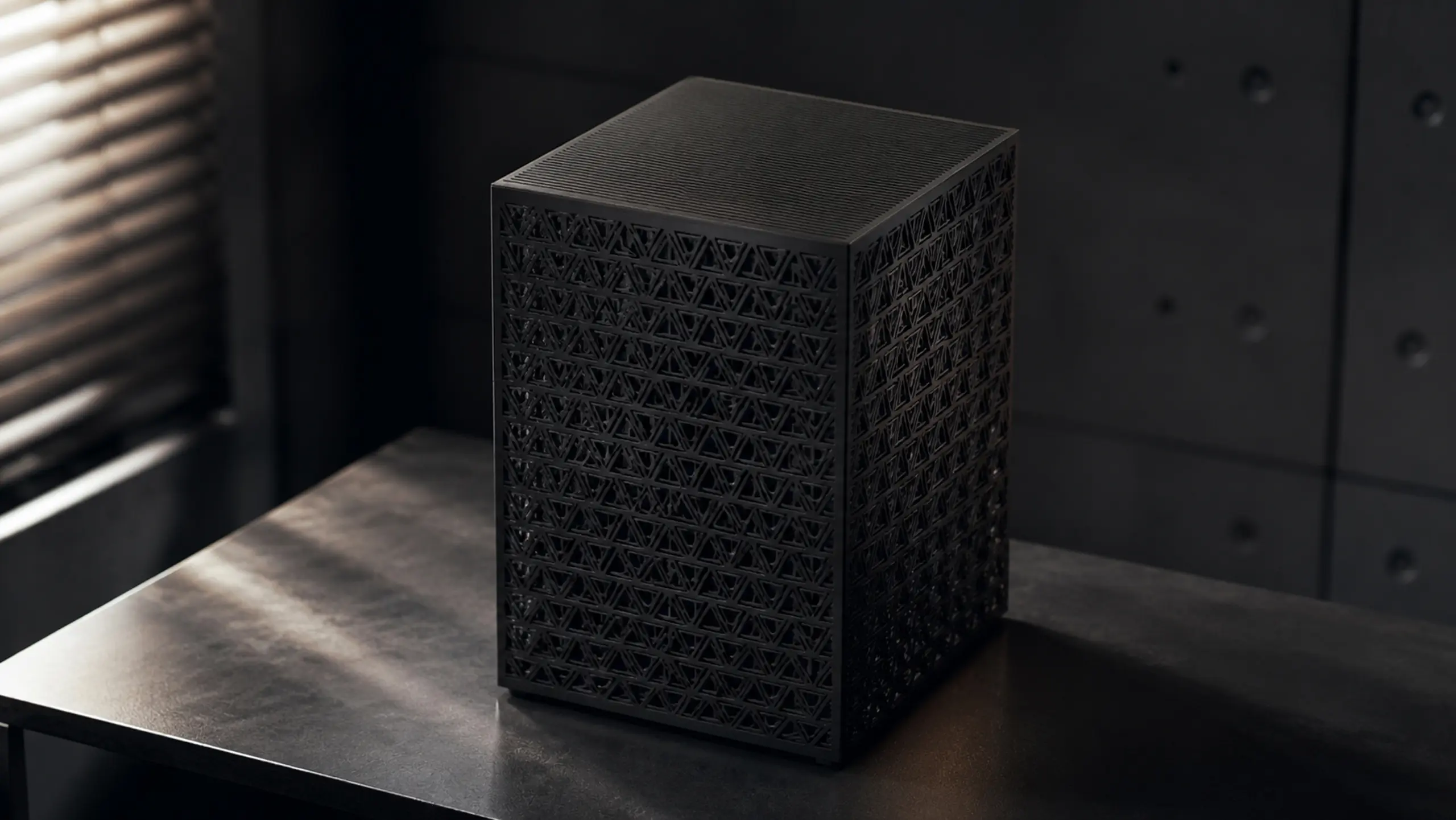
- **12.5″ × 12.5″ × 16″** · 33 lb
## Prefer a finished machine?
Building from this guide is the full DIY path. If you'd rather skip sourcing, CNC, and assembly, we have it covered — [order the 2× 5090 built](https://www.autonomous.ai/computer-2).
Building your own? Get the case kit with PCIe risers: [2-GPU case kit](https://www.autonomous.ai/computer-2). Not sure your parts fit? [Ask for a free fit check](https://github.com/autonomous-ai/Personal-AI-Computer/issues/new?template=fit-check.yml) or email dee@autonomous.ai, and we answer within a day.
## Build it
1. **Parts** — the [bill of materials](bom/bom.md).
2. **Housing** — the [STL files](stl-models) and the [STEP files](step_models), or the [full case as one STEP assembly](step_models/computer-2-case-2026-10-30.step.zip).
3. **Lay out the electronics** — the [component checklist](docs/prepare-ee.md), with a photo of every part.
4. **Assemble** — the [photo-by-photo assembly guide](docs/assembly.md), 23 steps from bare housing to closed box. Kit buyers: follow the [kit assembly manual](docs/kit-assembly-manual.pdf) and its [corrections](docs/kit-assembly-manual-errata.md).
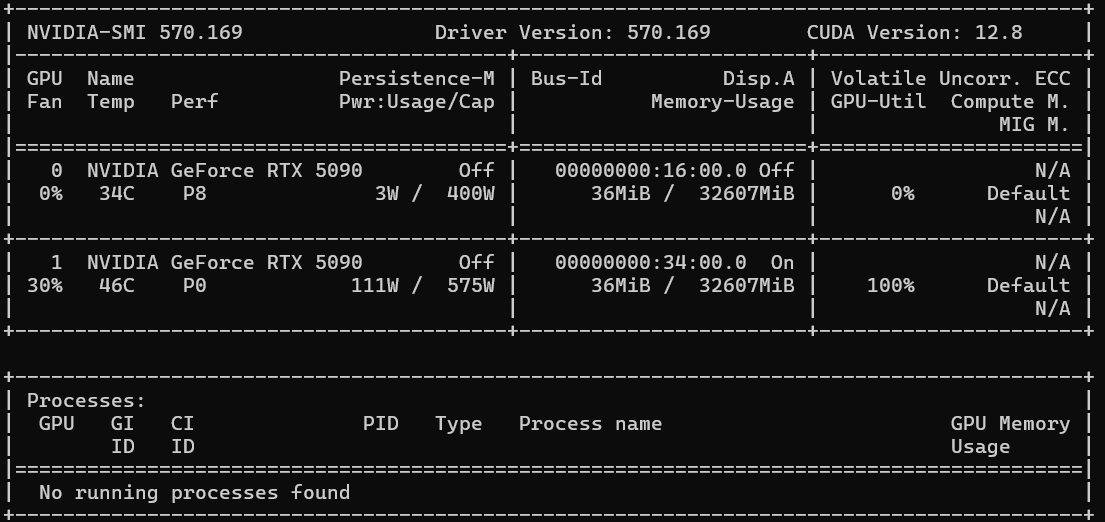
5. **BIOS, drivers, testing** — the shared [BIOS tuning and GPU testing](../setup.md) guide. Board-specific notes below.
6. **Serve your models** — [Grid](https://github.com/autonomous-ai/autonomous-grid), the open orchestrator for local AI, or any local AI engine: vLLM, Ollama, llama.cpp.
|
|
|
|
 ## Other builds
Need more? The [2× 6000](../2x-6000/README.md) (this exact box, 192 GB VRAM), the [4× 5090](../4x-5090/README.md) (the team build), the [4× 6000](../4x-6000/README.md) (384 GB VRAM), and the [8× 5090](../8x-5090/README.md) (on-prem scale) scale the same idea up.
## License
Open source under the [MIT License](../LICENSE).