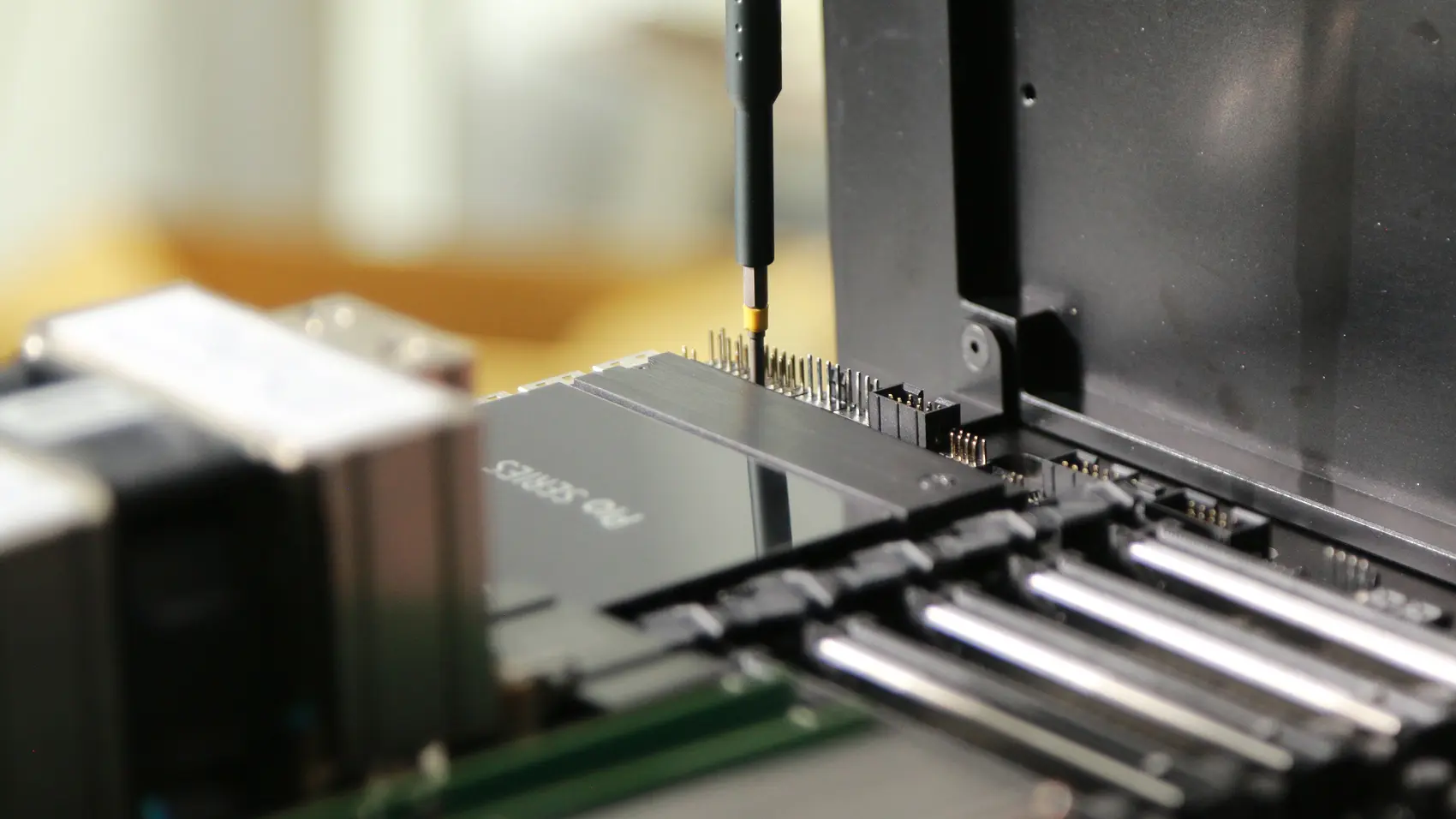
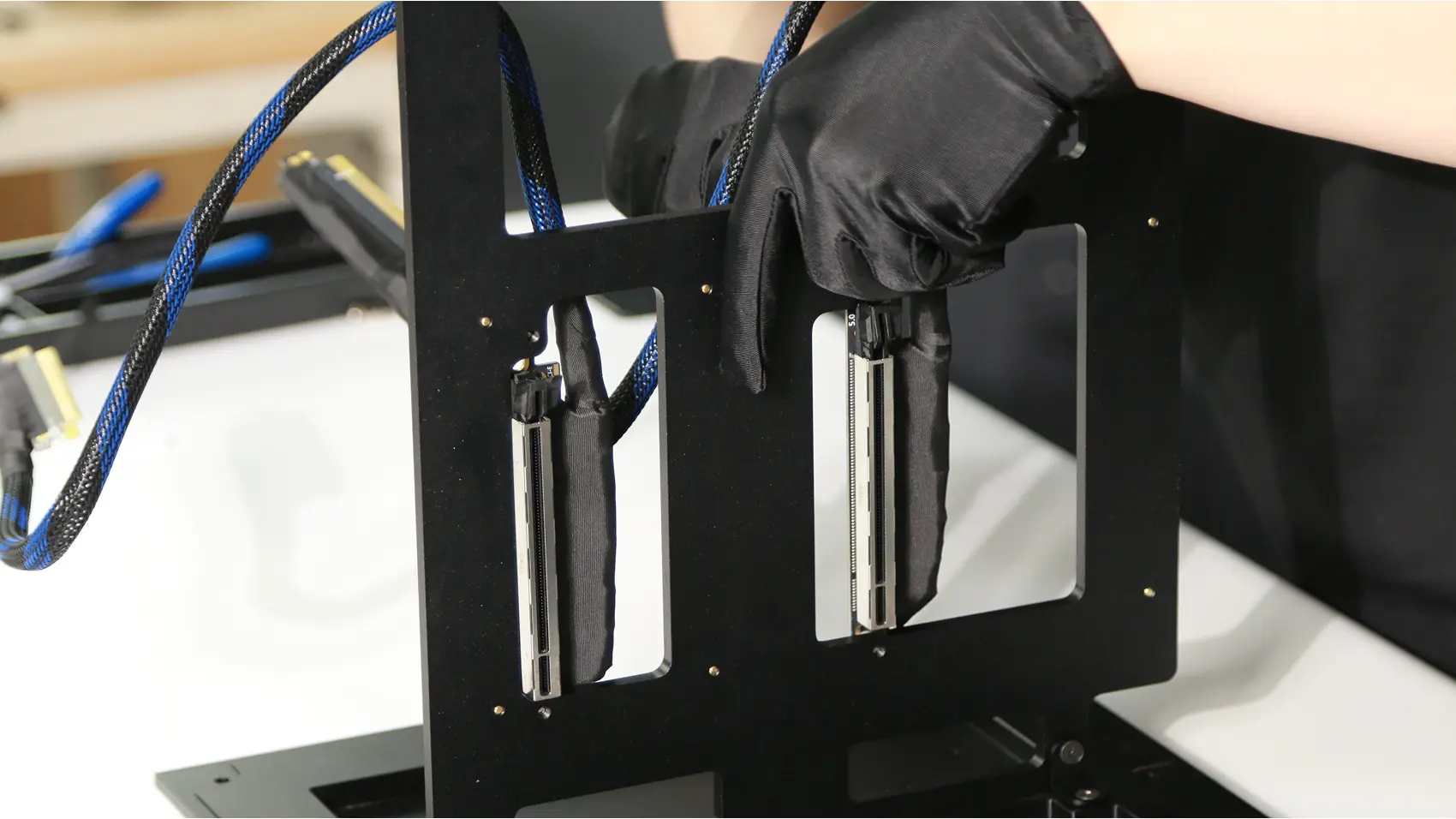
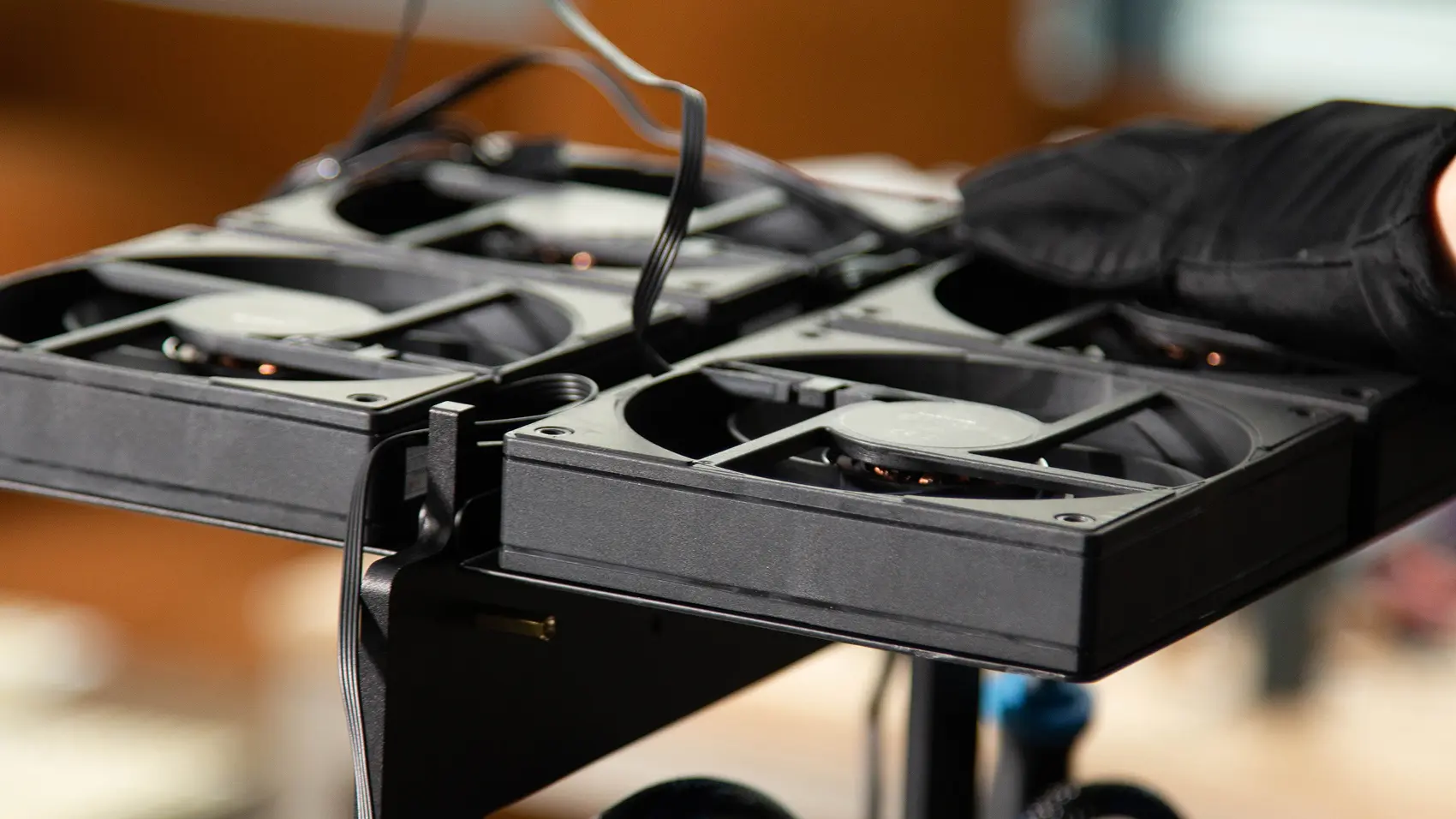
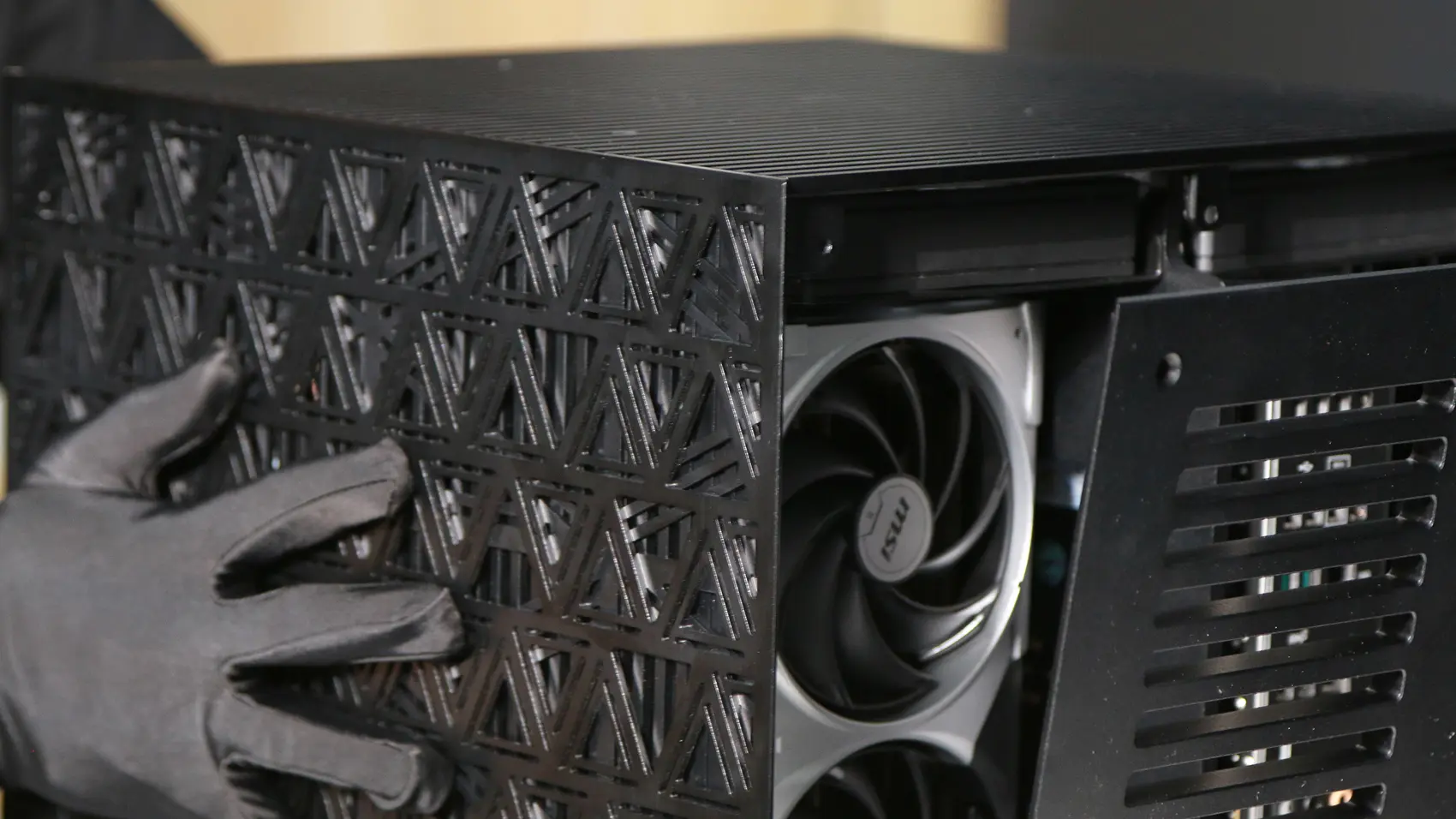
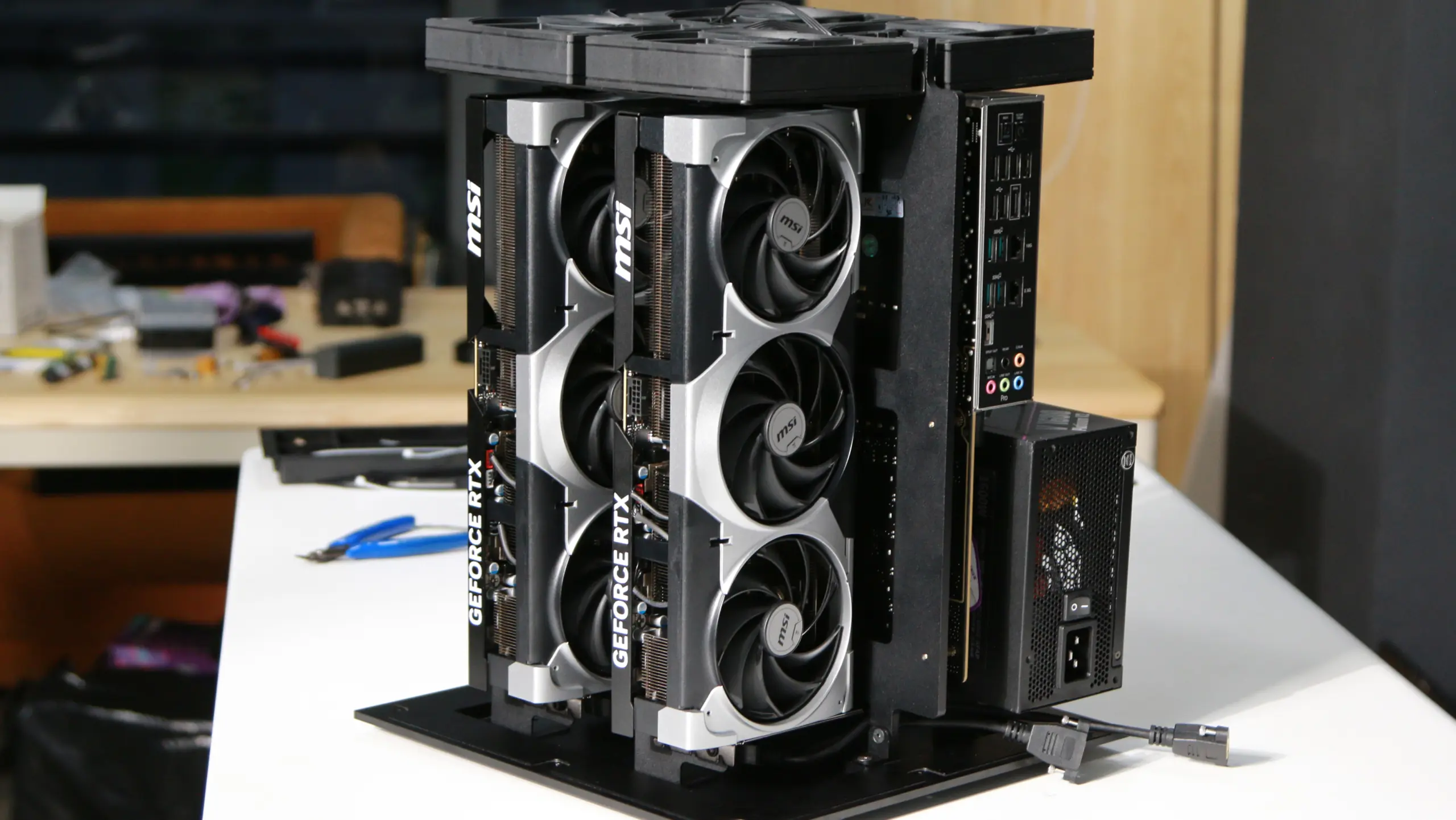
 The entry-level Personal AI Computer: two RTX 5090s on an Intel Xeon W platform. Desk-sized, runs on a normal wall outlet, and enough VRAM for Llama, Qwen, and DeepSeek with quantization — run OpenClaw, Hermes Agent, or your own LangChain stack with zero API spend.
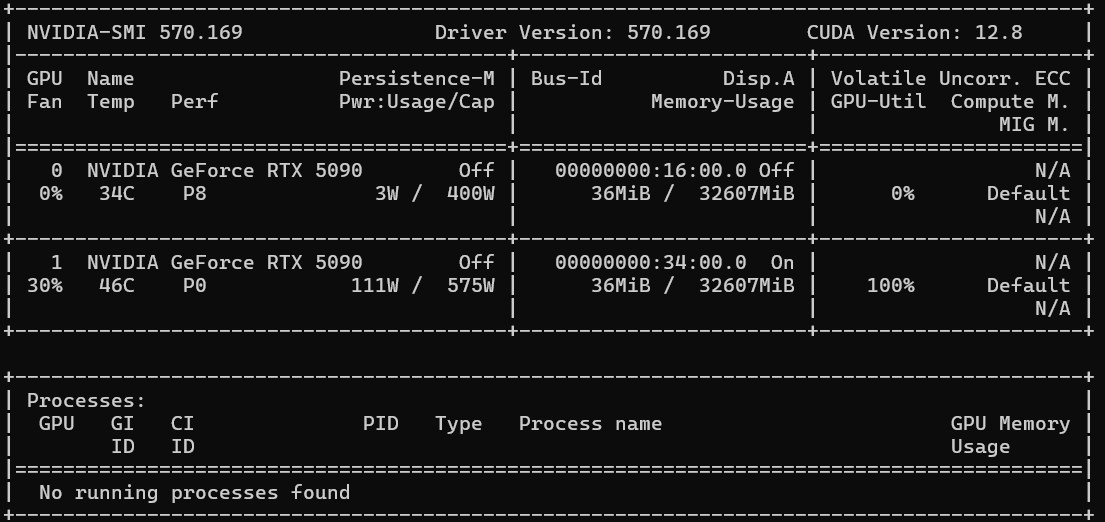
- **2× NVIDIA RTX 5090** — 64 GB VRAM · 3,584 GB/s · 419 FP32 TFLOPS
- **Intel Xeon W5** (ASUS W790 ACE) · 96 GB RAM · 1 TB NVMe
- **PCIe Gen 5 ×16** per GPU · 10 GbE + 2.5 GbE
- **1,550 W draw** · 1,600 W PSU
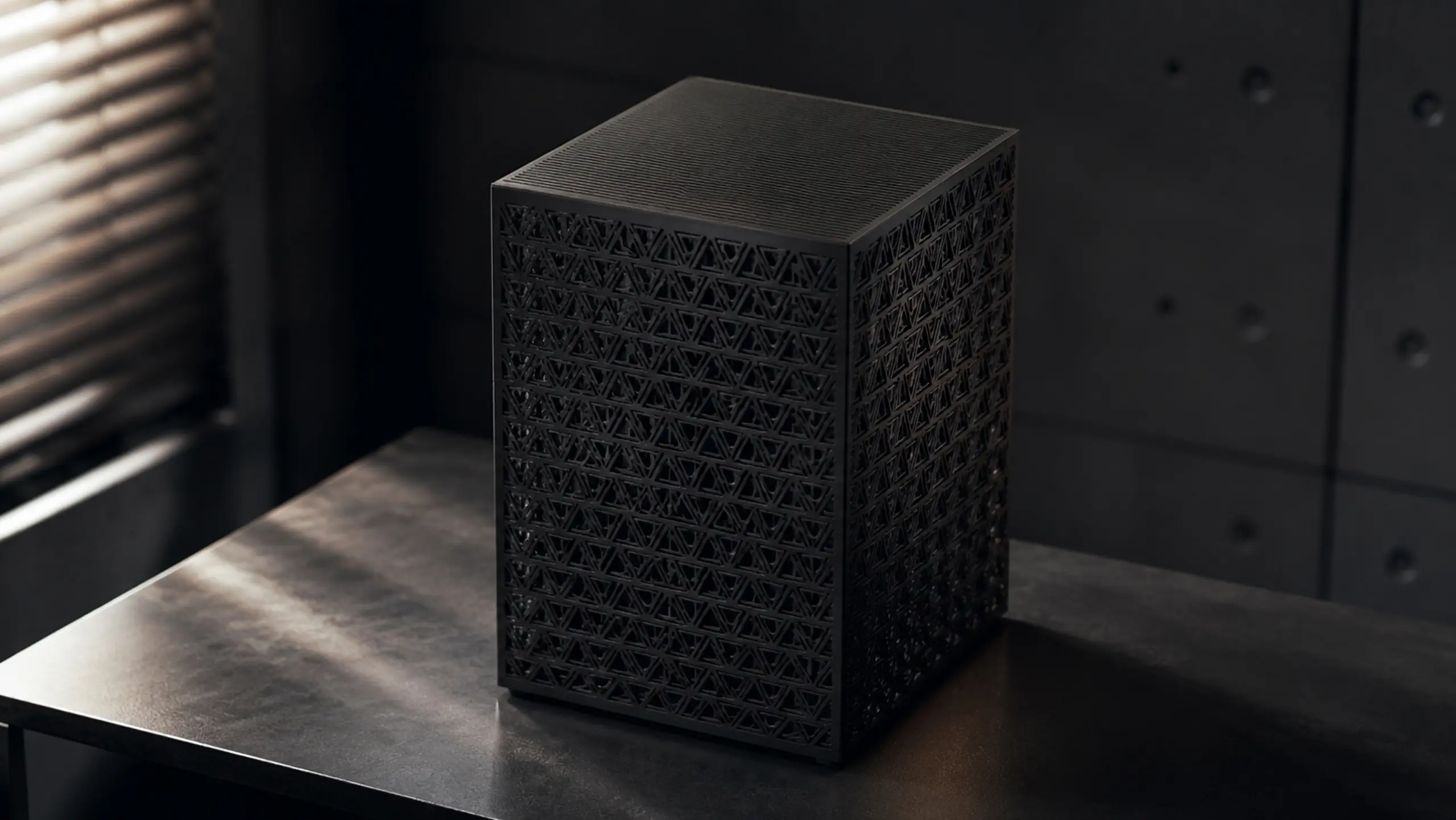
- **12.5″ × 12.5″ × 16″** · 33 lb
## Build it
1. **Parts** — the [bill of materials](bom/bom.md).
2. **Housing** — the [STL files](stl-models) and the [STEP files](step_models).
3. **Lay out the electronics** — the [component checklist](docs/prepare-ee.md), with a photo of every part.
4. **Assemble** — the [photo-by-photo assembly guide](docs/assembly.md), 23 steps from bare housing to closed box.
5. **BIOS, drivers, testing** — the shared [BIOS tuning and GPU testing](../setup.md) guide. Board-specific notes below.
6. **Serve your models** — [Grid](https://github.com/autonomous-ai/autonomous-grid), the open orchestrator for local AI, or any local AI engine: vLLM, Ollama, llama.cpp.
The entry-level Personal AI Computer: two RTX 5090s on an Intel Xeon W platform. Desk-sized, runs on a normal wall outlet, and enough VRAM for Llama, Qwen, and DeepSeek with quantization — run OpenClaw, Hermes Agent, or your own LangChain stack with zero API spend.
- **2× NVIDIA RTX 5090** — 64 GB VRAM · 3,584 GB/s · 419 FP32 TFLOPS
- **Intel Xeon W5** (ASUS W790 ACE) · 96 GB RAM · 1 TB NVMe
- **PCIe Gen 5 ×16** per GPU · 10 GbE + 2.5 GbE
- **1,550 W draw** · 1,600 W PSU
- **12.5″ × 12.5″ × 16″** · 33 lb
## Build it
1. **Parts** — the [bill of materials](bom/bom.md).
2. **Housing** — the [STL files](stl-models) and the [STEP files](step_models).
3. **Lay out the electronics** — the [component checklist](docs/prepare-ee.md), with a photo of every part.
4. **Assemble** — the [photo-by-photo assembly guide](docs/assembly.md), 23 steps from bare housing to closed box.
5. **BIOS, drivers, testing** — the shared [BIOS tuning and GPU testing](../setup.md) guide. Board-specific notes below.
6. **Serve your models** — [Grid](https://github.com/autonomous-ai/autonomous-grid), the open orchestrator for local AI, or any local AI engine: vLLM, Ollama, llama.cpp.
|
|
|
|
 ## Other builds
Need more? The [4× 5090](../4x-5090/README.md) (the team build), the [4× 6000](../4x-6000/README.md) (384 GB VRAM), and the [8× 5090](../8x-5090/README.md) (on-prem scale) scale the same idea up.
## License
Open source under the [MIT License](../LICENSE).
## Other builds
Need more? The [4× 5090](../4x-5090/README.md) (the team build), the [4× 6000](../4x-6000/README.md) (384 GB VRAM), and the [8× 5090](../8x-5090/README.md) (on-prem scale) scale the same idea up.
## License
Open source under the [MIT License](../LICENSE).