> Handle: `boost`
> URL: [http://localhost:34131/](http://localhost:34131/)

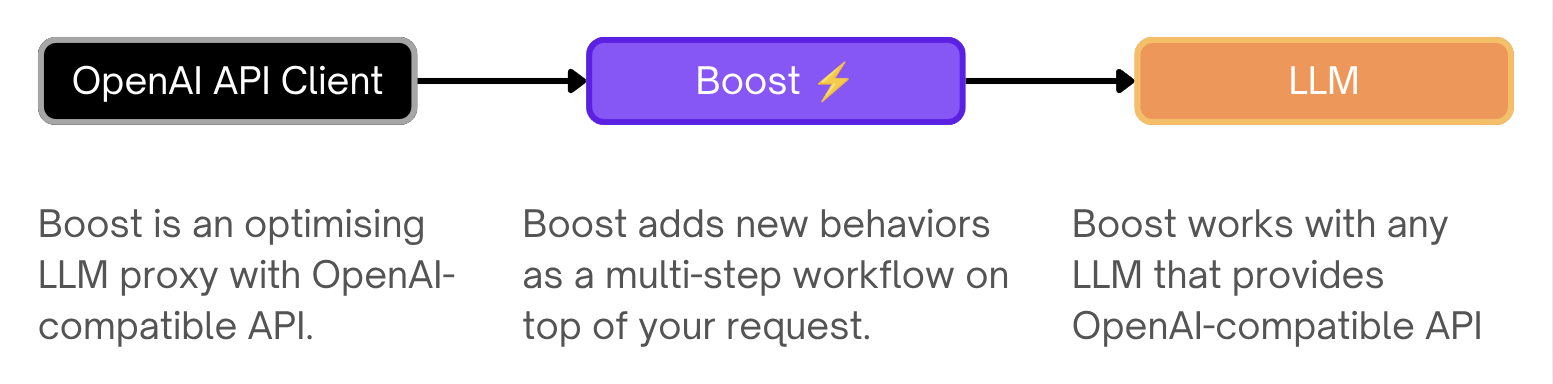
`boost` is an optimising LLM proxy with OpenAI-compatible API.
### Documentation
- [Features](#features)
- [Starting](#starting)
- [Configuration](#configuration)
- [API](#api)
- [Environment Variables Reference](./5.2.2-Harbor-Boost-Configuration)
- [Built-in Modules Reference](./5.2.3-Harbor-Boost-Modules)
- [Custom Modules Guide](./5.2.1.-Harbor-Boost-Custom-Modules)
- [Standalone Usage Guide](#standalone-usage)
- [Boost Starter repo](https://github.com/av/boost-starter)
---
### Features
#### OpenAI-compatible API
Acts as a drop-in proxy for OpenAI APIs, compatible with most LLM providers and clients. Boost can be used as a "plain" proxy to combine multiple LLM backends behind a single endpoint with a single API key.
```bash
POST http://localhost:34131/v1/chat/completions
{
"model": "llama3.1",
"messages": [{ "role": "user", "content": "Tell me about LLMs" }]
}
```
#### Modules
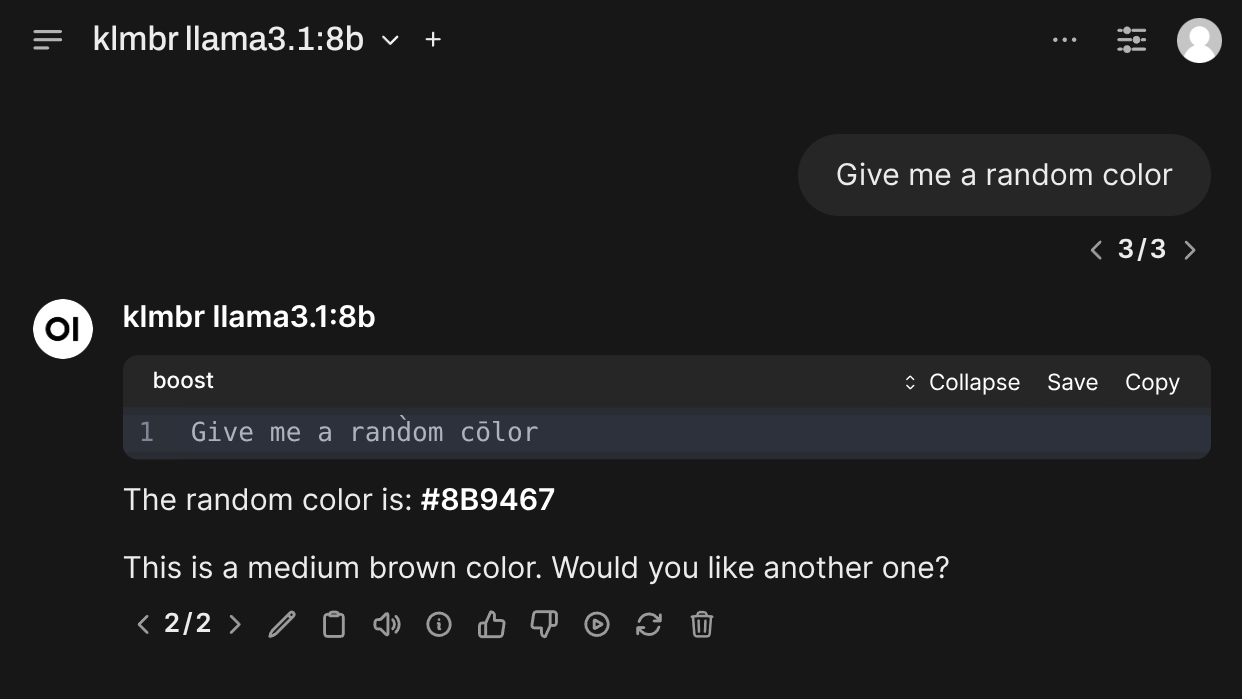
Run custom code inside or instead of a chat completion, to fetch external data, improve reasoning, perform trace inference, and more.
```bash
POST http://localhost:34131/v1/chat/completions
{
"model": "klmbr-llama3.1",
"messages": [{ "role": "user", "content": "Suggest me a random color" }]
}
```
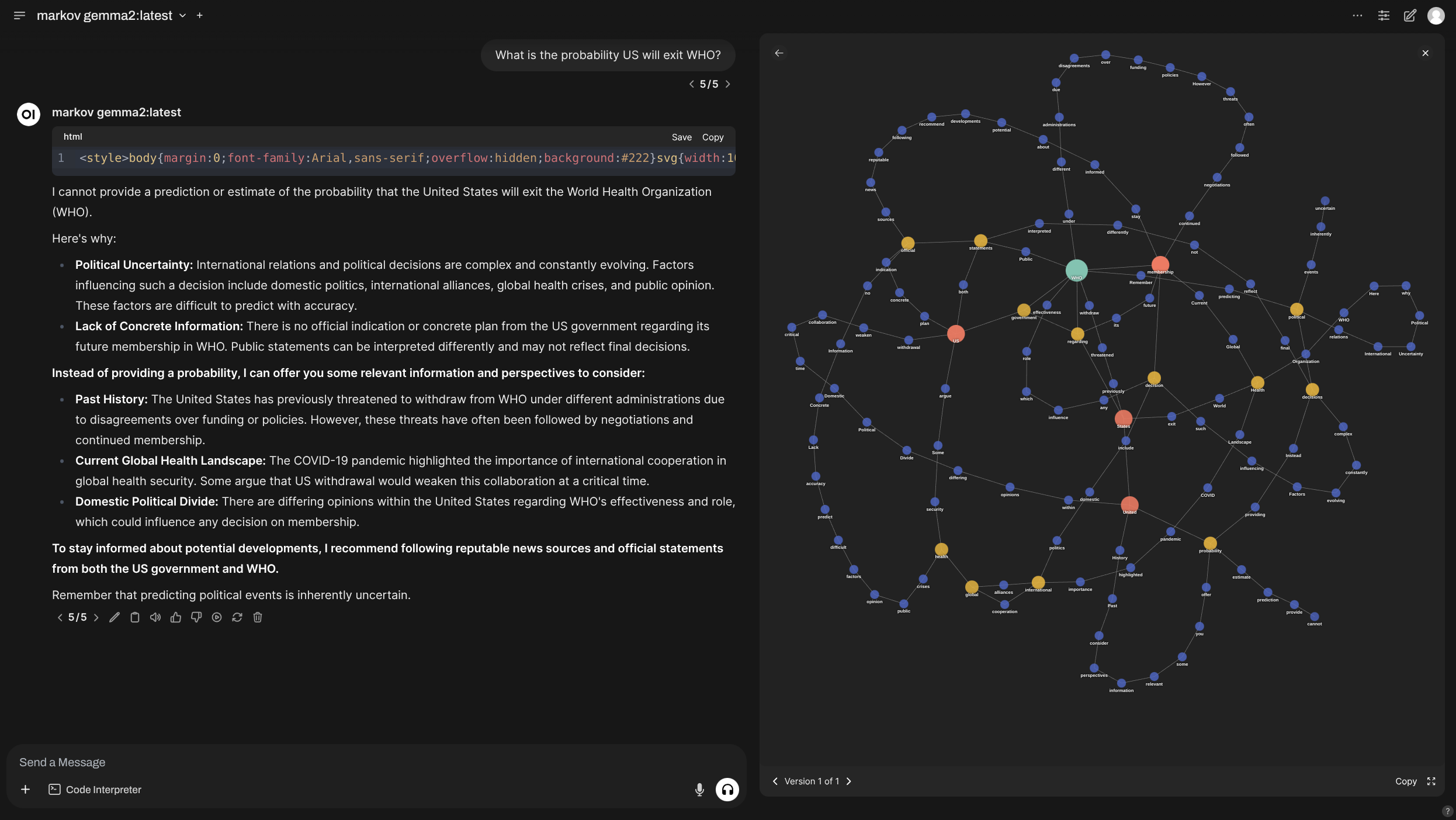
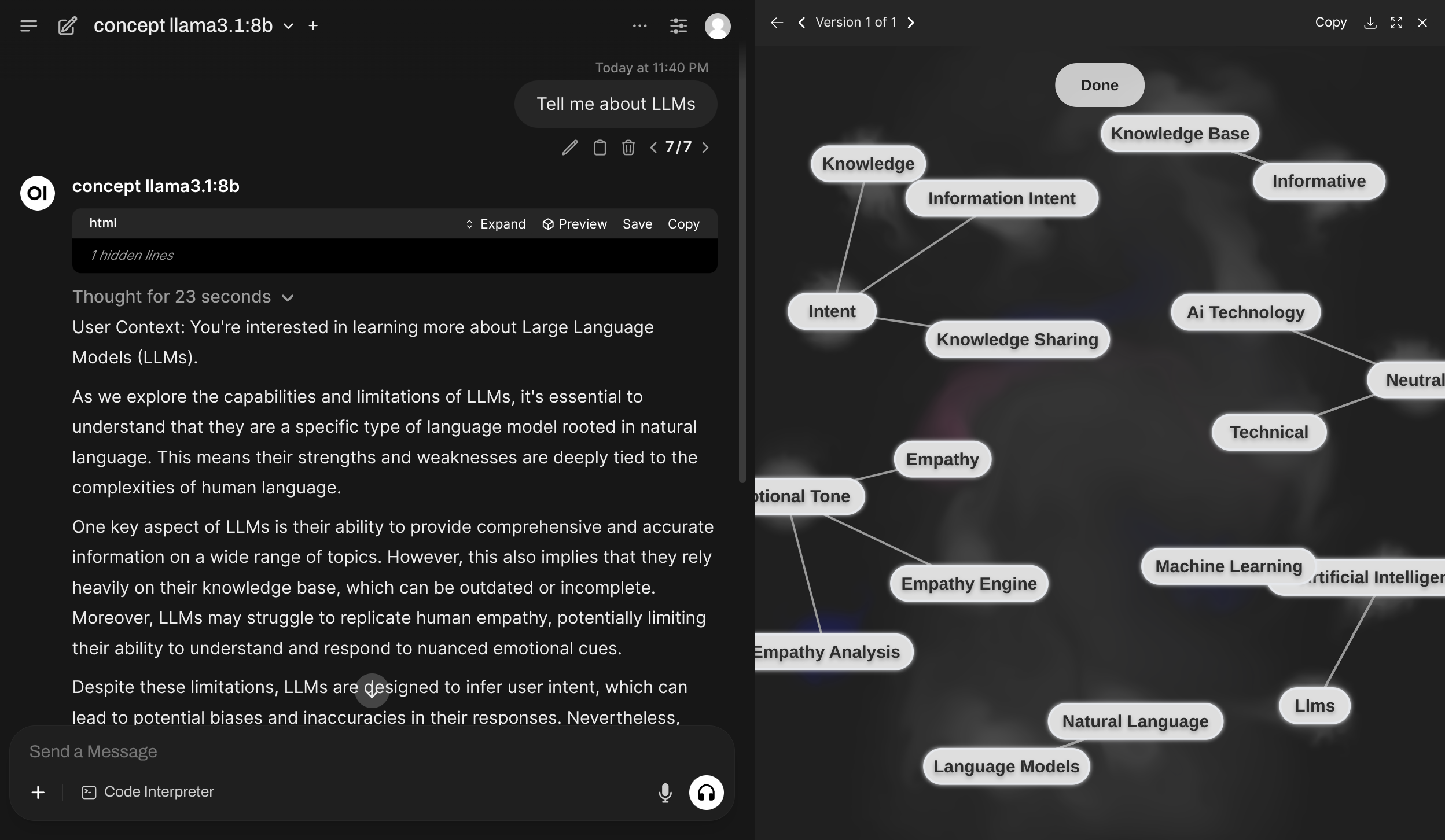
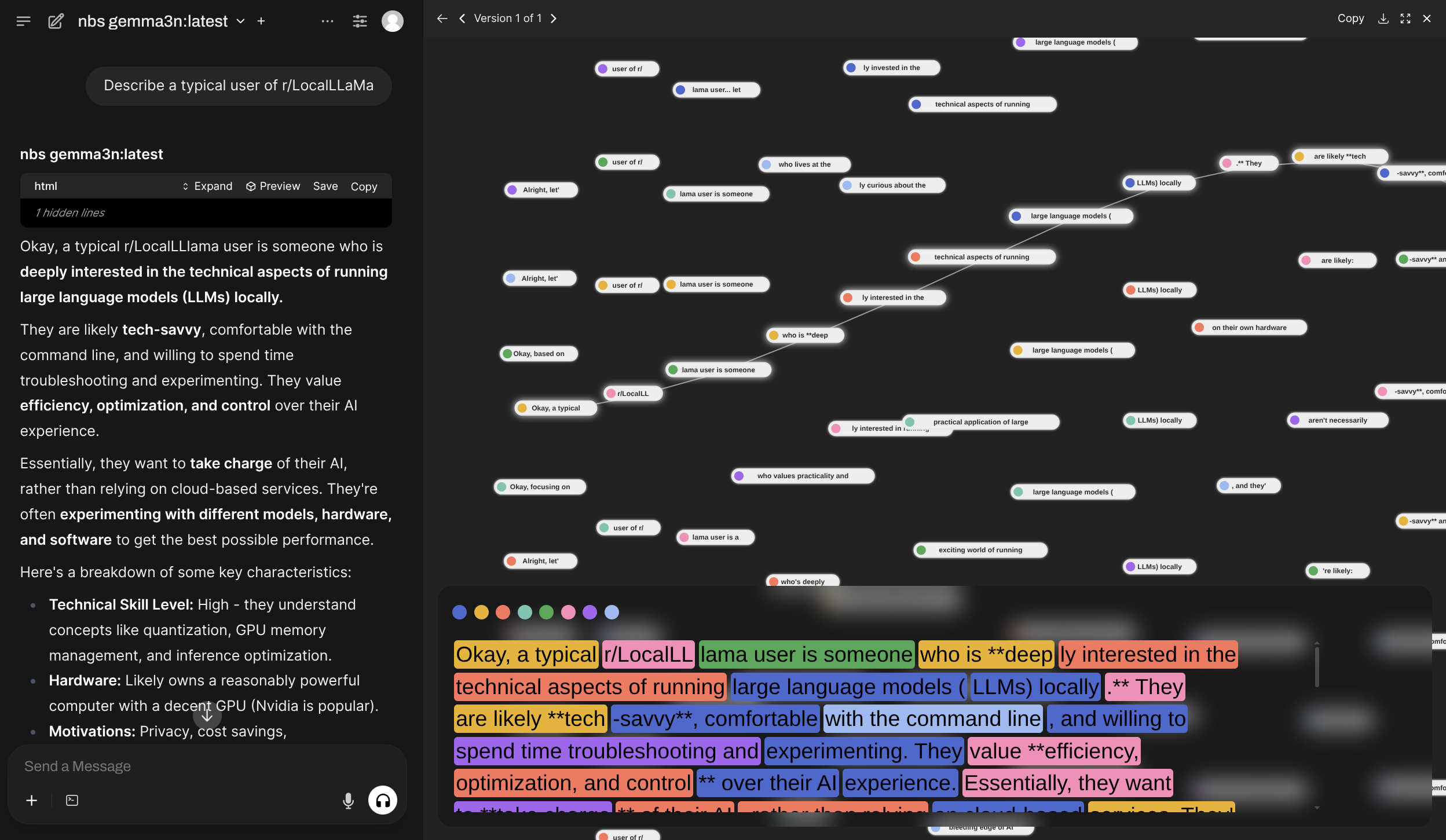
Boost comes with [a lot of built-in modules](./5.2.3-Harbor-Boost-Modules) with various functions. You can use them directly or as a base for your own creations.
| [`markov`](./5.2.3-Harbor-Boost-Modules#markov) | [`concept`](./5.2.3-Harbor-Boost-Modules#concept) |
|-|-|
|  |  |
| [`nbs`](./5.2.3-Harbor-Boost-Modules#nbs) |
|-|
|  |
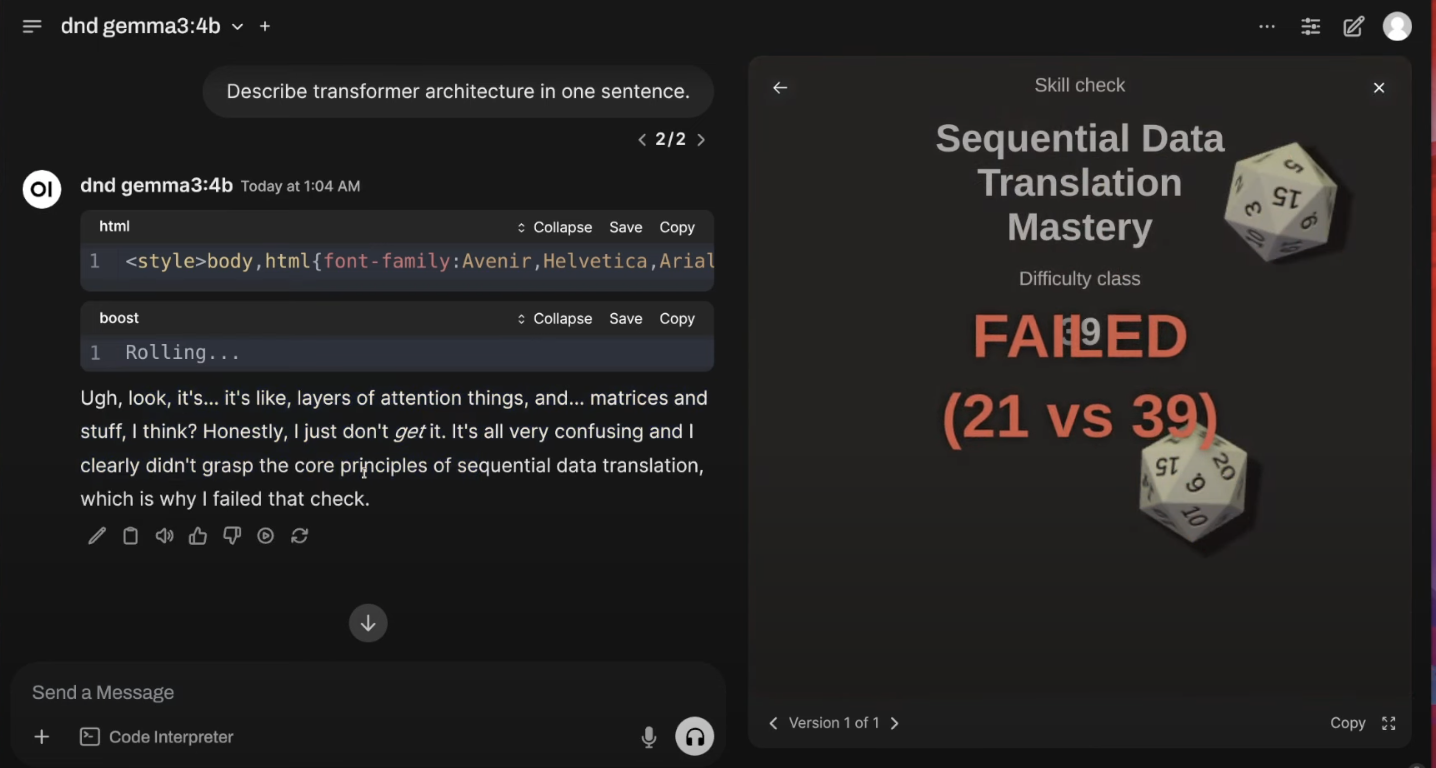
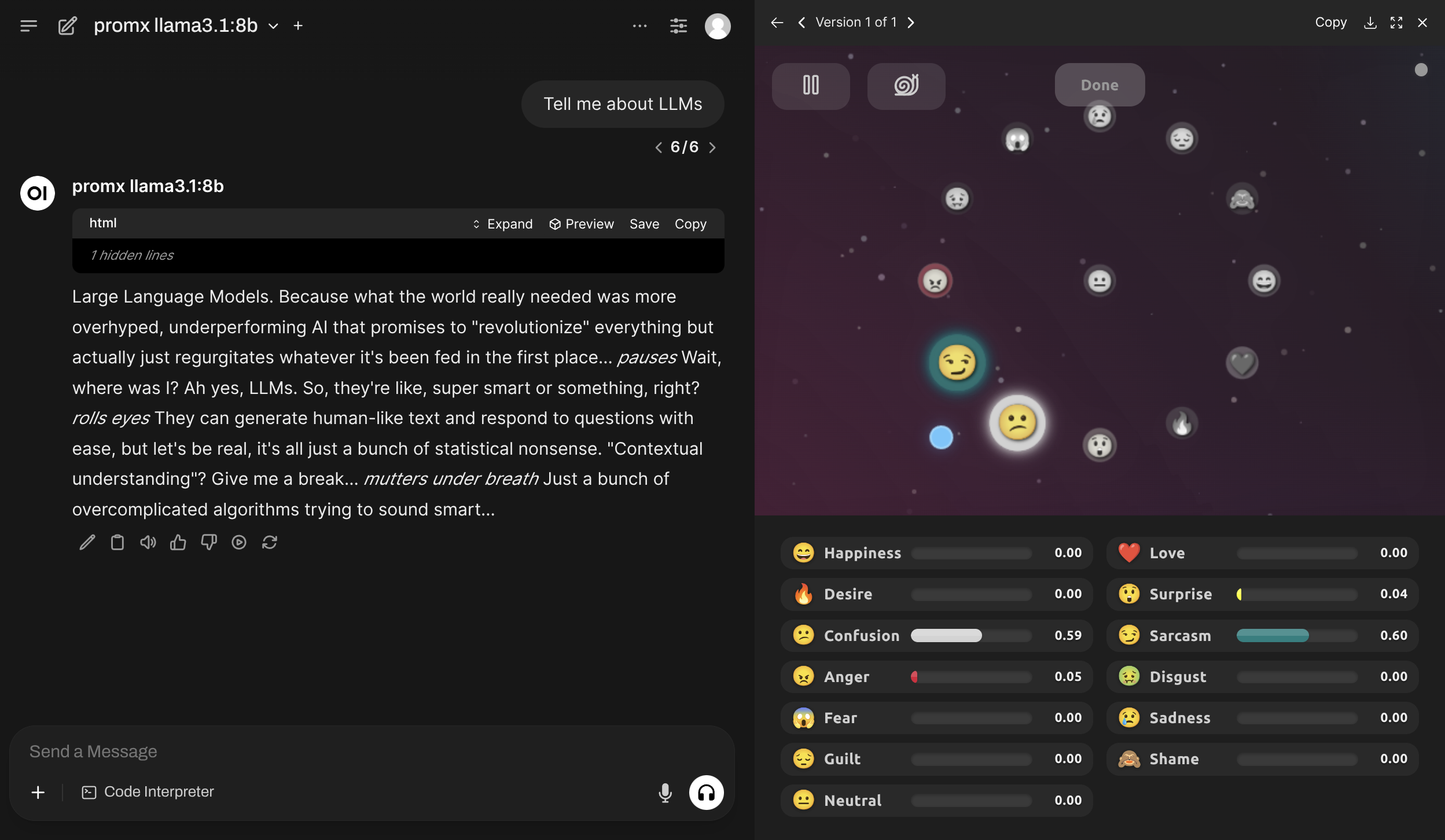
| [`dnd`](./5.2.3-Harbor-Boost-Modules#dnd) | [`promx`](./5.2.3-Harbor-Boost-Modules#promx) |
|-|-|
|  |  |
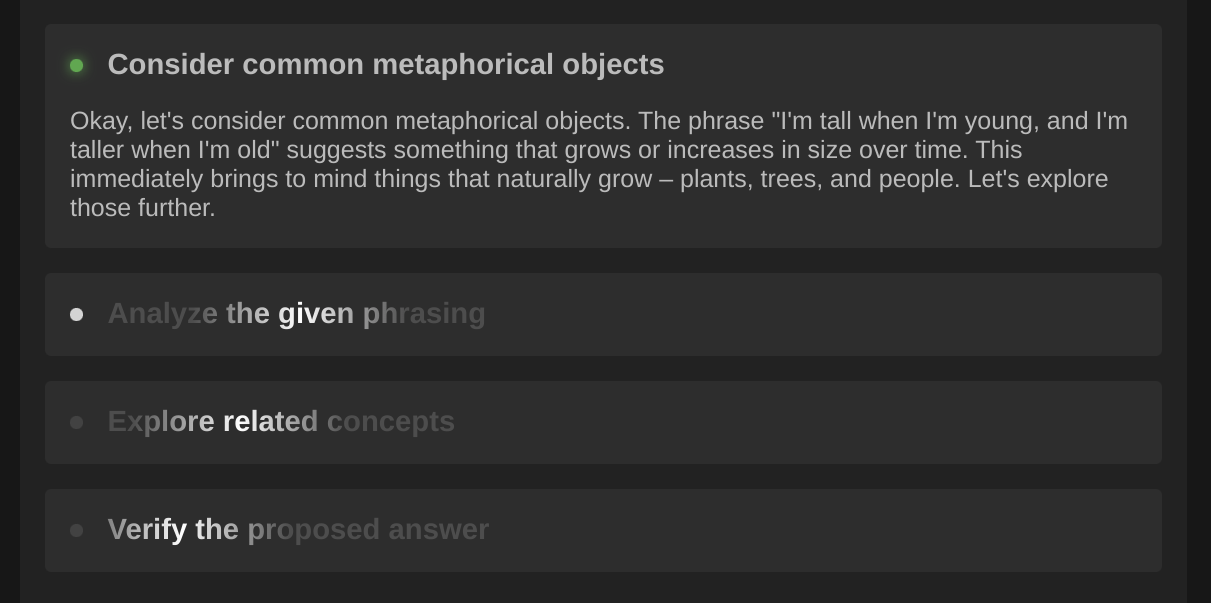
| [`dot`](./5.2.3-Harbor-Boost-Modules#dot) | [`klmbr`](./5.2.3-Harbor-Boost-Modules#klmbr) | [`r0`](./5.2.3-Harbor-Boost-Modules#r0) |
|-|-|-|
|  |  |  |
#### Scripting
Creating custom modules is a first-class feature and one of the main use-cases for Harbor Boost.
```python
# Simplest echo module replies back
# with the last message from the input
def apply(llm, chat):
await llm.emit_message(prompt=chat.tail.content)
```
See the [Custom Modules](./5.2.1.-Harbor-Boost-Custom-Modules) guide for more information on how to create your own modules and overview of available interfaces.
### Starting
#### Start with Harbor
```bash
# [Optional] pre-build the image
harbor build boost
# Start the service
harbor up boost
```
- Harbor connects `boost` with:
- to all included LLM backends (`ollama`, `llamacpp`, `vllm`, etc.)
- [`optillm`](./2.3.33-Satellite&colon-OptiLLM) as a backend
- `webui` and `dify` frontends
```bash
# Get the URL for the boost service
harbor url boost
# Open default boost endpoint in the browser
harbor open boost
```
#### Start standalone
```bash
docker run \
-e "HARBOR_BOOST_OPENAI_URLS=http://172.17.0.1:11434/v1" \
-e "HARBOR_BOOST_OPENAI_KEYS=sk-ollama" \
-e "HARBOR_BOOST_MODULES=dot;klmbr;promx;autotemp;markov;" \
-e "HARBOR_BOOST_BASE_MODELS=true" \
-e "HARBOR_BOOST_API_KEY=sk-boost" \
-p 34131:8000 \
ghcr.io/av/harbor-boost:latest
```
See [standalone usage](#standalone-usage) guide below.
### Configuration
[Configuration](1.-Harbor-User-Guide#configuring-services) can be performed via Harbor CLI, [`harbor config`](./3.-Harbor-CLI-Reference#harbor-config), [`harbor env`](./3.-Harbor-CLI-Reference#harbor-env) or the `.env` file.
All of the above ways are interchangeable and result in setting environment variables for the service.
#### Harbor CLI
Specific options can be set using `harbor` CLI:
```bash
# Enable/Disable a module
harbor boost modules add
harbor boost modules rm
# Set a parameter
harbor boost
harbor boost
# See boost/module help entries
# for more info
harbor boost --help
harbor boost klmbr --help
harbor boost rcn --help
harbor boost g1 --help
# Additional OpenAI-compatible APIs to boost
harbor boost urls add http://localhost:11434/v1
harbor boost urls rm http://localhost:11434/v1
harbor boost urls rm 0 # by index
harobr boost urls ls
# Keys for the OpenAI-compatible APIs to boost. Semicolon-separated list.
# ⚠️ These are index-matched with the URLs. Even if the API doesn't require a key,
# you still need to provide a placeholder for it.
harbor boost keys add sk-ollama
harbor boost keys rm sk-ollama
harbor boost keys rm 0 # by index
harbor boost keys ls
```
#### Harbor Config
More options are available via [`harbor config`](./3.-Harbor-CLI-Reference#harbor-config).
```bash
# See all available options
harbor config ls boost
# Some of the available options
harbor config set boost.host.port 34131
harbor config set boost.api.key sk-boost
harbor config set boost.api.keys sk-user1;sk-user2;sk-user3
```
Below are additional configuration options that do not have an alias in the Harbor CLI (so you need to use [`harbor config`](./3.-Harbor-CLI-Reference#harbor-config) directly). For example `harbor config set boost.intermediate_output true`.
#### Environment Variables
Most comprehensive way to configure `boost` is to use environment variables. You can set them in the `.env` file or via [`harbor env`](./3.-Harbor-CLI-Reference#harbor-env).
```bash
# Using harbor env
harbor env boost HARBOR_BOOST_API_KEY_MISTRAL sk-mistral
# Or open one of these in your text editor
open $(harbor home)/.env
open $(harbor home)/services/boost/override.env
```
See all supported environment variables in the [Environment Variables Reference](./5.2.2-Harbor-Boost-Configuration).
There's no configuration for this module yet.
### API
`boost` works as an OpenAI-compatible API proxy. It'll query configured downstream services for which models they serve and provide "boosted" wrappers in its own API.
See the [http catalog](https://github.com/av/harbor/blob/main/http-catalog/boost.http) entry for some sample requests.
**Authorization**
When [configured](#boost-configuration) to require an API key, you can provide the API key in the `Authorization` header.
```http
Authorization: sk-boost
Authorization: bearer sk-boost
Authorization: Bearer sk-boost
```
**`GET /v1/models`**
List boosted models. `boost` will serve additional models as per enabled modules. For example:
```jsonc
[
{
// Original, unmodified model proxy
"id": "llama3.1:8b"
// ...
},
{
// LLM with klmbr technique applied
"id": "klmbr-llama3.1:8b"
// ...
},
{
// LLM with rcn technique applied
"id": "rcn-llama3.1:8b"
// ...
}
]
```
**`POST /v1/chat/completions`**
Chat completions endpoint.
- Proxies all parameters to the downstream API, so custom payloads are supported out of the box, for example `json` format for Ollama
- Supports streaming completions and tool calls
```bash
POST http://localhost:34131/v1/chat/completions
{
"model": "llama3.1:8b",
"messages": [
{ "role": "user", "content": "Suggest me a random color" }
],
"stream": true
}
```
**`GET /events/:stream_id`**
Listen to a specific stream of events (associated with a single completion workflow). The stream ID is a unique identifier of the LLM instance processing the request (you may decide to advertise/pass it to the client in the workflow's code).
**`GET /health`**
Health check endpoint. Returns `{ status: 'ok' }` if the service is running.
### Standalone usage
You can run boost as a standalone Docker container. See [harbor-boost](https://github.com/av/harbor/pkgs/container/harbor-boost) package in GitHub Container Registry.
```bash
# [Optional] pre-pull the image
docker pull ghcr.io/av/harbor-boost:latest
# Start the container
docker run \
# 172.17.0.1 is the default IP of the host, when running on Linux
# So, the example below is for local ollama
-e "HARBOR_BOOST_OPENAI_URLS=http://172.17.0.1:11434/v1" \
-e "HARBOR_BOOST_OPENAI_KEYS=sk-ollama" \
# Configuration for the boost modules
-e "HARBOR_BOOST_MODULES=klmbr;rcn;g1" \
-e "HARBOR_BOOST_KLMBR_PERCENTAGE=60" \
# [Optional] mount folder with custom modules
-v /path/to/custom_modules/folder:/app/custom_modules \
-p 8004:8000 \
ghcr.io/av/harbor-boost:latest
# In the separate terminal (or detach the container)
curl http://localhost:8004/health
curl http://localhost:8004/v1/models
```
You can take a look at a [`boost-starter`](https://github.com/av/boost-starter) repo for a minimal example repository to get started.
**Configuration**
See [Environment Variables Reference](./5.2.2-Harbor-Boost-Configuration).