## Overview
- OS: Debian GNU/Linux sid
- DE: Plasma
+ Workspace theme: Breeze
+ Desktop theme: [Arc T](https://github.com/avivace/Arc-T)
+ Icon Theme: Papirus-Dark
+ Widget Style: Breeze
+ GTK theme: Breeze, [monokai-gtk](https://github.com/avivace/monokai-gtk)
- Windows manager: i3-gaps
- Login Manager: SDDM
- Compositor: picom
- Terminal emulator: alacritty
- Launcher: rofi
### Dependencies
FontAwesome, wmctrl, feh.
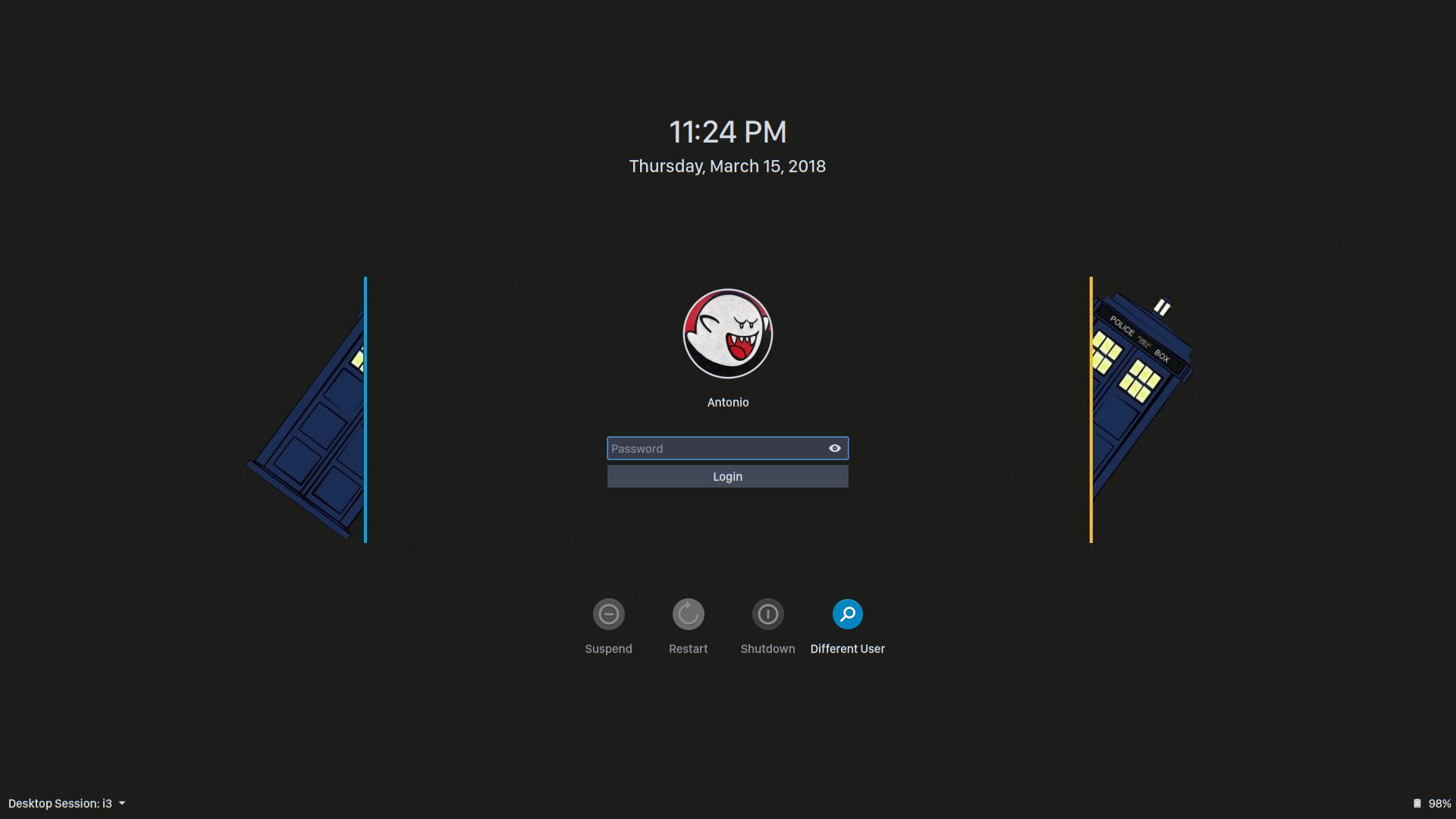
## Login Manager
[SDDM](https://github.com/sddm/sddm), [breeze2-sddm-theme](https://github.com/avivace/breeze2-sddm-theme), San Francisco Display.
## Desktop
X, Plasma, i3, compton
### i3 + Plasma integration
I'm using **KDE Plasma** as Desktop Environment + **i3-gaps** as (tiling) Windows Manager. Without having to use patches to either i3 or KDE - just with some tuning - everything works out of the box, including:
- the **Pager** widget (which correctly reads and lets you switch i3 workspaces)
- the **Icons-only Task Manager** (~dock) widget (opens for you the corresponding workspace when clicking an icon)
- other plasmashell widgets and popups
- multiple displays
- everything offered by i3 (including window focusing, shortcuts and mouse-related things)
You will still use the Plasma session with `startx`, so set your login manager accordingly.
350 MB base RAM consumption, compositor included.
Please note that i3 will replace KWin completely, so you won't have titlebars and every other compositing/animation feature offered by a standard Plasma installation.
#### Disabling the Plasma Desktop and the Plasma Wallpaper
The Plasma wallpaper is rendered at the top, hiding everything. Disable the autostart of `ksplashqml`:
```
sudo mv /usr/bin/ksplashqml /usr/bin/ksplashqml.old
```
Finally, in the i3 configuration we use `wmctrl` to kill the Plasma desktop view:
```
exec --no-startup-id wmctrl -c Plasma
for_window [title="Desktop — Plasma"] kill; floating enable; border none
```
### i3 Urgent workspace feature
A possible solution, in the i3 configuration:
```
force_display_urgency_hint 0 ms
focus_on_window_activation urgent
```
See [#13](https://github.com/avivace/dotfiles/issues/13).
#### Wallpaper
The wallpaper is set with `feh` in the i3 configuration, as startup command.
#### Glitched tooltips
If you notice something like [this](http://i.imgur.com/ef4gjZX.png), compton maybe the problem, try disabling the `fade` effect:
```
wintypes :
{
tooltip :
{
# fade = true;
shadow = false;
opacity = 0.75;
focus = true;
};
};
```
### Status Bar
It's a fully transparent Plasma panel, themed with the [Arc T](https://github.com/avivace/Arc-T) desktop theme.
The [awesome-widgets](https://github.com/arcan1s/awesome-widgets) plasmoid shows the following content:
```html
$hddfreegb0G $cpu% $memgbG $temp0 $custom1
```
Where `$custom1` runs `bat.sh`. Depends on `FontAwesome`.
### Launcher
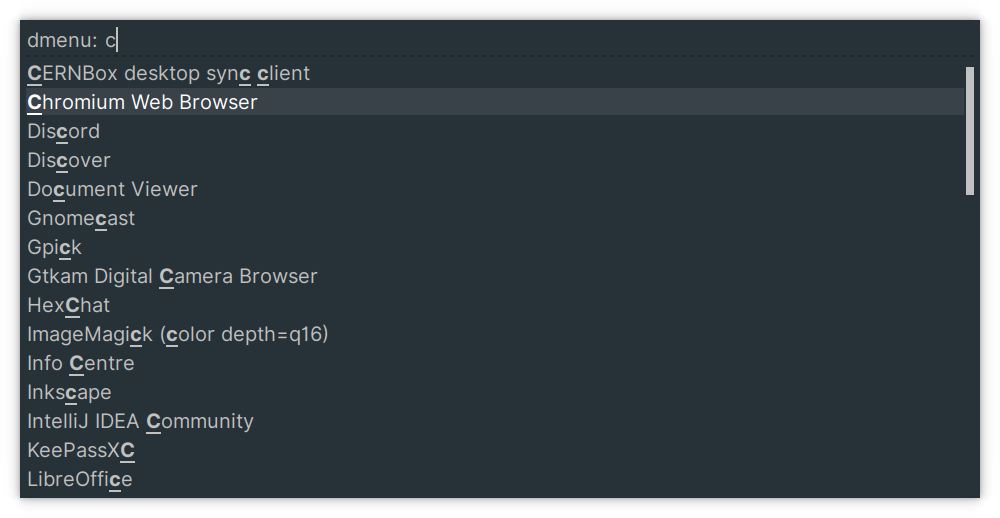
Rofi (themed in X/`.Xresources`), started in i3 with `bindsym $mod+d exec --no-startup-id i3-dmenu-desktop --dmenu='rofi -i -dmenu -width 40 -lines 8 -font "San Francisco Display 18"'`.
### Typography
Font rendering settings are in the `X` folder. Typefaces in bold are in my current setup, while the others are appreciated alternatives I like to periodically switch to.
**Sans Serif**, UI:
- Helvetica Neue
- IBM Plex Sans
- San Francisco Display
- **Inter**
**Monospaced**, text editors and shells:
- **SF Mono**
- Monaco
- Hack
- Input
- Iosevka
**Serif**:
- Libre Baskerville
### Compositor
The compositor of choice is [`picom`](https://github.com/yshui/picom). With the `--experimental-backends` it gives good results on 4K/60Hz setups.
### Notifications
System notifications are handled by Plasma. If you don't see them correctly, check if you have another notification daemon installed (e.g. `dunst` which comes as recommended package for `i3` in some distros).
## Applications
### Terminal Emulator
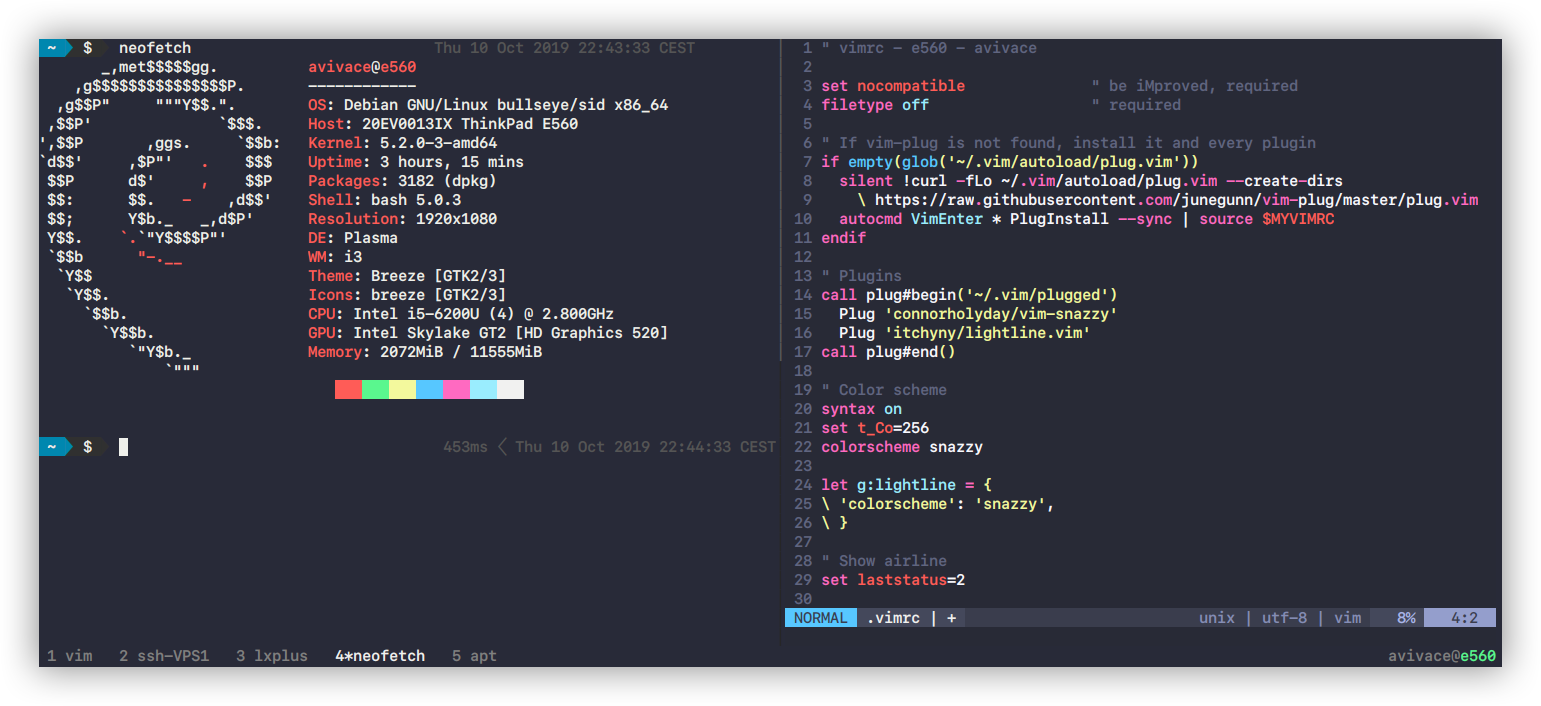
[Alacritty](https://github.com/jwilm/alacritty)
#### Color Scheme
*SpaceGray Eighties*
 *Snazzy*
 ### fish
Framework: [oh-my-fish](https://github.com/oh-my-fish/oh-my-fish), theme: [bobthefish](https://github.com/oh-my-fish/theme-bobthefish).
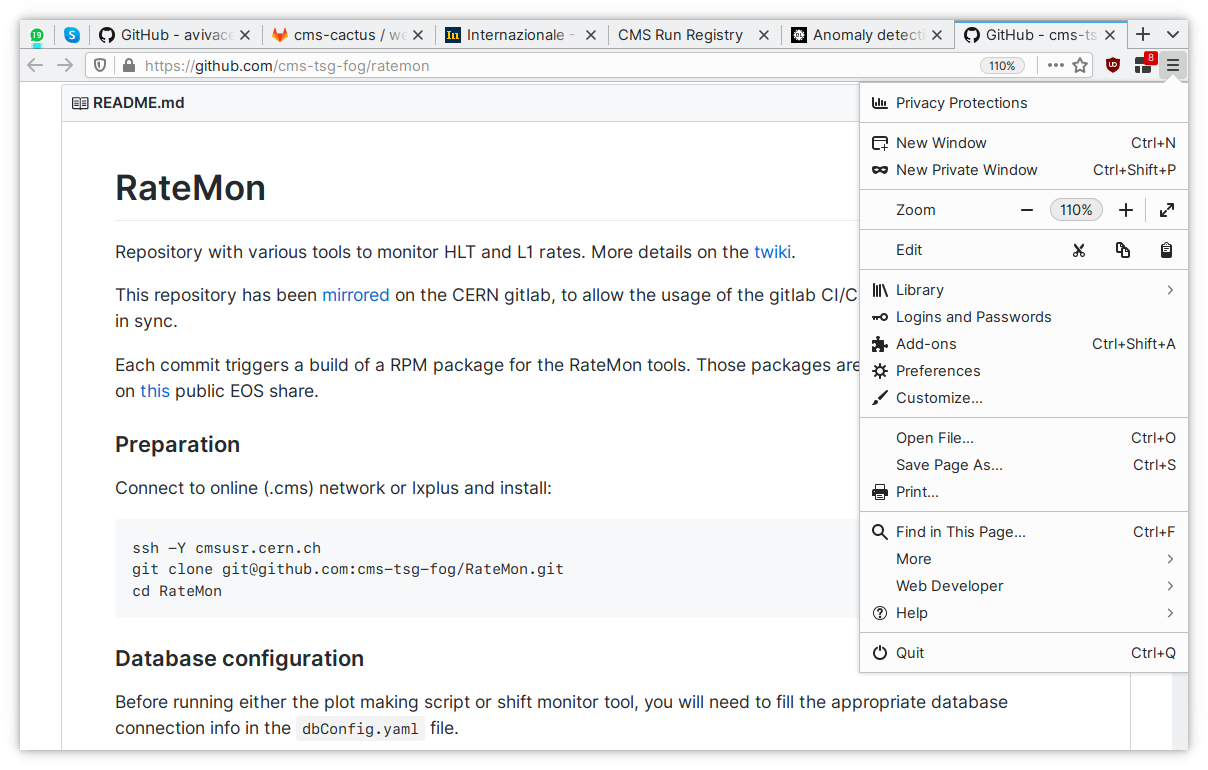
### Firefox
Add-ons: [Greasemonkey](https://github.com/greasemonkey/greasemonkey), [Decentraleyes](https://github.com/Synzvato/decentraleyes), [uBlock Origin](https://github.com/gorhill/uBlock), [CanvasBlocker](https://github.com/kkapsner/CanvasBlocker).
The entire detailed configuration of the browser is in `User.js`, with settings to improve privacy, limit tracking and fingerprinting, disable unwanted features (based on [pyllyukko/user.js](https://github.com/pyllyukko/user.js/) and [ghacks-user.js](https://github.com/ghacksuserjs/ghacks-user.js/)).
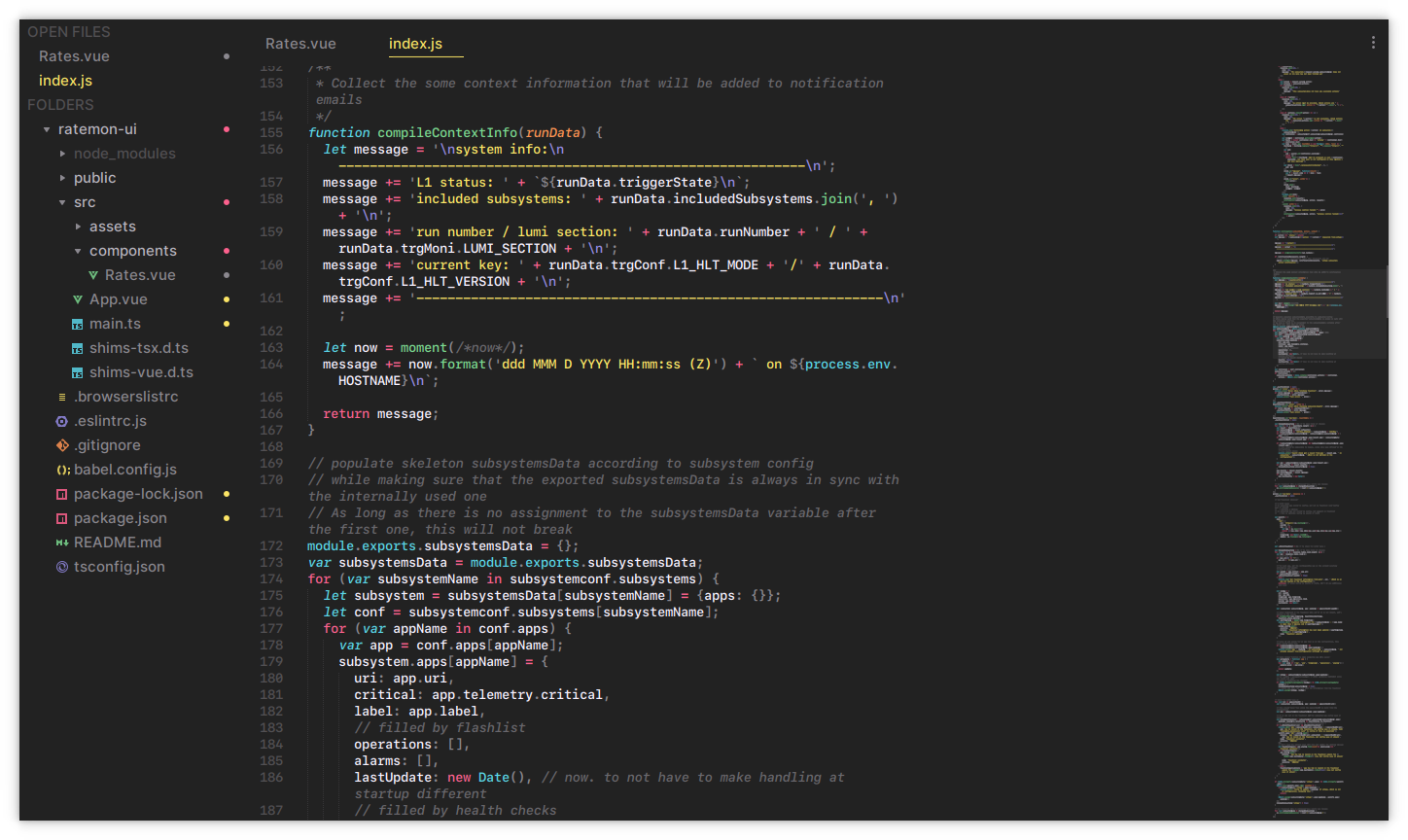
### Sublime Text 3
## Keyboard shortcuts
A non-exhaustive cheatsheet on using this setup with the keyboard:
### i3wm
`$mod` is the Windows key, in this setup.
`$mod` + ..
#### General
* `startx i3` start i3 from command line
* `` open a terminal
* `d` open program launcher (Rofi)
* `r` resize mode (`` or `` to leave resize mode)
* `shift` + `e` exit i3
* `shift` + `r` restart i3 in place
* `shift` + `c` reload config file
* `shift` + `q` kill window (does normal close if application supports it)
* `x` move the workspace to another xrandr display
#### Windows
* `w` tabbed layout
* `e` vertical and horizontal layout (switches to and between them)
* `s` stacked layout
* `f` fullscreen
#### Moving Windows
* `shift` + `` Move window in _direction_ (depends on direction keys settings)
### tmux
The tmux meta key is `A` or `B` in secondary machines.
* `tmux` start new
* `tmux new -s myname` start new with session name
* `tmux a` attach
* `tmux a -t myname` attach to named
* `tmux ls` list sessions
* `tmux kill-session -t myname` kill session
`CTRL` + `A` then:
#### Sessions
* `:` new session
* `s` list sessions
* `$` name session
#### Windows (tabs)
* `c` create window
* `w` list windows
* `n` next window
* `p` previous window
* `f` find window
* `,` name window
* `&` kill window
#### Panes (splits)
* `%` vertical split
* `"` horizontal split
* `o` swap panes
* `q` show pane numbers
* `x` kill pane
* `+` break pane into window (e.g. to select text by mouse to copy)
* `-` restore pane from window
* `⍽`- space toggle between layouts
* `q` show pane numbers, when the numbers show up type the key to goto that pane
* `{` move the current pane left)
* `}` move the current pane right)
* `z` toggle pane zoom
#### Misc
* `d` detach
* `t` big clock
* `?` list shortcuts
* `:` prompt
### vim
* `jj` normal mode
### Firefox
#### Panorama Tab Groups
* `Alt` + `x` panorama view
* `Alt` + `w` next tab group
* `Alt` + `q` previous tab group
## System
`apt/`
My machines run on Debian *Sid/unstable*.
This is *not* a good solution if you don't know what the previous statement means or if you want a stable system and aren't prepared to fix things.
## Scripts
`scripts/`
- `vpn.sh` - Connect to Juniper based VPN service
- `template.tex` - Template for my [LaTex + Pandoc workflow](http://avivace.com/blog/markdown.html)
- `teamviewer.sh` - Using teamviewer without wasting resources
- `backupperino.sh` - Backup, encrypt and upload to Dropbox/VPS
- `avd.sh` - Starting android emulators with (working) HW acceleration
- `mount.sh` - sshfs preset (mounts remote folder as local filesystem, over ssh)
- `powersettings.sh` - Disable things on battery, and the other way round on AC
- `bat.sh` - Renders battery icon, percentage, charging and AC indicators in status bar. Executed by awesome-widgets.
- `vbox.sh` - Prepares the system and updates the VirtualBox Guest Additions
- `sublimeupdate.py` - (Python3) Checks if a new Sublime Text 3 version is available and installs it (deprecated).
- `update.sh` - Update the system (APT, npm -g)
### References and acknowledgements
- *#i3*, *#kde* freenode IRC channels. */r/unixporn*, */r/i3wm* contributors, @[ruphy](https://github.com/ruphy), @[ktonga](https://github.com/ktonga).
- [sddm configuration](https://github.com/MalditoBarbudo/solarized_sddm_theme)
- [jaagr dots](https://github.com/jaagr/dots)
- [A tmux](https://github.com/tony/tmux-config) configuration, and [another](https://github.com/gpakosz/.tmux)
- [pandoc-templates](https://raw.githubusercontent.com/jgm/pandoc-templates/master/default.latex)
- i3/KDE related things: [1](http://infra.in.zekjur.net/archives/i3-discuss/2013-March/001222.html), [2](https://gist.github.com/AlexanderPavlenko/04078f90c6b127926218), [3](https://github.com/sLite/i3), [4](https://github.com/sLite/i3-config), [5](http://stackoverflow.com/questions/21616473/can-i-get-a-proper-tiling-window-manager-in-kde)
- [picom - Vsync situation](https://github.com/yshui/picom/wiki/Vsync-Situation)
### fish
Framework: [oh-my-fish](https://github.com/oh-my-fish/oh-my-fish), theme: [bobthefish](https://github.com/oh-my-fish/theme-bobthefish).
### Firefox
Add-ons: [Greasemonkey](https://github.com/greasemonkey/greasemonkey), [Decentraleyes](https://github.com/Synzvato/decentraleyes), [uBlock Origin](https://github.com/gorhill/uBlock), [CanvasBlocker](https://github.com/kkapsner/CanvasBlocker).
The entire detailed configuration of the browser is in `User.js`, with settings to improve privacy, limit tracking and fingerprinting, disable unwanted features (based on [pyllyukko/user.js](https://github.com/pyllyukko/user.js/) and [ghacks-user.js](https://github.com/ghacksuserjs/ghacks-user.js/)).

### Sublime Text 3

## Keyboard shortcuts
A non-exhaustive cheatsheet on using this setup with the keyboard:
### i3wm
`$mod` is the Windows key, in this setup.
`$mod` + ..
#### General
* `startx i3` start i3 from command line
* `` open a terminal
* `d` open program launcher (Rofi)
* `r` resize mode (`` or `` to leave resize mode)
* `shift` + `e` exit i3
* `shift` + `r` restart i3 in place
* `shift` + `c` reload config file
* `shift` + `q` kill window (does normal close if application supports it)
* `x` move the workspace to another xrandr display
#### Windows
* `w` tabbed layout
* `e` vertical and horizontal layout (switches to and between them)
* `s` stacked layout
* `f` fullscreen
#### Moving Windows
* `shift` + `` Move window in _direction_ (depends on direction keys settings)
### tmux
The tmux meta key is `A` or `B` in secondary machines.
* `tmux` start new
* `tmux new -s myname` start new with session name
* `tmux a` attach
* `tmux a -t myname` attach to named
* `tmux ls` list sessions
* `tmux kill-session -t myname` kill session
`CTRL` + `A` then:
#### Sessions
* `:` new session
* `s` list sessions
* `$` name session
#### Windows (tabs)
* `c` create window
* `w` list windows
* `n` next window
* `p` previous window
* `f` find window
* `,` name window
* `&` kill window
#### Panes (splits)
* `%` vertical split
* `"` horizontal split
* `o` swap panes
* `q` show pane numbers
* `x` kill pane
* `+` break pane into window (e.g. to select text by mouse to copy)
* `-` restore pane from window
* `⍽`- space toggle between layouts
* `q` show pane numbers, when the numbers show up type the key to goto that pane
* `{` move the current pane left)
* `}` move the current pane right)
* `z` toggle pane zoom
#### Misc
* `d` detach
* `t` big clock
* `?` list shortcuts
* `:` prompt
### vim
* `jj` normal mode
### Firefox
#### Panorama Tab Groups
* `Alt` + `x` panorama view
* `Alt` + `w` next tab group
* `Alt` + `q` previous tab group
## System
`apt/`
My machines run on Debian *Sid/unstable*.
This is *not* a good solution if you don't know what the previous statement means or if you want a stable system and aren't prepared to fix things.
## Scripts
`scripts/`
- `vpn.sh` - Connect to Juniper based VPN service
- `template.tex` - Template for my [LaTex + Pandoc workflow](http://avivace.com/blog/markdown.html)
- `teamviewer.sh` - Using teamviewer without wasting resources
- `backupperino.sh` - Backup, encrypt and upload to Dropbox/VPS
- `avd.sh` - Starting android emulators with (working) HW acceleration
- `mount.sh` - sshfs preset (mounts remote folder as local filesystem, over ssh)
- `powersettings.sh` - Disable things on battery, and the other way round on AC
- `bat.sh` - Renders battery icon, percentage, charging and AC indicators in status bar. Executed by awesome-widgets.
- `vbox.sh` - Prepares the system and updates the VirtualBox Guest Additions
- `sublimeupdate.py` - (Python3) Checks if a new Sublime Text 3 version is available and installs it (deprecated).
- `update.sh` - Update the system (APT, npm -g)
### References and acknowledgements
- *#i3*, *#kde* freenode IRC channels. */r/unixporn*, */r/i3wm* contributors, @[ruphy](https://github.com/ruphy), @[ktonga](https://github.com/ktonga).
- [sddm configuration](https://github.com/MalditoBarbudo/solarized_sddm_theme)
- [jaagr dots](https://github.com/jaagr/dots)
- [A tmux](https://github.com/tony/tmux-config) configuration, and [another](https://github.com/gpakosz/.tmux)
- [pandoc-templates](https://raw.githubusercontent.com/jgm/pandoc-templates/master/default.latex)
- i3/KDE related things: [1](http://infra.in.zekjur.net/archives/i3-discuss/2013-March/001222.html), [2](https://gist.github.com/AlexanderPavlenko/04078f90c6b127926218), [3](https://github.com/sLite/i3), [4](https://github.com/sLite/i3-config), [5](http://stackoverflow.com/questions/21616473/can-i-get-a-proper-tiling-window-manager-in-kde)
- [picom - Vsync situation](https://github.com/yshui/picom/wiki/Vsync-Situation)