
Your Rivian's data companion.
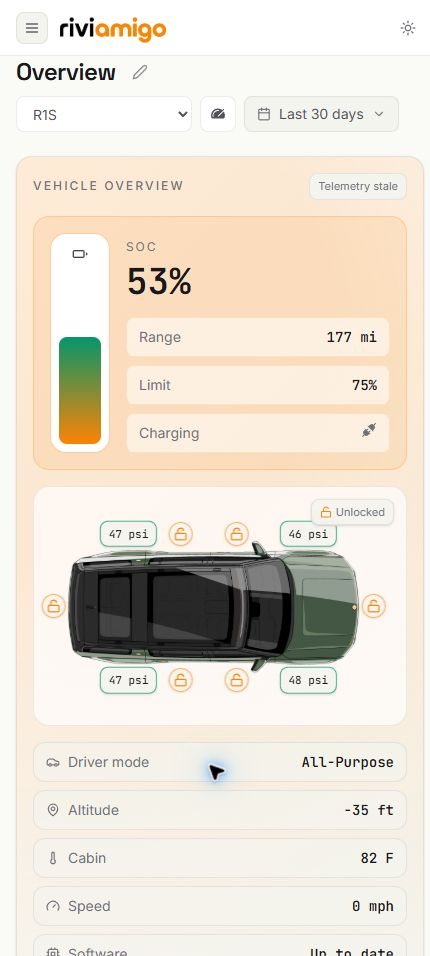
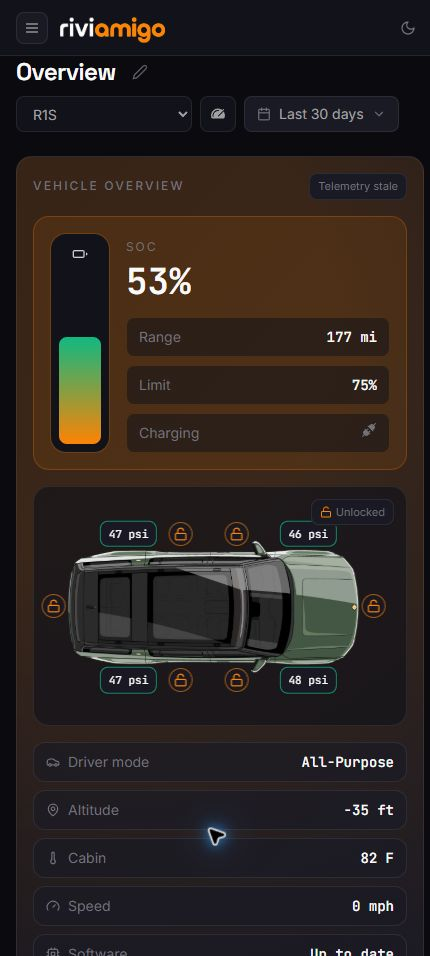
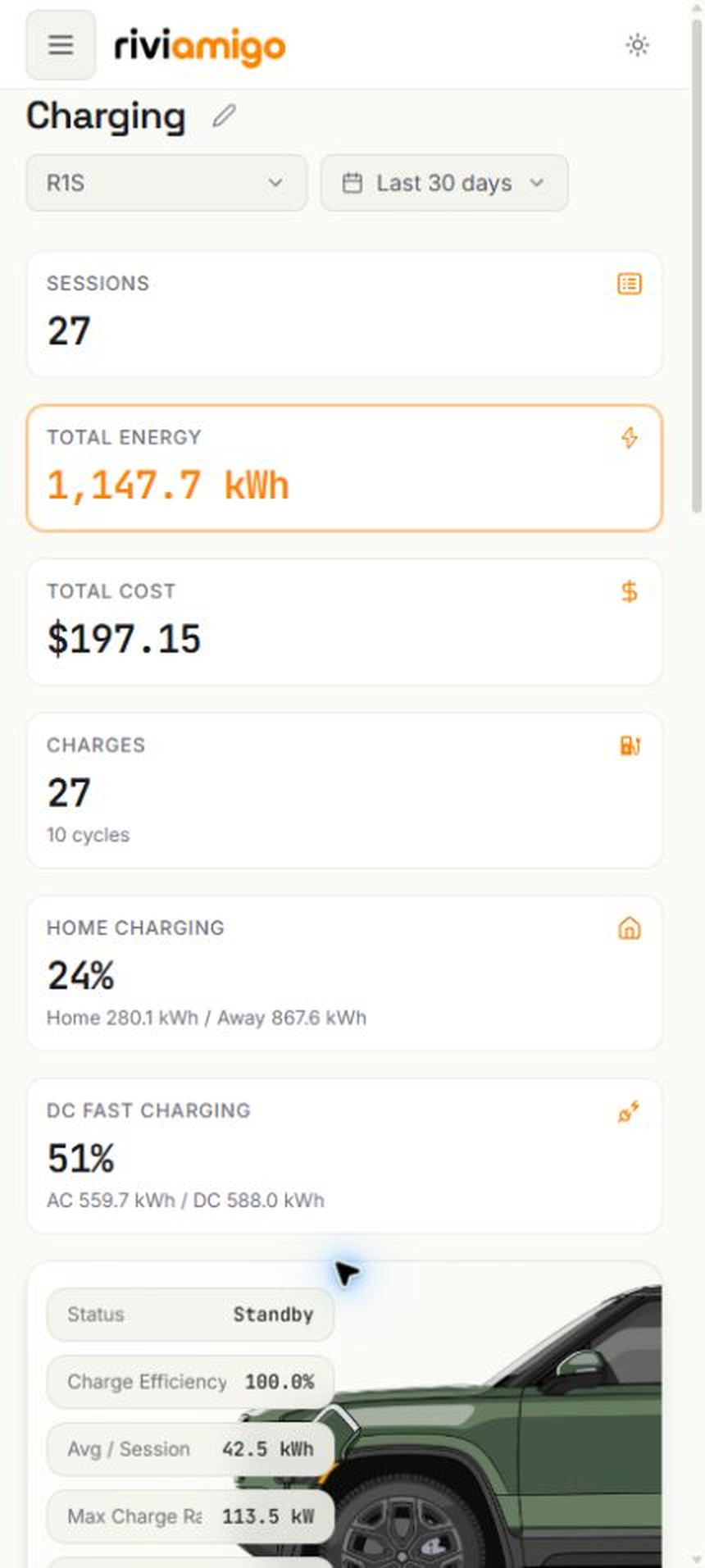
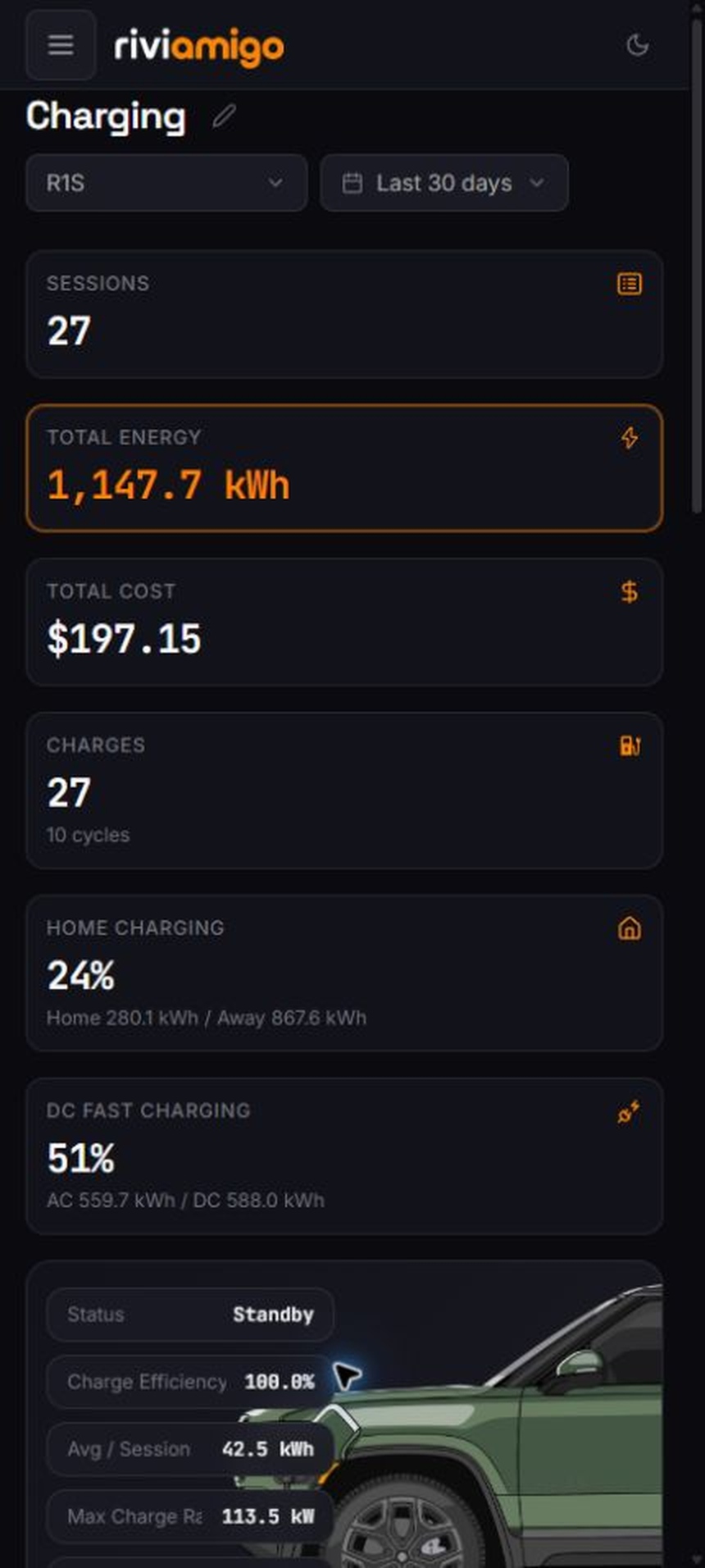
A private, self-hosted home for your vehicle's battery, charging, trips, and efficiency data.
 |
 |
 |
 |
## Quick install
Riviamigo runs as a Docker Compose stack. You will need Git, Docker Engine with Docker Compose v2, a trusted host with persistent storage, and a safe way to reach the app.
> **Keep it private:** Riviamigo is meant to run on a trusted home network. The standard stack publishes port 8080, so protect it with a host firewall and an authenticated HTTPS tunnel or identity-aware reverse proxy before allowing remote access. Read the [secure remote access guide](https://riviamigo.com/docs/operations/secure-remote-access/) before making the app available outside your local network.
1. Clone the repository and enter it:
```bash
git clone https://github.com/bballdavis/Riviamigo.git
cd Riviamigo
```
2. Create your `.env` file, then replace every placeholder using the [configuration guide](https://riviamigo.com/docs/getting-started/configuration/). Do not commit this file.
```bash
cp compose/.env.example .env
```
3. Start the published stack:
```bash
docker compose --env-file .env -f compose/docker-compose.yml up -d
```
4. Protect port 8080 with an authenticated HTTPS gateway and host firewall, open that address, create the first owner account, and connect your Rivian.
That is the short version. The [Getting Started path](https://riviamigo.com/docs/getting-started/) walks through installation and verification, while [Operations](https://riviamigo.com/docs/operations/) covers updates, logs, security, backups, and recovery.
## Documentation
The [Riviamigo documentation site](https://riviamigo.com/) publishes the complete canonical `docs/` tree through six functional sections: Overview, Getting Started, User Guide, Operations, Development, and Reference.
- [Getting Started](https://riviamigo.com/docs/getting-started/): install, verify, secure, and protect Riviamigo.
- [Prerequisites](https://riviamigo.com/docs/getting-started/prerequisites/): check the host, Docker, storage, browser, and network requirements.
- [Deployment and updates](https://riviamigo.com/docs/operations/deployment-and-updates/): configure gateways, update the stack, inspect logs, and recover an installation.
- [Configuration](https://riviamigo.com/docs/getting-started/configuration/): prepare production environment variables and secrets.
- [Rivian account setup](https://riviamigo.com/docs/getting-started/rivian-account/): connect an account and work through Rivian MFA or login repair.
- [Backup and restore](https://riviamigo.com/docs/operations/backup-and-restore/): create, download, verify, and restore complete recovery packages.
- [Development](https://riviamigo.com/docs/development/): review architecture, implementation references, runbooks, and governance.
For the complete architecture, API, security, dashboard authoring, maintenance, and contributor material, use the [Development documentation](https://riviamigo.com/docs/development/).
## Privacy
Riviamigo does not include product analytics, tracking pixels, or metrics sent to a Riviamigo-operated service. Your dashboard data stays in the database and backups you operate. It does make the external requests needed to talk to Rivian, and some optional map, weather, geocoding, or backup features may contact their respective providers. Read the [privacy details](./docs/privacy.md) before choosing where and how to host it.
## AI, review, and releases
I use AI coding tools as assistants, not as owners of a release. I review and test AI-assisted changes before release, and the project's CI includes dependency and secret checks, plus security auditing with `cargo audit`, `pnpm audit`, Gitleaks, Semgrep, and Trivy. CI is useful evidence, but it is not a substitute for human review. See the [contributor guide](./docs/contributing.md) and [security audit](./docs/security-audit.md) for the full process.
## License
Riviamigo is licensed under [GPL-3.0-only](./LICENSE). You can use, modify, and share it, and distributed derivative work must remain open source under the same license. See the [GNU GPL v3](https://www.gnu.org/licenses/gpl-3.0.html) for the plain-language details.
## Developing Riviamigo
If you want to contribute or run the developer stack, [`CLAUDE.md`](./CLAUDE.md) is the concise developer setup and command guide. The [repository docs hub](./docs/index.md) routes you to the architecture, dashboard, API, security, and contributor references.