
open-source web-based online rhythm game






**Bemuse** is an open-source, online, web-based rhythm game. It plays songs in
BMS format (See:
[Introduction to BMS](https://www.youtube.com/watch?v=Guv1vRAKanY)).
It is recommended to play this game on Google Chrome.
**Table of contents:**
- [Video Demo](#video-demo)
- [Quick Tour](#quick-tour)
- [Technology](#technology)
- [Development](#development)
- [Sub-projects](#sub-projects)
- [How to contribute](#how-to-contribute)
- [Our amazing contributors🌟](#our-amazing-contributors%F0%9F%8C%9F)
- [License](#license)
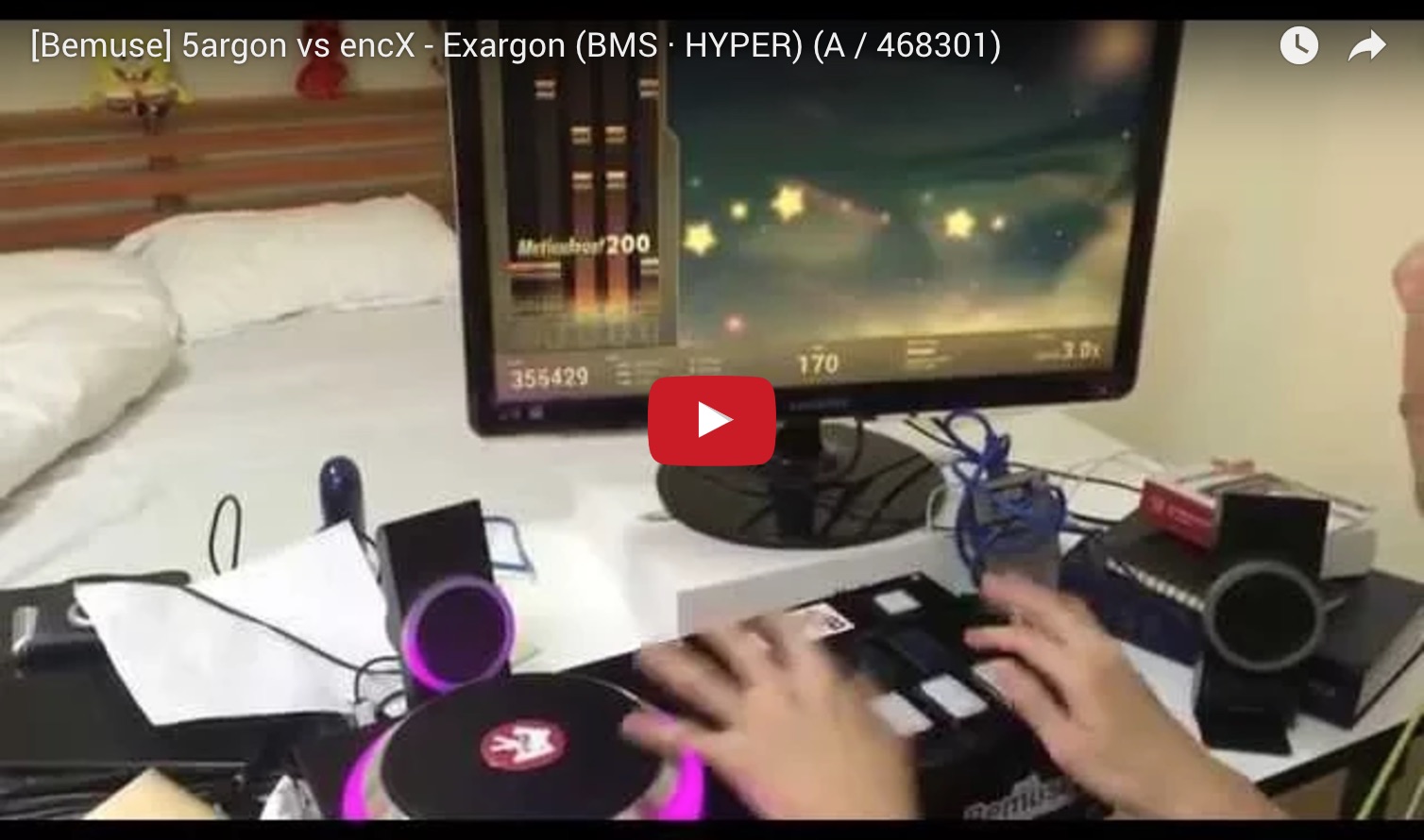
## Video Demo
## Quick Tour
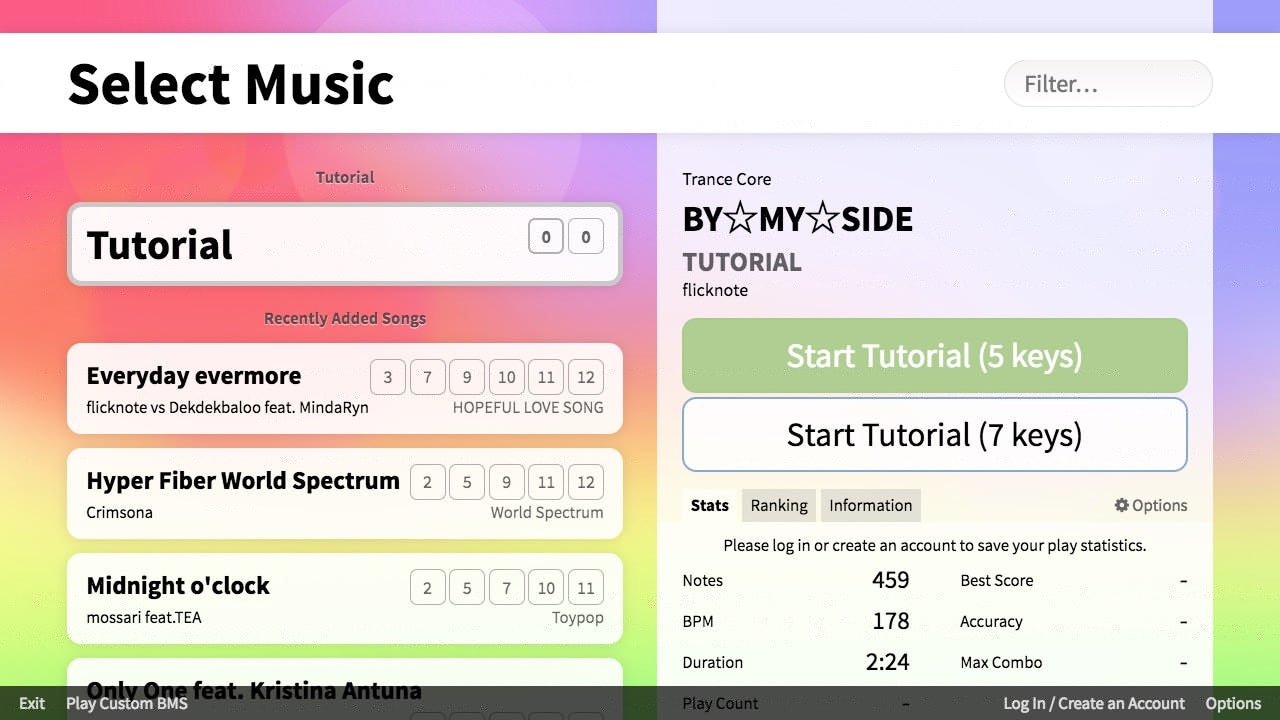
- You can play **online songs** instantly in your browser.
- You can play **custom songs** by dragging a folder containing BMS files into
this screen. There are over 5,000 songs published in BMS format by the
community worldwide. You can find them using
[BMS Search](http://bmssearch.net/).
- There’s an **online internet ranking** system. You can compete with other
players and see your rank online.
- It has an **insane tutorial.**
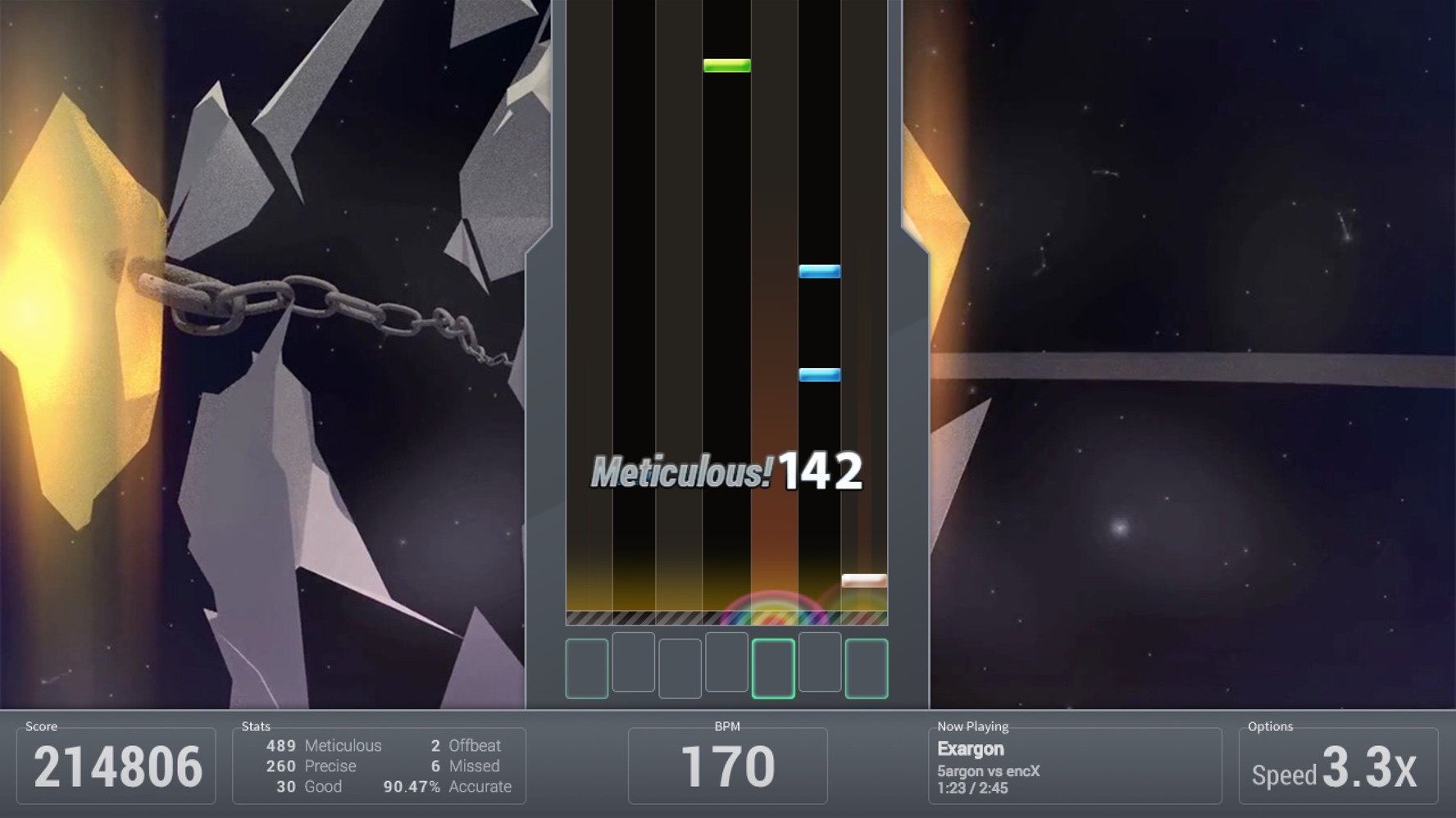
- **Keyboard mode** (7-keys). Play along the music with your keyboard.
- **Fully key-sounded.** Each note has its own sound. The music will be affected
by your game play.
- Player together with friends using
[**party mode.**](https://www.youtube.com/watch?v=hiJzFRIhiiA) It helps you
start the game at the exact same time.
- **Multiple difficulties.** Each song has multiple difficulties to accommodate
every player skill levels.
- **Adjustable speed.** You can adjust the speed (spacing) of the notes to make
it easy-to-sightread. This does not affect the speed of the song; lowering the
speed causes notes to become more dense on-screen.
- [**Scoring and grading system.**](http://bemuse.readthedocs.io/en/latest/users/scoring-and-judgment.html)
Master the song to get the S grade (score over 500000).
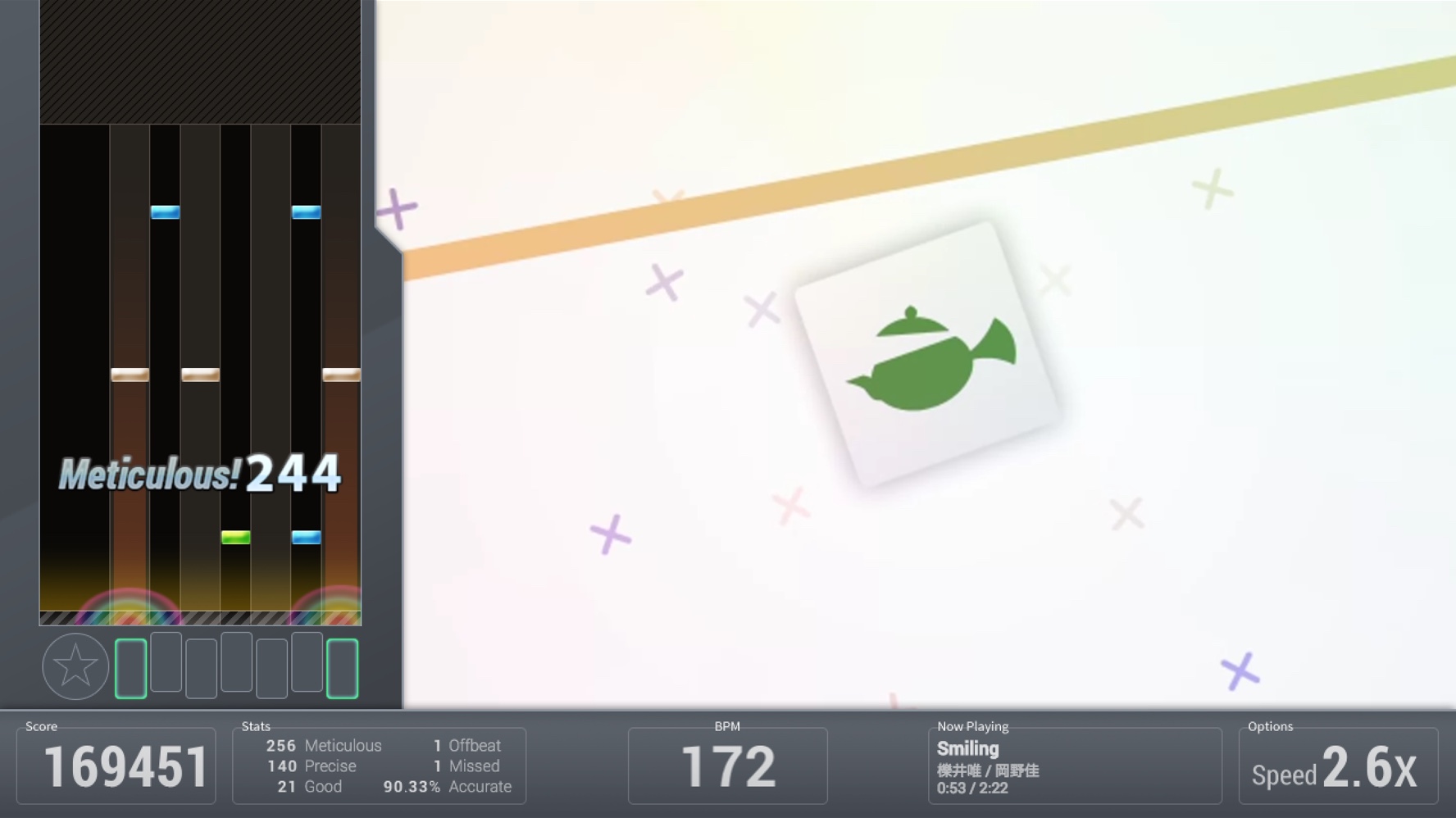
- **BMS mode** (7-keys + turntable). You can play using an
[IIDX controller](https://www.youtube.com/watch?v=EOgI37Myqvk) or
[MIDI controller](https://www.facebook.com/bemusegame/videos/985712734835136/).
- **HD video support.** Some songs will have a background animation in
high-definition (720p).
- **Adjustable play area size.** If the gameplay area is too long, you can
adjust the cover it to make the play area more easy-to-sightread.
- **Early/Late indicator.** Bemuse will tell you if you press the note too early
or too late.
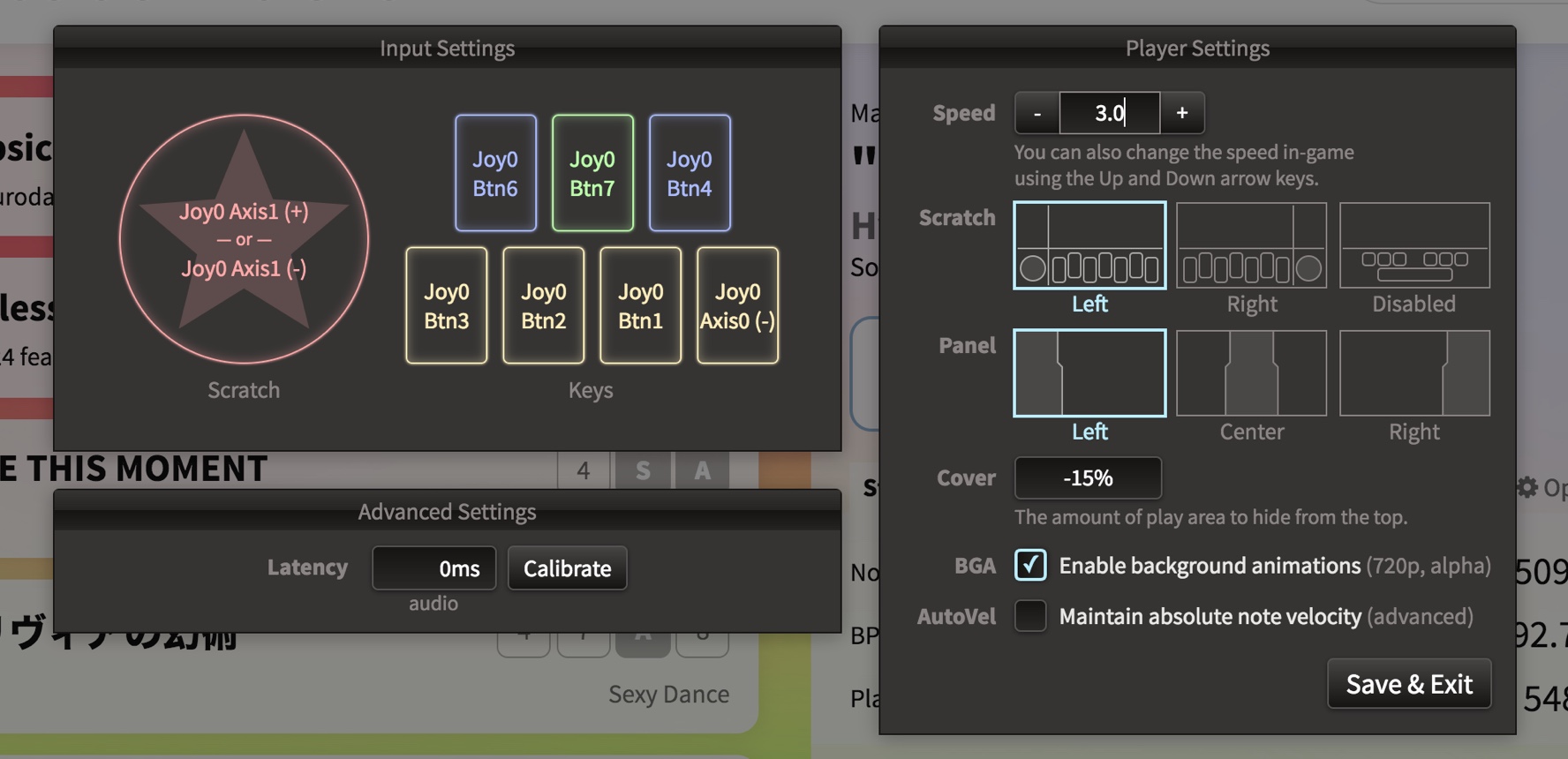
- **Adjustable panel position.** You can position the note panel on either side
of the screen, or put it at the center.
- **Adjustable turntable position.** You can put turntable on the left or on the
right (BMS mode only).
- **Audio latency compensation.** Some systems may have audio latency. Bemuse
contains a calibration system to compensate for the audio latency.
**Play now at https://bemuse.ninja/.**
## Technology
- The web application is powered by **[React](https://facebook.github.io/react/)
and [Redux](http://redux.js.org/).**
- The game engine is powered by **[PixiJS](http://www.pixijs.com/).**
## Development
Install [Node.js](https://nodejs.org/en/)
```
# Install Rush
npm install --global @microsoft/rush
# Clone Bemuse
git clone https://github.com/bemusic/bemuse.git
# Enter the main repository
cd bemuse
# Install the dependencies
rush update
# Prepare all sub-projects
rush build --to-except bemuse
# Start development server
rush dev
```
For more information, check out the [Developer Guide](https://bemuse.ninja/project/docs/developer-guide.html).
Note: Online ranking features are not available.
## Sub-projects
This repository holds the code for other sub-projects, which are available for
use on npm.
| Project name | Badge | Description |
| ------------------------------------------------- | ------------------------------------------------------------------------------------------------------ | ----------------------------------------------------------------------------------------------- |
| [**bms**](packages/bms) | [](http://npmjs.com/package/bms) | JavaScript [BMS](https://hitkey.nekokan.dyndns.info/cmds.htm) parser |
| [**bmson**](packages/bmson) | [](http://npmjs.com/package/bmson) | JavaScript [bmson](https://bmson.nekokan.dyndns.info/) parser |
| [**bemuse-tools**](packages/bemuse-tools) | [](http://npmjs.com/package/bemuse-tools) | Tools for [hosting your own music server](https://bemuse.ninja/project/docs/music-server.html). |
| [**bemuse-indexer**](packages/bemuse-indexer) | [](http://npmjs.com/package/bemuse-indexer) | Library for scanning a directory for BMS/bmson files and generate a metadata. |
| [**bemuse-notechart**](packages/bemuse-notechart) | [](http://npmjs.com/package/bemuse-notechart) | Library for loading a notechart for use in game. |
## How to contribute
- Drop a :star: on the GitHub repository (optional).
- Before contributing, please read [CONTRIBUTING.md](https://github.com/bemusic/bemuse/blob/master/CONTRIBUTING.md) and [CODE_OF_CONDUCT.md](https://github.com/bemusic/bemuse/blob/master/CODE_OF_CONDUCT.md).
## Our amazing contributors🌟
 ## License
[AGPLv3](LICENSE). Note that this license only applies to the main Bemuse
project, not the [sub-projects](#sub-projects), which has its own license terms
(mostly MIT).
## License
[AGPLv3](LICENSE). Note that this license only applies to the main Bemuse
project, not the [sub-projects](#sub-projects), which has its own license terms
(mostly MIT).