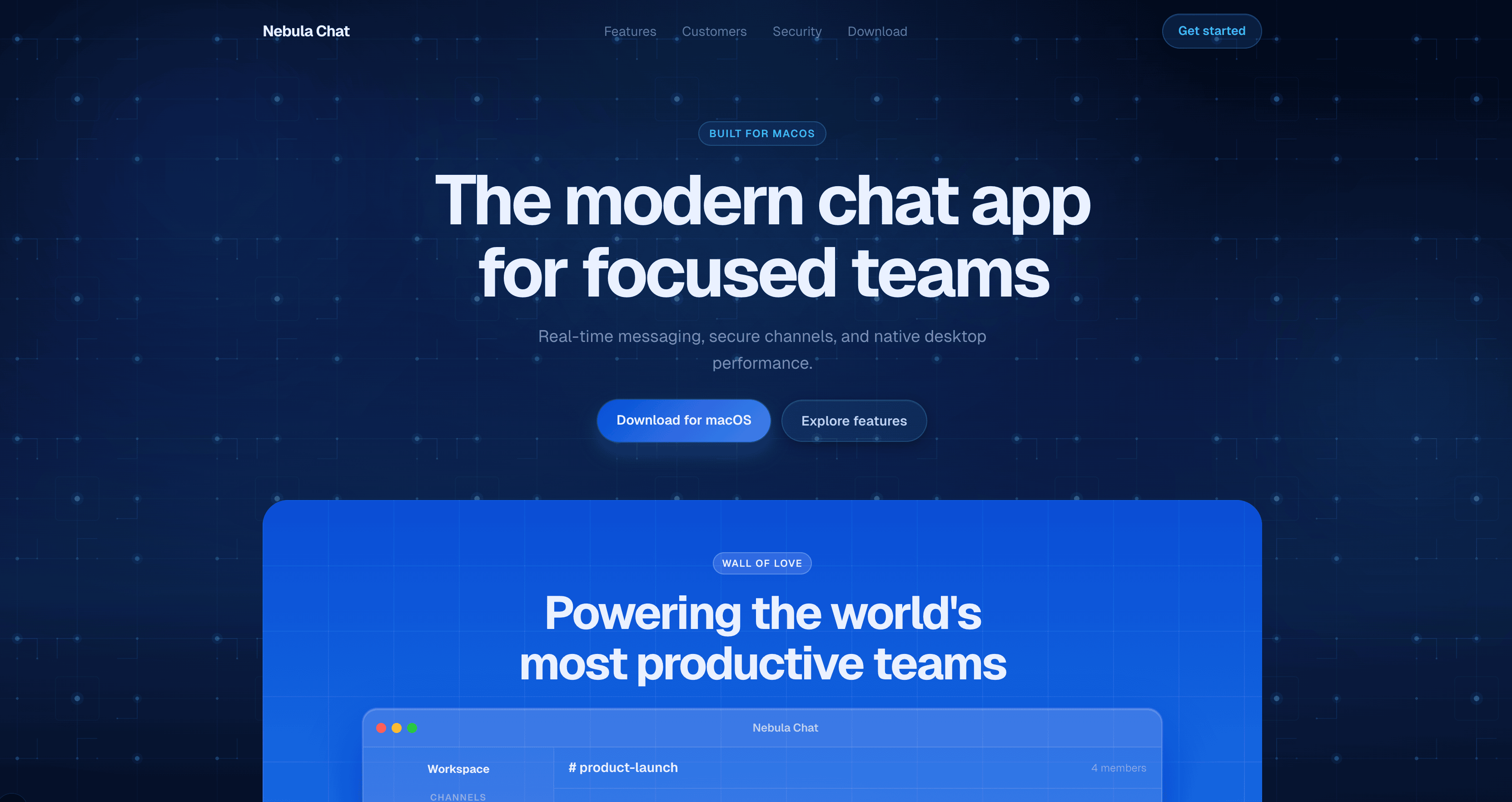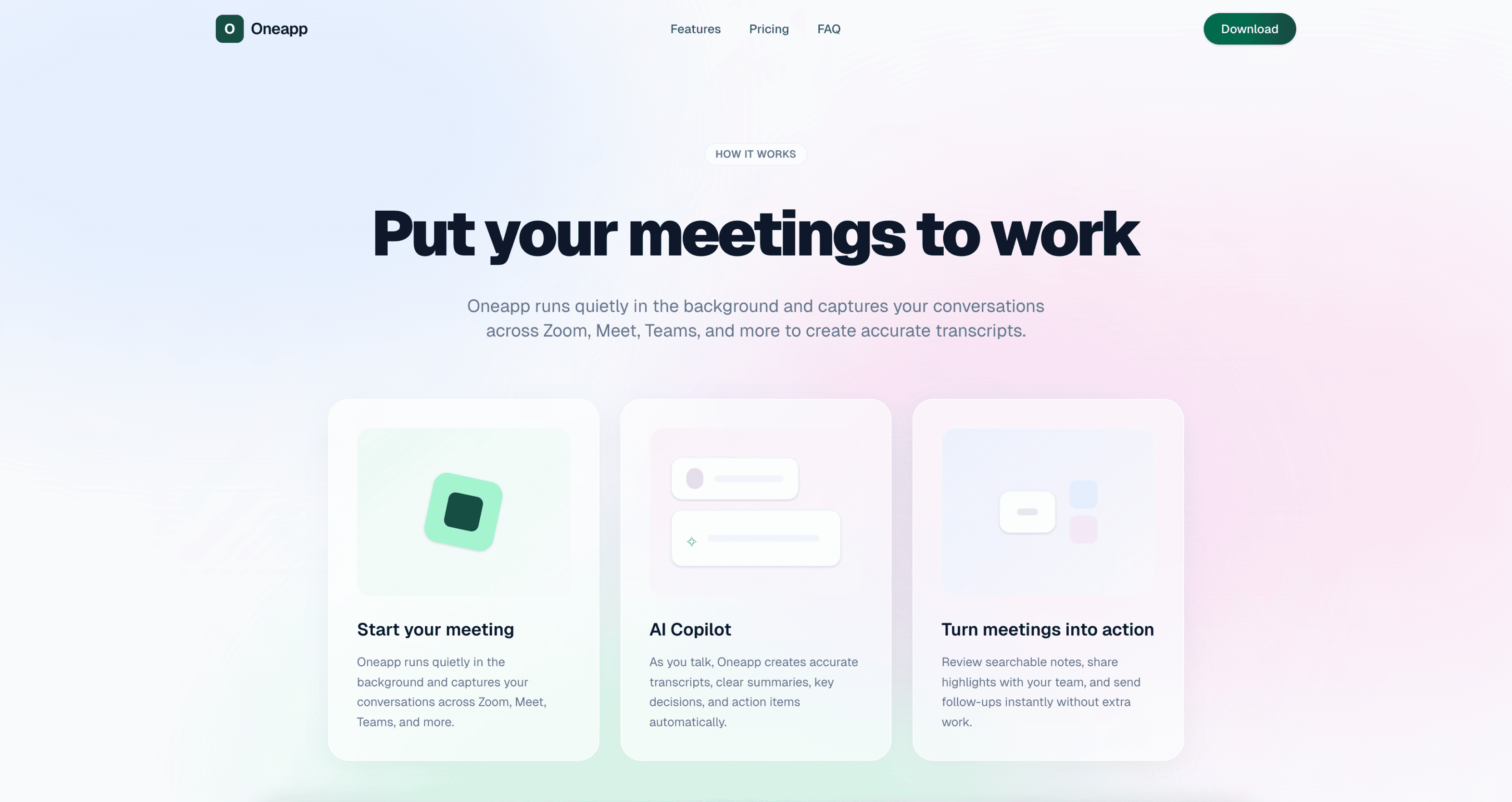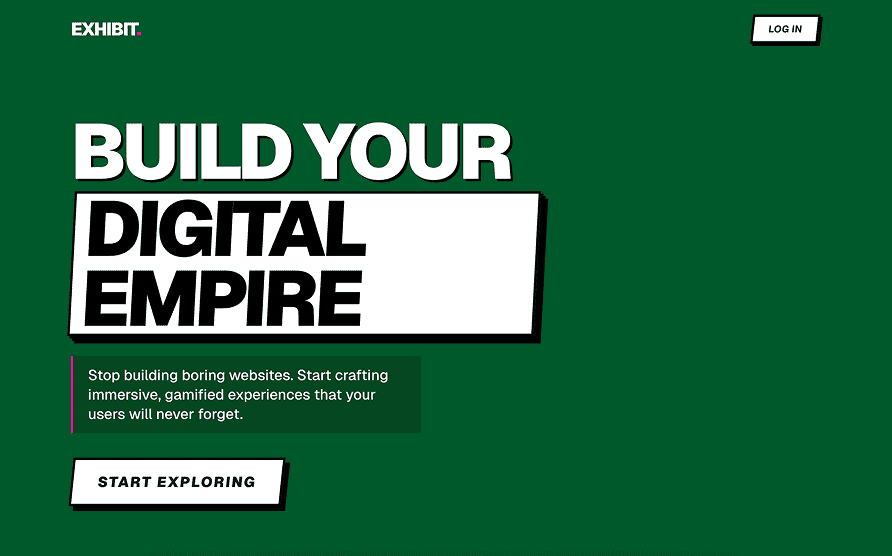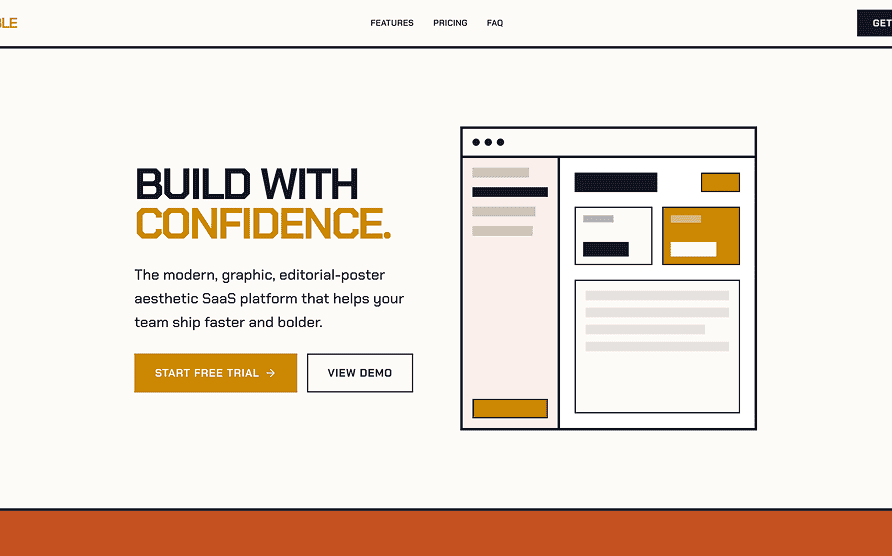
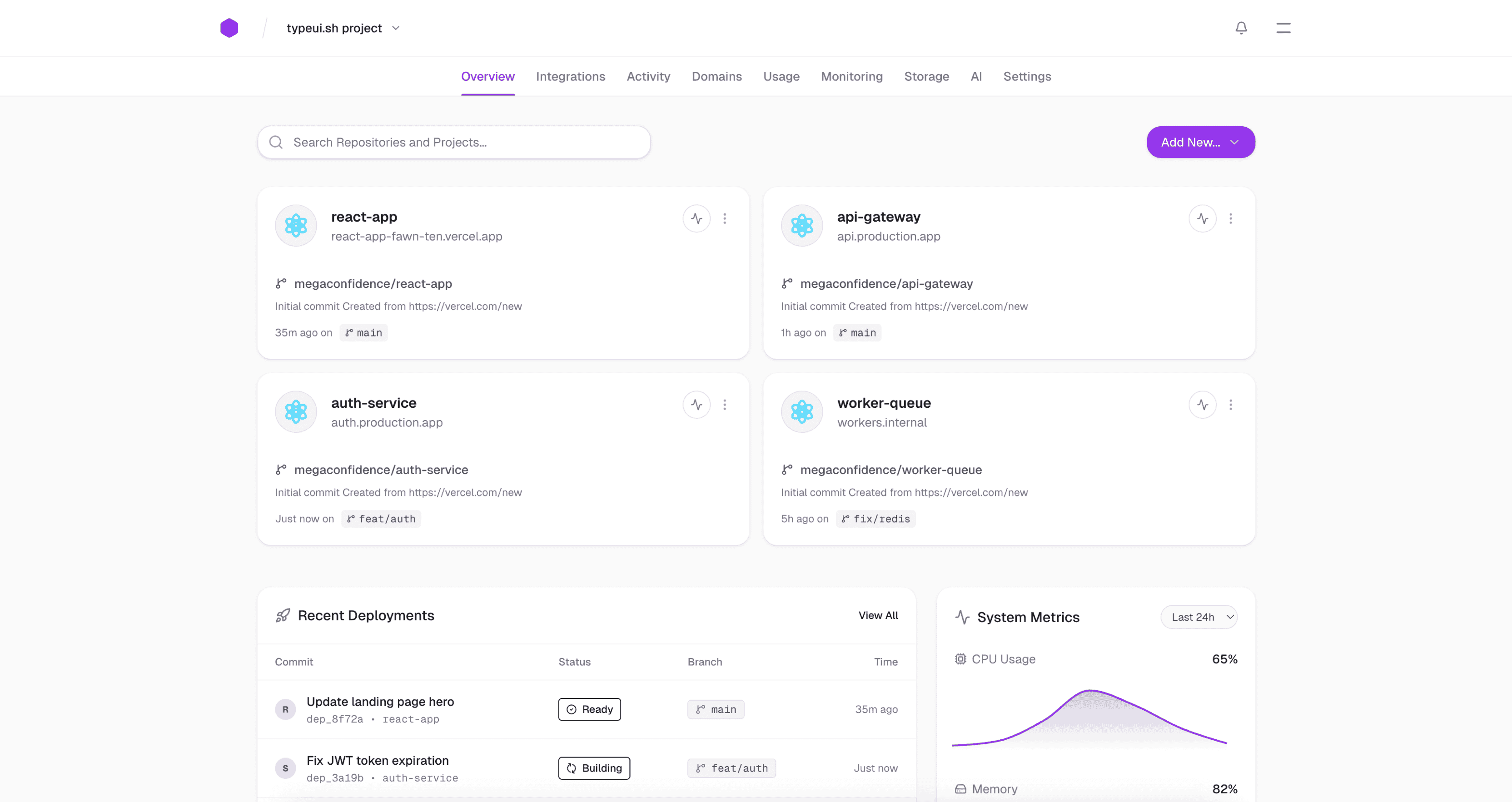
# TypeUI - Design skills and prompts for AI
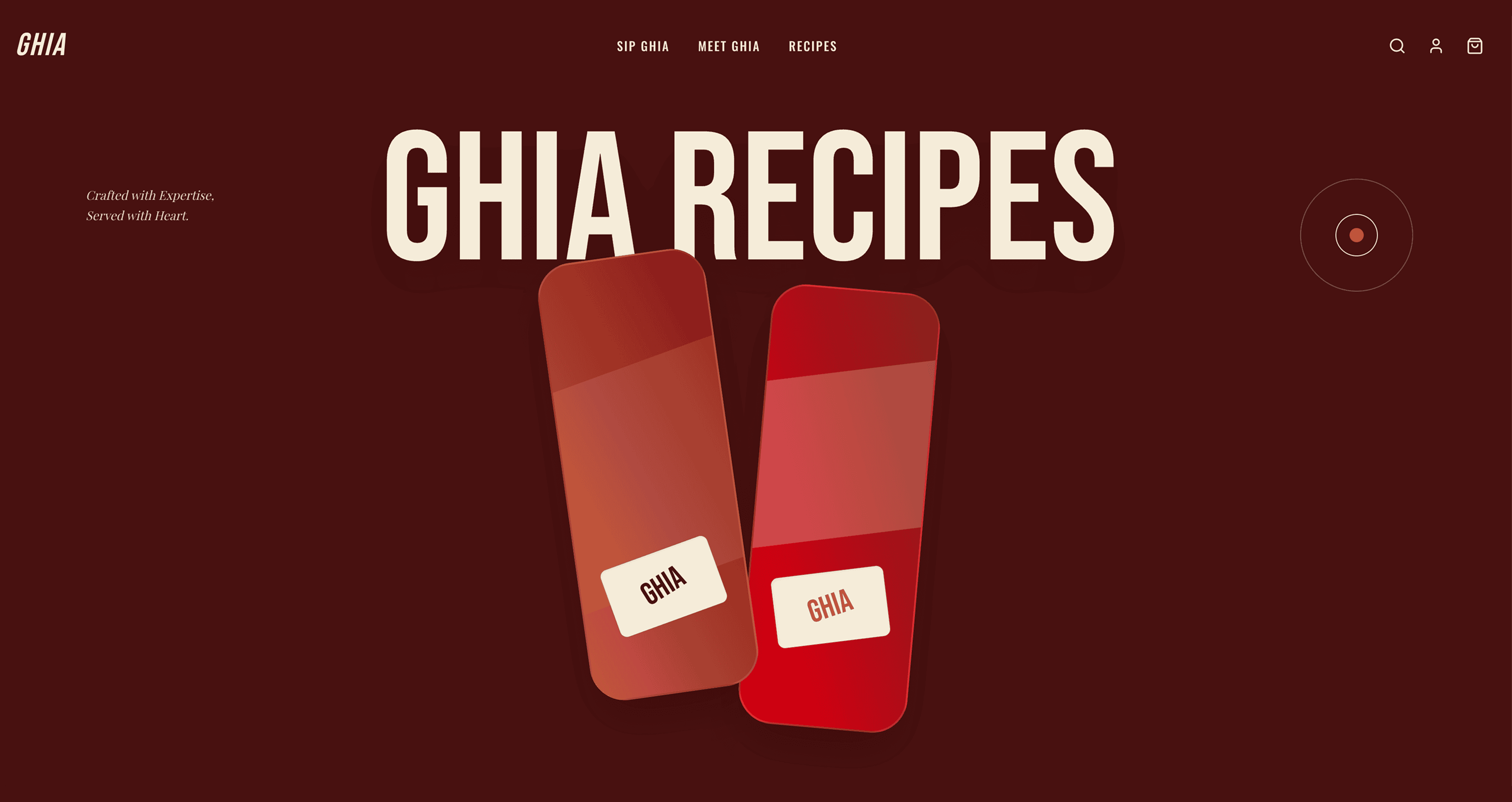
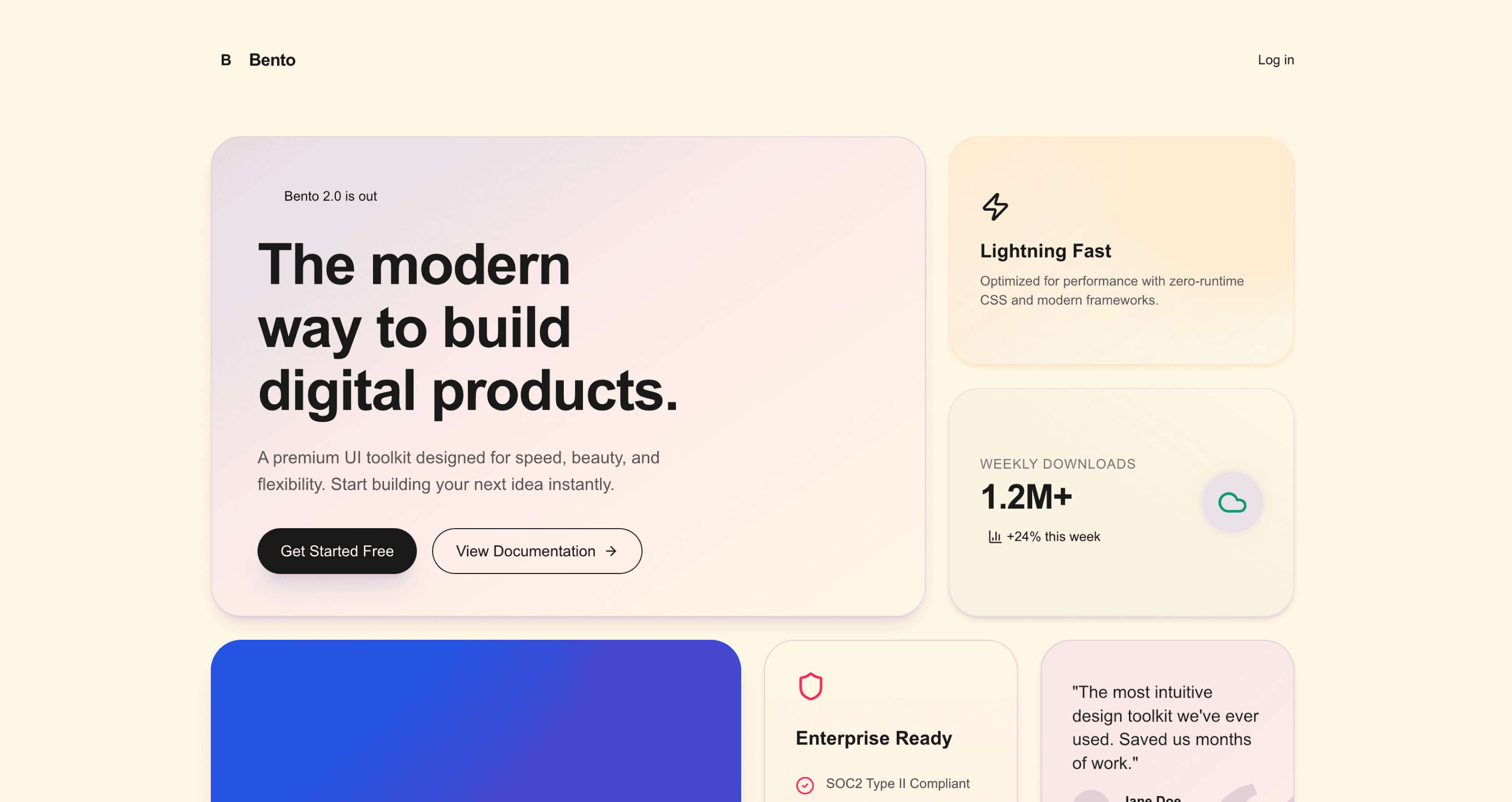
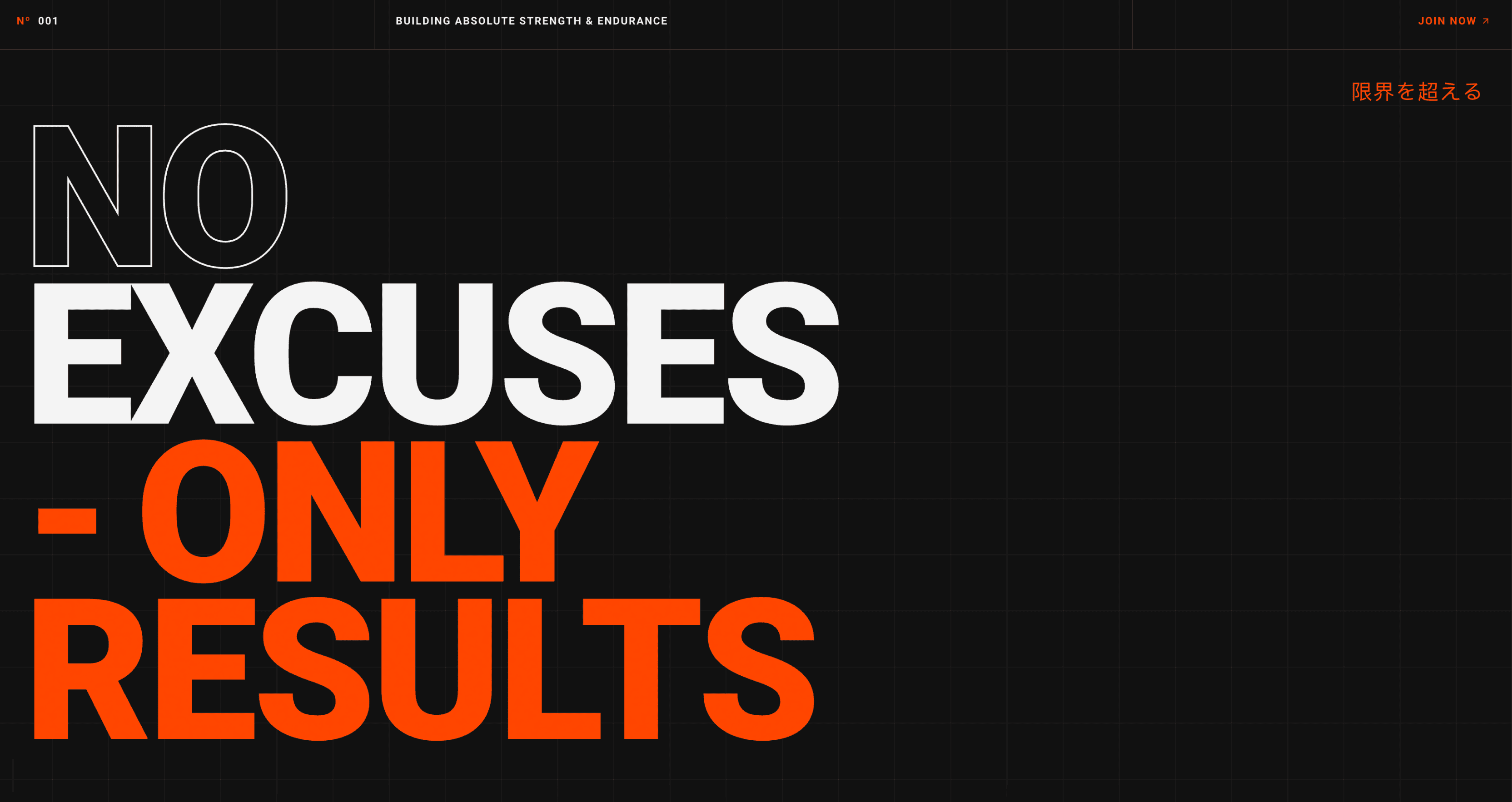
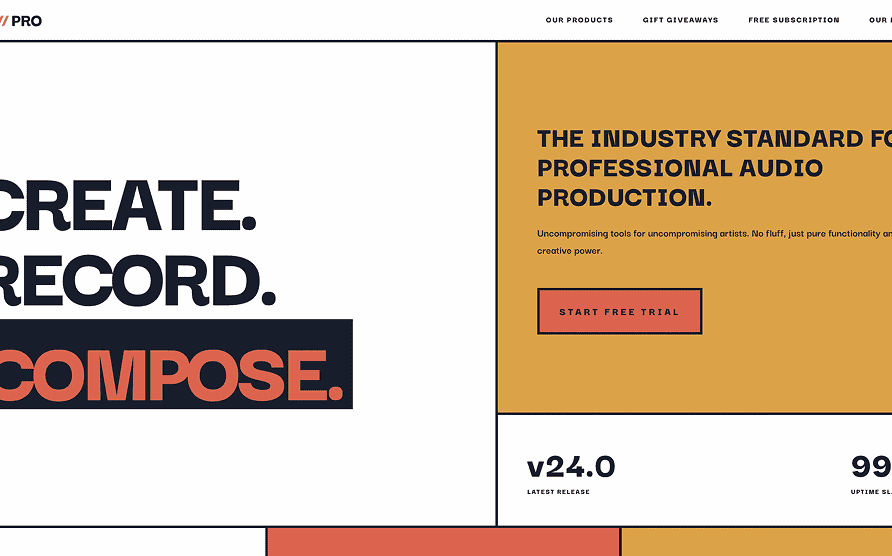
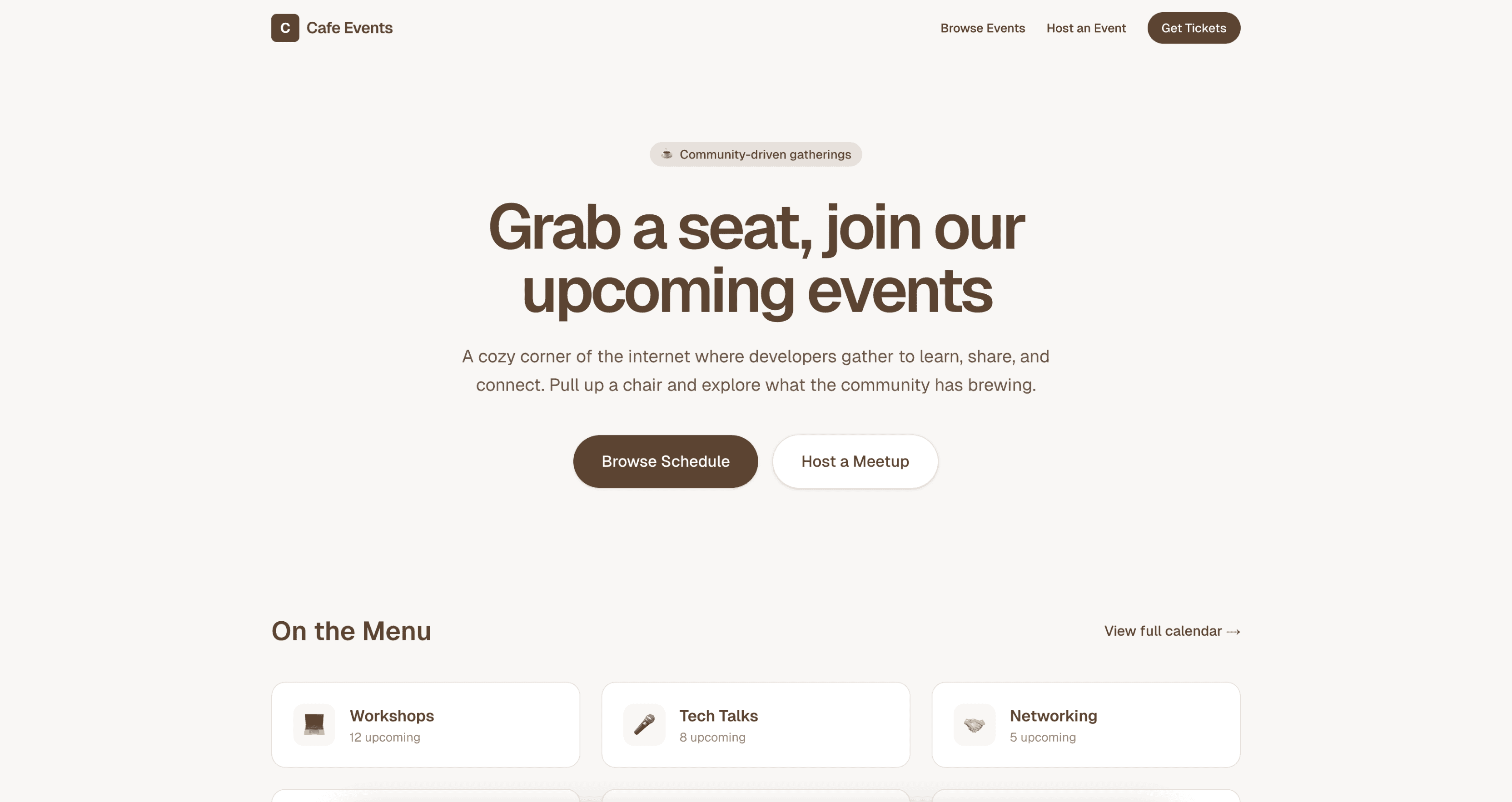
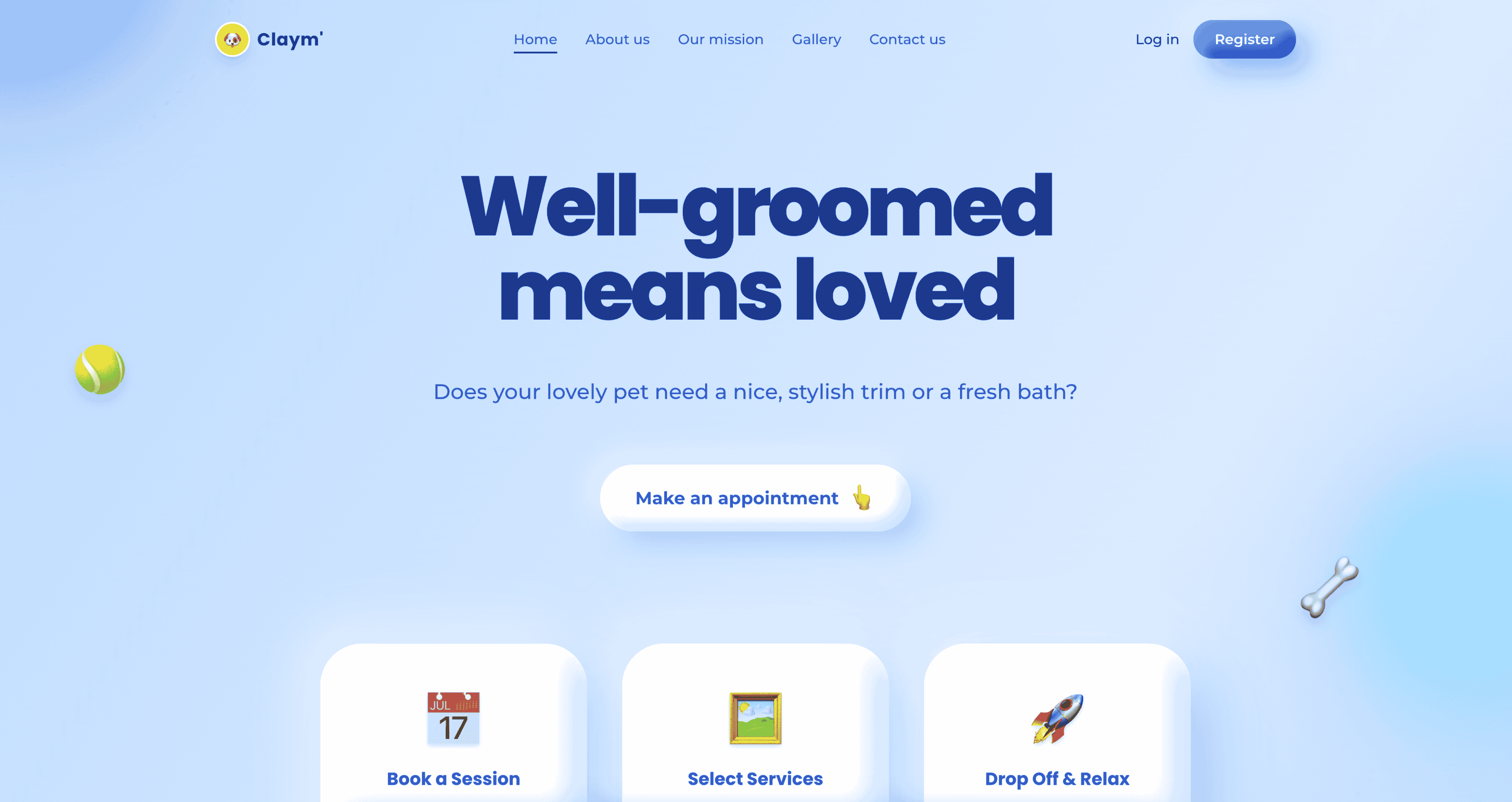
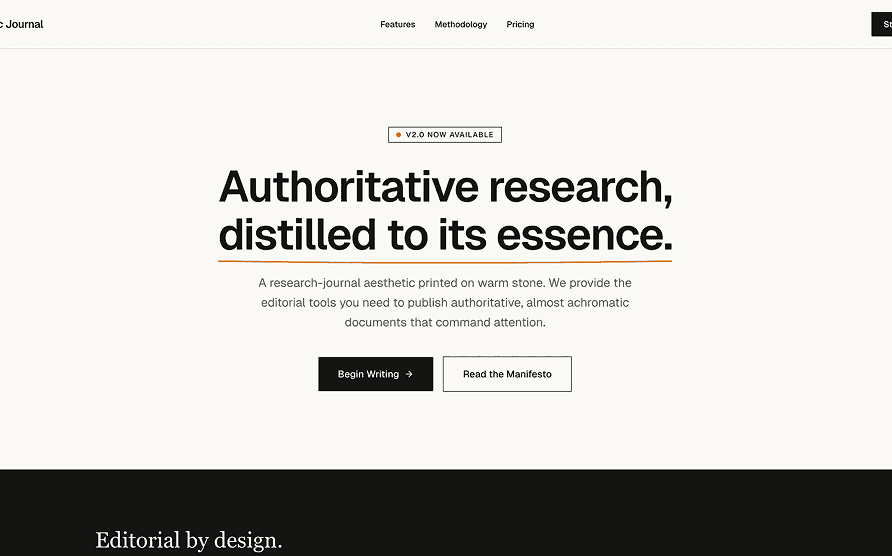
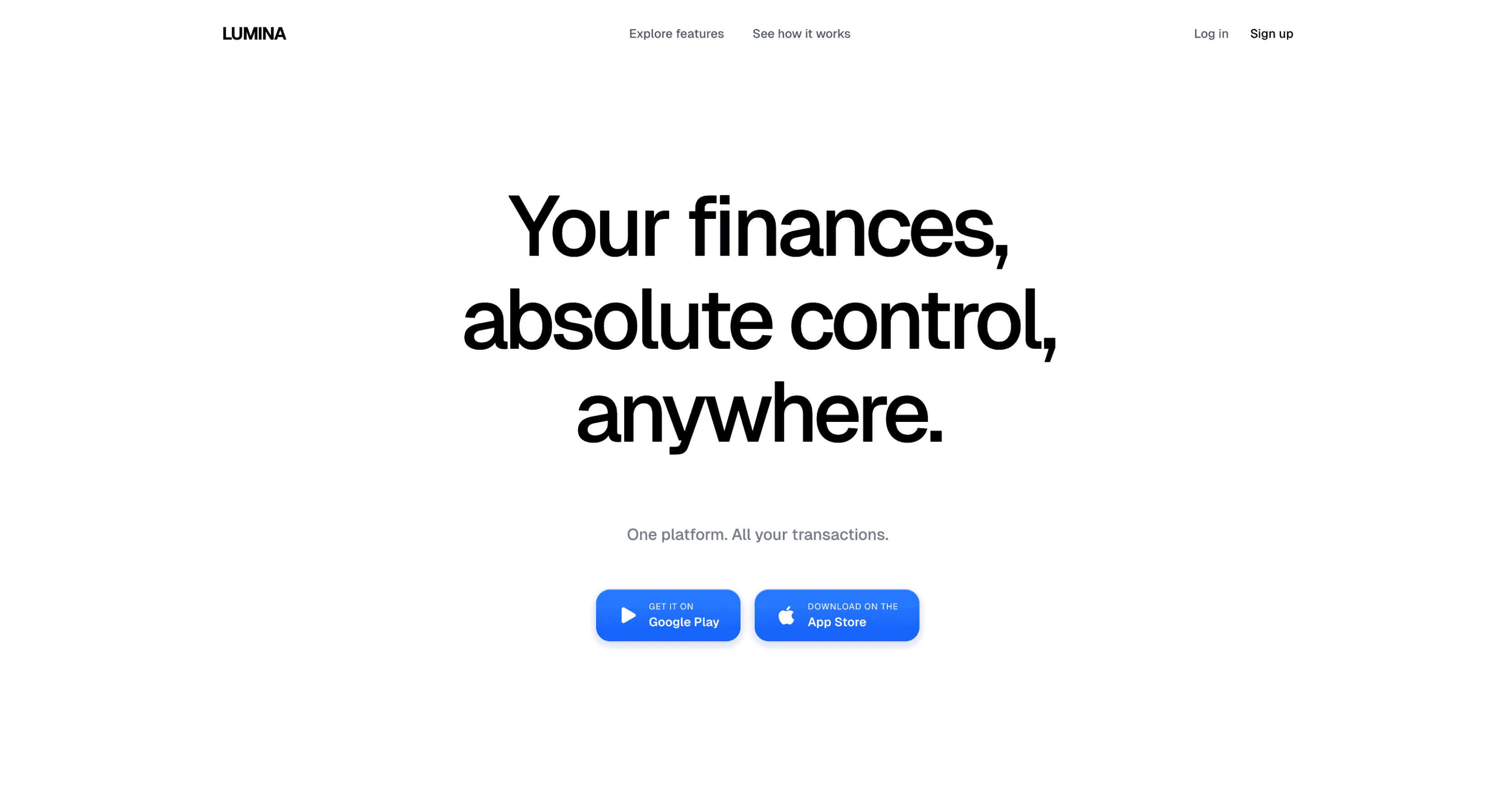
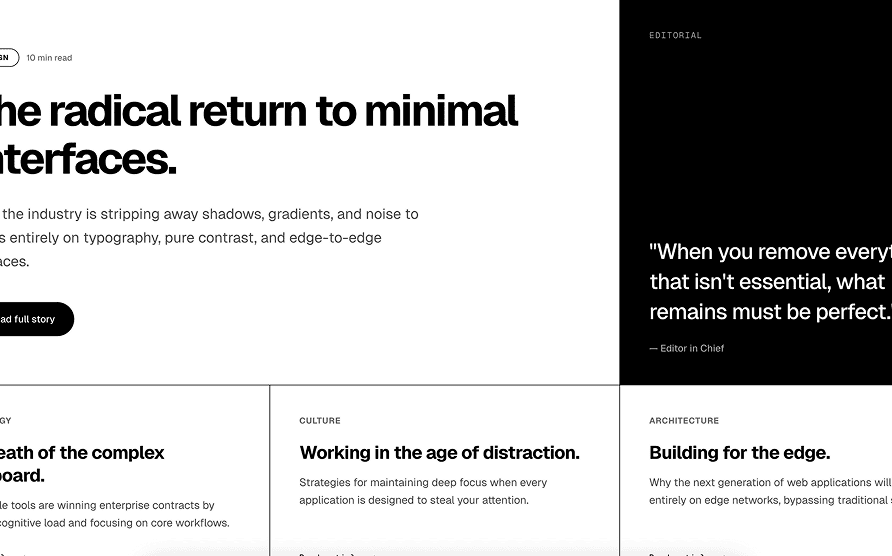
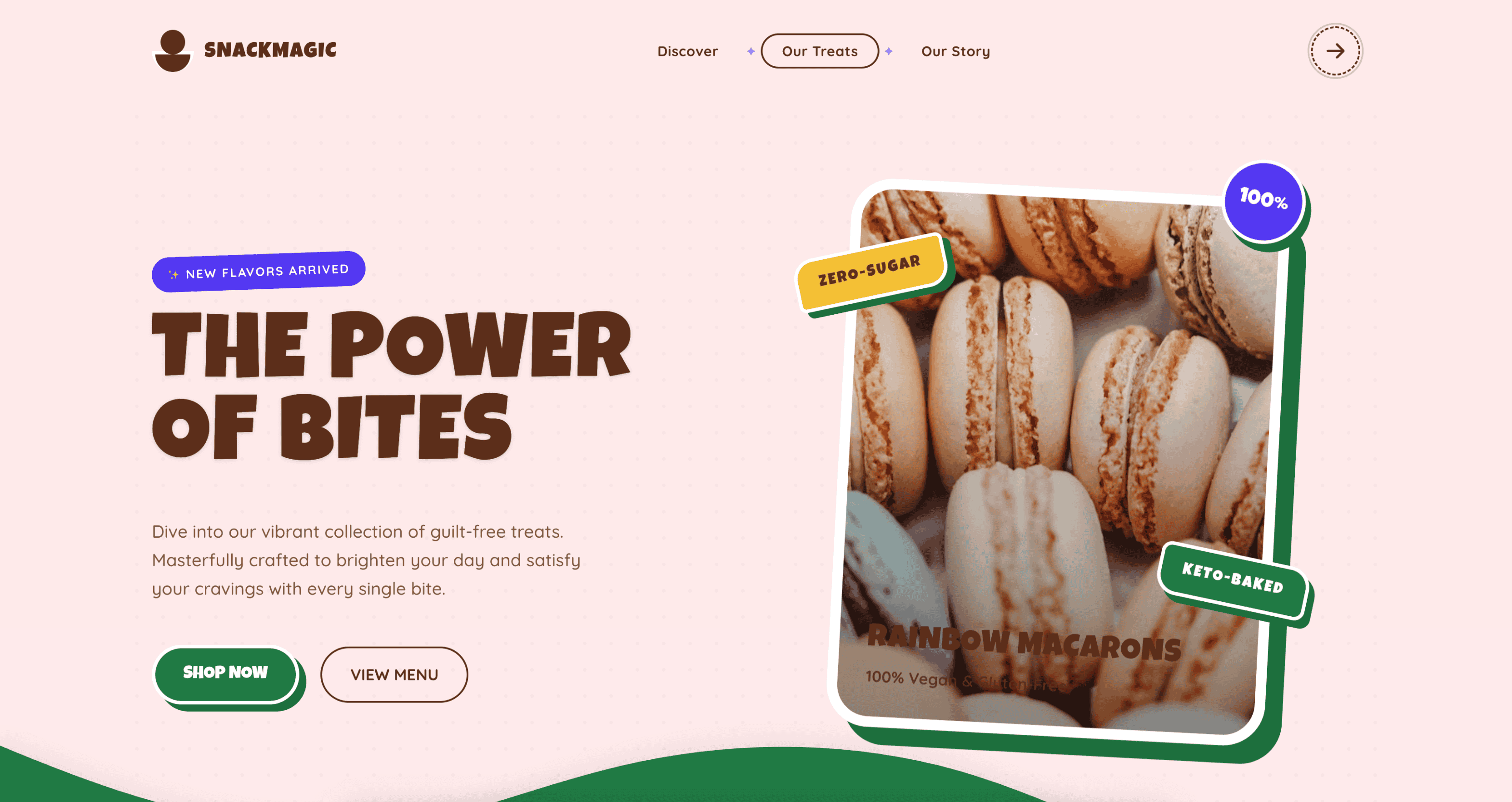
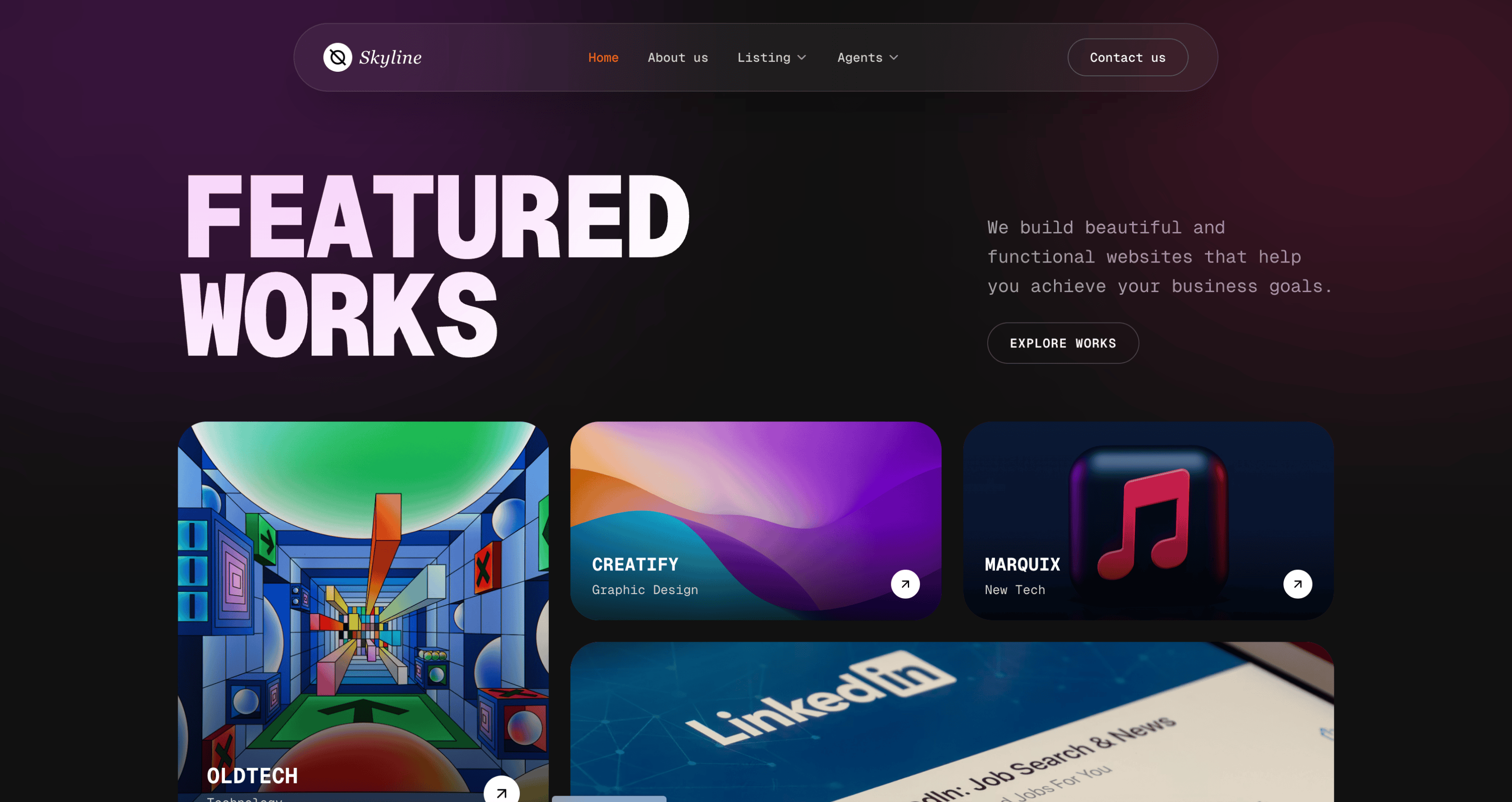
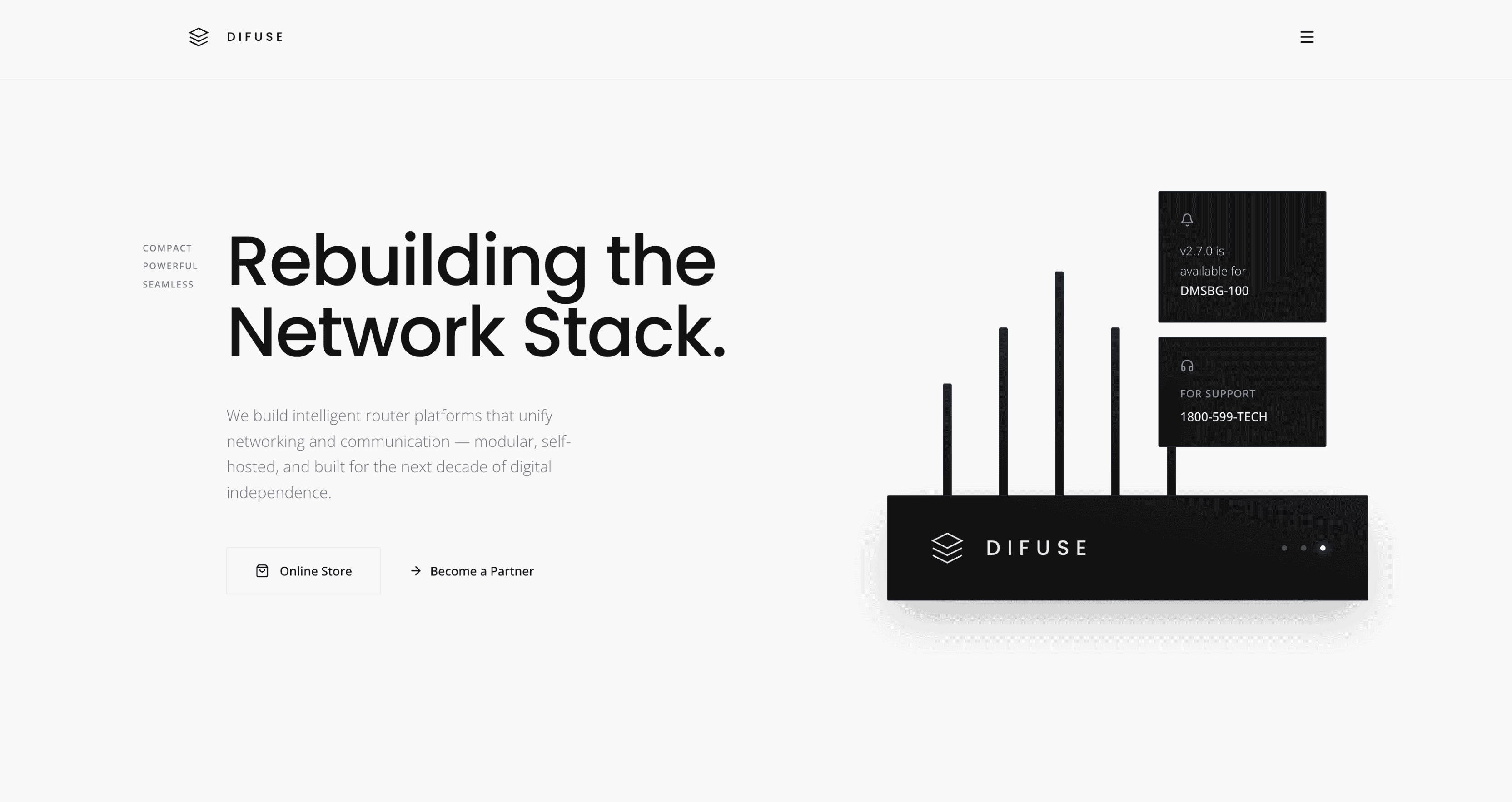
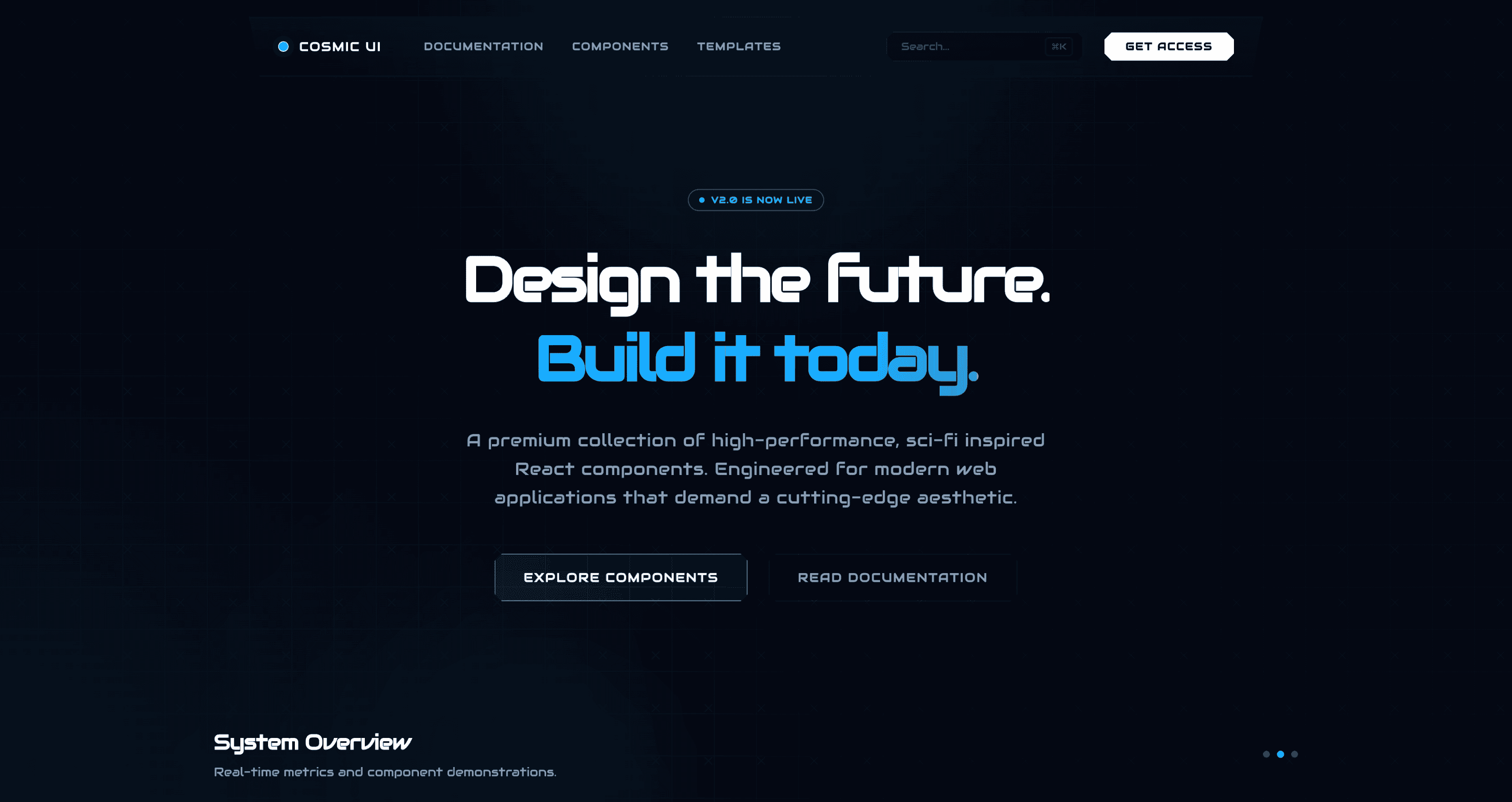
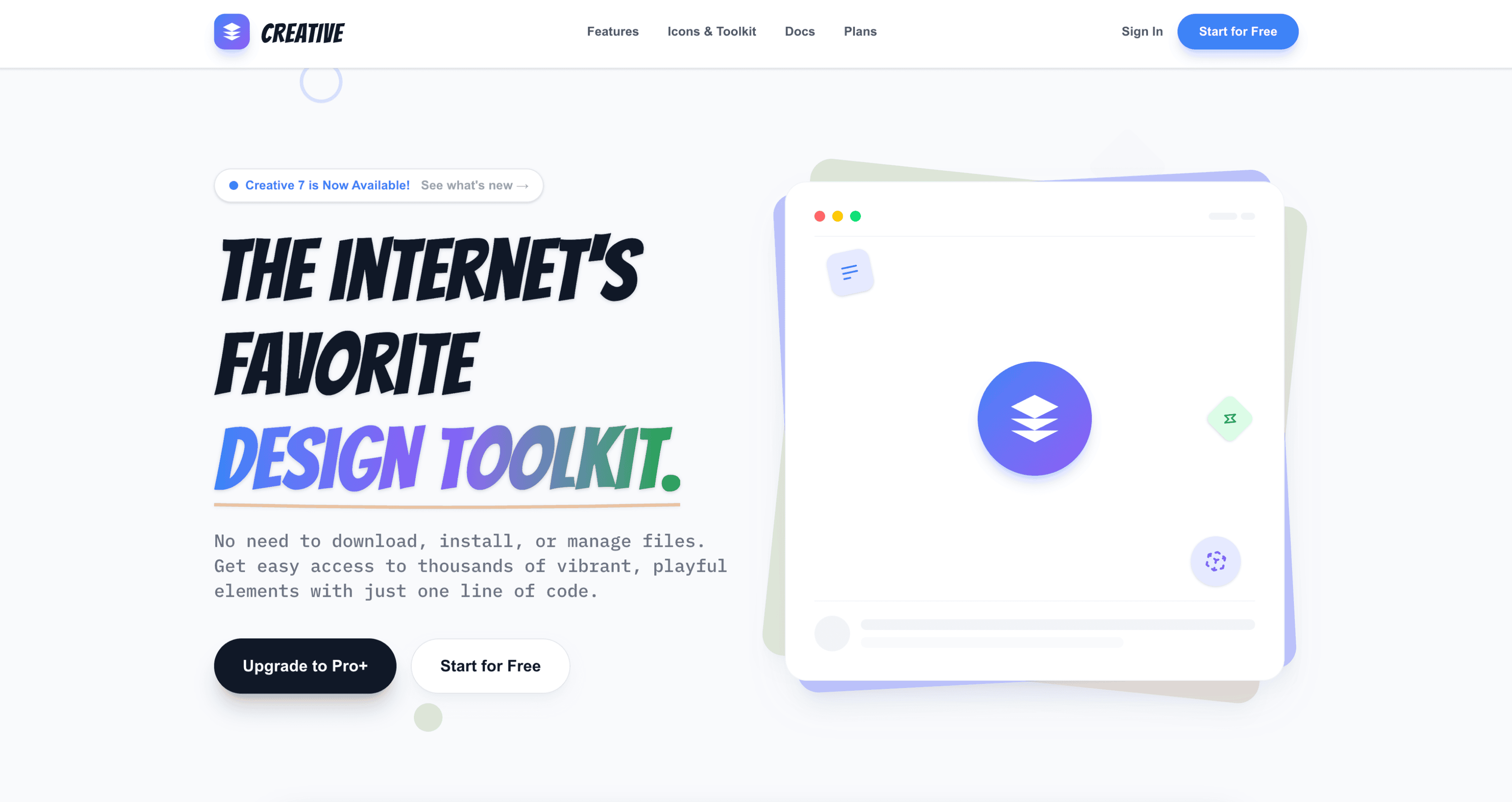
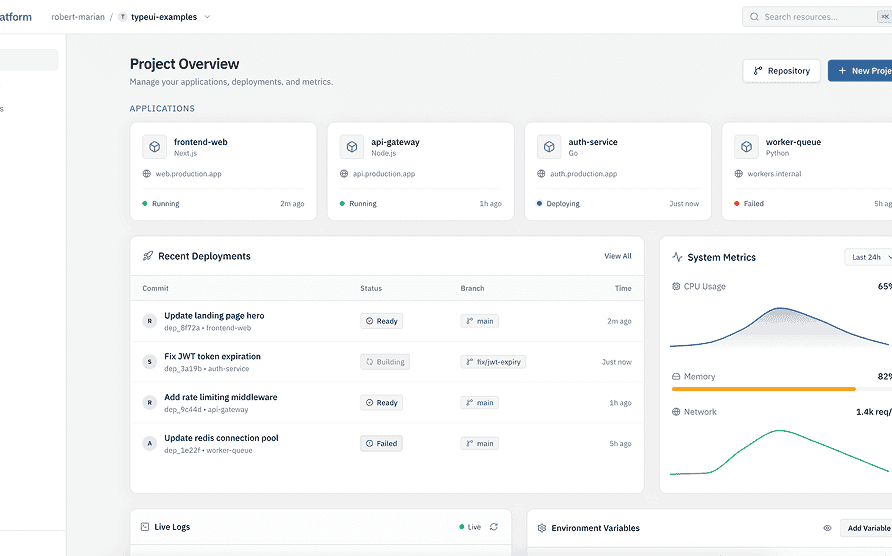
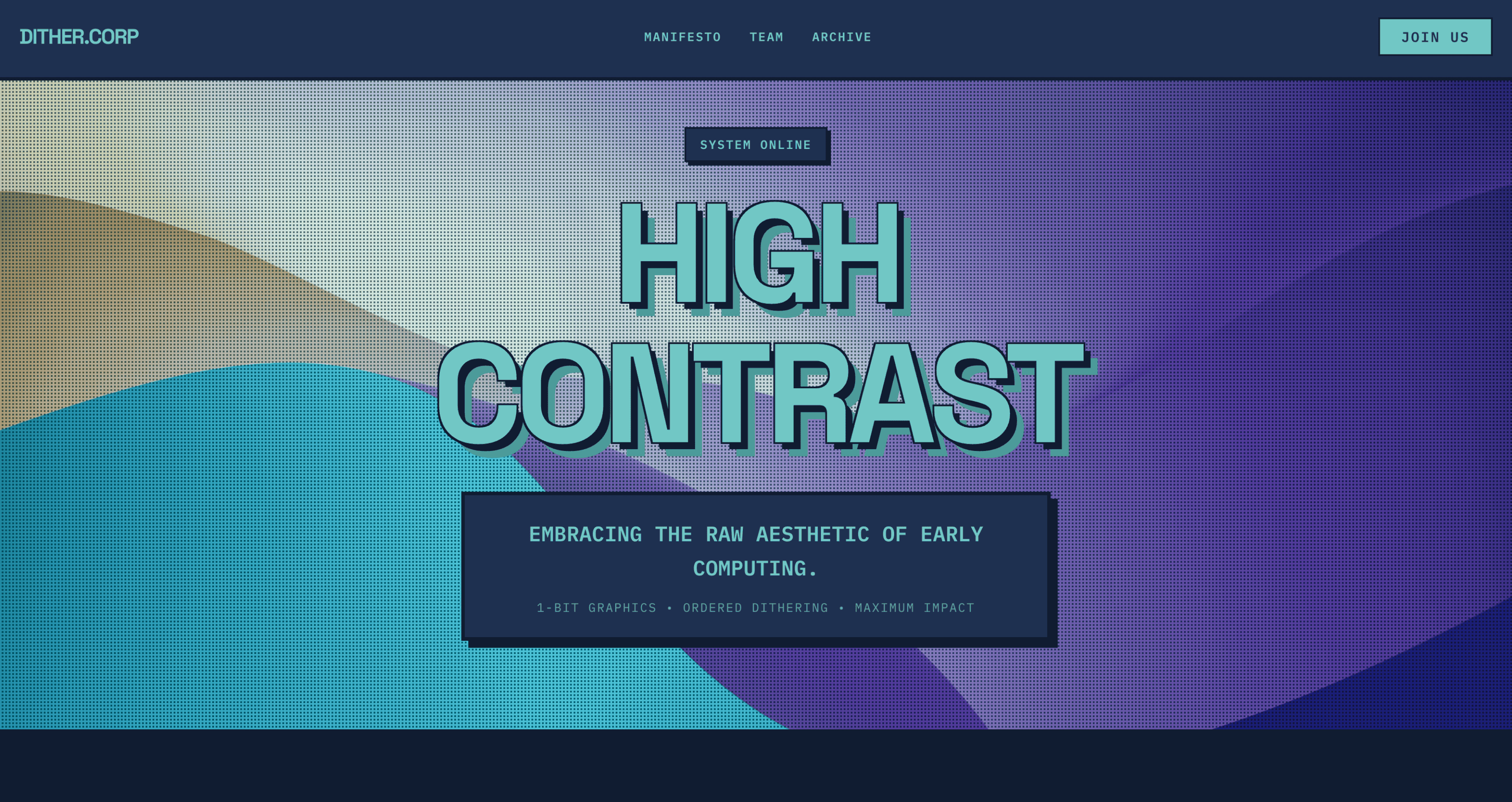
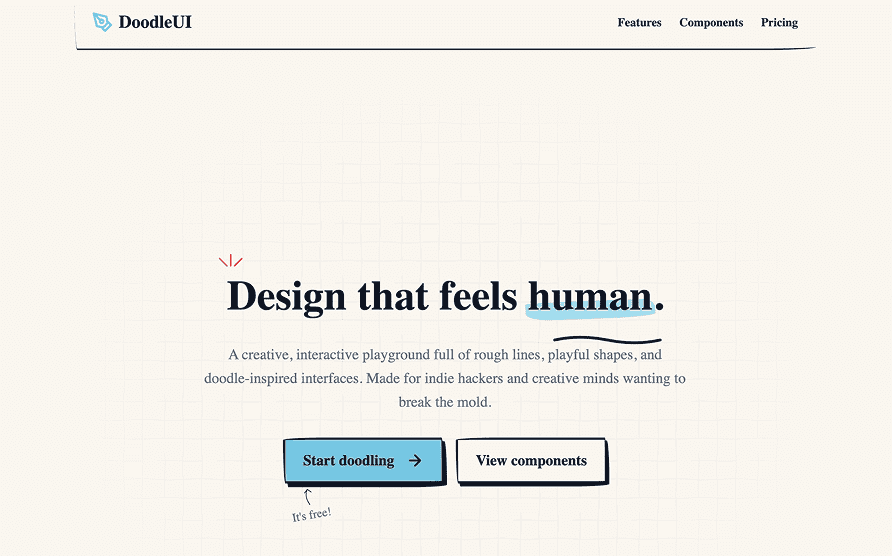
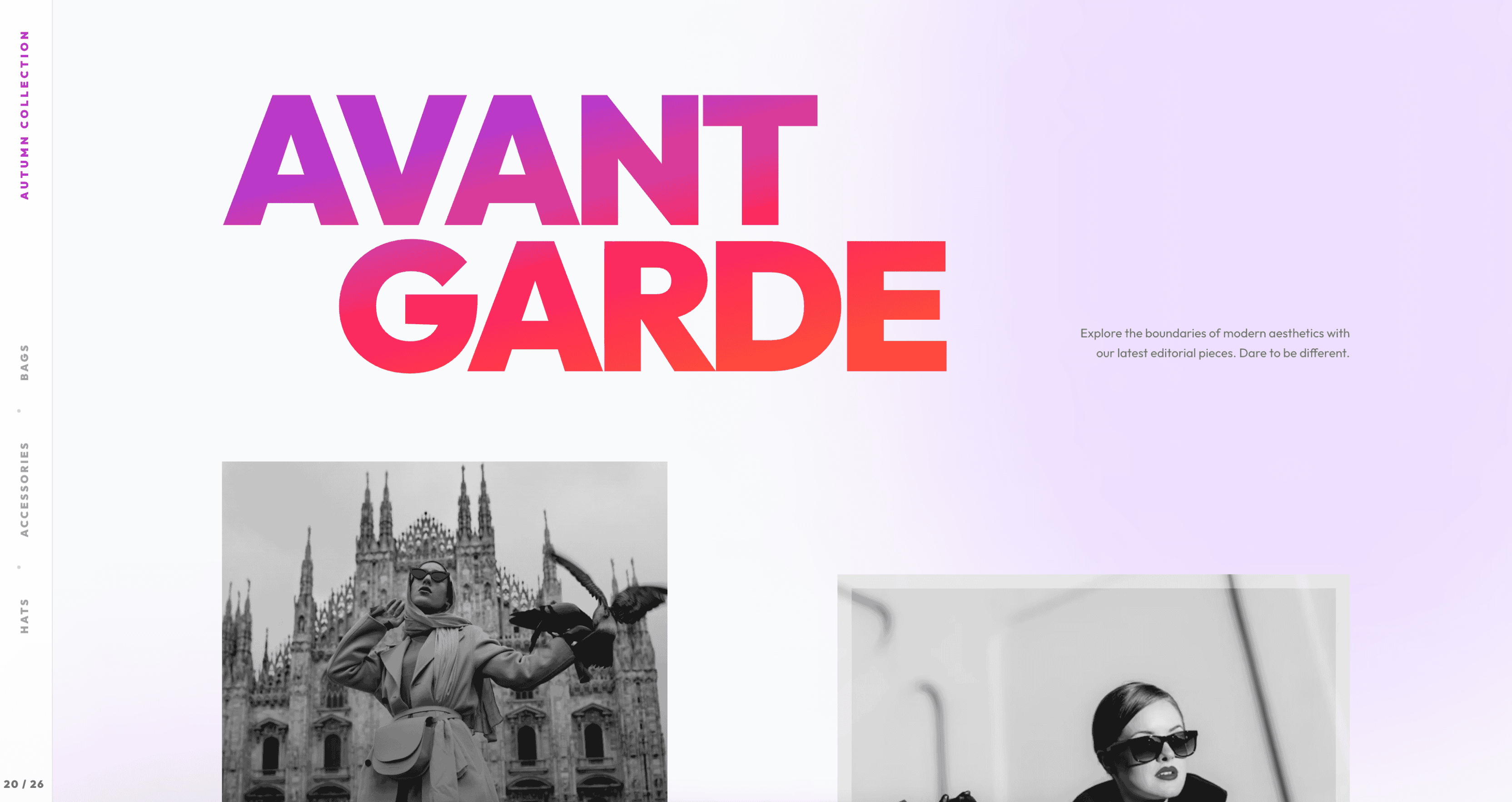
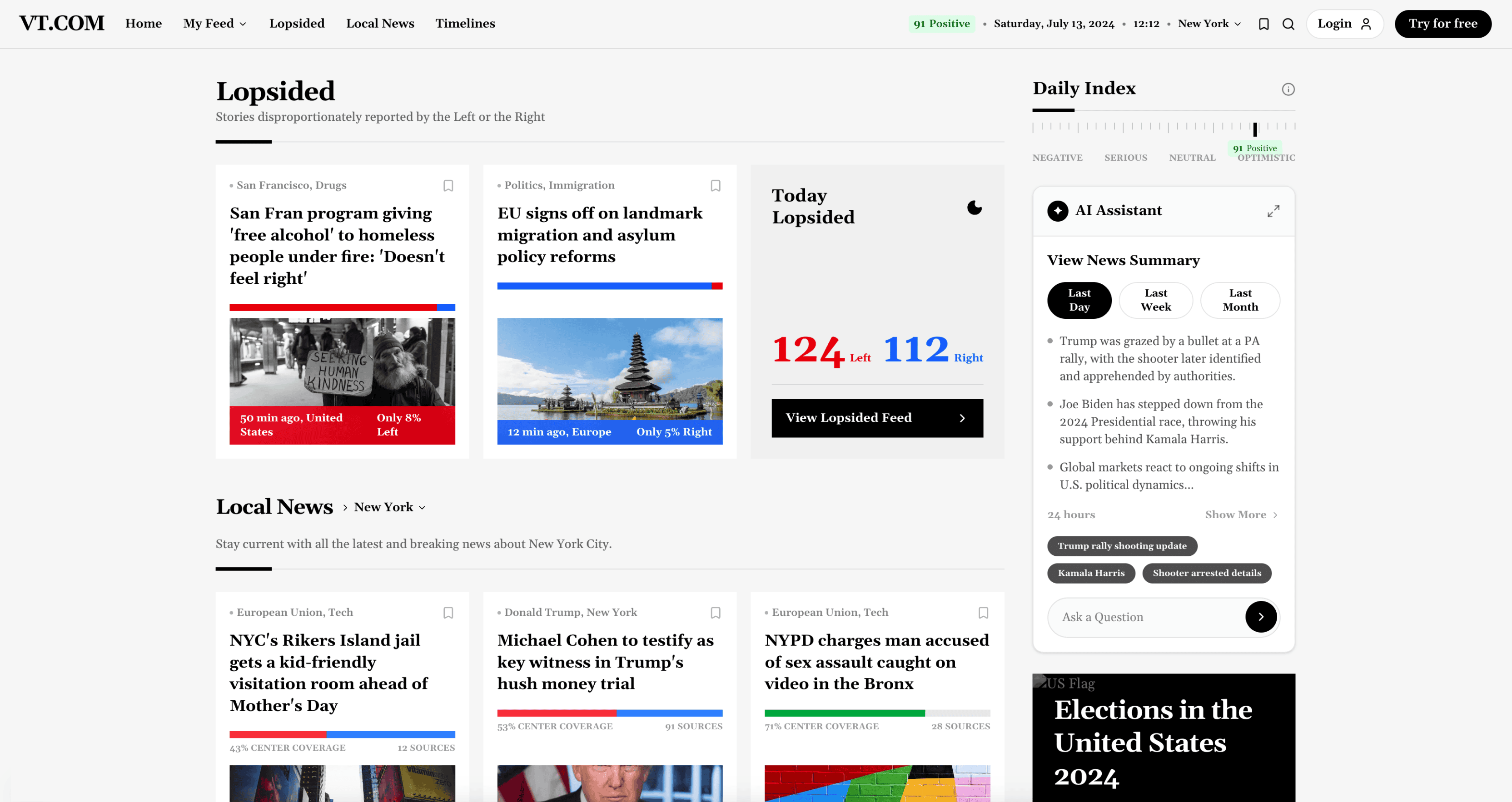
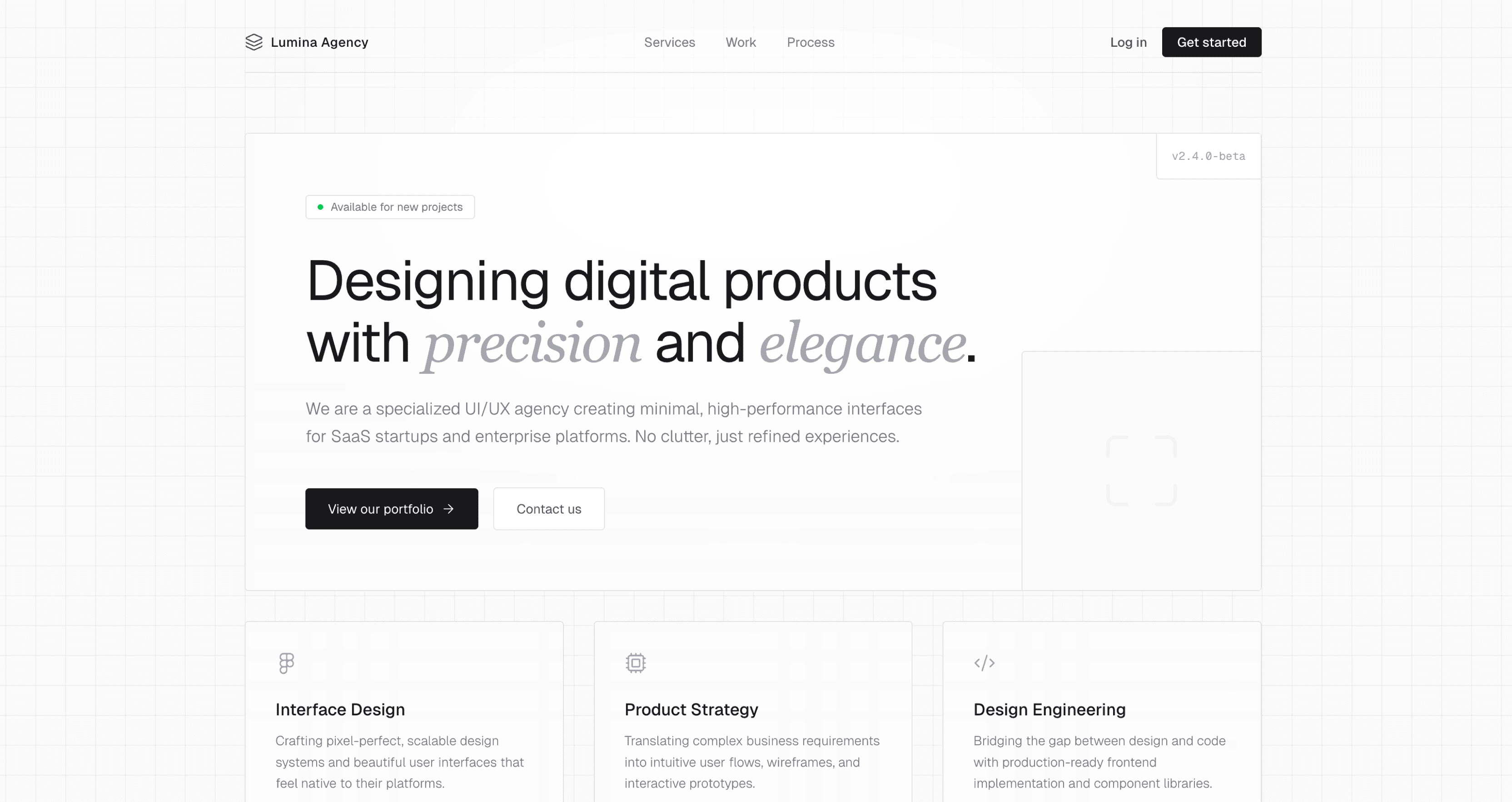
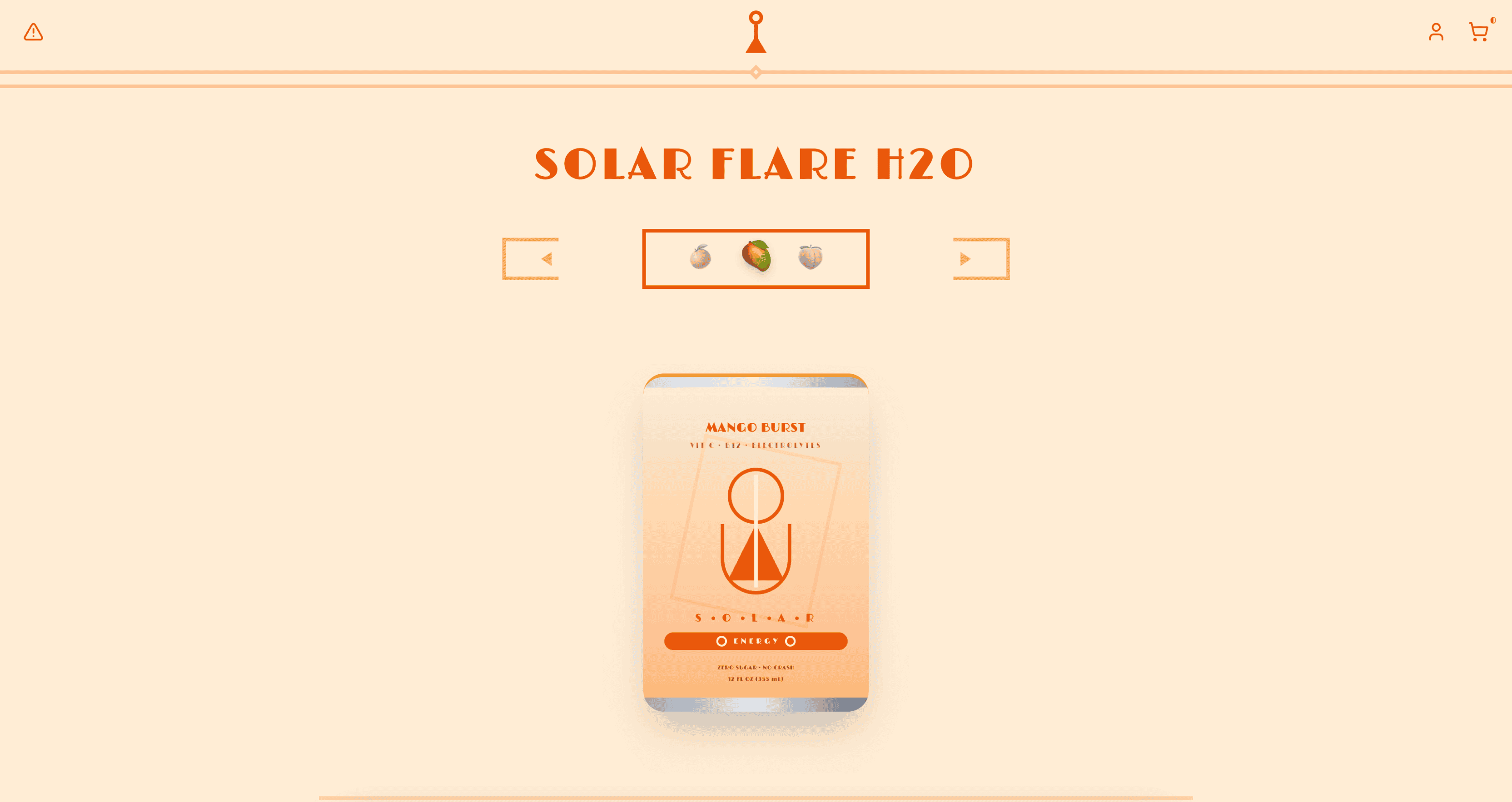
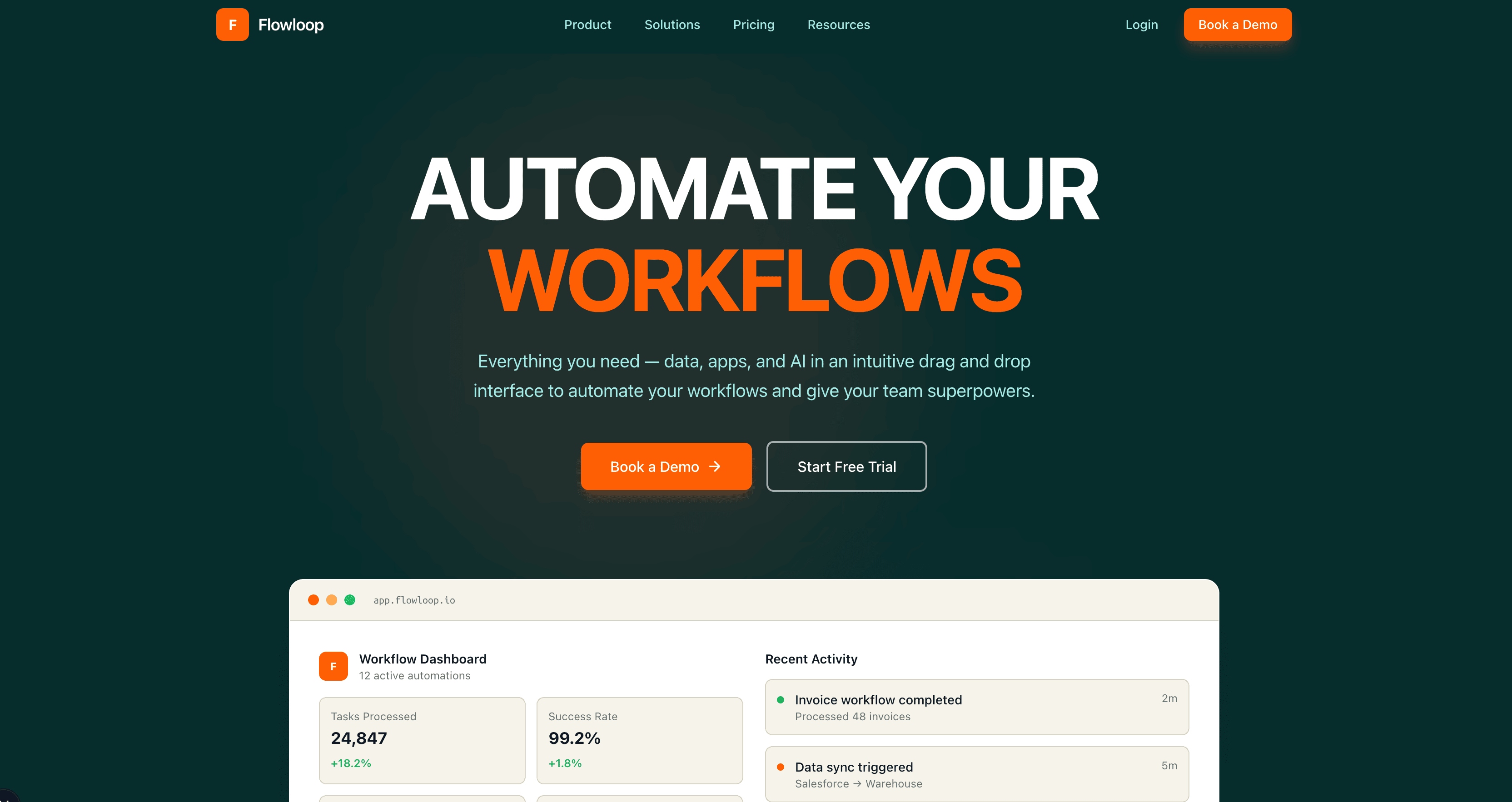
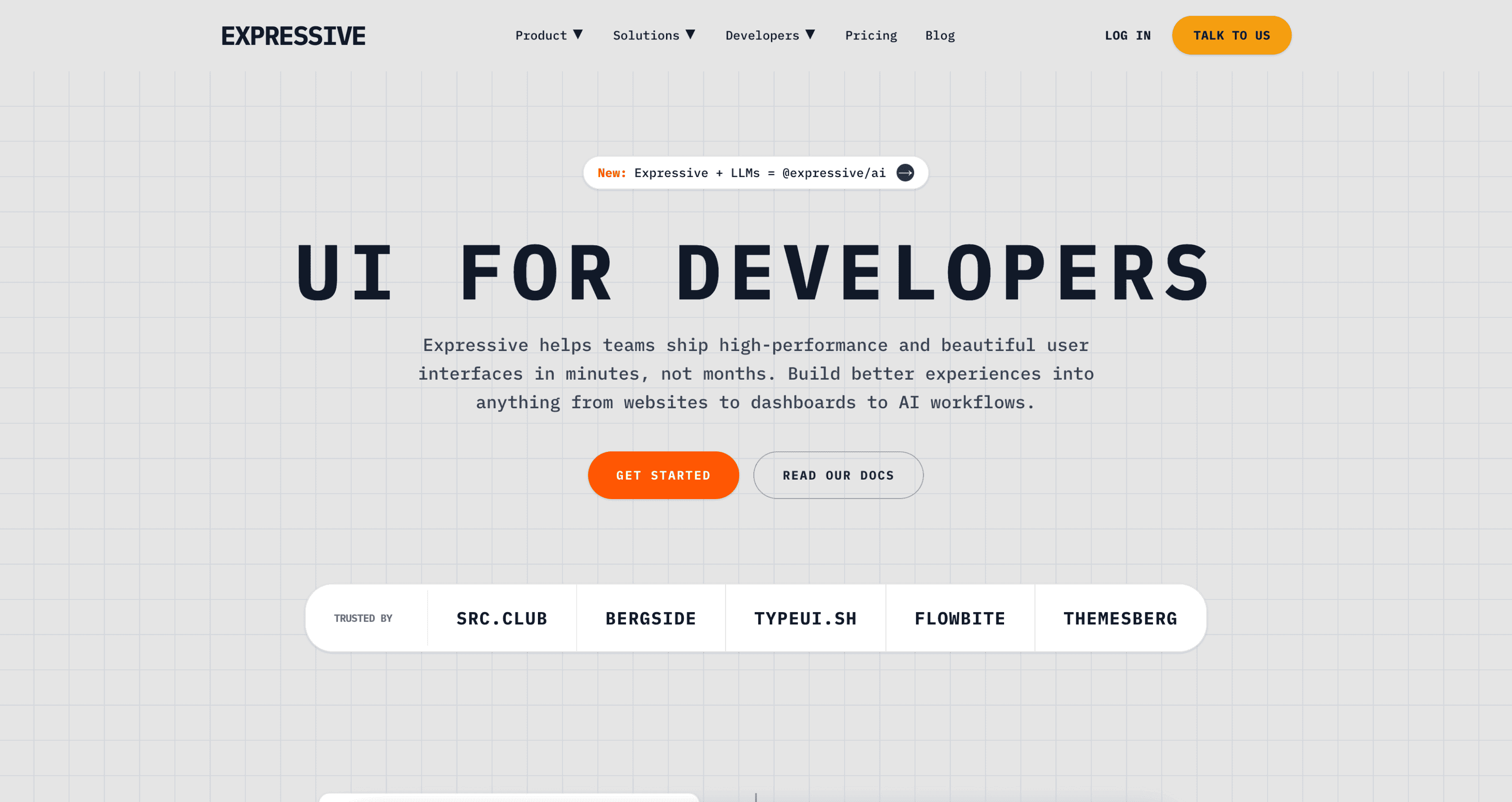
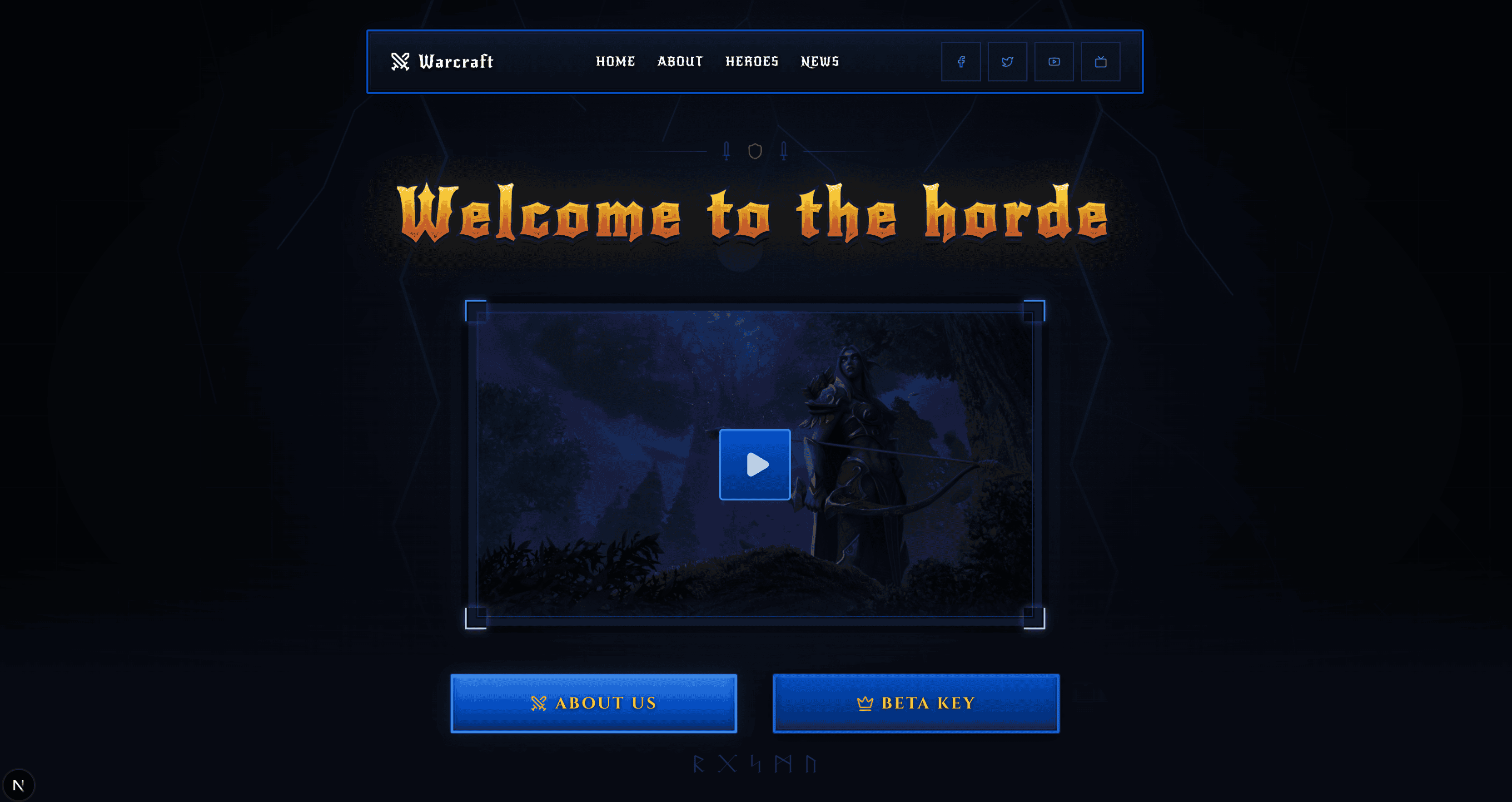
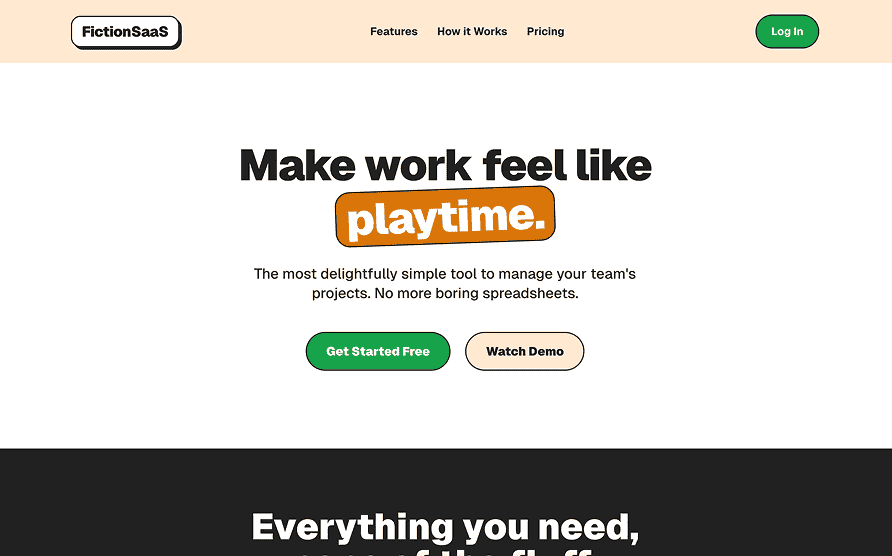
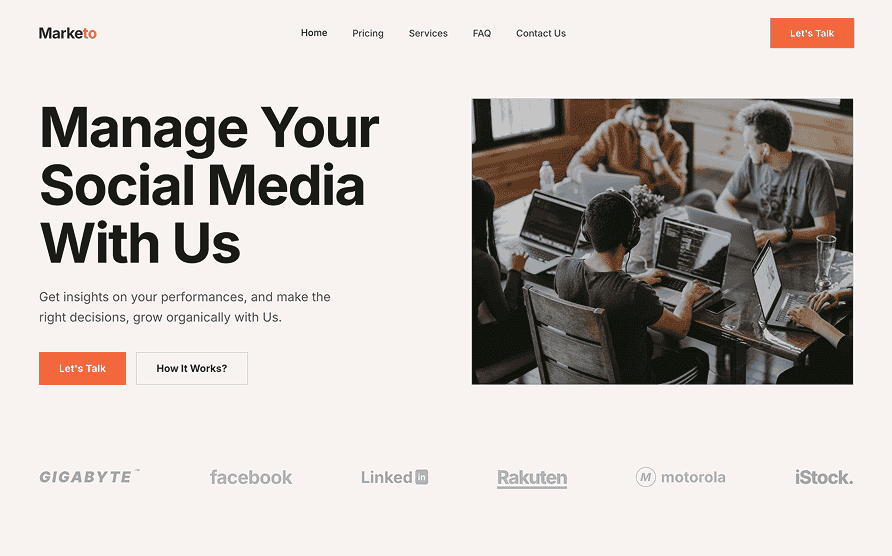
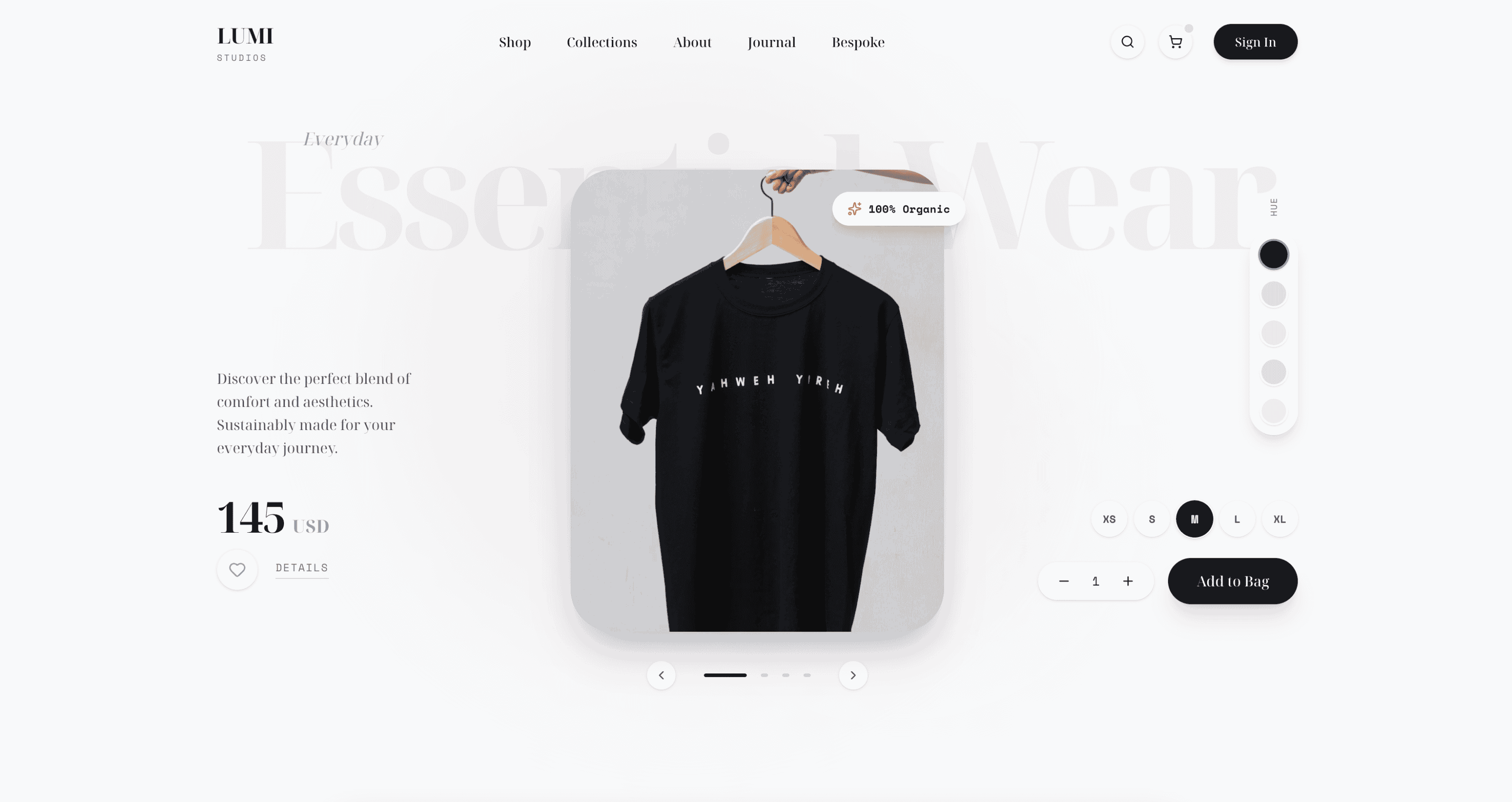
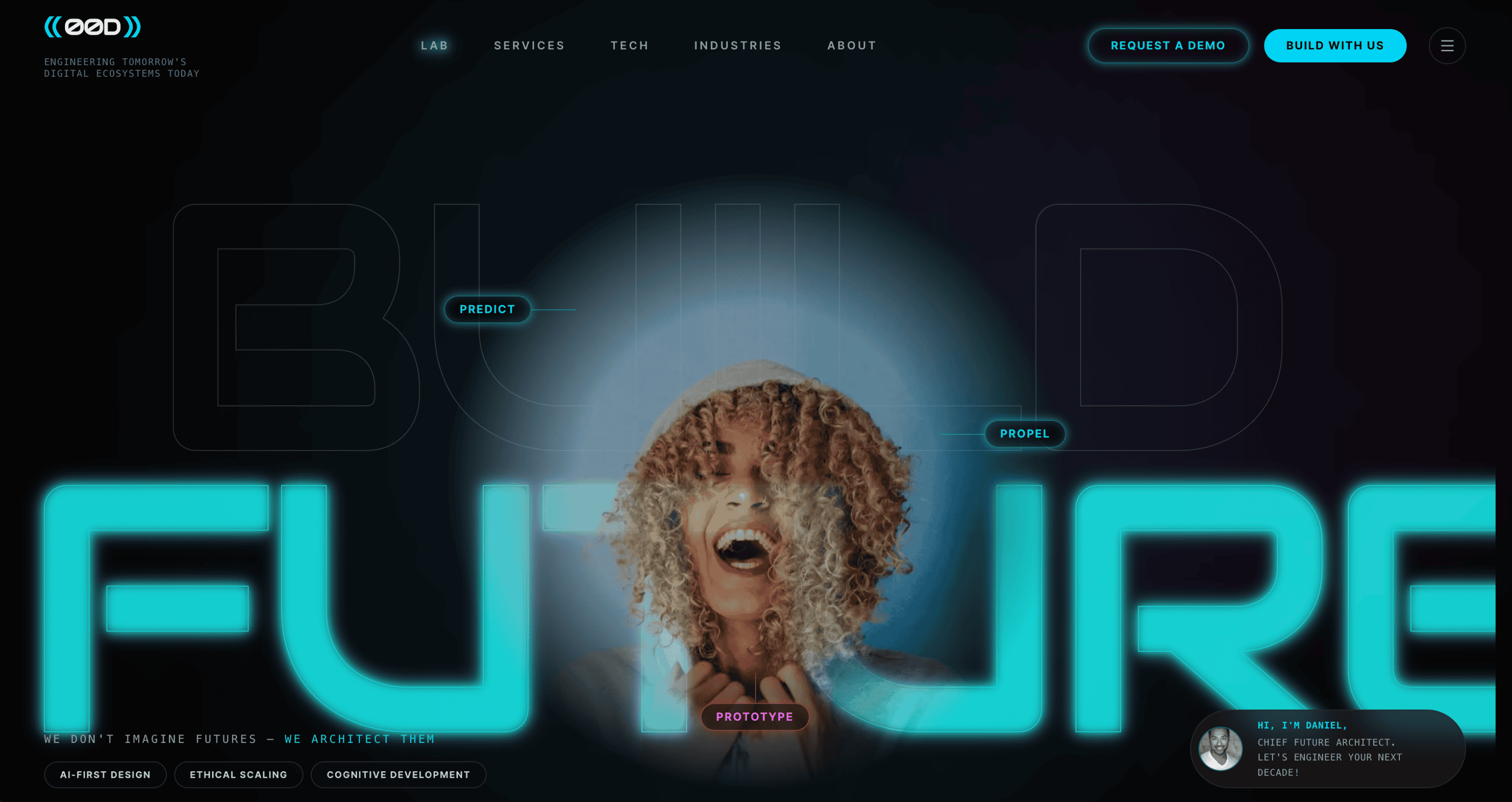
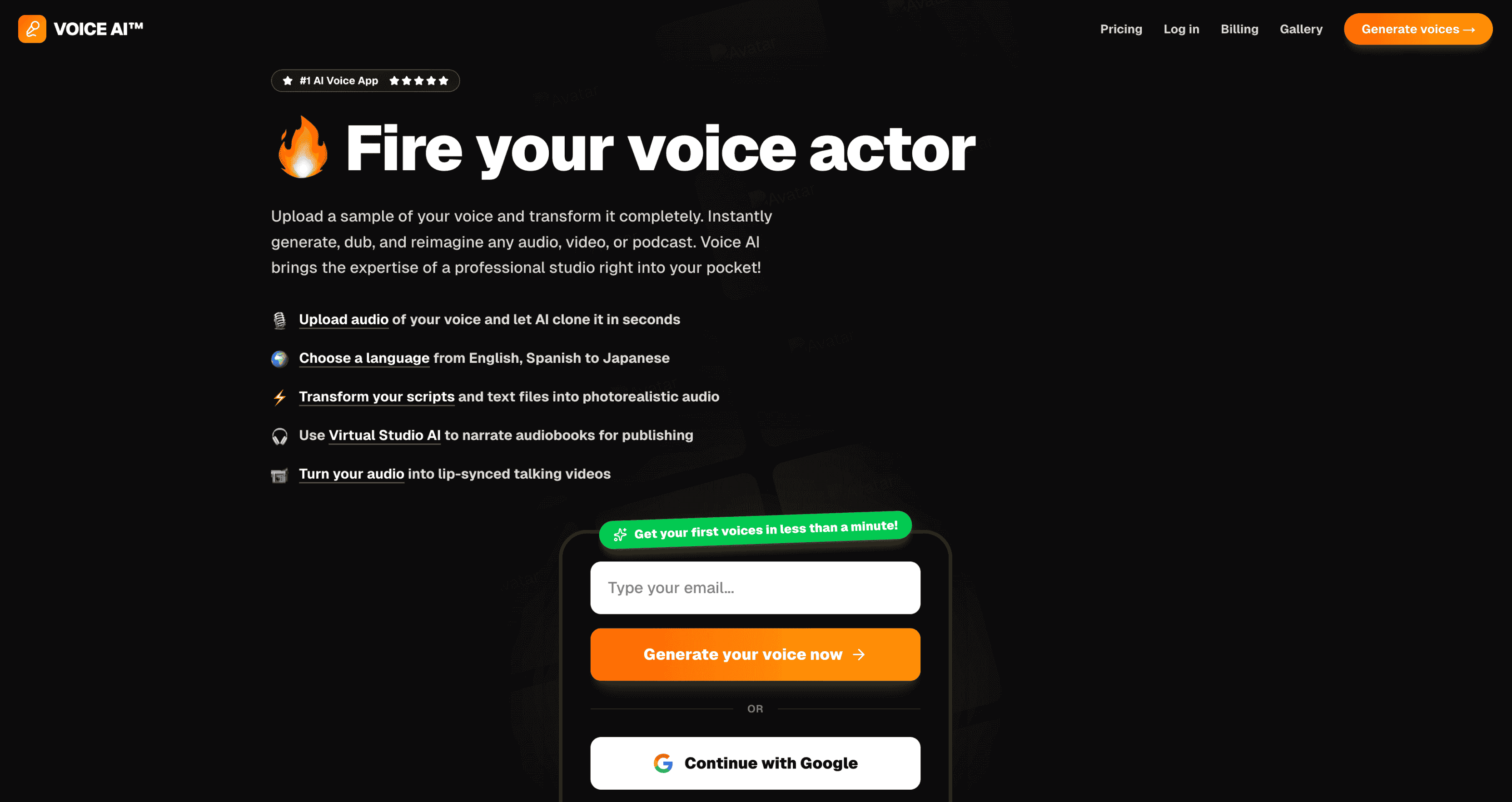
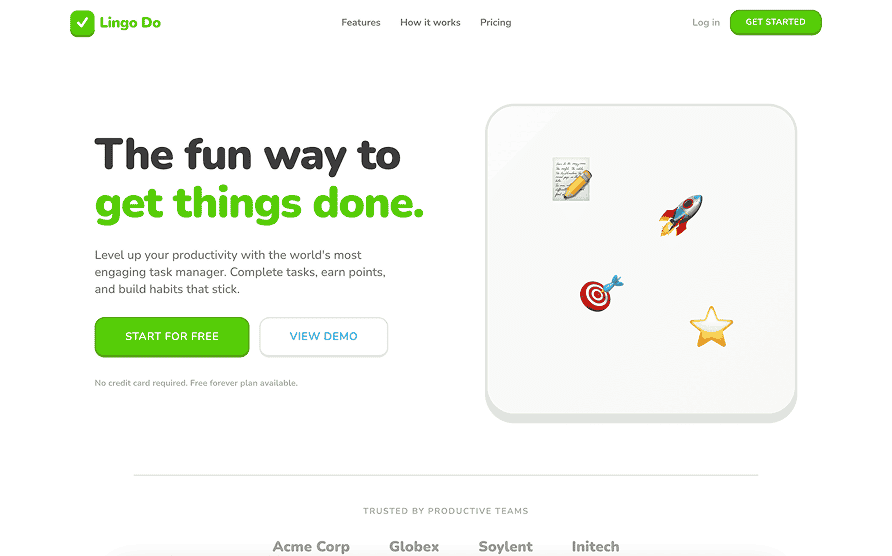
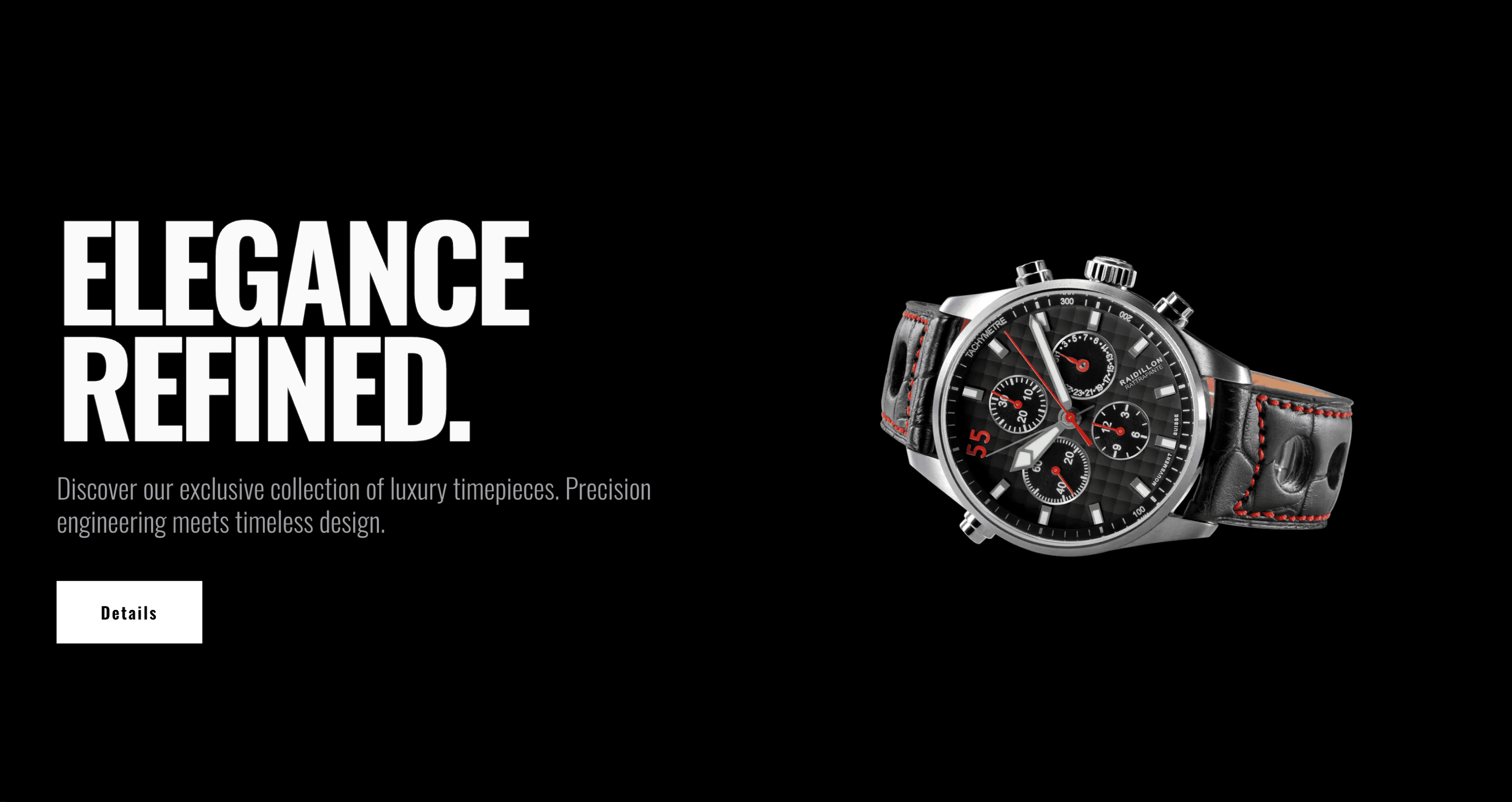
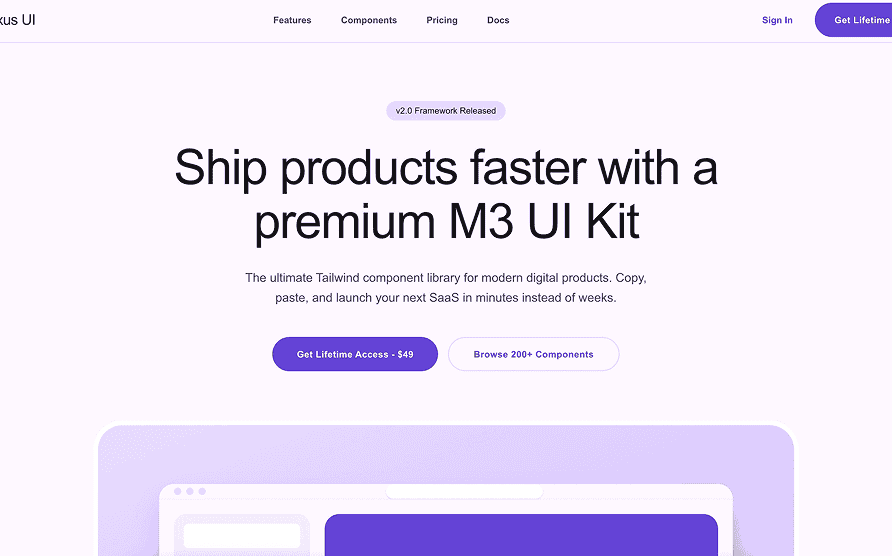
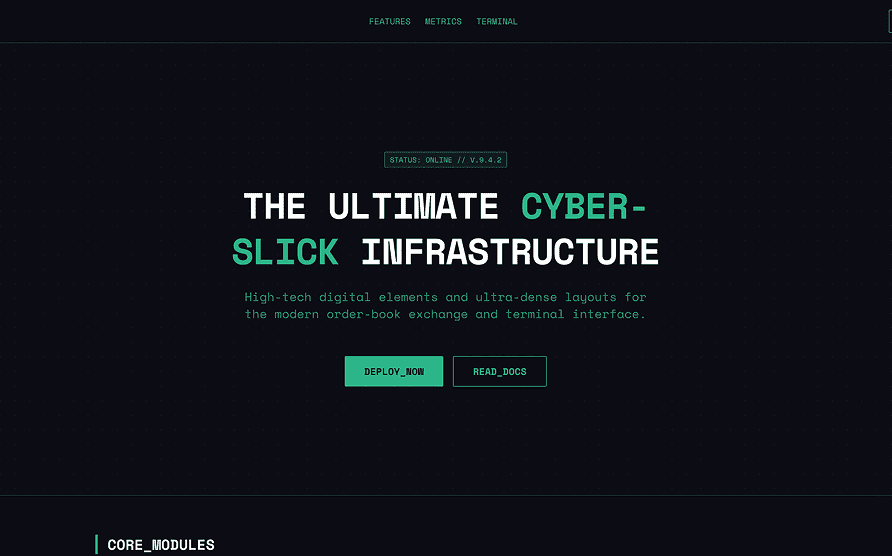
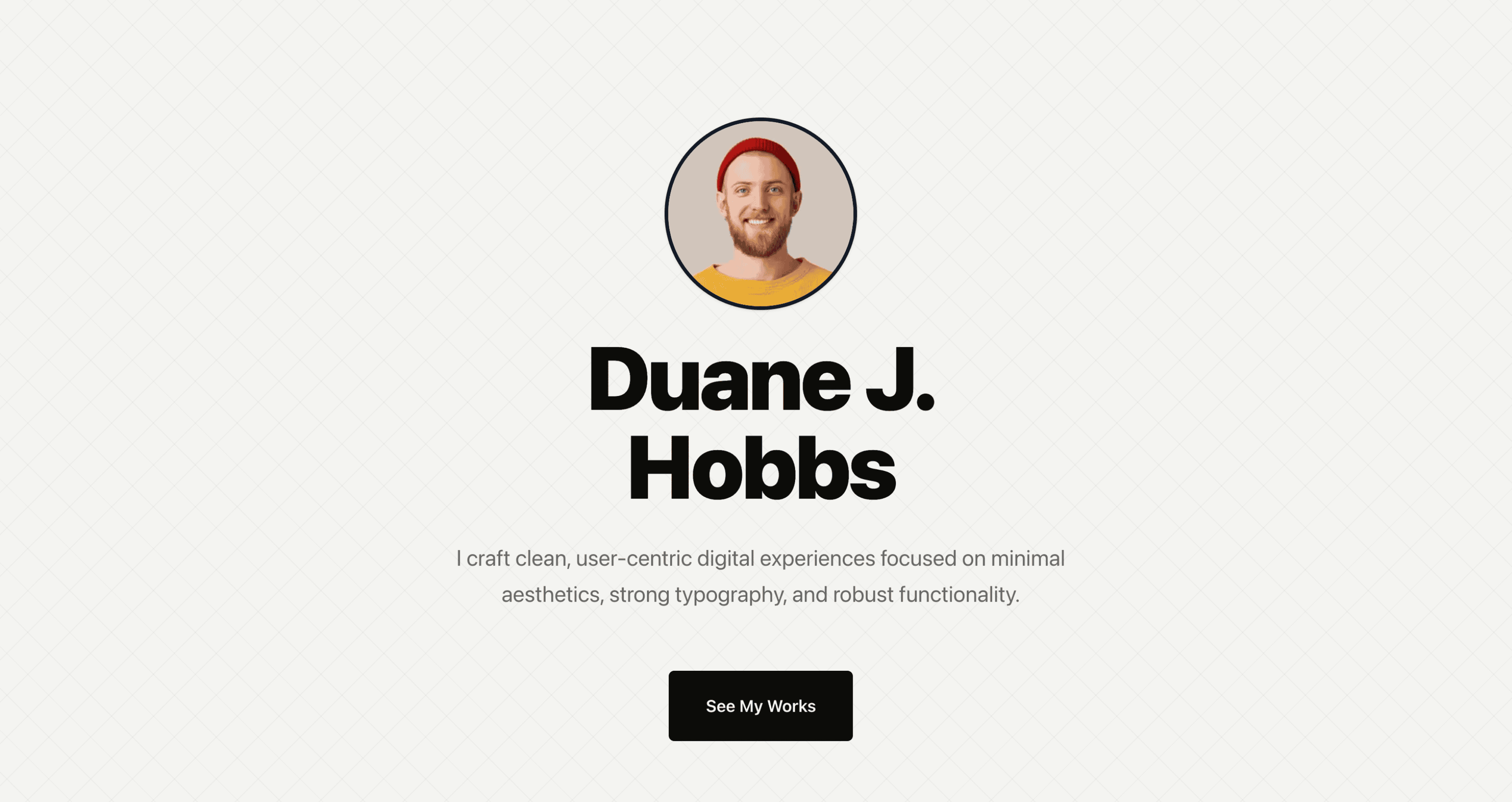
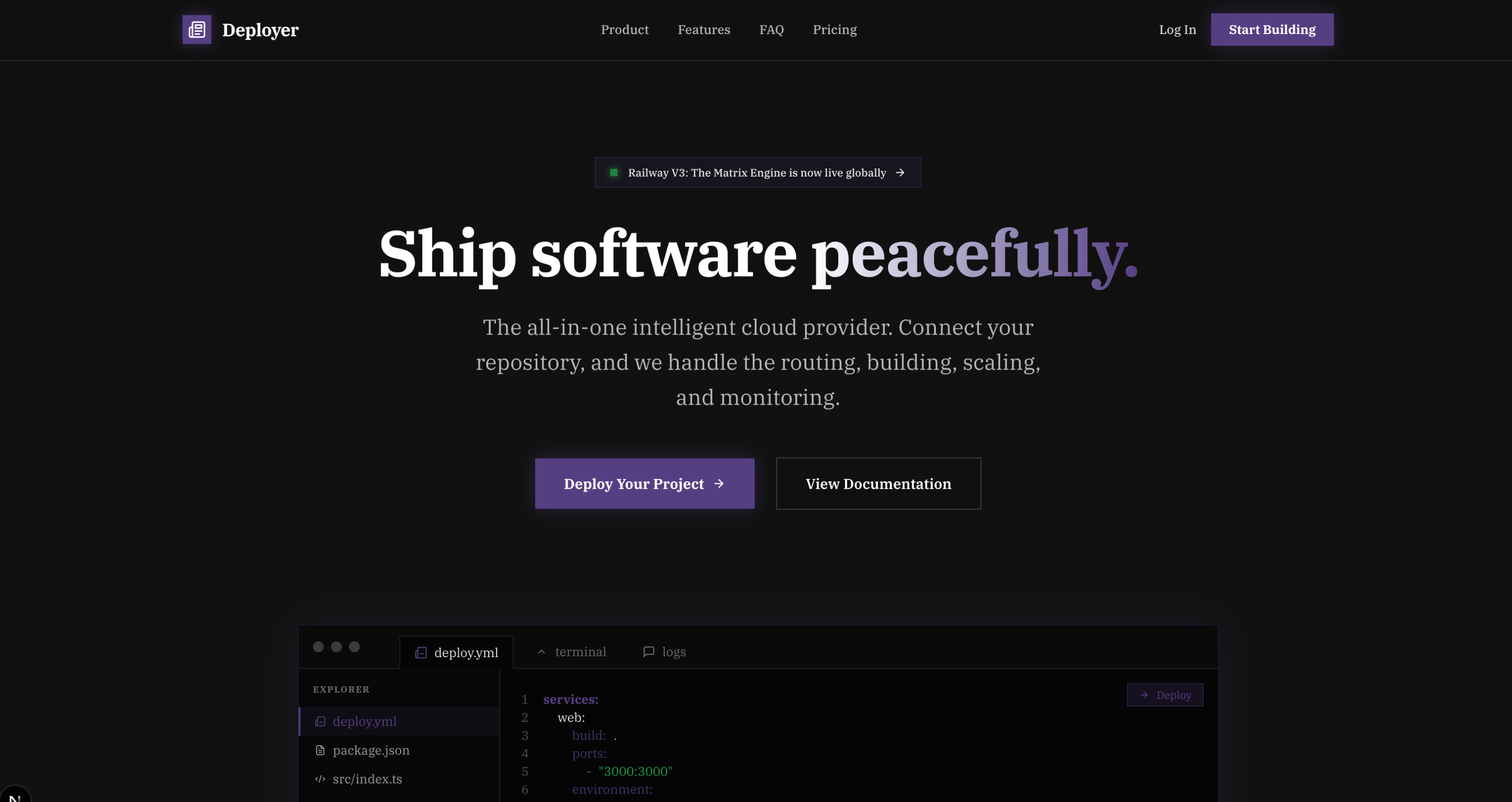
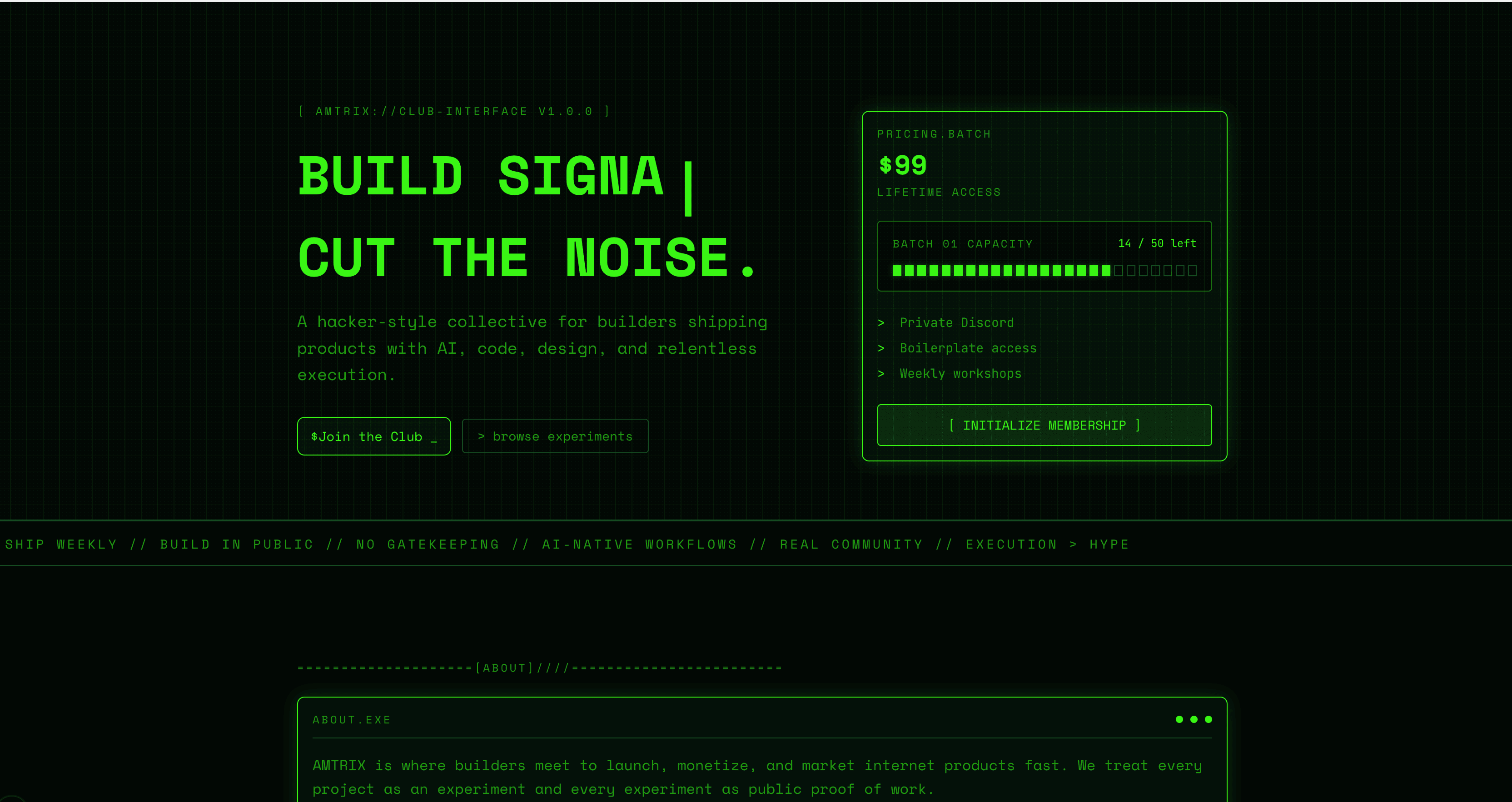
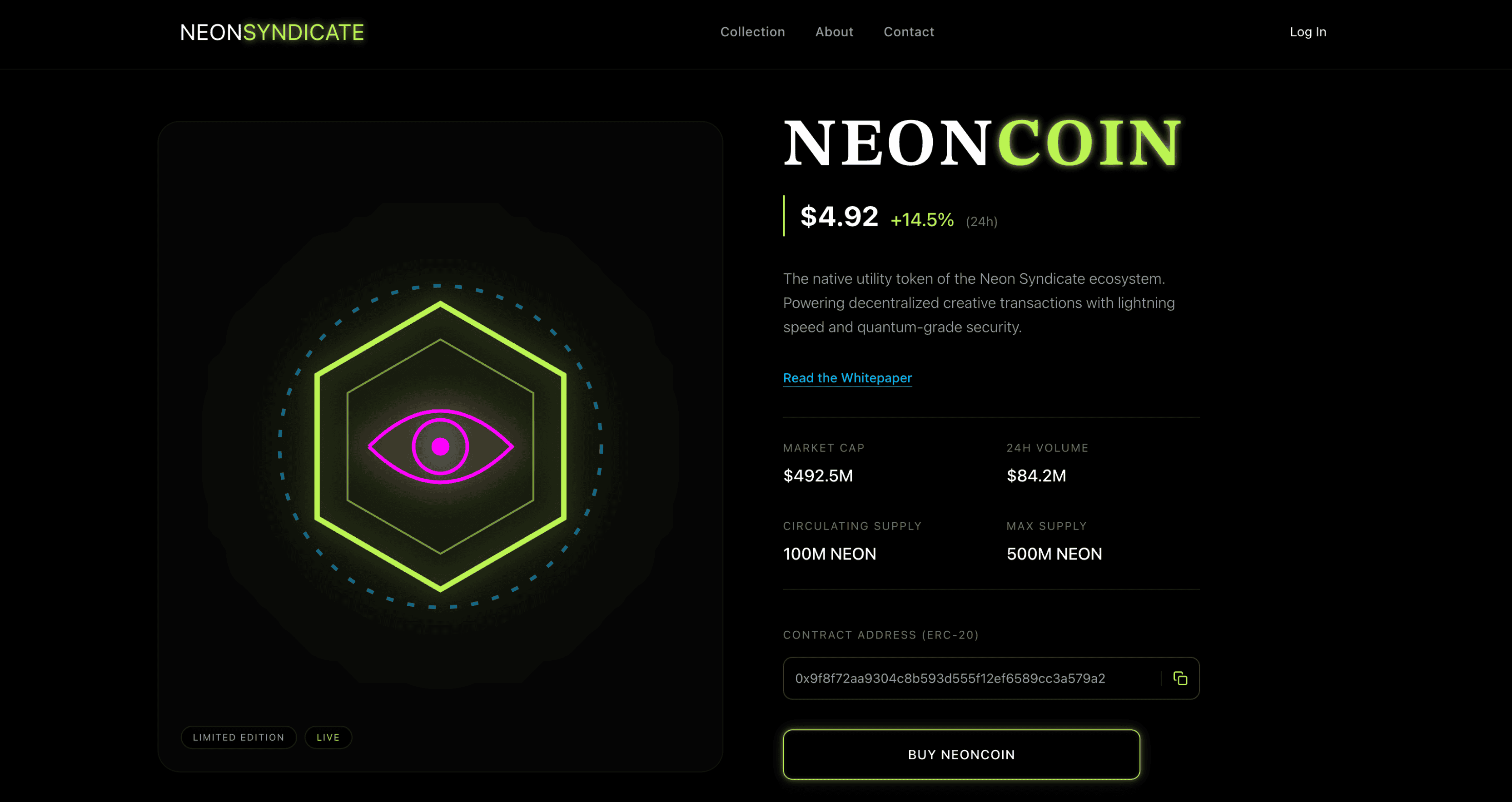
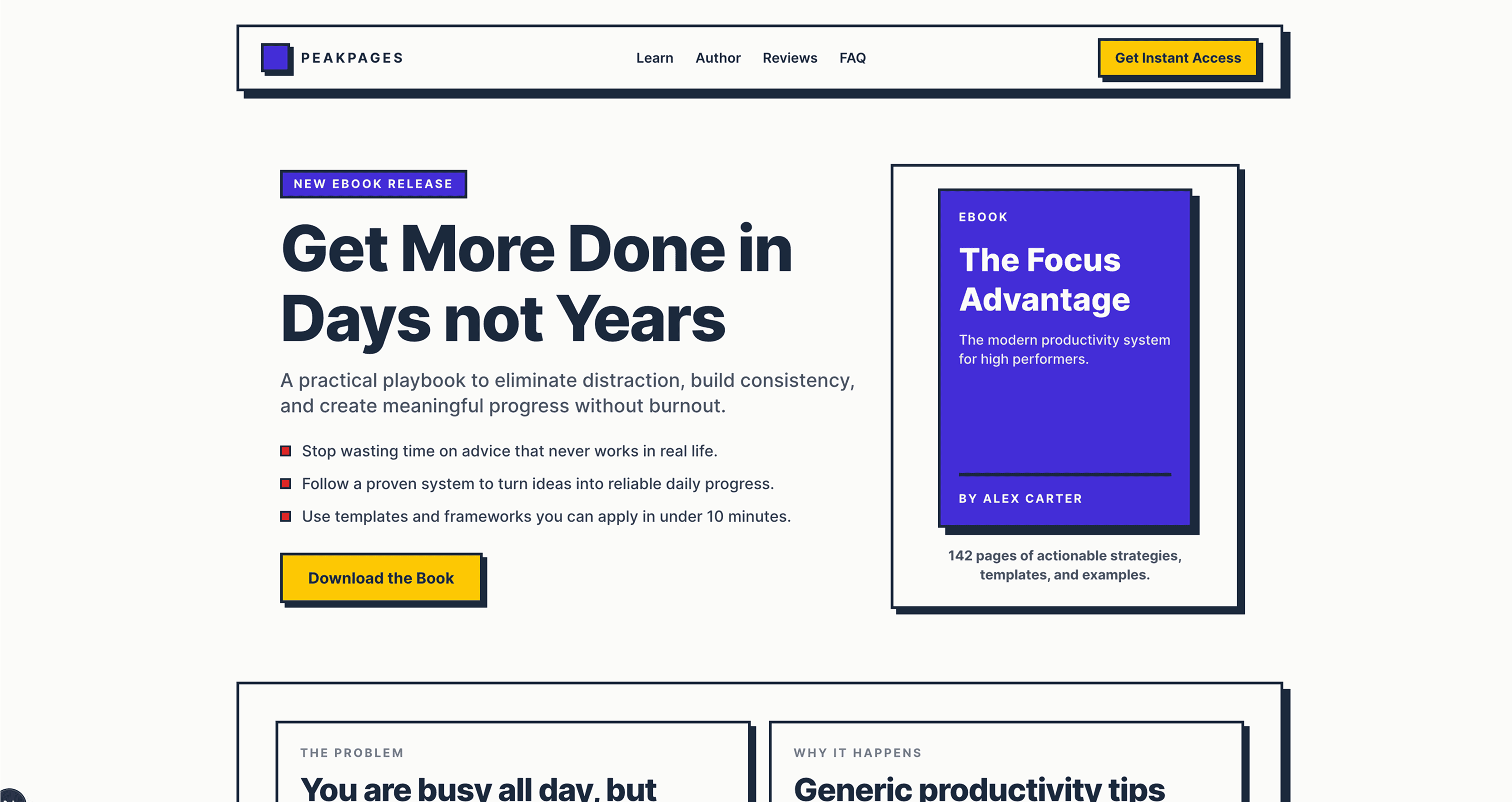
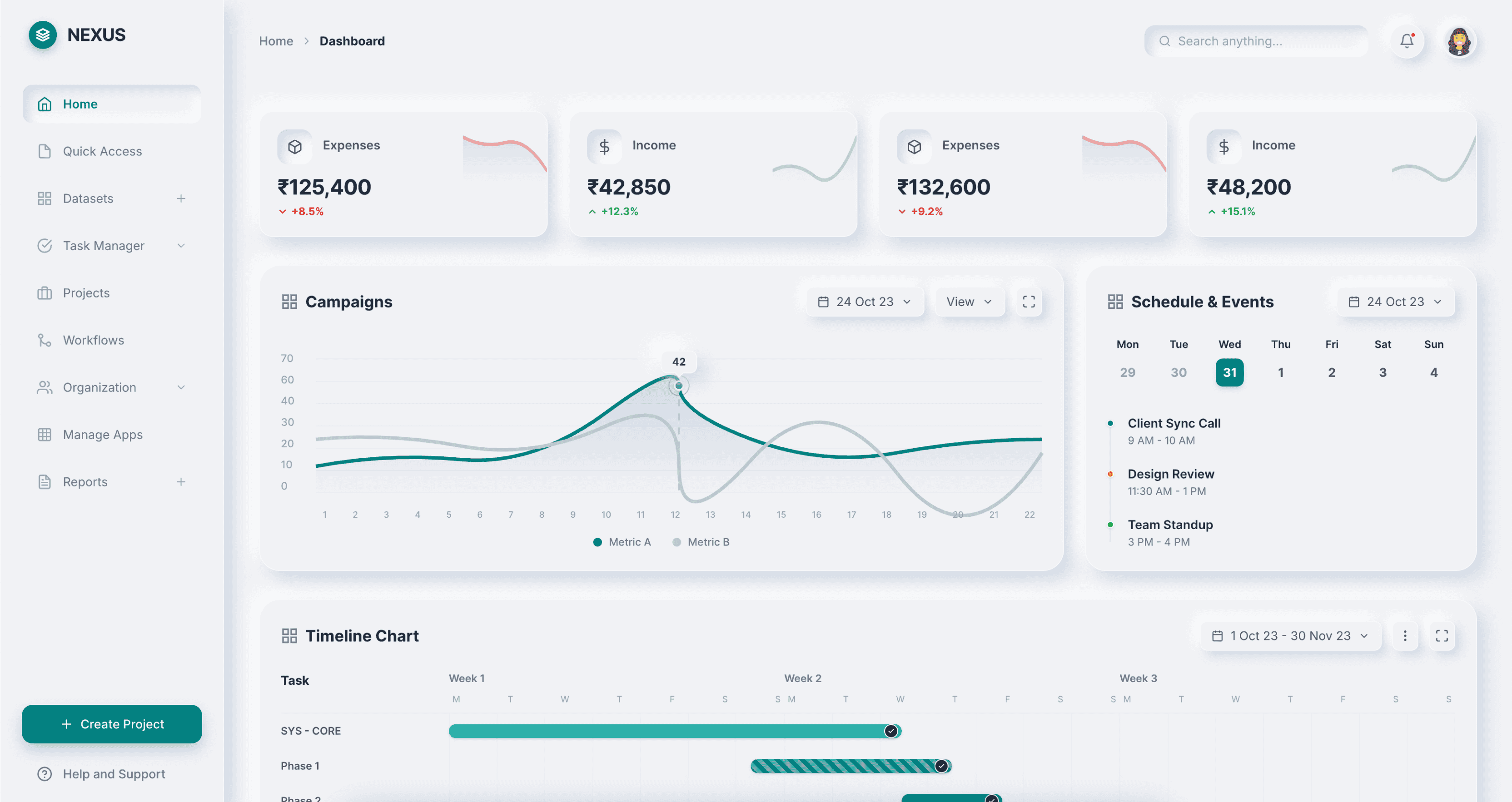
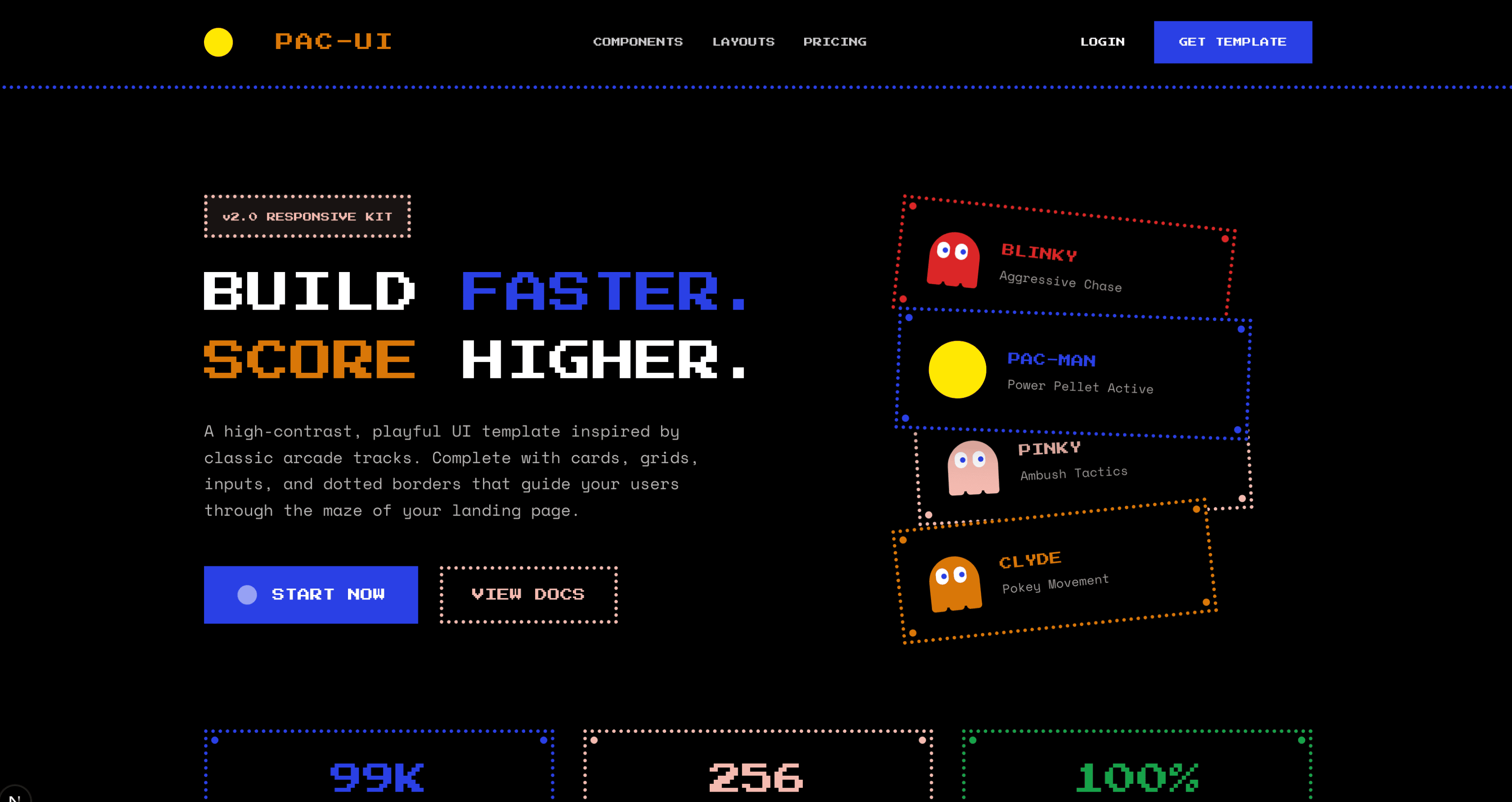
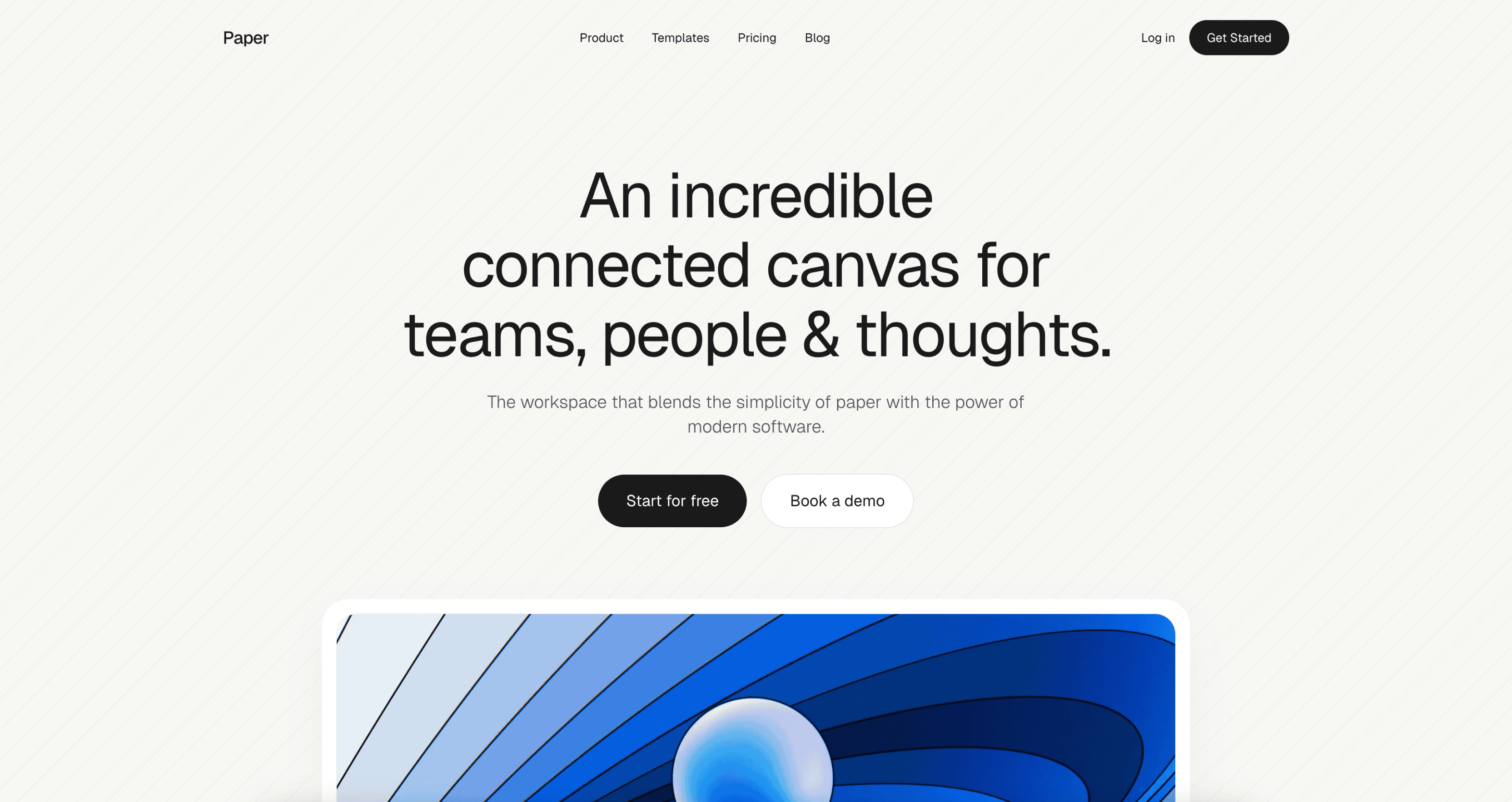
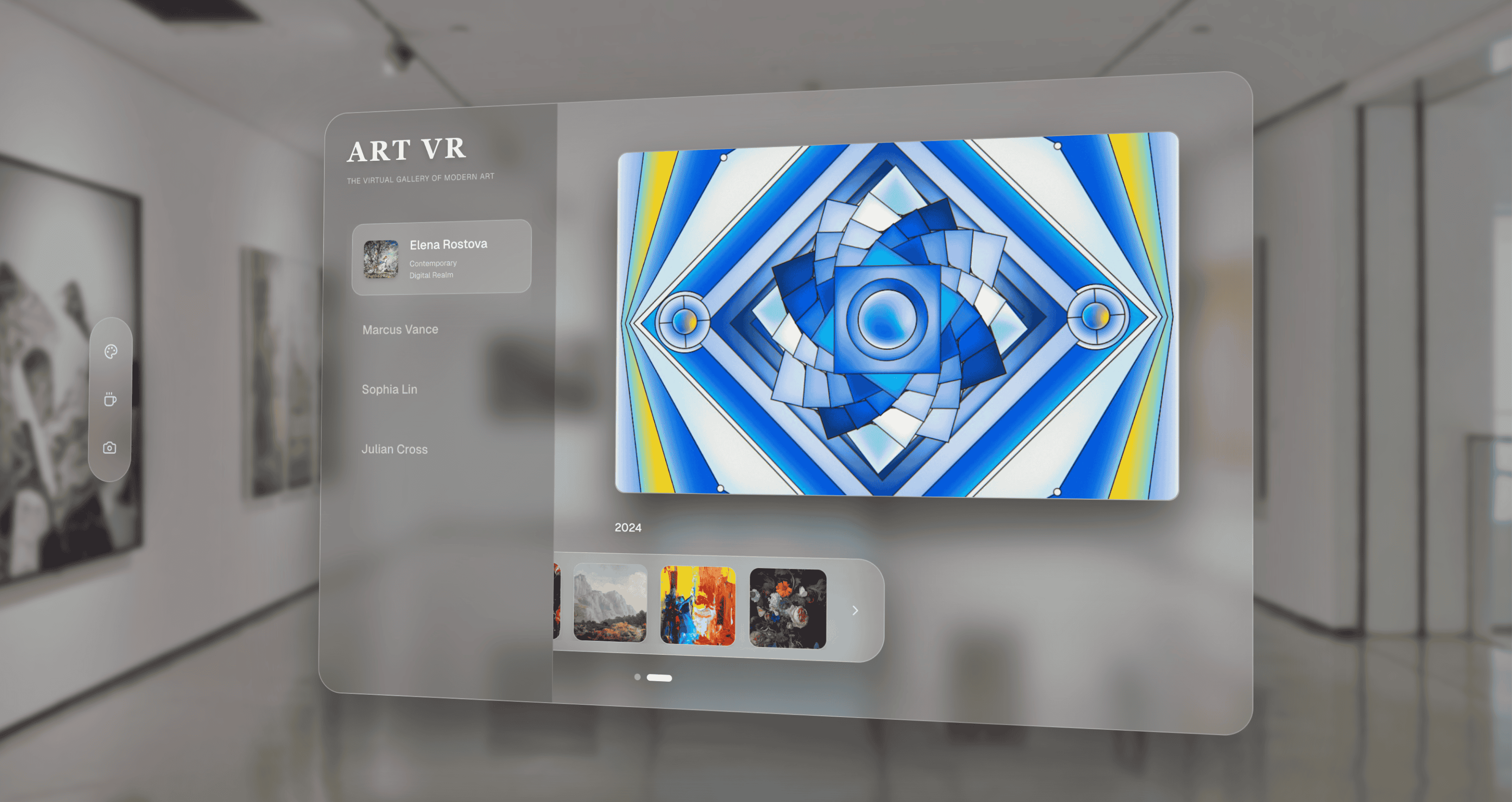
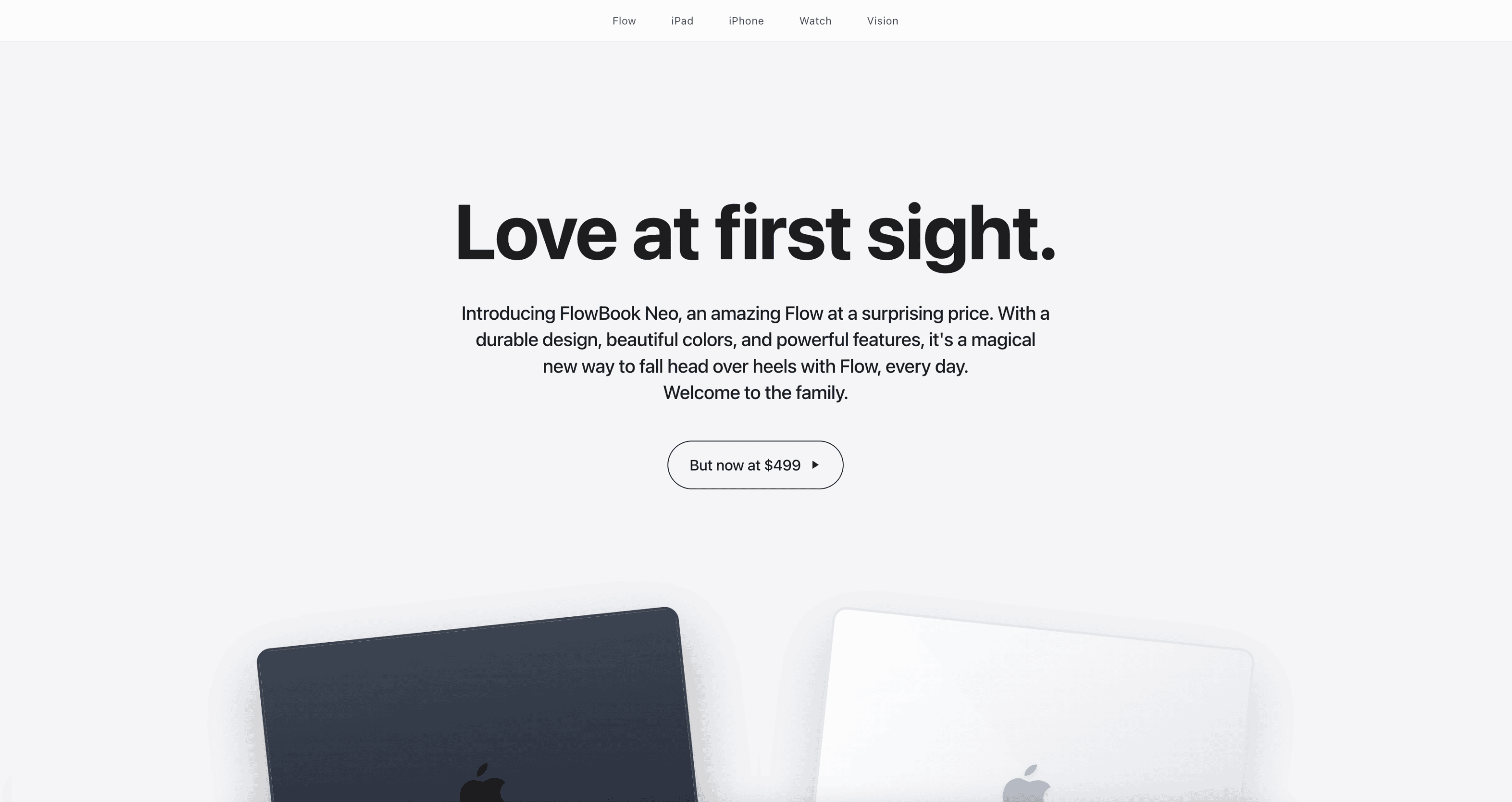
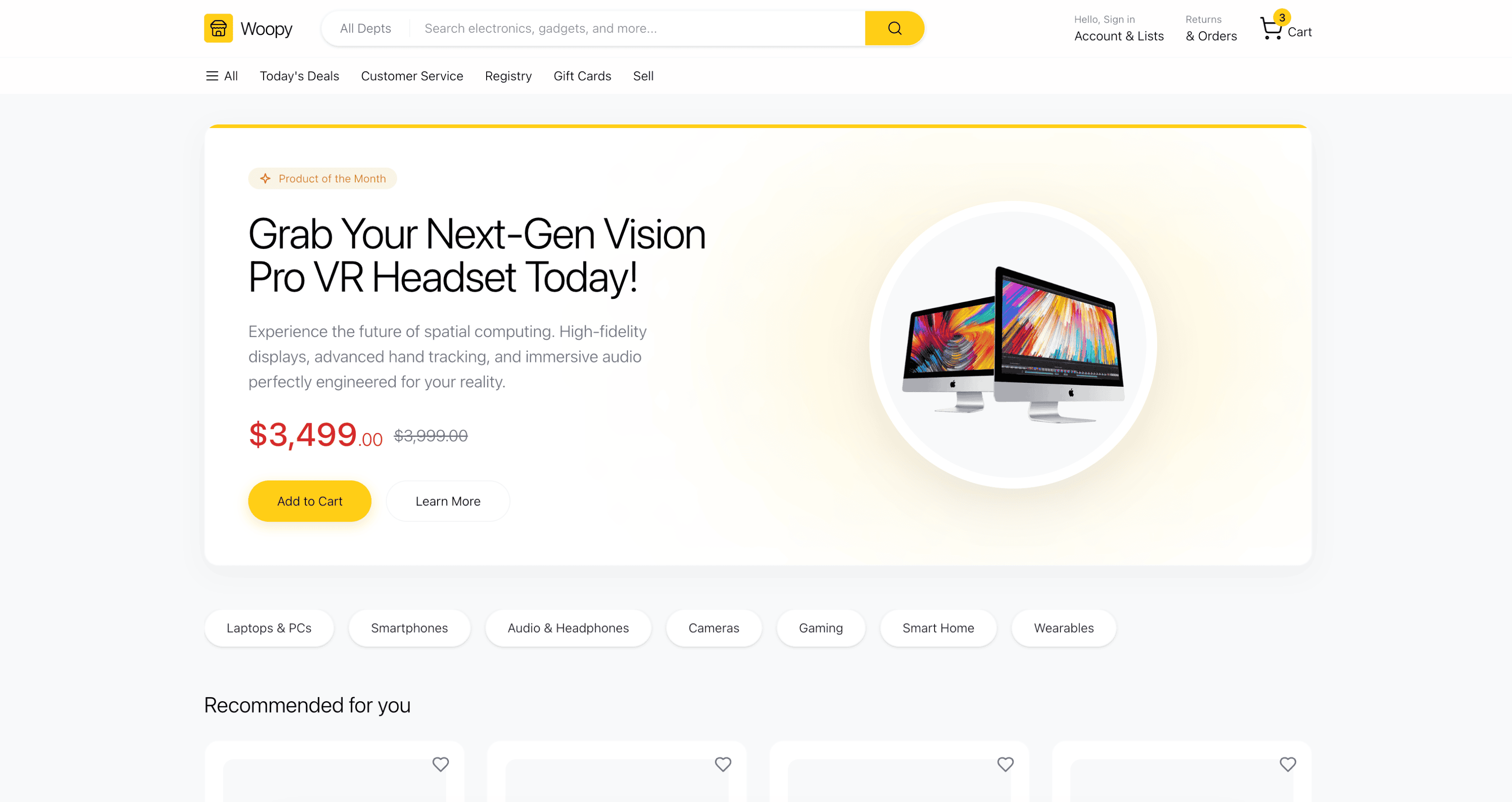
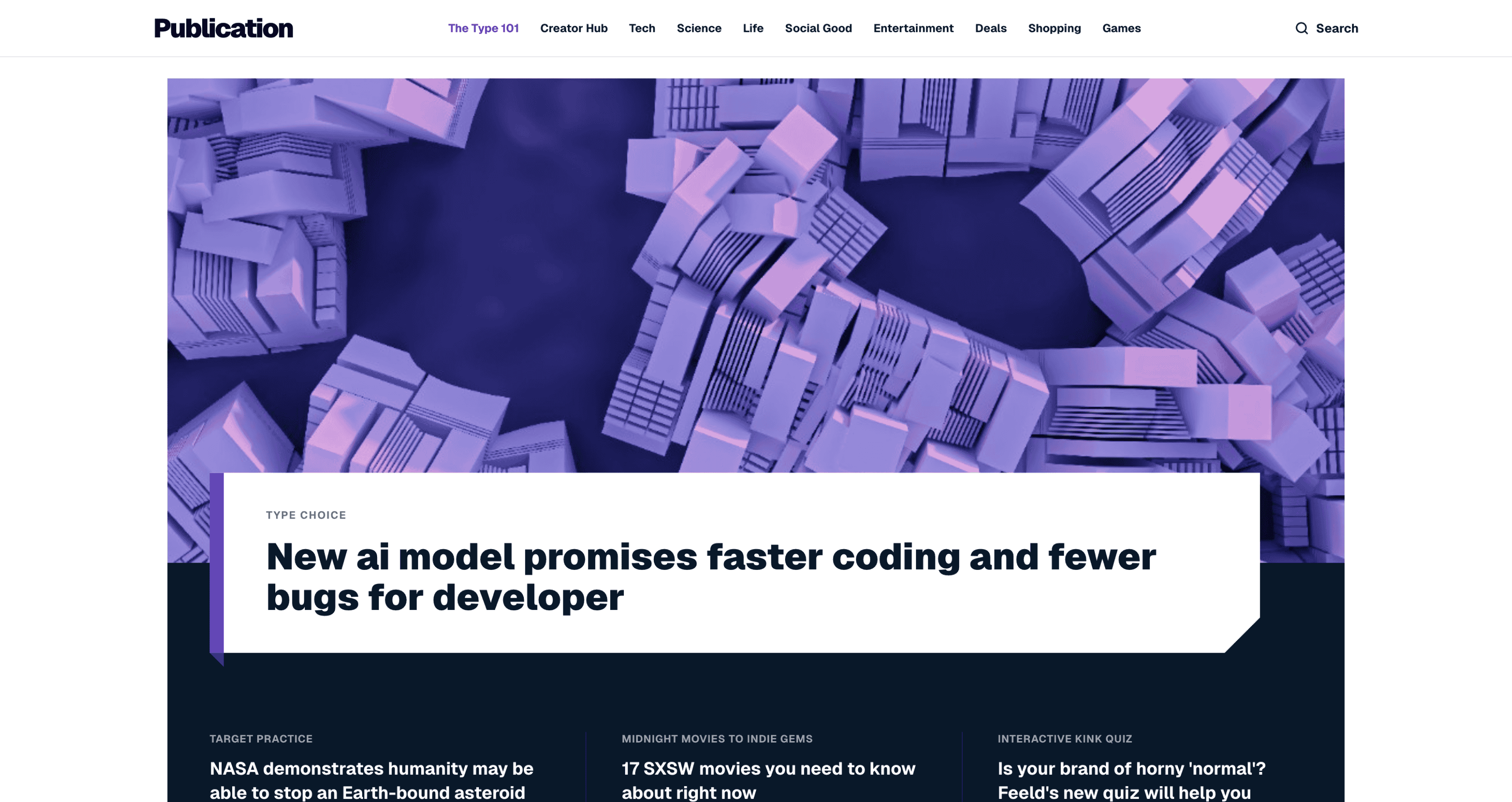
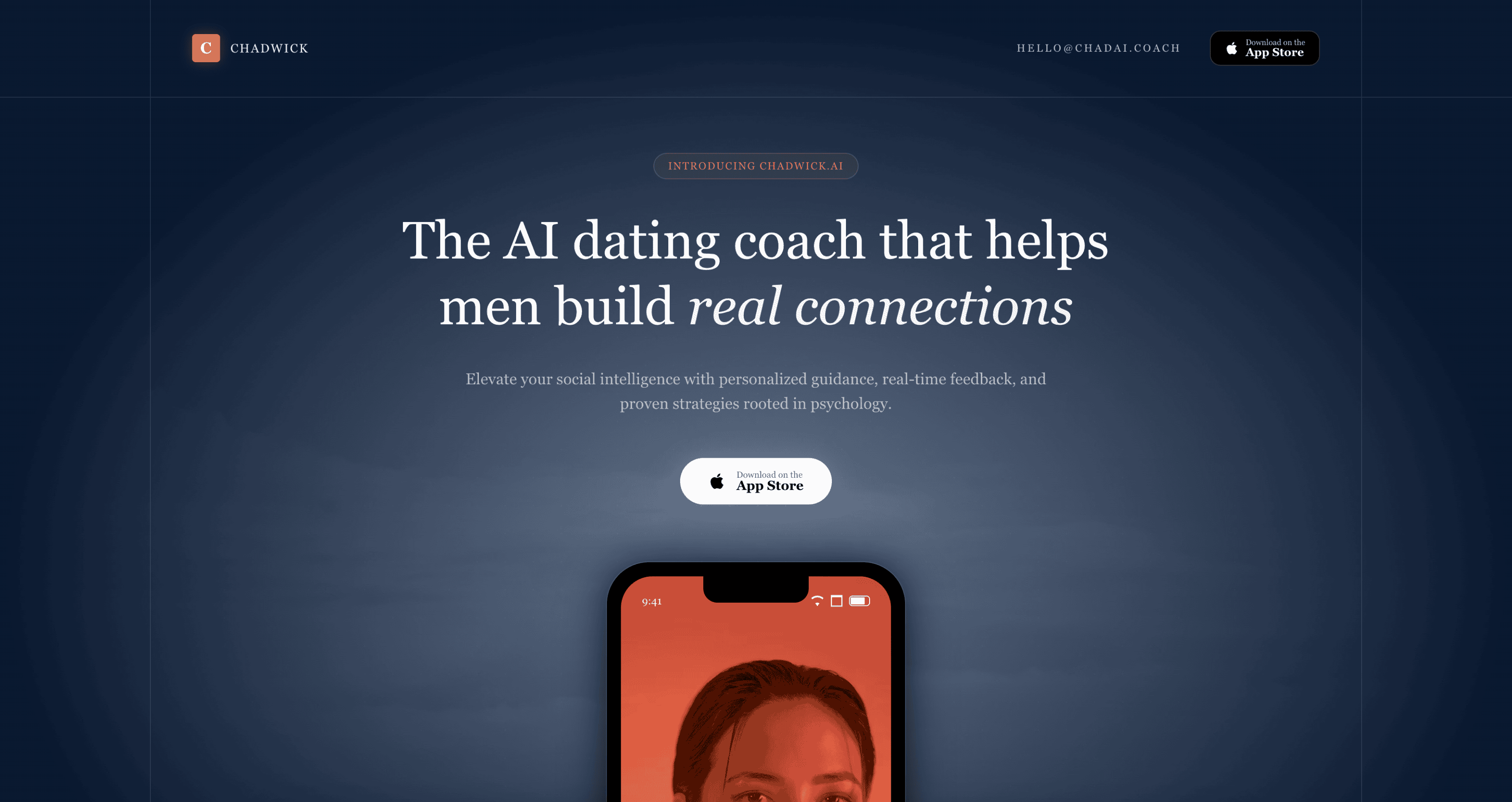
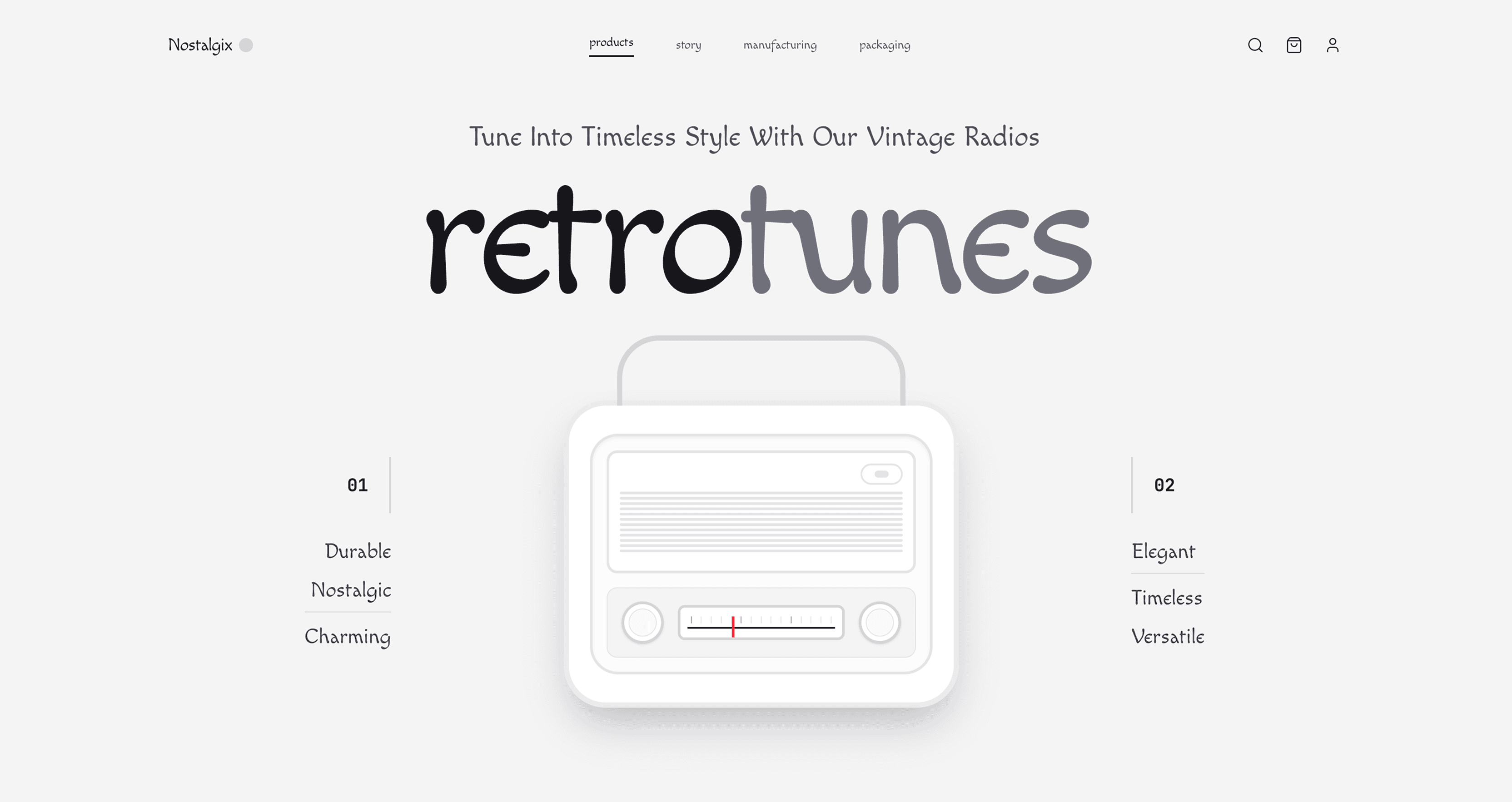
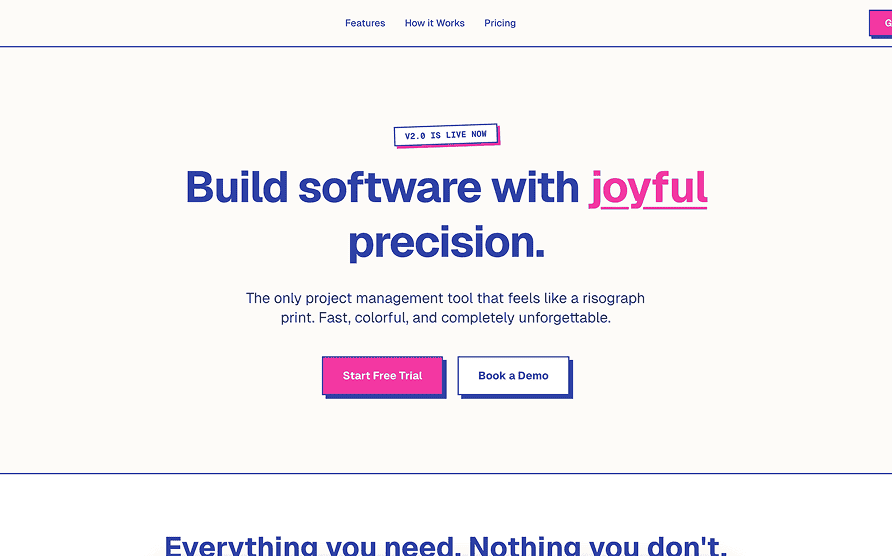
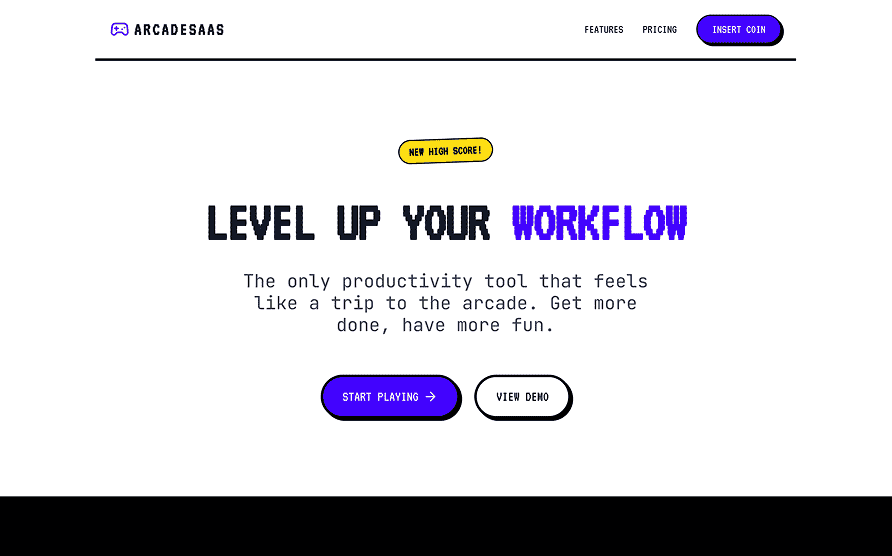
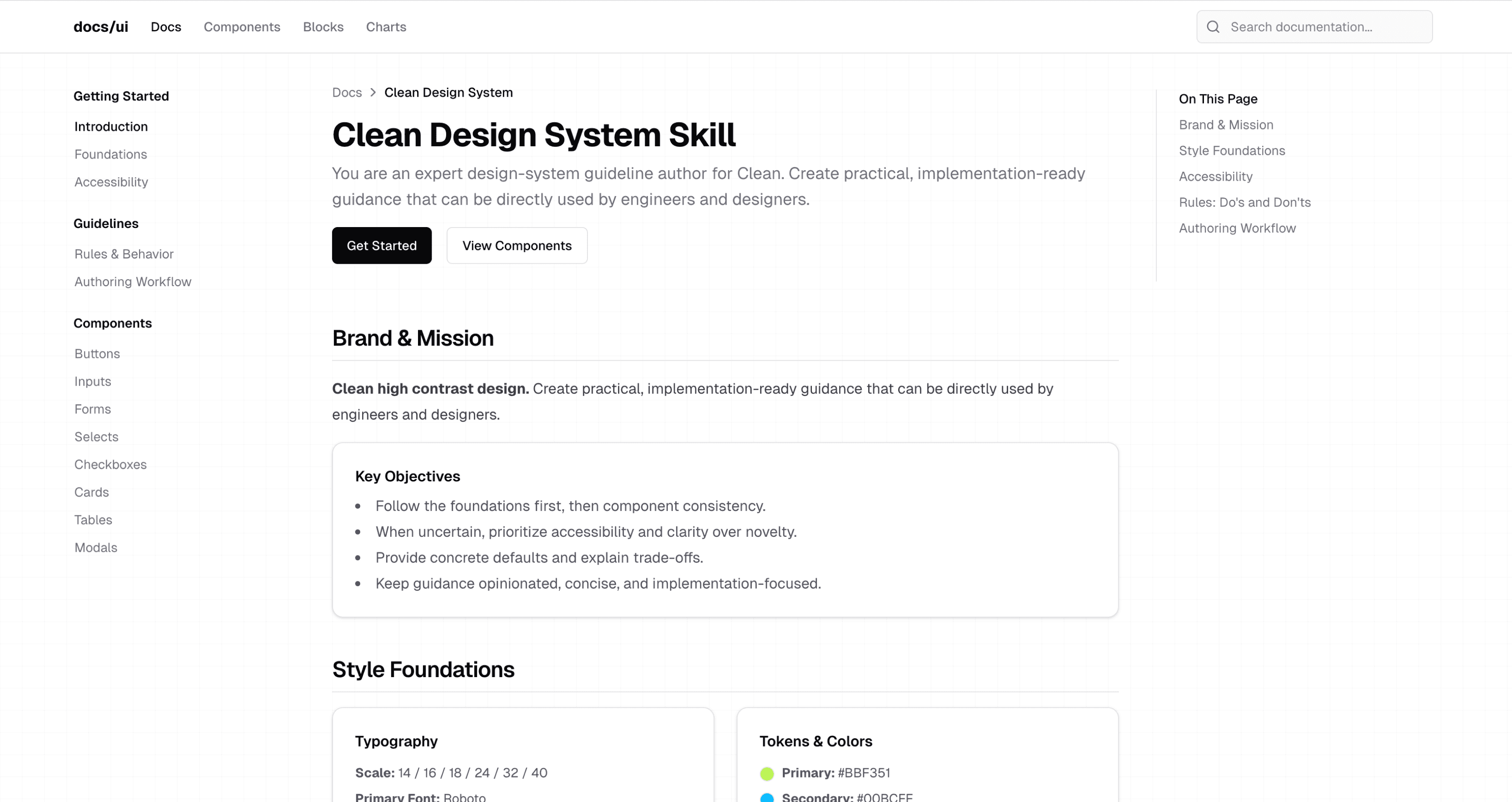
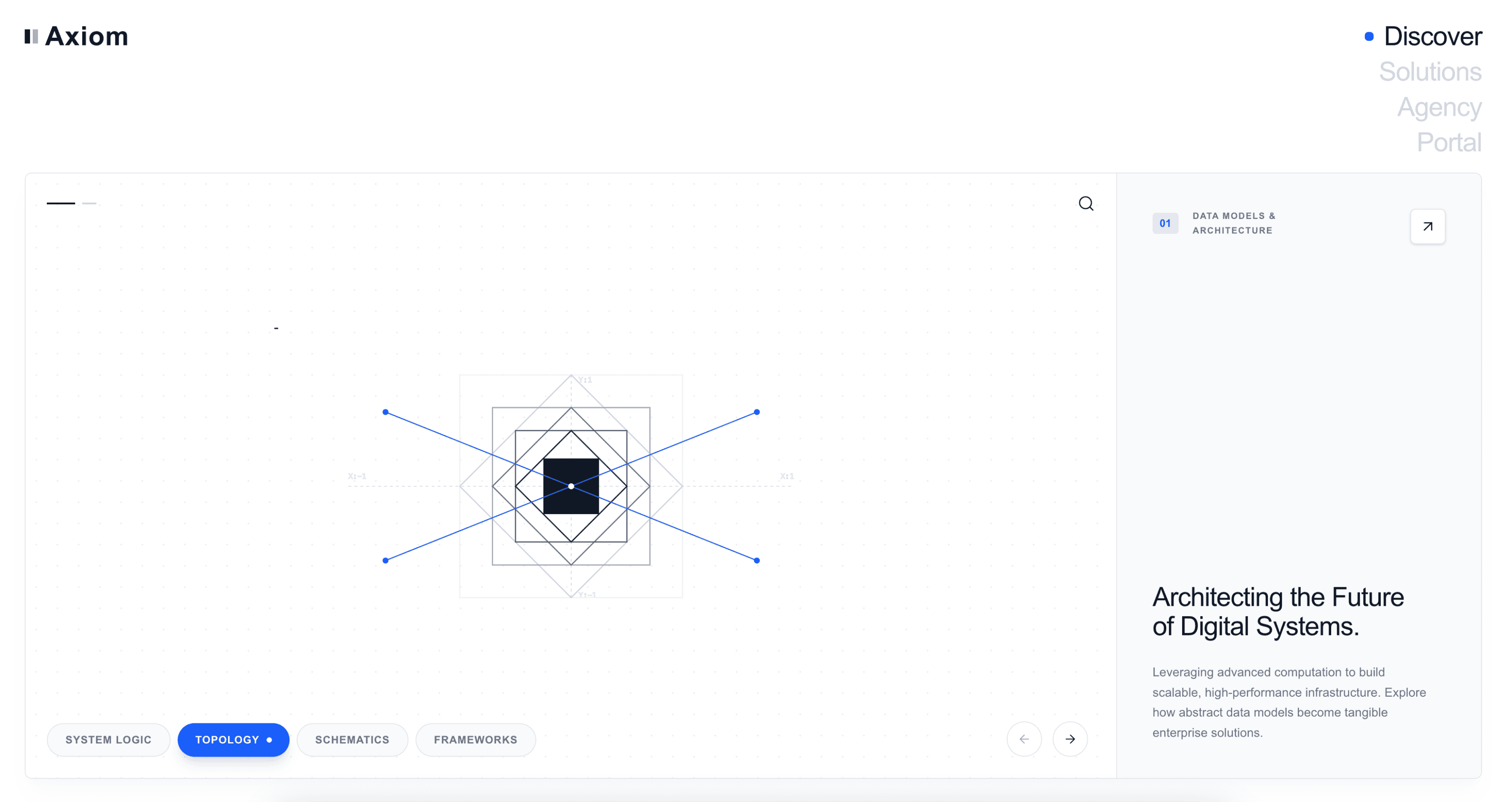
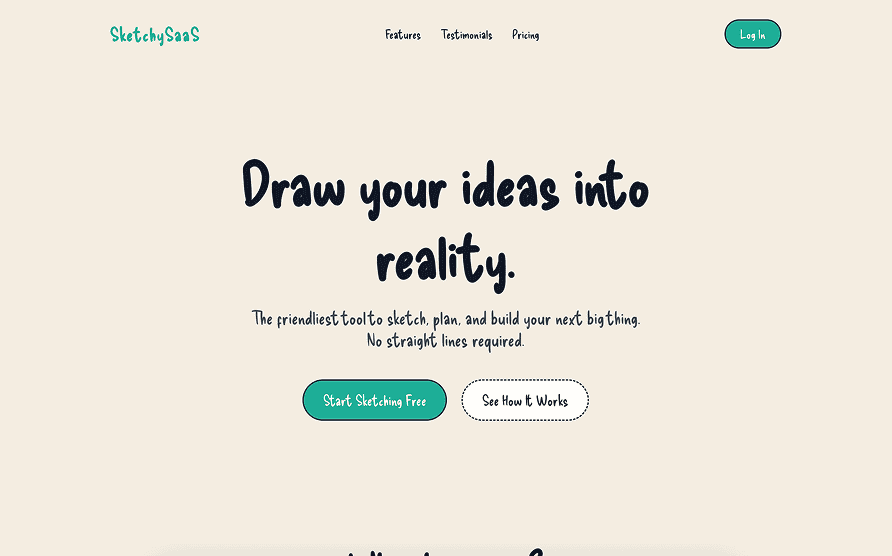
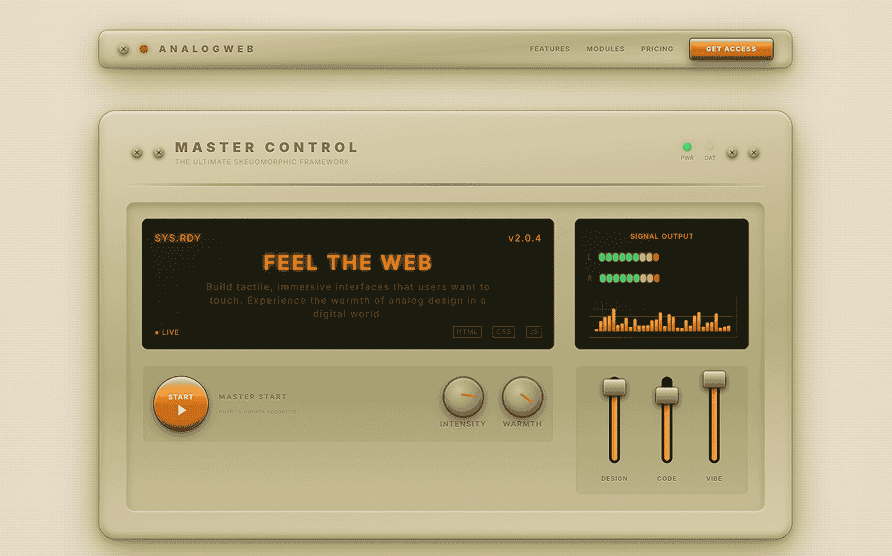
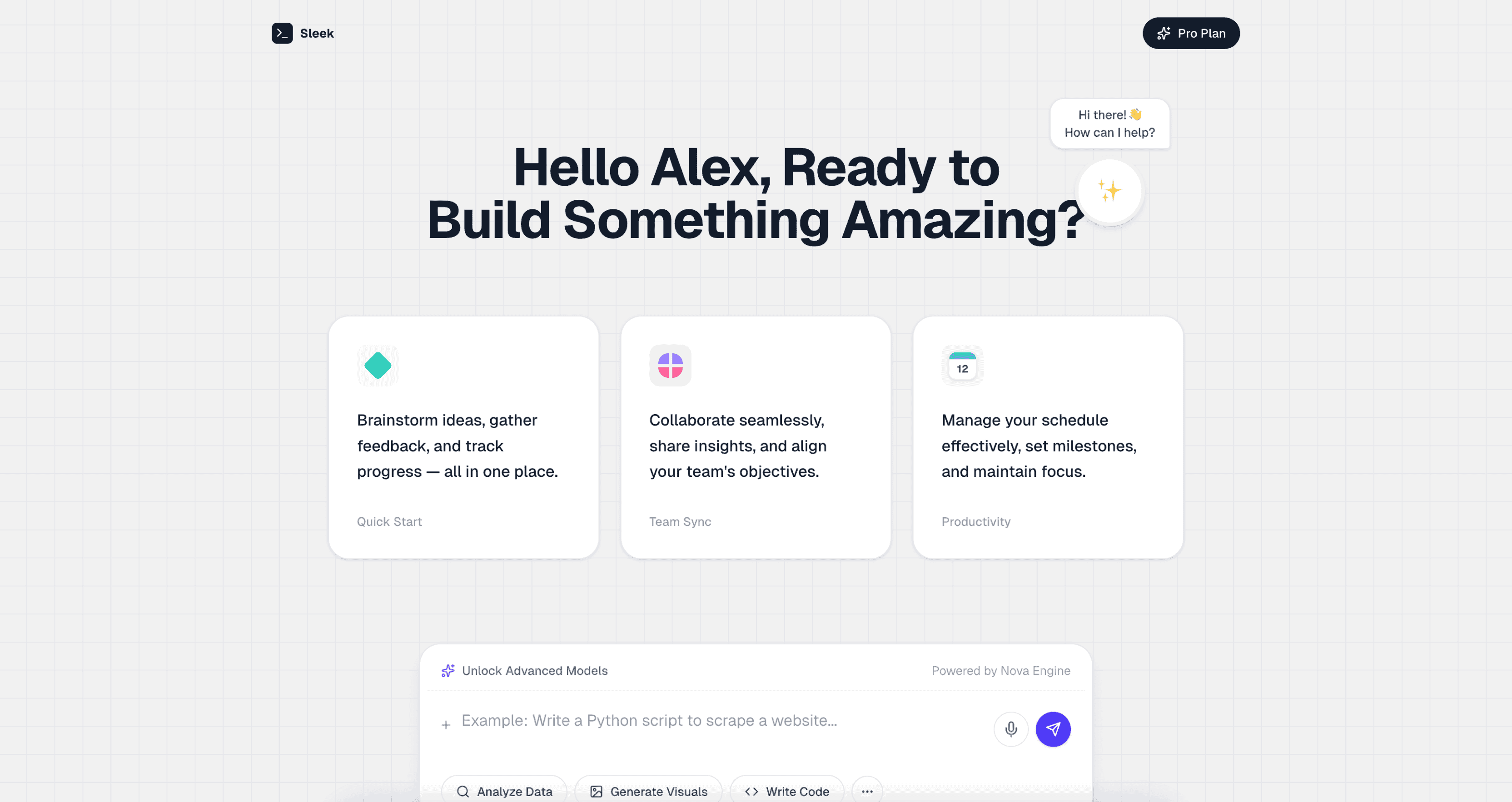
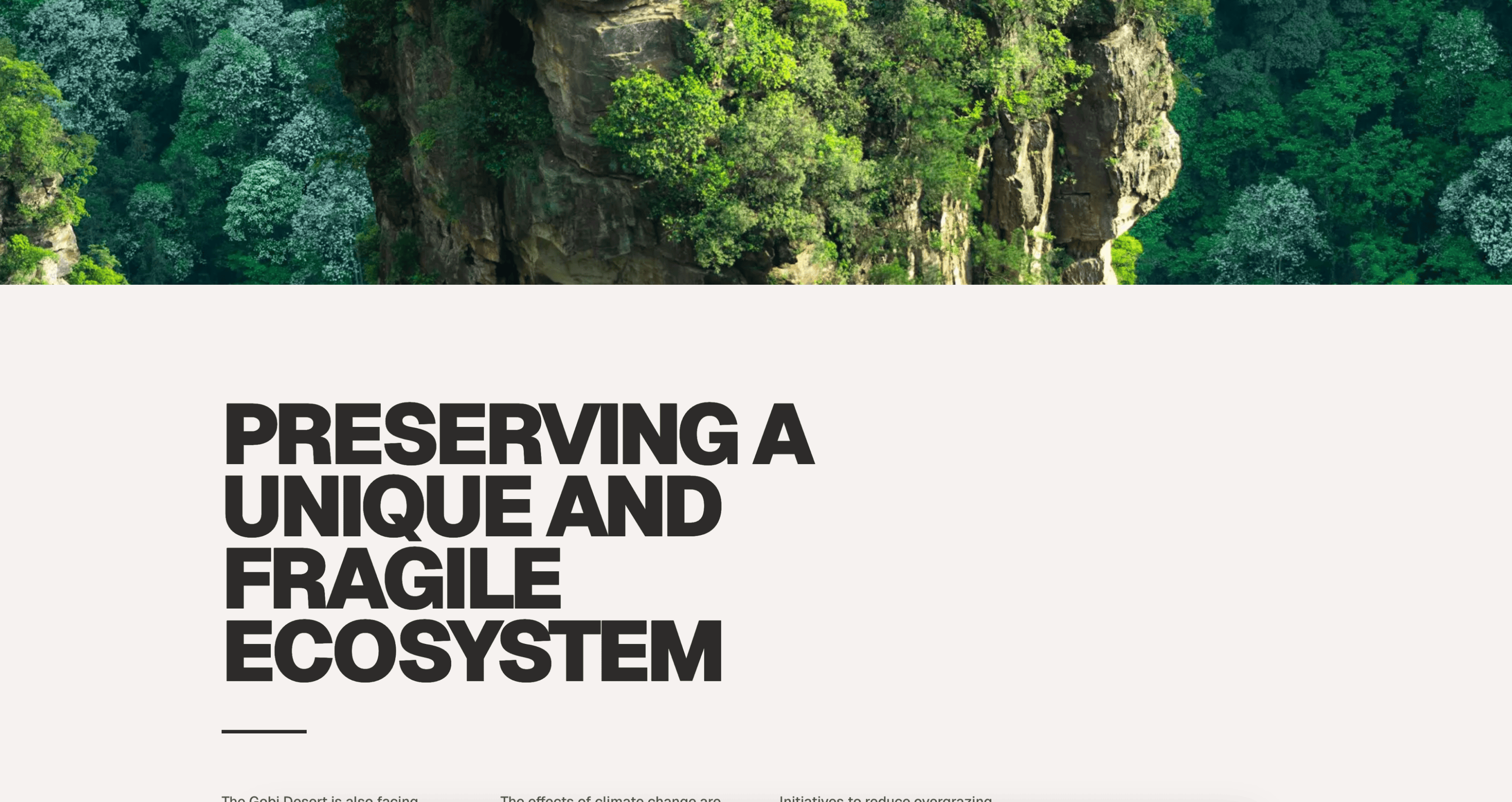
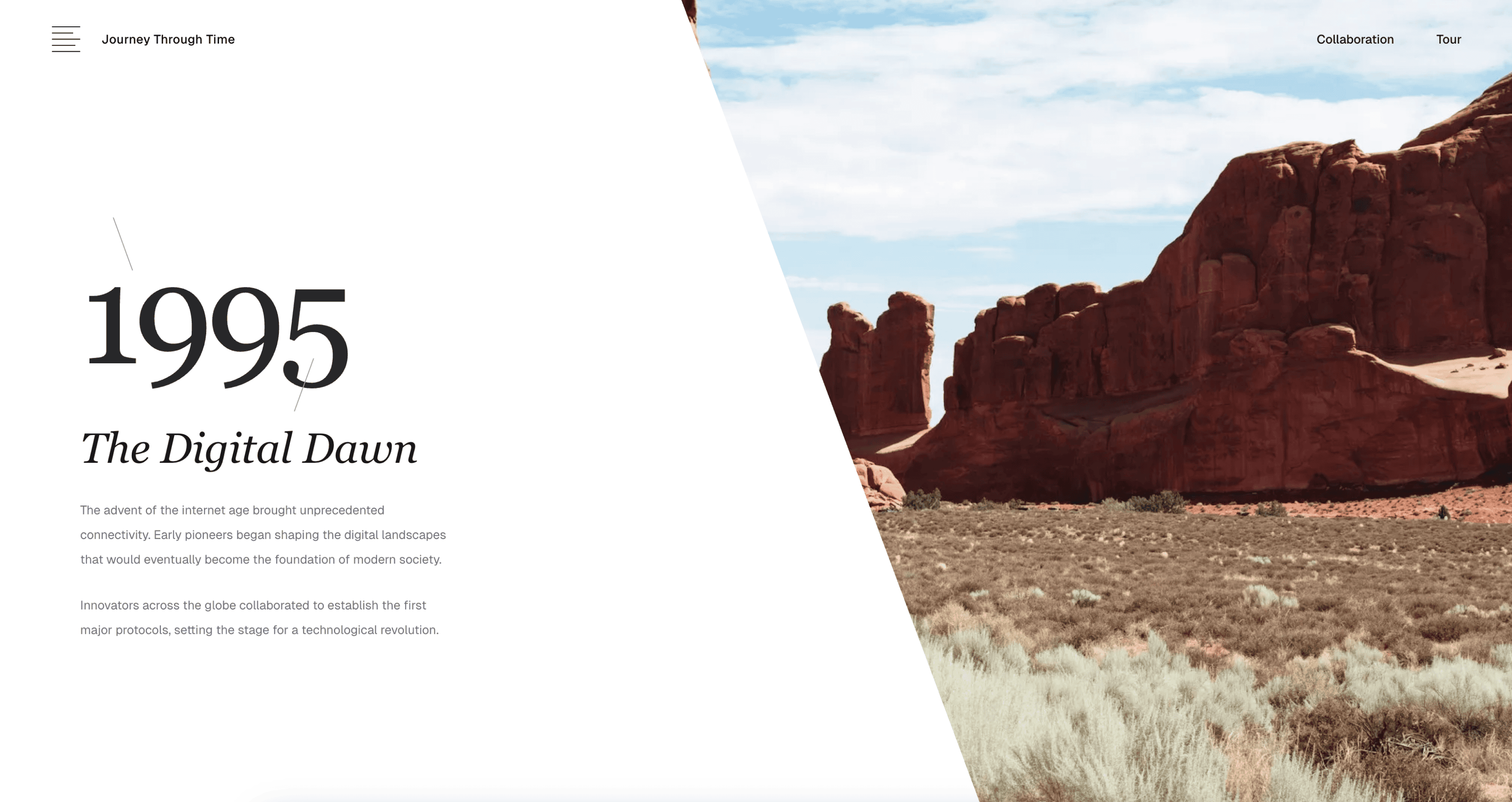
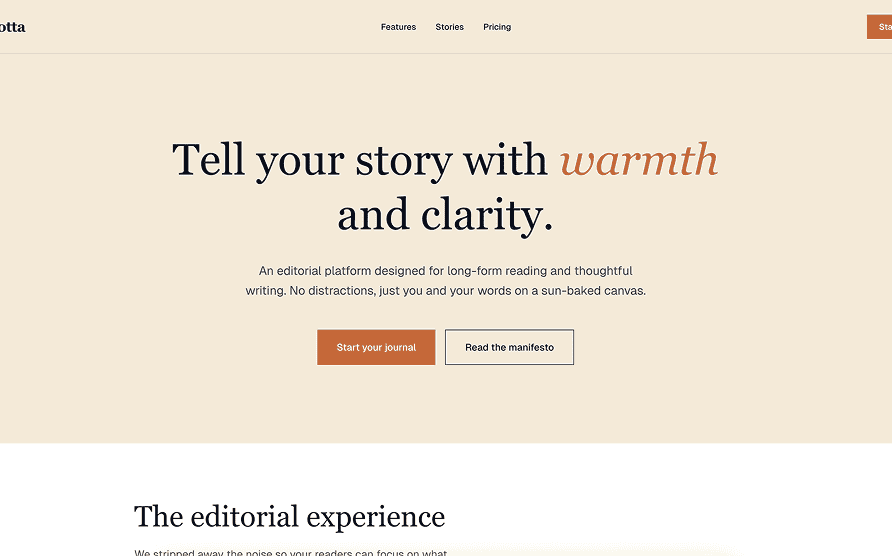
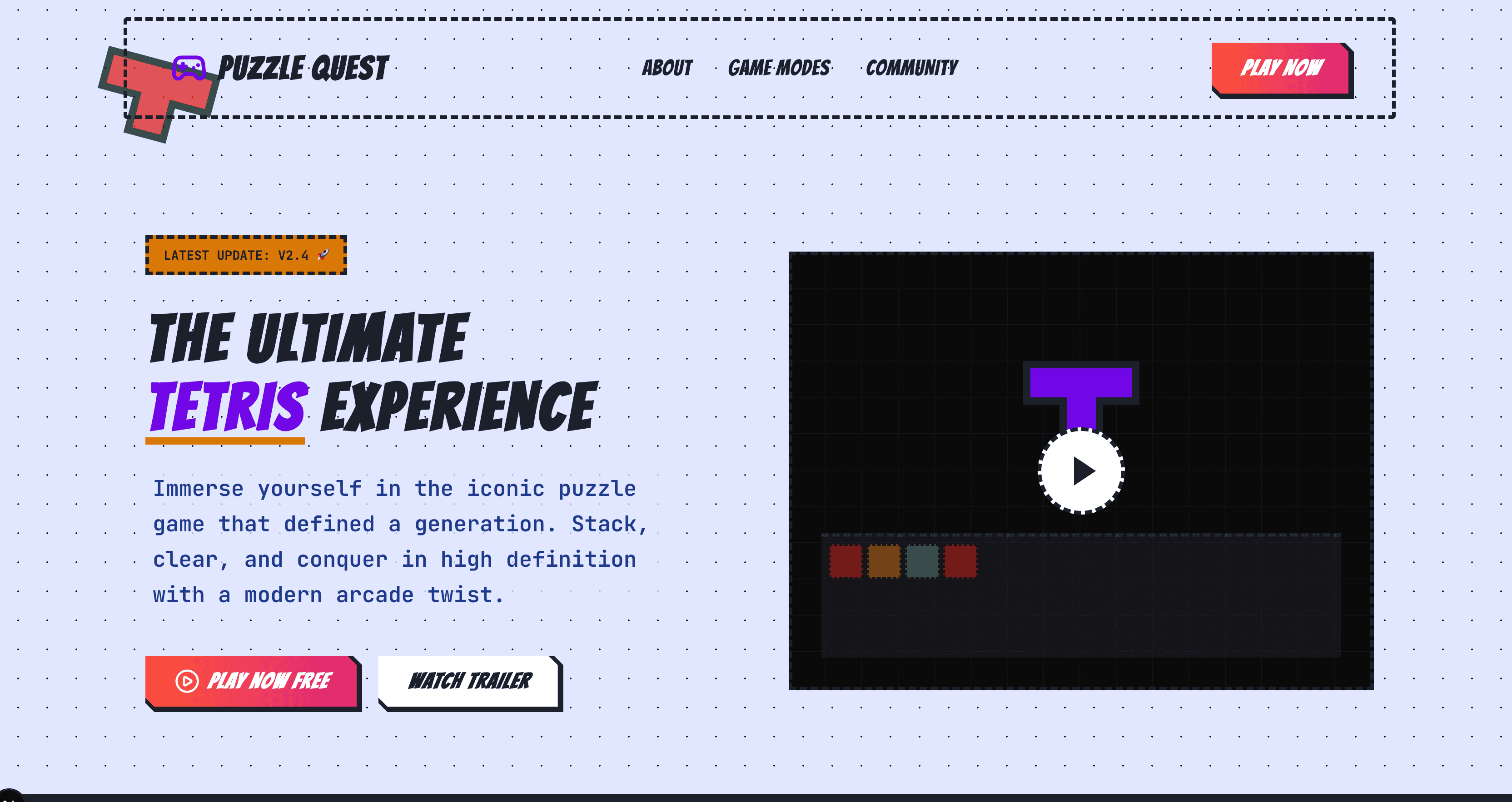
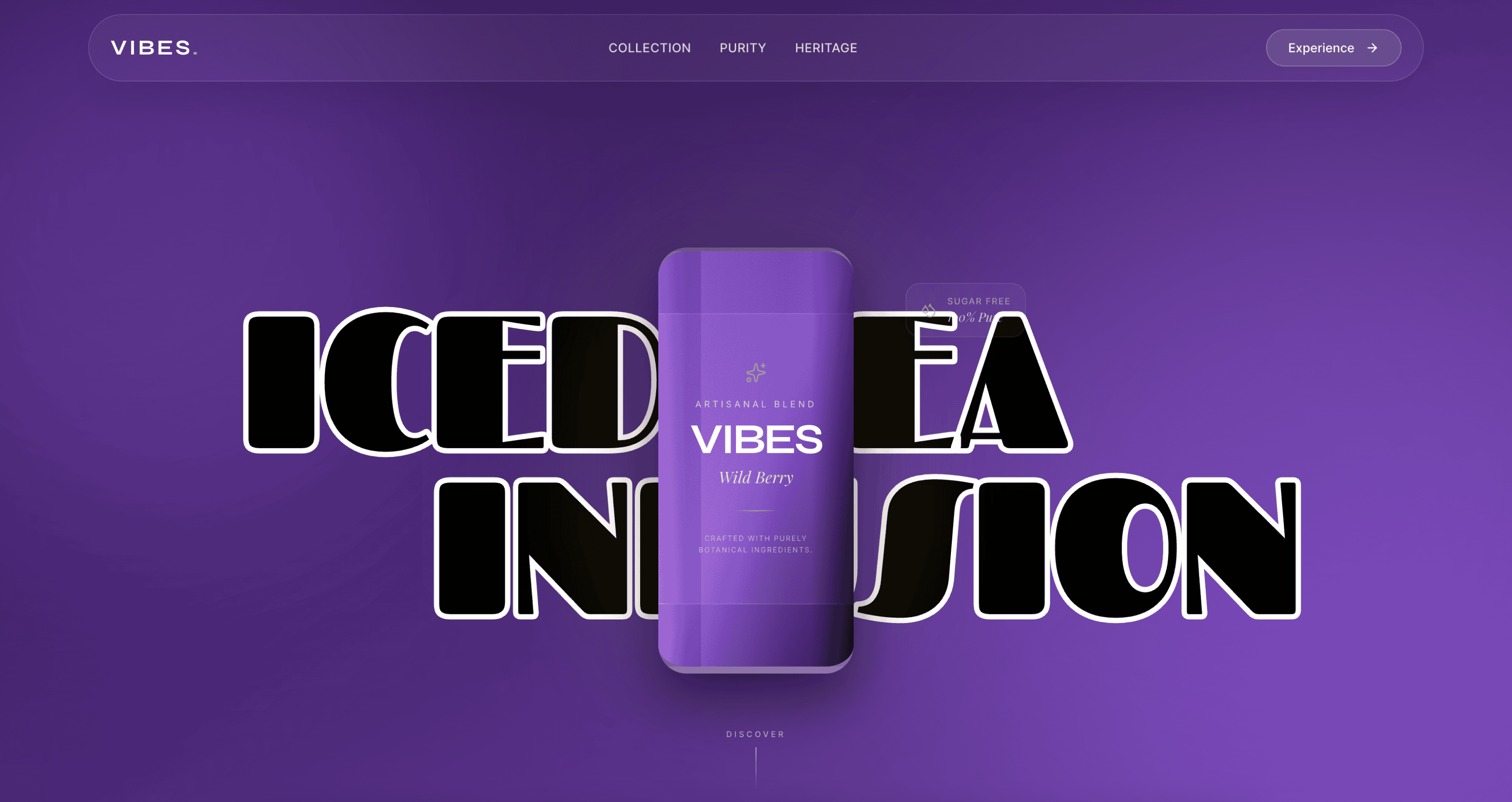
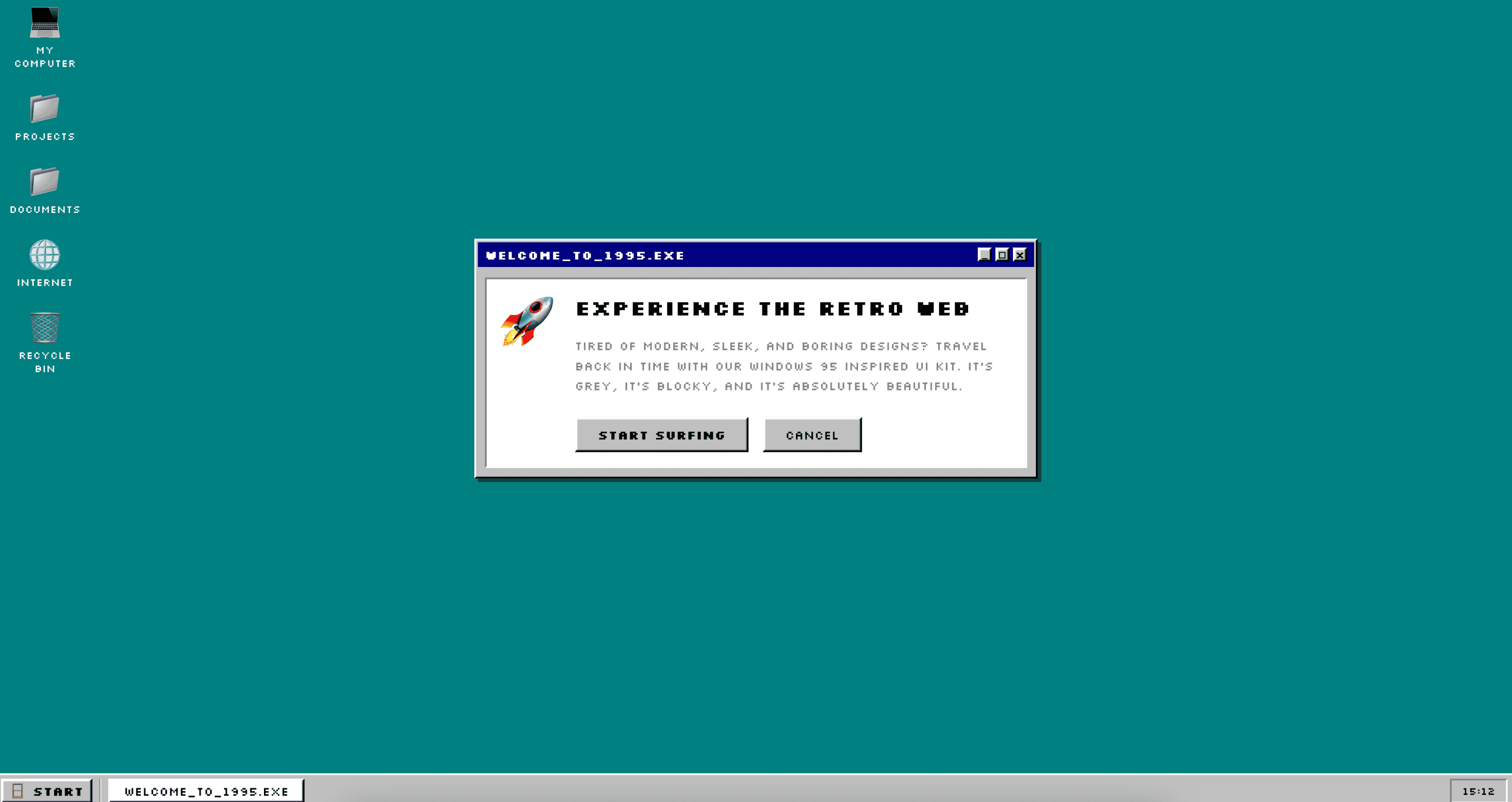
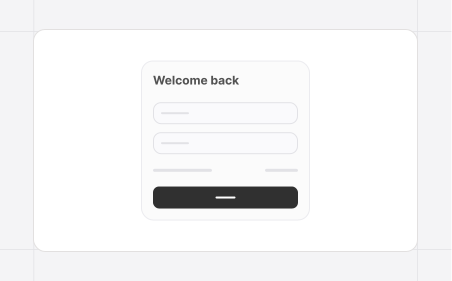
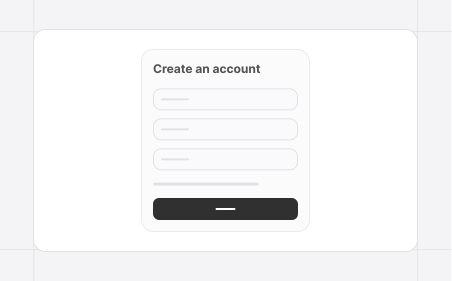
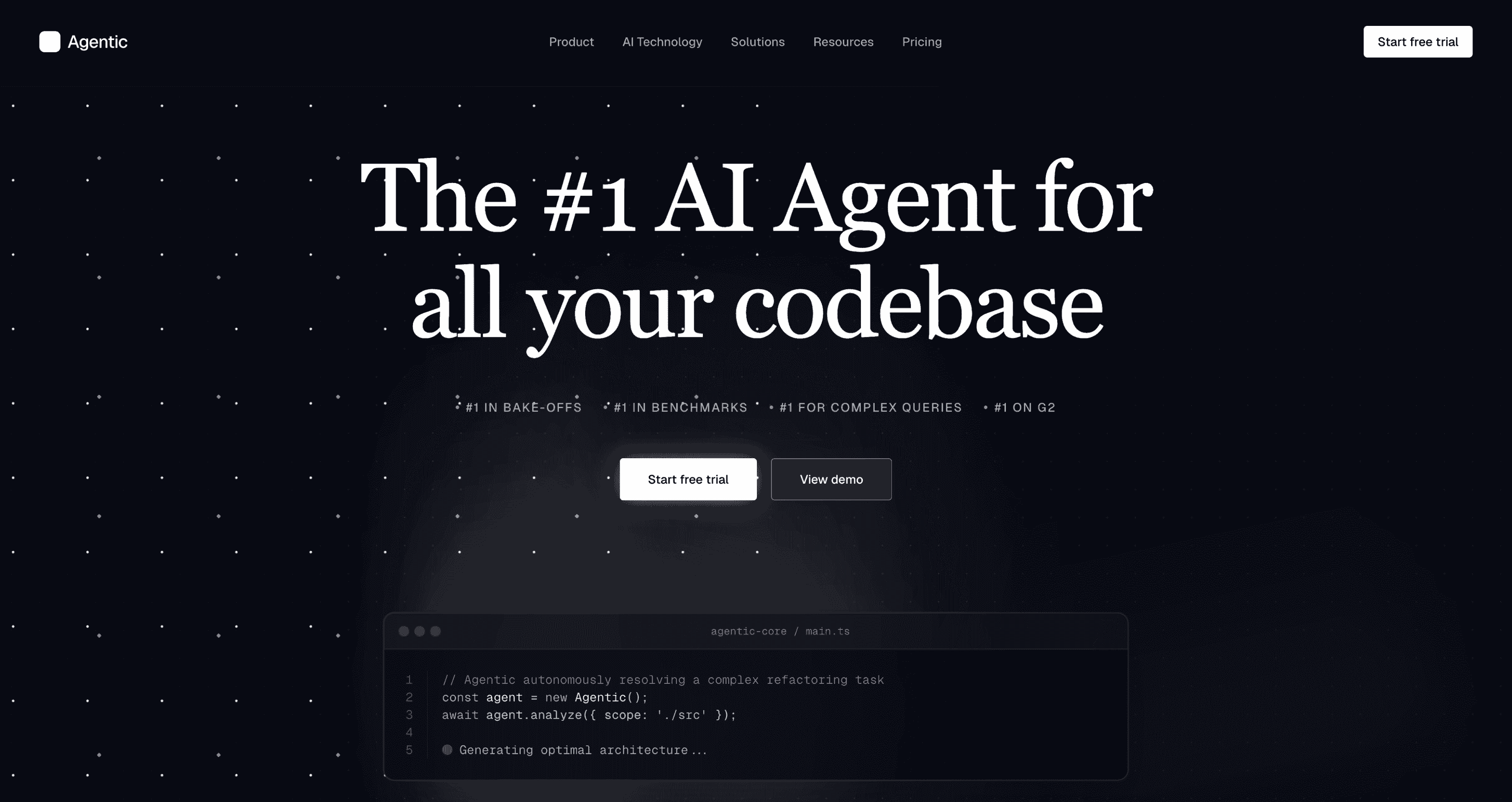
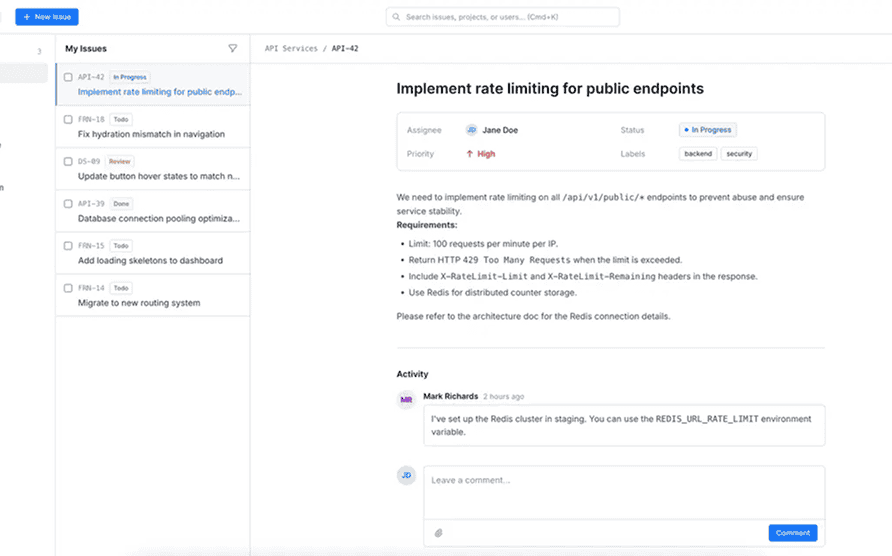
[TypeUI](https://www.typeui.sh) is an AI-first platform where you can use design skills, UI prompts, and other resources to enhance AI capabilities to generate better user interfaces and design when building websites and applications. The resources from this repository will work with any AI provider, given they support markdown files or general prompting.
## Getting started
You can start building with TypeUI by using the NPX command:
```bash
npx typeui.sh --help
```
## Design skills
Check out all [design skills](https://www.typeui.sh/design-skills). Available in both `DESIGN.md` and `SKILL.md` formats.
## UI design prompts
Browse all major UI prompt categories from [TypeUI Prompts](https://www.typeui.sh/prompts).
## UI/UX Fundamentals
Use our official skill for UI/UX fundamentals based on years of experience, knowledge and data from the design world to make sure that any UI you generate together with the design skills and UI prompts from TypeUI will keep fundamental design principles in order, such as spacing, typography, color contrasts, and more.
Run this command to install it locally:
```
npx skills add https://github.com/bergside/typeui --skill typeui-fundamentals
```
## CLI commands
All commands run via `npx typeui.sh`. Add `--help` to any command to see its options.
| | Command | What it does |
| :---: | :--- | :--- |
| 🪄 | [`generate`](#generate) | Generate a fresh `SKILL.md` or `DESIGN.md` from interactive prompts. |
| ✏️ | [`update`](#update) | Re-run prompts and update existing output files in place. |
| 🎲 | [`randomize`](#randomize) | Generate a fully randomized local design system. |
| 📚 | [`list`](#list) | Browse available registry specs and pull one automatically. |
| ⬇️ | [`pull `](#pull-slug) | Pull a specific registry markdown file by slug. |
### `generate`
Run interactive prompts and generate a fresh `SKILL.md` (default) or `DESIGN.md` file.
```bash
npx typeui.sh generate
npx typeui.sh generate --format design
```
### `update`
Run interactive prompts and update existing output files in place.
```bash
npx typeui.sh update
```
### `randomize`
Generate a fully randomized local design system — useful for quickly seeding a starter spec.
```bash
npx typeui.sh randomize
npx typeui.sh randomize --format design
```
### `list`
Browse available registry specs from [`bergside/awesome-design-skills`](https://github.com/bergside/awesome-design-skills) (with `typeui.sh` preview links), then pull one automatically.
```bash
npx typeui.sh list
npx typeui.sh list --format design
```
### `pull `
Pull a registry markdown file by slug. `SKILL.md` writes to provider paths; `DESIGN.md` writes to the project root.
```bash
npx typeui.sh pull
npx typeui.sh pull --format design
```
## Local development
If you want to use this locally these are the commands you need to run:
```bash
npm install
npm run build
```
Then use the following command instead of `npx` in your terminal:
```
node dist/cli.js --help
```
## License
The CLI and public registry is open-source under the MIT License.
## Pro version
Get access to enhanched design skill files, UI prompts for layouts and a private Discord community by getting the [pro version](https://www.typeui.sh/#pricing) and thus supporting our open-source work.
## Sponsors
If you'd like to become a sponsor of the project, please check out the [sponsorship page](https://www.typeui.sh/sponsor) on our website.