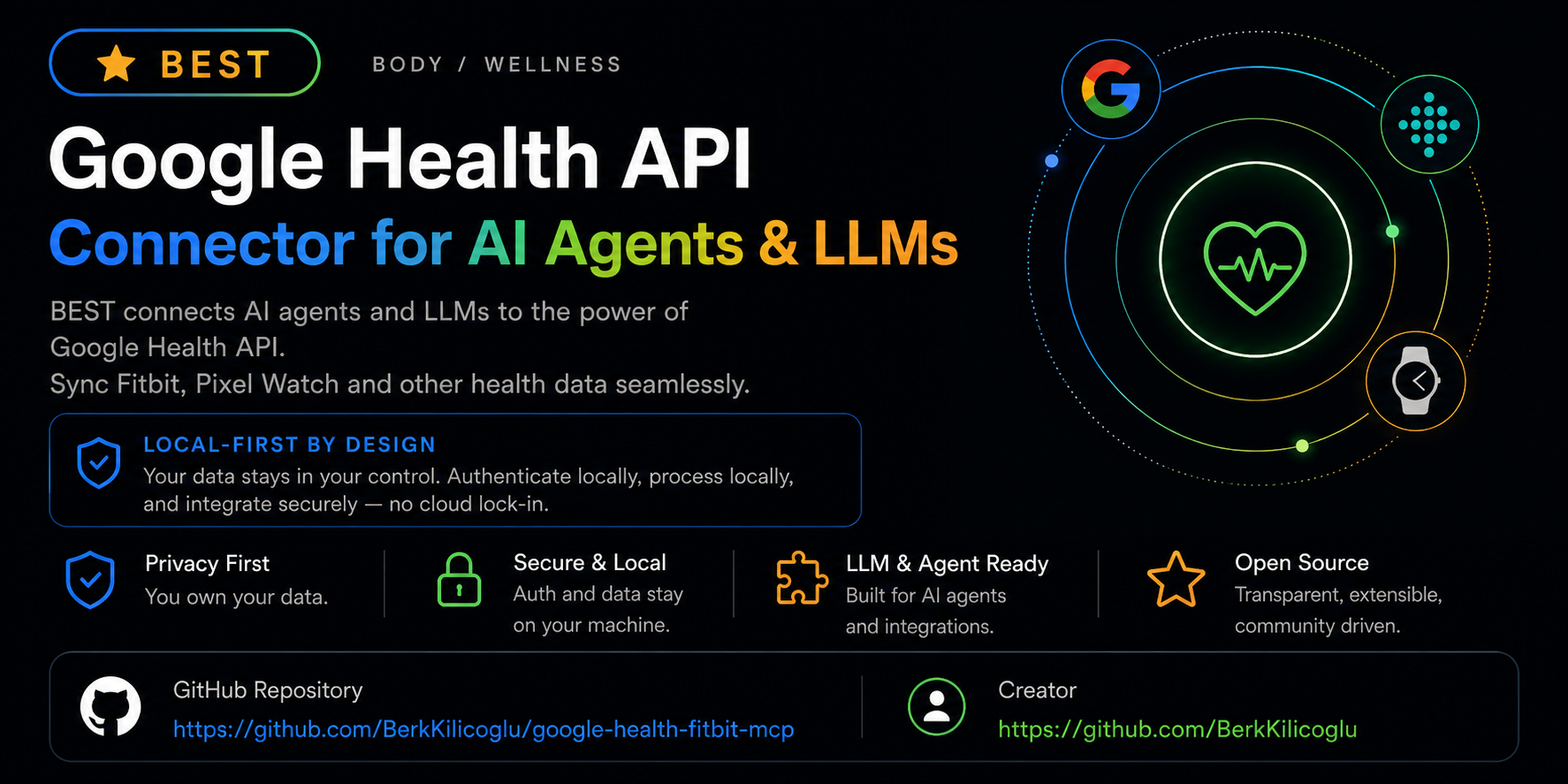
Google Health Fitbit MCP
Query your own Google Health API data — Fitbit, Pixel Watch and connected partner sources — over local OAuth. Beta.
Everything runs on your own machine — your credentials never leave your device.





---
**An MCP server that runs locally and hands your AI agent your own Google Health API data — from Fitbit trackers, Pixel Watch and supported partner sources — through OAuth.**
- **Install in one command** — `npx -y google-health-fitbit-mcp setup`
- **Run it in** Claude Desktop · Claude Code · Cursor · Windsurf · Hermes · OpenClaw — see [client examples](https://github.com/BerkKilicoglu/google-health-fitbit-mcp/tree/main/examples).
- **On your machine** — OAuth tokens are stored locally with `0600` permissions and are never returned by any tool ([privacy](#privacy--what-runs-offline)).
- **Read-only by default** — every shipped data tool is a read. Writes are a gated, opt-in, dry-run-first design that is not enabled.
> **Beta status:** Google Health API is available to developers but the surface is still moving. Because Google's release notes keep listing scope and data-type changes after launch, this connector remains in beta and steers testers toward safe read-only validation before any production use.
> Independent, community-built connector — no affiliation with, endorsement from or support by Google, Fitbit or Alphabet. Not a medical device or medical advice; treat the data as trend context only.
## ⚡ Quick Connect
> Prerequisite: a Google Cloud OAuth client (type: Desktop) with the [Google Health API](https://console.cloud.google.com/apis/library/health.googleapis.com) enabled and the redirect `http://127.0.0.1:3000/callback` registered — details in [Install](#install).
**Step 1 — Install & authorize (once):**
```bash
npx -y google-health-fitbit-mcp setup # guided: Google Cloud OAuth client + scopes
npx -y google-health-fitbit-mcp auth # browser OAuth — tokens stay on your machine
npx -y google-health-fitbit-mcp checkup # ✓ verifies everything is ready
```
🔑 First time? Get your Google Client ID & Secret (~2 min)
`setup` asks for a **Client ID** and **Client Secret**. You create these once, for free, in Google Cloud:
1. **New project** — open [console.cloud.google.com/projectcreate](https://console.cloud.google.com/projectcreate), name it (e.g. `health-mcp`), click **Create**, then select it.
2. **Enable the API** — open the [Google Health API](https://console.cloud.google.com/apis/library/health.googleapis.com) page and click **Enable**.
3. **Consent screen** — go to [OAuth consent screen](https://console.cloud.google.com/apis/credentials/consent), choose **External**, and fill in the required app name / email fields. Under **Test users**, **add your own Google account** — skip this and sign-in fails with `403: access_denied`.
4. **Create the client** — go to [Credentials](https://console.cloud.google.com/apis/credentials) → **+ Create credentials → OAuth client ID** → **Application type: Desktop app** → **Create**.
5. **Copy** the **Client ID** (ends in `…apps.googleusercontent.com`) and the **Client secret**, then paste each one when `setup` prompts you.
> **Redirect URI:** Desktop-app clients allow the `http://127.0.0.1:3000/callback` loopback automatically — you don't register it anywhere. Just press **Enter** to accept the default when `setup` asks. For every other `setup` prompt (scope preset, privacy mode), pressing **Enter** picks a sensible default.
> **Heads-up — the 7-day rule:** while the consent screen sits in **Testing** publishing status, Google revokes refresh tokens after 7 days. Around once a week the next request fails with `invalid_grant`, which is normal and not a bug in this server. It reopens the consent flow for you (see [Staying connected](#staying-connected)); approving takes a couple of seconds. Publishing the app removes the expiry entirely — check what your scopes require on the consent screen before switching.
**Step 2 — Connect your app:**
Claude Code
```bash
claude mcp add google-health -- npx -y google-health-fitbit-mcp
```
Claude Desktop
Settings → Developer → Edit Config, then add to `claude_desktop_config.json`:
```json
{
"mcpServers": {
"google_health": {
"command": "npx",
"args": ["-y", "google-health-fitbit-mcp"]
}
}
}
```
Restart Claude Desktop — the tools appear under the 🔌 connectors menu.
Cursor
Add the same `mcpServers` block to `.cursor/mcp.json` (per-project) or `~/.cursor/mcp.json` (global), or use Settings → MCP → Add new server.
```json
{
"mcpServers": {
"google_health": {
"command": "npx",
"args": ["-y", "google-health-fitbit-mcp"]
}
}
}
```
Windsurf
Add the same `mcpServers` block to `~/.codeium/windsurf/mcp_config.json`.
Hermes
```bash
npx -y google-health-fitbit-mcp setup --client hermes # writes the Hermes config for you
```
Then reload with `/reload-mcp` or `hermes mcp test google_health`.
**Step 3 — Test it.** Ask your agent:
```text
Run google_health_connection_status and tell me if I'm connected.
```
## Why this exists
The Google Health API is the successor to the Fitbit Web API: new OAuth, new base URL (`https://health.googleapis.com`), a streamlined endpoint schema, standardized kebab-case data types, reconciled cross-source streams and daily/physical-time rollups.
It gives agents a clean path to explore the API, verify their setup, sign in locally and pull data — with no need to paste tokens into prompts or agent configs.
## Try it with your agent
Three good opening prompts, built around tools this connector genuinely ships:
```text
Check my setup with google_health_connection_status, then call
google_health_data_inventory and tell me which Google Health
domains and scopes I've granted.
```
```text
Pull today's google_health_daily_summary, then google_health_weekly_summary.
Keep observed data separate from any suggestions, and stay non-medical.
```
```text
List my paired devices with google_health_list_paired_devices and tell me
which device is producing my sleep and heart-rate data.
```
## Tools
29 tools, all read-only except the two explicitly gated local-profile/auth actions noted below.
### Start here
| Tool | What it does |
|---|---|
| `google_health_connection_status` | Local config, token, scope and MCP-client readiness — no Google call |
| `google_health_quickstart` | Personalized 3-step setup walkthrough that adapts to your current state |
| `google_health_data_inventory` | Supported domains, scopes, data-type naming and recommended agent flow |
| `google_health_list_data_types` | The 39 kebab-case data-type slugs with units, scopes and supported verbs |
| `google_health_demo` | Realistic synthetic payloads so agents see the contract before real calls |
### Data reads (Google Health API)
| Tool | Endpoint |
|---|---|
| `google_health_get_identity` | `/v4/users/me/identity` — Google Health + legacy Fitbit identity mapping |
| `google_health_get_profile` | `/v4/users/me/profile` |
| `google_health_get_settings` | `/v4/users/me/settings` — units, timezone |
| `google_health_list_paired_devices` | `/v4/users/me/pairedDevices` — your Fitbit trackers and Pixel Watches, and which device produces which data |
| `google_health_get_irn_profile` | `/v4/users/me/irnProfile` — irregular-rhythm (AFib) notification engagement status |
| `google_health_list_data_points` | `/v4/.../dataPoints` — intraday detail for any data type |
| `google_health_get_data_point` | `/v4/.../dataPoints/{id}` — one specific sleep session, exercise or measurement |
| `google_health_reconcile_data_points` | `/v4/.../dataPoints:reconcile` — one clean stream across sources (all-sources, google-wearables, google-sources) |
| `google_health_daily_rollup` | `/v4/.../dataPoints:dailyRollUp` — civil-day aggregates |
| `google_health_rollup` | `/v4/.../dataPoints:rollUp` — physical-time window aggregates |
### Summaries & wellness context
| Tool | What it does |
|---|---|
| `google_health_daily_summary` | Steps, distance, calories, active-zone minutes, sleep, resting HR, HRV and weight for one day, with data-quality flags |
| `google_health_weekly_summary` | Weekly scorecard with optional prior-window comparison, load classification and bottlenecks |
| `google_health_wellness_context` | Normalized activity/sleep context for recommendation engines |
### Auth, diagnostics & metadata
`google_health_get_auth_url` · `google_health_exchange_code` (gated: requires explicit user intent) · `google_health_revoke_access` (gated + destructive: disconnects Google Health) · `google_health_privacy_audit` · `google_health_cache_status` · `google_health_data_type_coverage` · `google_health_capabilities` · `google_health_agent_manifest` · `google_health_onboarding` · `google_health_profile_get` · `google_health_profile_update` (local file only, requires `explicit_user_intent=true`)
### Resources & prompts
MCP resources: `google-health://agent-manifest`, `google-health://capabilities`, `google-health://inventory`, `google-health://latest/steps`, `google-health://profile`, `google-health://summary/daily`, `google-health://summary/weekly`.
MCP prompts: `google_health_daily_checkin`, `google_health_weekly_review`, `google_health_data_type_investigation`.
## Data types
39 data types from the official Google Health table, including `steps`, `sleep`, `heart-rate`, `heart-rate-variability`, `daily-resting-heart-rate`, `active-zone-minutes`, `distance`, `total-calories`, `weight`, `body-fat`, `blood-glucose`, `oxygen-saturation`, `vo2-max`, `electrocardiogram`, `irregular-rhythm-notification`, `exercise`, `floors`, `swim-lengths-data`, `nutrition-log` and `hydration-log`.
Naming rules agents need:
- **Endpoints** use kebab-case data types: `steps`, `daily-resting-heart-rate`.
- **Filters** use snake_case field paths: `sleep.interval.civil_start_time`, `heart_rate.sample_time.physical_time`.
- **Source families**: `all-sources`, `google-wearables`, `google-sources`.
Call `google_health_list_data_types` for the full catalog with units, scopes and which verbs (list/reconcile/rollup) each type supports.
## Privacy & what runs offline
- OAuth tokens live on disk at `~/.google-health-mcp/tokens.json`, locked down to `0600` permissions.
- Client secrets go in `~/.google-health-mcp/config.json` or the `GOOGLE_HEALTH_*` environment variables.
- No tool ever hands back an access token, refresh token or client secret; error output is redacted too.
- The default privacy mode is `GOOGLE_HEALTH_PRIVACY_MODE=structured`; `summary` strips identifiers further, and `raw` is an explicit opt-in for debugging.
- GPS/route data is treated as sensitive and redacted unless explicitly requested.
- `support` prints a copy-paste support bundle for GitHub issues — always redacted, never contains tokens, secrets, local paths or health measurements.
- `support --feedback --json` prints an anonymous setup-feedback bundle for beta testers ([guide](https://github.com/BerkKilicoglu/google-health-fitbit-mcp/blob/main/docs/setup-feedback.md)).
- `coverage --live --json` prints only redacted data-type status and point-count buckets — never raw Google Health payloads ([guide](https://github.com/BerkKilicoglu/google-health-fitbit-mcp/blob/main/docs/data-coverage.md)).
## Install
Set up a Google Cloud OAuth client (type: Desktop), turn on the [Google Health API](https://console.cloud.google.com/apis/library/health.googleapis.com), and register the local redirect:
```text
http://127.0.0.1:3000/callback
```
Then run:
```bash
npx -y google-health-fitbit-mcp setup --scope-preset full
npx -y google-health-fitbit-mcp auth
npx -y google-health-fitbit-mcp checkup
```
### Scope presets
Presets keep OAuth consent easy to reason about — request only what your use case needs:
| Preset | Grants |
|---|---|
| `basic` | profile + settings |
| `activity` | basic + activity/fitness + health metrics |
| `sleep` | basic + sleep |
| `heart` | basic + health metrics + **ECG** + **irregular-rhythm notifications** |
| `full` | all recommended read-only scopes (default) |
| `nutrition-write` | opt-in nutrition write scope — the only preset with any write capability; no write tool ships yet |
Advanced users can pass `--scopes` with an explicit space/comma-separated scope list.
### If setup gets stuck
```bash
npx -y google-health-fitbit-mcp checkup --fix # repairs local config/token permissions (chmod 600 where supported)
npx -y google-health-fitbit-mcp checkup --live # hits read-only identity/profile/settings endpoints to confirm the API responds
npx -y google-health-fitbit-mcp coverage --live --json # redacted read-only data-type coverage report
npx -y google-health-fitbit-mcp support # shareable support bundle, stripped of tokens/secrets/measurements
npx -y google-health-fitbit-mcp support --feedback --json # anonymous setup feedback bundle
```
### Staying connected
Access tokens refresh silently in the background. The refresh token behind them is what expires — Google revokes it after 7 days while the consent screen is in **Testing** publishing status, and the next call comes back as `invalid_grant`. Retrying cannot fix that: the grant is gone, and only a fresh authorization brings it back.
So the server does the authorization for you. On the first call that hits a revoked grant it opens your browser at Google's consent screen; approve, and the original request finishes on its own — no command to run, nothing to diagnose. If you take longer than `GOOGLE_HEALTH_REAUTH_WAIT_MS` (45s by default), the call returns the URL instead and the listener stays up, so approving still works and the next request goes through.
This only runs on the local `stdio` transport, where the browser and the server are on the same machine. Under the HTTP transport — where the server may be remote, and its default port collides with the loopback redirect — the call fails with an explicit instruction to run `auth` instead. Set `GOOGLE_HEALTH_AUTO_REAUTH=0` to always handle re-authorization yourself, or `GOOGLE_HEALTH_AUTH_NO_BROWSER=1` on headless hosts to get the URL without a browser launch.
### MCP client config
Claude Desktop / Cursor / Windsurf (see [examples/](https://github.com/BerkKilicoglu/google-health-fitbit-mcp/tree/main/examples)):
```json
{
"mcpServers": {
"google_health": {
"command": "npx",
"args": ["-y", "google-health-fitbit-mcp"]
}
}
}
```
### Hermes
```bash
npx -y google-health-fitbit-mcp setup --client hermes --no-auth
npx -y google-health-fitbit-mcp auth
npx -y google-health-fitbit-mcp checkup --client hermes
```
Once the config changes, run `/reload-mcp` or `hermes mcp test google_health` — there's no need to restart the gateway just to read data.
### HTTP transport (optional)
The default transport is stdio. A local Streamable-HTTP transport is available for clients that need it:
```bash
npx -y google-health-fitbit-mcp --http # serves http://127.0.0.1:3000/mcp (+ /health)
```
## Configuration
| Environment variable | Purpose | Default |
|---|---|---|
| `GOOGLE_HEALTH_CLIENT_ID` | Google Cloud OAuth client ID | — (or local config) |
| `GOOGLE_HEALTH_CLIENT_SECRET` | OAuth client secret (prefer local config over MCP client config) | — (or local config) |
| `GOOGLE_HEALTH_REDIRECT_URI` | Registered redirect URI | — (or local config) |
| `GOOGLE_HEALTH_TOKEN_PATH` | Token file location | `~/.google-health-mcp/tokens.json` |
| `GOOGLE_HEALTH_PRIVACY_MODE` | `summary` \| `structured` \| `raw` | `structured` |
| `GOOGLE_HEALTH_CACHE` | Optional SQLite response cache (`true`/`sqlite`) | disabled |
| `GOOGLE_HEALTH_CACHE_PATH` | SQLite cache location | `~/.google-health-mcp/cache.sqlite` |
| `GOOGLE_HEALTH_NO_CACHE` | Bypass the in-memory HTTP cache (60s TTL, GET-only) | unset |
| `GOOGLE_HEALTH_MCP_TRANSPORT` | `stdio` \| `http` | `stdio` |
| `GOOGLE_HEALTH_MCP_HOST` / `GOOGLE_HEALTH_MCP_PORT` | HTTP transport bind address | `127.0.0.1` / `3000` |
| `GOOGLE_HEALTH_AUTO_REAUTH` | Reopen the consent flow automatically when the grant is revoked (`0`/`false` to disable) | enabled |
| `GOOGLE_HEALTH_REAUTH_WAIT_MS` | How long a tool call waits for you to approve before returning the URL instead | `45000` |
| `GOOGLE_HEALTH_AUTH_NO_BROWSER` | Never launch a browser; print/return the URL only (headless hosts) | unset |
Reliability built in: every Google call goes through retry middleware (exponential backoff + jitter, honors `Retry-After`, retries 408/429/5xx) and a 60-second GET-only response cache. Multi-day summaries limit request concurrency to stay under rate limits.
## CLI commands
All commands run via `npx -y google-health-fitbit-mcp ` (installed binary: `google-health-fitbit-mcp-server`).
| Command | What it does | Key flags |
|---|---|---|
| *(none)* | Start the MCP server on stdio | `--http` — local Streamable-HTTP on `127.0.0.1:3000/mcp` |
| `setup` | Guided setup: writes local config + MCP client config | `--scope-preset ` · `--scopes ""` · `--client ` · `--no-auth` · `--json` |
| `auth` | Browser OAuth with local callback; saves tokens with `0600` permissions | `--no-open` — print the auth URL instead of opening the browser |
| `checkup` | Setup diagnosis with ✓/✗ checks and next steps (aliases: `doctor`, `status`) | `--json` · `--client ` · `--fix` — repair file permissions · `--live` — prove API reachability · `--live-write` — dry-run the write path, never POSTs |
| `coverage` | Data-type coverage report across list/reconcile/rollup | `--json` · `--live` — redacted read-only checks against your real account |
| `support` | Redacted support bundle for GitHub issues | `--json` · `--feedback` — anonymous setup-feedback bundle |
| `onboarding` | Shared wellness onboarding flow as JSON | `--pt-BR` |
| `version` / `help` | Print version / full usage | |
## Beta testers wanted
Right now the most valuable thing you can contribute is hands-on setup feedback from real Fitbit, Pixel Watch, Android and Google Health API accounts.
If you have a real account to test with:
- Run `npx -y google-health-fitbit-mcp checkup` and let us know whether the OAuth flow reads clearly.
- Run `npx -y google-health-fitbit-mcp support --feedback --json` and drop the anonymous bundle into a GitHub issue.
- Once OAuth is done, run `npx -y google-health-fitbit-mcp coverage --live --json` and post the redacted coverage report after you've reviewed it.
- Exercise `google_health_connection_status`, `google_health_data_inventory` and `google_health_daily_summary` from inside your MCP client.
- File an issue if you hit missing data types, unclear setup steps, client-specific friction or privacy concerns.
- Please keep OAuth tokens, client secrets, local paths and personal health measurements **out of** public issues.
## Development
```bash
git clone https://github.com/BerkKilicoglu/google-health-fitbit-mcp.git
cd google-health-fitbit-mcp
npm install
npm test
```
`npm test` runs typecheck, build, MCP smoke tests (stdio + HTTP), summary fixtures, privacy/cache/retry suites, CLI UX checks and metadata validation. See [CONTRIBUTING.md](https://github.com/BerkKilicoglu/google-health-fitbit-mcp/blob/main/CONTRIBUTING.md) for guidelines and [SECURITY.md](https://github.com/BerkKilicoglu/google-health-fitbit-mcp/blob/main/SECURITY.md) for the security policy.
## Links
- Google Health API: https://developers.google.com/health
- Release notes: https://developers.google.com/health/release-notes
- REST reference: https://developers.google.com/health/reference/rest
- Scopes: https://developers.google.com/health/scopes
- Data types: https://developers.google.com/health/data-types
- Migration guide (Fitbit → Google Health): https://developers.google.com/health/migration
## Contact & support
- 🐛 **Bug reports / feature requests** — [GitHub Issues](https://github.com/BerkKilicoglu/google-health-fitbit-mcp/issues)
- 📨 **klcogluberk@gmail.com** — general questions and integration help
## License
MIT — see [LICENSE](https://github.com/BerkKilicoglu/google-health-fitbit-mcp/blob/main/LICENSE).