# parcel-tracker-bot
[](https://github.com/bernalli/parcel-tracker-bot/actions/workflows/ci.yml)
[](https://github.com/bernalli/parcel-tracker-bot/actions/workflows/security.yml)
[](https://codecov.io/gh/bernalli/parcel-tracker-bot)
[](LICENSE)
[](https://www.python.org/downloads/)
A self-hosted parcel tracker for people and small online shops. Send it a
tracking number on Telegram and it follows the parcel with the carrier, tells
you when something changes, and draws the route on a map. Turn on the web
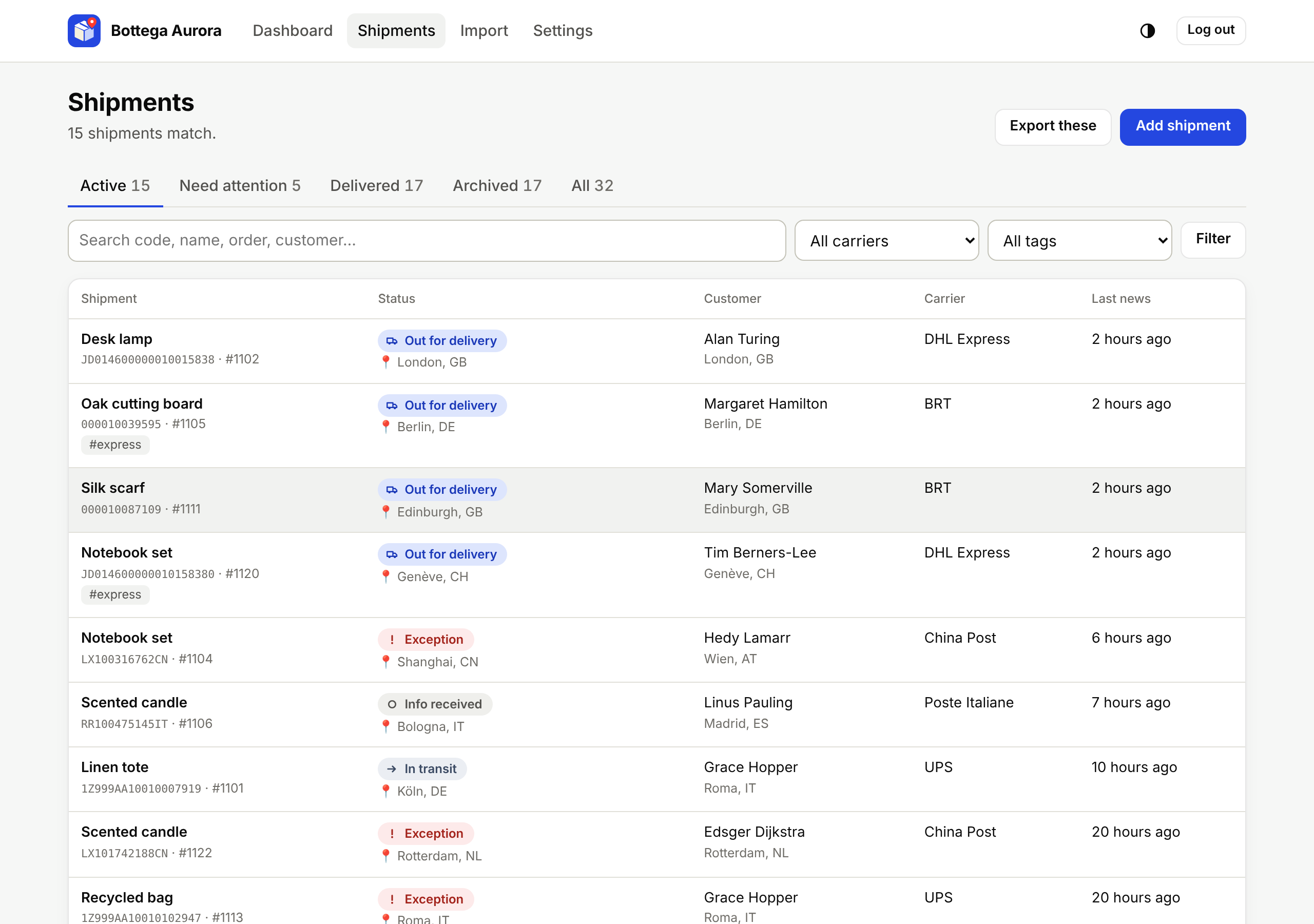
dashboard and it becomes a shipment control room: every parcel you sent, the
ones that need you, and a tracking page for each customer.
- **Any carrier.** The carrier is detected from the code; 17track covers
2,000+ carriers, with direct sources for DHL and 20 national posts and couriers.
- **Smart alerts.** Status changes with a route map, a warning when a parcel
stops moving, and failed deliveries that are never mistaken for deliveries.
- **For sellers.** Order numbers, customers, tags and notes; CSV import and
export; seller mode; delivery-time statistics per carrier.
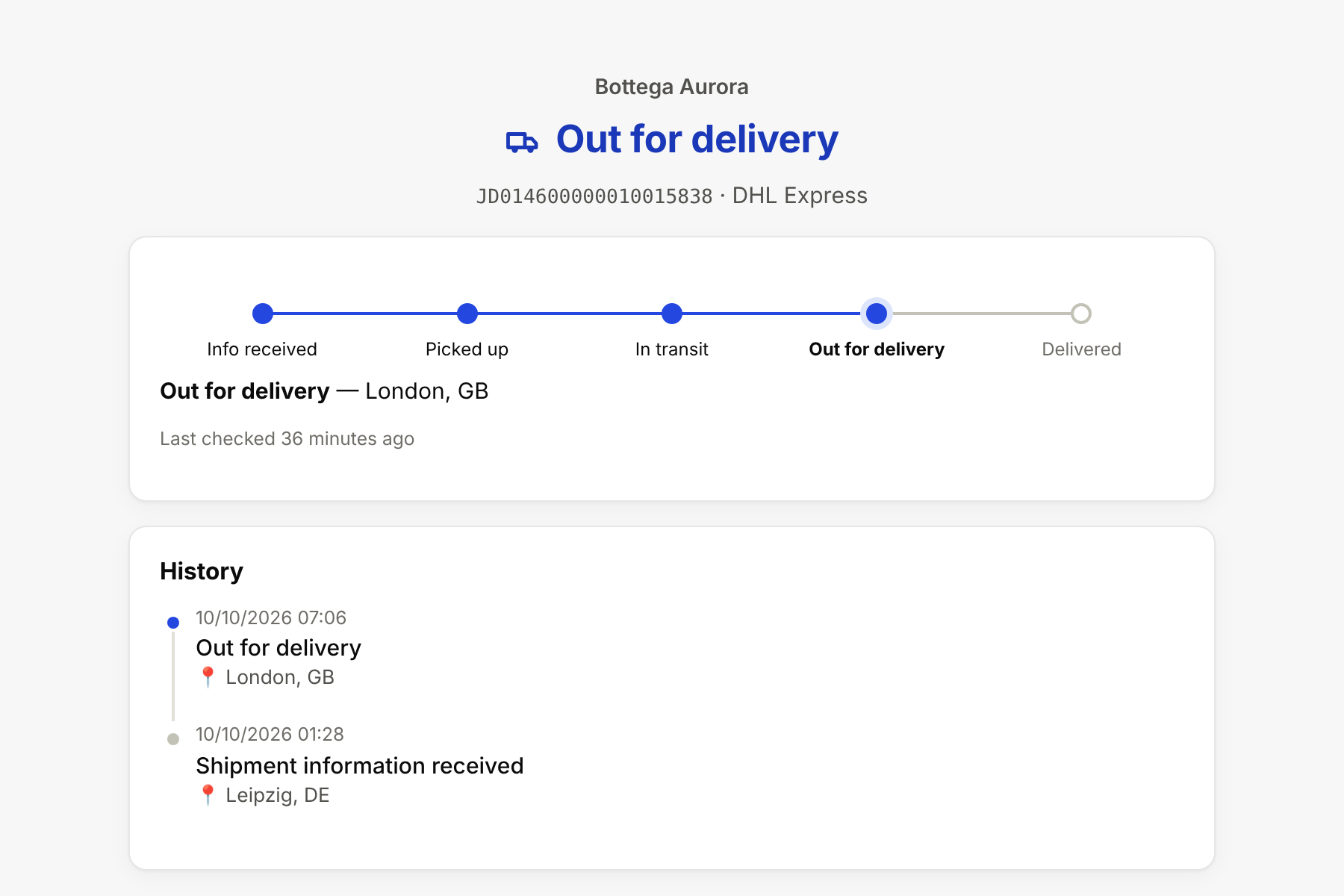
- **Customer tracking pages** under your shop name, showing carrier data and
nothing of yours.
- **Web dashboard and JSON API**, signed in from Telegram with no passwords.
- **Private by design.** One Docker container, one SQLite file, no third-party
analytics, offline geocoding, English and Italian.
## Quick start
You need Docker with Compose, a bot token from [@BotFather](https://t.me/BotFather)
and your numeric Telegram user ID.
```bash
git clone https://github.com/bernalli/parcel-tracker-bot.git
cd parcel-tracker-bot
cp .env.example .env
# Edit .env: TELEGRAM_BOT_TOKEN, OWNER_ID and (recommended) TRACK17_API_KEY.
docker compose up -d
```
Send `/start` to your bot, then paste a tracking number. Don't know your ID?
Start the bot anyway and send `/whoami`.
To open the web dashboard, add these to `.env`, run `docker compose up -d`
again, and send `/web` to the bot:
```dotenv
WEB_ENABLED=true
WEB_PUBLIC_URL=http://localhost:8080
```
Releases are also published as signed images on
`ghcr.io/bernalli/parcel-tracker-bot` (`latest` or a version such as `0.4.0`).
For a public address, HTTPS and backups, read [operations](docs/operations.md).
## Using the bot
Everything is reachable from `/menu` with buttons. You can also just type:
| You send | The bot |
|---|---|
| A tracking number, also with spaces, after a label or inside a carrier link | Starts tracking it and asks for a name |
| Several codes, one per line, as a list or separated by commas | Adds them all |
| A `.csv` file | Imports the shipments it contains |
| `/list` | Shows your active parcels |
| `/web` | Sends a one-time sign-in link for the dashboard |
| `/export` | Sends all your shipments as CSV |
| `/forgetme` | Deletes everything stored about you |
| `/help` | Lists everything else |
Each parcel card has **Update now**, **Events**, **Map**, **Rename**,
**Details** (order, customer, destination, tags, notes), **Share** (customer
tracking link) and **Remove**. Notifications can be muted per status in
**Settings → Notifications**.
| Intercontinental route | Out for delivery |
|---|---|
| 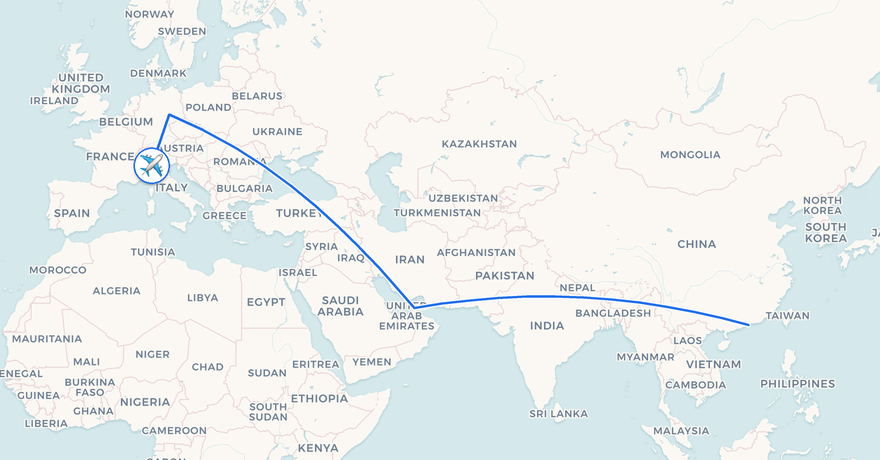 | 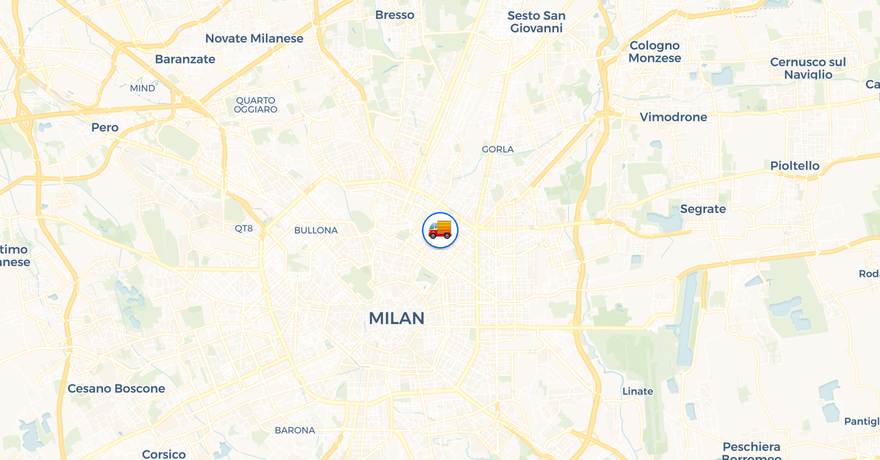 |
Status updates come with a map of the route, rendered by the bot itself from
OpenStreetMap data.
## For online sellers
Turn on **Seller mode** in the settings: delivered parcels are archived
automatically with a short notice, instead of the "did you receive it?"
question meant for buyers. Then:
- add shipments by pasting codes, uploading your shop's CSV export, or from
your shop through the [JSON API](docs/web.md#json-api);
- check **Need attention** for carrier problems and parcels with no news for a
week, and get a Telegram warning when one stalls;
- send customers a tracking link with your shop name on it;
- compare carriers by delivery time and success rate.
The full workflow is in the [sellers guide](docs/sellers.md).
The tracking page your customer sees: your shop name, the carrier's data, nothing else.