### Octopus
**A Simple, Beautiful, and Elegant LLM API Aggregation Service for Individuals**
English | [简体中文](README_zh.md)
## ✨ Features
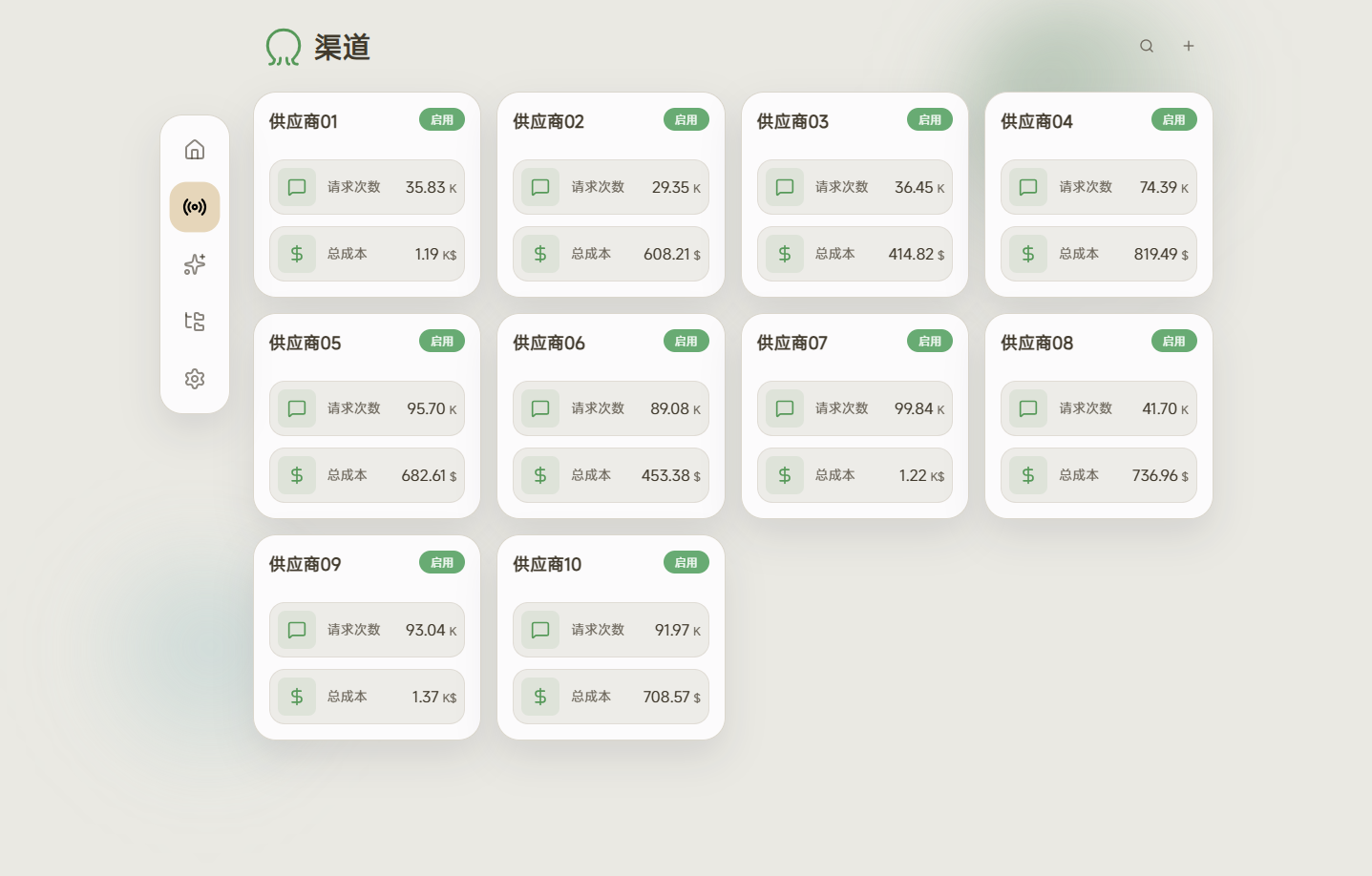
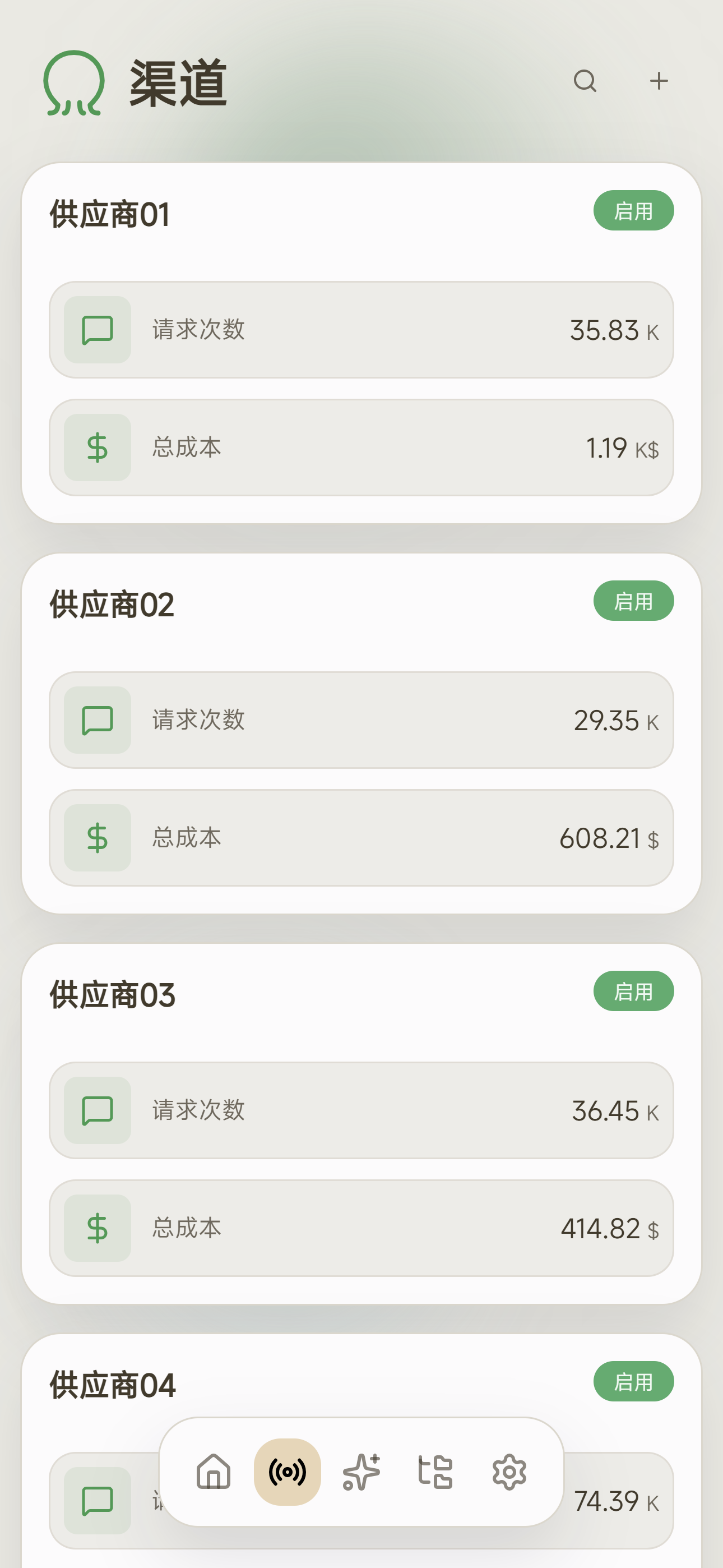
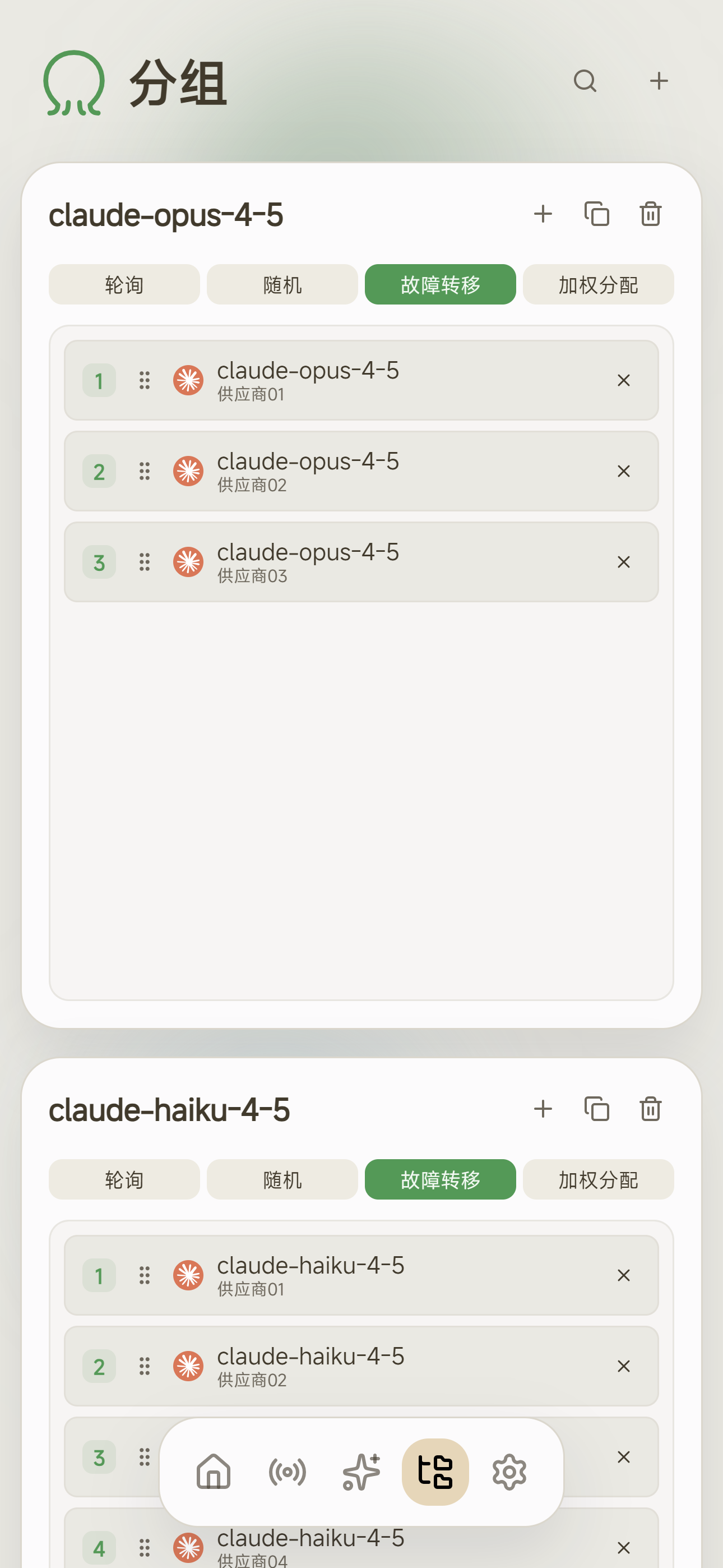
- 🔀 **Multi-Channel Aggregation** - Connect multiple LLM provider channels with unified management
- 🔄 **Protocol Conversion** - Seamless conversion between OpenAI Chat / OpenAI Responses / Anthropic API formats
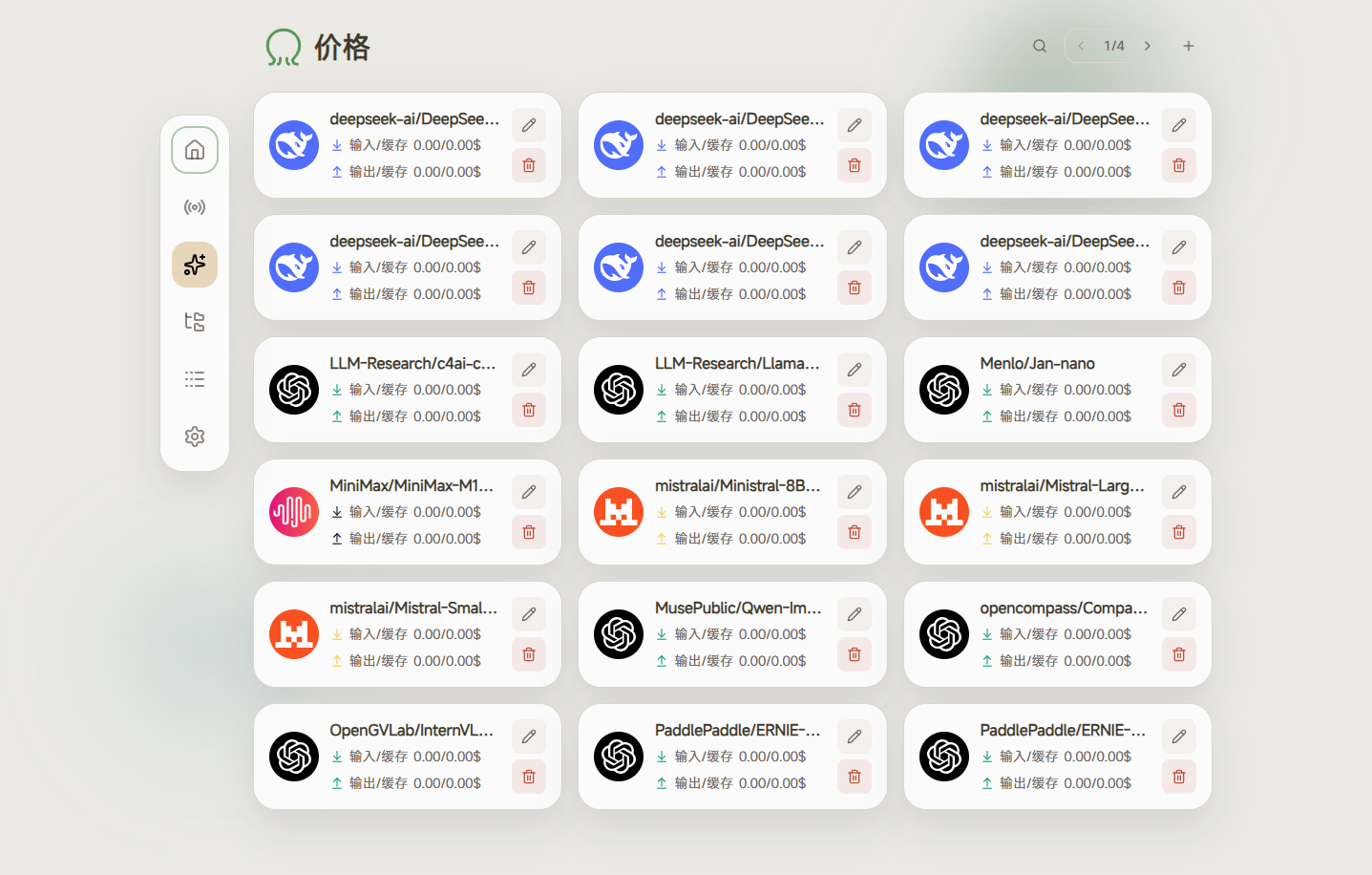
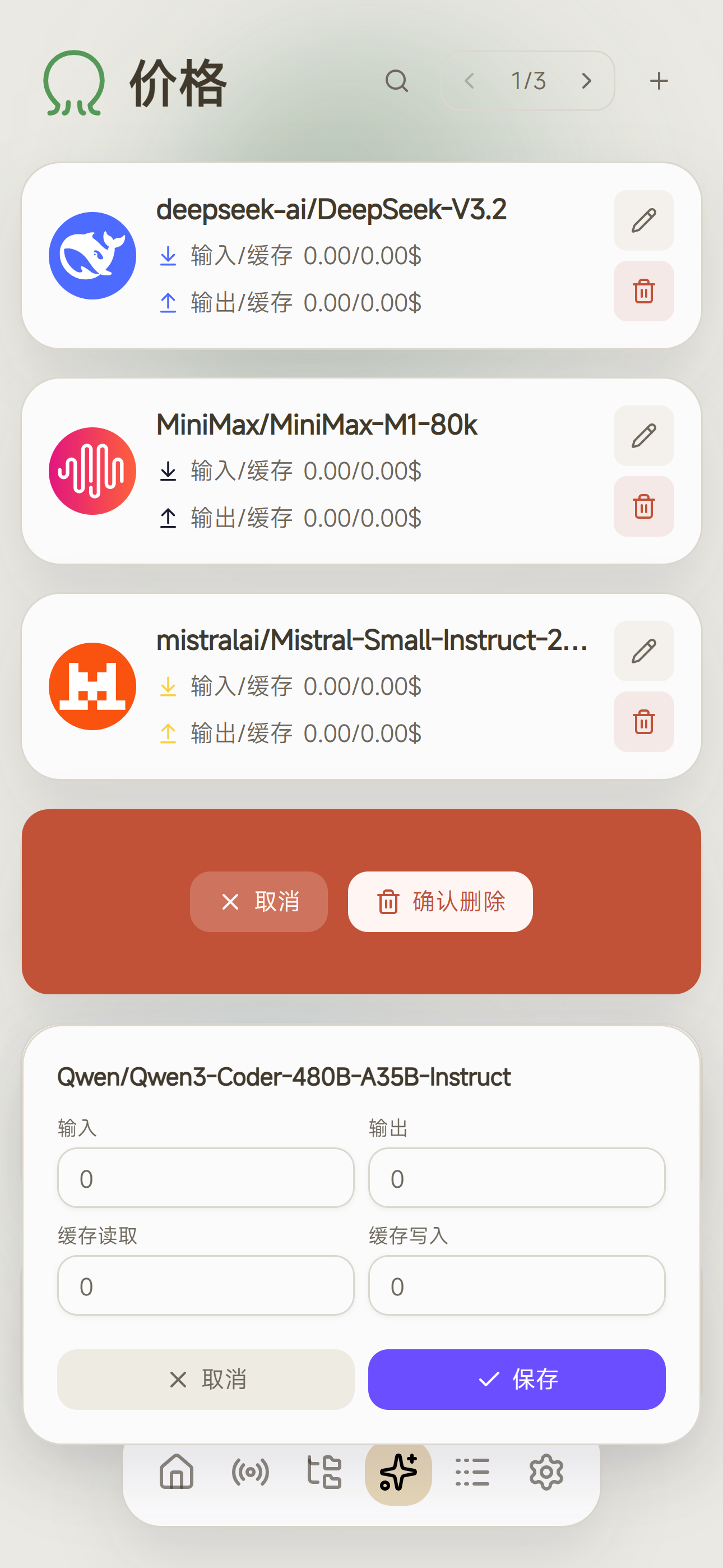
- 💰 **Price Sync** - Automatic model pricing updates
- 🔃 **Model Sync** - Automatic synchronization of available model lists with channels
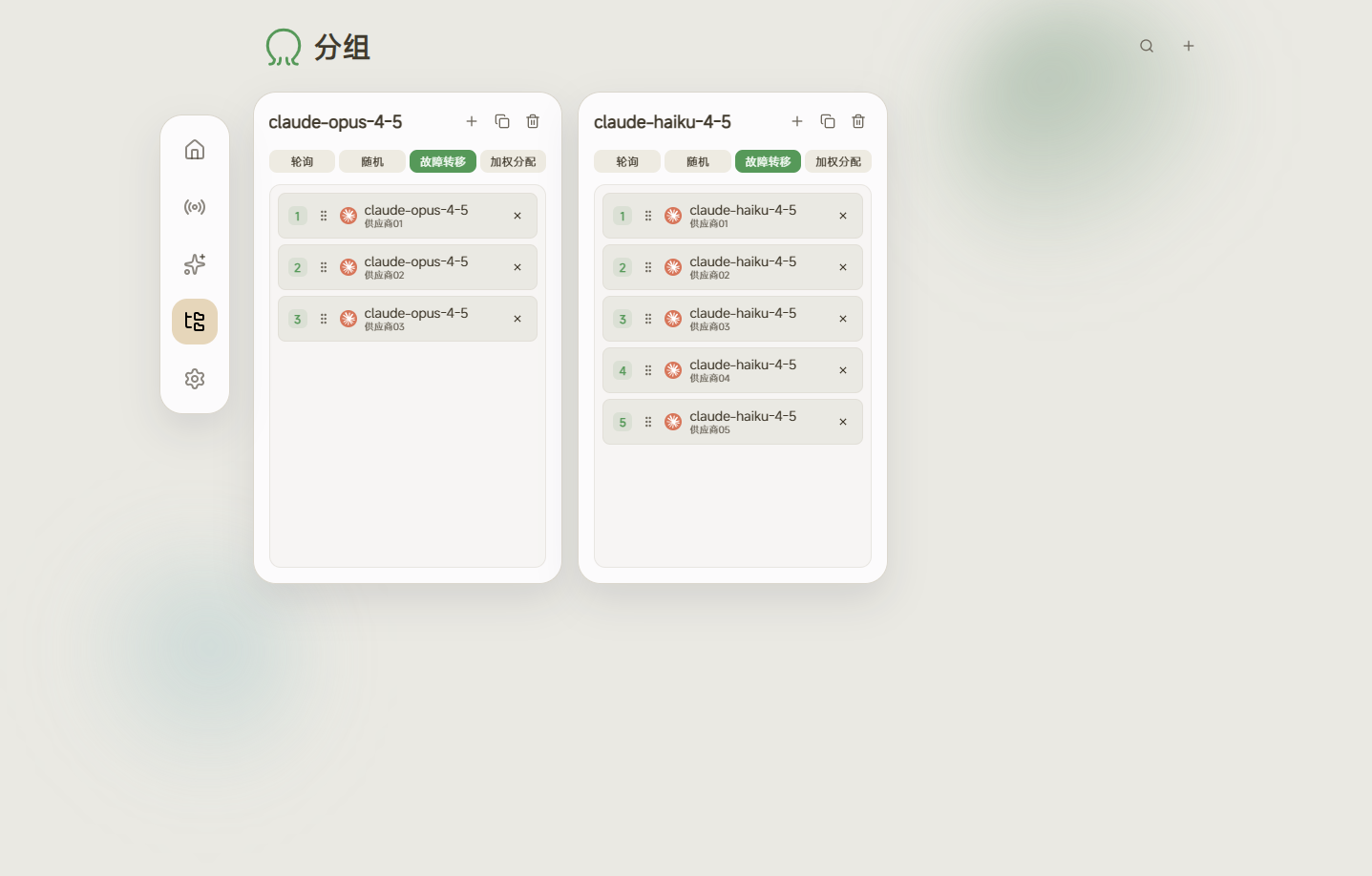
- 🛡️ **Automatic Failover** - Automatically switches to an available channel when an upstream channel fails
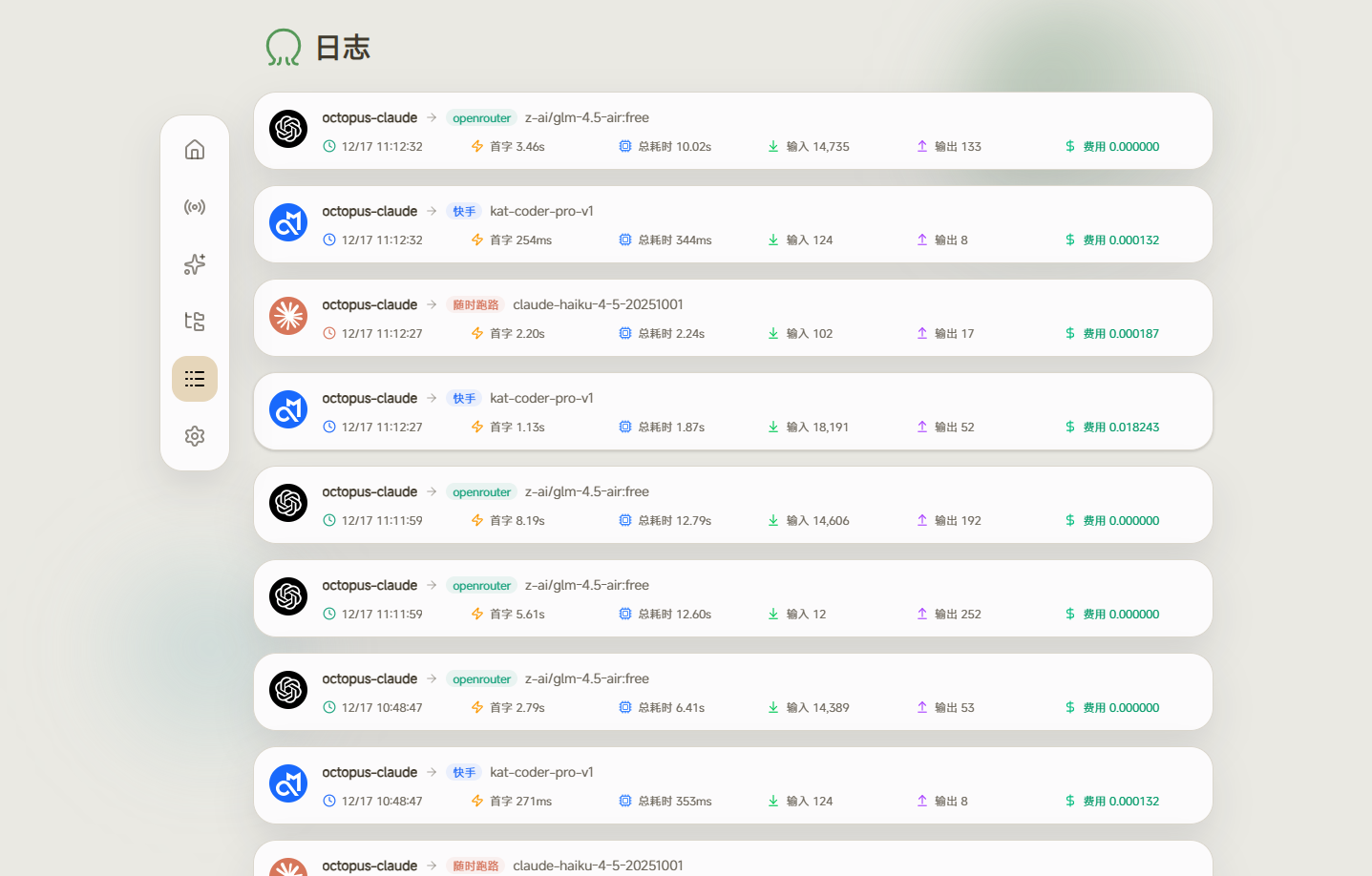
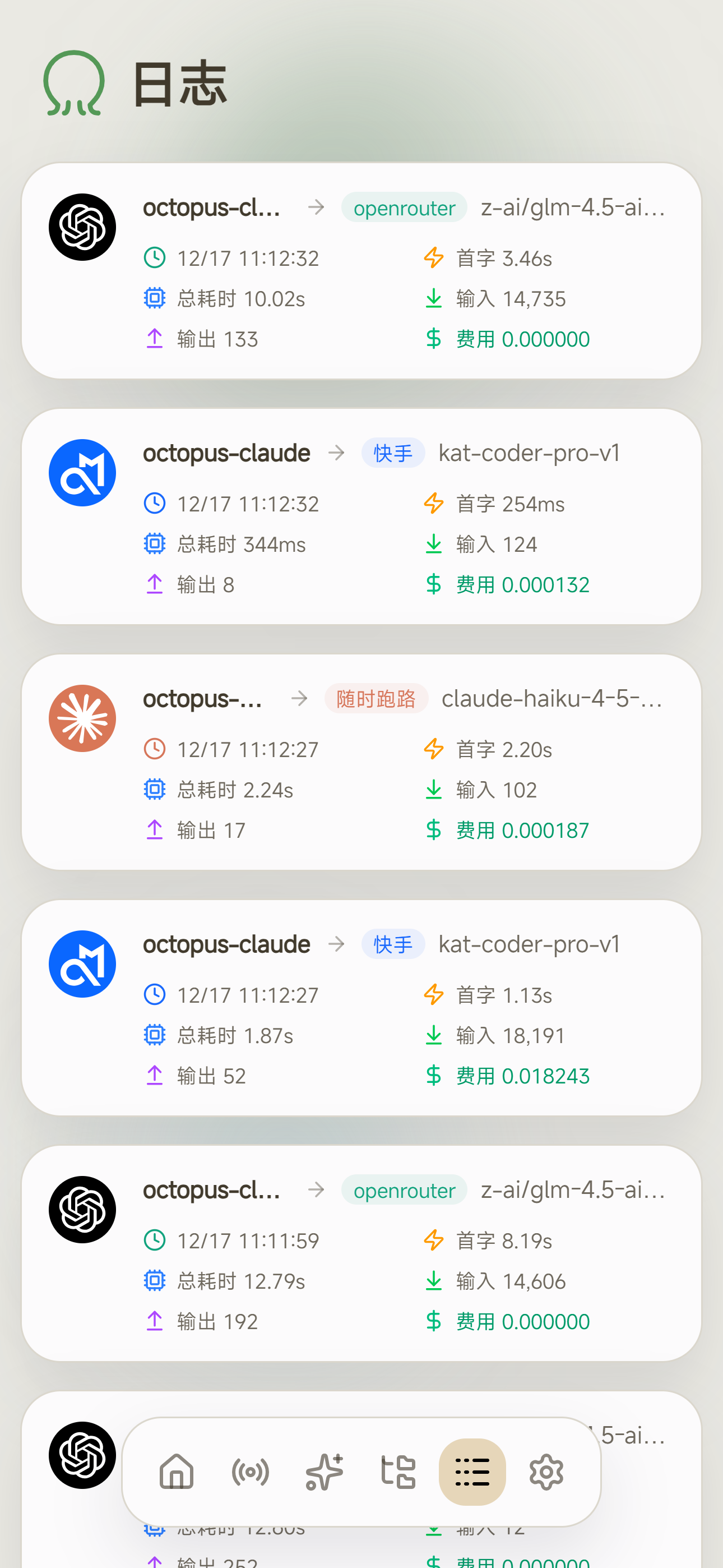
- 🔍 **Real-Time End-to-End Request Visualization** - Watch the complete request path in the frontend from the moment the client sends it
- 🚧 **Upstream Error Shielding** - Intercept all upstream errors to keep agent tasks running without interruption
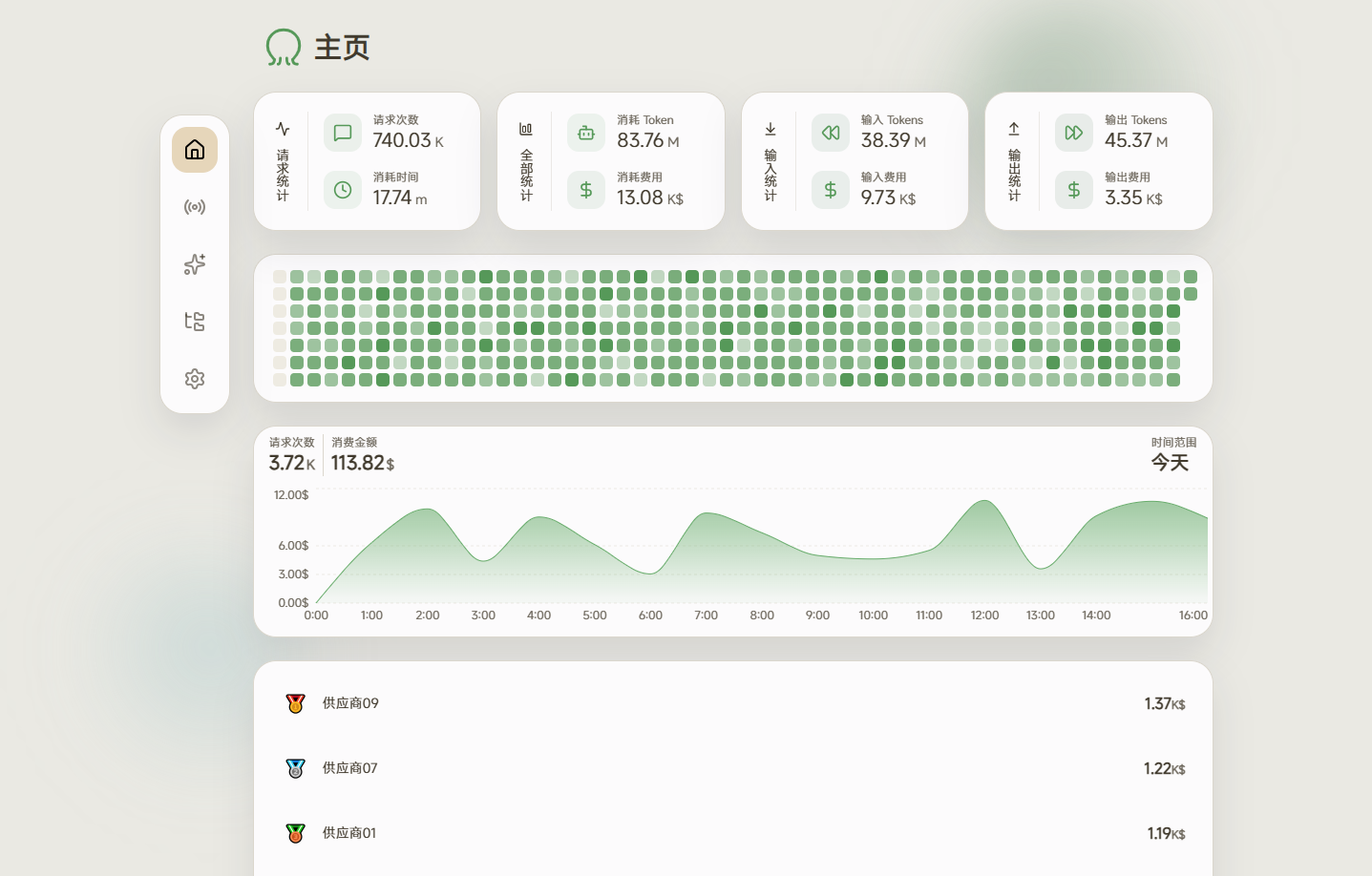
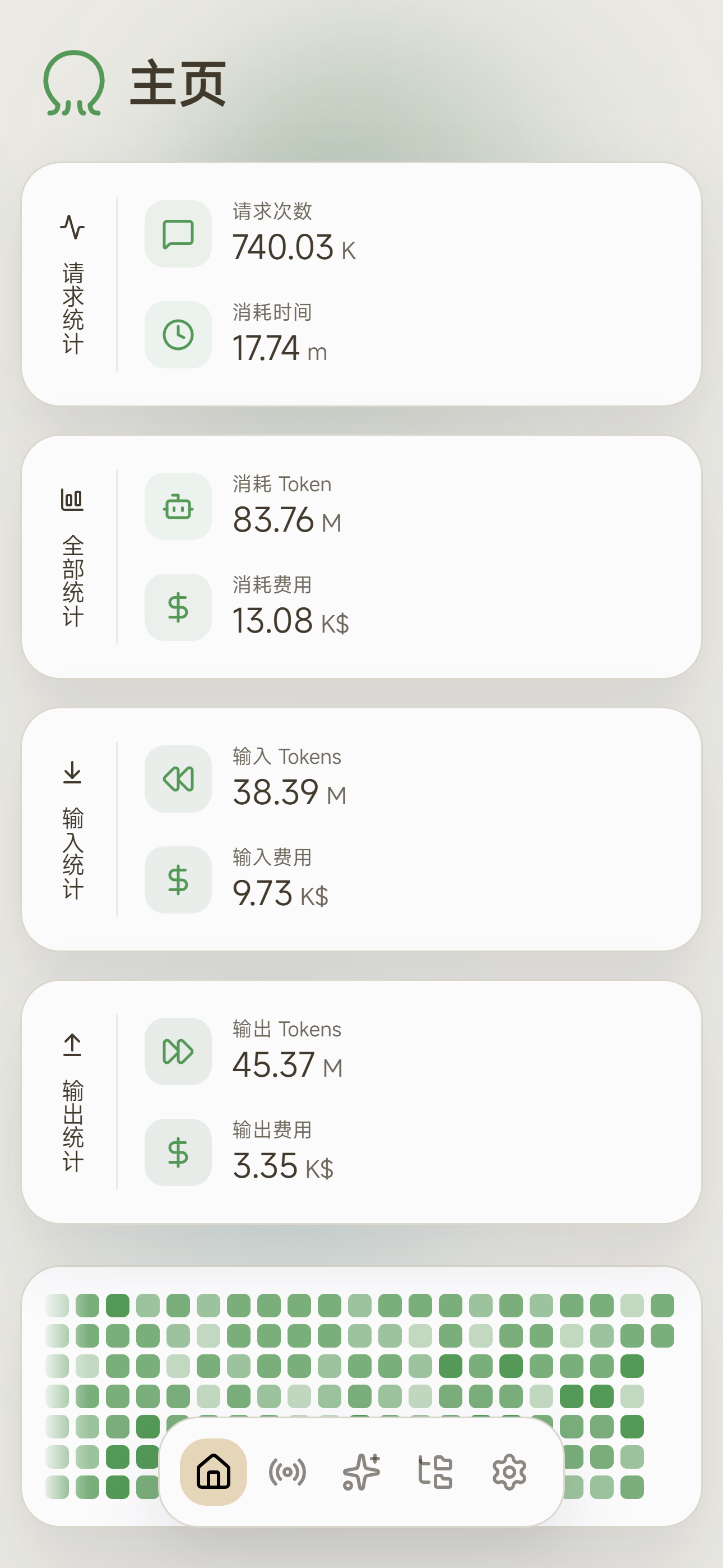
- 📊 **Analytics** - Comprehensive request statistics, token consumption, and cost tracking
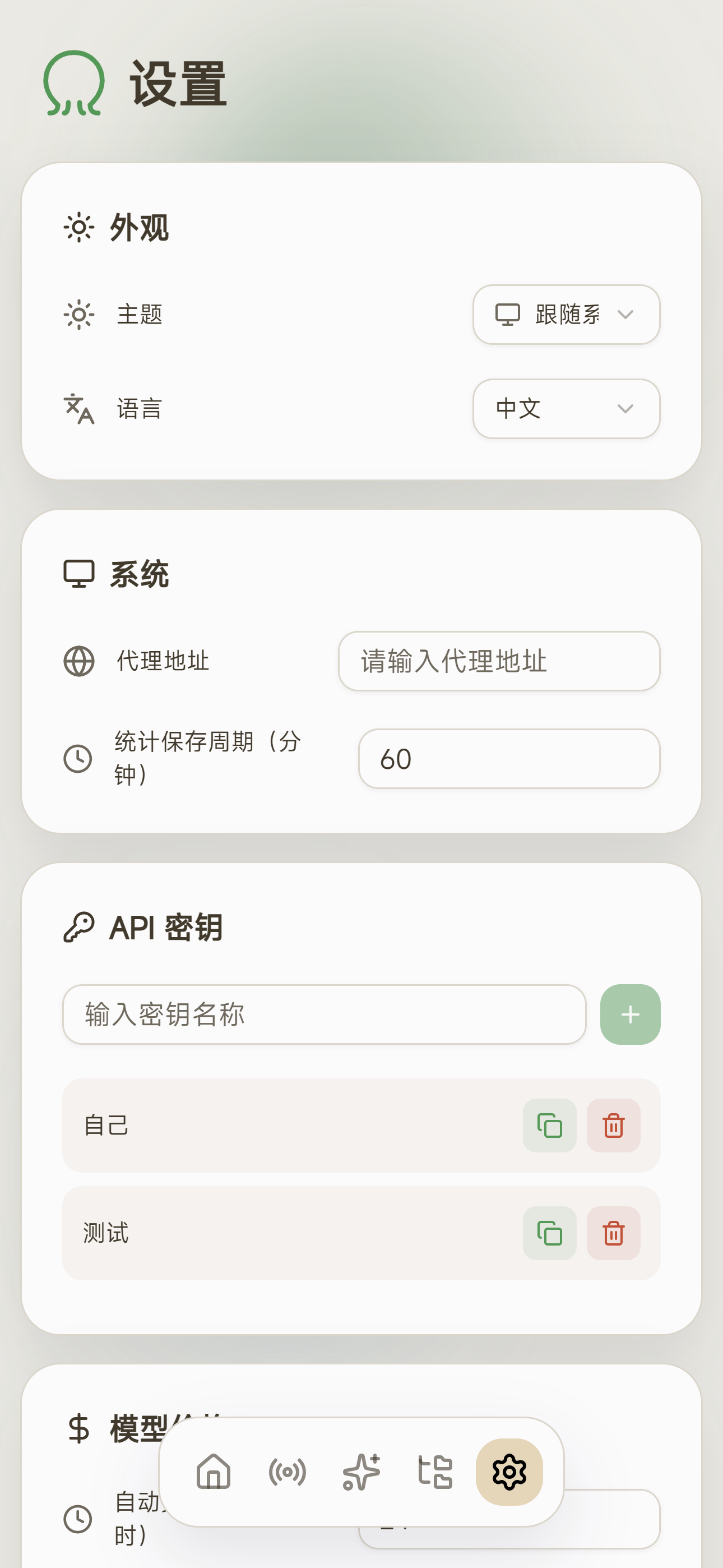
- 🎨 **Elegant UI** - Clean and beautiful web management panel
- 📦 **Lightweight Single-Binary Deployment** - Run as a single binary with no external runtime dependencies
- 🗄️ **Multi-Database Support** - Support for SQLite, MySQL, PostgreSQL
## 🚀 Quick Start
### 🐳 Docker
Run directly:
```bash
docker run -d --name octopus -v /path/to/data:/app/data -p 8080:8080 bestrui/octopus
```
Or use docker compose:
```bash
wget https://raw.githubusercontent.com/bestruirui/octopus/refs/heads/master/docker-compose.yml
docker compose up -d
```
### 📦 Download from Release
Download the binary for your platform from [Releases](https://github.com/bestruirui/octopus/releases), then run:
```bash
./octopus start
```
### 🛠️ Build from Source
**Requirements:**
- Go 1.24.4
- Node.js 18+
- pnpm
```bash
# Clone the repository
git clone https://github.com/bestruirui/octopus.git
cd octopus
# Build frontend
cd web && pnpm install && pnpm run build
# Start the backend service
go run main.go start
```
> 💡 **Tip**: The frontend build artifacts are embedded into the Go binary, so you must build the frontend before starting the backend.
**Development Mode**
```bash
cd web && pnpm install && pnpm run dev
## Open a new terminal, start the backend service
go run main.go start
## Access the frontend at
http://localhost:5173
```
### 🔐 Default Credentials
After first launch, visit http://localhost:8080 and log in to the management panel with:
- **Username**: `admin`
- **Password**: `admin`
> ⚠️ **Security Notice**: Please change the default password immediately after first login.
### 📝 Configuration File
The configuration file is located at `data/config.json` by default and is automatically generated on first startup.
**Complete Configuration Example:**
```json
{
"server": {
"host": "0.0.0.0",
"port": 8080
},
"database": {
"type": "sqlite",
"path": "data/data.db"
},
"log": {
"level": "info"
}
}
```
**Configuration Options:**
| Option | Description | Default |
|--------|-------------|---------|
| `server.host` | Listen address | `0.0.0.0` |
| `server.port` | Server port | `8080` |
| `database.type` | Database type | `sqlite` |
| `database.path` | Database connection string | `data/data.db` |
| `log.level` | Log level | `info` |
**Database Configuration:**
Three database types are supported:
| Type | `database.type` | `database.path` Format |
|------|-----------------|-----------------------|
| SQLite | `sqlite` | `data/data.db` |
| MySQL | `mysql` | `user:password@tcp(host:port)/dbname` |
| PostgreSQL | `postgres` | `postgresql://user:password@host:port/dbname?sslmode=disable` |
**MySQL Configuration Example:**
```json
{
"database": {
"type": "mysql",
"path": "root:password@tcp(127.0.0.1:3306)/octopus"
}
}
```
**PostgreSQL Configuration Example:**
```json
{
"database": {
"type": "postgres",
"path": "postgresql://user:password@localhost:5432/octopus?sslmode=disable"
}
}
```
> 💡 **Tip**: MySQL and PostgreSQL require manual database creation. The application will automatically create the table structure.
### 🌐 Environment Variables
All configuration options can be overridden via environment variables using the format `OCTOPUS_` + configuration path (joined with `_`):
| Environment Variable | Configuration Option |
|---------------------|---------------------|
| `OCTOPUS_SERVER_PORT` | `server.port` |
| `OCTOPUS_SERVER_HOST` | `server.host` |
| `OCTOPUS_DATABASE_TYPE` | `database.type` |
| `OCTOPUS_DATABASE_PATH` | `database.path` |
| `OCTOPUS_LOG_LEVEL` | `log.level` |
| `OCTOPUS_GITHUB_PAT` | For rate limiting when getting the latest version (optional) |
## 📸 Screenshots
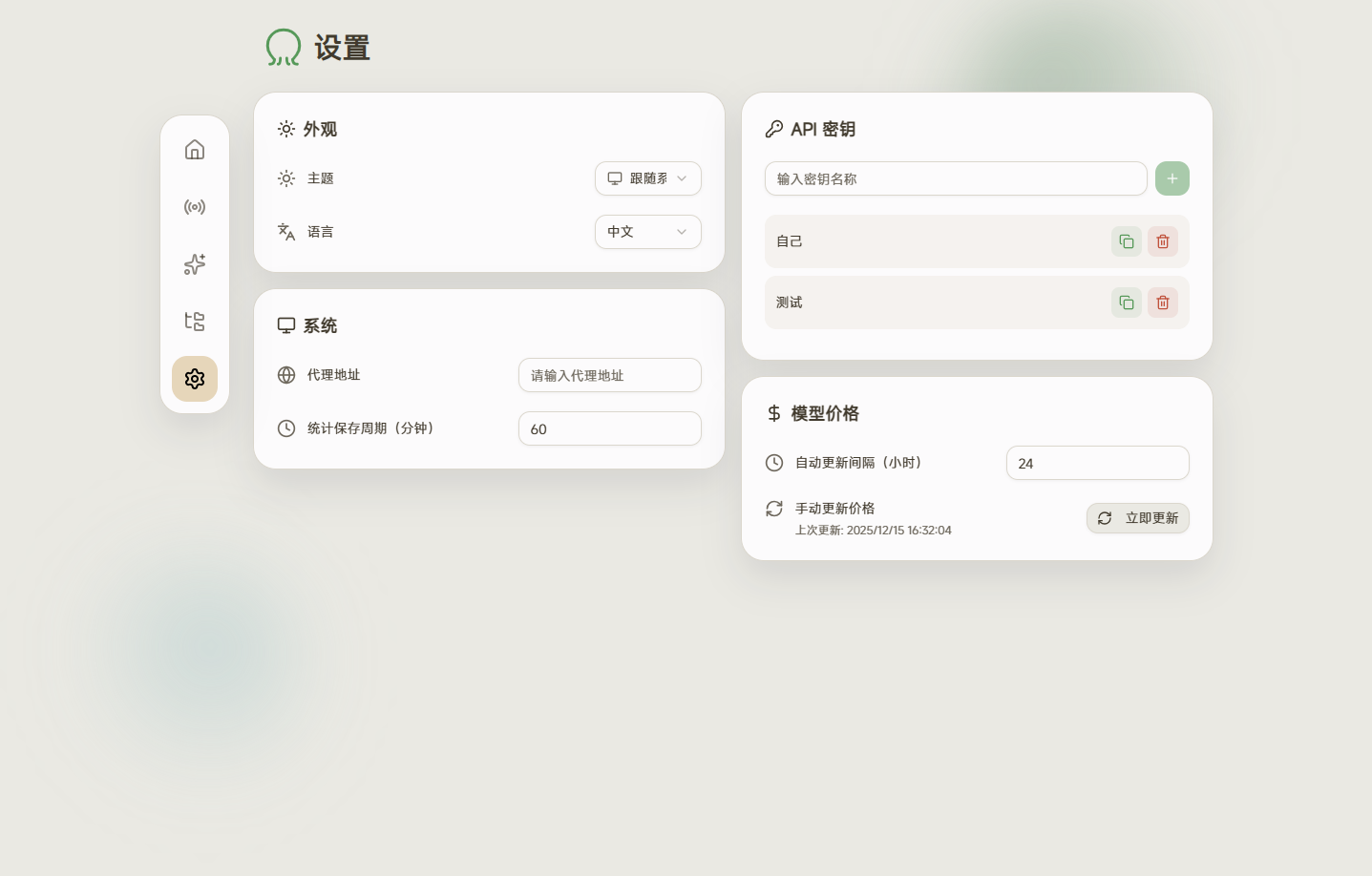
### 🖥️ Desktop