# MUI Tabs For React Native
MUI Tabs is now available with React Native.
> See [here](./KNOWN_ISSUES.md) for solutions to known issues.
## TabView
> See [here](./NATIVE_TABVIEW_README.md) for TabView documentation.
## Previews
| Android | iOS |
|:---------------------------------------------------------------------------:|:-------------------------------------------------------------------:|
| 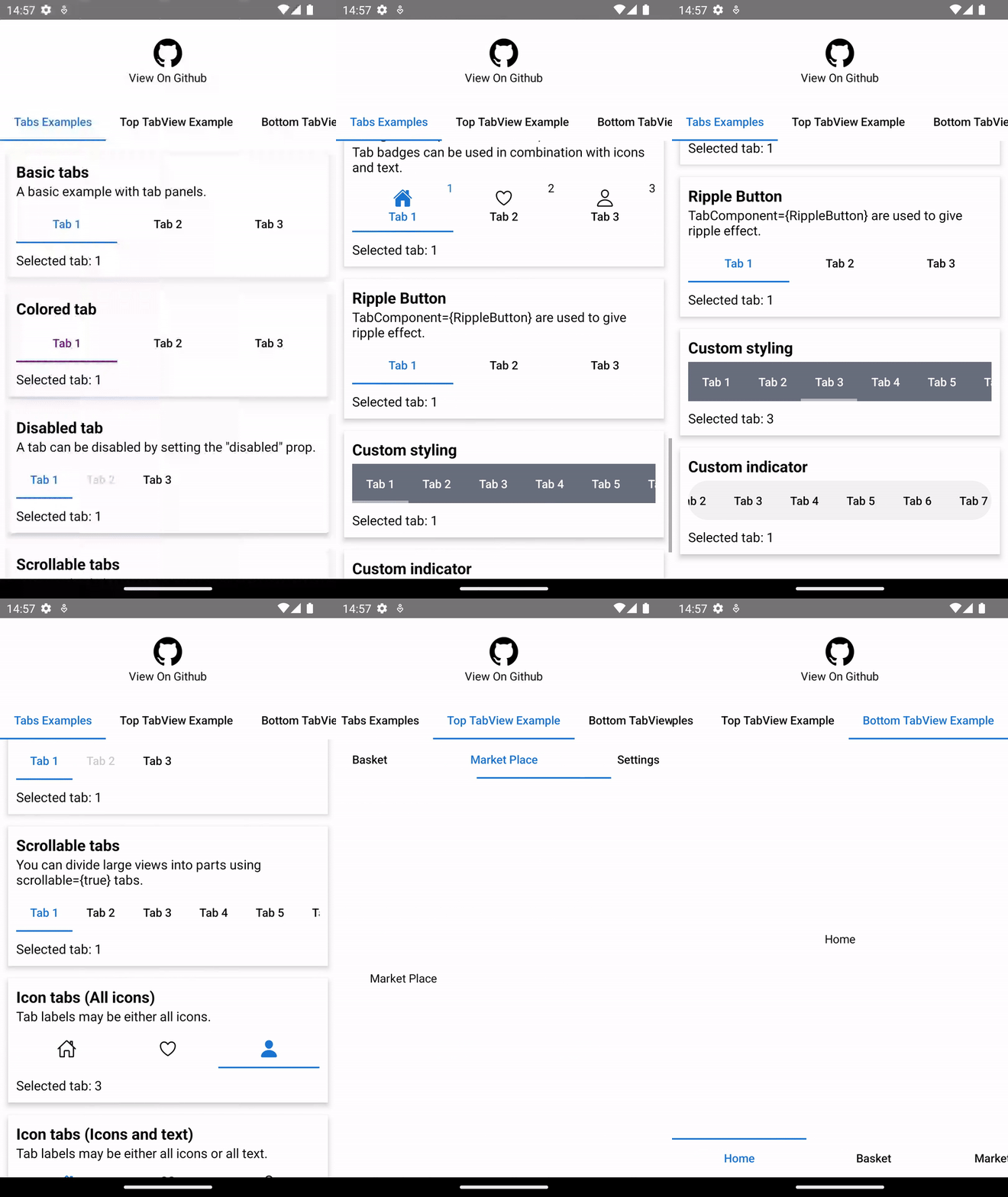 |
| 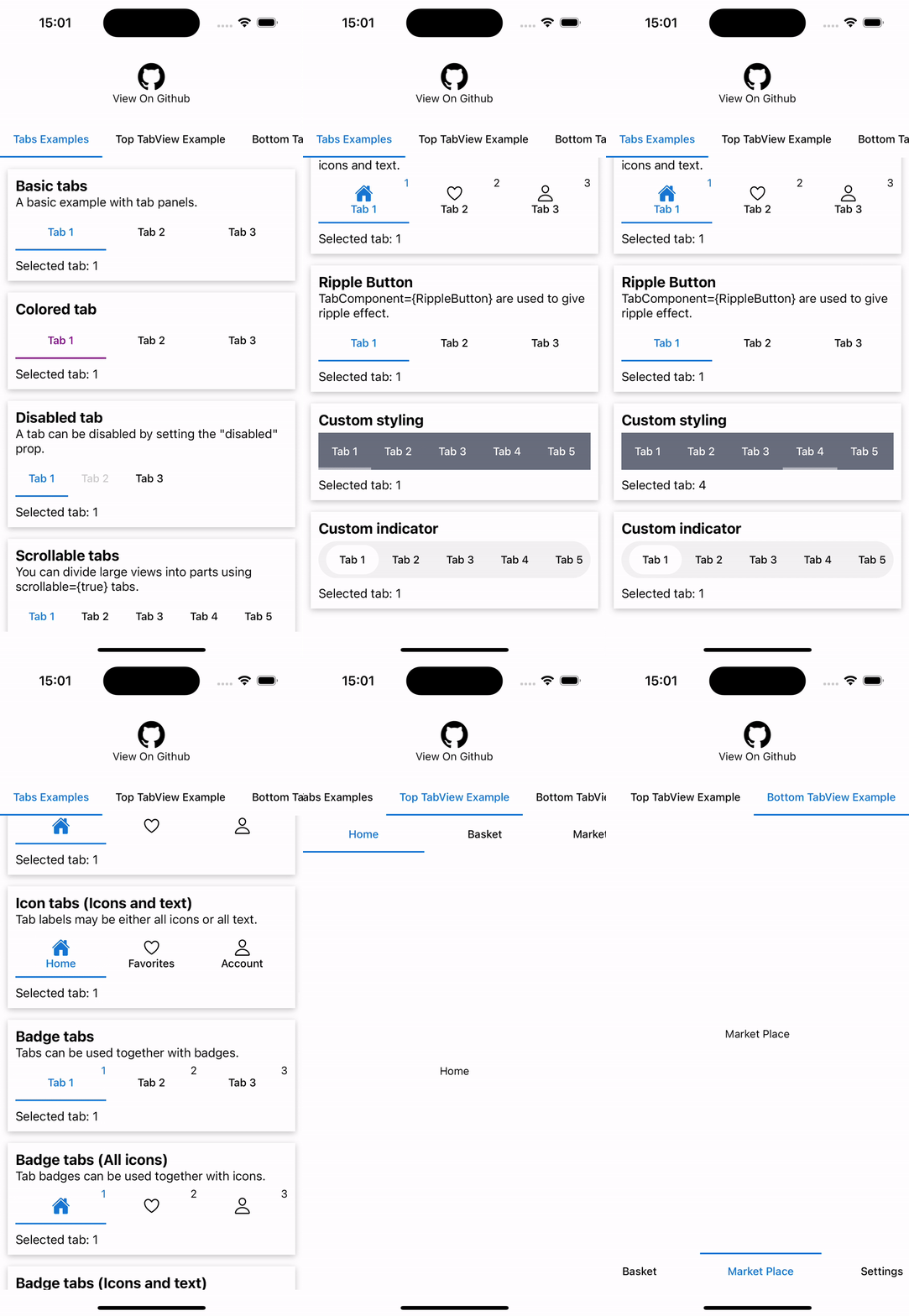 |
## Examples
#### Basic example
```tsx
import * as React from 'react'
import { Tabs } from 'mui-tabs/native'
const App = () => {
const [value, setValue] = React.useState(1)
return (
)
}
```
#### Icon tabs example
```tsx
import * as React from 'react'
import { Tabs } from 'mui-tabs/native'
import IonIcon from 'react-native-vector-icons/Ionicons'
const App = () => {
const [value, setValue] = React.useState(1)
return (
{
return {
1: (
),
2: (
),
3: (
)
}[item.value];
}}
/>
)
}
```
#### Ripple Button example (only android)
You can give a special wave effect color using the `pressColor` prop.
```tsx
import * as React from 'react'
import { Tabs } from 'mui-tabs/native'
import RippleButton from 'mui-tabs/native/RippleButton'
const App = () => {
const [value, setValue] = React.useState(1)
return (
)
}
```
#### Badge Example
```tsx
import * as React from 'react'
import { Tabs } from 'mui-tabs/native'
const App = () => {
const [value, setValue] = React.useState(1)
return (
{
return {
1: 1,
2: 2,
3: 3
}[item.value];
}}
/>
)
}
```
#### Custom indicator example
```tsx
import * as React from 'react'
import { Tabs } from 'mui-tabs/native'
const App = () => {
const [value, setValue] = React.useState(1)
return (
)
}
```
|
## Examples
#### Basic example
```tsx
import * as React from 'react'
import { Tabs } from 'mui-tabs/native'
const App = () => {
const [value, setValue] = React.useState(1)
return (
)
}
```
#### Icon tabs example
```tsx
import * as React from 'react'
import { Tabs } from 'mui-tabs/native'
import IonIcon from 'react-native-vector-icons/Ionicons'
const App = () => {
const [value, setValue] = React.useState(1)
return (
{
return {
1: (
),
2: (
),
3: (
)
}[item.value];
}}
/>
)
}
```
#### Ripple Button example (only android)
You can give a special wave effect color using the `pressColor` prop.
```tsx
import * as React from 'react'
import { Tabs } from 'mui-tabs/native'
import RippleButton from 'mui-tabs/native/RippleButton'
const App = () => {
const [value, setValue] = React.useState(1)
return (
)
}
```
#### Badge Example
```tsx
import * as React from 'react'
import { Tabs } from 'mui-tabs/native'
const App = () => {
const [value, setValue] = React.useState(1)
return (
{
return {
1: 1,
2: 2,
3: 3
}[item.value];
}}
/>
)
}
```
#### Custom indicator example
```tsx
import * as React from 'react'
import { Tabs } from 'mui-tabs/native'
const App = () => {
const [value, setValue] = React.useState(1)
return (
)
}
```