# StyleSeed
### Make AI coding agents keep your design system
across screens, sessions, and teammates.
You choose the design decisions. StyleSeed compiles them into the rules an agent reads before each screen, then checks the rendered result. Support experts, not replace them with a collection of tastes. Open source, for Claude Code · Codex · Cursor.
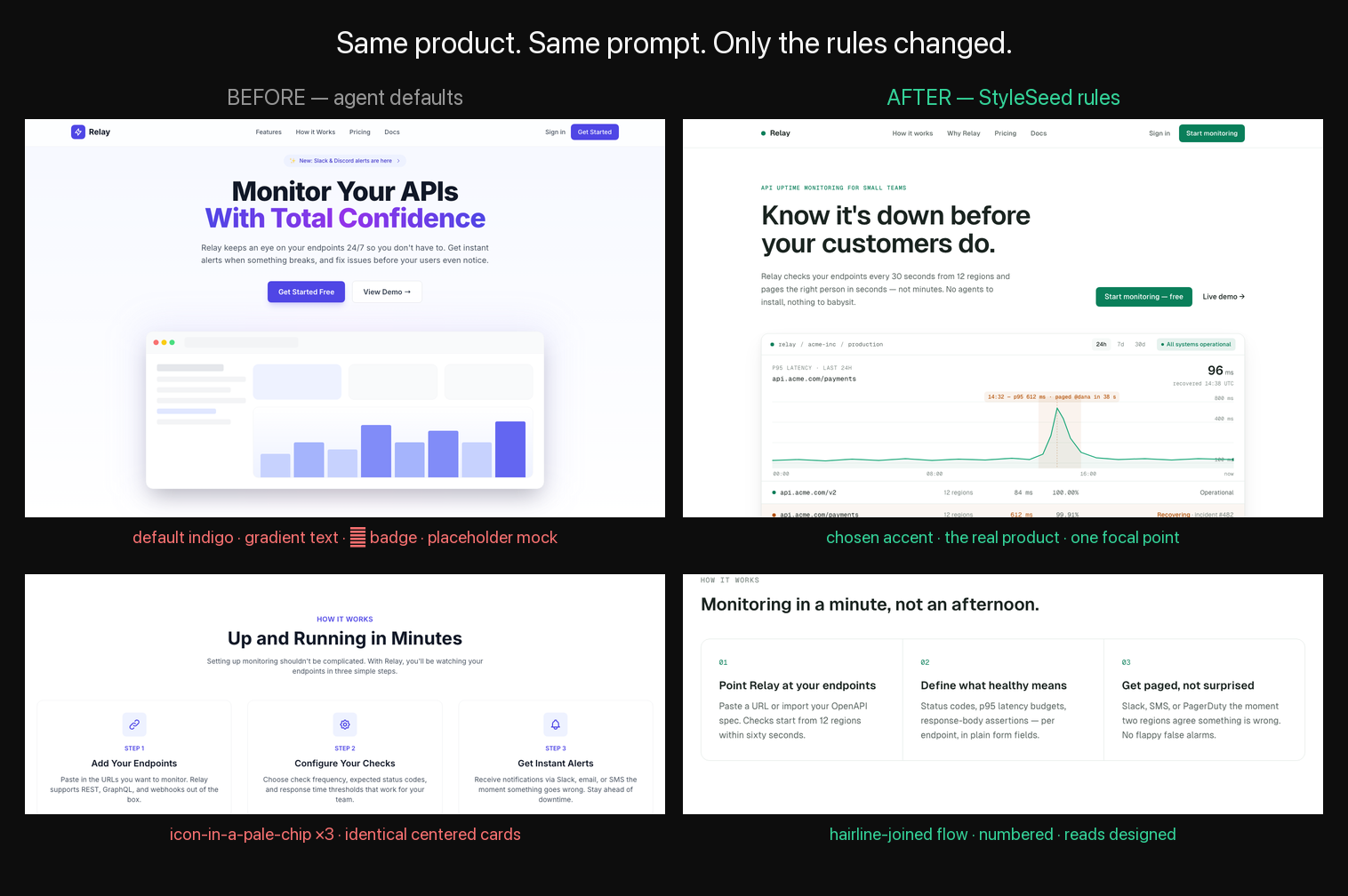
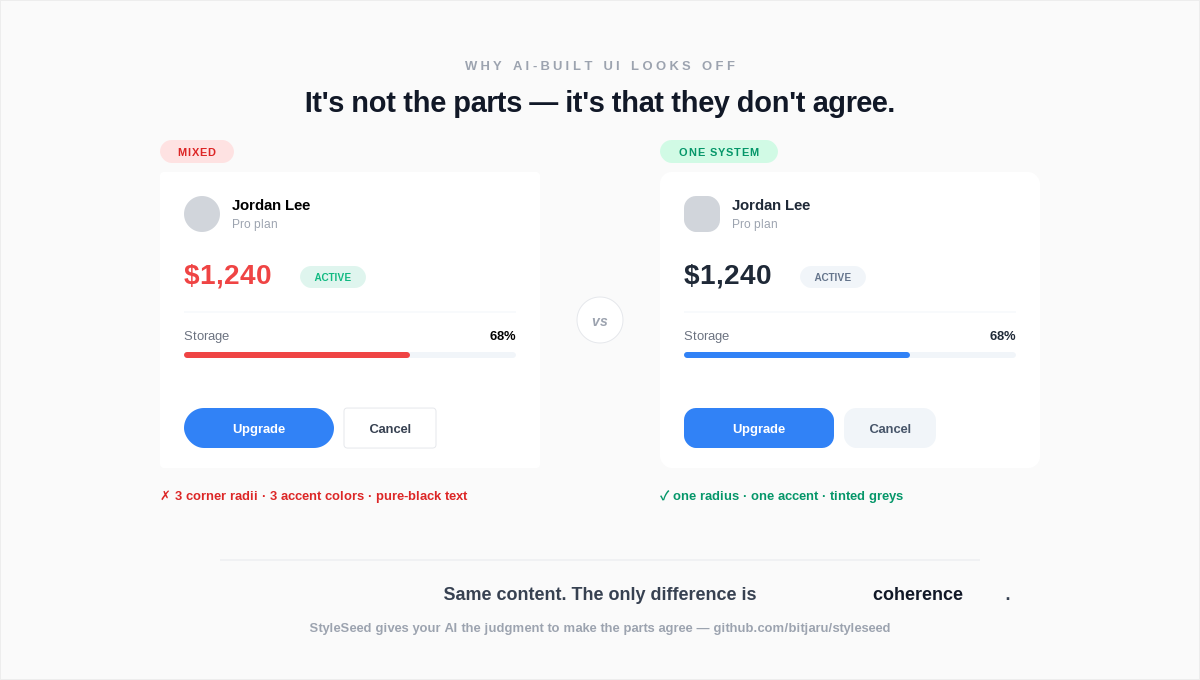
**Same product. Same prompt. Only the rules changed.**
**Measured on 120 rendered benchmark cells:** the enforced gate improved both Codex and Claude Code by **+5.3 points**. Raw rules alone were inconsistent (Codex +1.6, Claude Code −3.7), which is why StyleSeed ships a render → score → revise loop—not a prompt dump. **[Read BENCH-V1 and inspect the raw evidence →](https://styleseed-demo.vercel.app/gate)**
## Easy Start (30 seconds)
Our goal is repeatable application of expert judgment, not a claim of expert-level output today.
The engine compiles selected rules, preserves project choices, and supports code and rendered
checks. A score does not replace human design acceptance.
[Product principles](engine/PRODUCT-PRINCIPLES.md) · [Quality-first roadmap](ROADMAP.md)
**1. Open a terminal in your project folder and run this command.** Requires Node.js/npm.
> **Already installed?** [Update and consolidate your existing skill list](https://styleseed-demo.vercel.app/upgrade). One request covers the same install scope, verified backup, and revision checks.
```bash
npx -y skills add bitjaru/styleseed -a codex claude-code -y --copy
```
Installs the core skills for **Codex and Claude Code together, with no agent, skill, or install-mode menus**.
It copies the skills into this project. It does not install globally or change other projects.
**2. Send one message to your agent.** Start a fresh session if the skills do not appear.
- **Codex:** `$styleseed Help improve this screen. Preserve our existing design choices and show me what needs a decision.`
- **Claude Code:** `/styleseed Help improve this screen. Preserve our existing design choices and show me what needs a decision.`
Only `styleseed` is registered. It selects the needed internal workflow from your request.
Choose unresolved design decisions together, then inspect the actual rendered result.

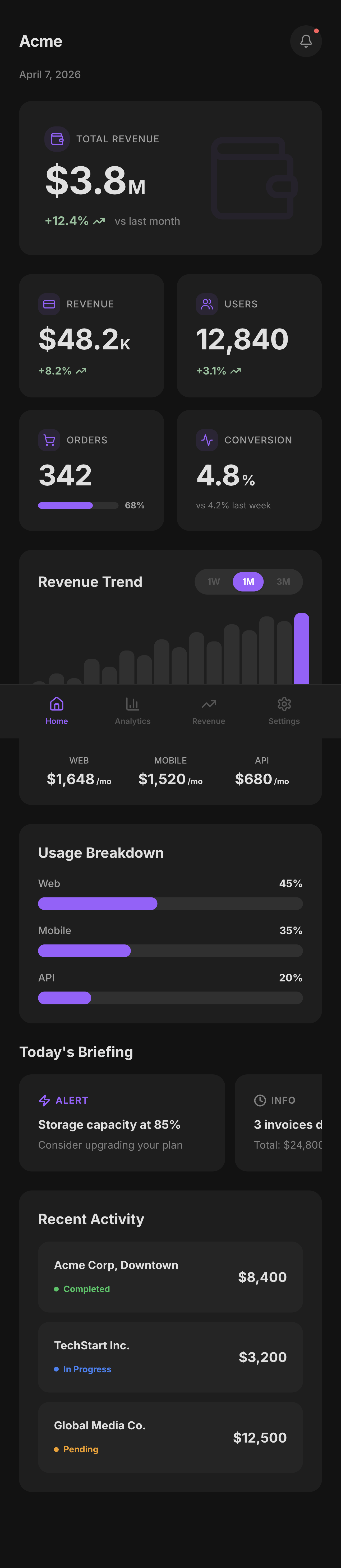
**One component. Three token skins.** Same chat UI morphing across Toss · Raycast · Arc-inspired
token sets. A skin changes color and type material; a StyleSeed brand recipe changes the actual
geometry, containment, controls, collections, density, and motion.
Skins are *inspired-by* token sets, not recreations. [Compare the nine structural recipes →](https://styleseed-demo.vercel.app/recipes)
[](https://styleseed-demo.vercel.app)
[](https://styleseed-demo.vercel.app/motion)


[](https://github.com/bitjaru/styleseed/stargazers)
[](https://github.com/bitjaru/styleseed/blob/main/LICENSE)
[](https://github.com/maxbogo/awesome-ai-tools-for-ui)
**Expert decisions become repeatable instructions — not one universal aesthetic.**
**Judgment with implementation context** — decisions, applicability, and evidence, not just palettes ·
**Right grammar for the result** — consumer service, operations, technical, editorial,
commerce, institutional, marketing, or sequential story ·
**Real morphology choices** — nine brand recipes change structure and component selection,
not just palette ·
**Generative palette engine** — any key color becomes OKLCH ramps, context-fit surfaces,
a scored companion, semantic roles, contrast evidence, CSS tokens, and media anchors; eight
recipes remain maintained product postures ·
**Studio pipeline** — three directions, human selection, interaction scenes, image/video jobs,
working prototype, and a prototype-first reel ·
**References become rules** — `/styleseed reference` compiles screenshots, URLs, Figma, or an existing
UI into an evidence-backed project grammar ·
**Only the context you need** — `/styleseed resolve` compiles the chosen method into a small,
hash-verifiable project bundle ·
**Beyond web UI** — adapters for product UI, social carousels, decks, documents, and graphics ·
**Fights the AI tells** — the default indigo, the icon-chip cliché, template layouts, rainbow lists ·
**Auxiliary proof gates** — code score + rendered pixel verification before you see it ·
**Every agent** — ships `CLAUDE.md` + `AGENTS.md` + `.cursorrules` ·
**A design lock that stops drift** ·
**Free & MIT**
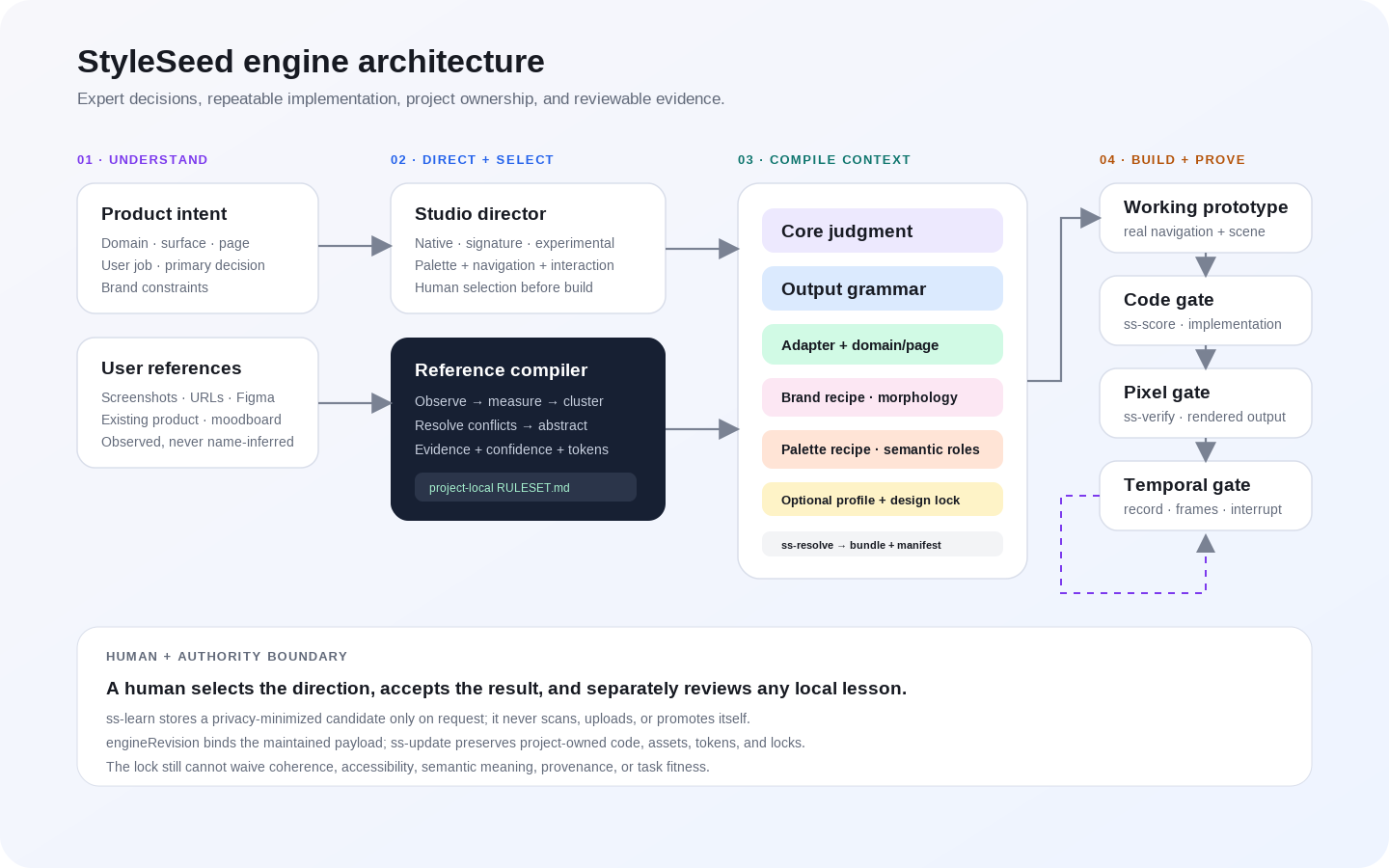 Core judgment × output grammar × surface adapter × domain/page × brand recipe × palette recipe × optional profile. [Read the architecture →](engine/ARCHITECTURE.md)
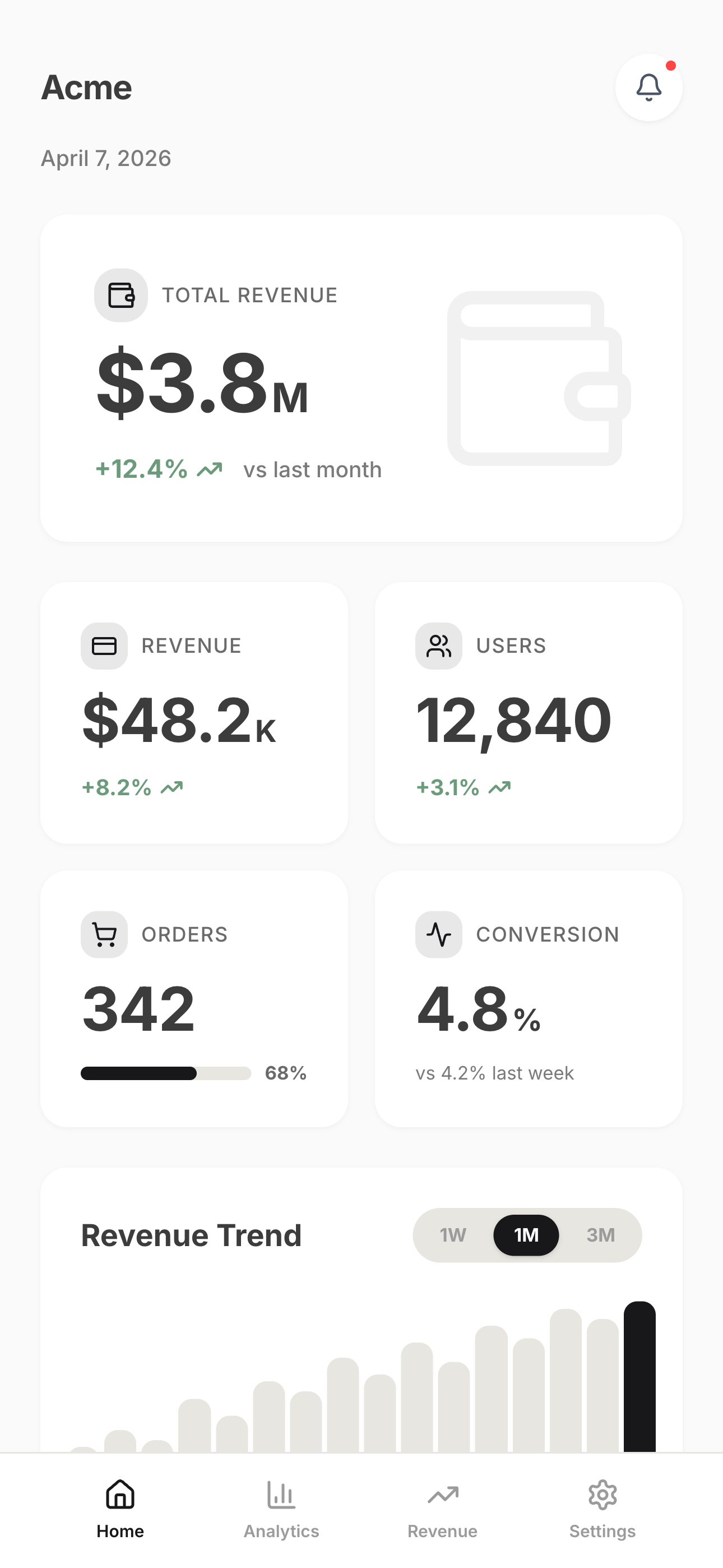
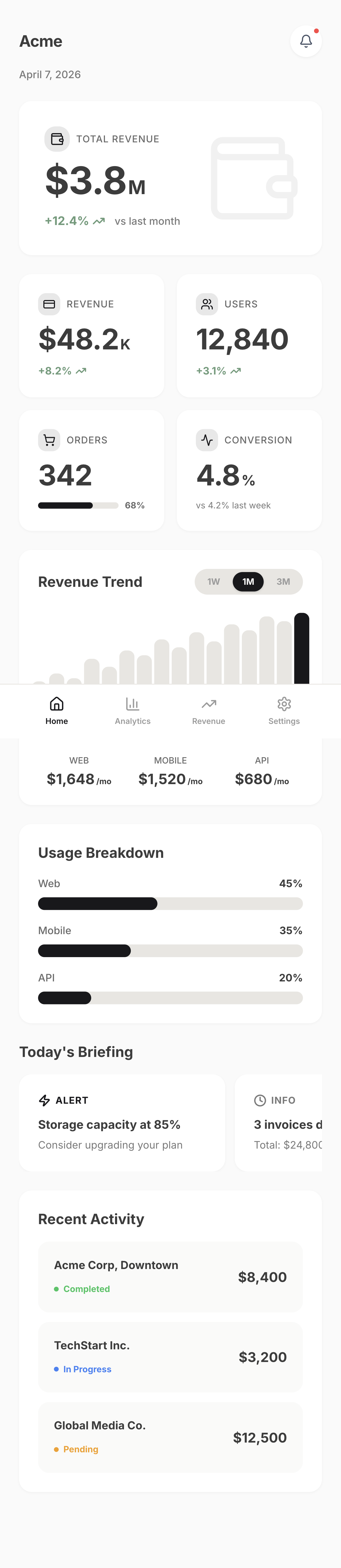
Full pages: [before](showcase/v26-before.png) · [after](showcase/v26-after.png) · **[more before/afters →](https://styleseed-demo.vercel.app/why)**
🔥 We ran an early version of *this page* through our own gate. **[It scored 58/100 → here's the receipt](https://styleseed-demo.vercel.app/scorecard)**
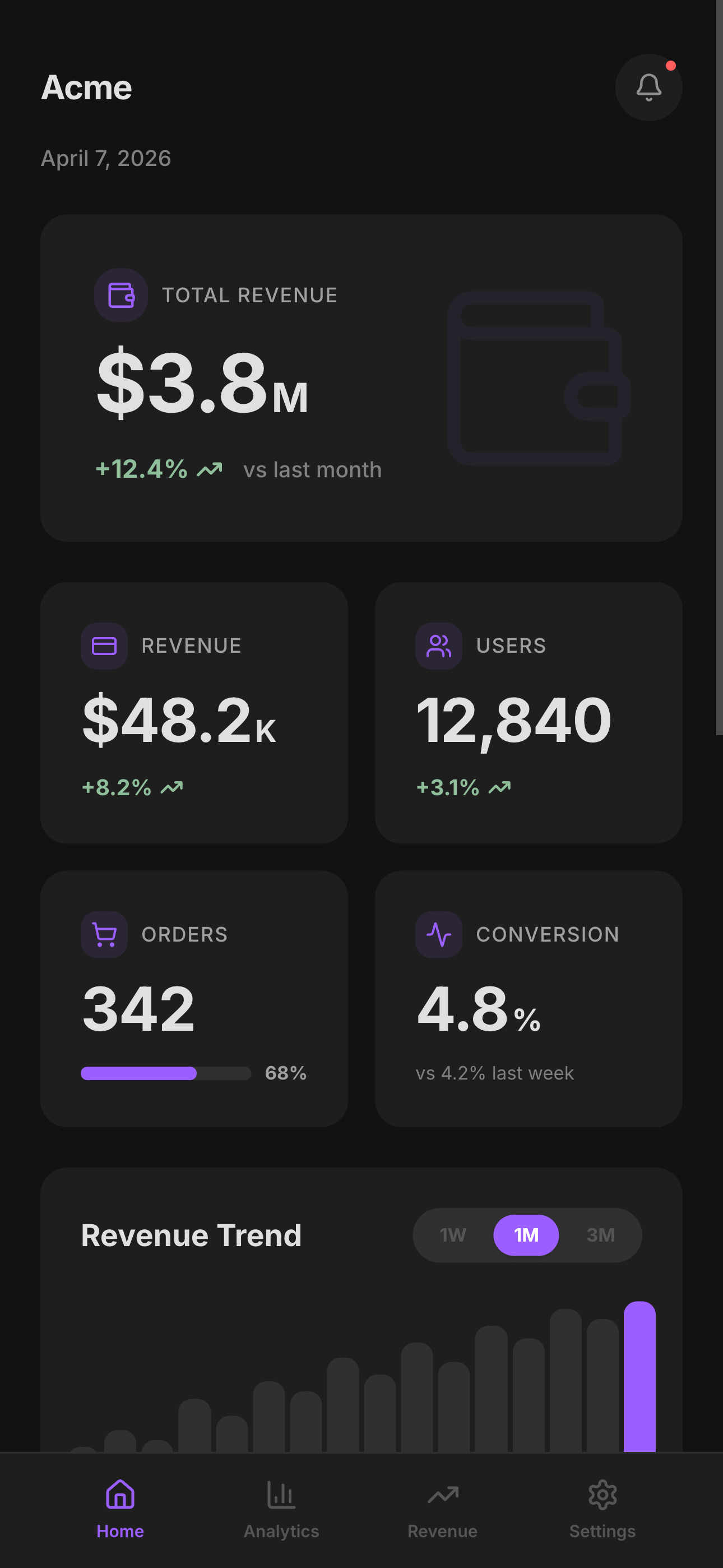
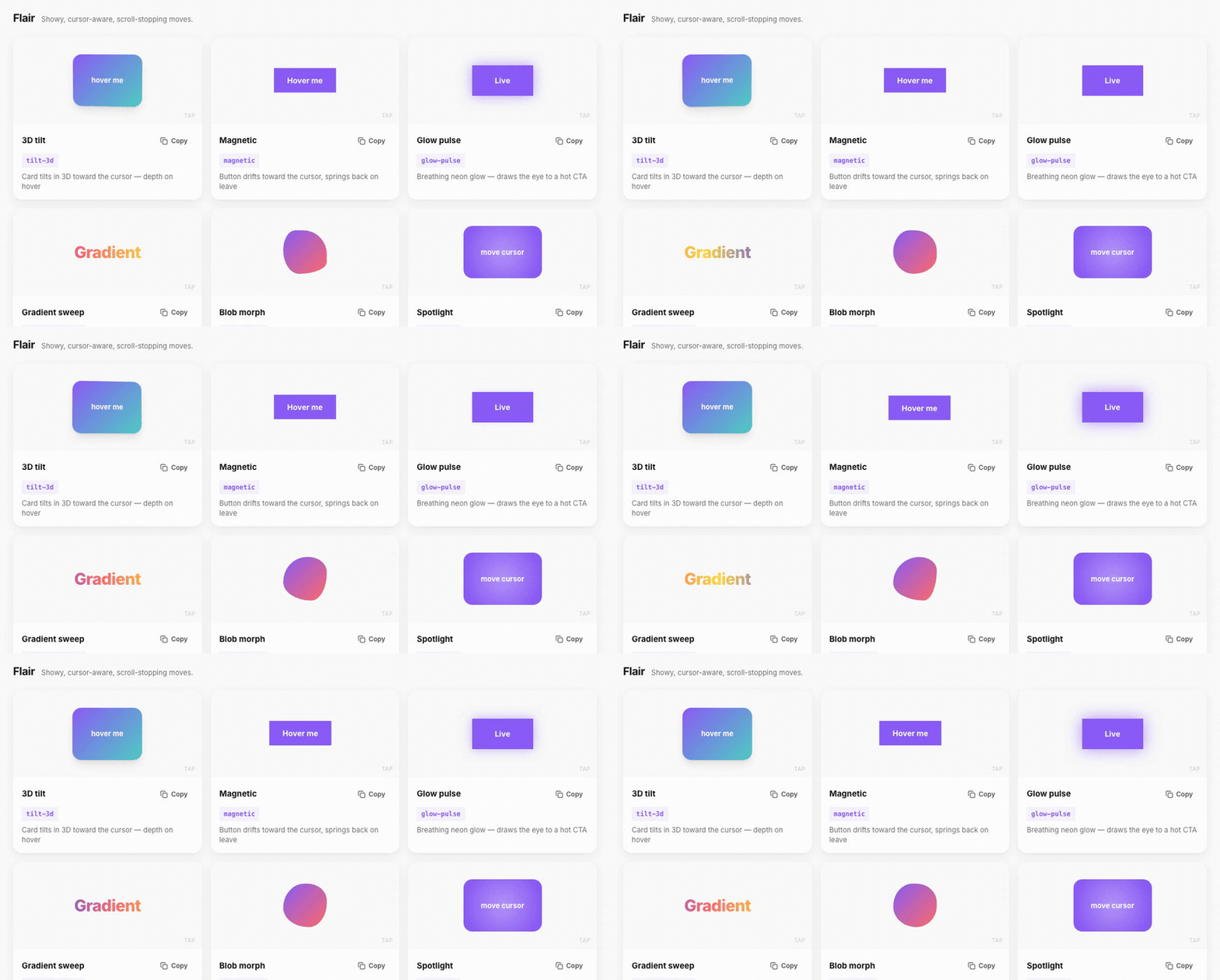
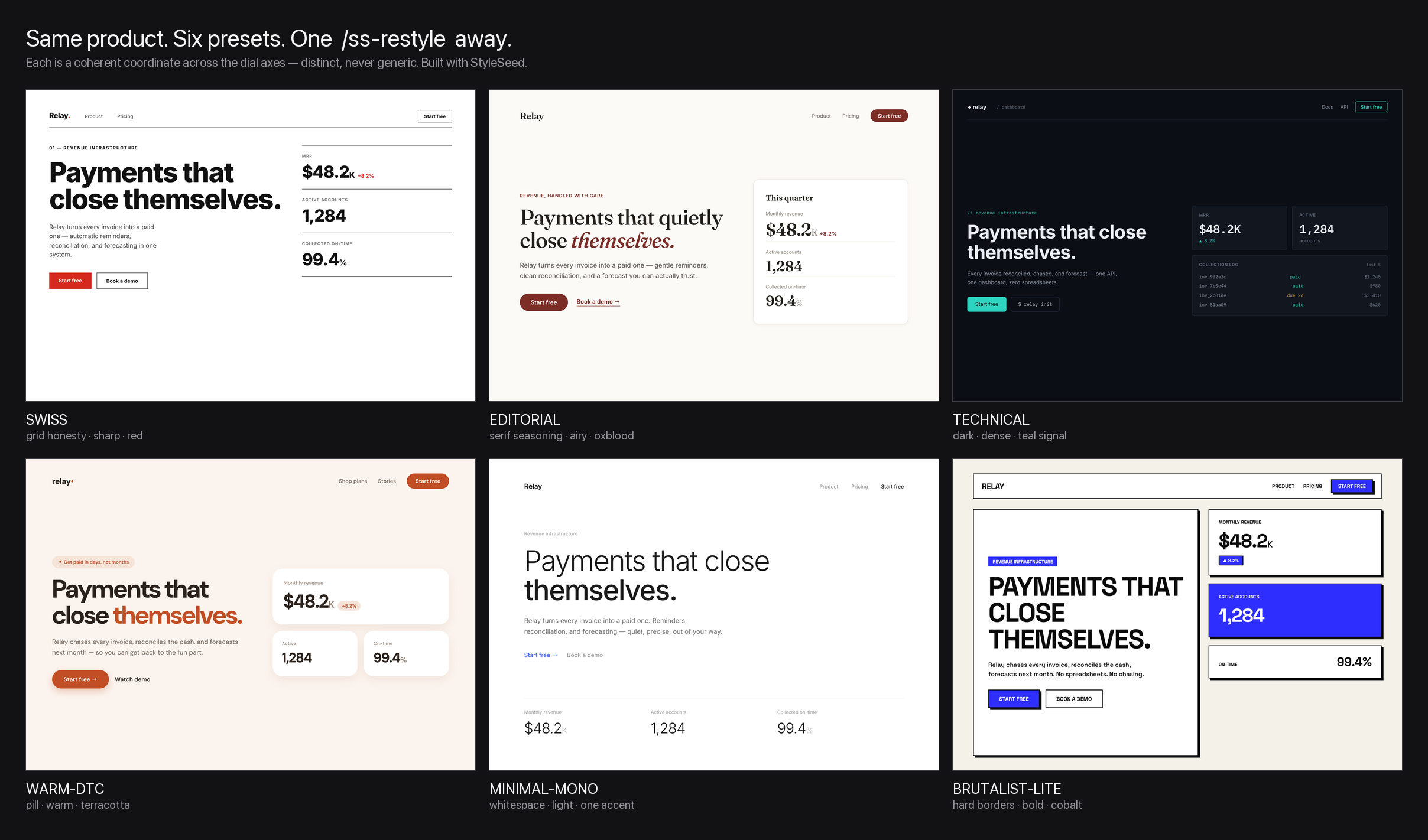 Same product, six looks — each one `/styleseed restyle ` away. Coherent, distinct, never generic.
[Easy Start](#easy-start-30-seconds) · [Studio](https://styleseed-demo.vercel.app/studio) · [Palettes](https://styleseed-demo.vercel.app/palettes) · [Claude Code UI guide](https://styleseed-demo.vercel.app/claude-code-ui-design) · [Codex UI guide](https://styleseed-demo.vercel.app/codex-ui-design) · [Brand recipes](https://styleseed-demo.vercel.app/recipes) · [Architecture](engine/ARCHITECTURE.md) · [Engine + Recipes + Skins](#how-it-works-engine--recipes--skins) · [Motion](#named-motion-system) · [Skills](#one-skill-22-internal-workflows) · [Wiki](../../wiki) · [한국어](README-KR.md)
---
## What happens after Easy Start
**Why the prompt installs first:** the context compiler and quality gates can only *run* when the
skills are installed. Installing turns `STYLESEED.md` into a small source-hashed rule bundle,
then actually scores and fixes the result before you see it. Without installation,
[`llms.txt`](https://styleseed-demo.vercel.app/llms.txt) still tells any agent how StyleSeed is
structured and where its machine-readable catalog lives, but compilation and gates become a
weaker manual path. Works with **Claude Code (`CLAUDE.md`), Codex / Amp / Gemini CLI
(`AGENTS.md`), and Cursor (`.cursorrules`)** — StyleSeed ships all three. (Planning first is what
keeps the result from looking random — see [Troubleshooting](#troubleshooting--i-applied-styleseed-but-the-ui-still-looks-bad).)
**What your agent actually does with StyleSeed loaded:**
```text
you ▸ build me a billing settings page
agent ▸ (plan mode) key color? for billing I'd go deep teal — #0F766E, mood: sharp · calm ·
trustworthy (not the default indigo). Motion: Snap. ok? ▸ y
agent ▸ ✓ wrote STYLESEED.md — skin, accent, font, radius, motion locked for project-scoped visual work
agent ▸ building… running the quality gate before I show you anything
gate ▸ ✗ two accent colors ✗ "normal" rows colored ✗ no empty state → fixing
agent ▸ ✓ 88/100 — one accent, grey normal states, real empty/error states. here's the page.
```
**The `STYLESEED.md` lock is the anti-drift mechanic.** Your skin, key color, radius, and motion get written once. Installed project instructions and StyleSeed skills re-read it for visual work, so those decisions can survive new screens and sessions. When the build workflow runs, the Quality Gate reviews and fixes the UI (rainbow lists, two accents, missing states) before presentation — and it can [retrofit an old generic build](#already-built-something-generic-retrofit-it) too.
> **The method stays open and portable.** The sources are plain markdown; installation adds the
> deterministic context compiler, manifest, and executable gates. If installation is unavailable,
> [`llms.txt`](https://styleseed-demo.vercel.app/llms.txt) gives any agent the portable routing
> contract, but it cannot provide the same reproducible local compile by itself.
**Want the single StyleSeed skill too** (the `styleseed` router plus 22 `ss-*` workflows for Studio, context resolution, setup, build, review, score, and verification)?
```bash
npx -y skills add bitjaru/styleseed -a codex claude-code -y --copy
```
Installs one self-contained StyleSeed skill into Codex and Claude Code in this project.
For other agents, use the interactive command in Easy Start. Then run
`/styleseed setup` → `/styleseed resolve` in Claude Code or `$styleseed setup` → `$styleseed resolve` in Codex (you can
also choose StyleSeed from Codex's `/skills` picker). The resolver writes a targeted
`.styleseed/effective-rules.md` bundle plus a source-hash manifest, so the agent does not need
the 220KB full handbook for every task. Your agent may ask you to approve tools on first use.
No install possible? Read [`llms.txt`](https://styleseed-demo.vercel.app/llms.txt) for the
portable routing contract.