bloodborne-mac
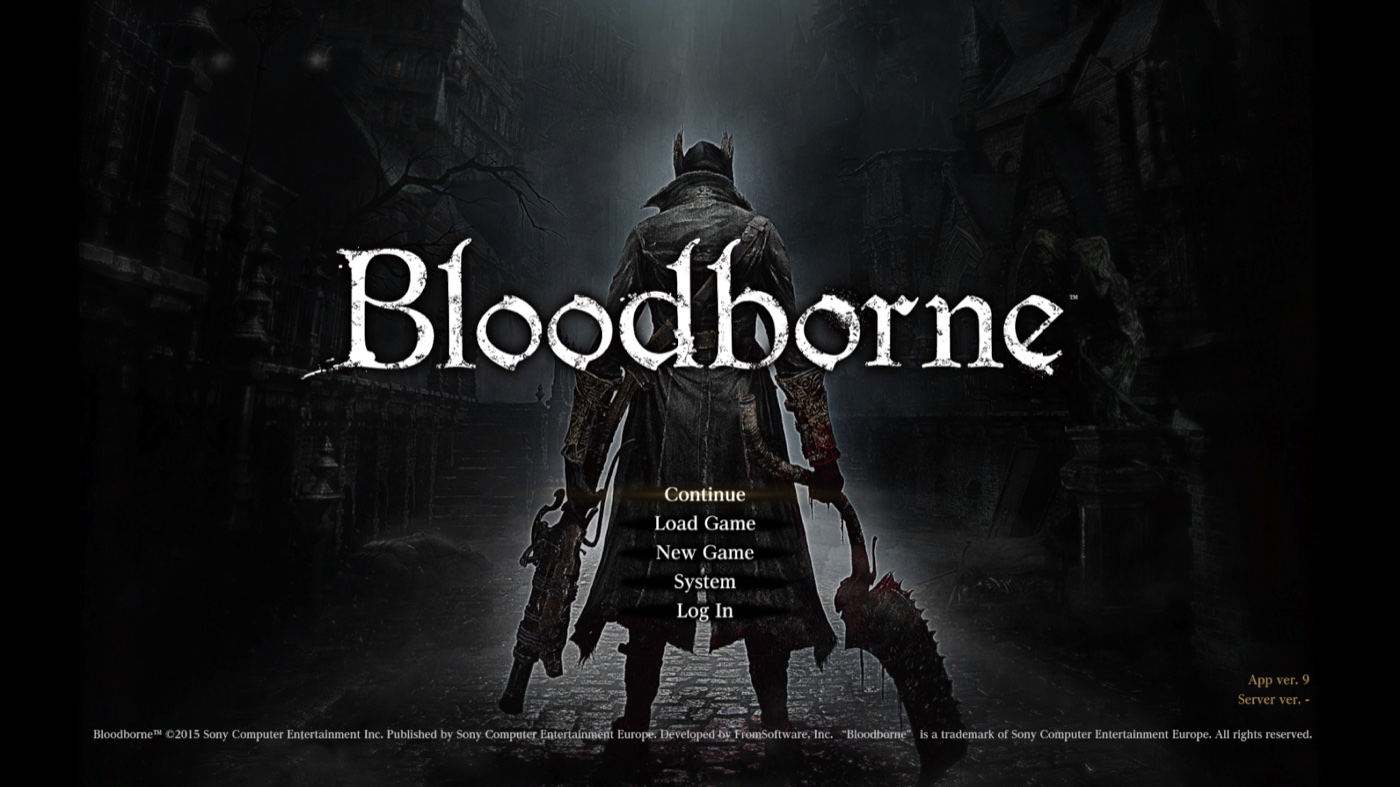
Bloodborne, running natively on Apple Silicon.
A macOS port of the PS4 game, with a launcher app and an in-game settings menu. No Rosetta 2.
Built on bbport by deadinside28, the native Linux port it started from, and on shadPS4.
> [!IMPORTANT]
> **This is an experimental project. Expect bugs and regressions.**
>
> We are developing our own CPU recompiler and native renderer, with many approaches and changes
> that diverge from the original bbport. These experiments can make this project less stable than
> other Bloodborne projects. Crashes, loading hangs and graphical corruption are known risks
> during development.
>
> **Our goal is to make Bloodborne run natively**, with native CPU execution and a shared renderer
> for Vulkan and Metal. This is an independent development effort beyond porting bbport to macOS.
>
> For the dedicated macOS port of bbport, see **[bmy/bbport-mac](https://github.com/bmy/bbport-mac)**.
> It is a separate project and also describes itself as experimental. Please report problems with
> bloodborne-native [here](https://github.com/bloodborne-native/bloodborne-mac/issues).
Download
·
Installation
·
Documentation
·
Report a problem
> [!IMPORTANT]
> **No game files are included.** You need your own dump of Bloodborne with the 1.09 update.
> See [Game files](docs/guide/game-files.md).
## Features
- **Native on Apple Silicon:** the game's x86-64 code is translated to arm64 as it runs.
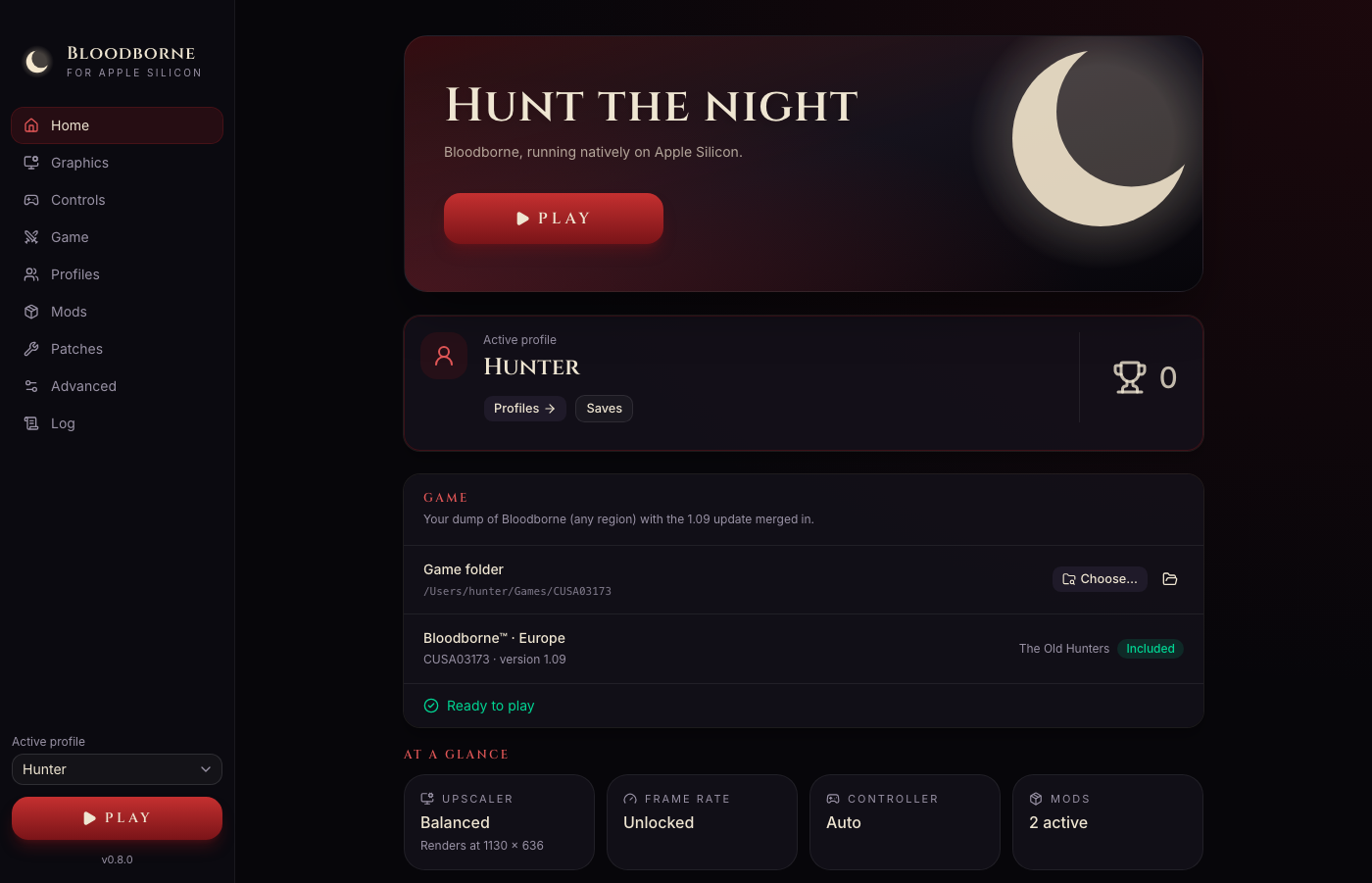
- **One app, nothing else to install:** download, open, choose your game folder, play.
- **A launcher** ([bloodborne-launcher](https://github.com/bloodborne-native/bloodborne-launcher)) with graphics, controls, game options, mods, patches and the game's log.
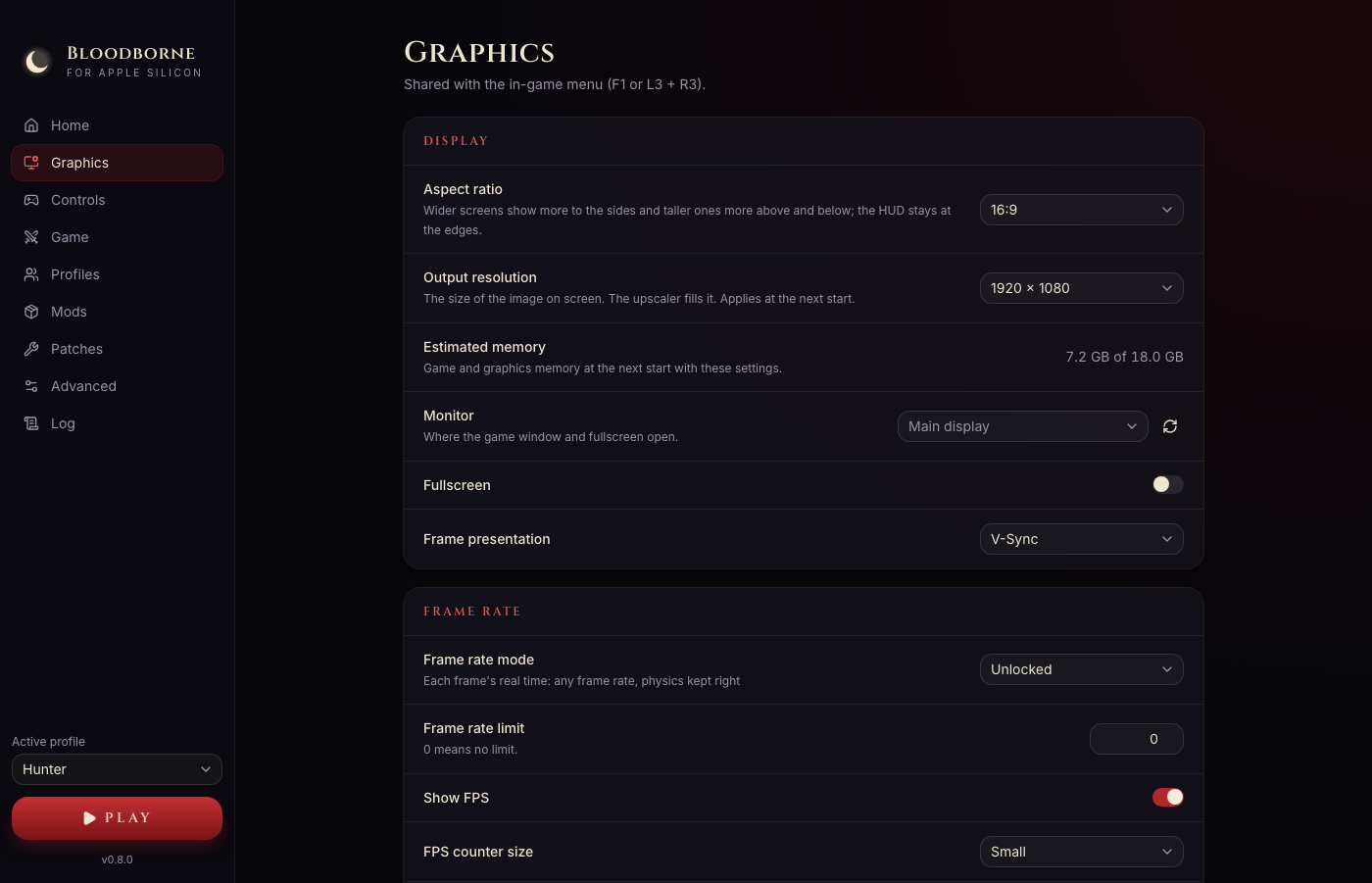
- **AMD FSR 3.1 upscaling,** the biggest performance gain on Apple GPUs.
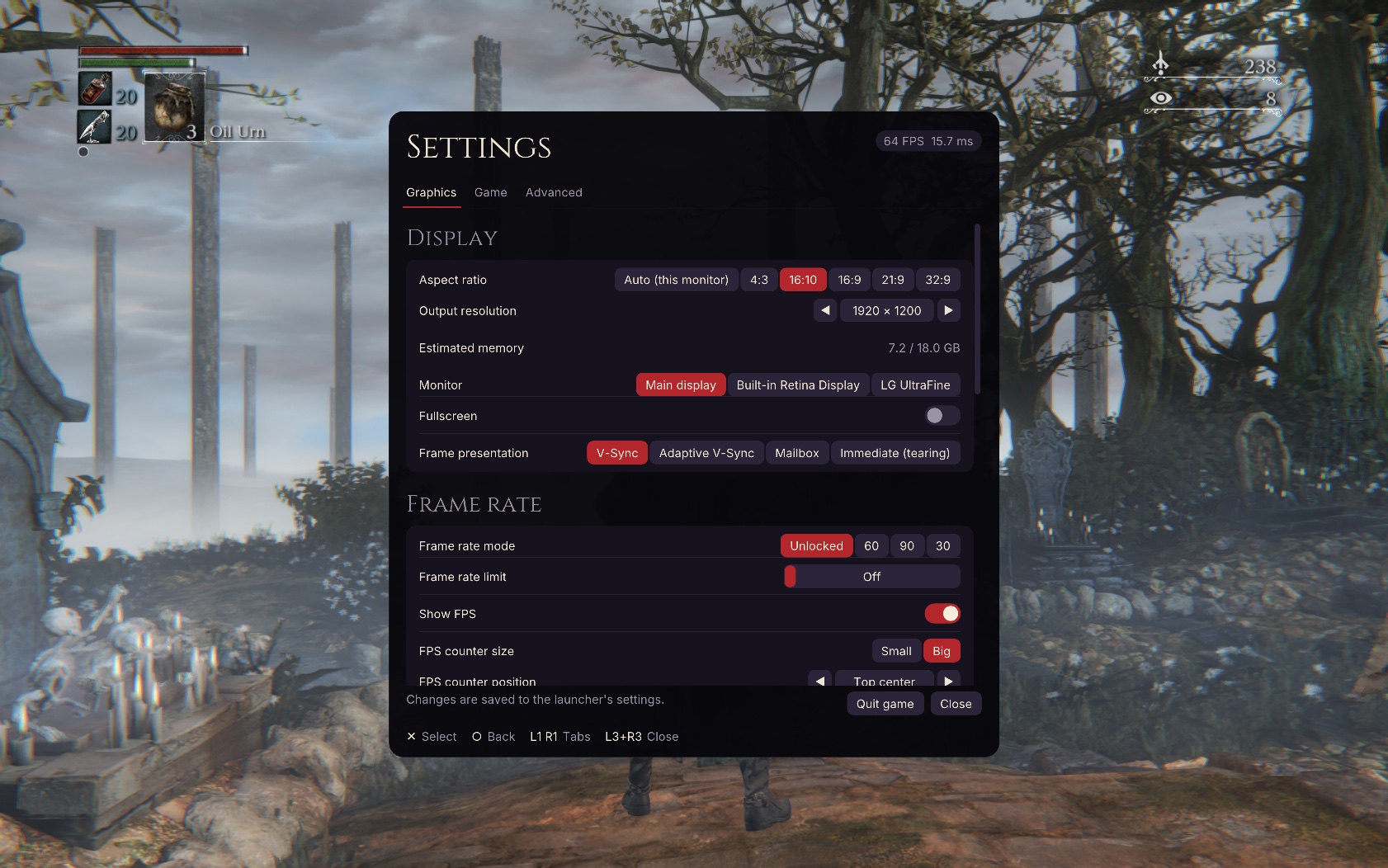
- **An in-game settings menu** (F1, or L3 + R3 on a controller).
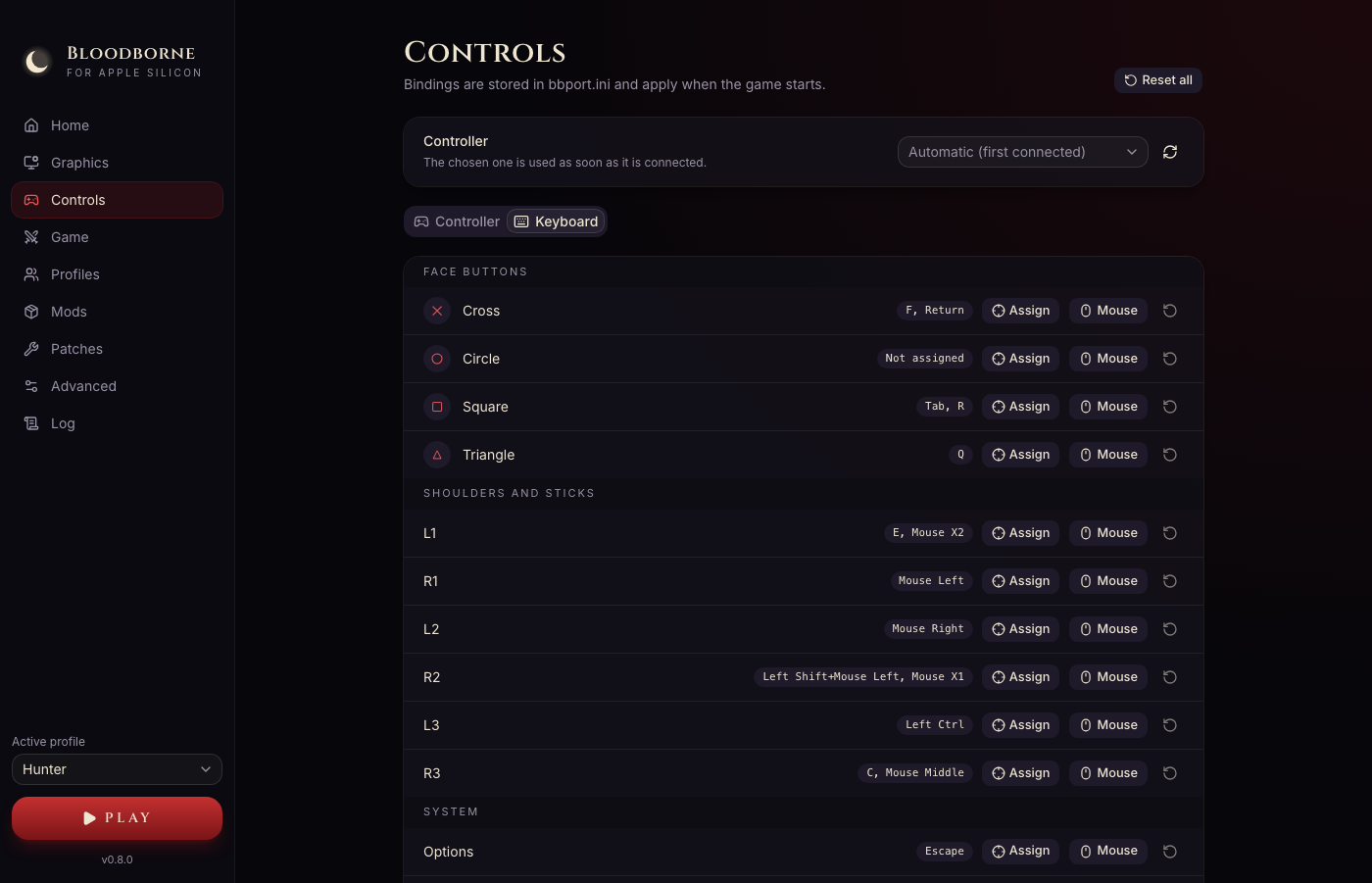
- **Controllers, keyboard and mouse,** with mapping for all three; the mouse turns the camera and
points in the game's menus.
- **Any aspect ratio:** 16:10, 21:9, 32:9 and 4:3 without stretching or black bars.
- **Mods and patches,** with load order. The game folder is never changed.
- **20 languages** for the launcher and the menu, the same as the PS4 game.
## Getting started
1. [Download the latest release](https://github.com/bloodborne-native/bloodborne-mac/releases/latest)
and drag **Bloodborne** to Applications.
2. The first time, right-click the app and choose **Open** (the app is not signed with an Apple
Developer ID).
3. Choose your game folder and press **Play**.
The [installation guide](docs/guide/installation.md) has the details.
## Status
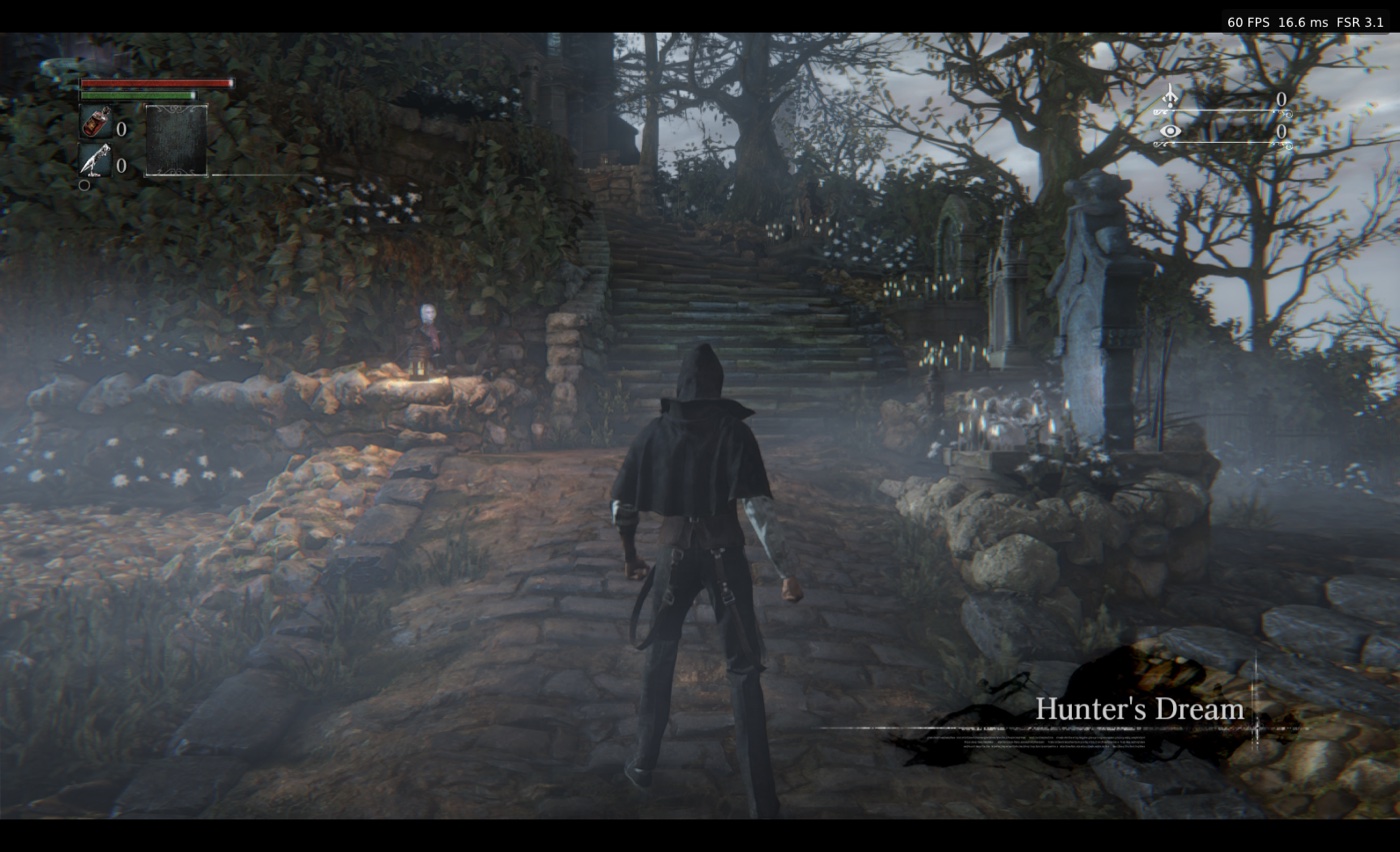
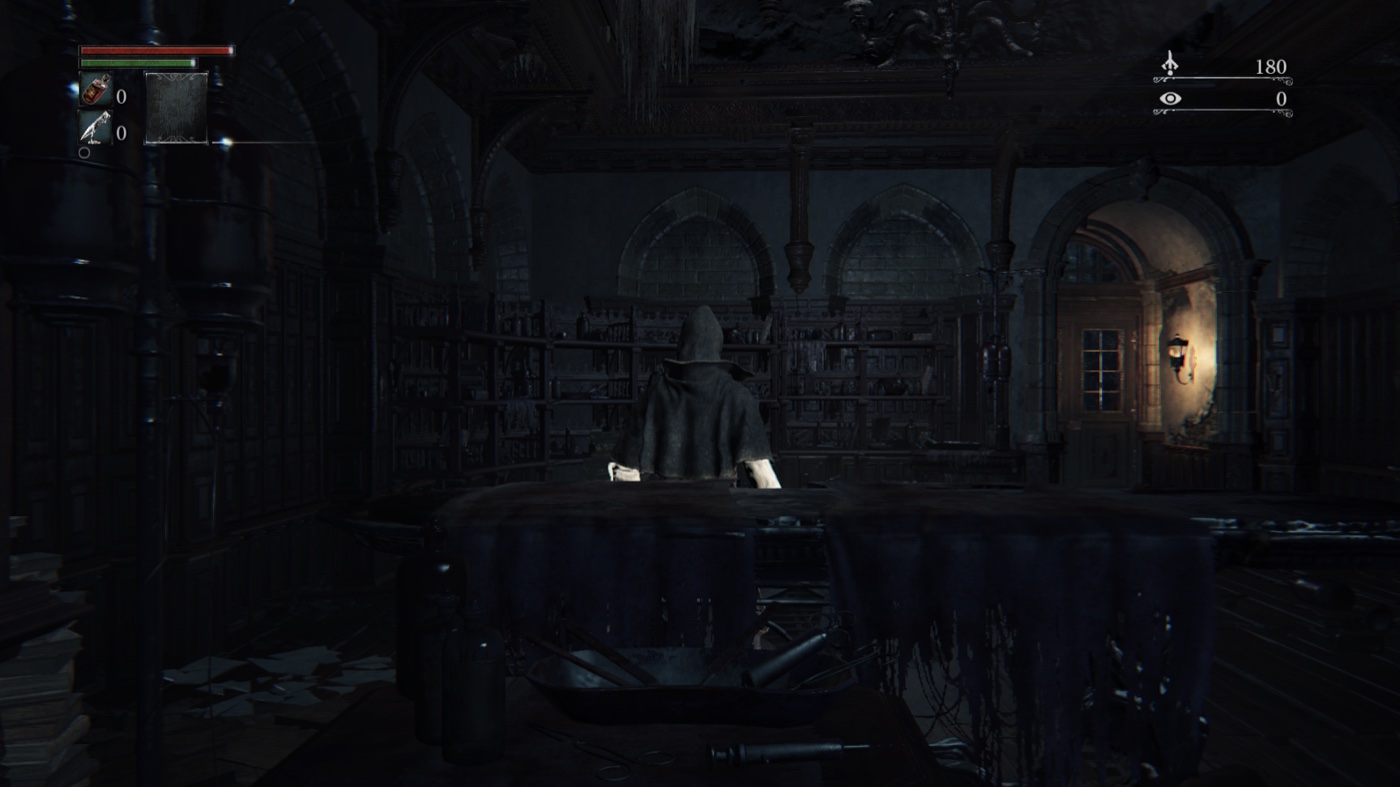
**Experimental, playable.** The game boots, loads saves and plays with sound, controllers and
saving. On an Apple M3 Pro at 1080p with FSR 3.1 it runs at about **60 FPS** in the Hunter's Dream
and about **44 FPS** in the clinic at the start of the game
([performance](docs/guide/performance.md)). Only one machine has been tested so far: results on
other Macs are welcome.
**New in 0.8.2:** clothing lighting at high render resolutions no longer disappears after texture
collection. The fix was checked at native 1440p on Metal and MoltenVK.
[0.8.2 release notes](docs/releases/v0.8.2.md).
**From 0.8.1:** the repeatable GX worker crash with live dynamic shadows is fixed on Metal and
MoltenVK; a rejected tessellation pipeline no longer makes the shader cache rebuild every launch;
and **MetalFX (Apple)** is an optional macOS upscaler. The big FPS overlay shows MetalFX and its
render resolution. [0.8.1 release notes](docs/releases/v0.8.1.md).
**From 0.8.0:** character motion vectors no longer crash the game; the launcher and the
in-game menu share every setting, and the menu has the launcher's look, tabs and an on-screen
keyboard; outputs above 1080p start again; an experimental **Metal renderer** (Advanced →
Renderer) draws the game with Apple's Metal directly, usually faster; from bbport 0.6, a frame
rate that keeps physics right at any speed, effects that switch without a restart, aspect ratios
(16:10, 21:9, ...) and keyboard and mouse in Dark Souls III's layout. See
[Release notes](docs/releases/v0.8.0.md).
**Known issues:** blood on already killed enemies can look pale after a save reload.
See [Troubleshooting](docs/guide/troubleshooting.md#known-issues) for details and other things to
know before playing.
## Documentation
| | |
|---|---|
| [Installation](docs/guide/installation.md) | Download, first start, where your data lives |
| [Game files](docs/guide/game-files.md) | Preparing your dump, supported editions, The Old Hunters |
| [Settings](docs/guide/settings.md) | The launcher, the in-game menu, languages, controllers |
| [Mods and patches](docs/guide/mods-and-patches.md) | Installing mods and third-party patches |
| [Performance](docs/guide/performance.md) | What to expect, and the settings that matter |
| [Profiles and saves](docs/guide/saves.md) | Profiles, backups, trophies |
| [Troubleshooting](docs/guide/troubleshooting.md) | Common problems and known issues |
## Under the hood
The app is built from four repositories:
| Repository | |
|---|---|
| **bloodborne-mac** (this one) | The macOS app: packaging, releases, player guides |
| [bloodborne-launcher](https://github.com/bloodborne-native/bloodborne-launcher) | The independent launcher source, included here as `launcher/` |
| [bloodborne-runtime](https://github.com/bloodborne-native/bloodborne-runtime) | Loads the game: the PS4 system libraries and the Vulkan renderer (MoltenVK), here as `runtime/` |
| [bloodborne-recomp](https://github.com/bloodborne-native/bloodborne-recomp) | bbcpu, which translates the game's x86-64 code to arm64 as it runs, and the recompiler (`runtime/recomp/`) |
**The recompiler** turns the game's code, from the player's own copy, into native code ahead of
time, checked against calls recorded from the original. Every one of the game's functions is
generated and the game runs on them; the work now is making that faster than the translator.
Only the tool is published, never the game's code
([status](https://github.com/bloodborne-native/bloodborne-recomp/wiki/Recompilation-status)). The
recompiler and its CPU layer don't depend on macOS: other platforms can build on them.
[Architecture](docs/ARCHITECTURE.md) · [Building and releasing](docs/BUILDING.md) · [Status](docs/STATUS.md)
## Credits
Built on [**bbport**](https://github.com/deadinside28/bloodborne_pc) by deadinside28, the native
Linux port this project started from as a fork, and on [**shadPS4**](https://github.com/shadps4-emu/shadPS4):
the loader, the PS4 runtime, the renderer and its extensions, the upscalers and the game patches
come from them; bbport's releases are merged up to 0.51 and ported in parts from 0.6. Native Apple
Metal FSR 4.1.1 upscaling is based on [**fsr4-native-macos**](https://github.com/UzenUPoZiTiV4ik/fsr4-native-macos)
by UzenUPoZiTiV4ik. This work adds the macOS
platform layer, the arm64 translator, the app and the recompiler. None of it would exist without
the projects it is built on. Full list: [Credits and licenses](docs/CREDITS.md).
Licensed under the [GNU GPL v2 or later](LICENSE).
Not affiliated with shadPS4, Sony Interactive Entertainment, FromSoftware or AMD. Please do
not report problems with this project to shadPS4 or to bbport.