# ChatGPT Minimal
English | [简体中文](./README.zh-CN.md)
ChatGPT Minimal implements core ChatGPT features with a minimal codebase. Built with Next.js. Clean code, easy to extend.
## Demo
Try the [ChatGPT Minimal Demo Site](https://chatgpt-minimal.vercel.app).
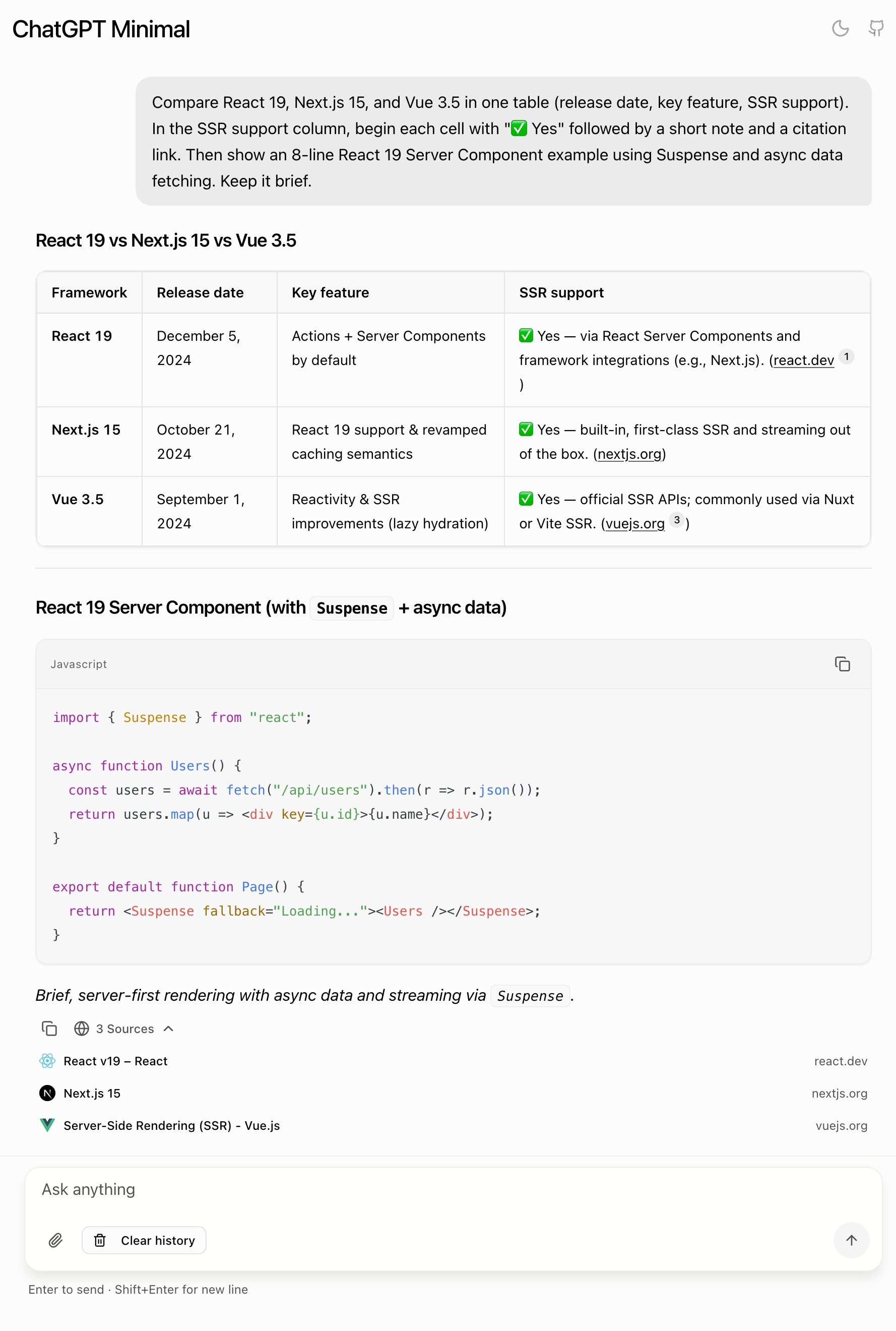
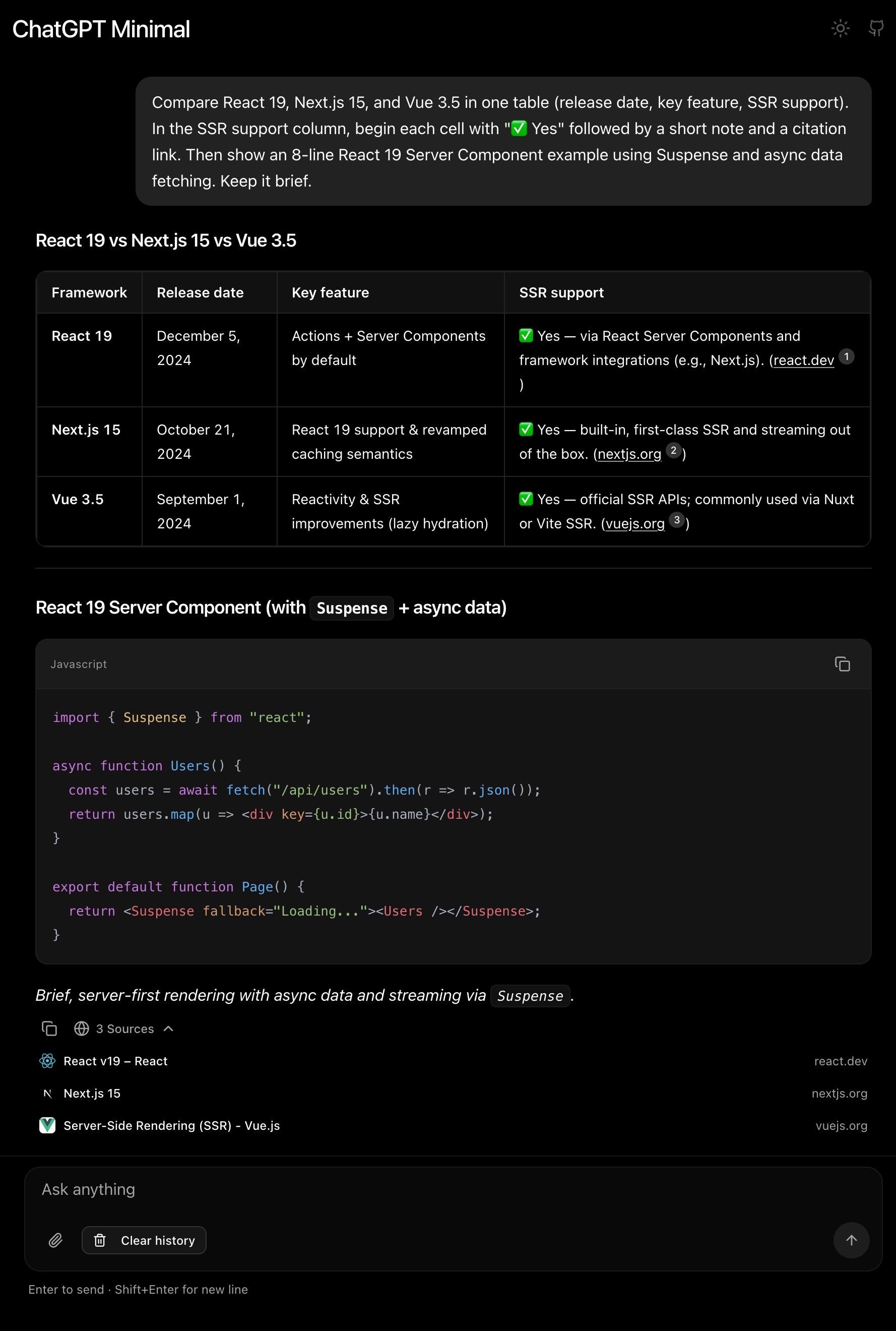
## Features
**What this project includes:**
- **Real-time streaming chat** with Server-Sent Events
- **Text + image chat** (image upload and paste)
- **Web search integration** (with source citations when supported by provider/model)
- **Markdown rendering** with syntax highlighting
- **Supports OpenAI, Azure OpenAI, and OpenAI-compatible providers**
- **Light/Dark mode toggle**
Looking for a more complete version? [ChatGPT Lite](https://github.com/blrchen/chatgpt-lite) builds on this project's codebase and adds:
- Persona system with custom system prompts
- Multi-conversation management
- File attachments (PDF, XLSX/CSV, text files)
- Voice input
- 40+ UI themes
## Deployment
For required environment variables, see [Environment Variables](#environment-variables).
### Deploy to Vercel
[](https://vercel.com/new/clone?repository-url=https%3A%2F%2Fgithub.com%2Fblrchen%2Fchatgpt-minimal&project-name=chatgpt-minimal&framework=nextjs&repository-name=chatgpt-minimal)
### Deploy with Docker
For OpenAI account users:
```bash
docker run -d -p 3000:3000 \
-e OPENAI_API_KEY="" \
-e OPENAI_MODEL="gpt-4o-mini" \
blrchen/chatgpt-minimal
```
For Azure OpenAI account users:
```bash
docker run -d -p 3000:3000 \
-e AZURE_OPENAI_RESOURCE_NAME="" \
-e AZURE_OPENAI_API_KEY="" \
-e AZURE_OPENAI_DEPLOYMENT="" \
blrchen/chatgpt-minimal
```
## Development
### Run Locally
1. Install Node.js 22+.
2. Clone this repository.
3. Install dependencies with `npm install`.
4. Copy `.env.example` to `.env.local` and fill in values.
5. Start the app with `npm run dev`.
6. Open [http://localhost:3000](http://localhost:3000).
## Environment Variables
### OpenAI
| Name | Required | Description | Default Value |
| ------------------- | -------- | ------------------------------------------------------------------------------------------------- | ------------------------ |
| OPENAI_API_KEY | Yes | API key from [OpenAI Platform](https://platform.openai.com/account/api-keys). | - |
| OPENAI_API_BASE_URL | No | Base URL for OpenAI-compatible endpoints. If it does not end with `/v1`, the app will append it. | `https://api.openai.com` |
| OPENAI_MODEL | No | Model name for OpenAI mode. | `gpt-4o-mini` |
### Azure OpenAI
| Name | Required | Description |
| -------------------------- | -------- | --------------------------------------------------- |
| AZURE_OPENAI_RESOURCE_NAME | Yes | Azure OpenAI resource name (for example `my-openai-resource`). |
| AZURE_OPENAI_API_KEY | Yes | Azure OpenAI API key. |
| AZURE_OPENAI_DEPLOYMENT | Yes | Azure OpenAI deployment name (not the model name). |
## Contribution
PRs of all sizes are welcome.