Block Drop app icon
# Block Drop A modern falling-block puzzle game built with Flutter. Drop, rotate, and clear lines in this classic puzzle game.

GitHub Release Release downloads

Get it on F-Droid
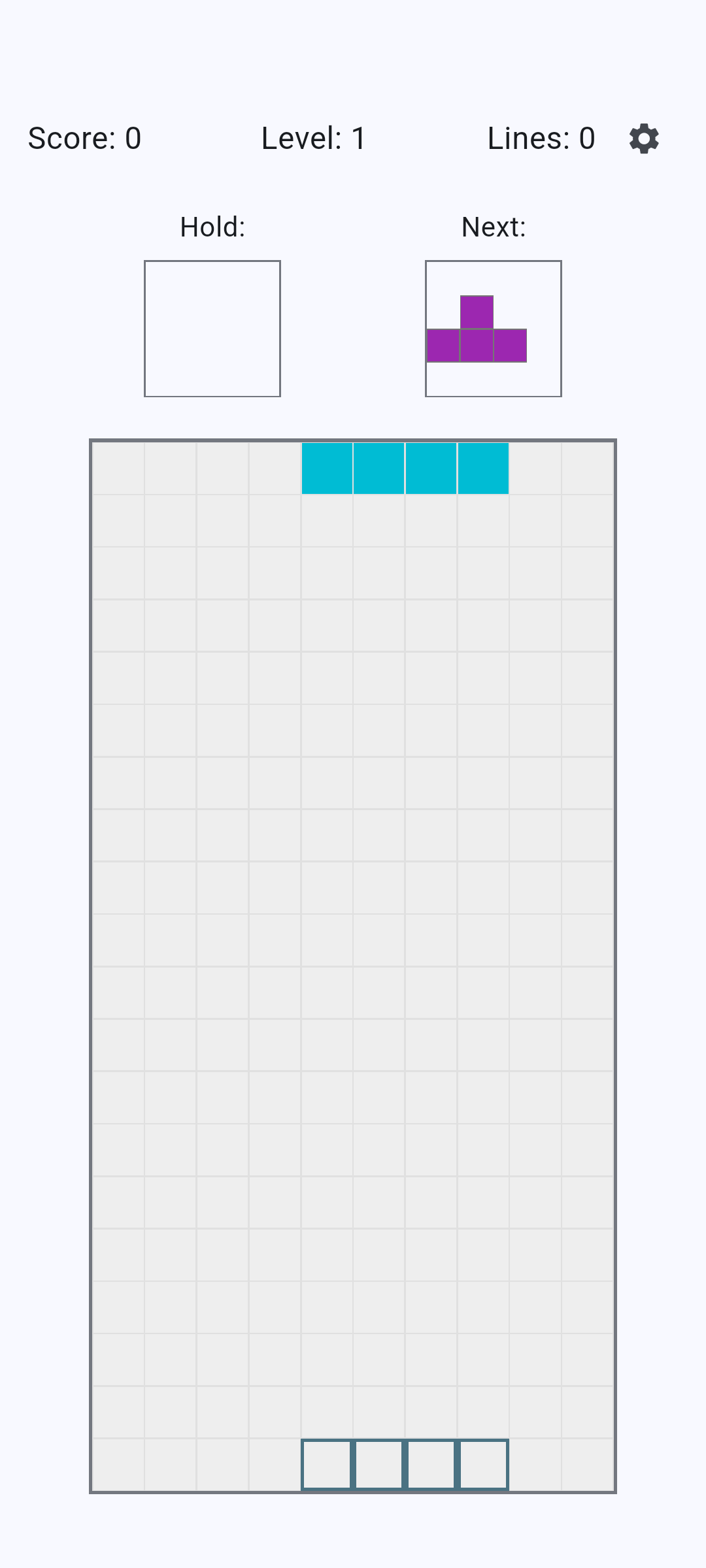
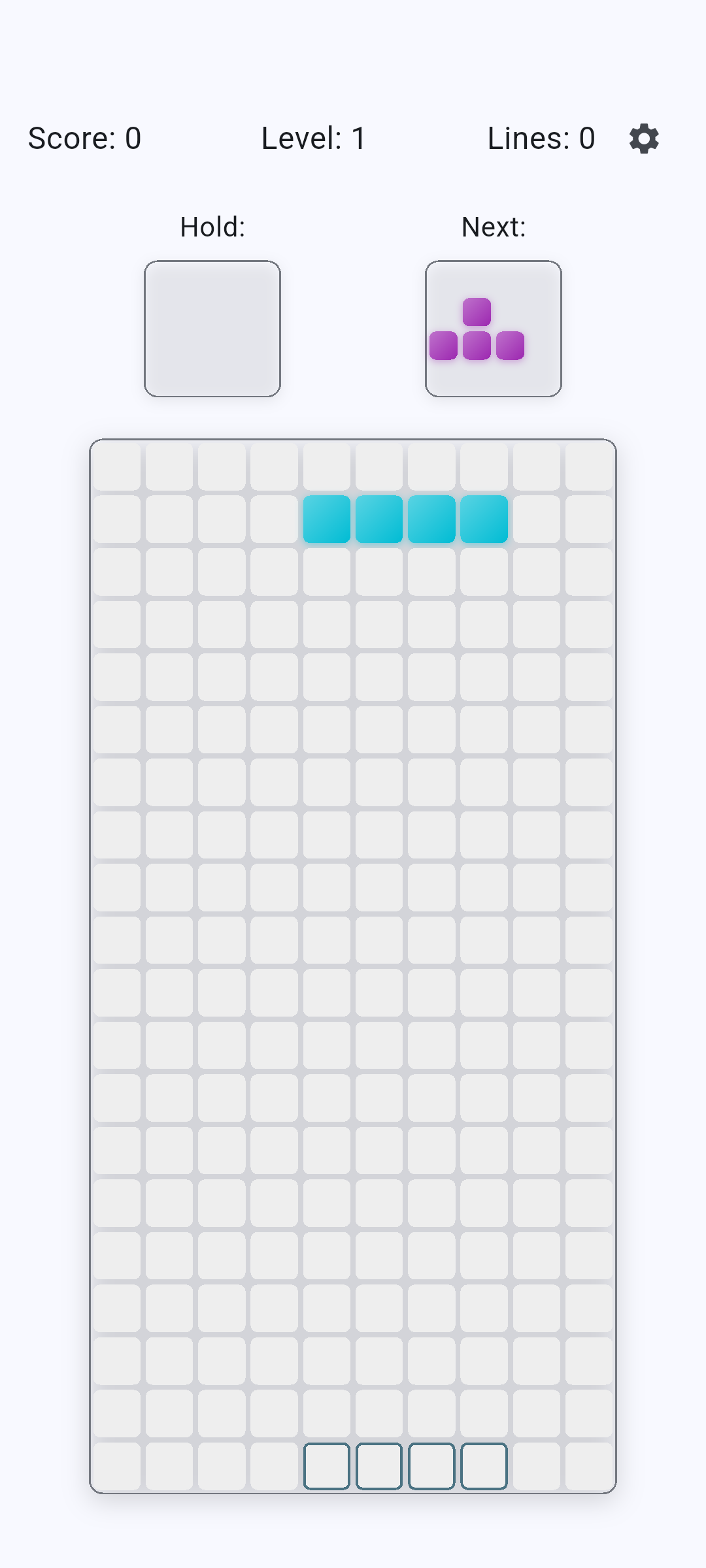
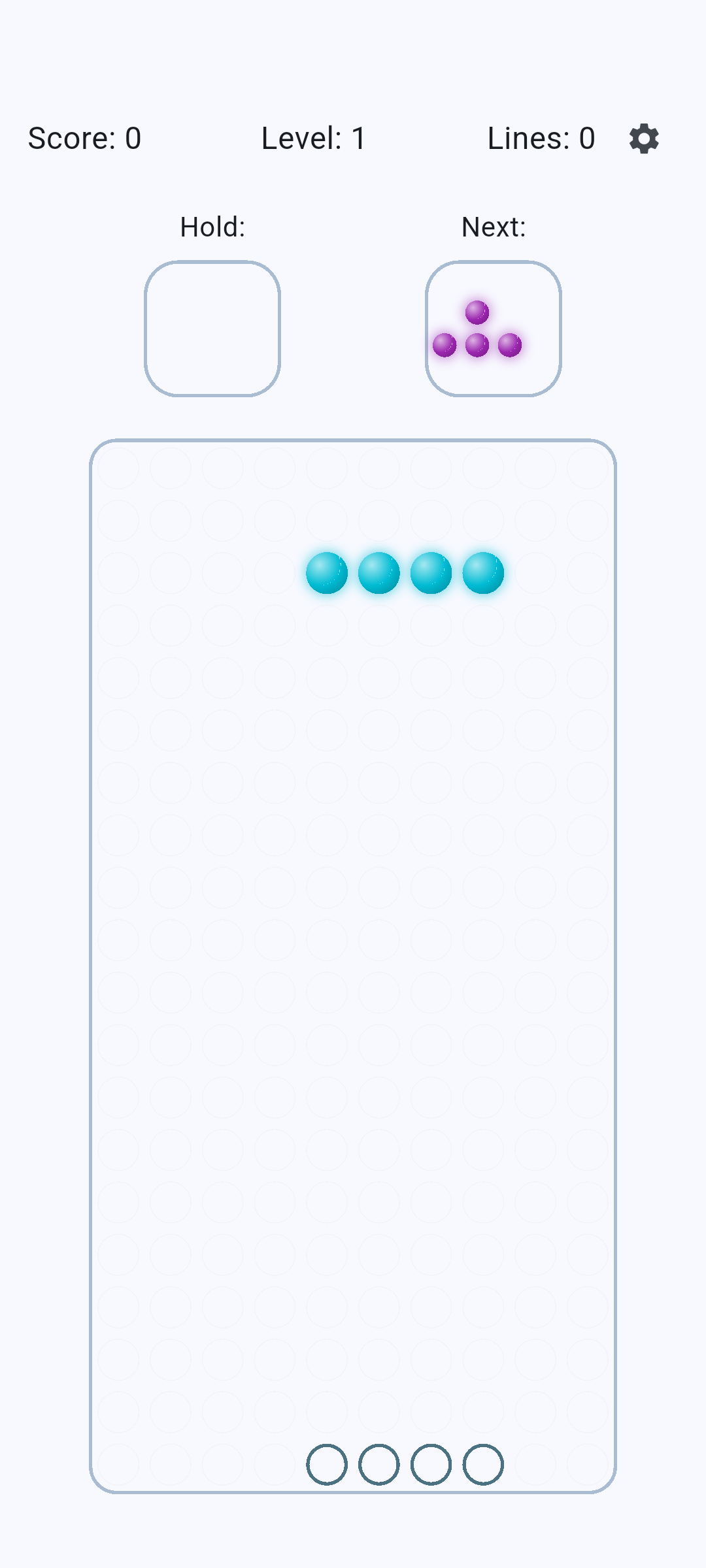
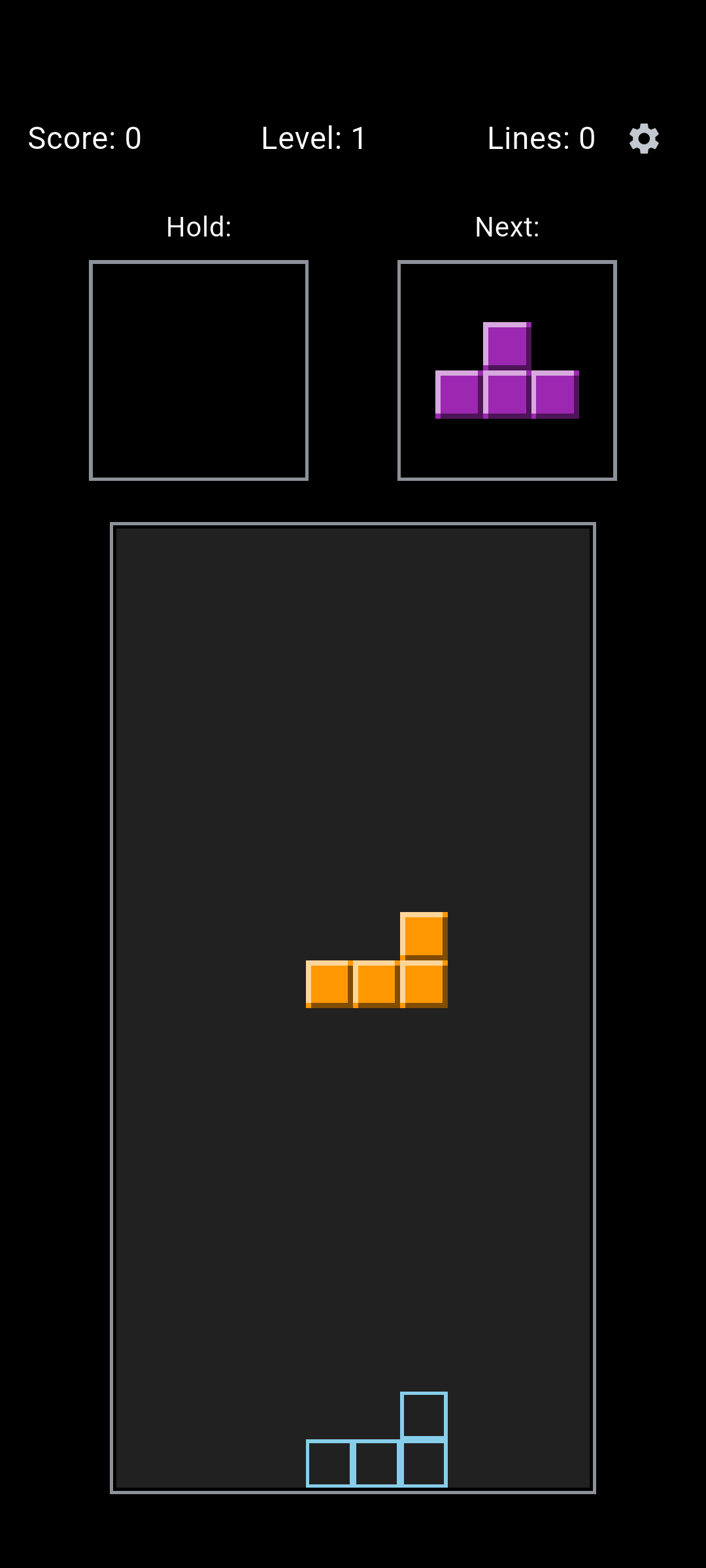
## Features - Classic falling-block gameplay with all 7 tetromino pieces - Smooth piece rotation and movement - Line clearing with score tracking - Hold piece functionality - Next piece preview - Responsive controls for mobile and desktop - Cross-platform support (iOS, Android, Web, Windows, macOS, Linux) # Screenshots

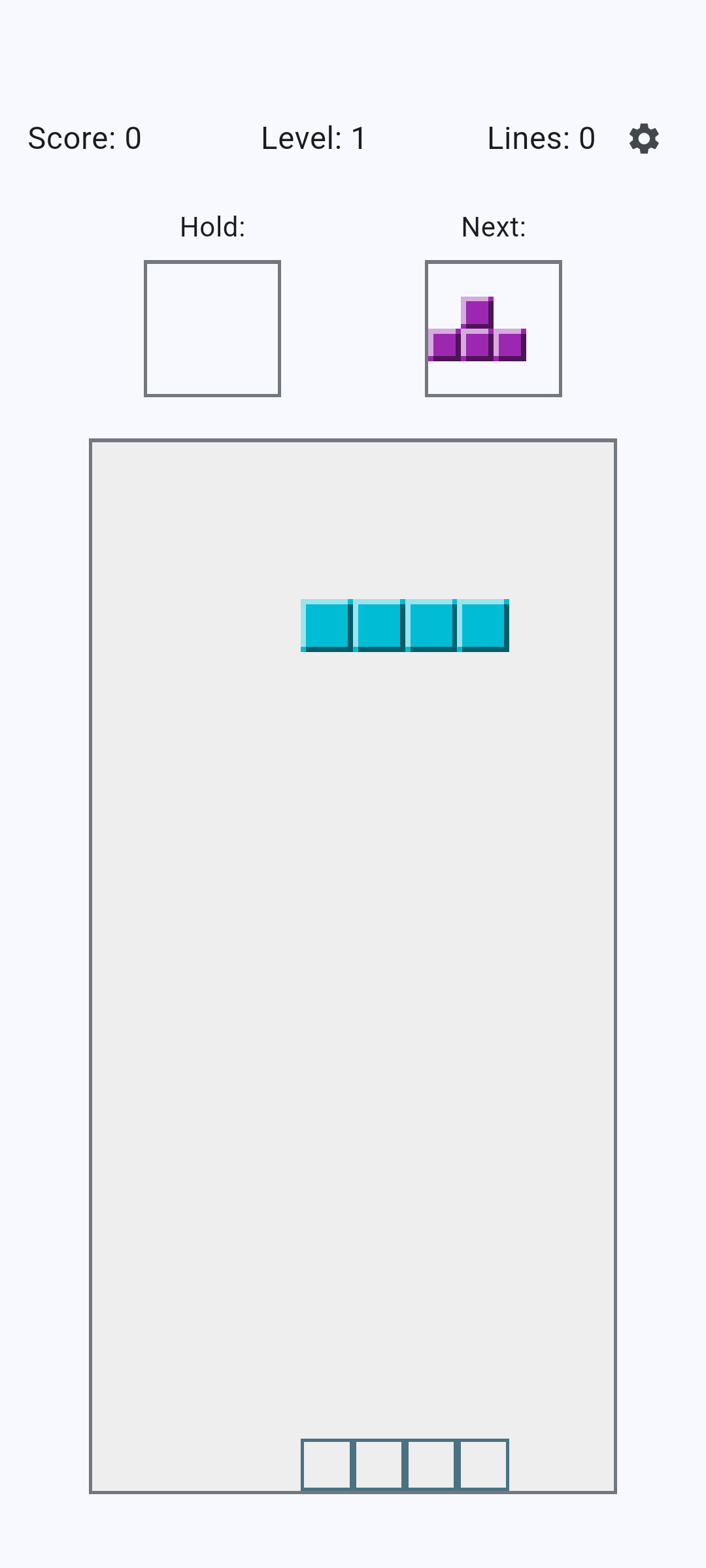
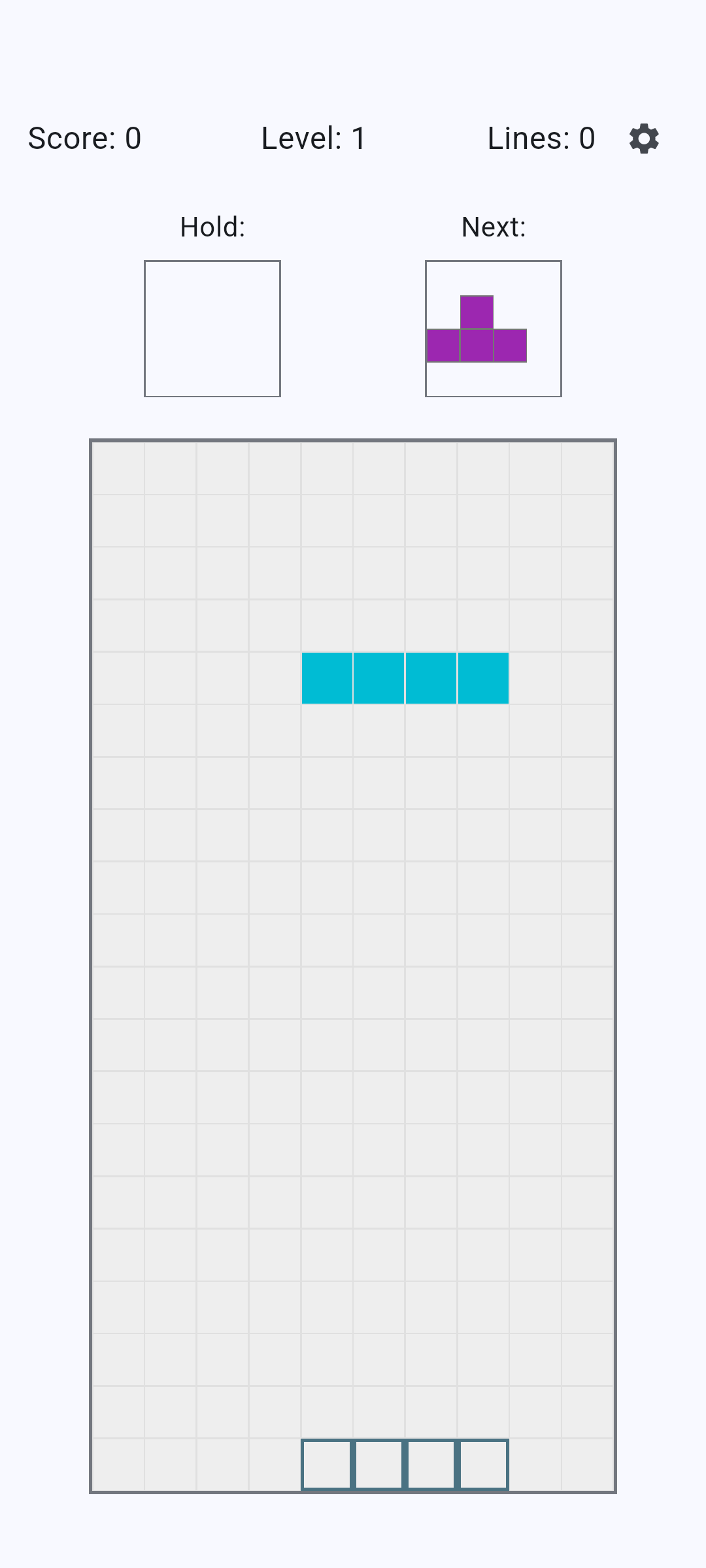
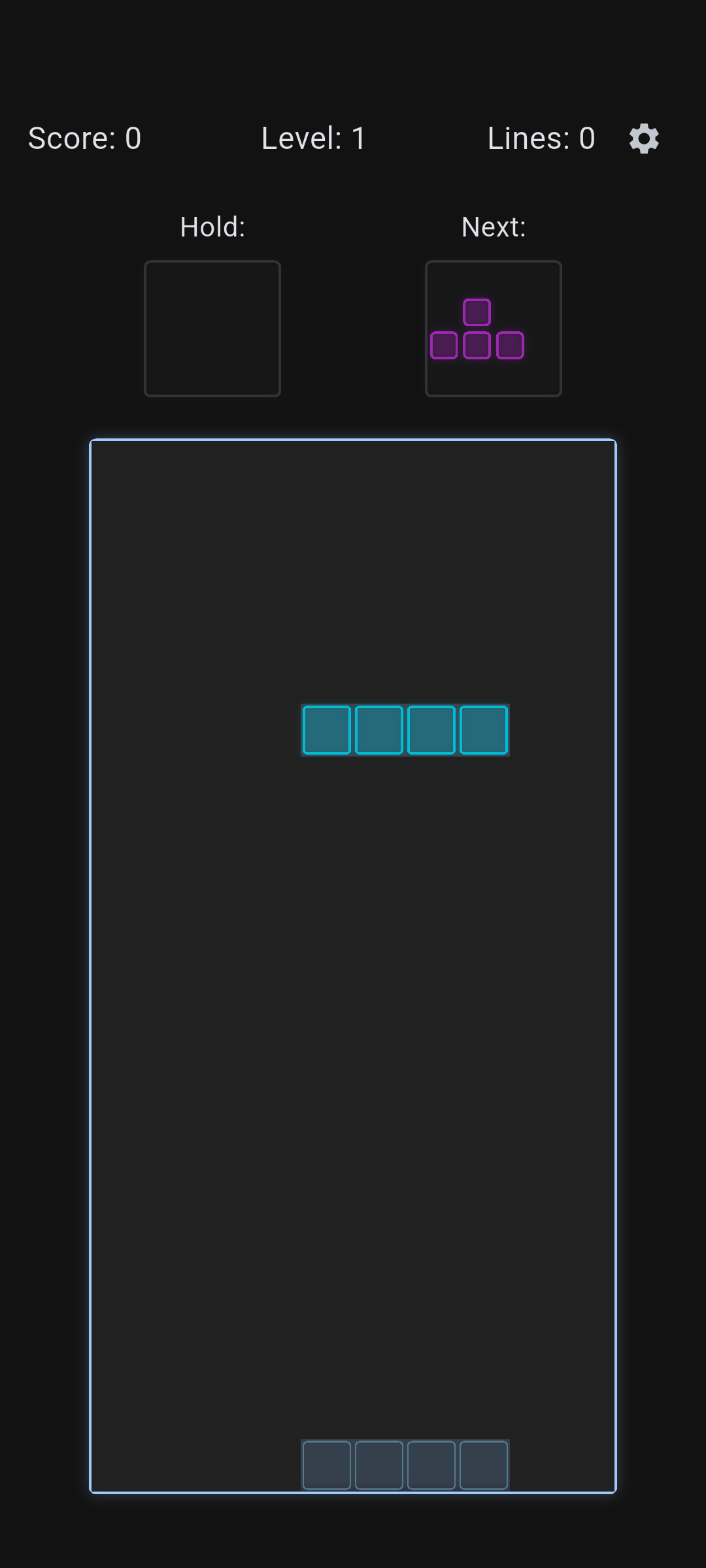
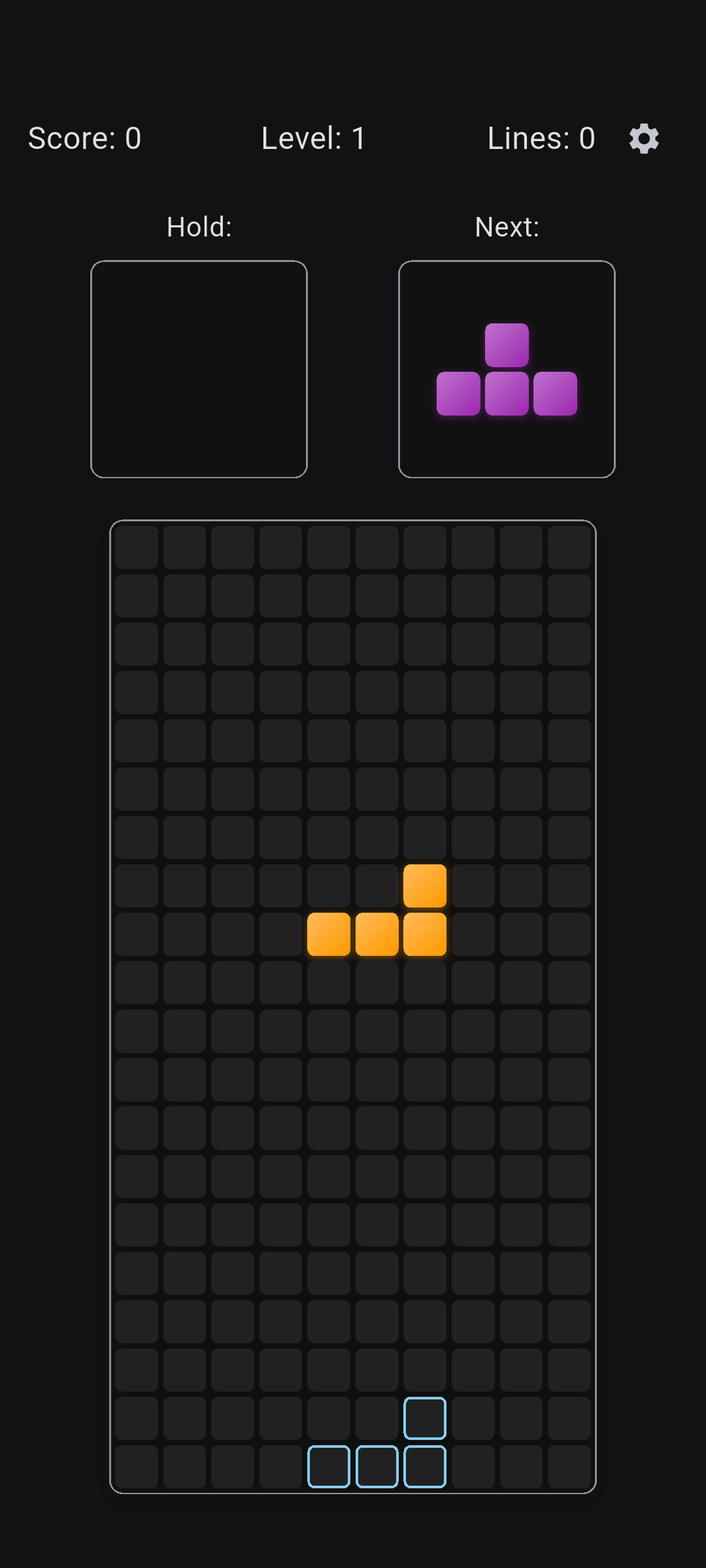
Light Classic Light Modern Light Bubbles Light Retro Dark Classic Dark Neon Black Modern Black Retro

## How to Play - **Move Left/Right**: Use arrow keys or swipe gestures - **Rotate**: Up arrow key or tap to rotate pieces - **Soft Drop**: Down arrow key or swipe down - **Hard Drop**: Space bar (desktop) or double tap (mobile) - **Hold Piece**: Hold key or dedicated hold button ## Getting Started ### Prerequisites - [Flutter](https://docs.flutter.dev/get-started/install) - An editor e.g. [VSCode](https://code.visualstudio.com/download) ### Installation 1. Clone the repository: ```bash git clone https://github.com/brandonp2412/BlockDrop cd BlockDrop ``` 2. Install dependencies: ```bash flutter pub get ``` 3. Run the app: ```bash flutter run ``` ## License This project is licensed under the MIT License - see the LICENSE file for details. ## Acknowledgments - Inspired by the classic falling-block puzzle game - Built with Flutter framework - Icons and assets created specifically for Block Drop