> A simple, easy way to deploy static websites to Amazon S3
[](https://www.travis-ci.com/brandonweiss/discharge)
[](https://www.npmjs.com/package/@static/discharge)

[](https://david-dm.org/brandonweiss/discharge)

[](https://github.com/sindresorhus/awesome-nodejs#command-line-apps)
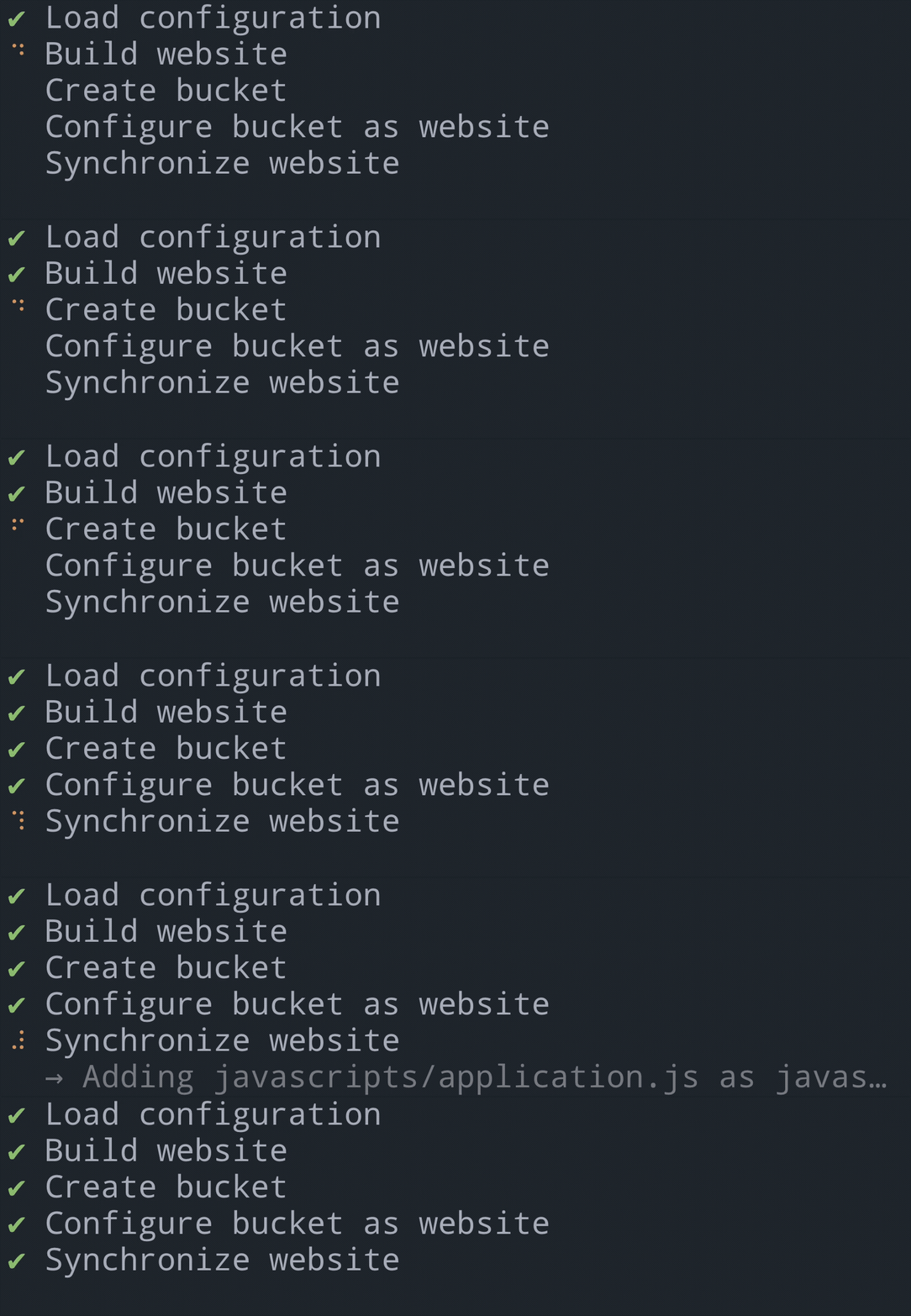
## Features
* Very little understanding of AWS required
* Interactive UI for configuring deployment
* Step-by-step list of what’s happening
* Support for clean URLs (no `.html` extensions)
* Support for subdomains
* Use an AWS Profile (named credentials) to authenticate with AWS
* CDN (CloudFront) and HTTPS/TLS support
## Installation
Install it globally:
```
$ npm install --global @static/discharge
```
Or add it to your application’s `package.json`:
```
$ npm install --save-dev @static/discharge
```
## Usage
### Authentication
#### Credentials in file
[Configuring AWS credentials][aws-credentials-file] can be a bit confusing. After getting your Access Key ID and Secret Access Key from AWS, you should store them in a file at `~/.aws/credentials`. It should look something like this:
```
[default]
aws_access_key_id=AKIAIOSFODNN7EXAMPLE
aws_secret_access_key=wJalrXUtnFEMI/K7MDENG/bPxRfiCYEXAMPLEKEY
```
Replace the example keys with your own.
#### Credentials in environment
Alternatively, if you prefer environment variables or you are running Discharge in an automated environment like a continuous integration/deployment server you can omit the `aws_profile` configuration option explained later and set environment variables instead.
```
export AWS_ACCESS_KEY_ID=AKIAIOSFODNN7EXAMPLE
export AWS_SECRET_ACCESS_KEY=wJalrXUtnFEMI/K7MDENG/bPxRfiCYEXAMPLEKEY
```
Replace the example keys with your own.
### Configure
Configuration is done via a `.discharge.json` file located at the root of your application. You can run `discharge init` to get an interactive UI that will help you generate the configuration file, or you can write it yourself from scratch. It will look something like this:
```json
{
"domain": "anti-pattern.com",
"build_command": "bundle exec middleman build",
"upload_directory": "build",
"index_key": "index.html",
"error_key": "404.html",
"cache": 3600,
"aws_profile": "website-deployment",
"aws_region": "us-west-1",
"cdn": true,
"dns_configured": false
}
```
Those are most of the configuration options but a complete list is next.
#### Configuration options
There are no defaults—all configuration options are explicit and must be provided unless marked as optional.
**domain** `String`
The domain name of your website. This will be used as the name of the S3 bucket your website will be uploaded to.
**build_command** `String`
The command that will be executed in the shell to build your static website.
**upload_directory** `String`
The name of the directory that the `build_command` generated with the static files in it. This is the directory that will be uploaded to S3.
**index_key** `String`
The key of the document to respond with at the root of the website. `index.html` is almost certainly what you want to use. For example, if `https://example.com` is requested, `https://example.com/index.html` will be returned.
**error_key** `String`
The key of the document to respond with if the website endpoint responds with a 404 Not Found. For example, `404.html` is pretty common.
**cache** `Number` (optional when `cache_control` is set)
The number of seconds a browser should cache the files of your website for. This is a simplified version of the HTTP `Cache-Control` header. If you set it to `0` the `Cache-Control` will be set to `"no-cache, no-store, must-revalidate"`. If you set it to a positive number, say, `3600`, the `Cache-Control` will be set to `"public, max-age=3600"`.
Be careful about setting too high a cache length. If you do, when a browser caches it, if you then update the content, that browser will not get the updated content unless the user specifically hard-refreshes the page.
When `cdn` is enabled, the `s-maxage` directive is included and set to a very high number (one month). It is recommended you set `cache` to a very low number (e.g five minutes). The CDN will use the `s-maxage` directive and the browser will use the `max-age` directive. This works because when you deploy the CDN’s cache will be automatically expired. For more information see the `distribute` command.
If you need finer-grained control over the `Cache-Control` header, use the `cache_control` configuration option.
**cache_control** `String` (optional)
A `Cache-Control` directive as described in the [HTTP documentation](https://developer.mozilla.org/en-US/docs/Web/HTTP/Headers/Cache-Control). This is for more advanced, finer-grained control of caching. If you don’t need that, use the `cache` configuration option.
The `s-maxage` directive added to `cache` when `cdn` is enabled is not added here—you have to do it yourself. Caveat emptor.
**redirects** `Array