# Tanuki3DS
[](https://github.com/burhanr13/Tanuki3DS/actions/workflows/ci.yml)
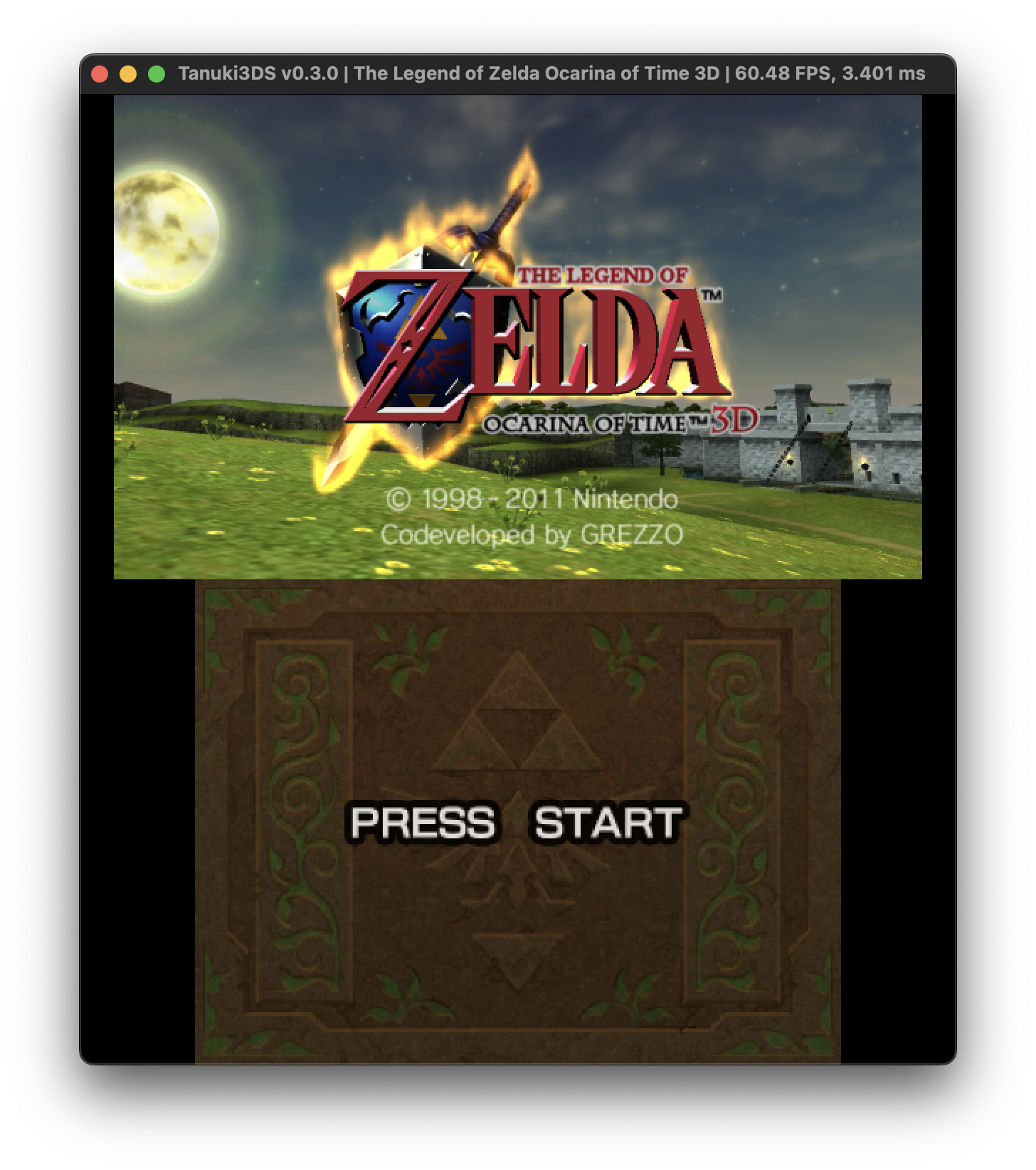
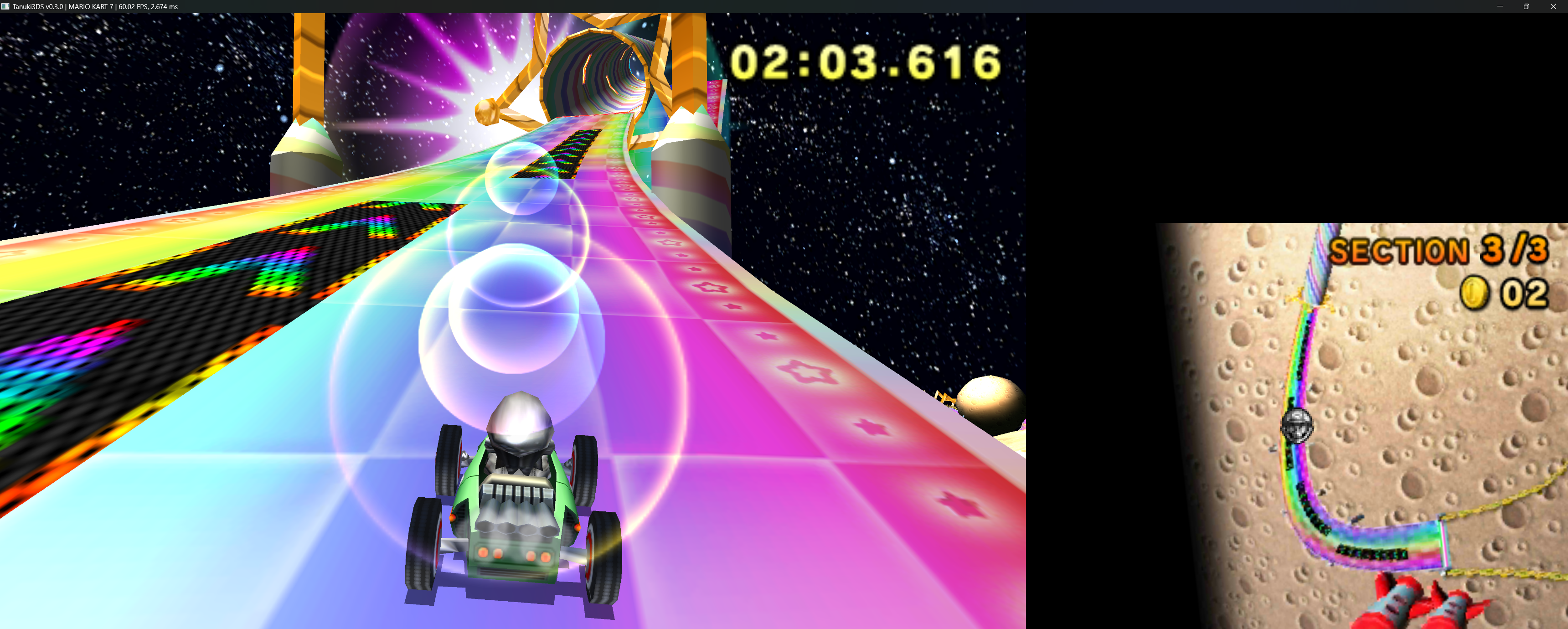
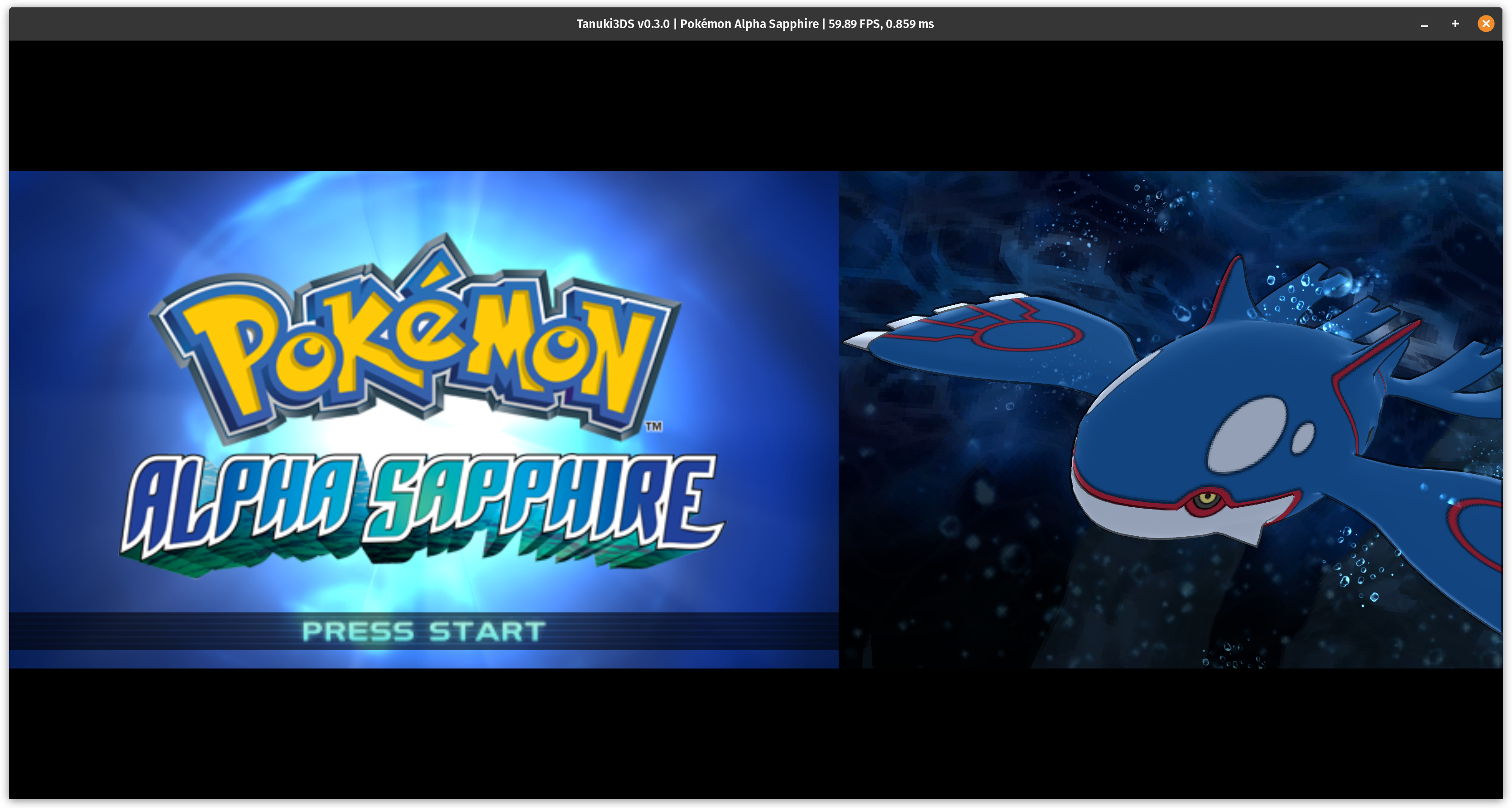
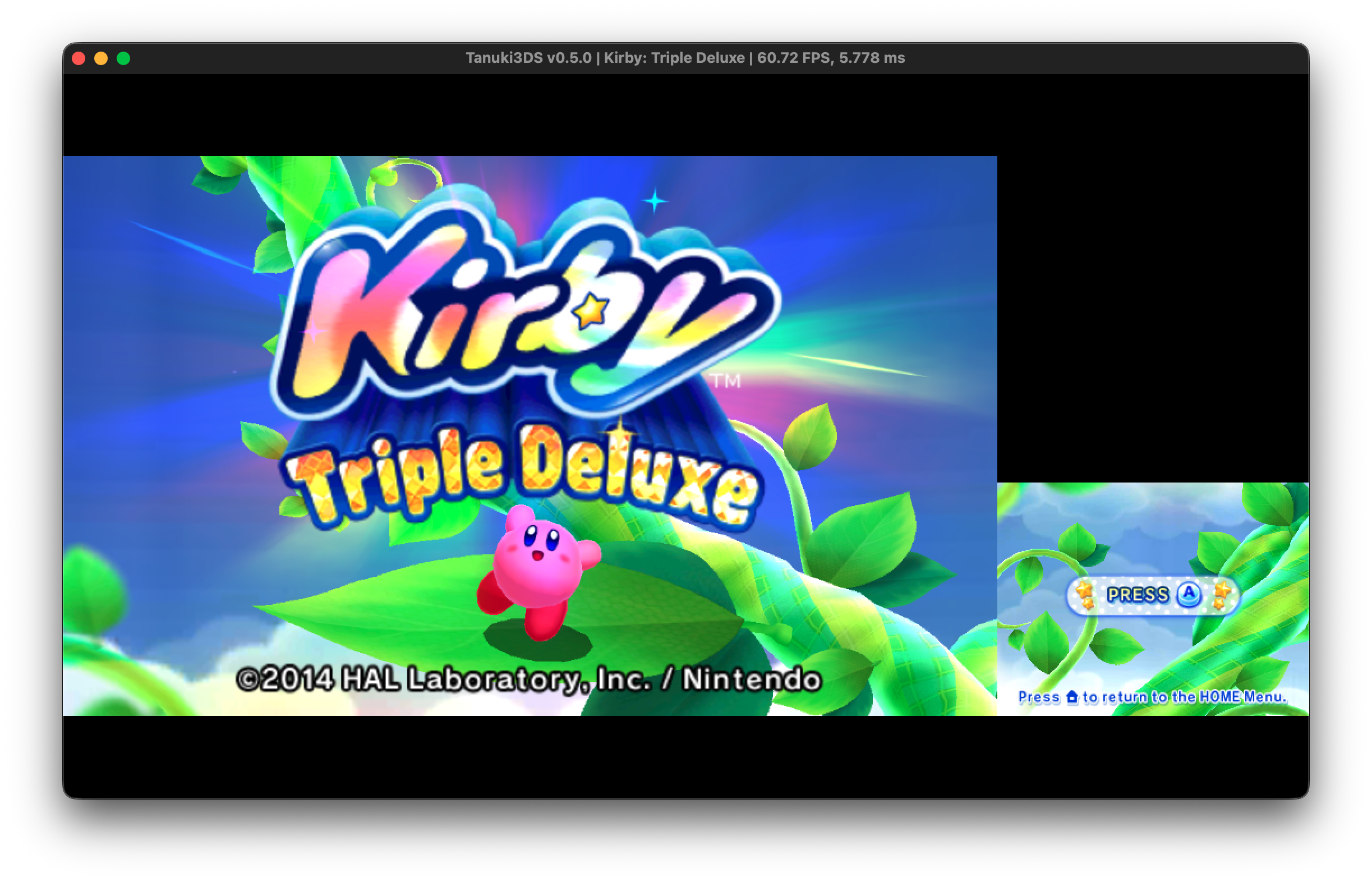
 Tanuki3DS is a 3DS emulator for MacOS, Linux, and Windows written in C which aims to be simple, fast, and compatible.
If you want to ask questions or discuss the emulator, join our discord:
[](https://discord.gg/6ya65fvD3g)
Tanuki3DS is a 3DS emulator for MacOS, Linux, and Windows written in C which aims to be simple, fast, and compatible.
If you want to ask questions or discuss the emulator, join our discord:
[](https://discord.gg/6ya65fvD3g)
 ## Download
You can download a stable release from the releases tab, or the latest build below:
| Platform | Download (x86_64) | Download (arm64) |
| -------- | -------- | ------- |
| Linux | [Binary](https://nightly.link/burhanr13/Tanuki3DS/workflows/ci/master/Tanuki3DS-linux-binary.zip)
## Download
You can download a stable release from the releases tab, or the latest build below:
| Platform | Download (x86_64) | Download (arm64) |
| -------- | -------- | ------- |
| Linux | [Binary](https://nightly.link/burhanr13/Tanuki3DS/workflows/ci/master/Tanuki3DS-linux-binary.zip)
[AppImage](https://nightly.link/burhanr13/Tanuki3DS/workflows/ci/master/Tanuki3DS-linux-appimage.zip) | [Binary](https://nightly.link/burhanr13/Tanuki3DS/workflows/ci/master/Tanuki3DS-linux-arm-binary.zip)
[AppImage](https://nightly.link/burhanr13/Tanuki3DS/workflows/ci/master/Tanuki3DS-linux-arm-appimage.zip) |
| MacOS | [App Bundle](https://nightly.link/burhanr13/Tanuki3DS/workflows/ci/master/Tanuki3DS-macos-x86_64.zip) | [App Bundle](https://nightly.link/burhanr13/Tanuki3DS/workflows/ci/master/Tanuki3DS-macos-arm64.zip) |
| Windows | [Executable](https://nightly.link/burhanr13/Tanuki3DS/workflows/ci/master/Tanuki3DS-windows.zip) | [Executable](https://nightly.link/burhanr13/Tanuki3DS/workflows/ci/master/Tanuki3DS-windows-arm.zip) |
## Usage
On launching the app you can use the UI to open a game or drop its file onto the window. The supported formats are:
- .cci/.3ds
- .cxi/.app
- .elf/.axf
- .3dsx
All games must be decrypted.
The settings and save data are stored by default in the application data path of your OS, but you can optionally create a file called `portable.txt` in the same directory as the executable to have them be created there. You can open the directory containing the settings and savedata using the UI.
Certain files needed by games that provided by the OS (shared font, mii resource) use open replacements by default. If you want to load the originals you can do so using the UI. You can obtain the originals from a real 3DS using the [dumper.3dsx](tools/dumper/dumper.3dsx) program.
You can also run the executable in the command line with the rom file as the argument or pass `-h` to see other options.
Default keyboard controls are as follows:
| Control | Key |
| --- | --- |
| `A` | `L` |
| `B` | `K` |
| `X` | `O` |
| `Y` | `I` |
| `L` | `Q` |
| `R` | `P` |
| `Circlepad` | `WASD` |
| `Dpad` | `Arrow keys` |
| `Start` | `Return` |
| `Select` | `RShift` |
| Pause/Resume | `F5` |
| Mute/Unmute | `F6` |
| Toggle fast-forward | `Tab` |
| Reset | `F1` |
| Switch game | `F2` |
| Toggle freecam | `F7` |
| Change Screen Layout | `F10` |
The touch screen can be used with the mouse.
You can also connect a controller to use controller input. When using the
controller clicking the right stick can be used to tap the touch screen
at the current mouse location.
Freecam controls (regular keyboard input is disabled):
- WASD: move
- RF: move vertically
- arrow keys: look
- QE: roll
- Left Shift (hold): move slower
- Right Shift (hold): move faster
Both keyboard input and freecam input can be remapped in the input settings menu.
## Building
You need the following dependencies installed to build:
- sdl3
- xxhash
- cglm
- fdk-aac
- capstone
To build use `make`. You can pass some options to make, `USER=1` to compile a user build with lto, and `DEBUG=1` for unoptimized build with debug symbols. You need a compiler which supports C23. You can configure compilers by running `./configure.sh CC=... CXX=...` before running `make`. To compile on Windows, you need to compile within msys2.
## Compatibility
Many games work, but many will suffer from a range of bugs from graphical glitches to crashes. We are always looking to improve the emulator and would appreciate any bugs to reported as a github issue so they can be fixed. When reporting an issue, please always include the generated `ctremu.log` file which is located in the application data folder of your system.
## Acknowledgements
- [3DBrew](https://www.3dbrew.org) is the main source of documentation on the 3DS
- [GBATEK](https://www.problemkaputt.de/gbatek.htm) is used for low level hardware documentation
- [libctru](https://github.com/devkitPro/libctru) and [citro3d](https://github.com/devkitPro/citro3d) are libraries for developing homebrew software on the 3DS and are useful as documentation on the operating system and GPU respectively
- [Panda3DS](https://github.com/wheremyfoodat/Panda3DS), [Citra](https://github.com/PabloMK7/citra), and [3dmoo](https://github.com/plutooo/3dmoo) are HLE 3DS emulators which served as a reference at various points, as well as inspiration for this project
- [citra_system_archives](https://github.com/B3n30/citra_system_archives) is used for generating system file replacements