# CBZSplashView
[](https://travis-ci.org/Callum Boddy/CBZSplashView)
[](http://cocoadocs.org/docsets/CBZSplashView)
[](http://cocoadocs.org/docsets/CBZSplashView)
[](http://cocoadocs.org/docsets/CBZSplashView)
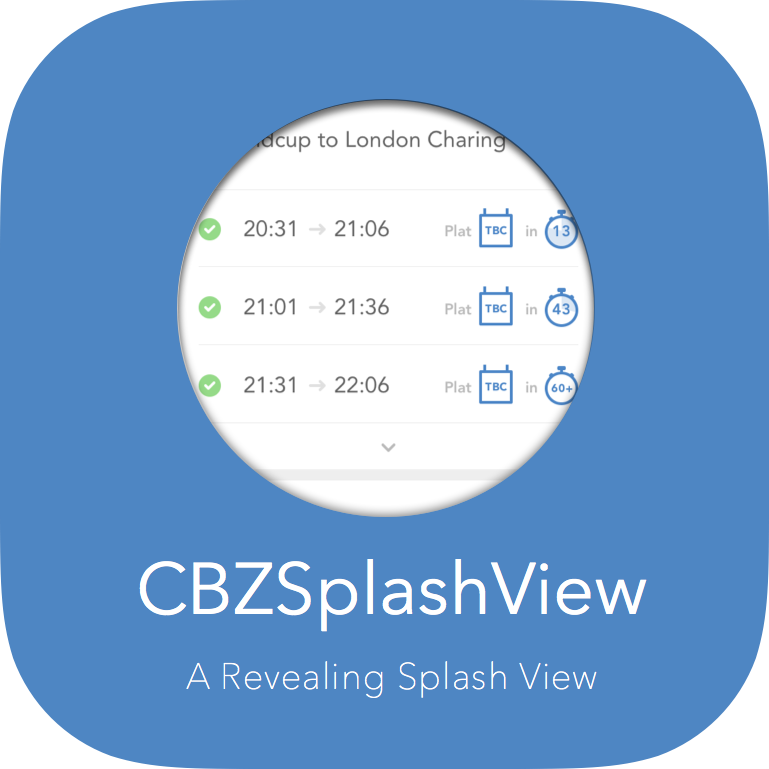 Inspired by the Twitter Splash screen.
Create a splash view not dissimilar to the one Twitter use.
Just drop in your raster/vector logo and choose a background color and you are ready to go.
I have also added some customization options if you are that way inclined.
Twitter: @callumboddy
Inspired by the Twitter Splash screen.
Create a splash view not dissimilar to the one Twitter use.
Just drop in your raster/vector logo and choose a background color and you are ready to go.
I have also added some customization options if you are that way inclined.
Twitter: @callumboddy
 Easy as pie:
+ Using a rasterized image:
```objc
UIImage *icon = [UIImage imageNamed:kMyIcon];
UIColor *color = [UIColor colorWithHexString:kMyColor];
CBZSplashView *splashView = [CBZSplashView splashViewWithIcon:icon backgroundColor:color];
// customize duration, icon size, or icon color here;
[self.view addSubview:splashView];
[splashView startAnimation];
```
+ Using a vector image:
```objc
UIBezierPath *icon = [UIBezierPath myIcon]; // Generate path from vector using something like paintCode
UIColor *color = [UIColor colorWithHexString:kMyColor];
CBZSplashView *splashView = [CBZSplashView splashViewWithBezierPath:icon backgroundColor:color];
// customize duration, icon size, or icon color here;
[self.view addSubview:splashView];
[splashView startAnimation];
```
or you can animate on completion if you want to..
```objective-c
[self downloadLoadsOfAmazingContentWithCompletion:^(BOOL success, NSError *error) {
[splashView startAnimation];
}];
```
## Installation
CBZSplashView is available through [CocoaPods](http://cocoapods.org). To install
it, simply add the following line to your Podfile:
pod 'CBZSplashView', '~> 1.0.0'
## Coming Soon
- creating new and unique transitions to select from
- adding support for a background image.
- adding support for colorWithPatternImage
- ~~a vector based implementation, closer to the twitter implementation~~
- If you would like to request a new feature, feel free to raise as an issue.
## Updates
1.0.0
- feature: full support for bezier paths - which is awesome. Massive thanks to @Mazyod
- cleanliness
- bugfixes
0.1.1:
- feature: added propery to manipulate the icon size, eg. splashView.iconStartSize = CGSizeMake(200, 200);
- feature: added propery to manipulate the icon color, eg. splashView.iconColor = [UIColor redColor];
- feature: added propery to manipulate the animation Duration, eg. splashView.animationDuration = 2; (in seconds)
- change: animtion no longer fires automatically, you must call [splashView startAnimation];
0.1.0 - done on the train, very messy
## Author
Callum Boddy, callum.boddy@gmail.com
## License
CBZSplashView is available under the MIT license. See the LICENSE file for more info.
Easy as pie:
+ Using a rasterized image:
```objc
UIImage *icon = [UIImage imageNamed:kMyIcon];
UIColor *color = [UIColor colorWithHexString:kMyColor];
CBZSplashView *splashView = [CBZSplashView splashViewWithIcon:icon backgroundColor:color];
// customize duration, icon size, or icon color here;
[self.view addSubview:splashView];
[splashView startAnimation];
```
+ Using a vector image:
```objc
UIBezierPath *icon = [UIBezierPath myIcon]; // Generate path from vector using something like paintCode
UIColor *color = [UIColor colorWithHexString:kMyColor];
CBZSplashView *splashView = [CBZSplashView splashViewWithBezierPath:icon backgroundColor:color];
// customize duration, icon size, or icon color here;
[self.view addSubview:splashView];
[splashView startAnimation];
```
or you can animate on completion if you want to..
```objective-c
[self downloadLoadsOfAmazingContentWithCompletion:^(BOOL success, NSError *error) {
[splashView startAnimation];
}];
```
## Installation
CBZSplashView is available through [CocoaPods](http://cocoapods.org). To install
it, simply add the following line to your Podfile:
pod 'CBZSplashView', '~> 1.0.0'
## Coming Soon
- creating new and unique transitions to select from
- adding support for a background image.
- adding support for colorWithPatternImage
- ~~a vector based implementation, closer to the twitter implementation~~
- If you would like to request a new feature, feel free to raise as an issue.
## Updates
1.0.0
- feature: full support for bezier paths - which is awesome. Massive thanks to @Mazyod
- cleanliness
- bugfixes
0.1.1:
- feature: added propery to manipulate the icon size, eg. splashView.iconStartSize = CGSizeMake(200, 200);
- feature: added propery to manipulate the icon color, eg. splashView.iconColor = [UIColor redColor];
- feature: added propery to manipulate the animation Duration, eg. splashView.animationDuration = 2; (in seconds)
- change: animtion no longer fires automatically, you must call [splashView startAnimation];
0.1.0 - done on the train, very messy
## Author
Callum Boddy, callum.boddy@gmail.com
## License
CBZSplashView is available under the MIT license. See the LICENSE file for more info.