# dsh-web-review
[简体中文](./README.md)
> ⭐ If you find this project helpful, please consider giving it a Star! Your support motivates me to keep maintaining and improving it.
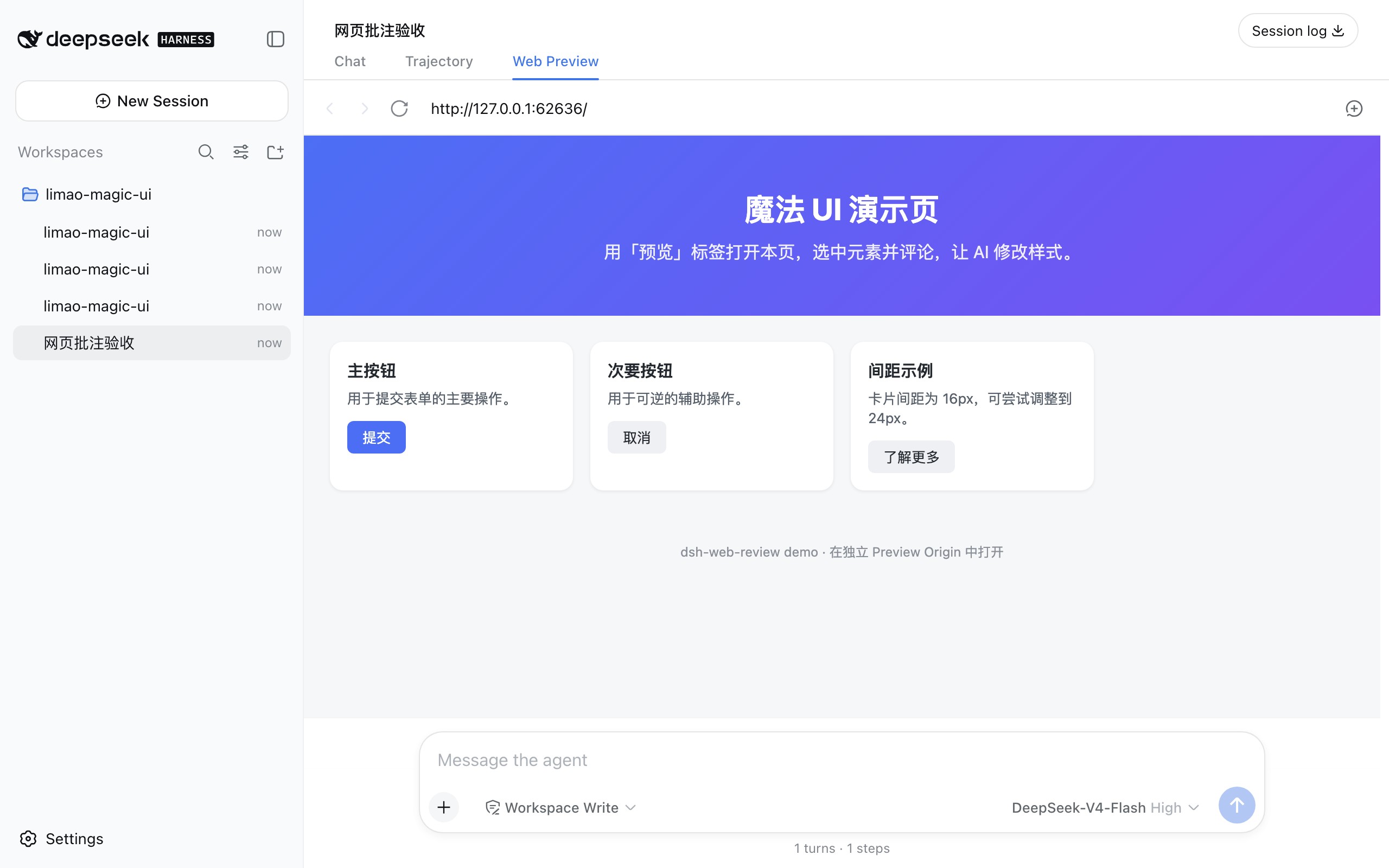
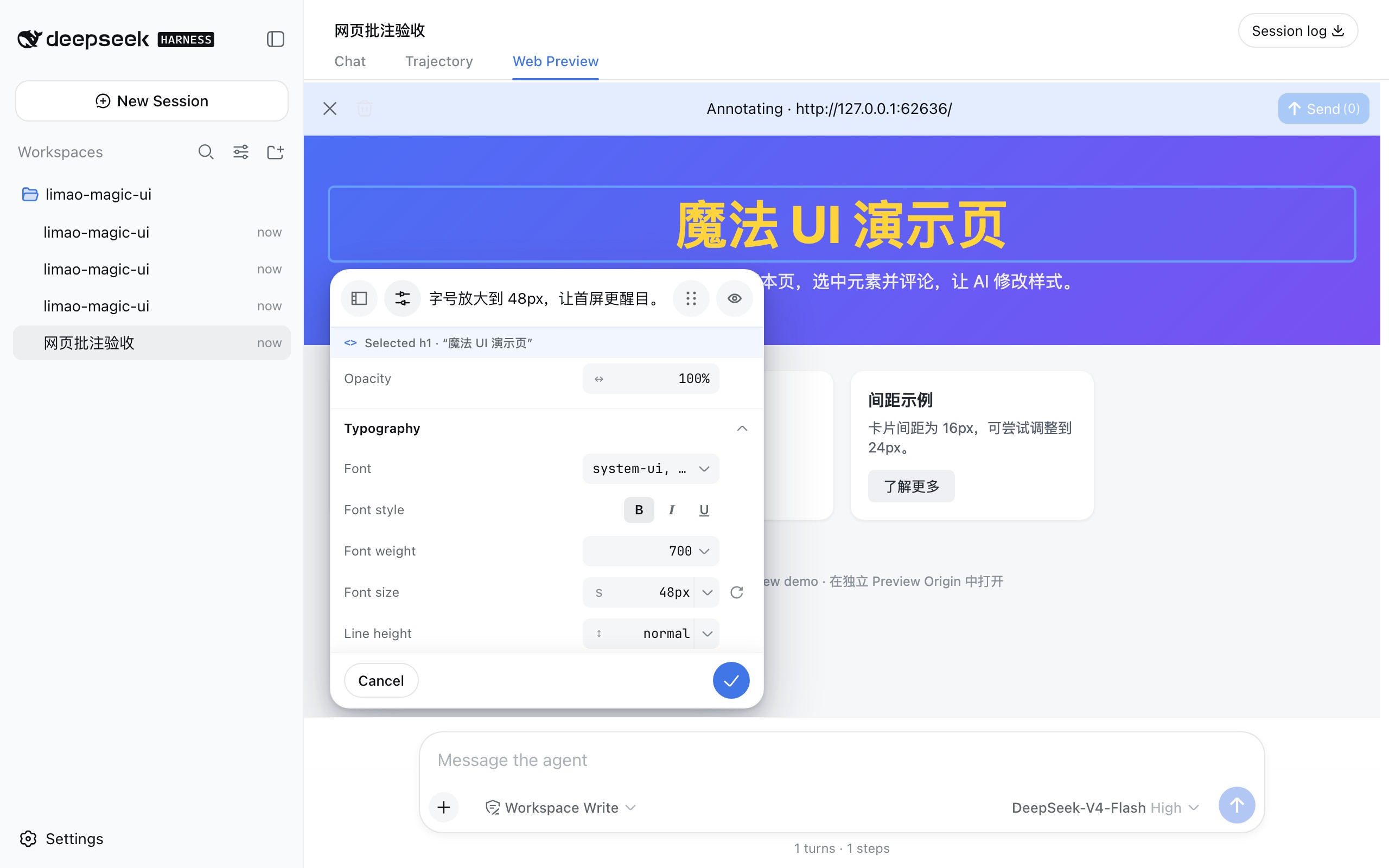
Select page elements in the built-in browser as you would in a design tool, leave feedback, and preview changes to text, colors, typography, dimensions, spacing, borders, and effects. Once submitted, the agent uses your page annotations to update the source code in the current workspace.
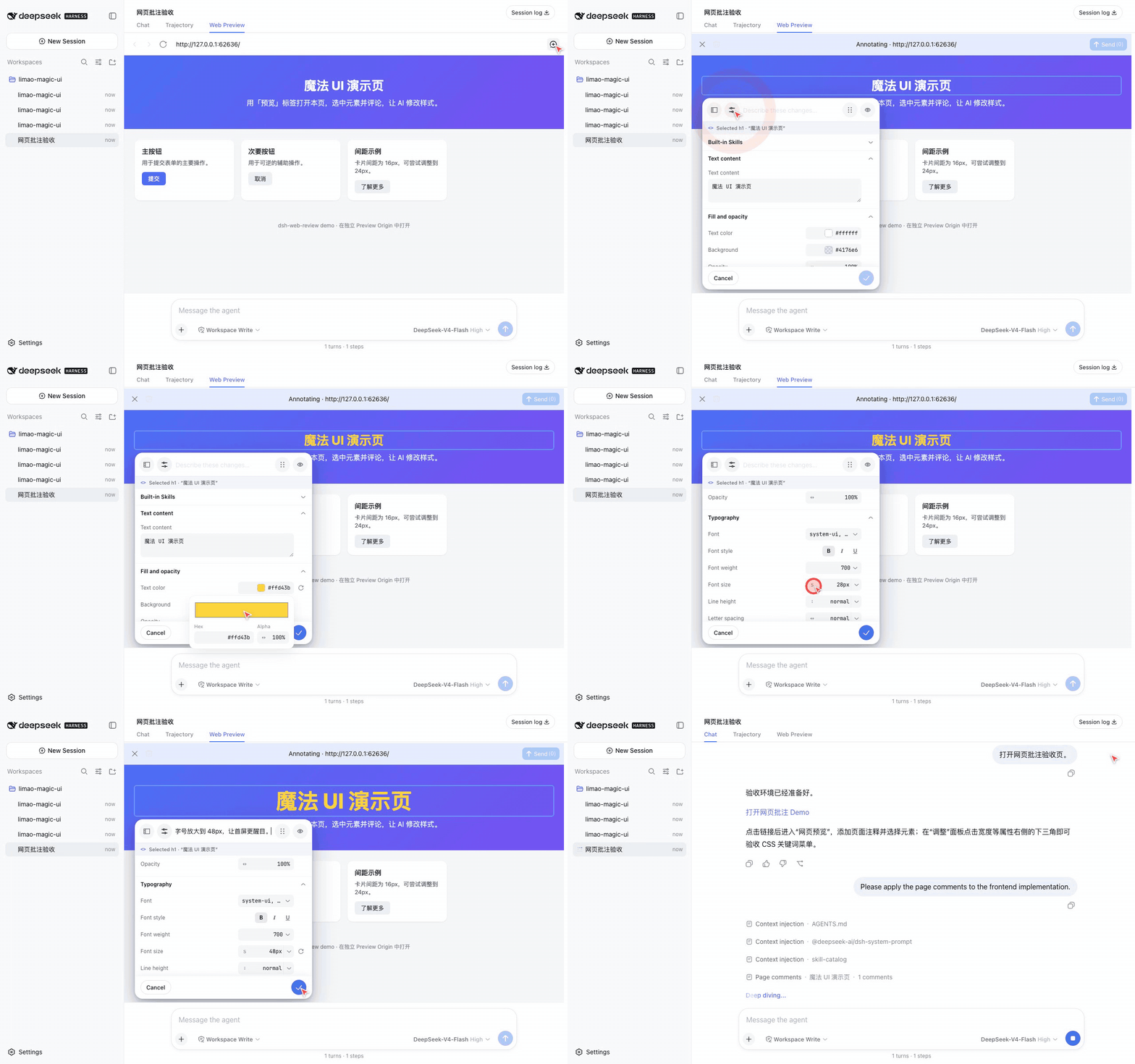
> If you have used the built-in browser in coding-agent apps such as v0 or Codex, this should feel familiar.
## Installation
Install the plugin and start DSH:
```sh
dsh plugin --profile web add @canglongcl/dsh-web-review
dsh web
```
## Usage
1. Ask the AI to start the frontend page you want to review, then click the URL it returns.
Alternatively, open the **Web Preview** tab in DSH and enter an absolute HTTP(S) URL.
2. Click the annotation button, then select the target element on the page.
3. Enter your feedback. To preview visual changes, expand **Adjust** and edit the desired properties.
4. Click the Send button in the annotation toolbar; after sending, the interface automatically returns to the **Chat** tab. You can also add more instructions in the DSH composer and use the regular DSH Send button; the annotations will be sent together with your prompt.
5. After the agent updates the source code, refresh the preview to review the result. Continue annotating if further changes are needed.
## Features
### Web Preview
- Open links provided by the agent directly inside DSH.
### Element Annotations
- Hover to highlight page elements and click to select them.
- Add annotations to multiple targets.
- Automatically include selectors, text, accessible names, and source clues to help the agent locate the corresponding implementation.
### Live Visual Adjustments
- Edit text, colors, fonts, font sizes, line heights, dimensions, and opacity.
- Adjust spacing, layout, borders, corner radii, and effects.
- Preview every change immediately.
### AI Collaboration
- Annotations are injected as independent context alongside your prompt.
- Page comments use DSH's native transcript disclosure: page and count when collapsed, then targets, intent, before/after values, and available source clues when expanded.
- The agent updates source code in the current workspace; temporary page adjustments do not modify project files directly.
### UI Design Skills
The plugin includes [Jakub Krehel's design skills](https://github.com/jakubkrehel/skills):
- `better-ui`
- `better-typography`
- `better-layout`
- `better-writing`
- `better-accessibility`
- `better-colors`
- `better-interface`
- `interface-review`
Invoke a skill with a slash command, or select one in the annotation editor so the agent can apply its guidance during the current iteration.
## Plugin Capability Evaluation
The project includes an evaluation suite based on the real annotation workflow. It verifies whether an agent can locate the relevant source code and complete frontend changes after receiving page annotations generated by the plugin.
The suite covers:
- Copy, styling, layout, and responsive changes.
- Multi-element and related multi-requirement changes.
- React, Vue, and static pages.
- Source localization with and without source anchors.
- Semantics and accessibility requirements.
- Multi-round annotations and edit-scope ownership.
- Token usage, execution steps, and runtime.
See [Eval suite](./eval/README.md) for the evaluation design, commands, and guidance on interpreting results.
## Contributing
See [CONTRIBUTING.md](./CONTRIBUTING.md) for development setup, architecture notes, and verification workflows.