Cascii v1.0.4 (beta)
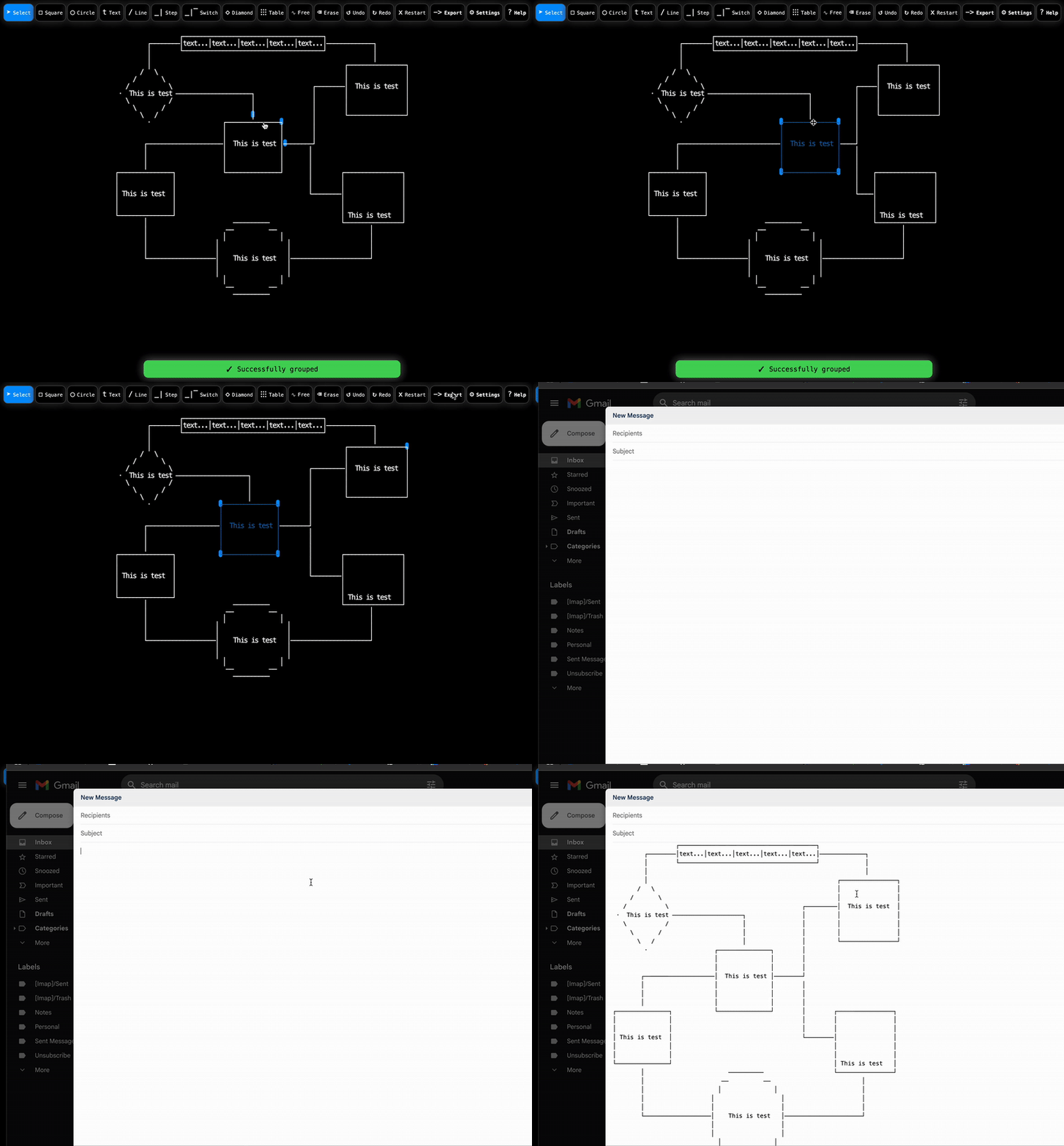
Cascii is a web-based ASCII and Unicode diagram builder written in vanilla Javascript.
It has zero dependencies on any servers, web packing, libraries, and is no-markup and no-stylesheets. You can start building diagrams by simply opening the cascii.html file in a browser. Cascii is also hosted at cascii.app where you can get short links to your diagrams, open an account, etc (see the Cascii server repo).
## Examples
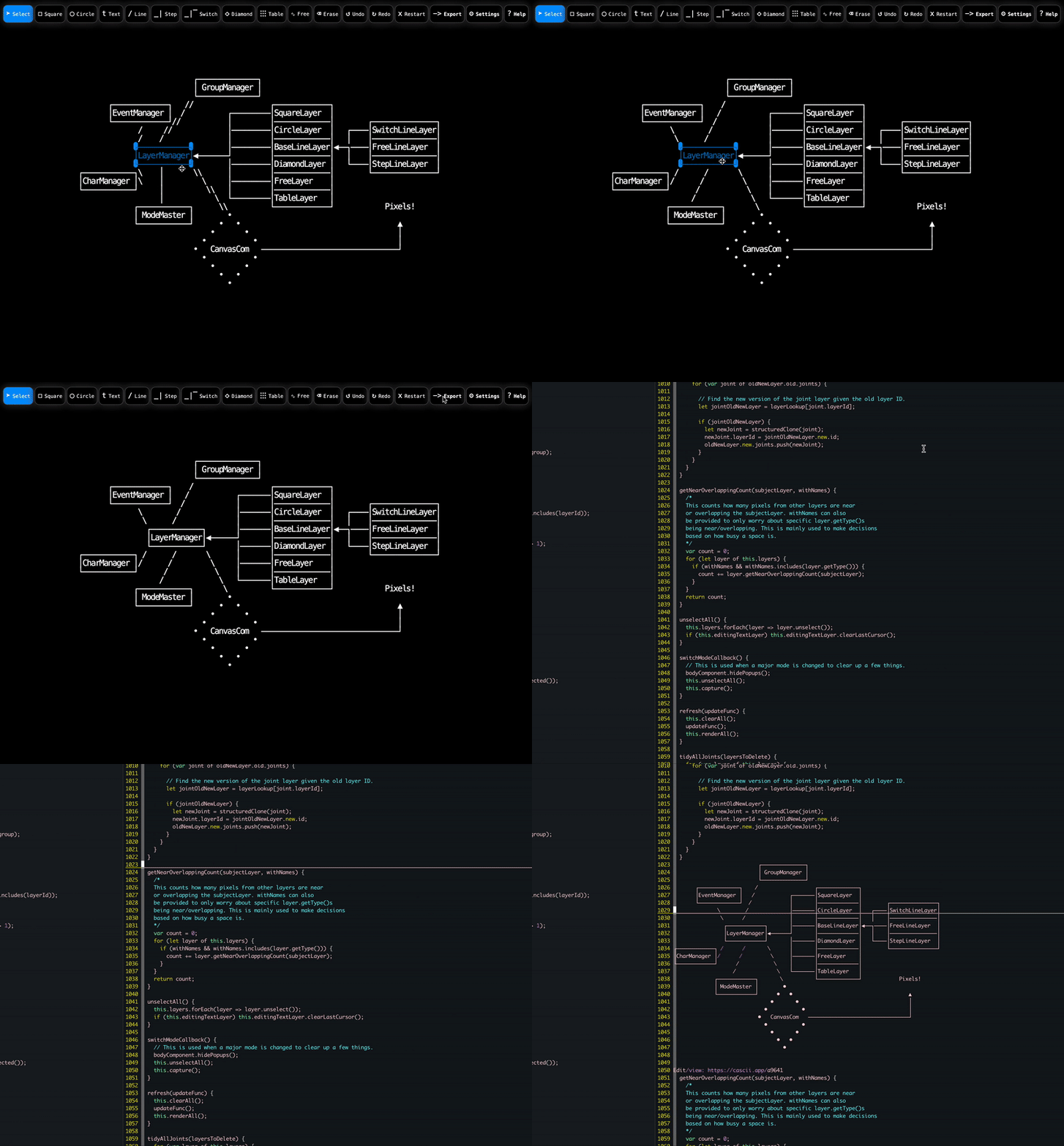
Here is a diagram built with Cascii that loosely explains how Cascii is structured internally:
```
┌╶╶╶╶╶╶╶╶╶╶╶╶╶╶┐
╷ GroupManager ╷
└╶╶╶╶╶╶╶╶╶╶╶╶╶╶┘
┌─────────────┐ / ┌─────────────┐
│EventManager │ / ┌───────│SquareLayer │
└─────────────┘ / │ │─────────────│ ┌───────────────┐
\ / │───────│CircleLayer │ ┌────│SwitchLineLayer│
\ / │ │─────────────│ │ │───────────────│
┏━━━━━━━━━━━━┓ │───────│BaseLineLayer│◀──┐────│FreeLineLayer │
┃LayerManager┃◀──────┘ │─────────────│ │ │───────────────│
┗━━━━━━━━━━━━┛ │───────│DiamondLayer │ └────│StepLineLayer │
┌────────────┐ / / \ │ │─────────────│ └───────────────┘
│CharManager │/ / \ │───────│FreeLayer │
└────────────┘ / \ │ │─────────────│
/ \ └───────│TableLayer │
┌────────────┐ \ └─────────────┘ Pixels!
│ ModeMaster │ •
└────────────┘ • • ▲
• • │
• • │
• CanvasCom ────────────────────────────────┘
• •
• •
• •
•
Edit/view: https://cascii.app/7c24a
```
## Installation
Simply download and open the `cascii.html` file!
...Literally...
`curl https://cascii.app -o cascii.html && open cascii.html`
...Or...
If you are not making changes, it's recommended to use cascii.app
directly so you can take advantage of short links and save your work. Locally, short links will not appear in your exports.
## Features
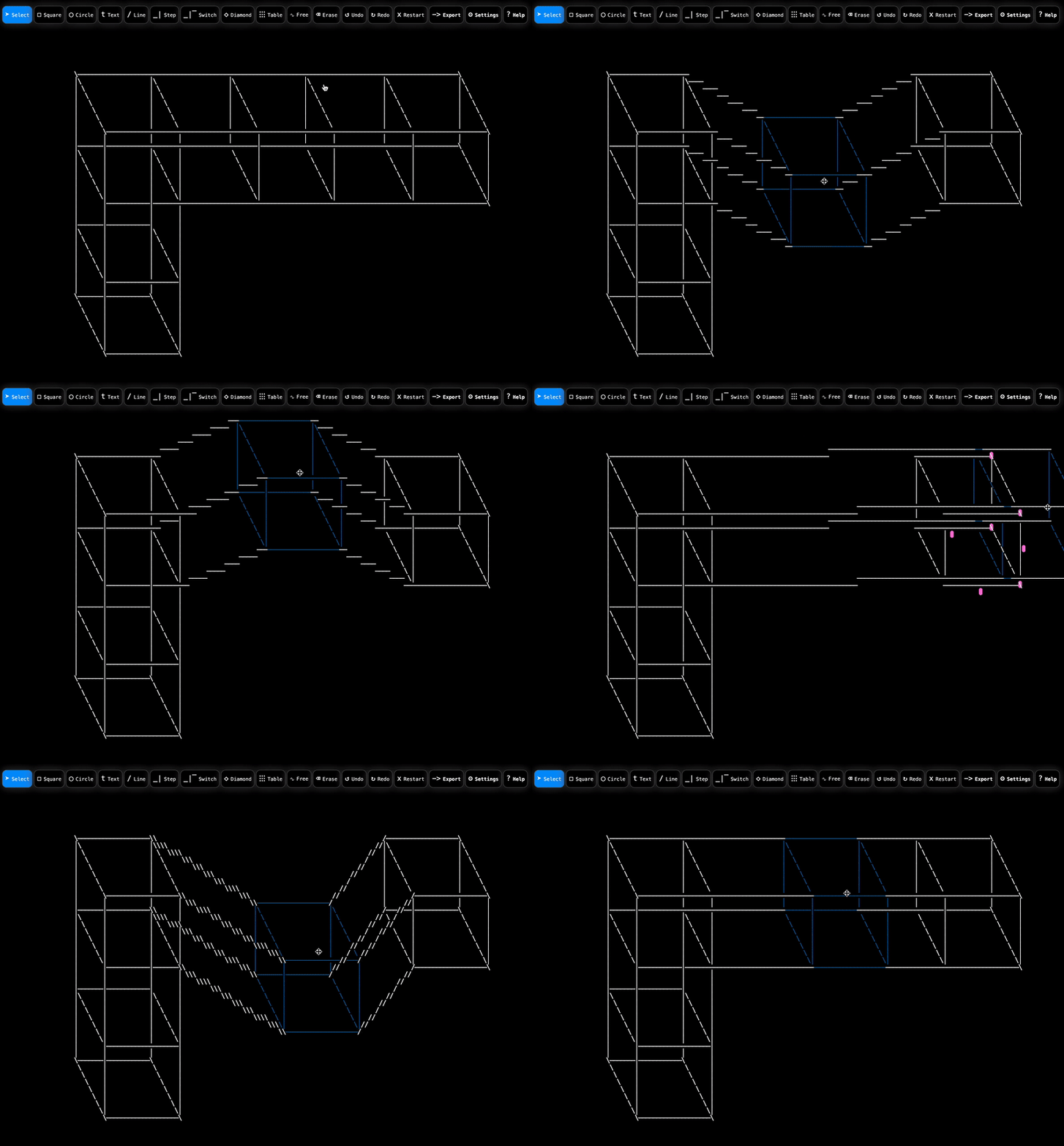
- Basic drawing
- Selection (area selection, multi-selection, resize, move)
- Joints
- Grouping
- Ordering
- Duplicating
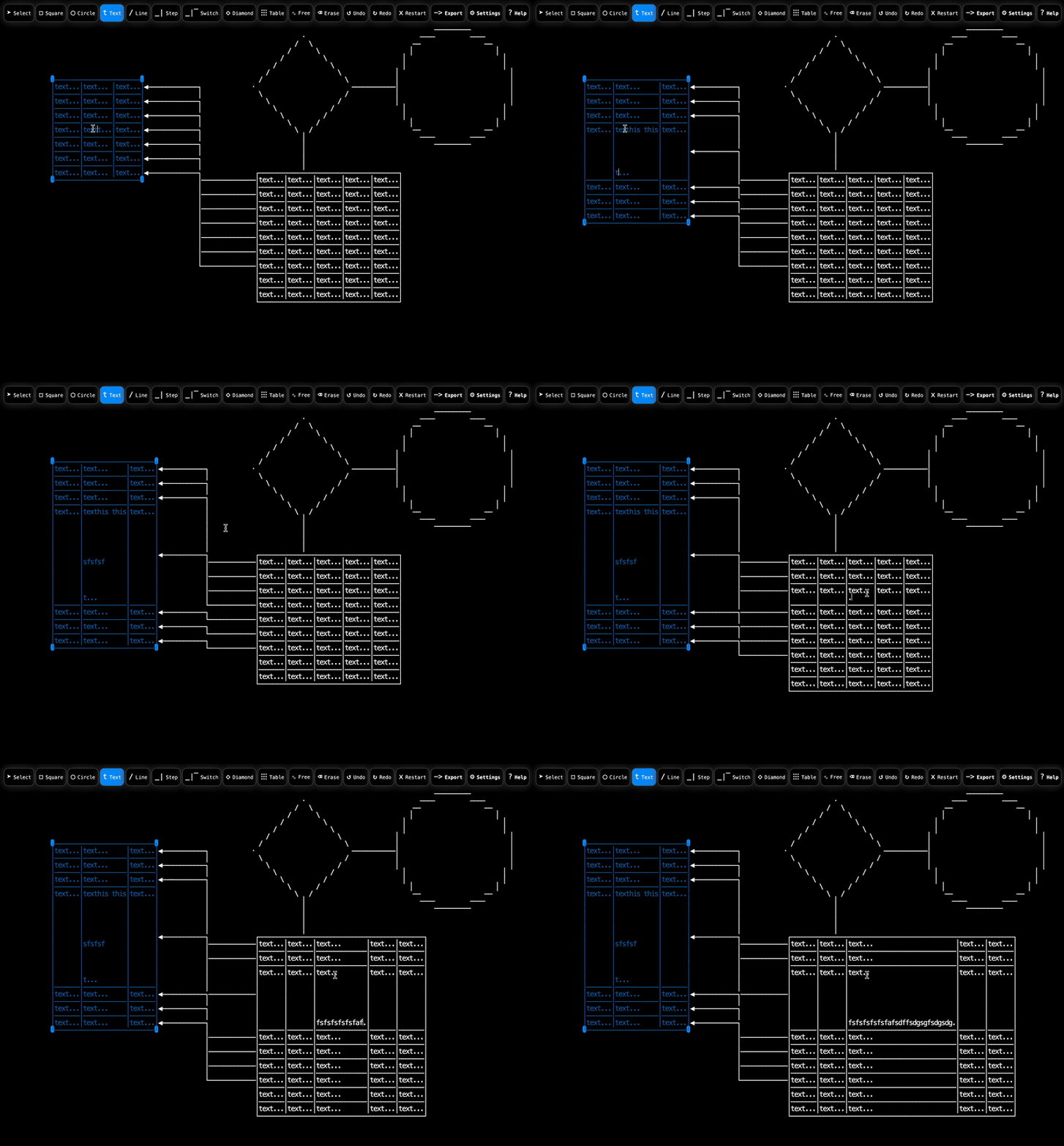
- Dynamic tables
- Free draw / erase
- Auto save (browser local storage)
- Paste / import text
- Layers: Free, Switch Lines, Steps Lines, Free Lines, Square, Circle, Diamond, Text, Table
- History (undo/redo)
- Line styling
- ASCII and Unicode
- Themes
- Base64 import / export for offline work
- Optional grid view
## Shortcuts
ctrl-g Group
ctrl-c Copy layer
ctrl-z Undo
ctrl-shift-z Redo
ctrl-a Select all
ctrl-v Paste text
ctrl-click Single-select member of group
shift-click Multi-select
backspace/delete Delete layer
arrow keys Move layer / navigate text
## Contributing
Contributions are very welcomed. Please feel free to submit proposals directly in the form of a PR or Issue.
## License
Licensed under the Apache License, Version 2.0