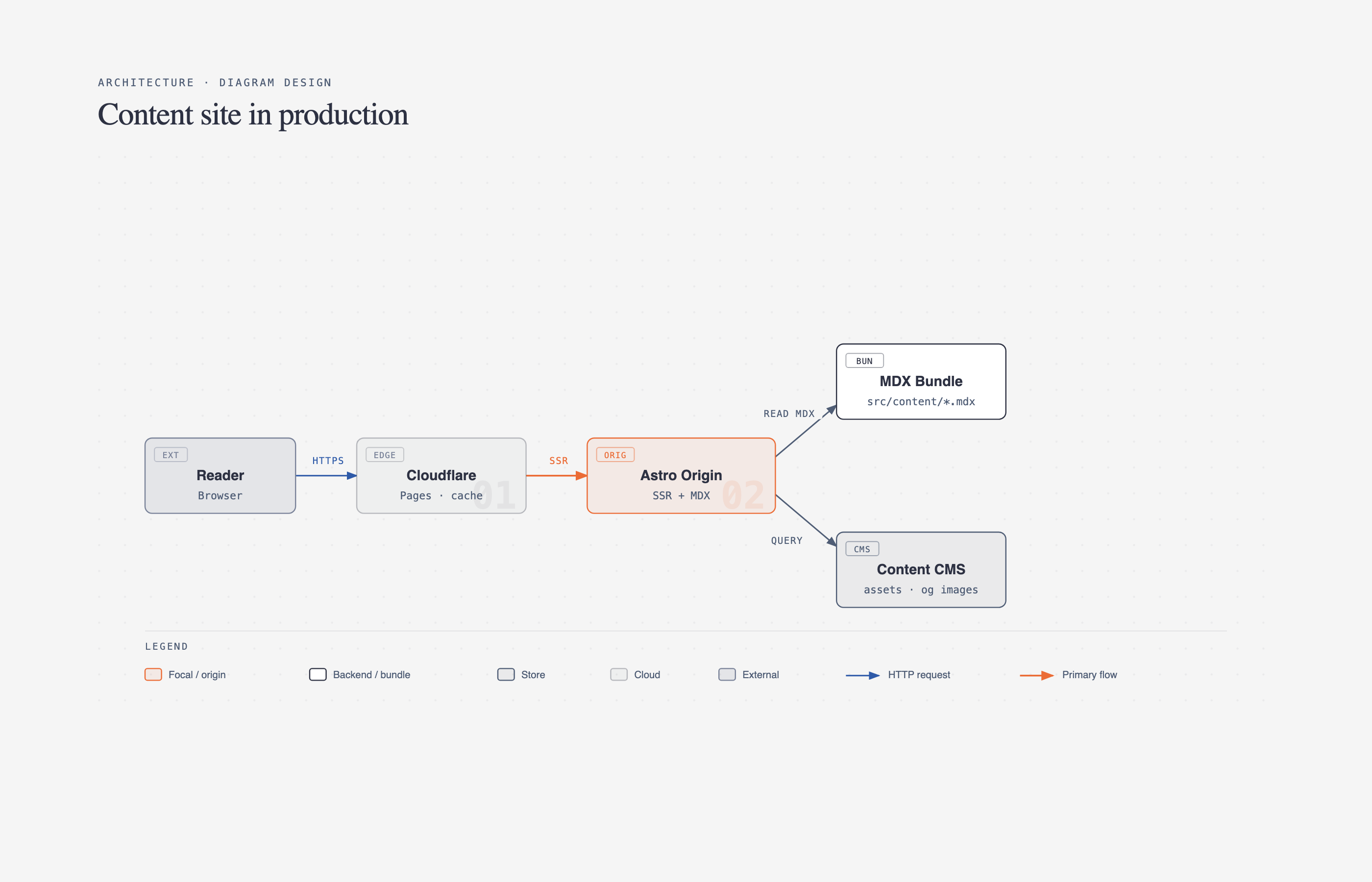
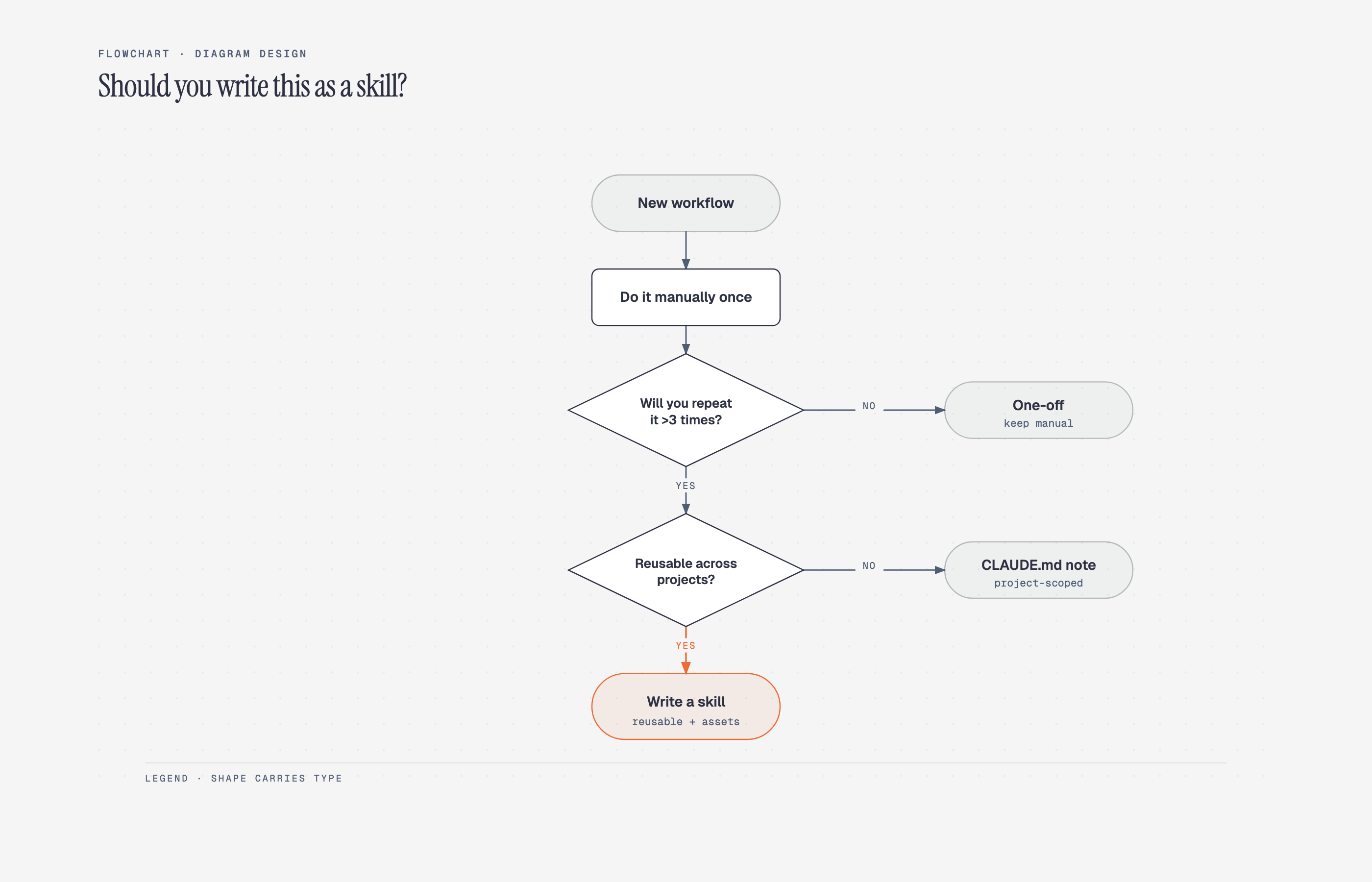
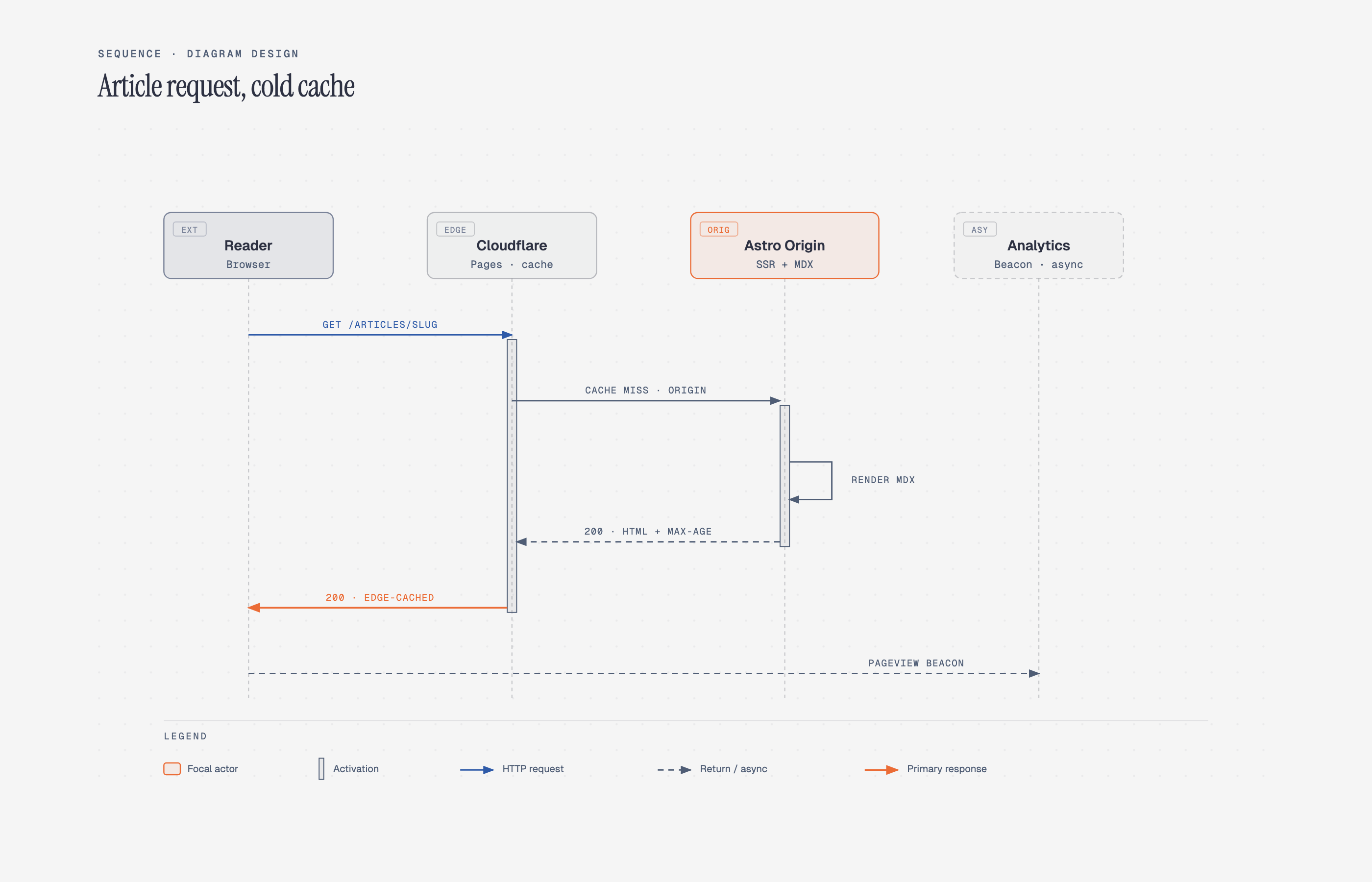
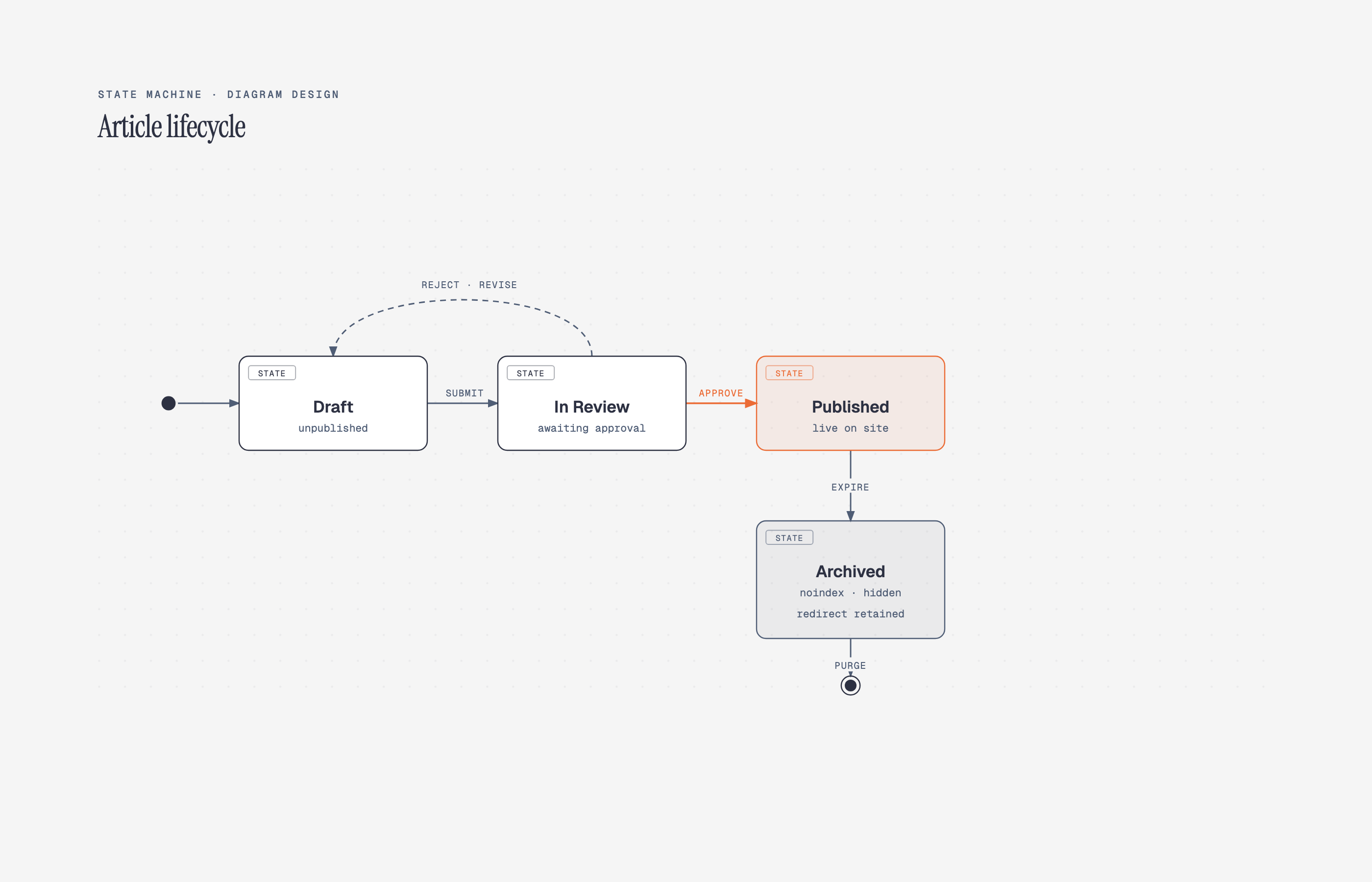
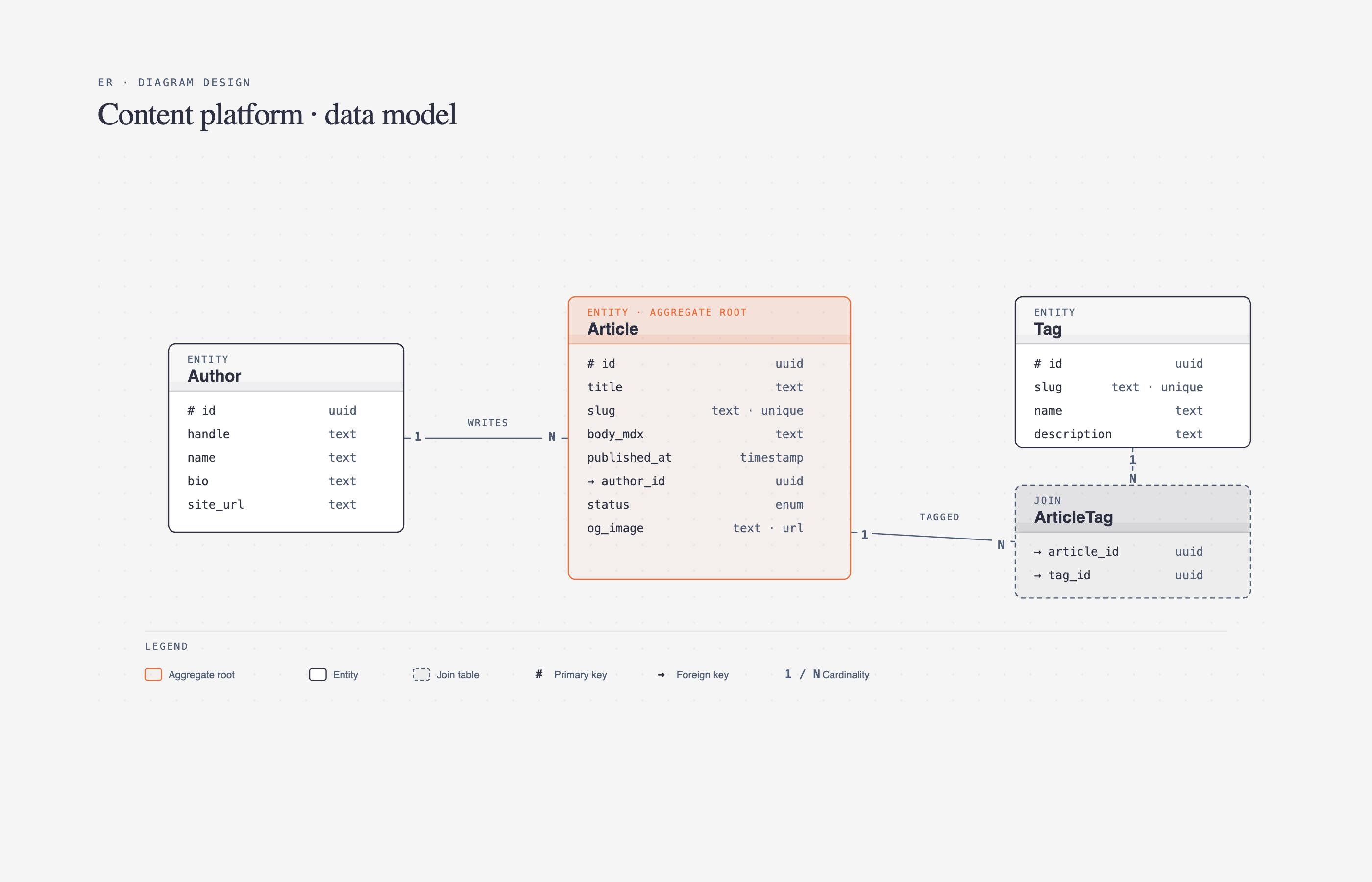
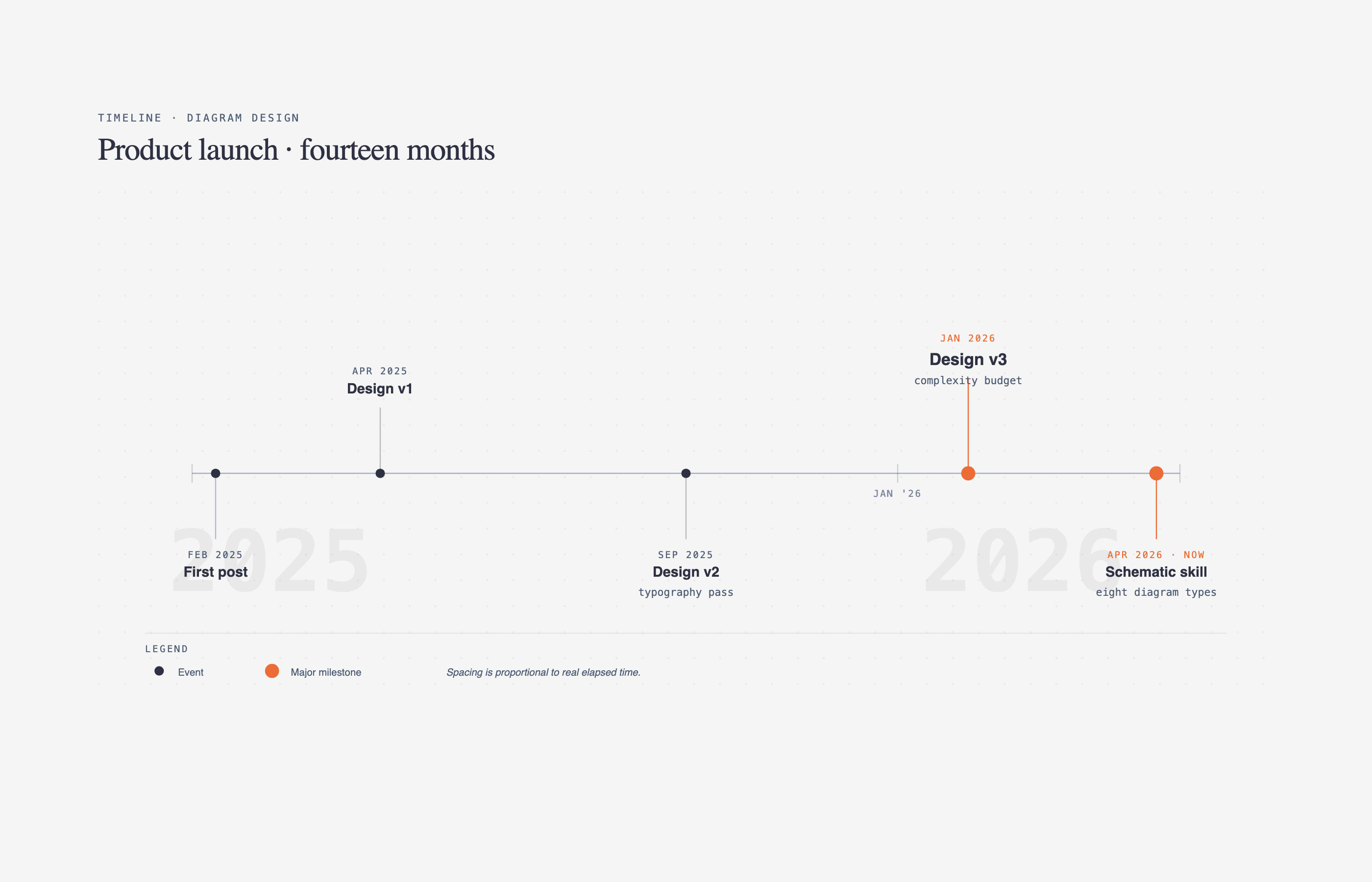
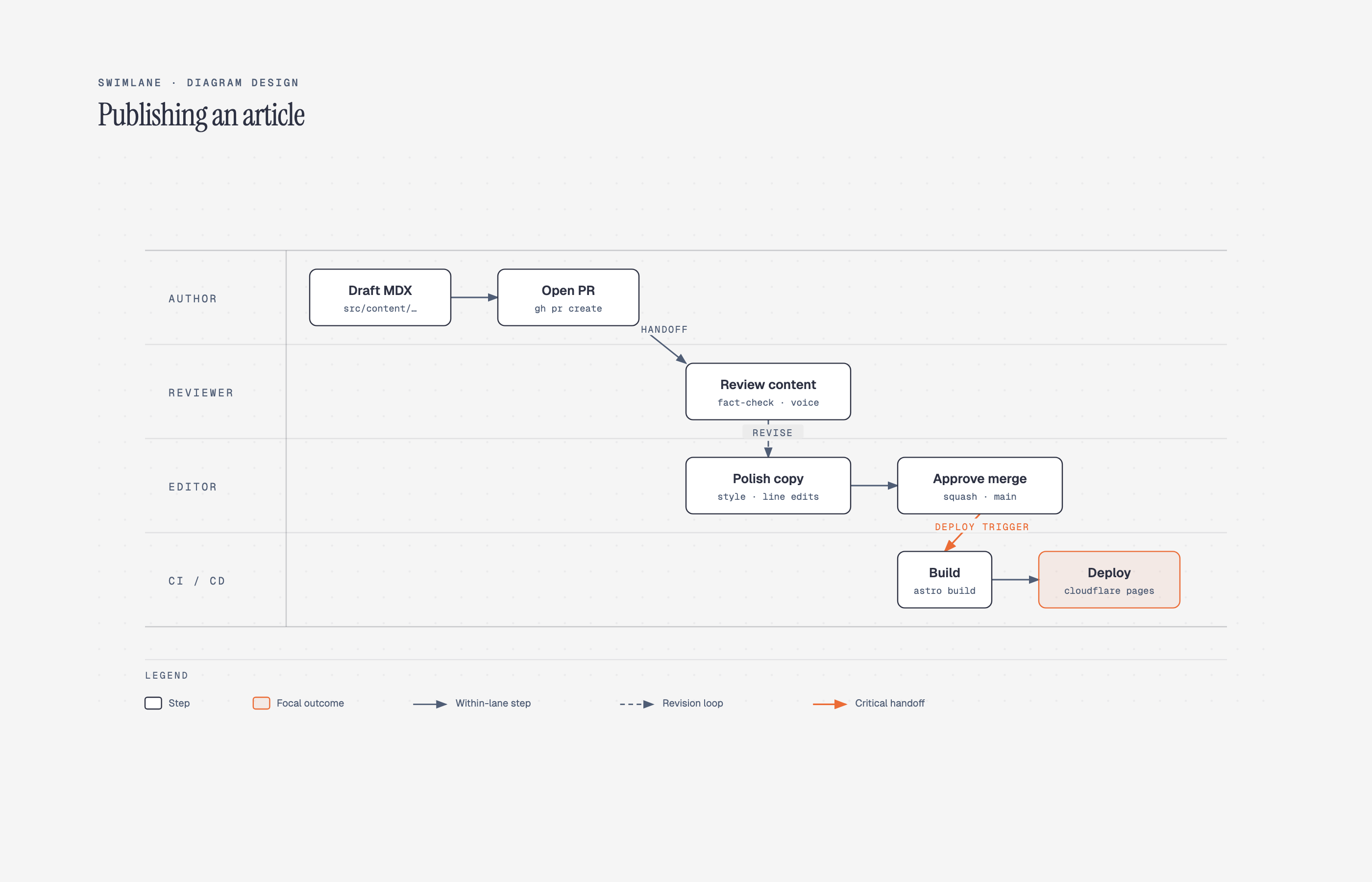
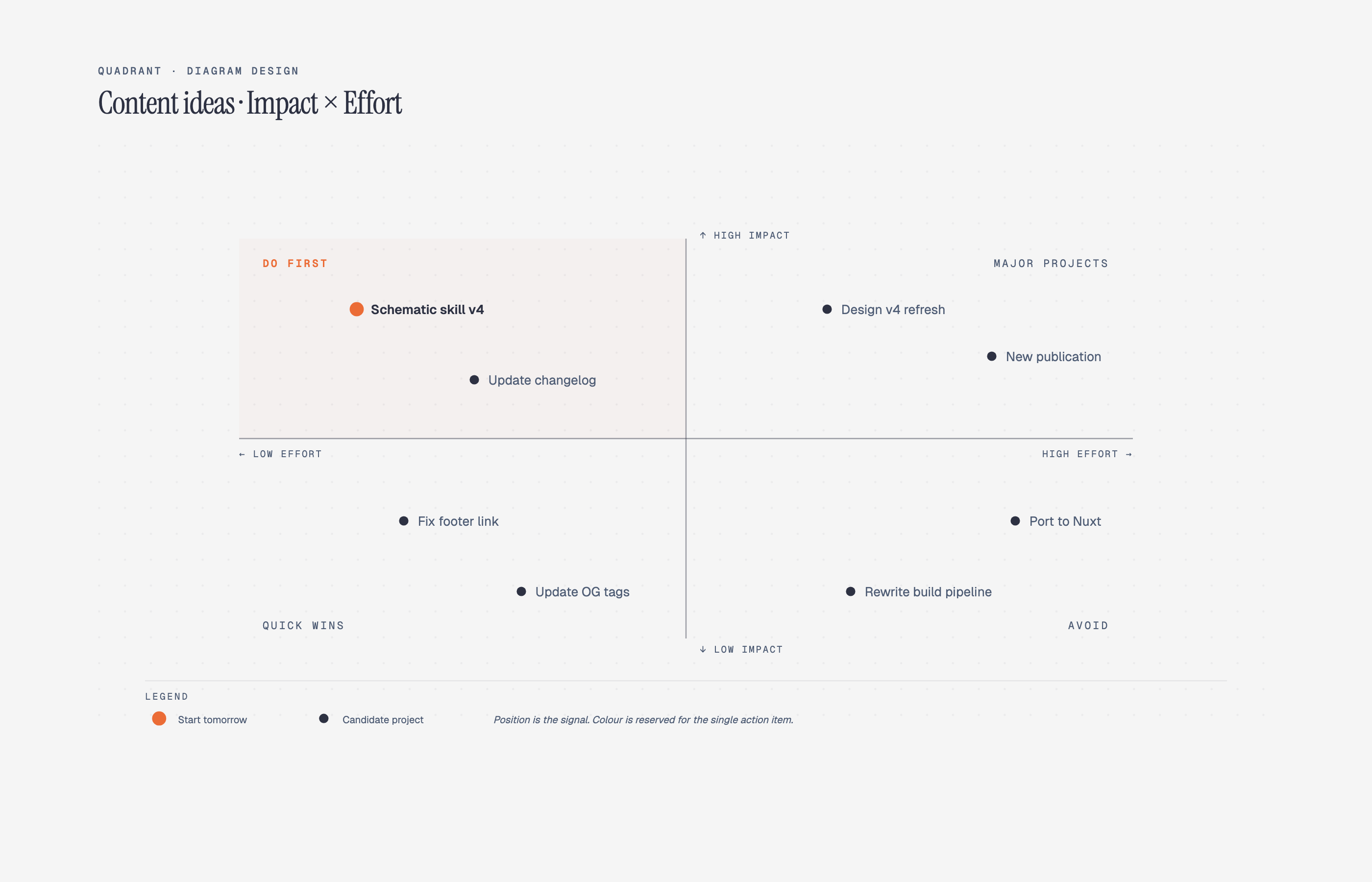
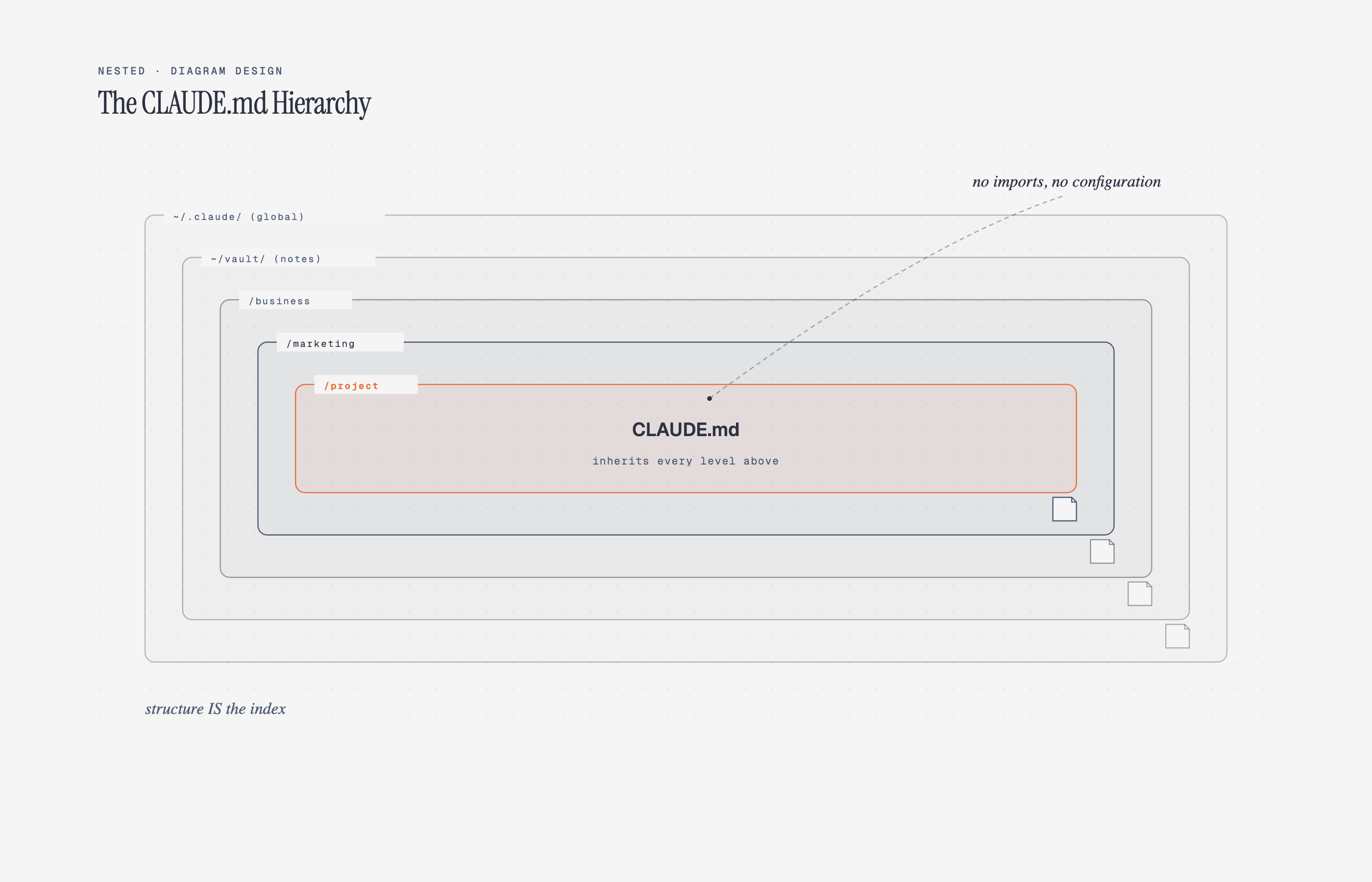
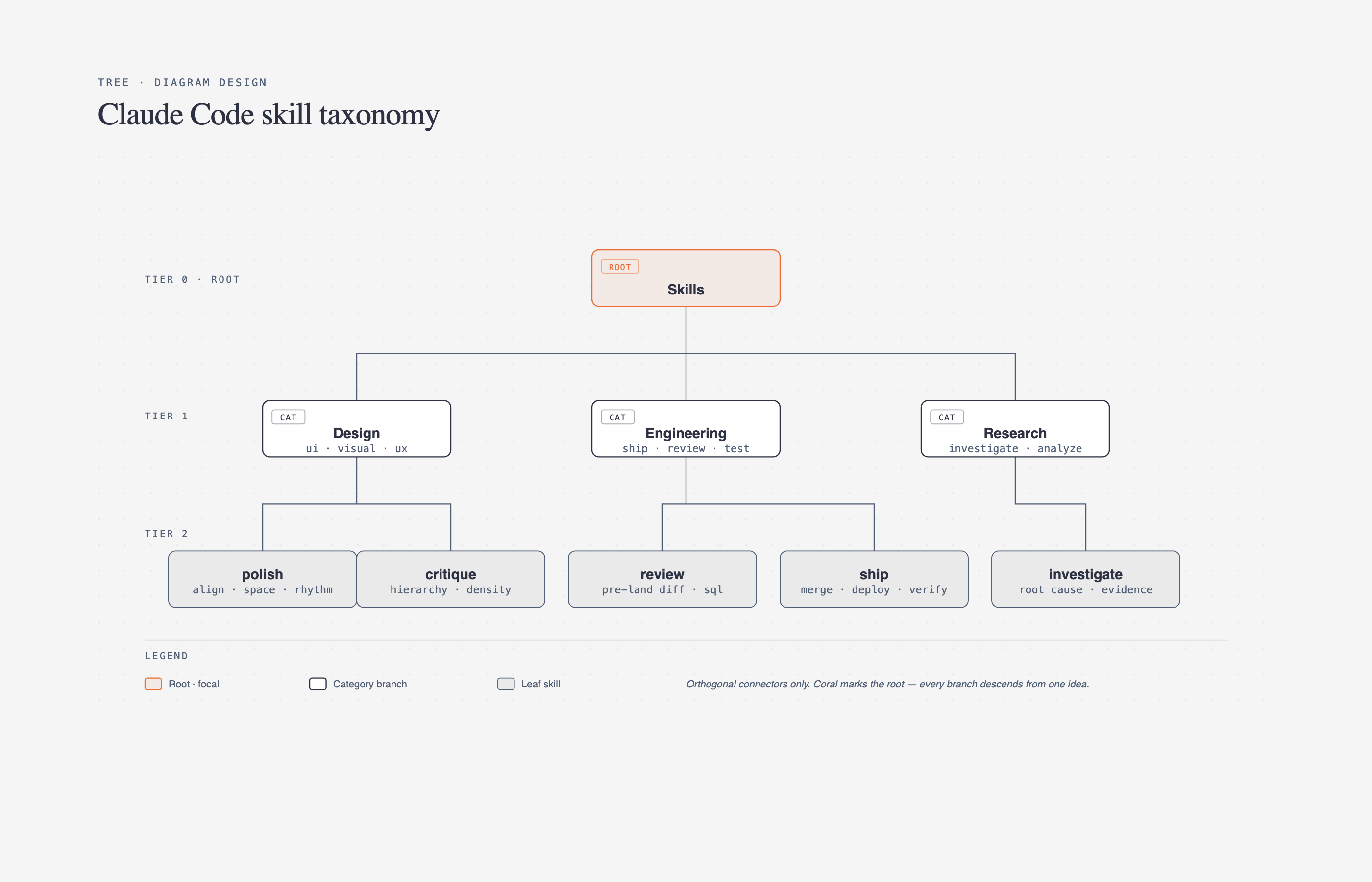
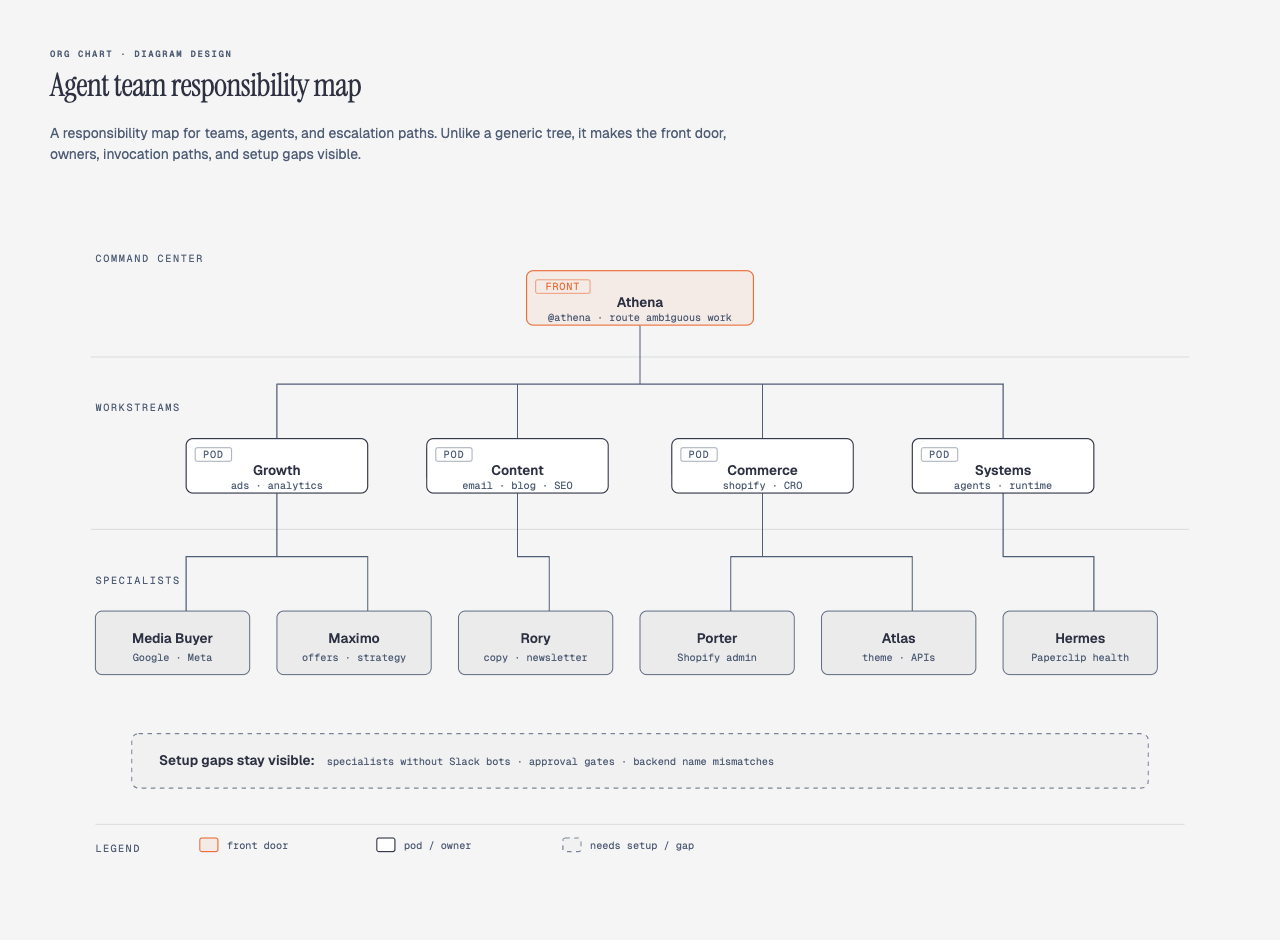
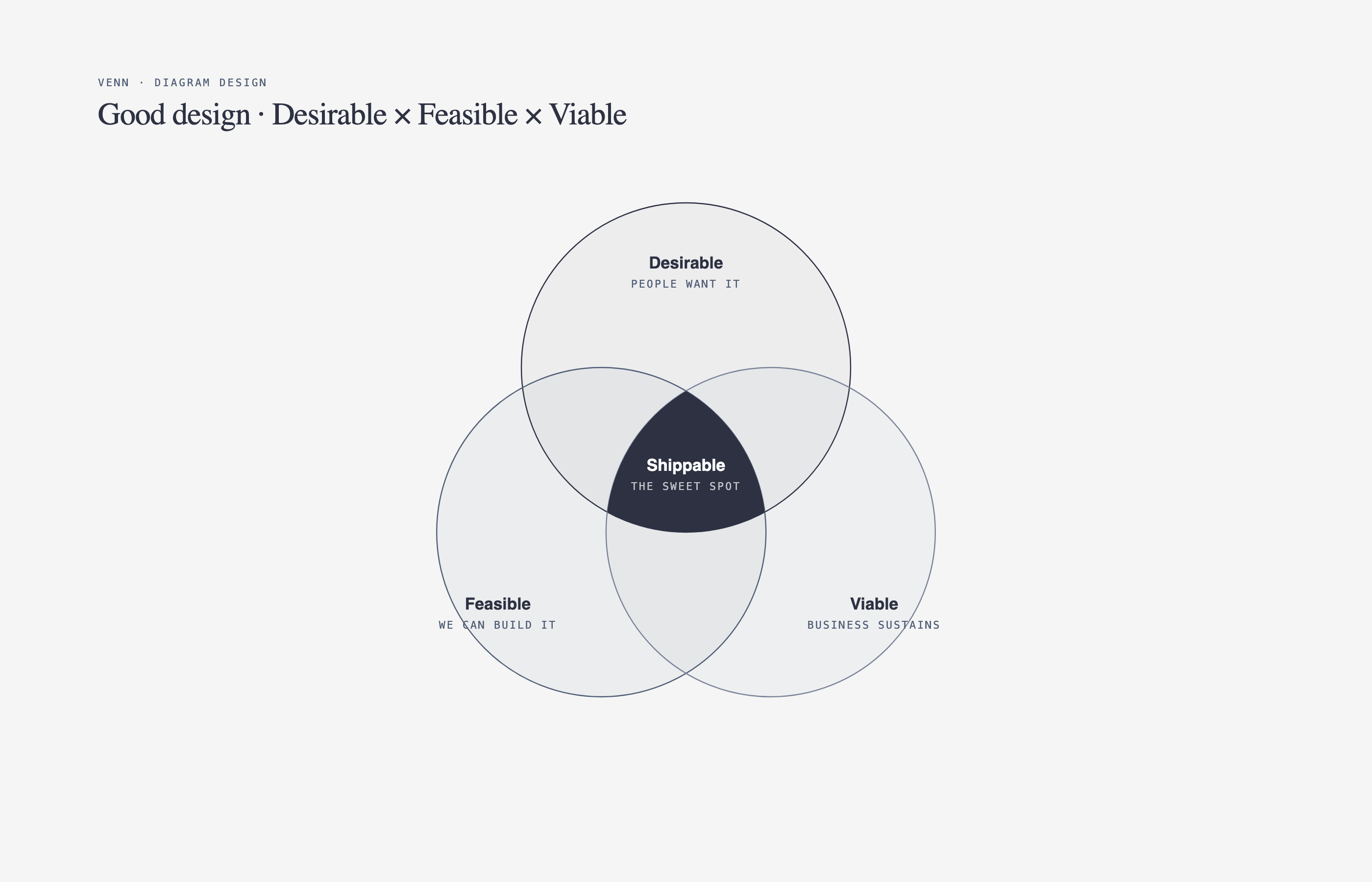
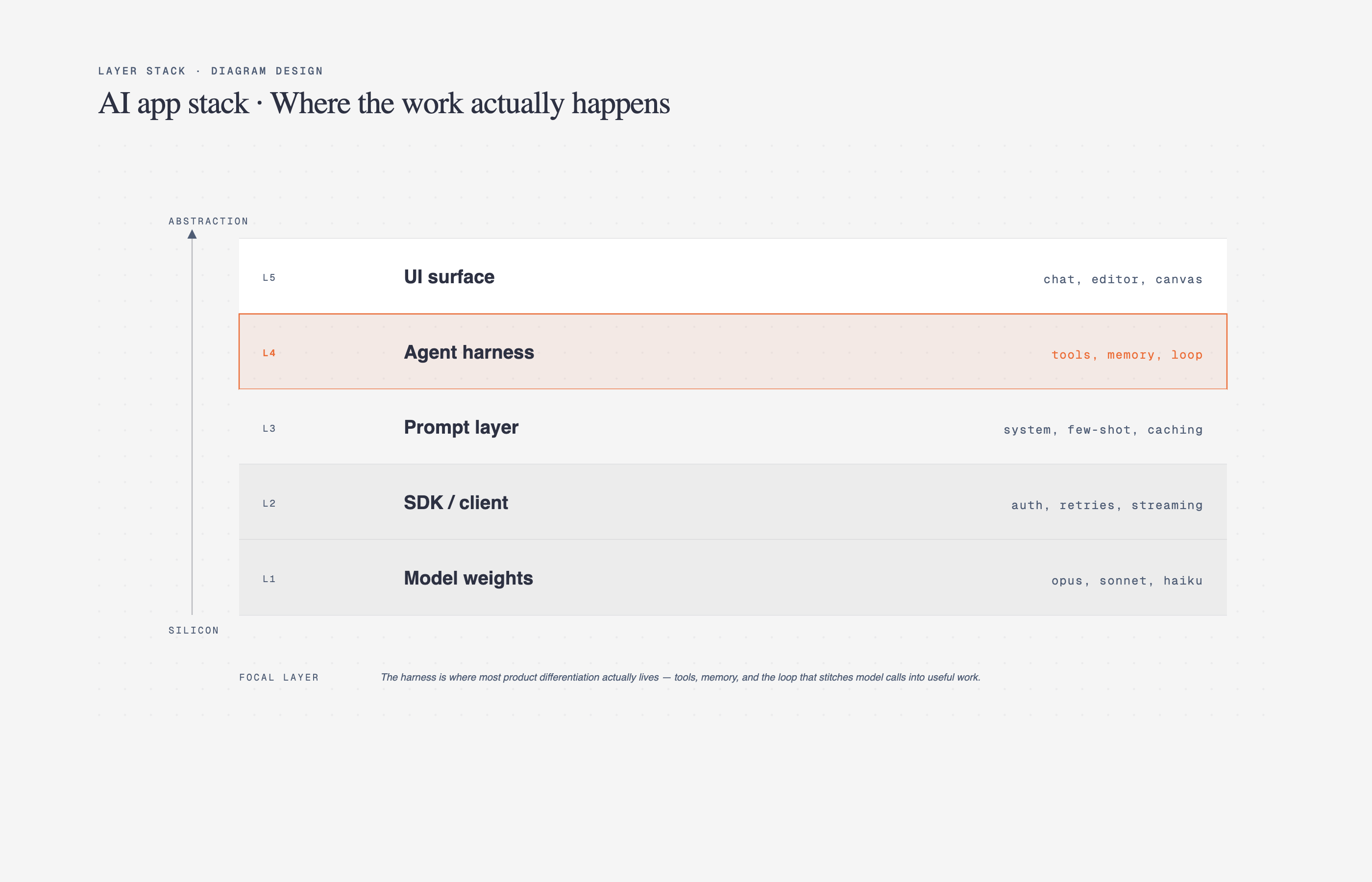
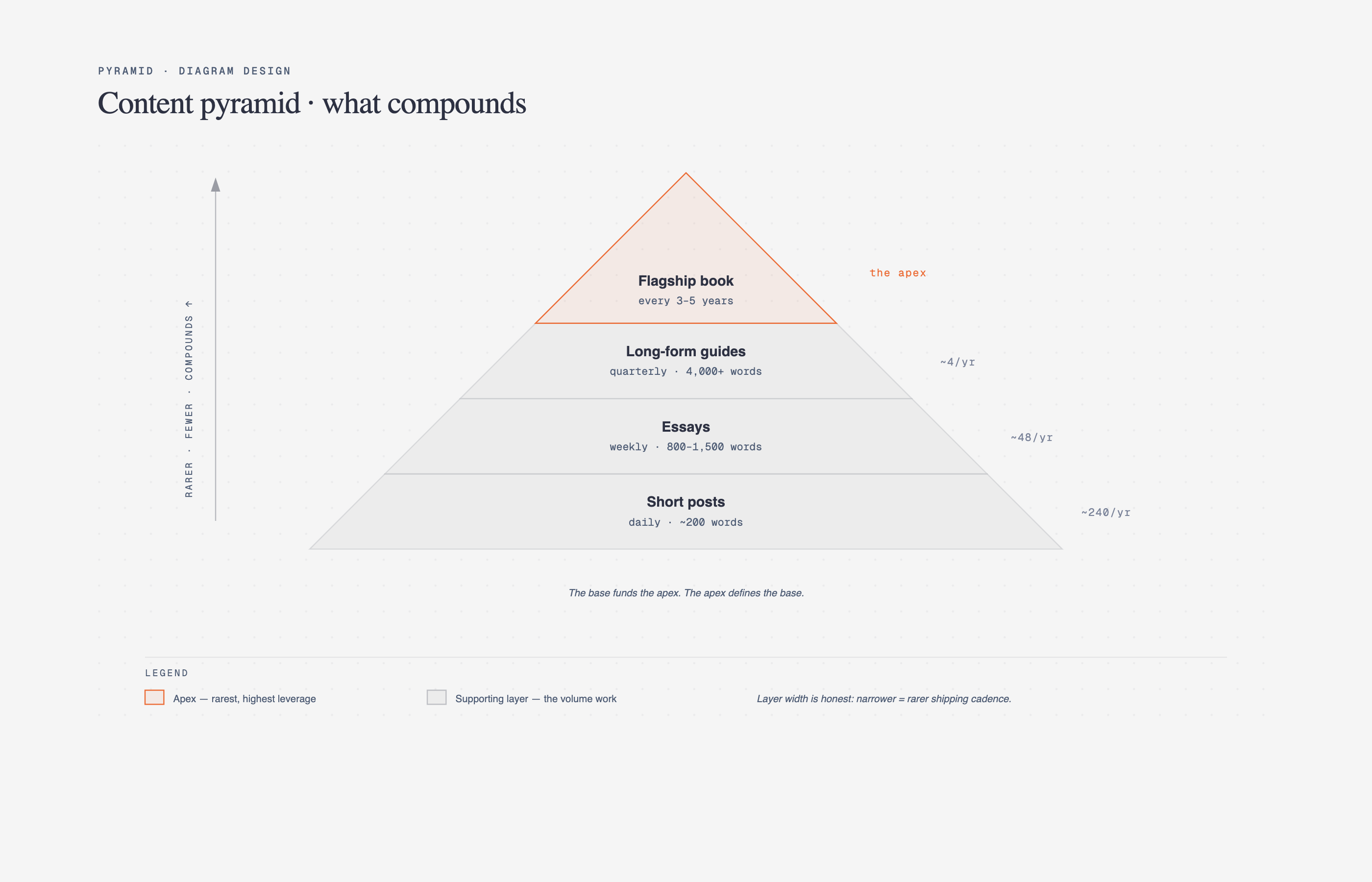
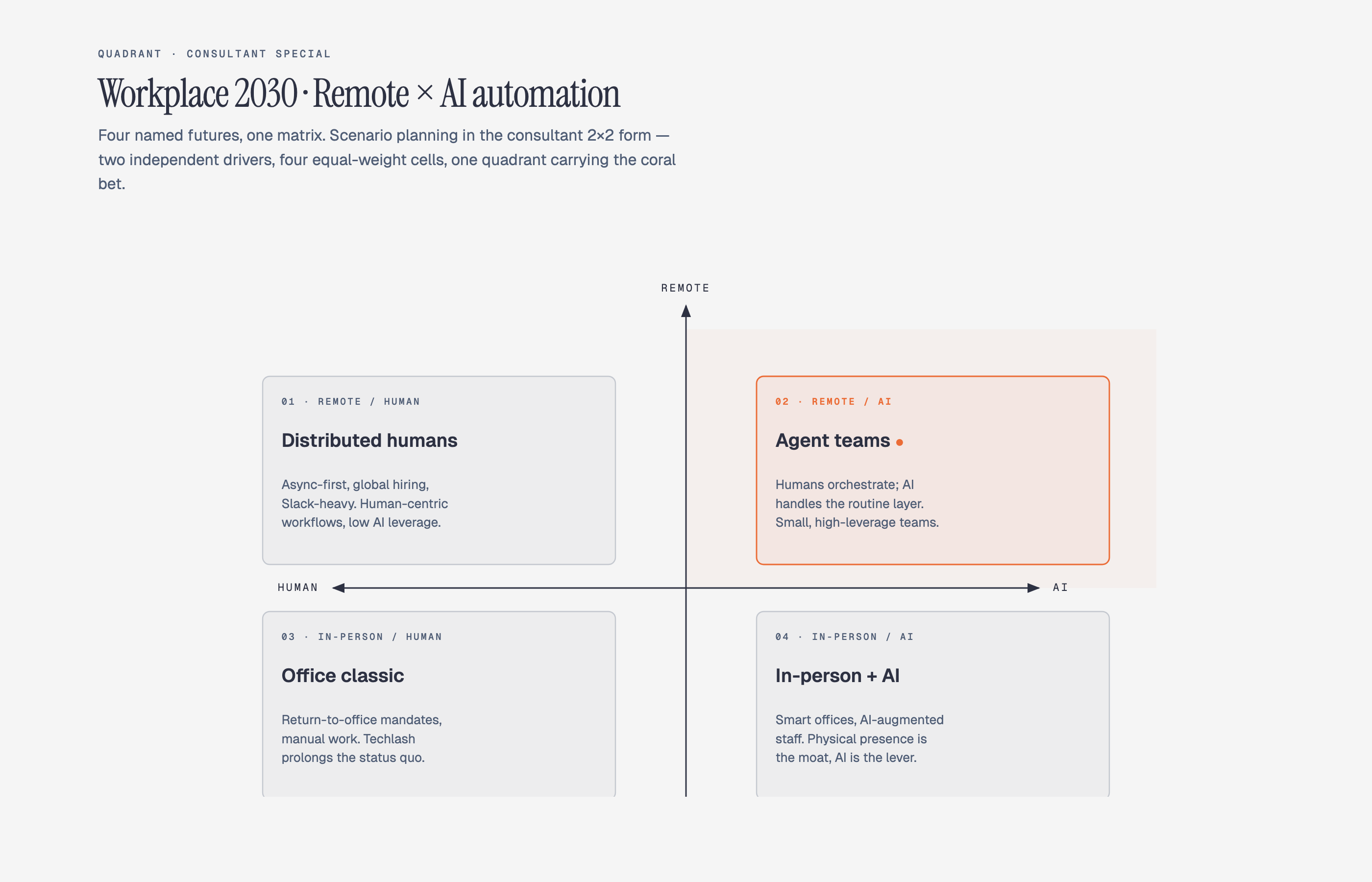
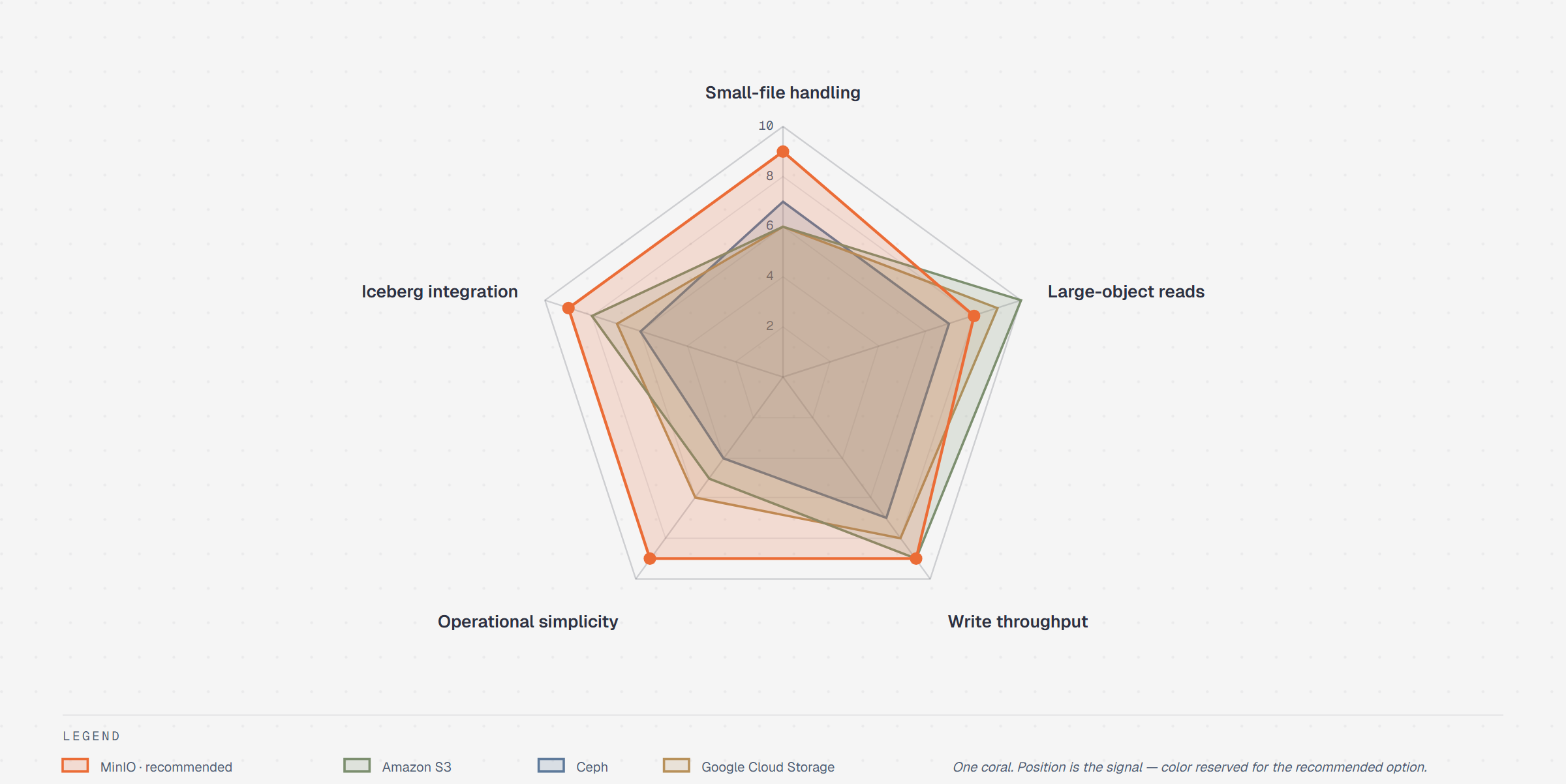
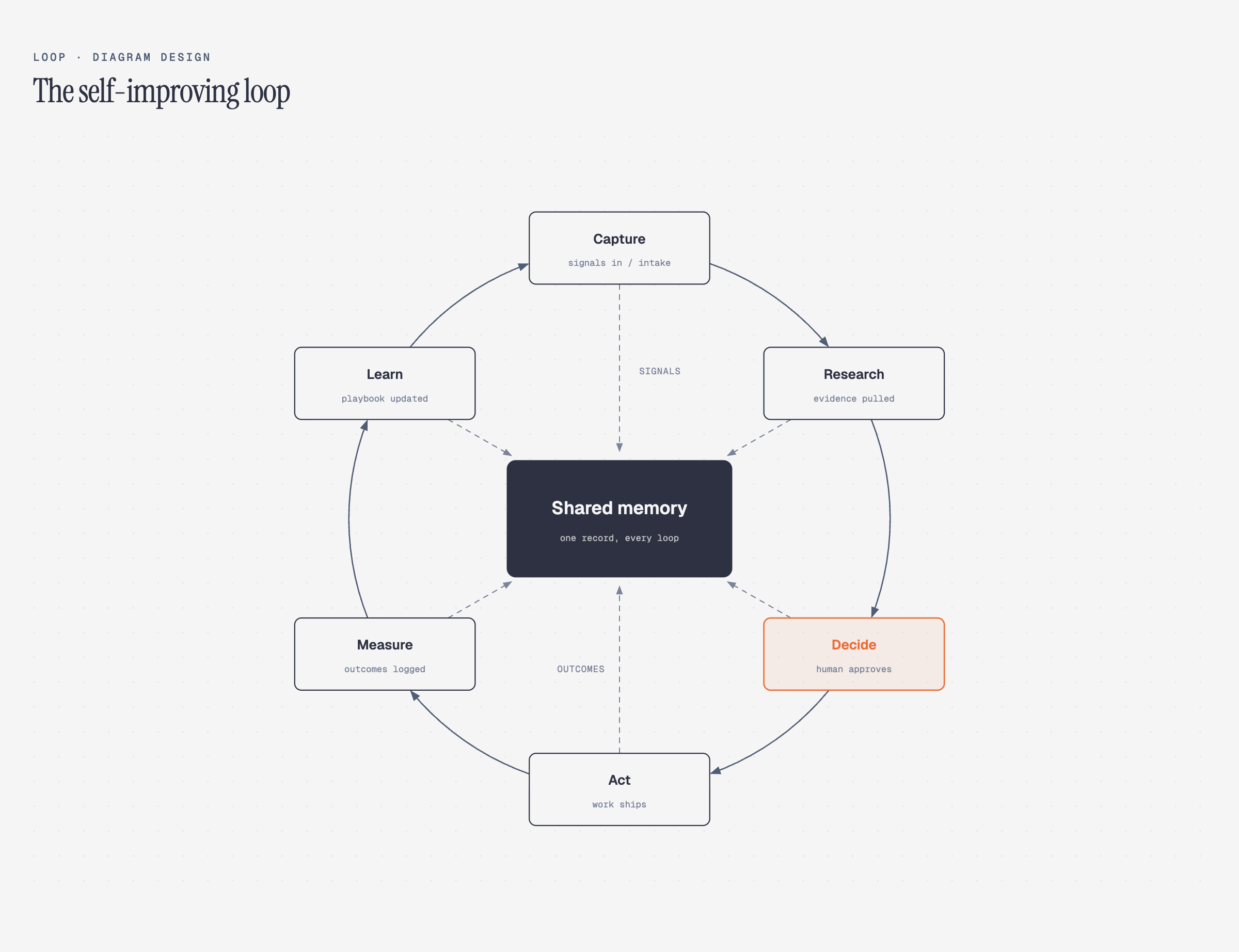
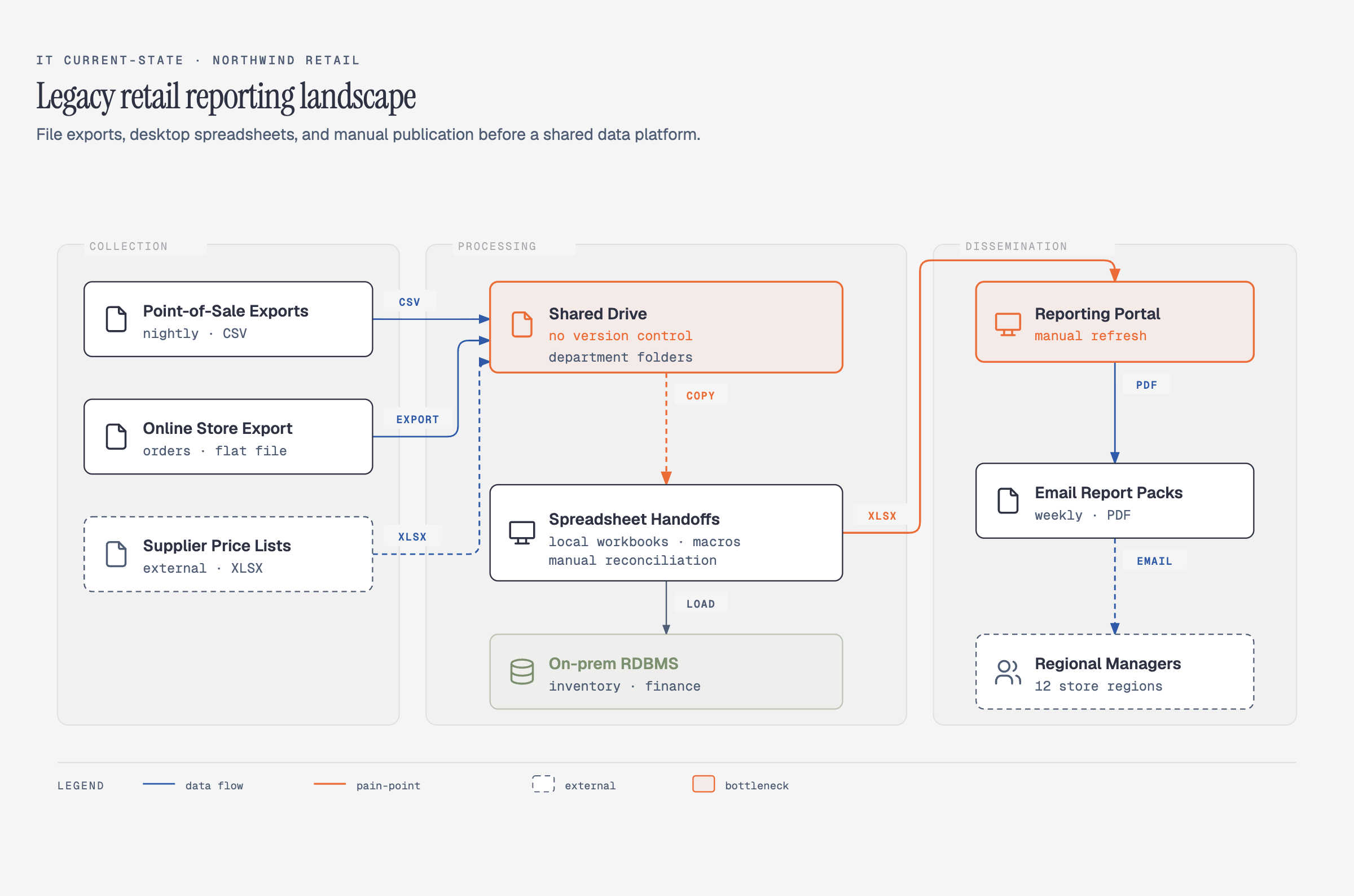
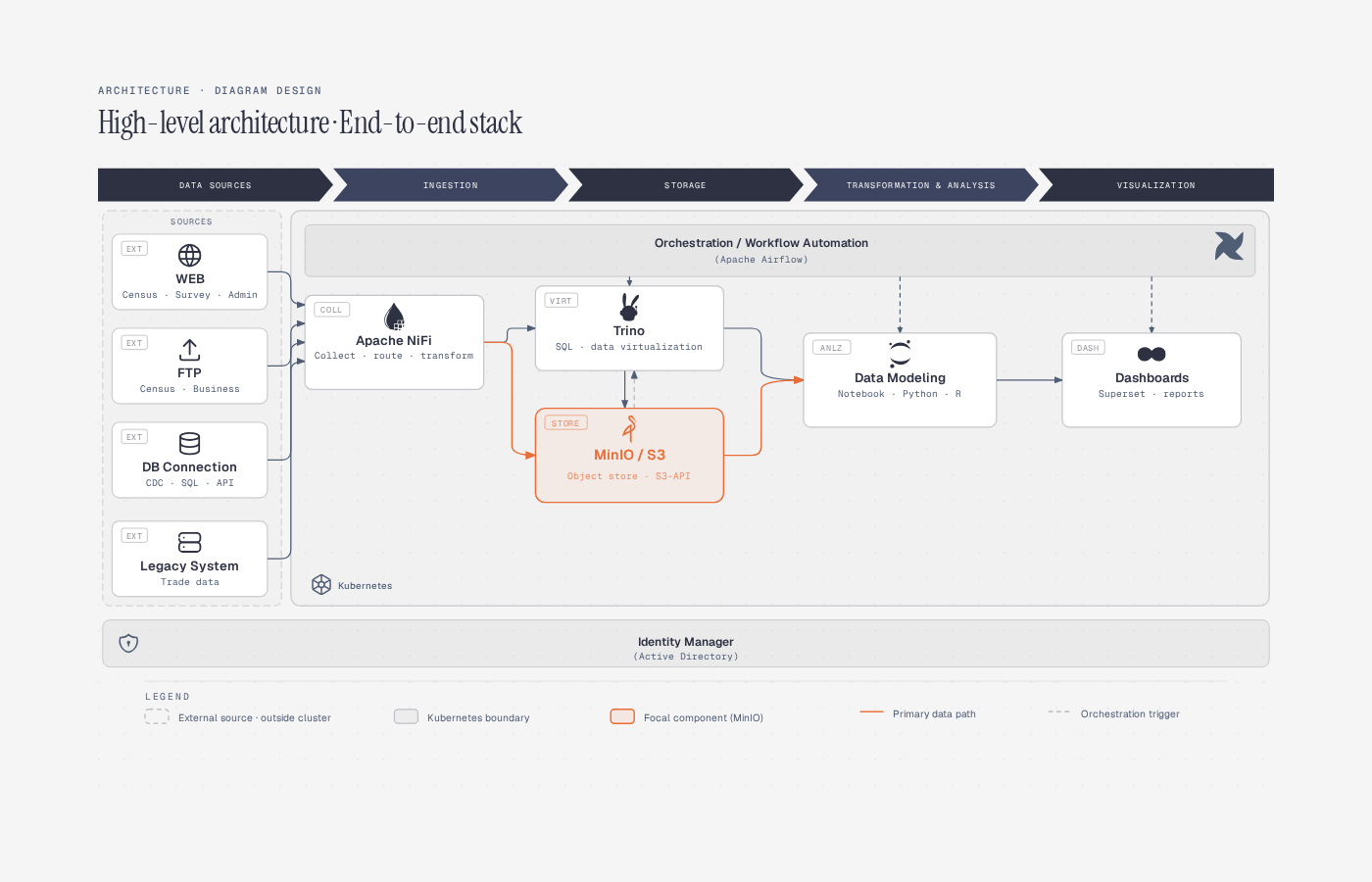
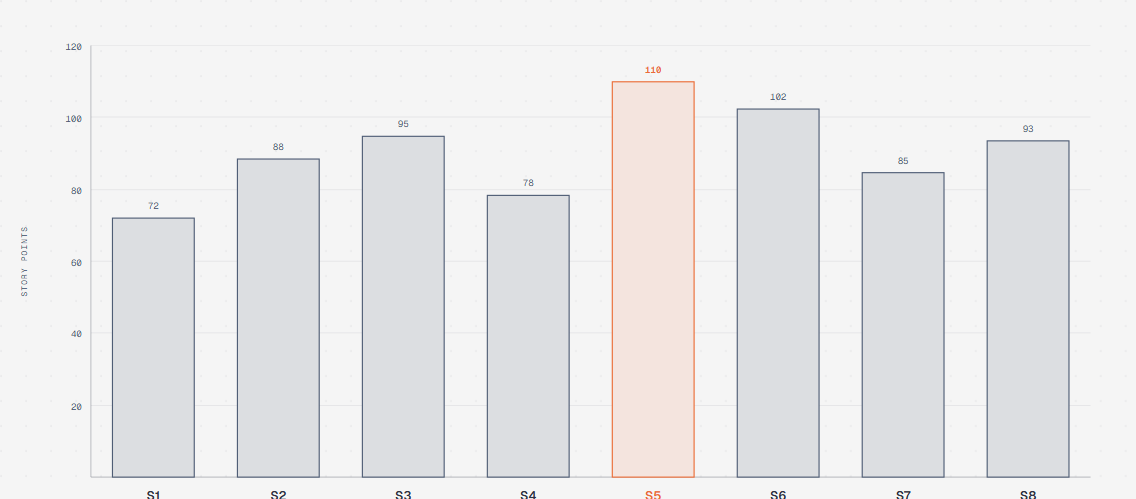
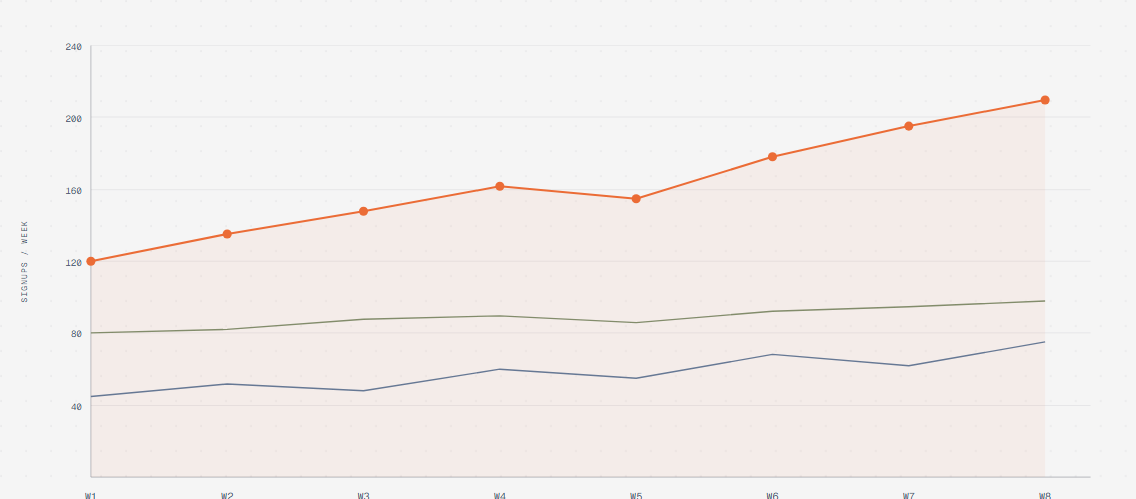
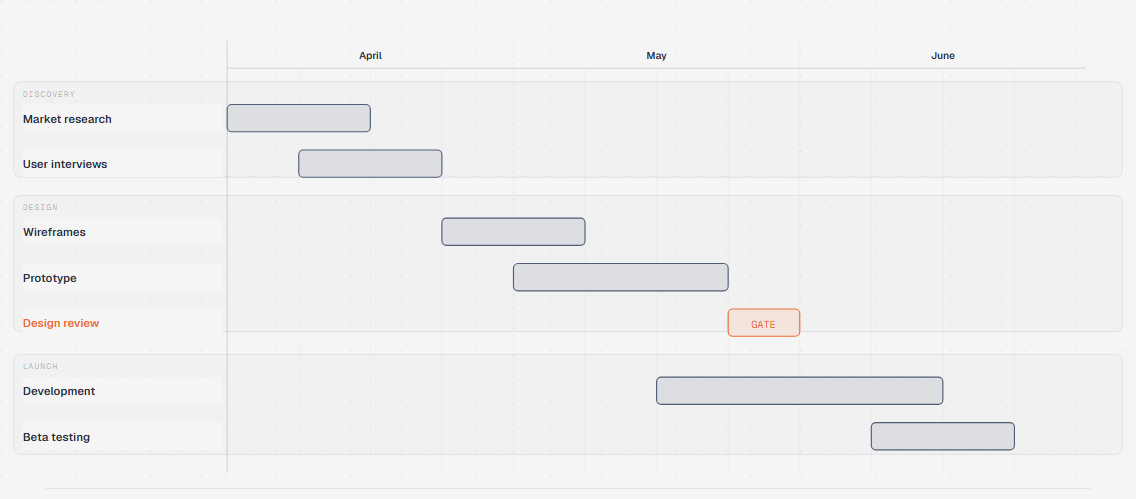
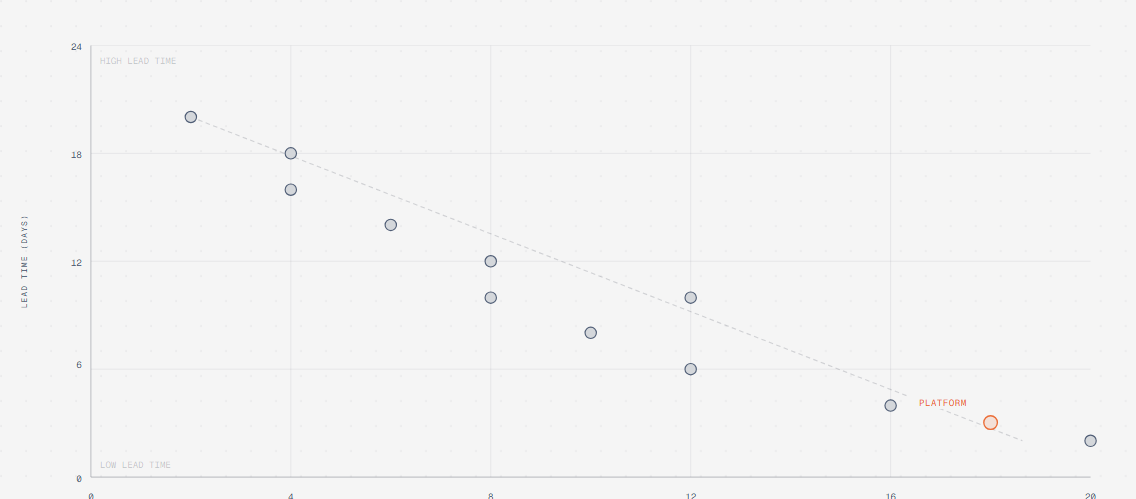
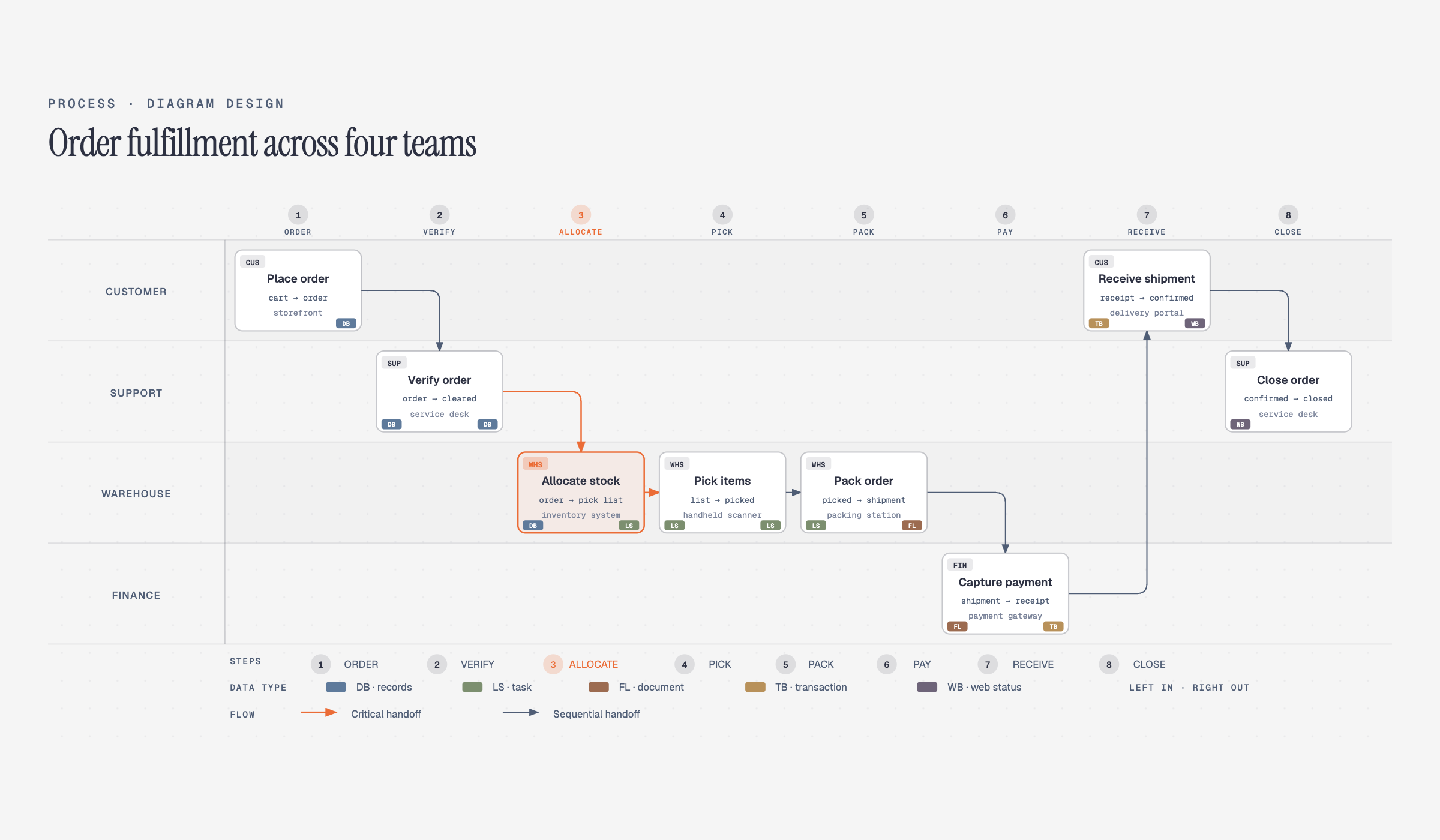
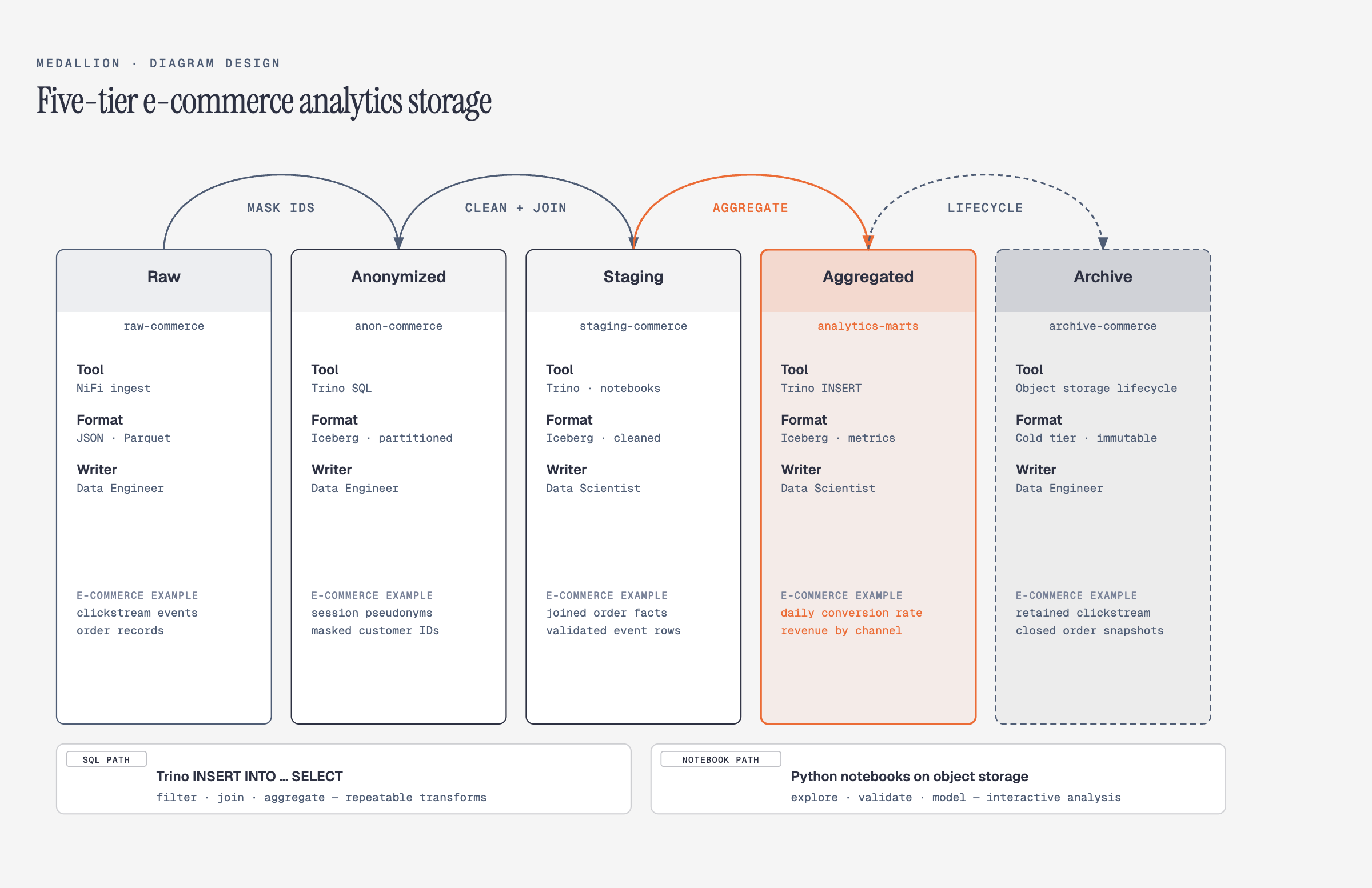
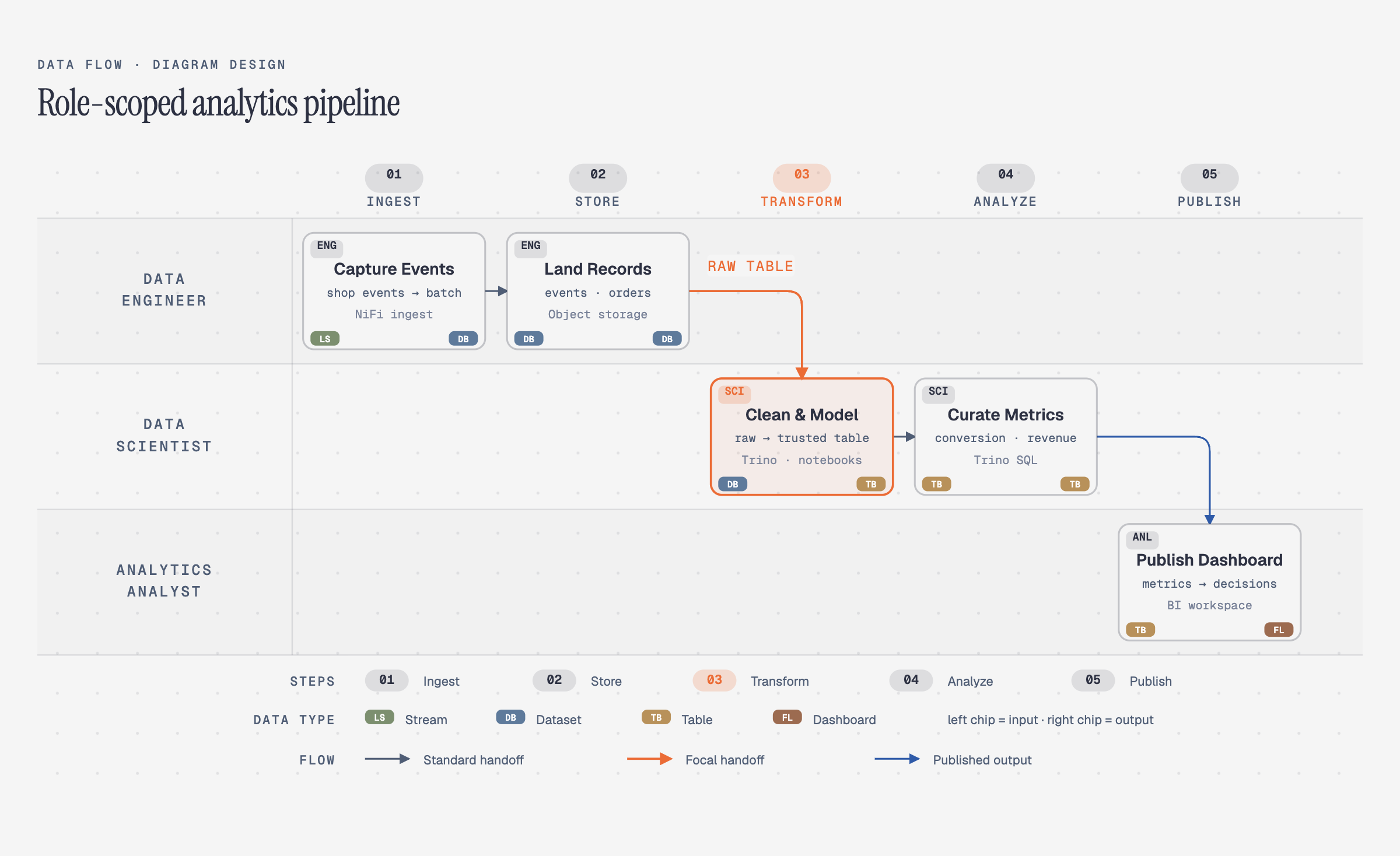
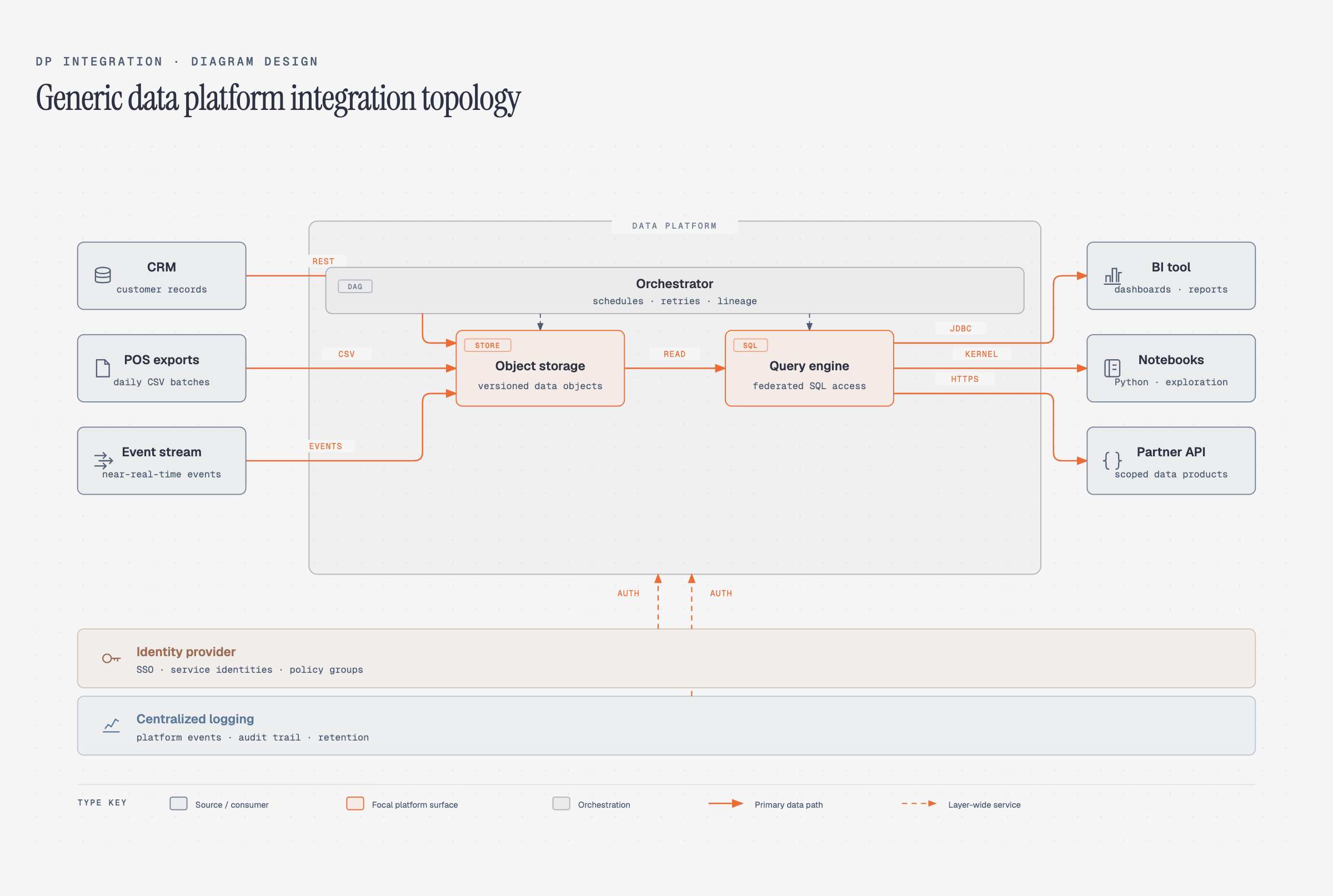
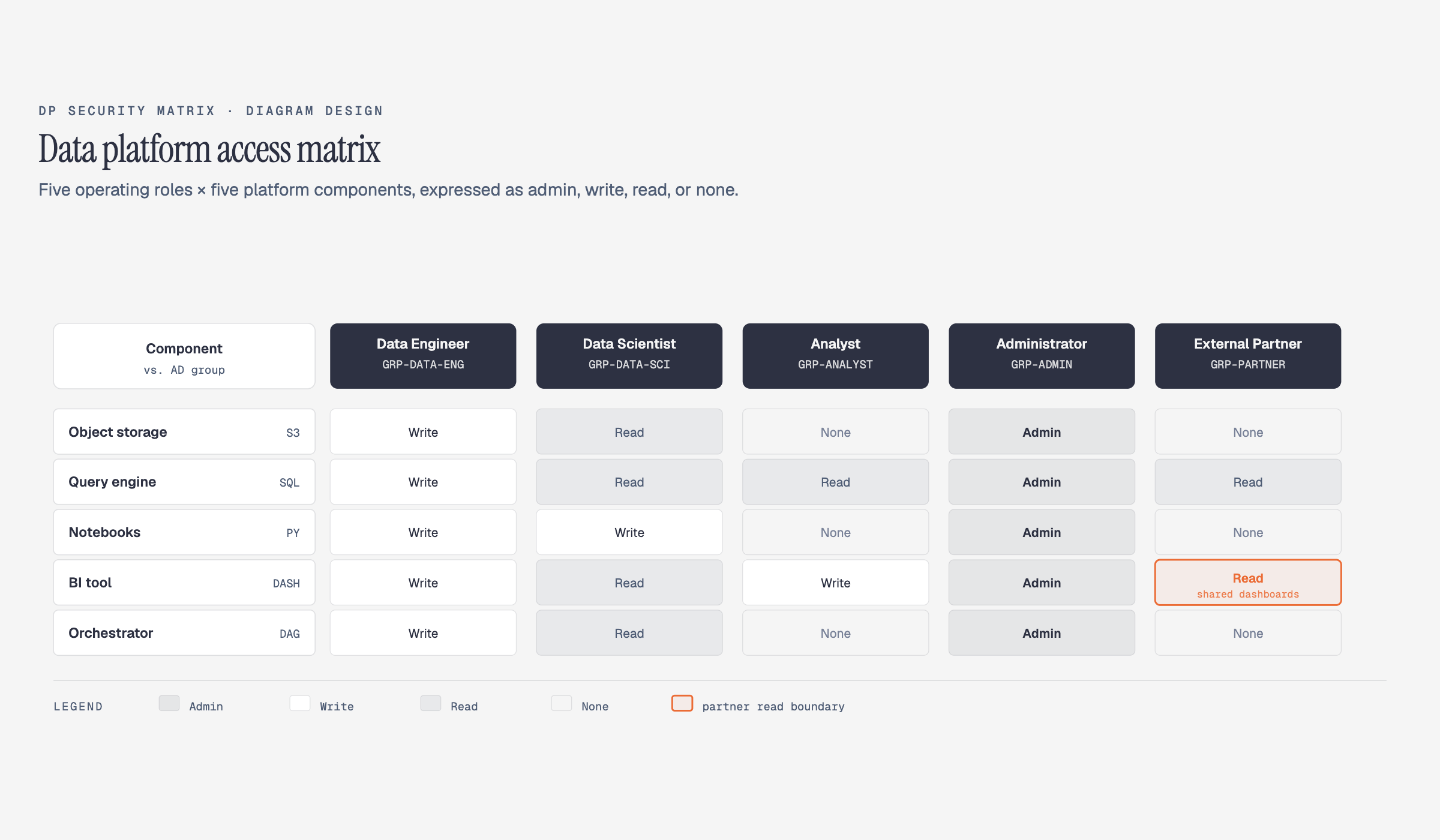
` / `` font | `sublabel` font |
### Contrast checks happen automatically
Before writing tokens, the skill verifies WCAG AA contrast on `ink` over `paper`. If your site has a color that fails contrast at diagram sizes (9–12px), it proposes an adjusted value and explains why.
### Accessible by default
Every diagram template gives the inline SVG an accessible name and description: `role="img"`, a resolving `aria-labelledby`, and first-child `` / `<desc>` slots. IDs are prefixed per diagram and variant, so multiple SVG exports can be safely inlined on one page without duplicate accessible-name IDs. Decorative specimen icons are hidden from assistive technology instead.
### Manual override
Prefer to set tokens by hand? Open [`skills/diagram-design/references/style-guide.md`](skills/diagram-design/references/style-guide.md) and edit the table. Everything downstream reads from there — all 27 diagrams, the annotation primitive, and the gallery all inherit semantic role names (`accent`, not `#eb6c36`).
### First-run gate
The skill won't silently ship default-skinned diagrams into a branded project. On first use in a new project, it checks if `style-guide.md` has been customized. If not, it pauses and asks:
> *"This is your first diagram in this project. The style guide is still at the default. Want to run onboarding, paste tokens manually, or proceed with default?"*
See [`skills/diagram-design/references/onboarding.md`](skills/diagram-design/references/onboarding.md) for the full spec.
---
## Quickstart
```bash
# From a cloned checkout, open the gallery to see all 27 diagrams
open skills/diagram-design/assets/index.html # macOS
xdg-open skills/diagram-design/assets/index.html # Linux
# In Claude Code, Codex, or Pi, ask:
# "Make me an architecture diagram of my app: frontend, backend, database, Redis cache."
# "I need a quadrant showing Q2 projects by impact vs effort."
# "Give me a sequence of a bearer call with token refresh on 401."
# (branching refresh uses the ALT combined-fragment grammar in type-sequence.md;
# see skills/diagram-design/assets/example-sequence-oauth.html — not a full authorize-code handshake)
```
Your agent will pick the right type, build the HTML, and save it. You can also start from a template directly:
```bash
cp skills/diagram-design/assets/template.html my-diagram.html # minimal light
cp skills/diagram-design/assets/template-full.html my-diagram.html # editorial with summary cards
cp skills/diagram-design/assets/template-motion.html my-diagram.html # optional accessible motion
```
### Semantic patterns and optional motion
When behavior matters, the skill chooses a semantic pattern first and a visual type second. The seven routed patterns cover fan-in queues and bottlenecks, repeated stage slots, unstructured-input transformation, paired policy traces, secure paved roads, governance catalogs, and compensating security layers. Each pattern defines its triggers, primitives, budget, anti-patterns, static fallback, and nearest visual type in [`semantic-patterns.md`](skills/diagram-design/references/semantic-patterns.md).
Motion is optional and does not create another visual type. [`animation.md`](skills/diagram-design/references/animation.md) defines `none`, `reveal`, `step`, and `loop` modes with a complete static first frame, deterministic timing, and controls when interaction is available. Reduced-motion output shows the complete static frame and hides/disables playback controls. Motion HTML uses the exact reviewed controller from `template-motion.html`; arbitrary or modified inline scripts, remote assets, CSS imports, and executable HTML attributes are rejected. The default is `none`: ordinary output remains static and script-free. [`example-policy-trace-animated.html`](skills/diagram-design/assets/example-policy-trace-animated.html) is the self-contained interactive example.
---
## Import from draw.io or Mermaid
Already have diagrams in draw.io / diagrams.net or Mermaid? Point the skill at the source and it **redraws** them — same content, this design system, at whatever the destination needs.
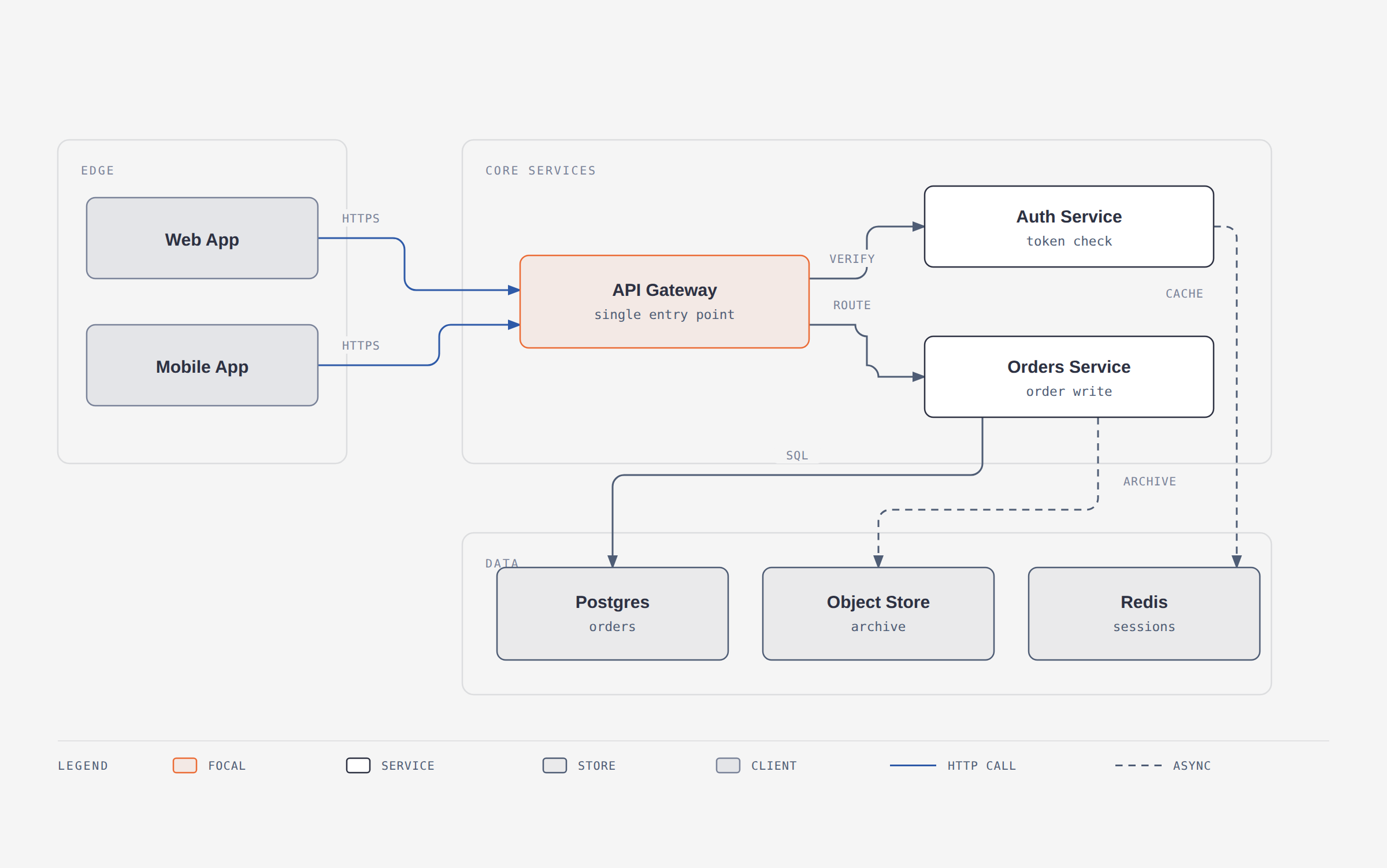
*A 12-node draw.io file redrawn at `balanced` detail for a blog post. The source's six pastel fills became one accent; its hand-dragged coordinates became a 4px grid.*
```
/diagram-design:import platform.drawio
/diagram-design:import platform.drawio --size=slide-16x9 --detail=simplified --audience=executive
/diagram-design:import platform.drawio --detail=faithful --format=png --page=all
/diagram-design:import-mermaid README.md --diagram=all
/diagram-design:import-mermaid architecture.mmd --size=slide-16x9 --detail=simplified
```
Or just ask: *"redraw this drawio file for my deck"*, *"make this Mermaid block editorial"*, or *"この Mermaid をスライド用にきれいにして"*.
Reads the common containers draw.io writes — `.drawio`, `.drawio.xml`, `.drawio.png` (embedded diagram), and `.drawio.svg` — including compressed payloads that look like base64 garbage in an editor.
For Mermaid, it accepts `.mmd`, `.mermaid`, and one or more fenced `mermaid` blocks in Markdown. It parses text only: no rendering, JavaScript, browser, network, or followed click targets.
### The four dials
The point isn't conversion, it's **fitting the output to where it's going**. Same source file, three different diagrams:
| Dial | Options | What it changes |
|---|---|---|
| **Format** | `html` · `svg` · `png` · `html+png` | The deliverable. SVG for Figma, PNG for slides, HTML for the web. |
| **Size** | `doc-inline` · `doc-wide` · `slide-16x9` · `slide-4x3` · `social-og` · `social-square` · `print-a4-landscape` · `print-letter-landscape` · `fit` | The `viewBox` **and the type ramp** — a projected slide gets 16px node names, not 12px. |
| **Detail** | `faithful` (≤24 nodes, zoned) · `balanced` (≤12) · `simplified` (≤7) | How much of the source survives, via a fixed degrade ladder — decorations, then duplicates, then leaf clusters, then infrastructure. |
| **Audience** | `engineer` · `mixed` · `executive` | The *wording*, not the count. `Auth Service / JWT · RS256 · :8443` → `Auth Service / token check` → `Sign-in`. |
Every import ends with a **fidelity ledger** — what got merged, collapsed, or dropped. You know the source; you'd notice anyway.
```
Detail: balanced · 12 source nodes → 8 drawn
Collapsed: "Token valid?" decision → edge label on Gateway → Auth
Dropped: 1 sticky note ("legacy path, to be retired") — unconnected in source
Kept in full: the request path (Web/Mobile → Gateway → Orders → Postgres)
```
What never carries over: source or renderer coordinates, source palette, source fonts, draw.io's diagonal connector spaghetti, or Mermaid's automatic layout. What always does: components, relationships, grouping, and direction. See [`references/import-drawio.md`](skills/diagram-design/references/import-drawio.md), [`references/import-mermaid.md`](skills/diagram-design/references/import-mermaid.md), and [`references/output-spec.md`](skills/diagram-design/references/output-spec.md).
---
## Export to PNG / SVG
Diagrams ship as self-contained HTML, but you can export the diagram itself for Figma, slides, or social cards. Use the slash command for your agent:
**Pi:**
```
/export-diagram path/to/diagram.html
/export-diagram path/to/diagram.html --svg-only
/export-diagram path/to/diagram.html --png-only --scale=3
```
**Claude Code:**
```
/diagram-design:export path/to/diagram.html
/diagram-design:export path/to/diagram.html --svg-only
/diagram-design:export path/to/diagram.html --png-only --scale=3
```
Or just ask in natural language:
```
"Export this diagram as SVG and PNG."
"Save my-diagram.html as PNG."
```
- **SVG** — extracts the `<svg>` node and injects Google Fonts so it renders standalone in browsers, Figma, and Illustrator.
- **PNG** — rasterizes the diagram via Playwright at 2× by default. One-time setup: `pip install playwright && playwright install chromium`.
Both formats are diagram-only — editorial cards and headers from `-full` variants aren't included. For a screenshot of the full editorial layout, use your browser's print-to-PDF or full-page screenshot. See [`skills/diagram-design/references/export.md`](skills/diagram-design/references/export.md) for the full procedure.
For motion-enabled HTML, export the explicit final state: open `?motion=static`, wait for `document.fonts.ready`, and confirm the motion root has `data-frame="static"` before capture. Use `?motion=step&step=N` only when a named intermediate frame was requested.
---
## Architecture
Progressive disclosure. `SKILL.md` routes behavior first when needed, then layout. Semantic, type, and animation references load only when relevant.
```
diagram-design/
├── .agents/plugins/marketplace.json — Codex marketplace catalog
├── .claude-plugin/ — Claude marketplace + plugin manifest
├── .codex-plugin/ — Codex plugin manifest
├── commands/
│ ├── export-diagram.md — Claude Code export command
│ ├── import-drawio.md — Claude Code draw.io import command
│ └── import-mermaid.md — Claude Code Mermaid import command
├── prompts/
│ ├── export-diagram.md — Pi `/export-diagram` prompt template
│ └── import-mermaid.md — Pi Mermaid import prompt template
├── skills/
│ └── diagram-design/
│ ├── SKILL.md — philosophy, selection guide, checklist
│ ├── references/ — loaded only when a type or primitive is chosen
│ │ ├── style-guide.md — single source of truth for colors + fonts
│ │ ├── semantic-patterns.md — behavior patterns independent of layout
│ │ ├── animation.md — optional motion + accessibility contract
│ │ ├── onboarding.md — the URL-to-tokens flow
│ │ ├── import-drawio.md — draw.io redraw procedure
│ │ ├── import-mermaid.md — Mermaid redraw procedure
│ │ ├── output-spec.md — format × size × detail level
│ │ ├── export.md — SVG / PNG export + sizing
│ │ ├── type-architecture.md
│ │ ├── type-flowchart.md
│ │ ├── type-sequence.md
│ │ ├── type-state.md
│ │ ├── type-er.md
│ │ ├── type-timeline.md
│ │ ├── type-swimlane.md
│ │ ├── type-quadrant.md
│ │ ├── type-nested.md
│ │ ├── type-tree.md
│ │ ├── type-org-chart.md
│ │ ├── type-layers.md
│ │ ├── type-venn.md
│ │ ├── type-pyramid.md
│ │ ├── primitive-annotation.md
│ │ ├── primitive-sketchy.md
│ │ └── primitive-terminal.md
│ ├── scripts/
│ │ ├── drawio_extract.py — draw.io → structured IR
│ │ ├── mermaid_extract.py — Mermaid → structured IR
│ │ └── self_check.py — packaged output self-check (runs installed)
│ └── assets/
│ ├── index.html — live gallery, tabbed
│ ├── template*.html — scaffolds for new diagrams
│ ├── example-<type>.html — 3 variants × 27 types
│ ├── example-loop-terminal.html
│ ├── example-quadrant-consultant.html
│ ├── example-import-drawio.html
│ ├── example-import-mermaid.html
│ ├── example-policy-trace-animated.html
│ └── example-sequence-oauth*.html
├── scripts/
│ ├── bump-plugin-version.py — synchronized Claude/Codex version bump
│ ├── verify-plugin-package.py — version + marketplace package gate
│ ├── test-plugin-package.py — adversarial package-gate tests
│ └── fixtures/
│ ├── sample-flowchart.mmd
│ ├── sample-readme-with-mermaid.md
│ └── sample-adversarial.mmd
├── docs/adr/ — short records of settled design decisions
└── docs/screenshots/ — images used in this README
```
This keeps the agent's working context tight: routine diagrams load one type reference; behavior-rich diagrams add the routed semantic reference; animation adds its contract only when selected.
### Contributing / skin lint
Before submitting a new example, run `python3 scripts/lint-skin.py <your-new-example.html>`.
The repository-wide check `python3 scripts/lint-skin.py --all --baseline` covers examples and templates and must stay green.
CI separately verifies semantic routing, animated-example structure, animated skin, every shipped motion asset, and adversarial mutations of the controller contract, reporting later gate outcomes even when an earlier gate fails. Semantic routing must pass `python3 scripts/verify-semantic-motion.py --markdown-only`; the animated example has a separate `--example-only` gate. Every shipped motion template/example must also pass `python3 scripts/verify-motion.py --shipped`.
The linter's `a11y` category rejects diagram SVGs without a resolving accessible name,
an empty or misplaced title/description, or unsafe bare `title` / `desc` IDs. It also pins the exact reviewed motion controller and rejects remote assets, CSS `@import`, non-fragment CSS `url()`, and executable attributes such as `onclick` or `srcdoc`.
If you touch the draw.io import path, `python3 scripts/verify-drawio-import.py` must also pass —
it drives the real extractor against `scripts/fixtures/sample-architecture.drawio` in all four
container formats and checks the references stay in sync.
If you touch the Mermaid import path, `python3 scripts/verify-mermaid-import.py` must also pass —
it covers all supported grammars, multi-block Markdown, adversarial labels, trust-boundary
behavior, resource caps, named failures, and reference/command wiring.
Label placement is gated geometrically: `python3 scripts/verify-geometry.py --all` fails CI when a label mask overlaps a node declared later in the document, because the node fill would clip the text at render time. `python3 scripts/test-verify-geometry.py` keeps that checker honest in both directions.
Docs and routing surfaces are themselves gated: `python3 scripts/verify-docs-sync.py` fails CI if the SKILL.md description loses a type's lexical hook, the gallery can't reach a shipped example, or the README tree names a file that doesn't exist. The skill also ships `skills/diagram-design/scripts/self_check.py` — a distilled output checker installed agents can run on their own generated diagrams; `python3 scripts/test-self-check.py` keeps it honest. Settled design decisions (why one pinned controller, why patterns never add types, the autoplay policy, the SKILL.md byte cap, why label placement is verified geometrically) live as short ADRs in `docs/adr/` — read them before relitigating one, add one when you settle a new policy.
All pull requests and pushes are automatically validated across Linux, Windows, and macOS runners via GitHub Actions CI (`.github/workflows/ci.yml`).
### What loads when
At startup, the agent sees only the skill name and description. When a request matches, it loads `SKILL.md`; semantic, type, and animation references are pulled in only when relevant.
| You ask for… | Agent loads |
|---|---|
| "Make me a flowchart" | `SKILL.md` + `references/type-flowchart.md` |
| "Build an architecture diagram" | `SKILL.md` + `references/type-architecture.md` |
| "Compare why these two policy requests differ" | `SKILL.md` + `references/semantic-patterns.md` + `references/type-flowchart.md` |
| "Animate that policy trace" | Prior selection + `references/animation.md` |
| "Onboard this skill to my site" | `SKILL.md` + `references/onboarding.md` + `references/style-guide.md` |
| "Add an editorial callout to this diagram" | `SKILL.md` + `references/primitive-annotation.md` |
| "Give me a hand-drawn version" | `SKILL.md` + `references/primitive-sketchy.md` |
| "Give me a terminal / CLI-window version" | `SKILL.md` + `references/primitive-terminal.md` |
| "Redraw this .drawio file for my deck" | `SKILL.md` + `references/import-drawio.md` + `references/output-spec.md` + the chosen type's reference |
| "Redraw this Mermaid block for my deck" | `SKILL.md` + `references/import-mermaid.md` + `references/output-spec.md` + the chosen type's reference |
| Routine static diagram-making (any of the 27 visual types) | Only `SKILL.md` + that one type's reference |
No matter how many types exist, the agent only reads the one you need. Add a new type tomorrow and nothing else changes.
---
## It's working if…
- A routine request ("make me a flowchart") loads `SKILL.md` plus exactly one type reference — nothing else.
- Before drawing, the agent states the chosen type, pattern, size, and planned cuts, then renders.
- The output is one `.html` file that opens double-clicked, offline, with no network requests beyond Google Fonts.
- Screen readers announce the diagram's title and description; `prefers-reduced-motion` shows the complete static frame.
- `python3 skills/diagram-design/scripts/self_check.py <file>` prints `OK` on the generated file.
- After brand onboarding, new diagrams use your site's paper, ink, accent, and fonts — with a fidelity receipt naming each.
If any of these fail, that's a bug worth filing.
## The design system (in one paragraph)
One accent color, 1–2 focal elements per diagram. Three font families: Instrument Serif (title + italic callouts), Geist sans (node names), Geist Mono (technical sublabels). 1px hairline borders, no shadows, max border-radius 10px. Every coord, width, and gap divisible by 4 — non-negotiable, it's what keeps the diagrams from feeling AI-generated. Mono is for technical content (ports, URLs, field types), not a blanket "dev" aesthetic. Coral-tinted focal nodes draw the eye to the 1–2 things that matter. Full spec in [`SKILL.md`](skills/diagram-design/SKILL.md#5-design-system).
---
## Primitives
- **Annotation callout** — italic Instrument Serif + dashed Bézier leader, for editorial asides that sit in the margins. See [`skills/diagram-design/references/primitive-annotation.md`](skills/diagram-design/references/primitive-annotation.md).
- **Sketchy filter** — SVG turbulence + displacement map for a hand-drawn variant. Good for essays, not for technical docs. See [`skills/diagram-design/references/primitive-sketchy.md`](skills/diagram-design/references/primitive-sketchy.md).
- **Icon set** — 55 monochrome IT/cloud icons (laptop, phone, user, server, database, Docker, Kubernetes, AWS, Azure, GitHub, Postgres…) for richer architecture and sequence diagrams. Stroked icons from [Tabler Icons](https://tabler.io/icons) (MIT); brand silhouettes from [Simple Icons](https://simpleicons.org) (CC0). Each icon uses `currentColor` so it inherits the editorial skin or your onboarded brand. See [`skills/diagram-design/references/primitive-icons.md`](skills/diagram-design/references/primitive-icons.md); browse the [gallery](skills/diagram-design/assets/icons.html). Regenerate with `python scripts/build-icons.py`.
---
## When *not* to use this skill
- **Quick unicode diagrams** for tweets or terminal output → wiretext-style skill.
- **Lists of anything** → a table or bullets.
- **Before/after comparisons** → a table.
- **One-shape "diagrams"** — a single box with a label → just write the sentence.
Before drawing, ask: *would a reader learn more from this than from a well-written paragraph?* If no, don't draw.
---
## Contributing
Contributions are welcome — new diagram types, import grammar support, examples, docs, and tooling. See [CONTRIBUTING.md](CONTRIBUTING.md) for the validation gates and workflows, and [CODE_OF_CONDUCT.md](CODE_OF_CONDUCT.md) for community standards.
---
## About
Made by **Cathryn Lavery** — founder of [BestSelf.co](https://bestself.co?utm_source=diagram-design&utm_medium=readme&utm_campaign=github&utm_content=bio). I write about AI, entrepreneurship, and designing nice-looking things at [littlemight.com](https://littlemight.com?utm_source=diagram-design&utm_medium=readme&utm_campaign=github&utm_content=bio) — blog + newsletter.
If this is useful, **star the repo** and come [say hi on X](https://x.com/cathrynlavery).