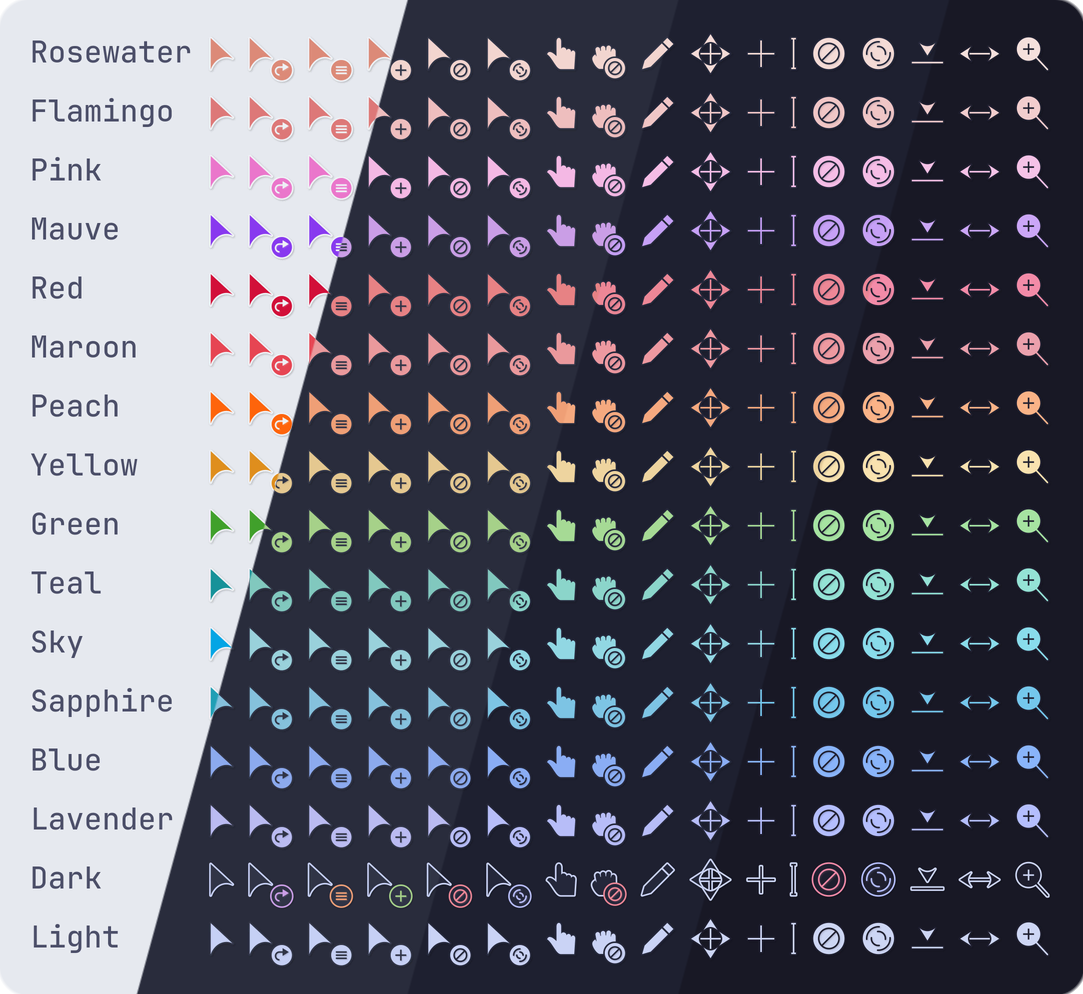
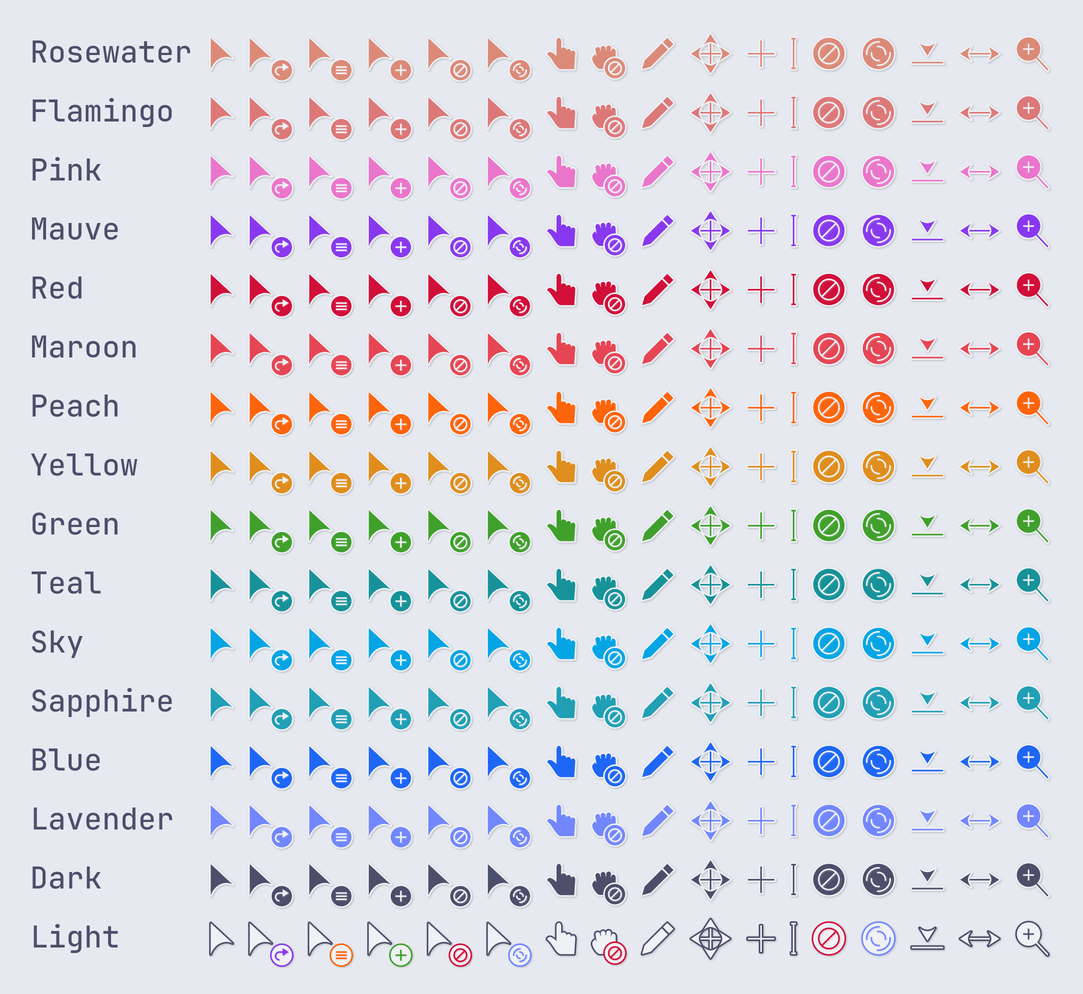
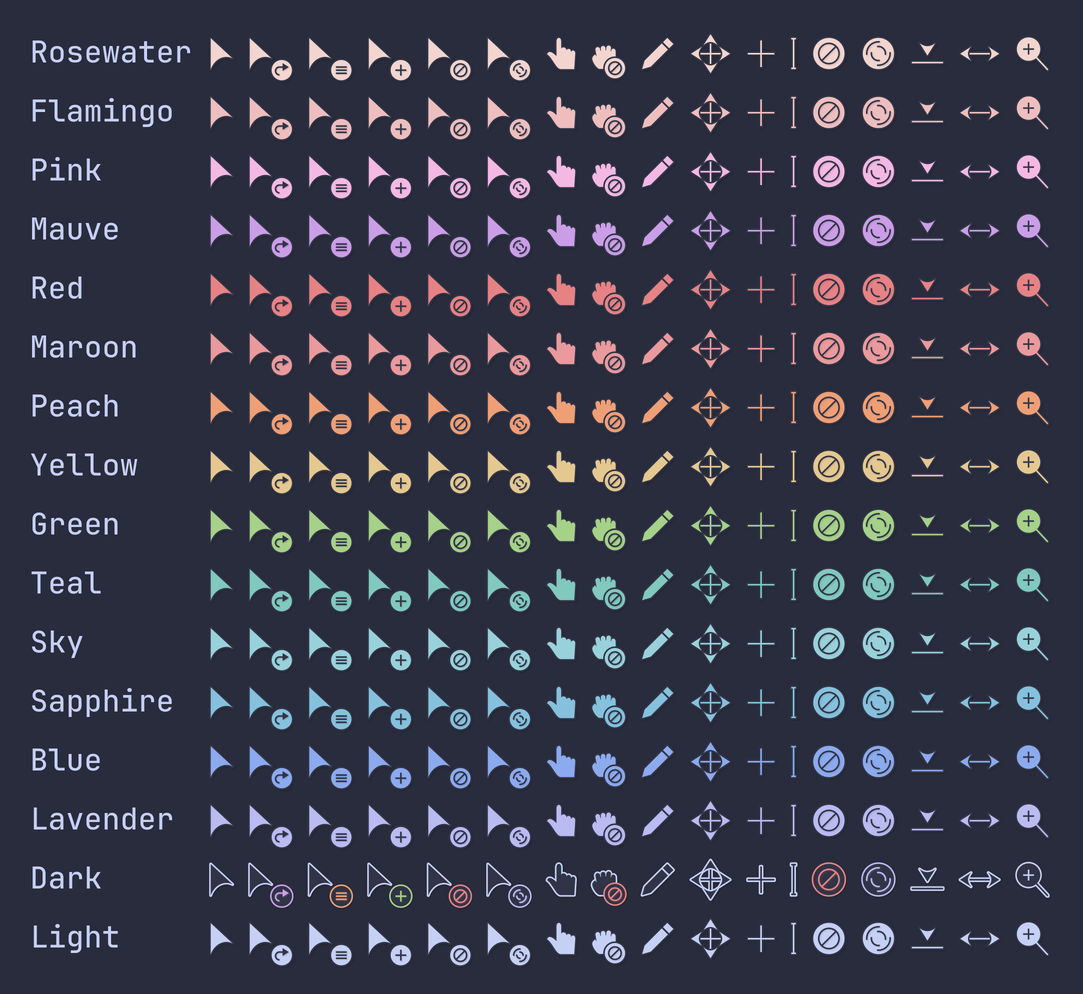
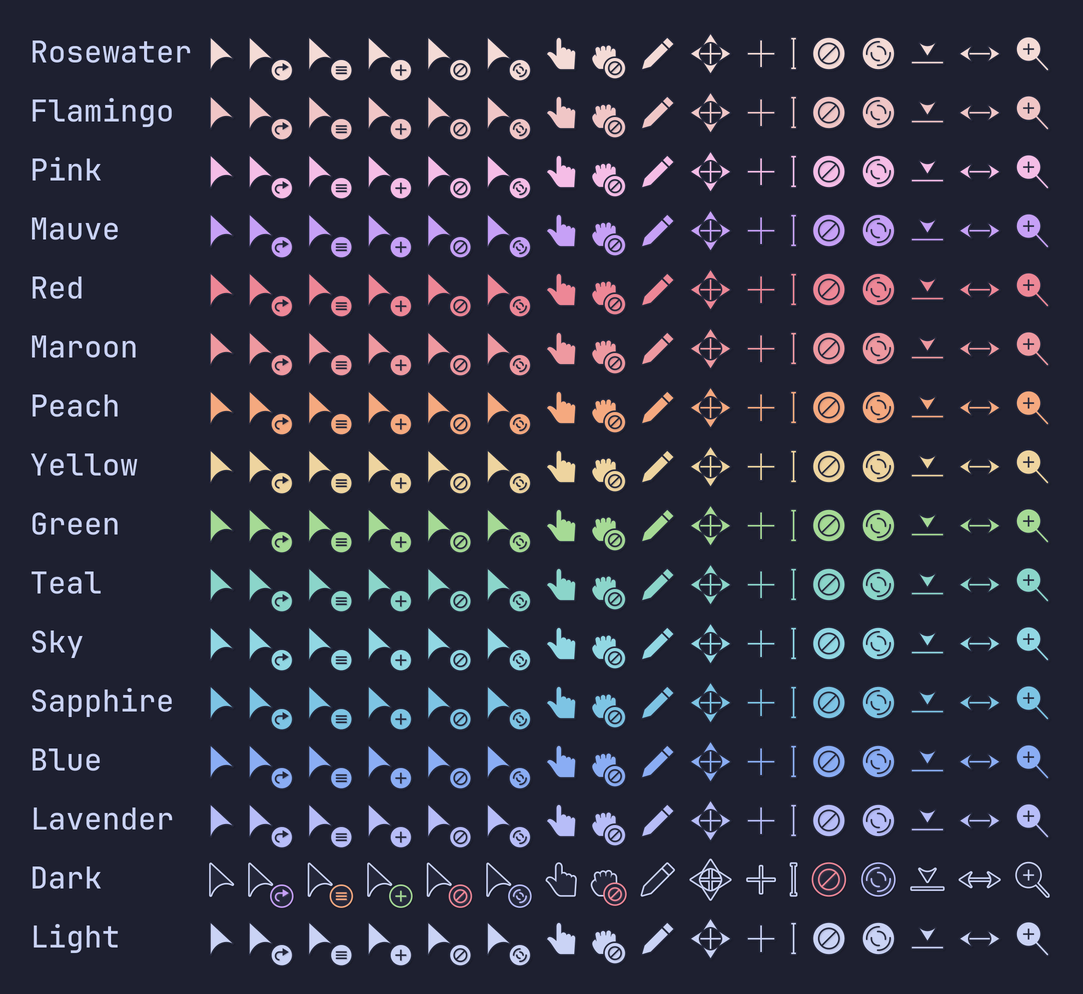
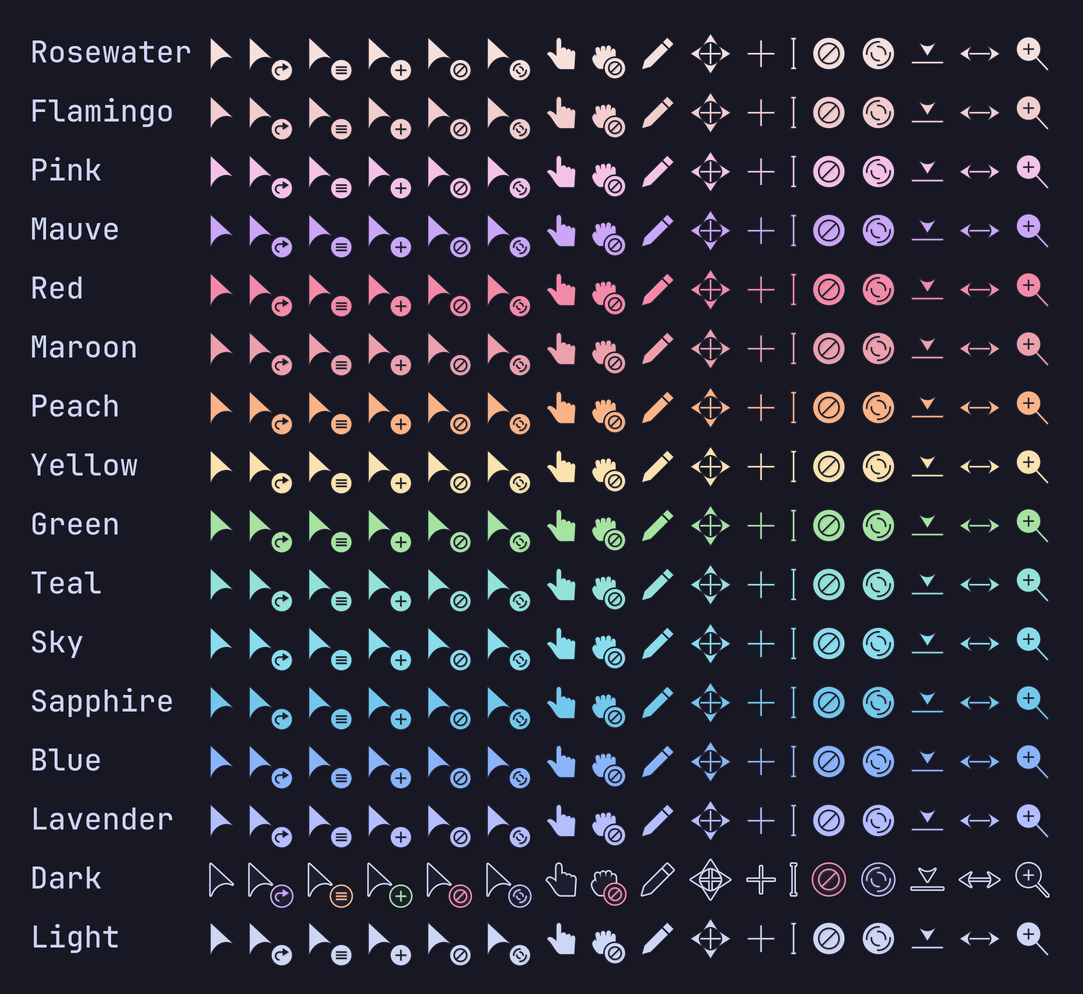
## Previews
🌻 Latte🪴 Frappé🌺 Macchiato🌿 Mocha
## Acknowledgement
This project is a modification of [Volantes Cursors](https://github.com/varlesh/volantes-cursors).
## Installation
### GitHub Release
1. Download your preferred flavor and accent from the [latest GitHub release](https://github.com/catppuccin/cursors/releases/tag/v2.0.0).
1. Extract the downloaded zip to one of the following locations:
- **For the local user:** `$HOME/.icons`
- **For all users**: `/usr/share/icons`
1. Choose the theme in your settings.
#### Example Installation
```bash
cd $HOME/.icons # or `/usr/share/icons`
curl -LOsS https://github.com/catppuccin/cursors/releases/download/v2.0.0/catppuccin-frappe-blue-cursors.zip
unzip catppuccin-frappe-blue-cursors.zip
```
### Arch Linux
Individual flavor packages are available to download with your preferred AUR helper:
```bash
yay -S catppuccin-cursors-latte
yay -S catppuccin-cursors-frappe
yay -S catppuccin-cursors-macchiato
yay -S catppuccin-cursors-mocha
```
A `-git` package is also available which builds the cursors from source. This
package contains all variants of flavor and accent.
```bash
yay -S catppuccin-cursors-git
```
### NixOS
Nixpkgs has
[catppuccin-cursors](https://github.com/NixOS/nixpkgs/tree/nixos-23.11/pkgs/data/icons/catppuccin-cursors).
Use it by providing your preferred flavor + accent in camelCase. E.g.
```nix
pkgs.catppuccin-cursors.mochaMauve
```
## Manual Installation
### Requirements
- [python3](https://www.python.org/downloads/) to execute scripts in the
codebase.
- [whiskers](https://github.com/catppuccin/whiskers) to generate the
cursor SVGs.
- [xcursorgen](https://wiki.archlinux.org/title/Xcursorgen) to generate the
cursors.
- [inkscape](https://wiki.inkscape.org/wiki/Inkscape) to convert SVGs to PNGs.
- **(Optional)** [just](https://github.com/casey/just) to easily run development
commands.
### Steps
1. Clone this repository and go to downloaded directory:
```bash
git clone https://github.com/catppuccin/cursors.git
cd cursors
```
1. Run the following command(s) if you have just installed, if not then look
inside the [justfile](./justfile) to understand what commands are being run.
```bash
just all # Build all flavor-accent variants.
just build mocha # To build all variants under one single flavor.
just build mocha blue # To build only the blue variant under mocha.
just build mocha 'blue mauve peach' # To build only the blue, mauve, and peach variants under mocha.
```
1. Extract built cursors in `./dist` to `$HOME/.icons` or `/usr/share/icons`.
## 💝 Thanks to
- [varlesh](https://github.com/varlesh/volantes-cursors)
- [elkrien](https://github.com/elkrien)

 Catppuccin for Cursors